iPhone

Stay up-to-date on the latest iPhone news and learn new tips and tricks with our comprehensive tutorials. From software updates to new features, we’ve got you covered.

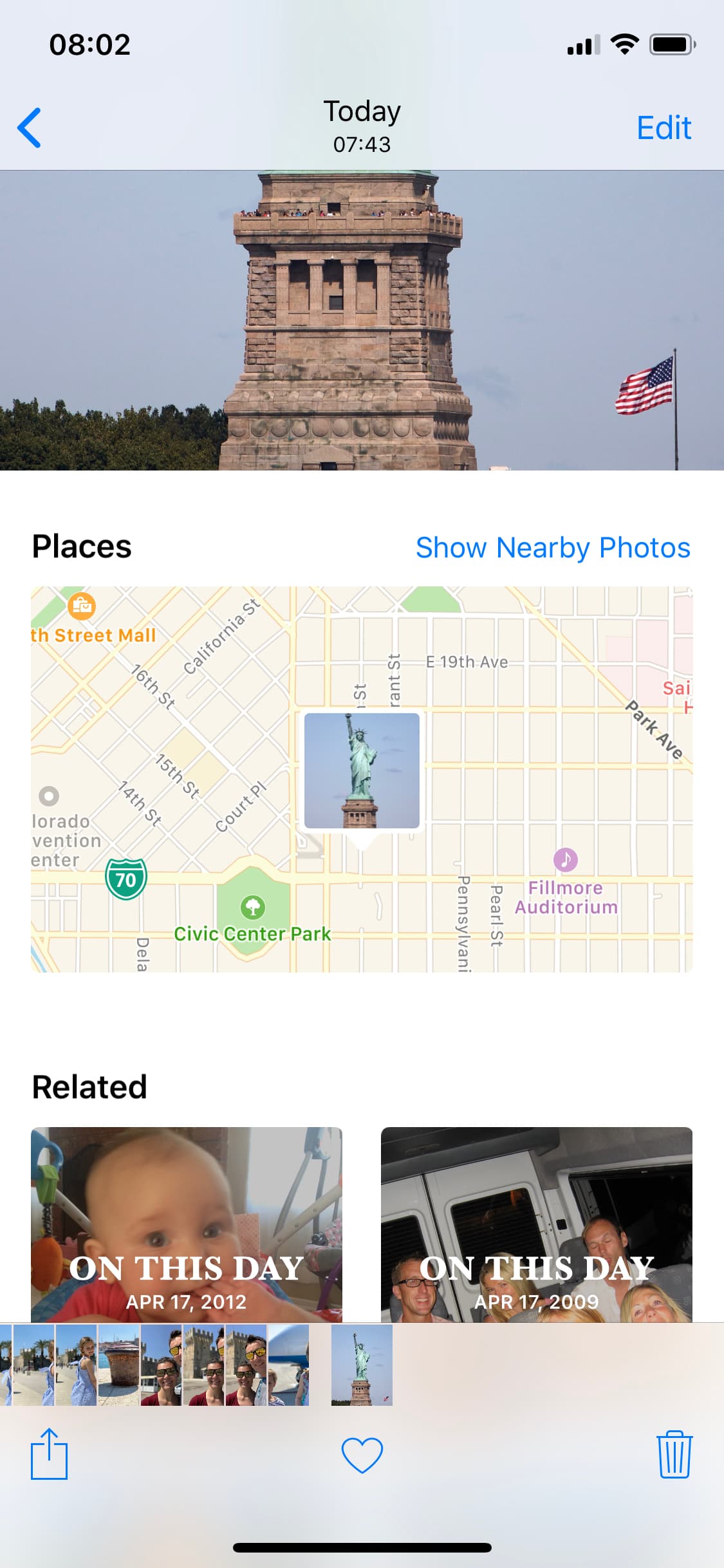
How to spoof the GPS location of photos on your iPhone

spoofed location

The Photos app can keep track of where your photographs are taken, assuming the photos in your Photo Library have location-based metadata attached to them. Even images you save from the internet can have this location data baked into them from time to time.

What most people don’t know is that it’s possible to spoof a photograph’s location data to make it look as if it were taken somewhere else. In this tutorial, we’ll show you how you fake the location of your photos in less than a minute with Exif Metadata, an app we developed in house.
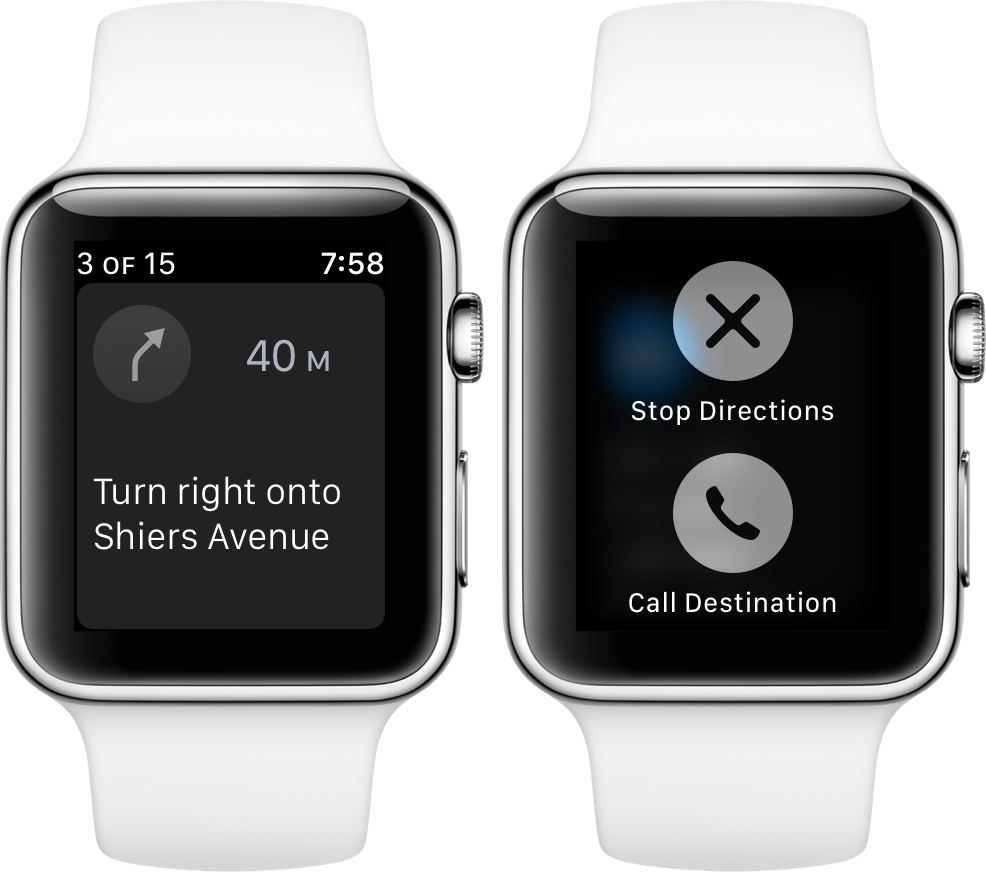
How to call your destination when using the Maps app on Apple Watch

It’s the little shortcuts Apple Watch can provide in life that make wearing the device oh so rewarding at times. The most prominent ones have certainly saturated Apple’s marketing and most corners of the internet by now, still many smaller tricks are hardly covered simply because they can be so darn hard to find.

The following one certainly falls into that category, as I had never heard or read about it before, and I frankly came across it by pure chance. If you have to hit the roads regularly and rely on Apple Maps and your watch to get to your destination, it’s a deft shortcut that makes sure you can keep your eyes on the road at all times - even if you need to make a phone call to the place you are currently headed!

How to share your real time location on Google Maps

Google recently introduced a location-sharing feature in the mobile Google Maps app that's somewhat similar in functionality to Apple's Find My Friends app. On your iPhone, iPad, iPod touch, Google Maps allows you to share your location with others for up to 72 hours, choose who can see where you are, hide other people's locations from a map and more.

In this step-by-step tutorial, you'll learn how to share your real-time location on Google Maps with friends and family in case you'd like to let them know where you are and when you’ll get there.

How to disable comments on your Instagram posts

If you have problems with trolls leaving nasty comments on your Instagram posts, then it might be music to your ears to hear that you can disable commenting, a step that can prevent trolls from leaving hurtful comments on your posts while allowing you to maintain a presence on the popular media-sharing social network.

While the workaround certainly isn’t perfect, it can be effective if used correctly. We’ll show you how to disable comments on your Instagram posts in this tutorial.

How to have the Music app only show songs stored on your device

Thanks to the introduction of goodies like the iCloud Music Library and more recently Apple Music, your Music app on iPhone and iPad has not only turned from a luscious red color into a plain icon, but has also become decidedly more convoluted.

The main change since the coming of the cloud-based additions to the Music app? Songs no longer have to be stored locally on your device in order to be visible and playable. In case you haven’t yet found the trick hiding in plain sight to only play the songs downloaded to your device (and prevent exorbitant data charges), let’s fill you in now!

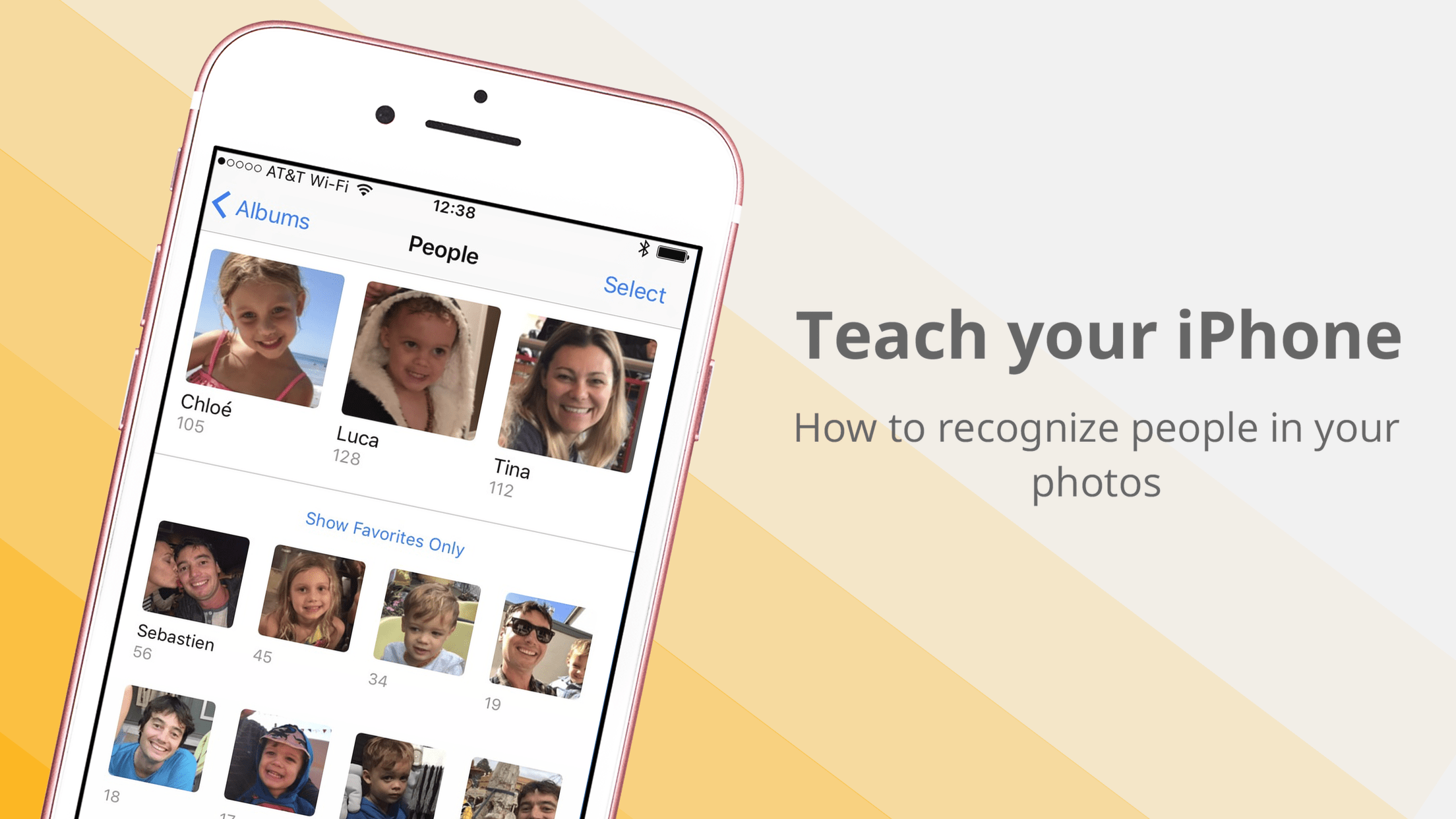
How to teach your iPhone or iPad to recognize people’s faces in the Photos app

Organizing one’s photos by date or occasion is by far the most common methodology in photography, and of course why wouldn’t it be? The simple fact of the matter is that a chronological structure of photos satisfies most search requests because you pretty much know immediately where to look for a certain snapshot. With that said, more unconventional efforts such as accumulating every single photo taken by the beach or all shots of your family ever snapped, quickly render the chronologic album structure rigid and dated.