This troubleshooting guide goes over all the effective solutions to fix the problem of your iPhone contacts and calendar events not syncing to their respective apps on your Apple Watch.
How to fix Contacts and Calendar sync problems on Apple Watch

Stay up-to-date on the latest iPhone news and learn new tips and tricks with our comprehensive tutorials. From software updates to new features, we’ve got you covered.
This troubleshooting guide goes over all the effective solutions to fix the problem of your iPhone contacts and calendar events not syncing to their respective apps on your Apple Watch.

You can transfer any in-progress call from your iPhone to your iPad or Mac with just a couple of taps. Let's show you why you might want to do this and how.
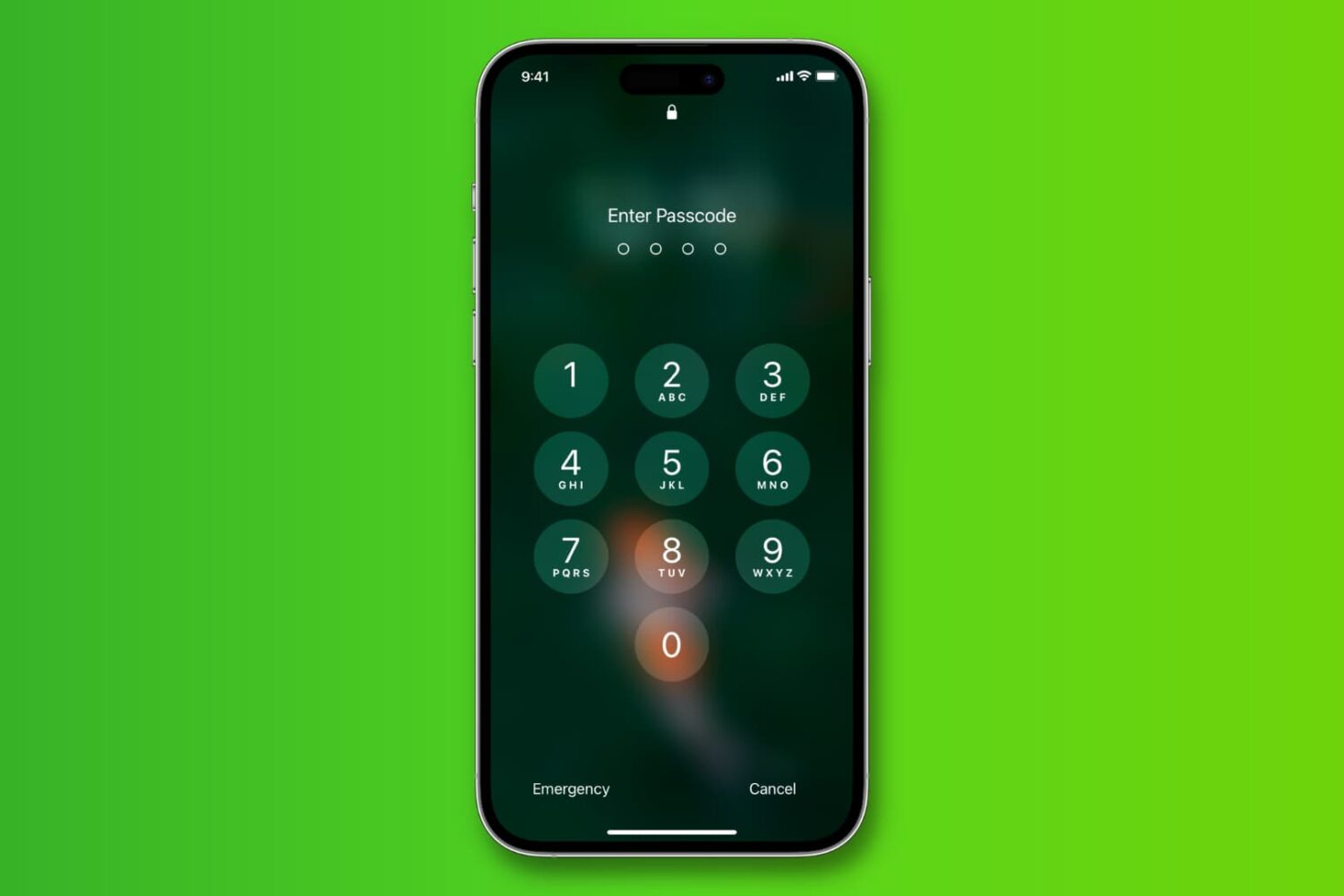
Learn how to change the length of your iPhone passcode from 6 digits back to 4 so it's easier to memorize and faster to type when unlocking.

Once its cycle count has reached 500 complete charge cycles, your iPhone's battery is considered consumed as its ability to provide power reduces. As a result, you may need to charge the phone more and more frequently and it might exhibit unexpected shutdowns.

Playing a song, an album, or a playlist on repeat in the Apple Music app is a bit confusing. First, the repeat option is not obviously located within the app, and second, what happens when you tap on it is even less obvious.
If you are confused about playing music on repeat in the Music app of your iPhone or iPad, then read on as you're about to learn how to use the repeat button.
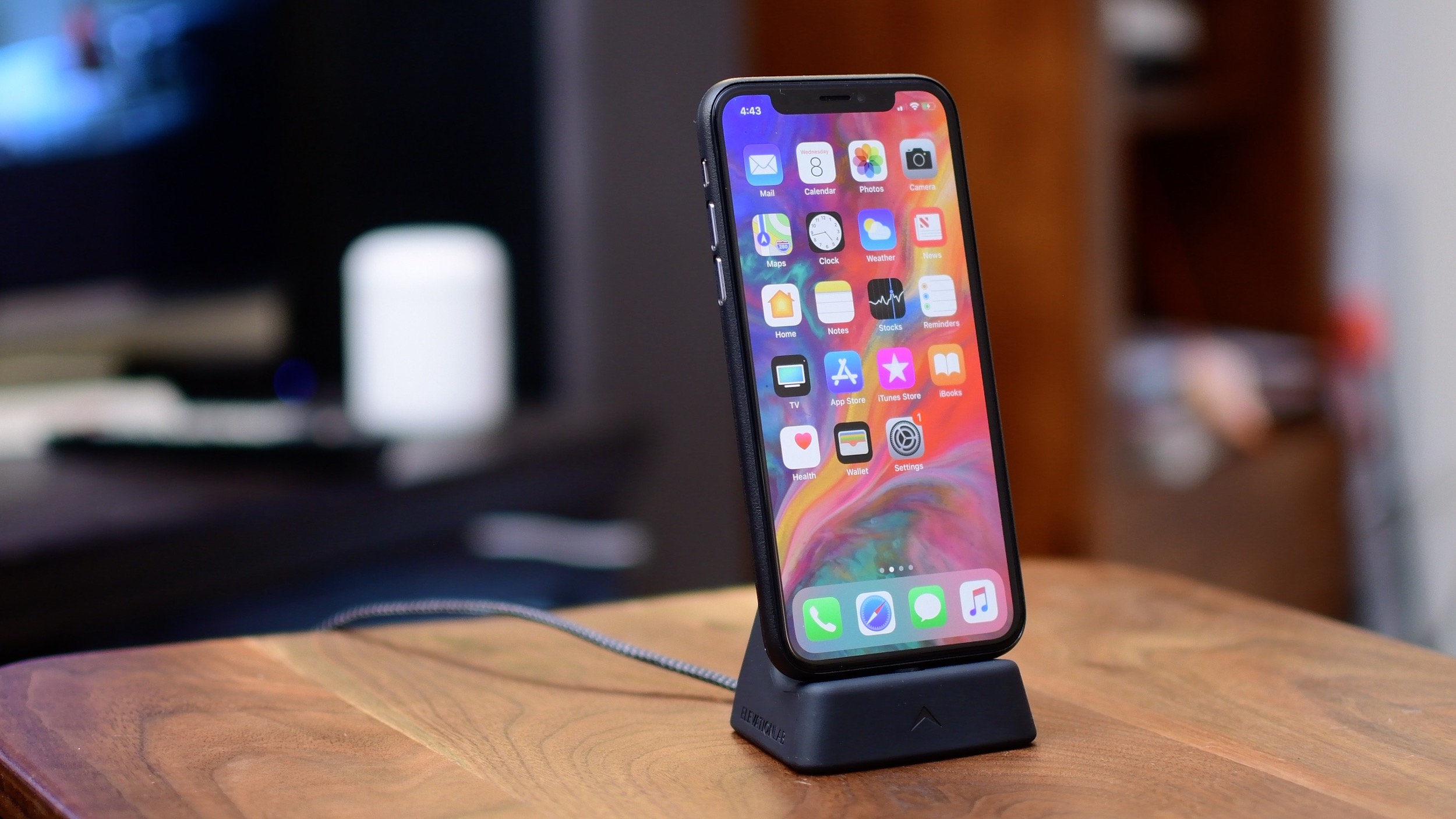
iPhone X has introduced a fair share of all-new gestural interactions for the commonly used iOS features that used to require Home button presses or taps. In addition, the handset provides some previously unavailable shortcuts, like instant jumping to your last-used app.
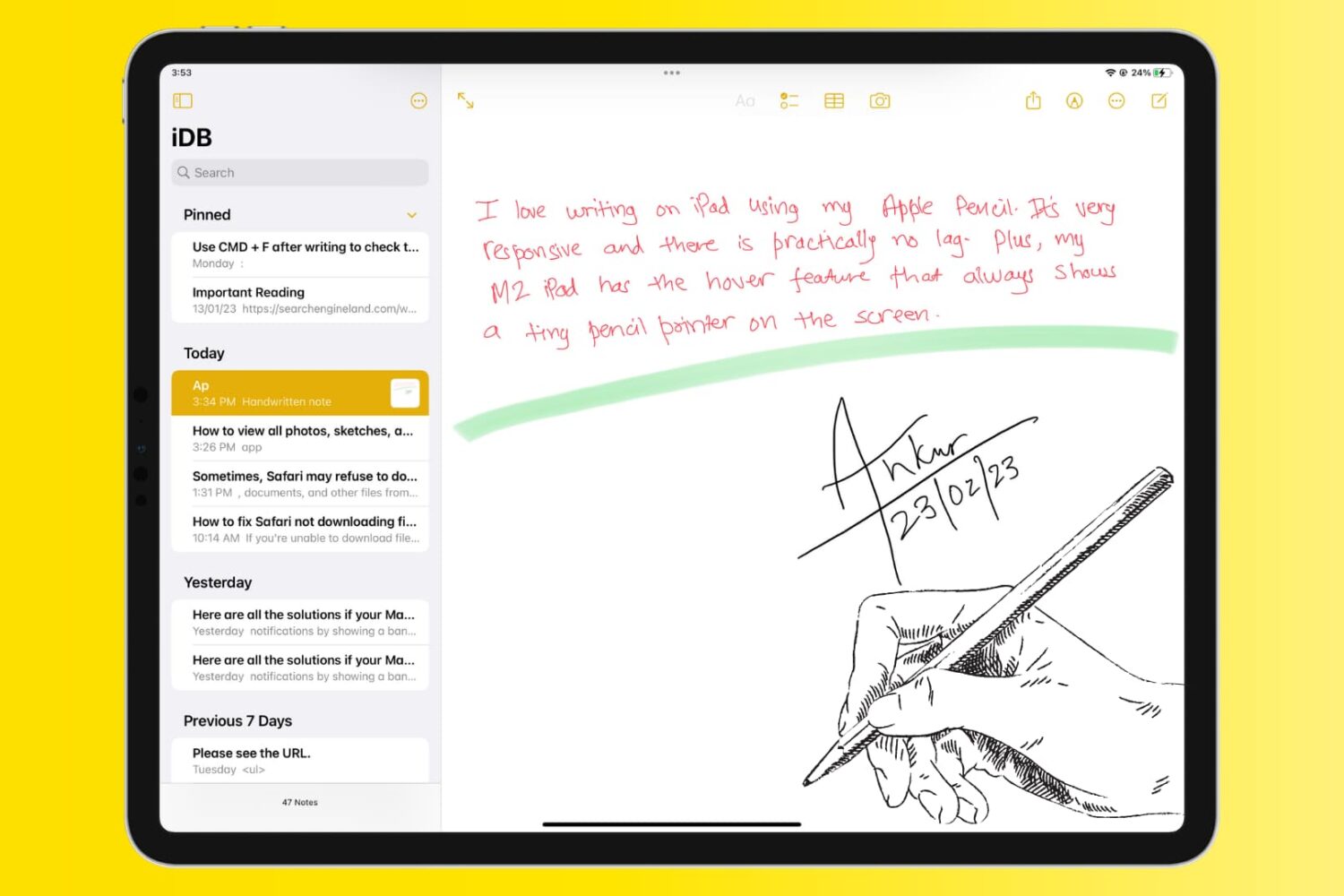
The Notes app allows users to take quick notes, make checklists, create sketches, and even store photos and documents. However, finding and organizing all of these stored items can be a bit challenging.
In this article, we will explore how to view all photos, sketches, and documents stored in your Notes app, making it easier to find and access your important information.
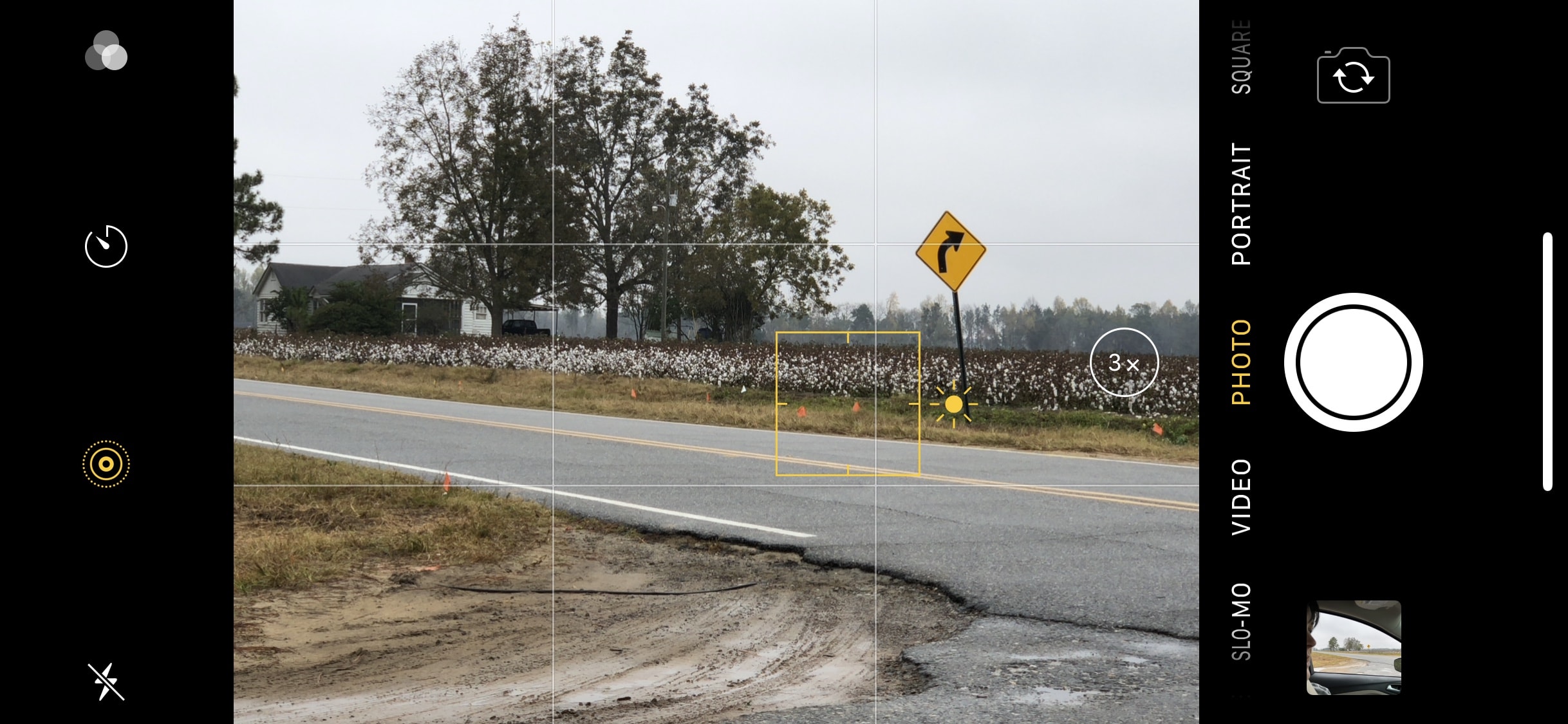
In a past iPhone photography tutorial, iDB detailed what is known in photography as the Rule of Thirds. This rule, while not an always-binding hard and fast rule, states the photographer should place the focal point of the image at the intersections or along the lines of a grid that divide the field of view into thirds.

Learn how to shoot ultra-slow-motion 240 frames-per-second full-HD 1080p or crisp 4K 120 fps videos on your iPhone to capture slo-mo clips with excellent detail.
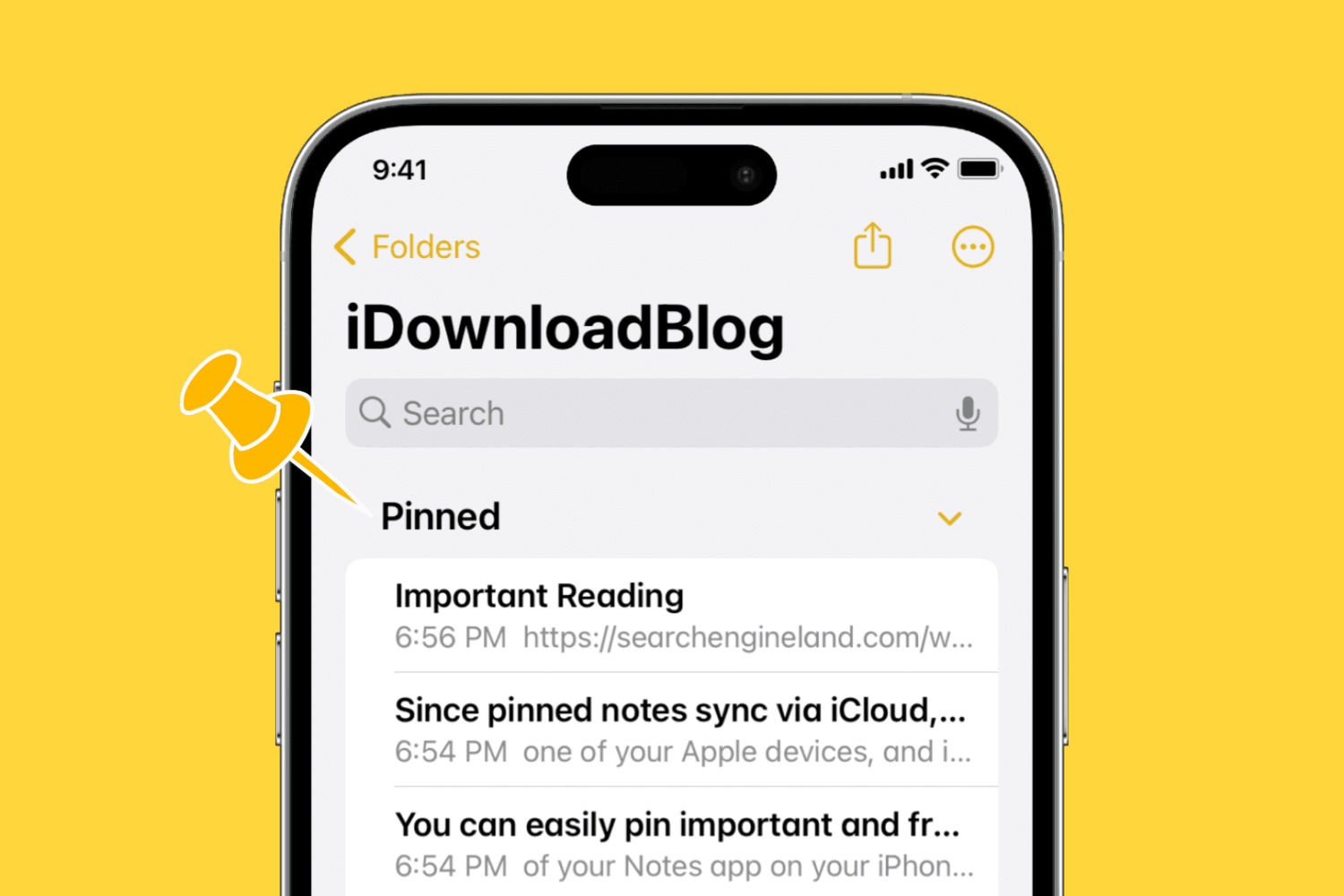
You can easily pin important and frequently used notes to the top of the Notes app on your iPhone, iPad, and Mac. In this brief tutorial, we'll share how to do that.

Find out how to disable Face ID or Touch ID on your iPhone or iPad in case someone tries to force you to unlock your device against your will.

Learn how to turn off the Tap to Wake feature to prevent the screen on your iPhone or iPad from waking when touched, saving the battery.