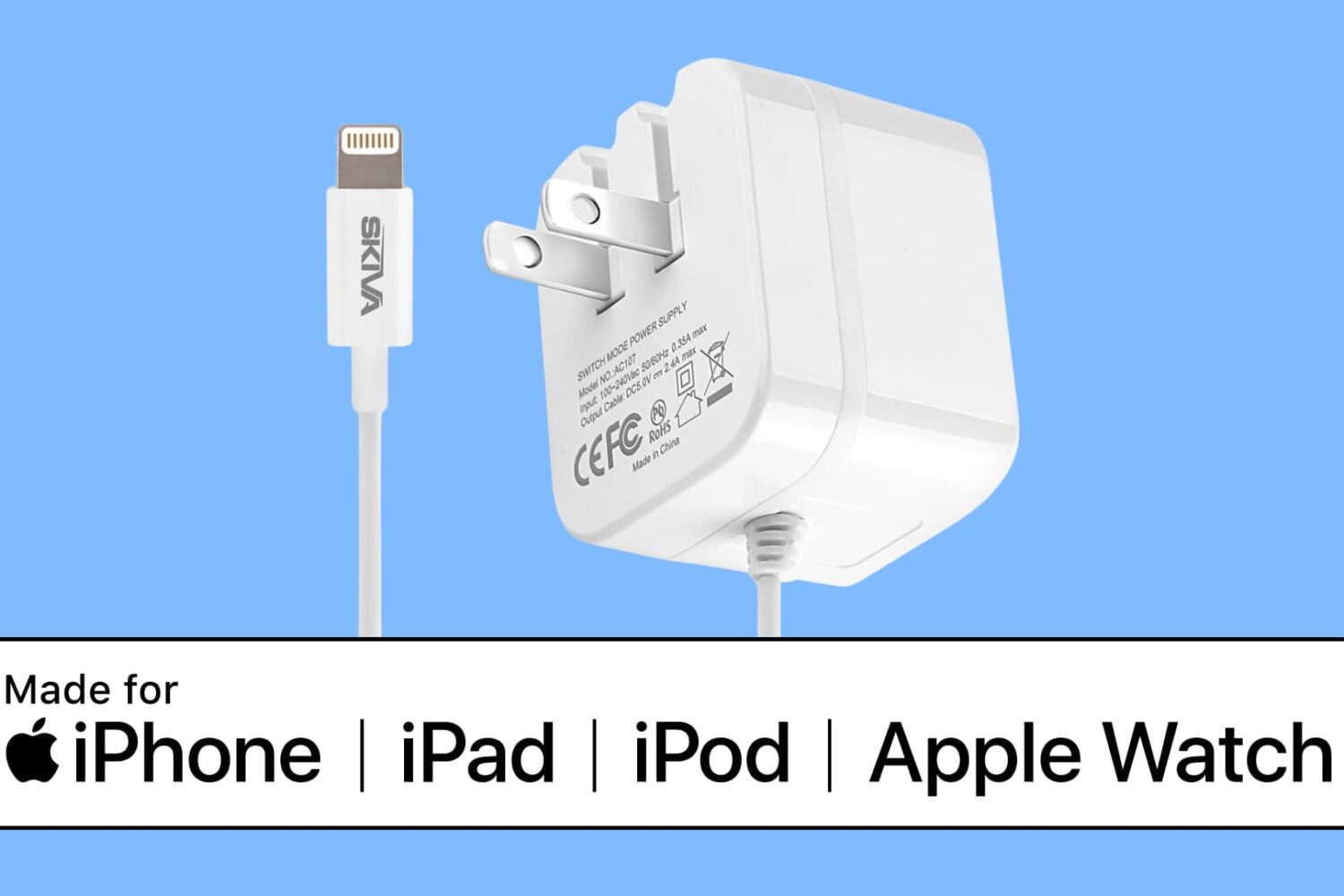
In this tutorial, we’ll show you how to search Apple’s database to check if a third-party cable, charger, or other accessory is MFi certified or not.
How to confirm your iPhone accessory is Apple MFi Certified
Stay up-to-date on the latest iPhone news and learn new tips and tricks with our comprehensive tutorials. From software updates to new features, we’ve got you covered.
In this tutorial, we’ll show you how to search Apple’s database to check if a third-party cable, charger, or other accessory is MFi certified or not.

Learn how to use Apple's free Pages app to turn your iPhone or iPad into a handy teleprompter for your speeches, lectures, video recordings, and more.
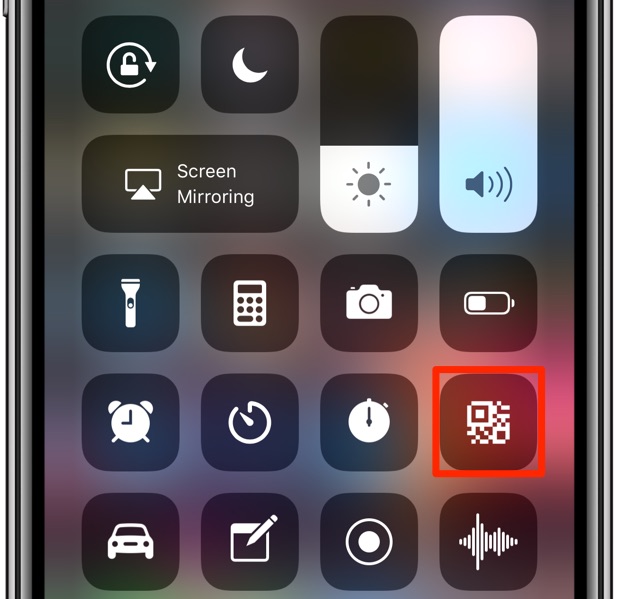
Learn how to scan QR codes with your iPhone using the built-in Camera app, the dedicated Control Center widget, the Action button or Camera Control.

In this tutorial, we’ll show you how to use the Continuity Camera feature to add photos and scans to a note or document on your Mac using the camera of your iPhone or iPad.
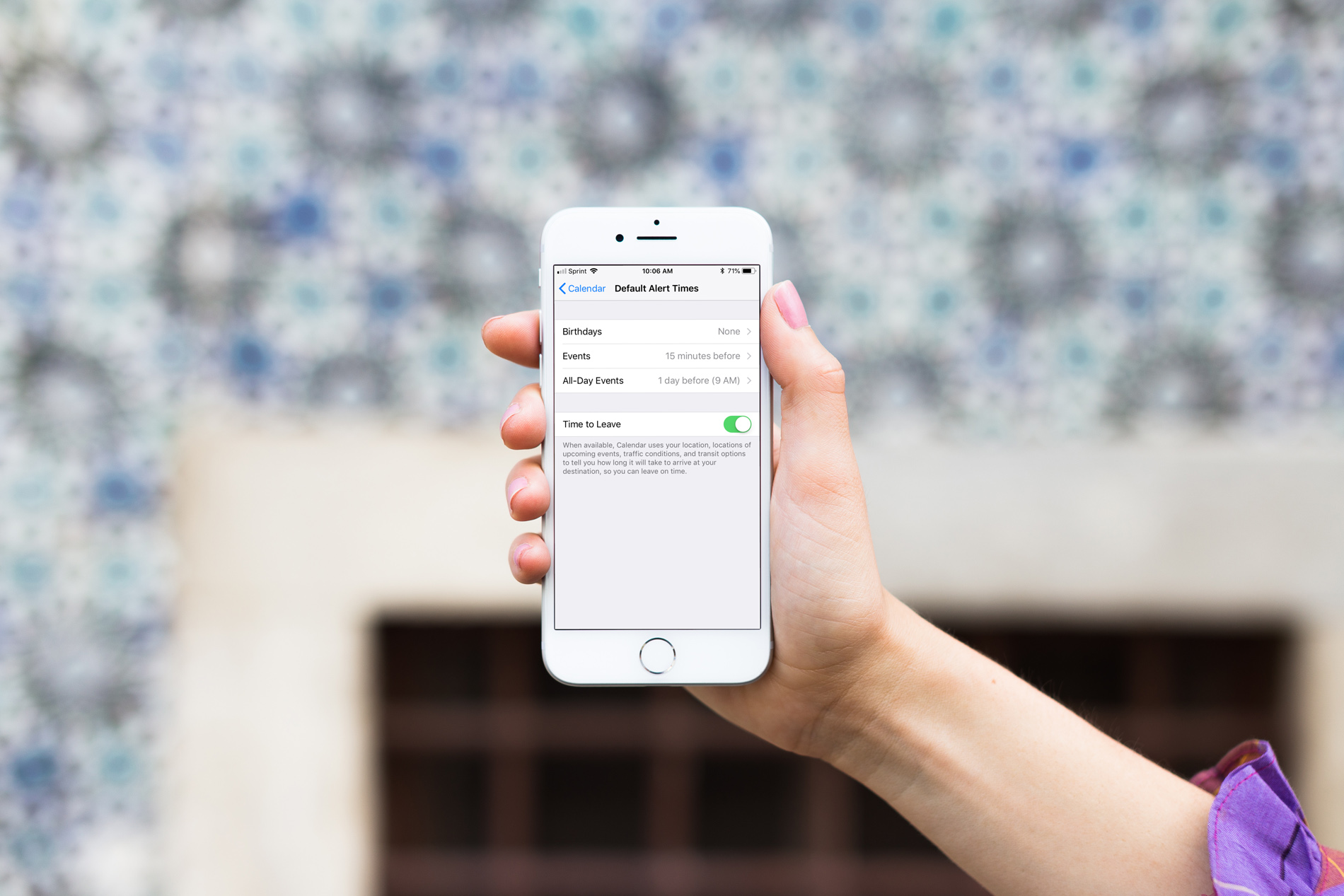
When you create events in the iOS Calendar app, you can easily set an alert to remind you of that event. But you’ll also notice that a time for the alert pops into your event alert automatically. This is the default time in your Calendar app, and you can change it to suit your preference.
Once you set the default alert time you want, you won’t have to change it when creating the event unless you really need to, and here’s how.
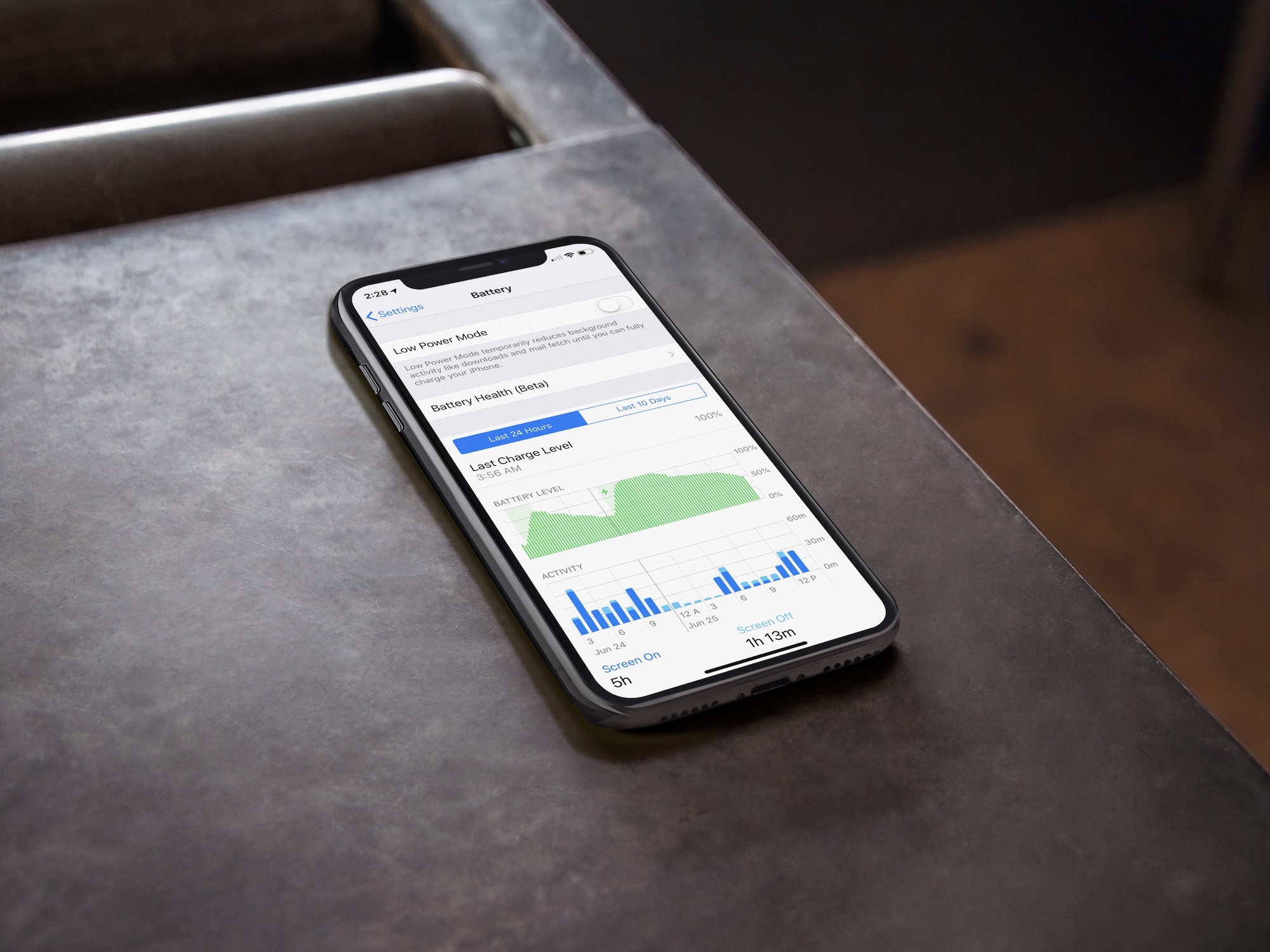
In this brief tutorial, you'll learn to access the built-in battery usage statistics to see how you have used your iPhone battery in the last 24 hours or the last 10 days.
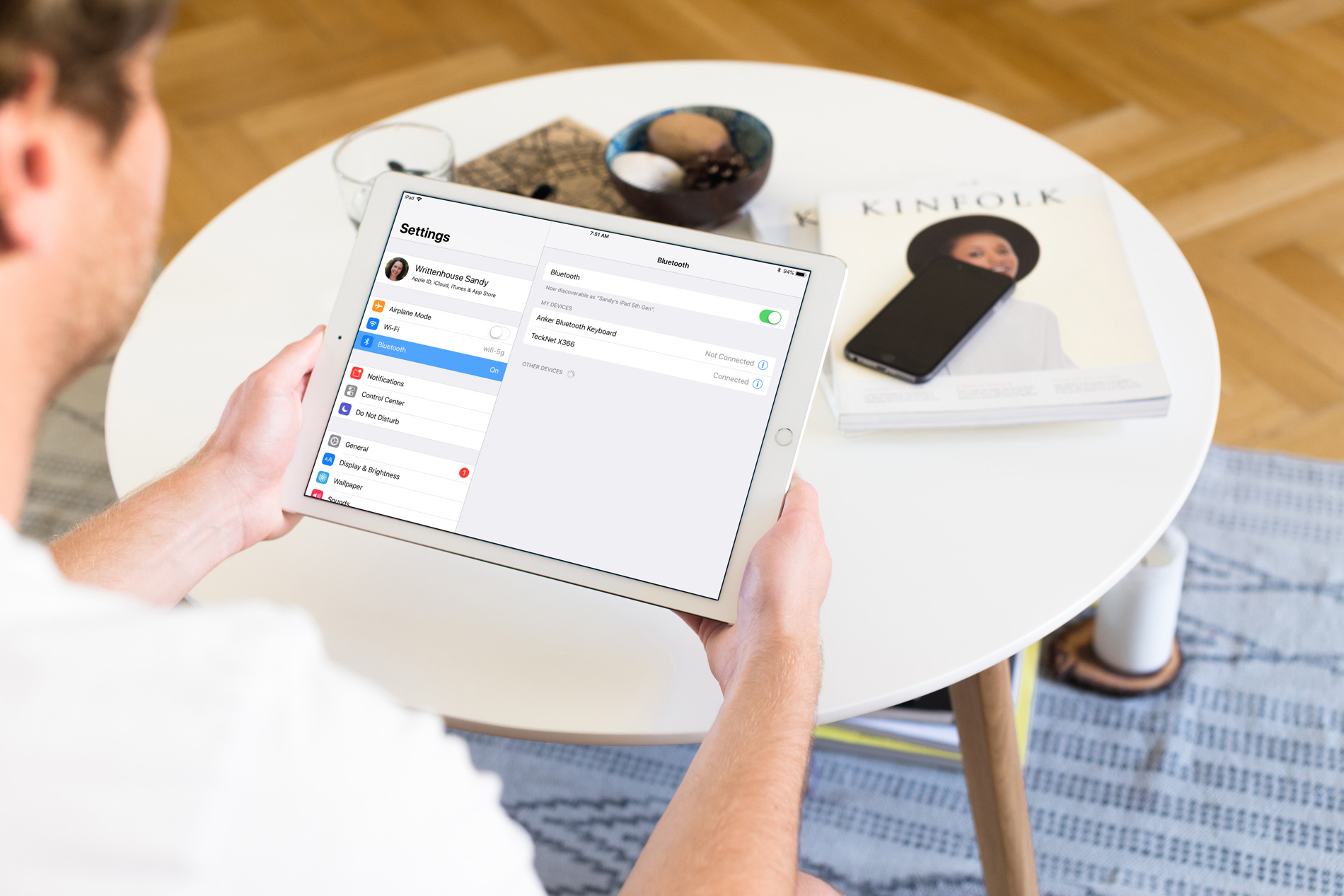
So, you bought a new wireless keyboard and want to use it with your iOS device. For those who do a lot of typing on their iPhone or iPad, an external keyboard can be more efficient than the onscreen keyboard.
In this step-by-step tutorial, we’ll show you how to pair an external Bluetooth keyboard with your iPhone or iPad so you can comfortably type long notes, emails, and documents.

Set a default list for the Apple Reminders app on iPhone, iPad, and Mac so that the to-dos you create using Siri are automatically added to that list.
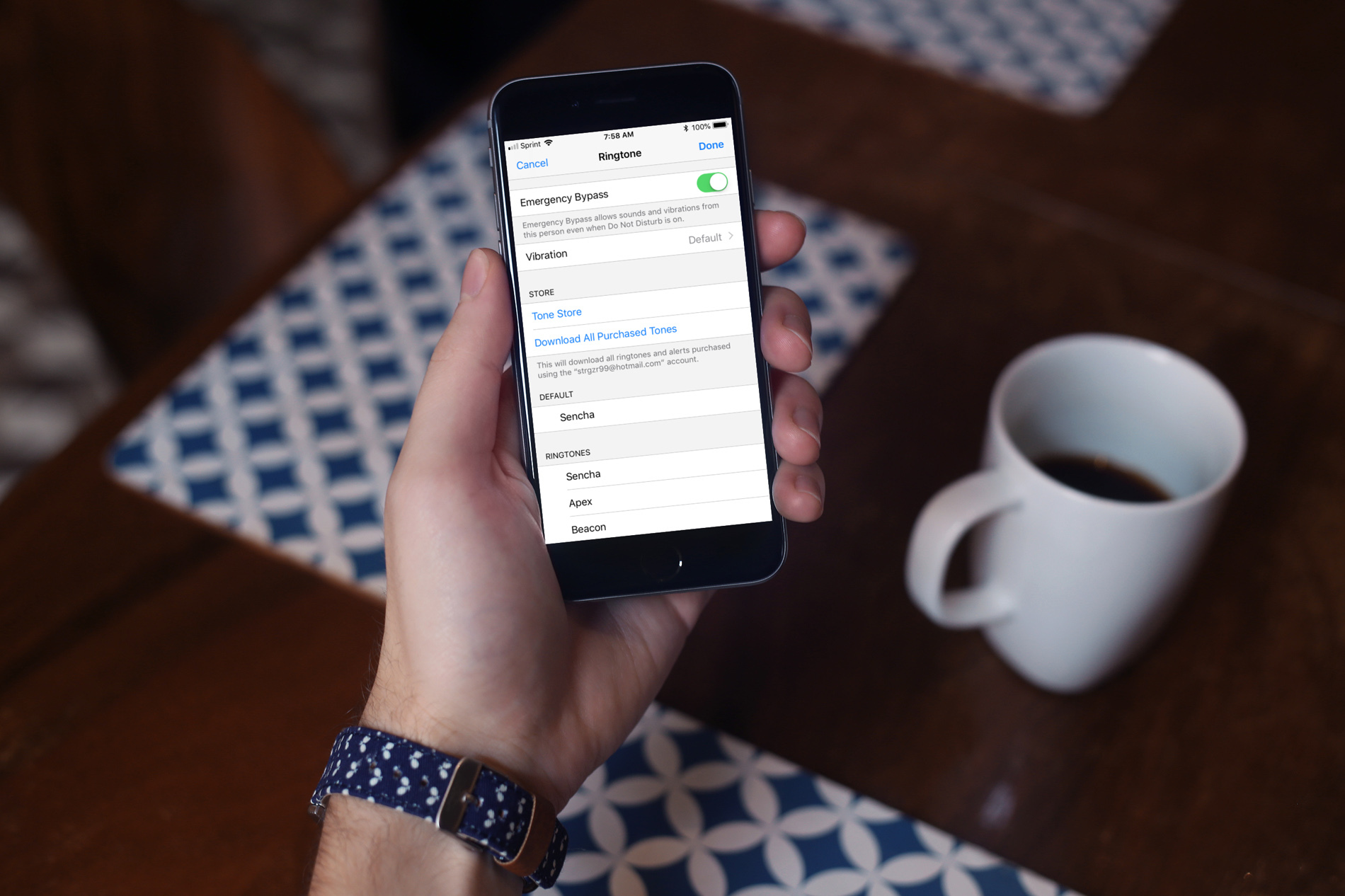
The Do Not Disturb feature on your device is a handy tool for those times when you need to unplug. But, if an emergency pops up, you still want calls or texts from certain contacts to get through.
One way to do this is to add those contacts to your Favorites or create a new group for them. However, there is another way to allow those important phone calls and messages to come through by using the Emergency Bypass setting.
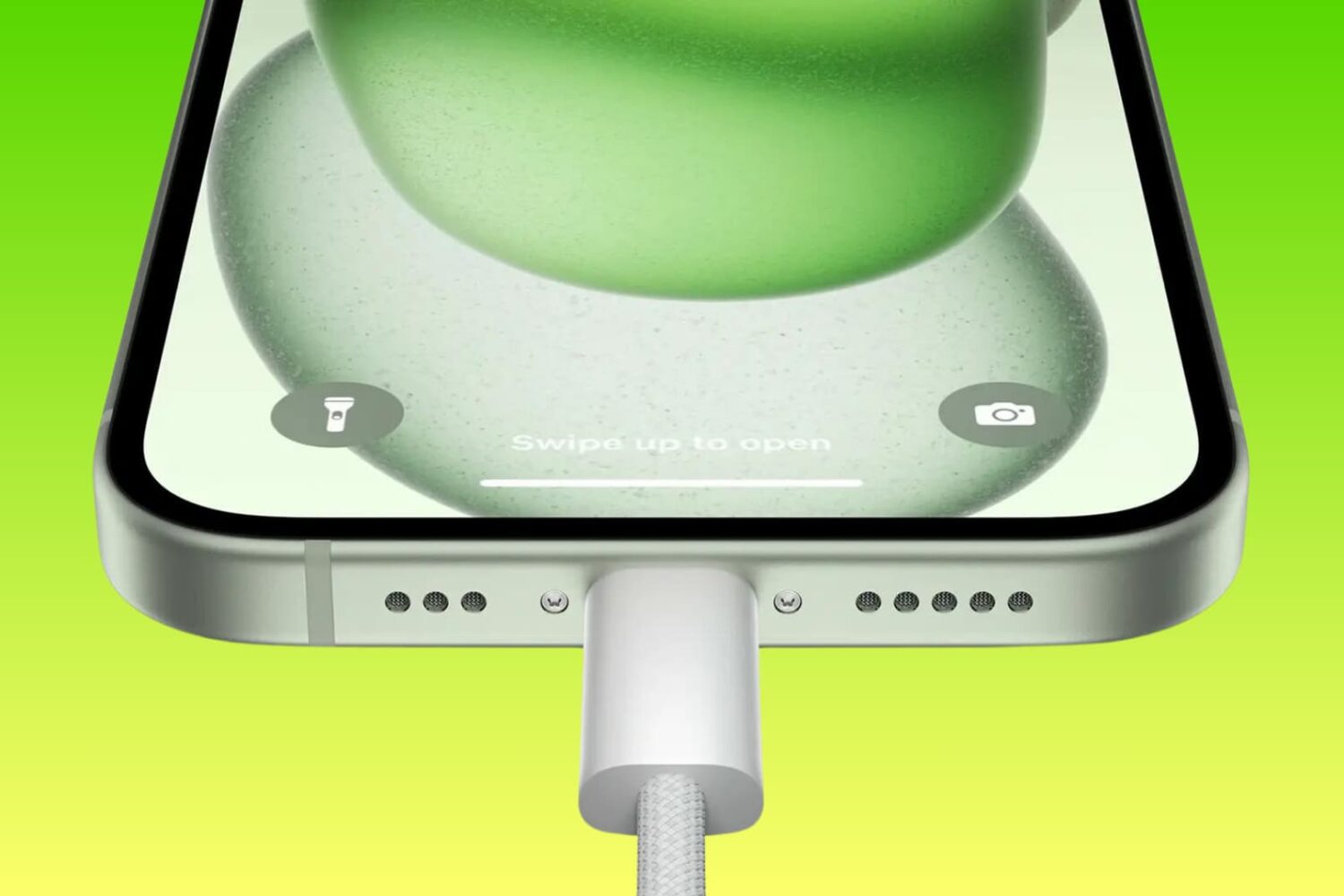
Find out how to block or allow USB data access on your locked iPhone and iPad when it’s connected to a Mac, Windows PC, or other accessories. You can restrict access to protect your device from forced unlocking or allow access if you face difficulties connecting it to other accessories.
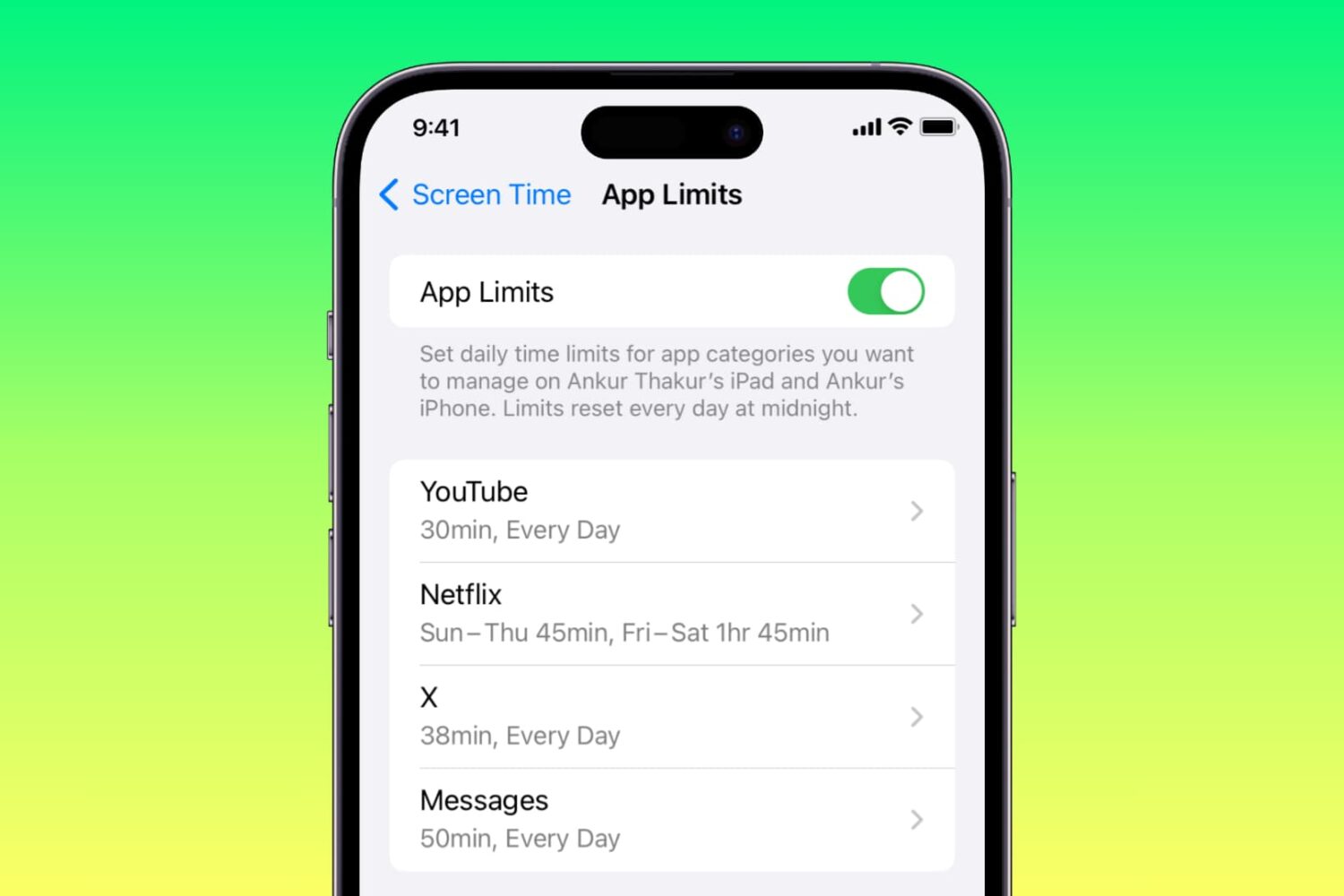
Do you or your child spend a lot of time in Messages, Instagram, X, Facebook, Snapchat, Netflix, YouTube, TikTok, Candy Crush, or other non-productive apps?
Learn how to combat this situation by setting a daily time limit for these apps on your or your kid’s iPhone and iPad.
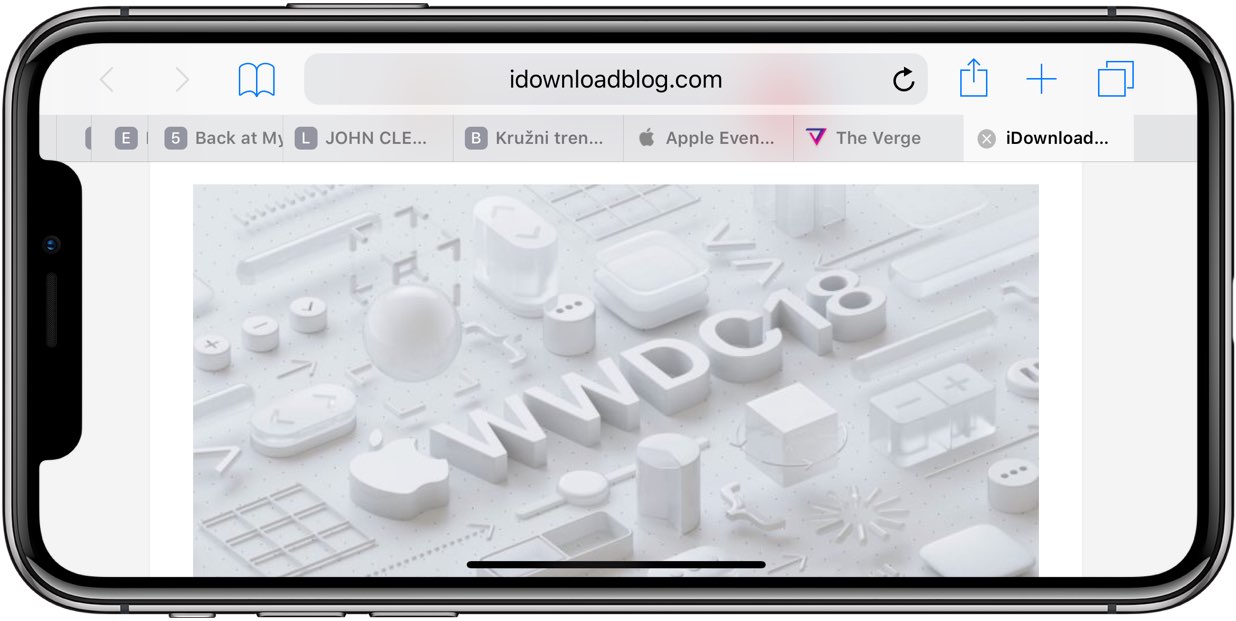
Apple's Safari browser that ships with macOS Mojave revives support for favicons. And thanks to iOS 12, favicons in open tabs are available on iPhone and iPad for the first time ever.