iPhone

Stay up-to-date on the latest iPhone news and learn new tips and tricks with our comprehensive tutorials. From software updates to new features, we’ve got you covered.

How to create custom Home Screen widgets on iPhone and iPad

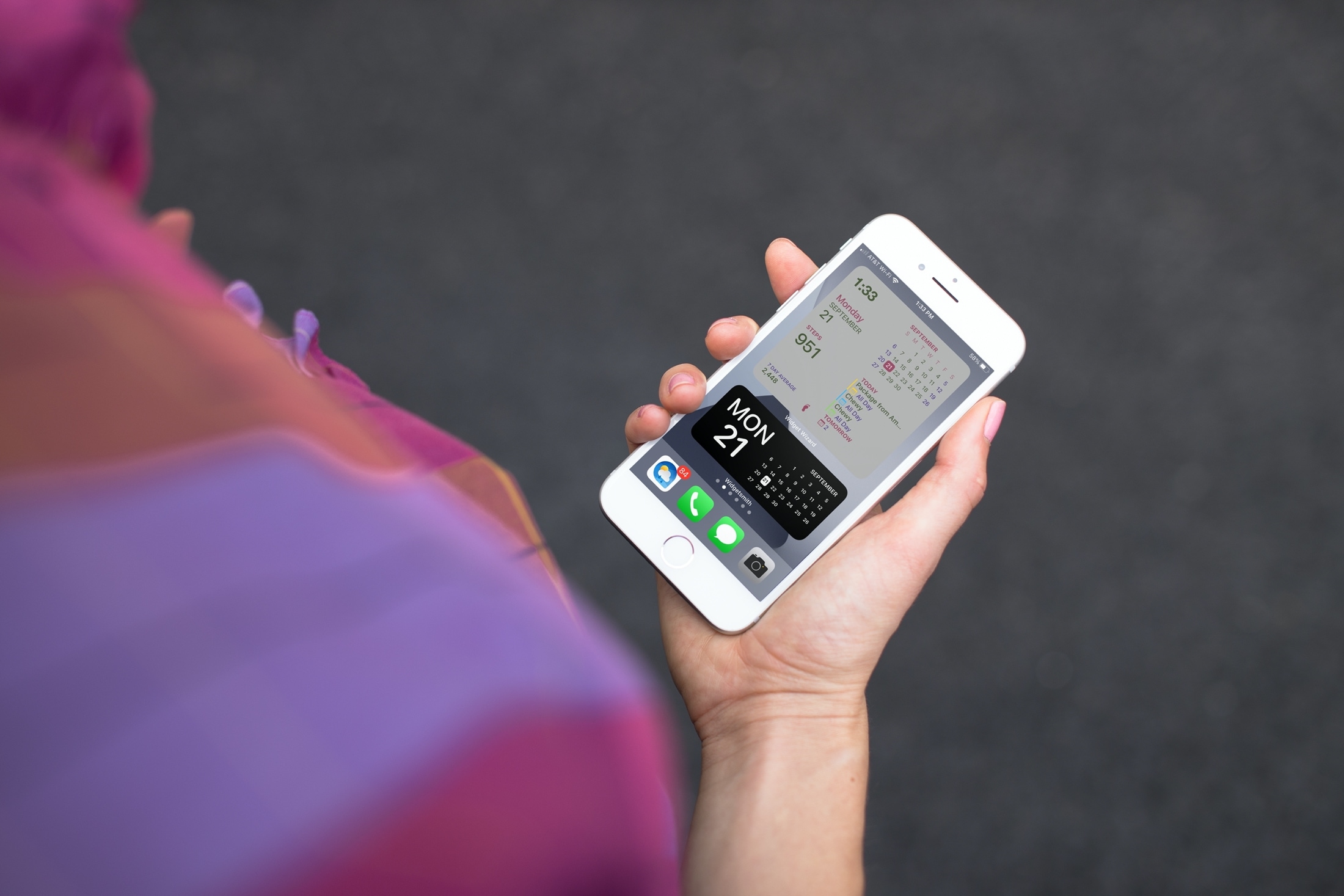
Widget Wizard and Widgetsmith Home Screen Widgets

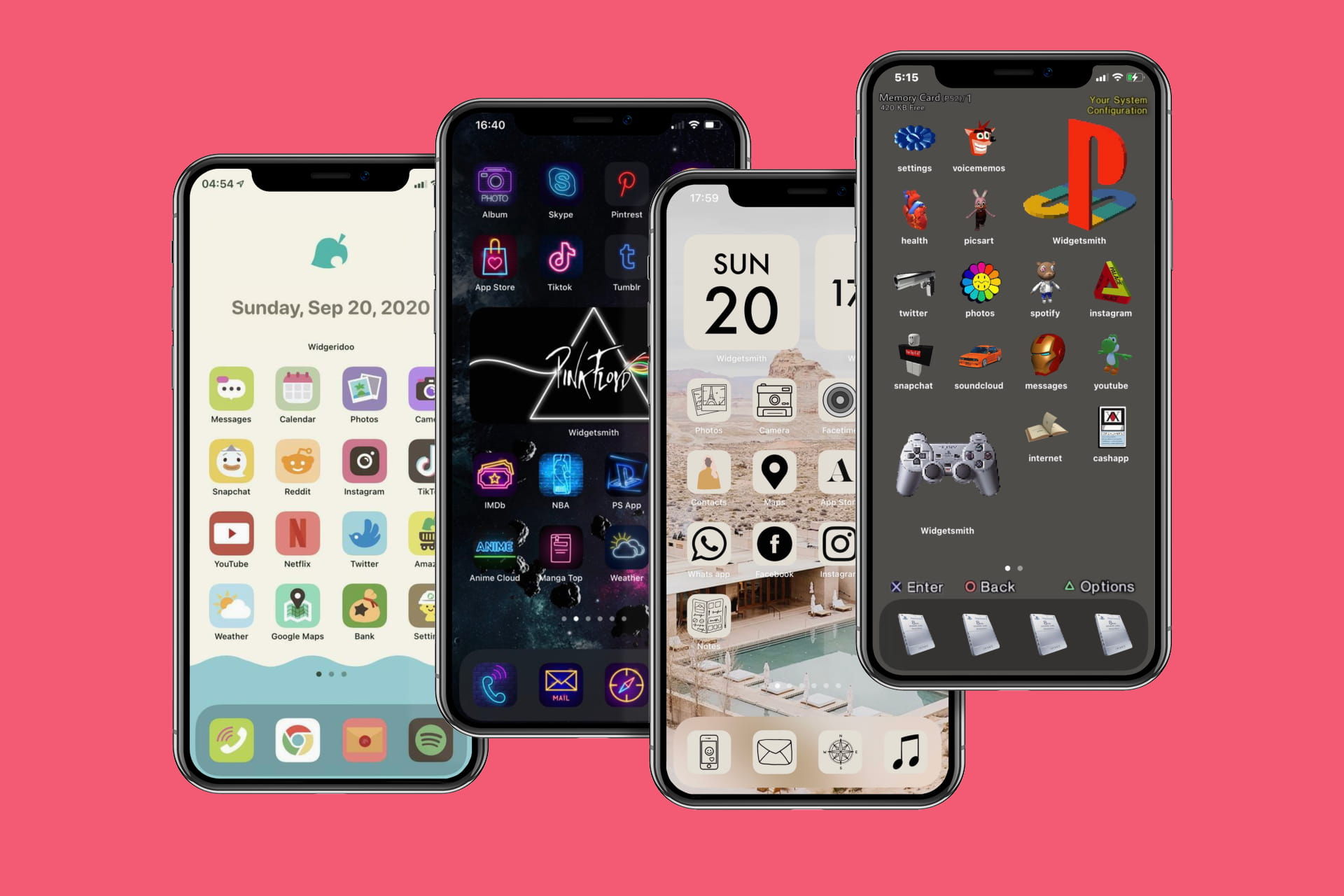
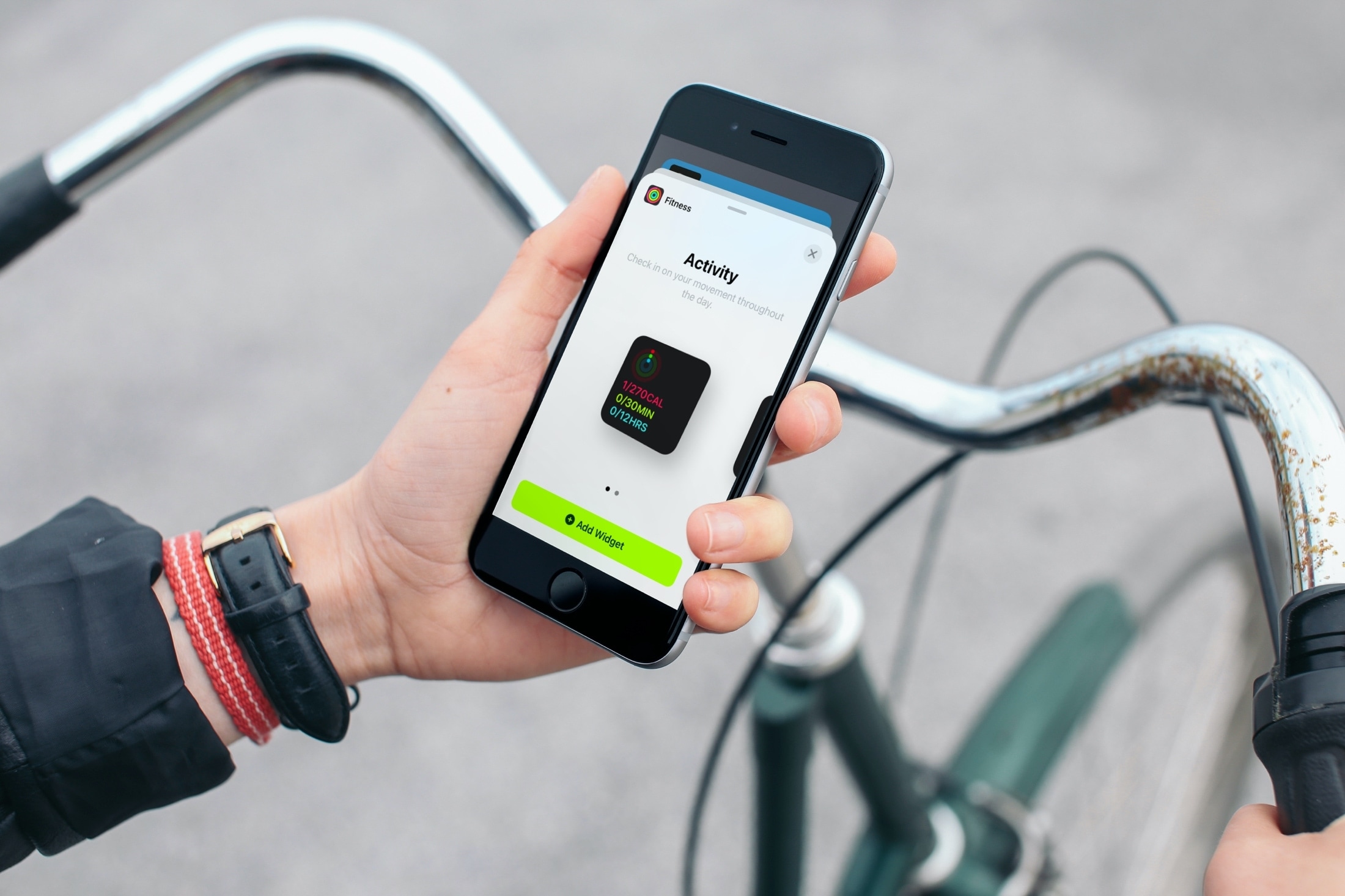
If you’ve been enjoying the iOS 14 and iPadOS 14 feature for adding widgets to your Home Screen, then maybe you want to take that a step further. Among apps with Home Screen widgets are apps that let you customize your own widgets!

You can create your own Home Screen widgets and have them look exactly as you like. This gives you even more flexibility than you probably expected for personalizing your device. Here’s how to create custom Home Screen widgets on iPhone and iPad and tools you can use.

How to use compact calls on iPhone and iPad

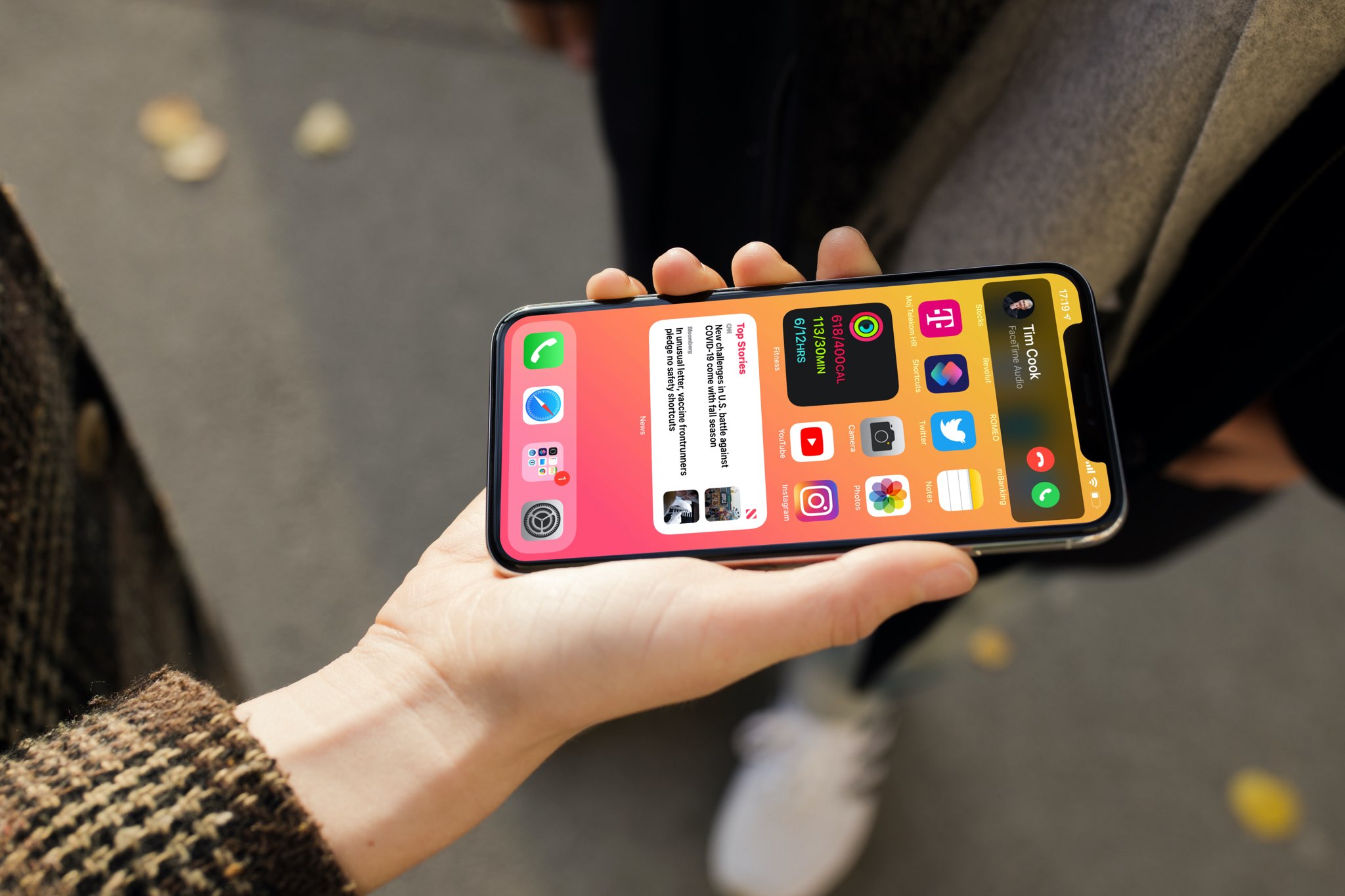
By default, incoming phone and FaceTime calls appear as a compact banner at the top of the screen of your unlocked iPhone. It doesn't take up the whole screen.

However, if you or someone with access to your iPhone switched it back to a full-screen interface, then you can easily revert to the default, compact style. In this tutorial, we'll show you how.

How to add Wander to the Shortcuts app to install & update the Odyssey jailbreak

Just like unc0ver, the Odyssey jailbreak app is intended to be side loaded into a compatible iPhone or iPad. To help make the process of side-loading the Odyssey jailbreak app easier, the Odyssey Team officially endorsed the brand-new Wander add-on for Apple’s Shortcuts app shortly after the tool came out of public beta.

The Wander add-on doesn’t replace side loading utilities like AltStore and ReProvision or signing services like Jailbreaks.app, but rather synergizes with them to make the process of installing Odyssey and updating to newer versions faster and less cumbersome while providing a more native user experience through Apple’s Shortcuts app in the process. In this tutorial, we’ll show you how to set up the Wander add-on with your Shortcuts app.