Learn how to manage and customize Telegram's Power Saving Mode on your Mac, including setting the battery threshold to automate the feature.
How to use Telegram’s power saving mode to boost battery life of your MacBook

Learn how to manage and customize Telegram's Power Saving Mode on your Mac, including setting the battery threshold to automate the feature.

Learn how to get a refund for purchases made with your credit or debit card using Apple Pay, and what to do if a merchant requires additional information.
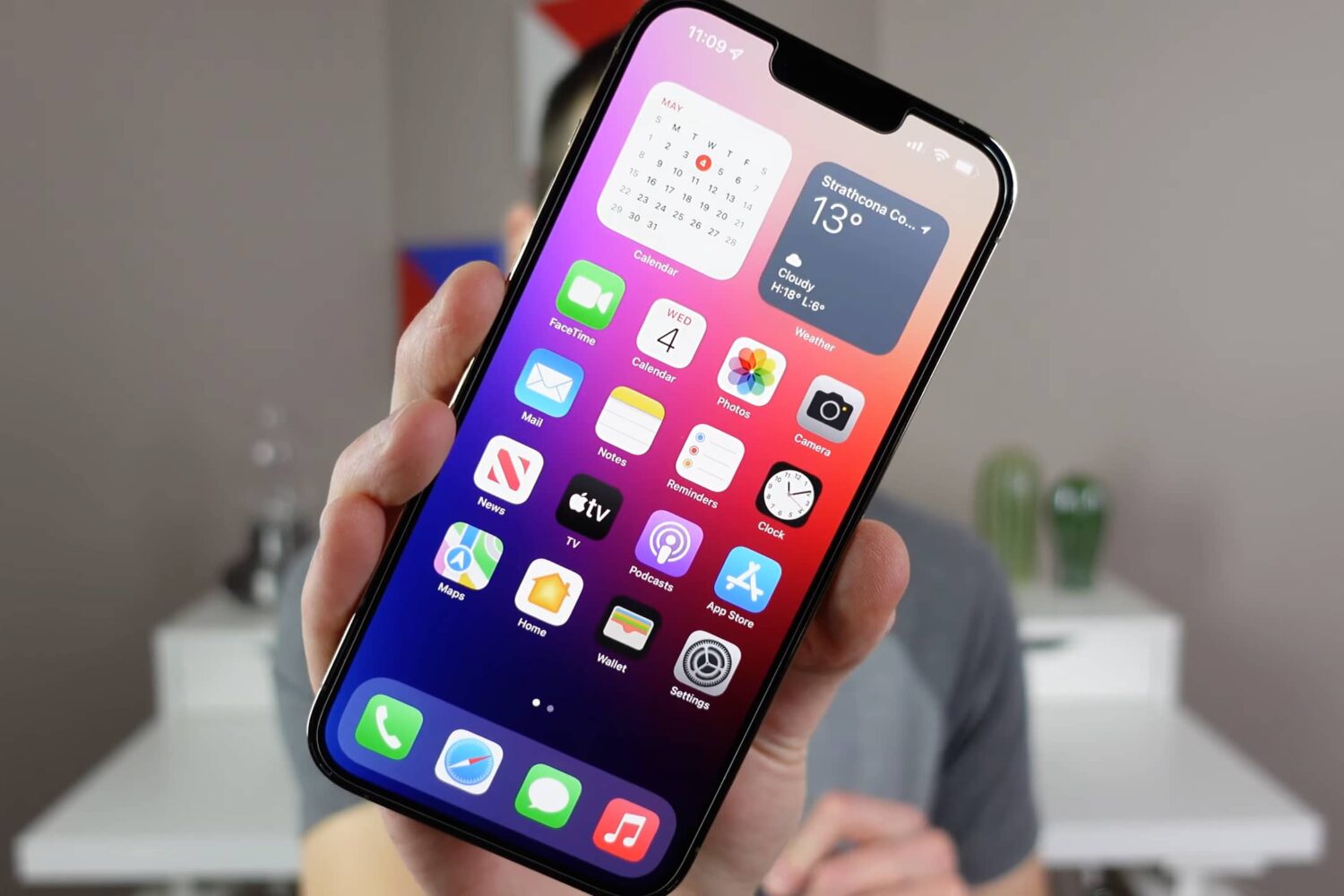
Watch our video walkthrough to learn about cool iPhone tips, tricks, and secret features, such as downloading any video, getting precise battery info, and more.
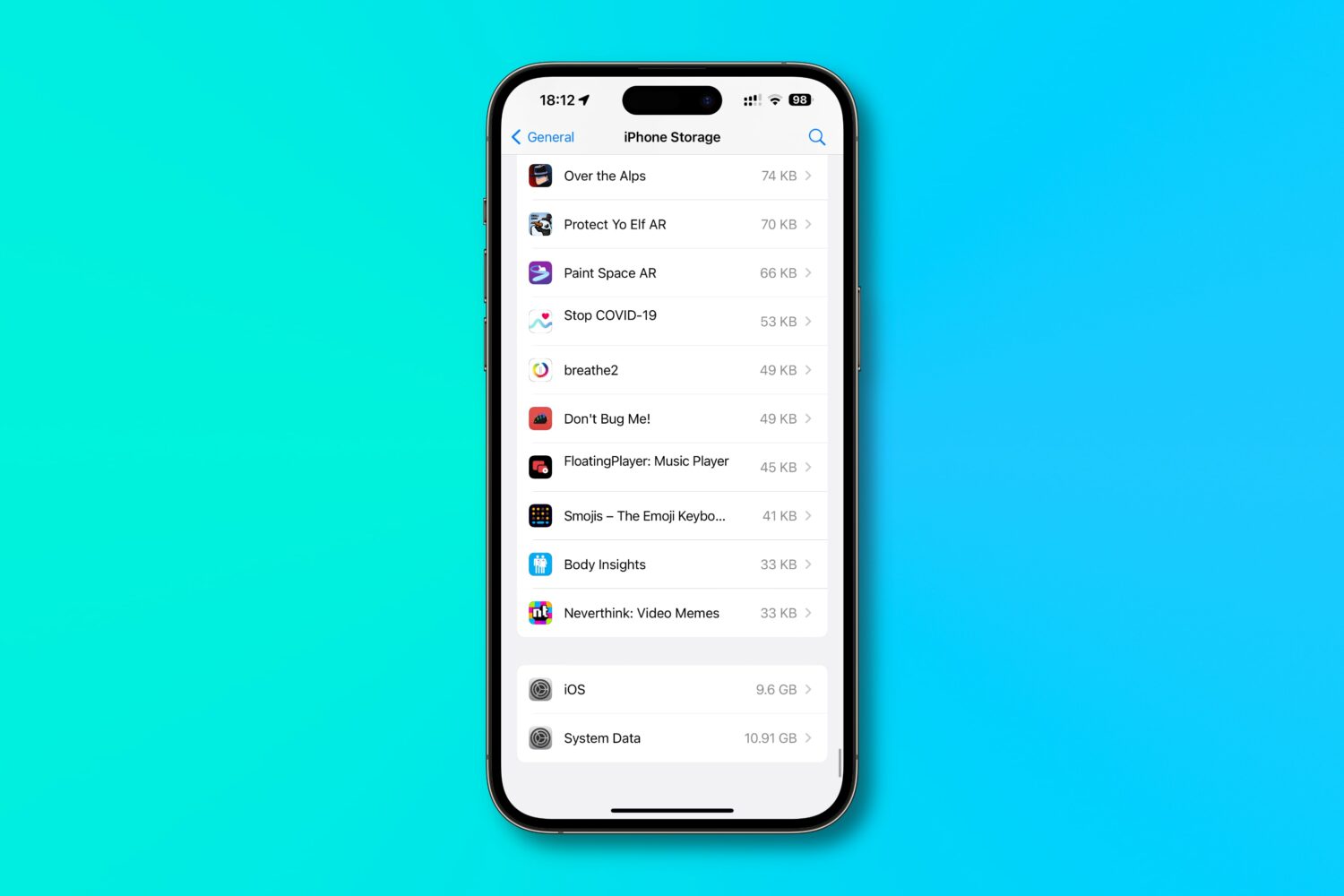
Find out how much of your iPhone’s storage space is lost to system files and how much of it is taken up by the iOS operating system itself, and then follow a quick trick to reclaim some space!

Learn how to use a built-in karaoke feature in Apple Music on iPhone, iPad, and Apple TV to sing along with time-synced lyrics and adjustable vocals.
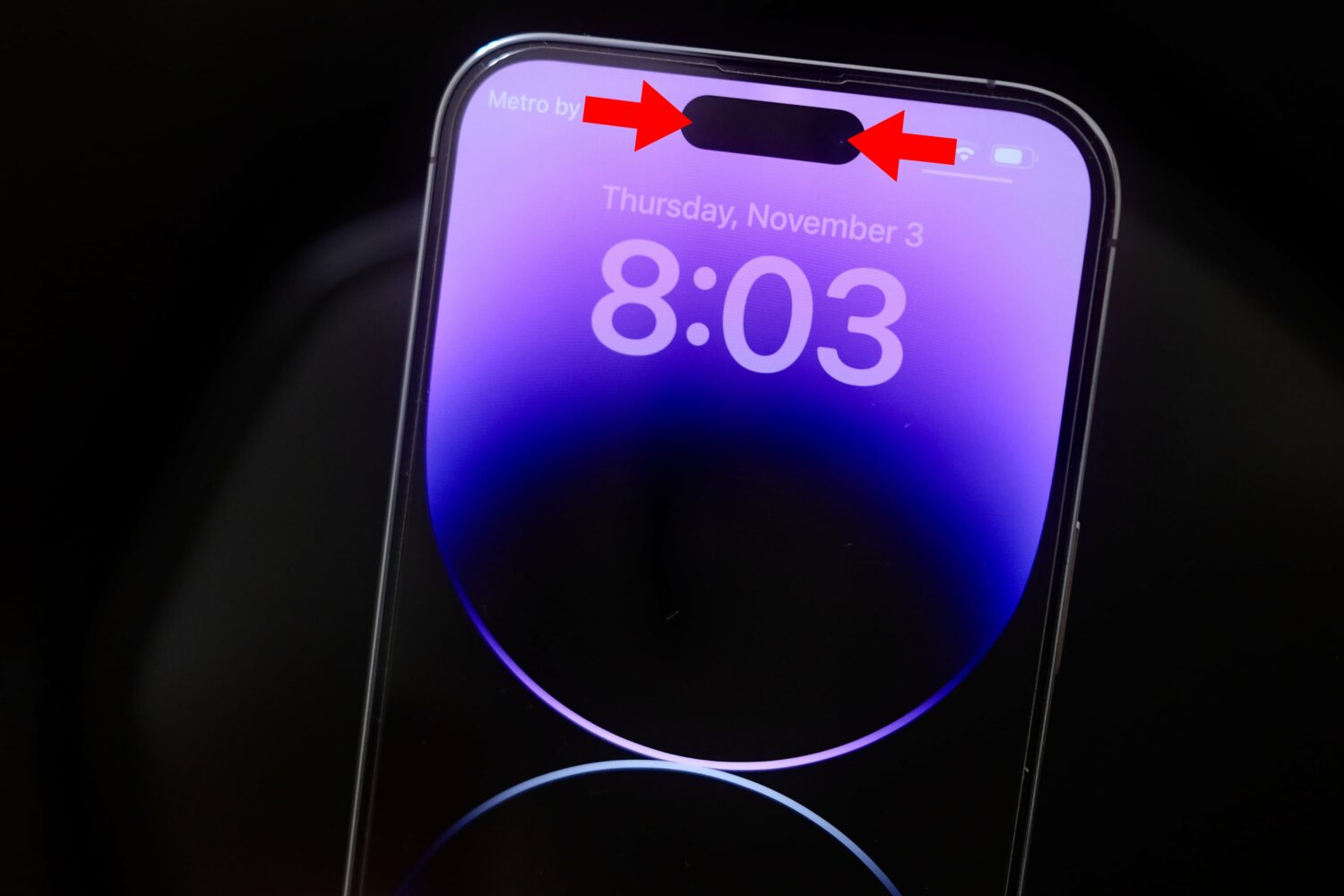
Follow these steps to record your iPhone's screen without the Dynamic Island or that red recording indicator in the status bar appearing on the final footage.
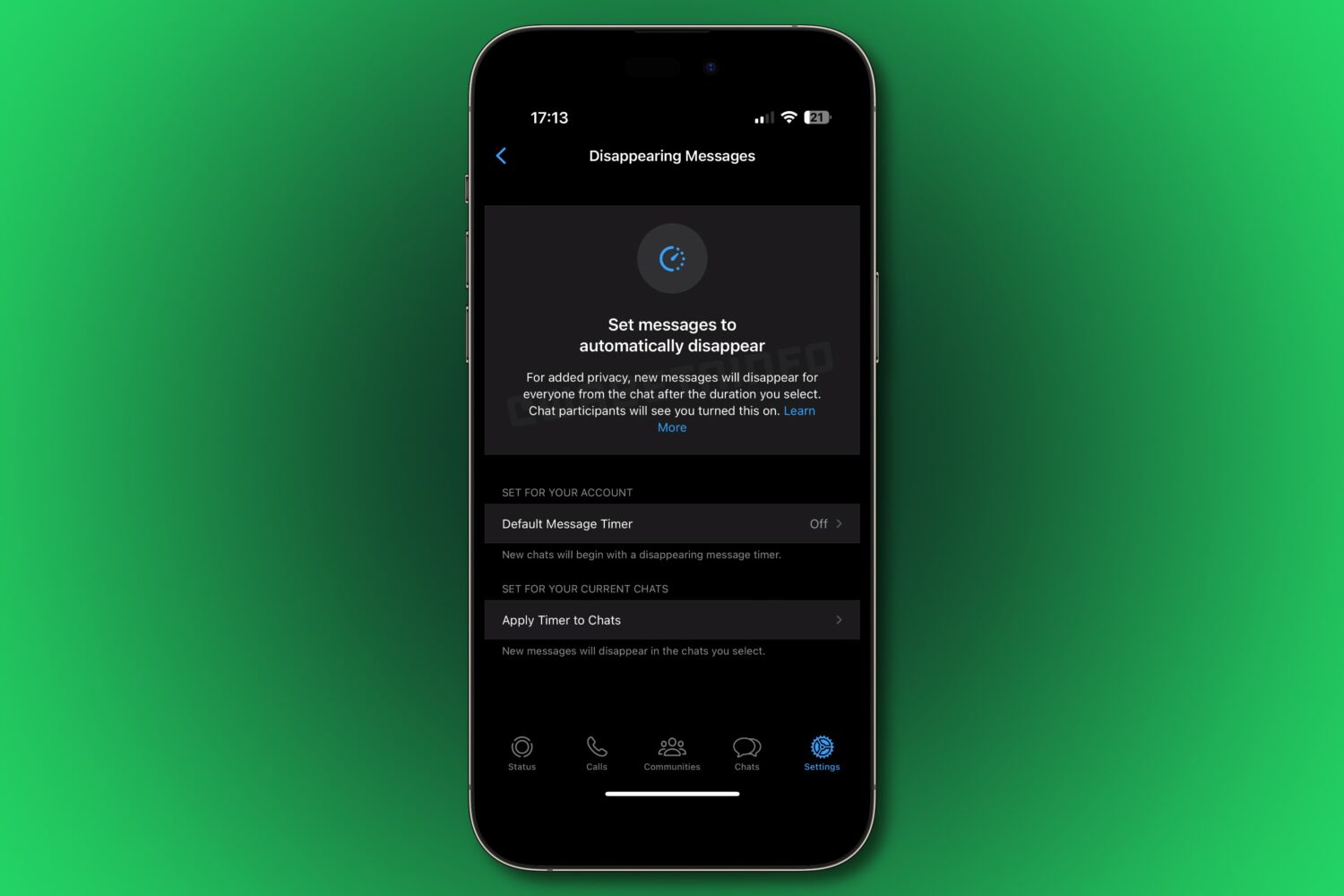
Turn existing WhatsApp conversations into disappearing messages by applying the self-vanishing message timer to any current chats you select.
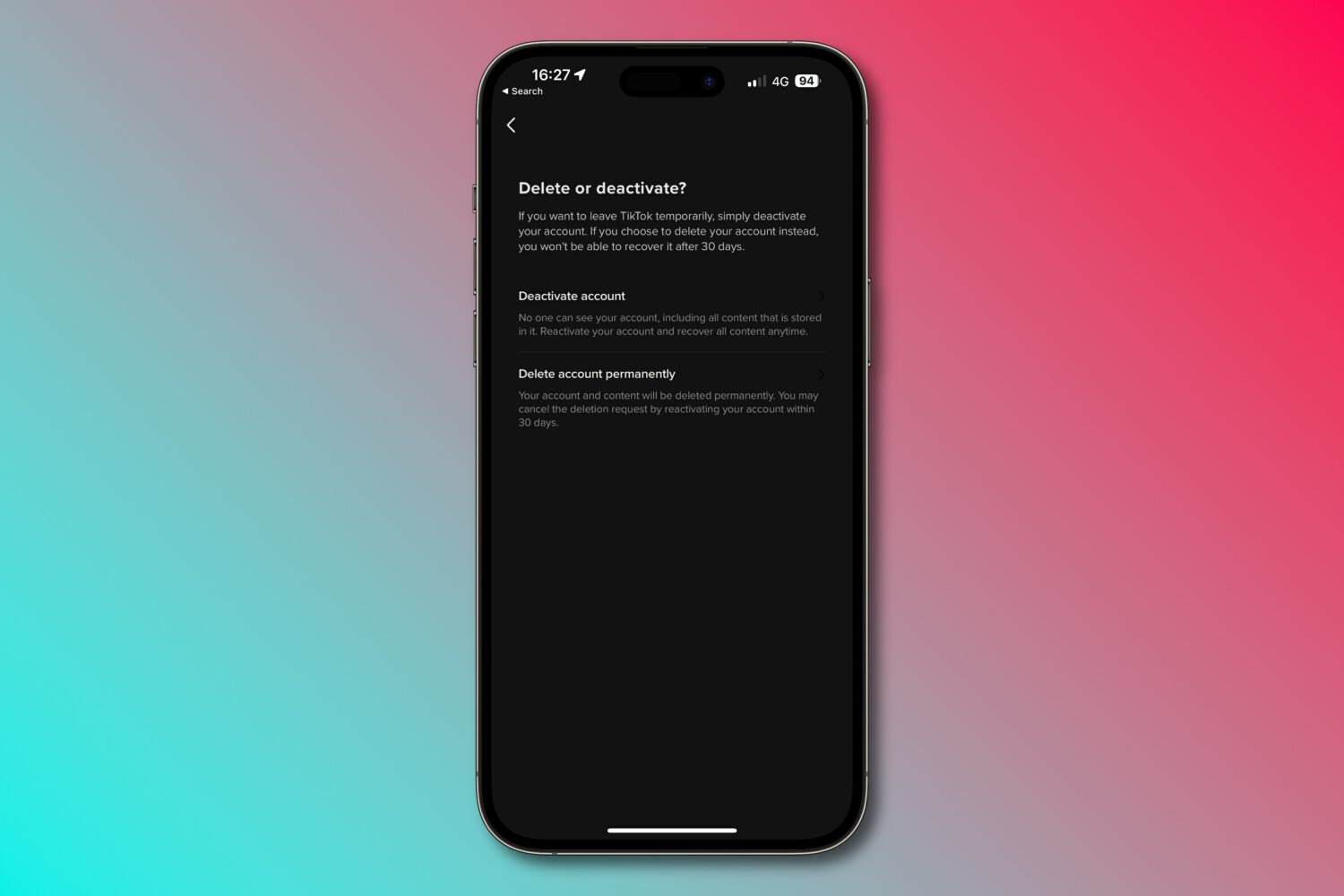
With just a few quick steps, you can download your data and permanently delete your TikTok account using options available in the app and on the web.

Apple makes it easy to record cool time-lapse video on your iPhone, but do you know how time lapses work in the Camera app? Here’s the nitty-gritty.

Got a new iPhone? If so, then be sure to follow these 10 setup tips, tricks and settings for optimal performance and the best experience!
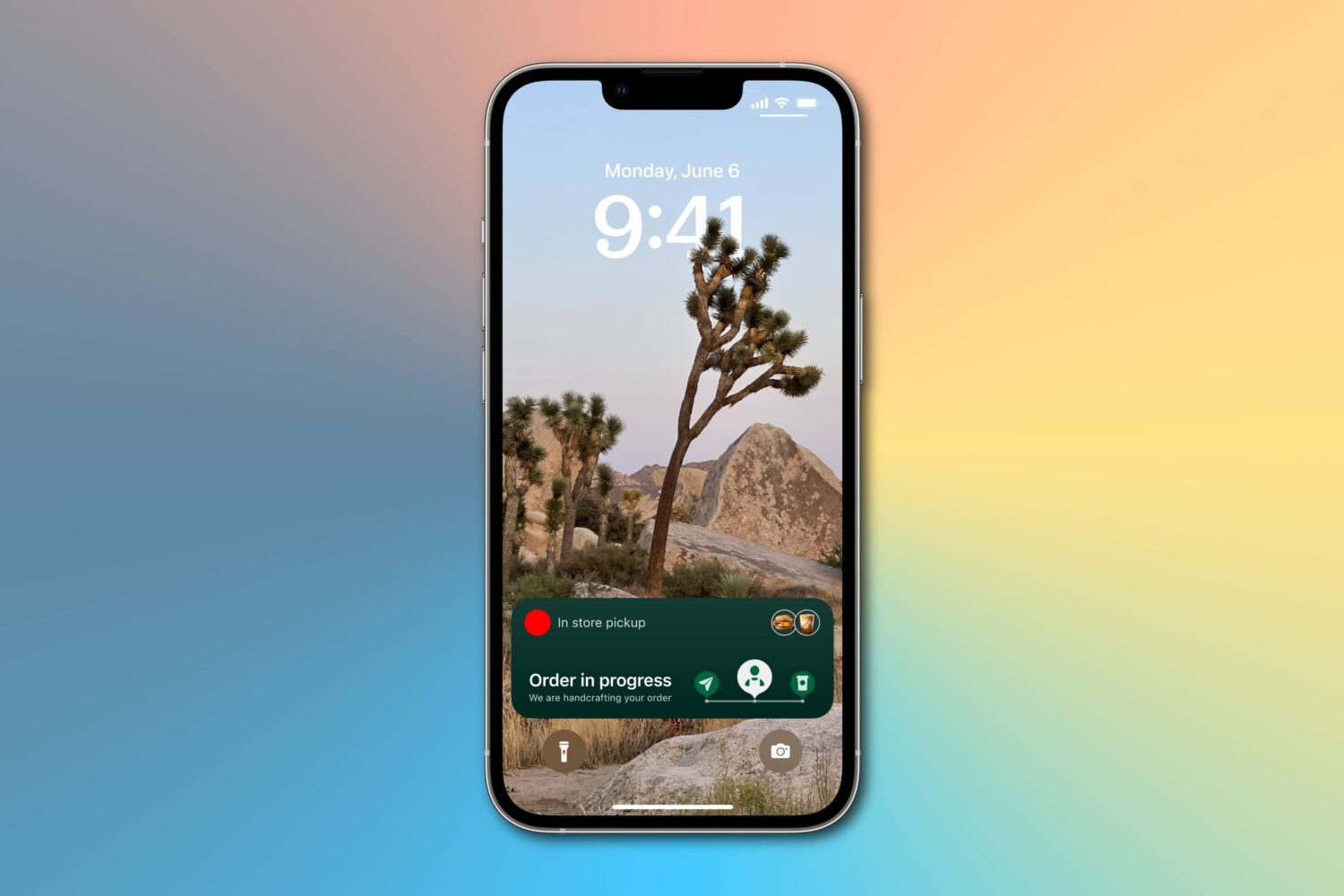
Learn how to enable more frequent Live Activity updates to receive even more timely updates from your favorite food, cab, sports, and other apps on the Lock Screen and Dynamic Island of your iPhone or iPad.

In this guide, we cover 10 hidden iPhone features that you may not know about but should definitely try out as soon as possible!