Learn how to change the double-tap skip forward and rewind duration from the default 10 seconds to something else in the YouTube mobile app on your iPhone or Android phone.
How to change YouTube’s 10s double-tap skip duration

Learn how to change the double-tap skip forward and rewind duration from the default 10 seconds to something else in the YouTube mobile app on your iPhone or Android phone.
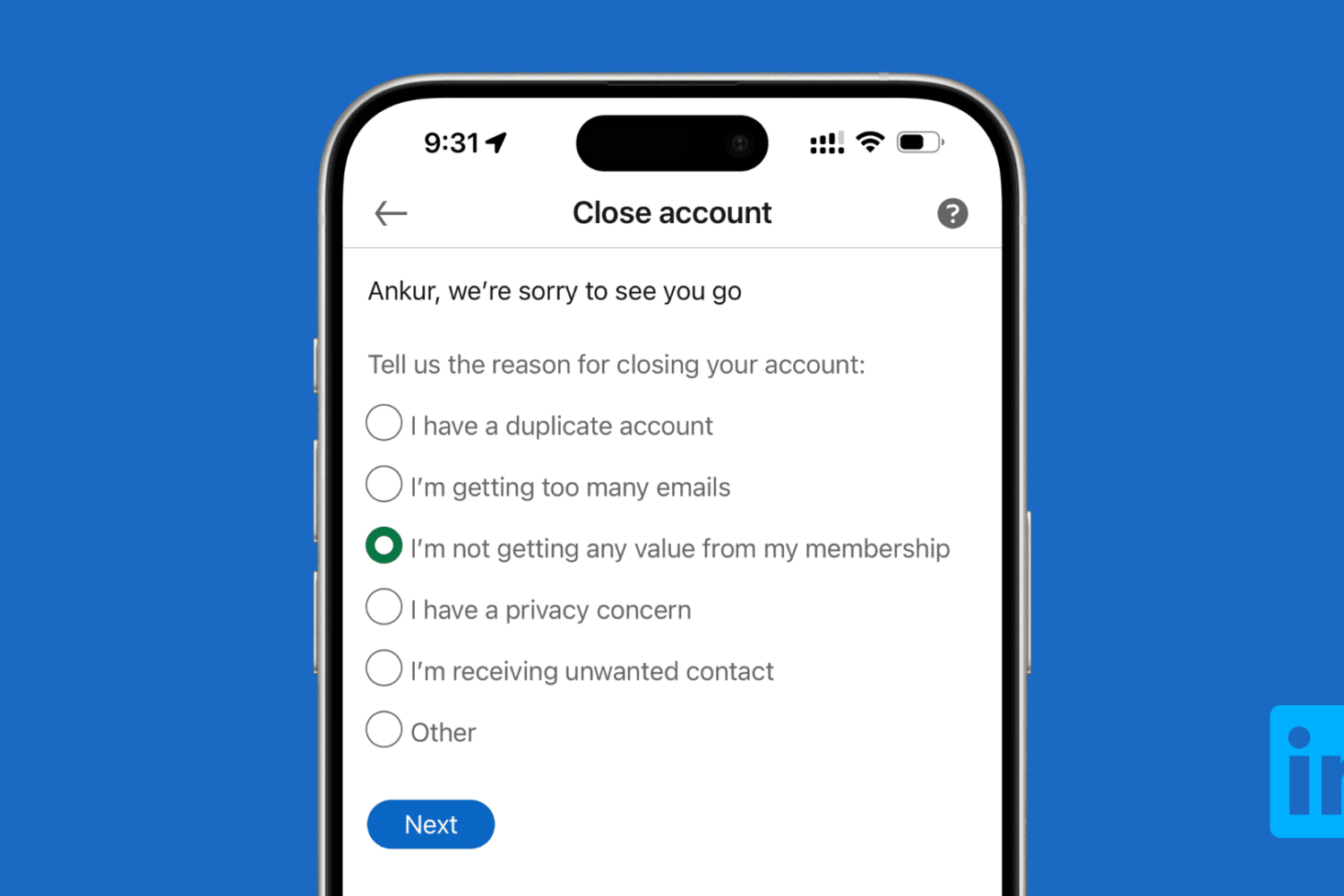
Learn how to download all your data and then delete your LinkedIn account using a computer or the mobile app on your iPhone or Android phone.

Use a simple Terminal command to find out when macOS was last reinstalled on your Mac.

If you have Beats-branded audio devices, then they might have a firmware installed on it that sometimes need to be updated.
In this tutorial, we’ll show you how to check for updates for any of your supported Beats devices. Keep in mind that some Beats audio devices do not need to be updated.

In this step-by-step tutorial, we’ll show you how to manually install new firmware for your earbuds and check the version number of the firmware currently running on your AirPods, AirPods Pro, or AirPods Max.

In this tutorial, we share eight useful tips for getting the most out of Mac’s built-in controls for resizing, minimizing, maximizing, and moving app windows around.
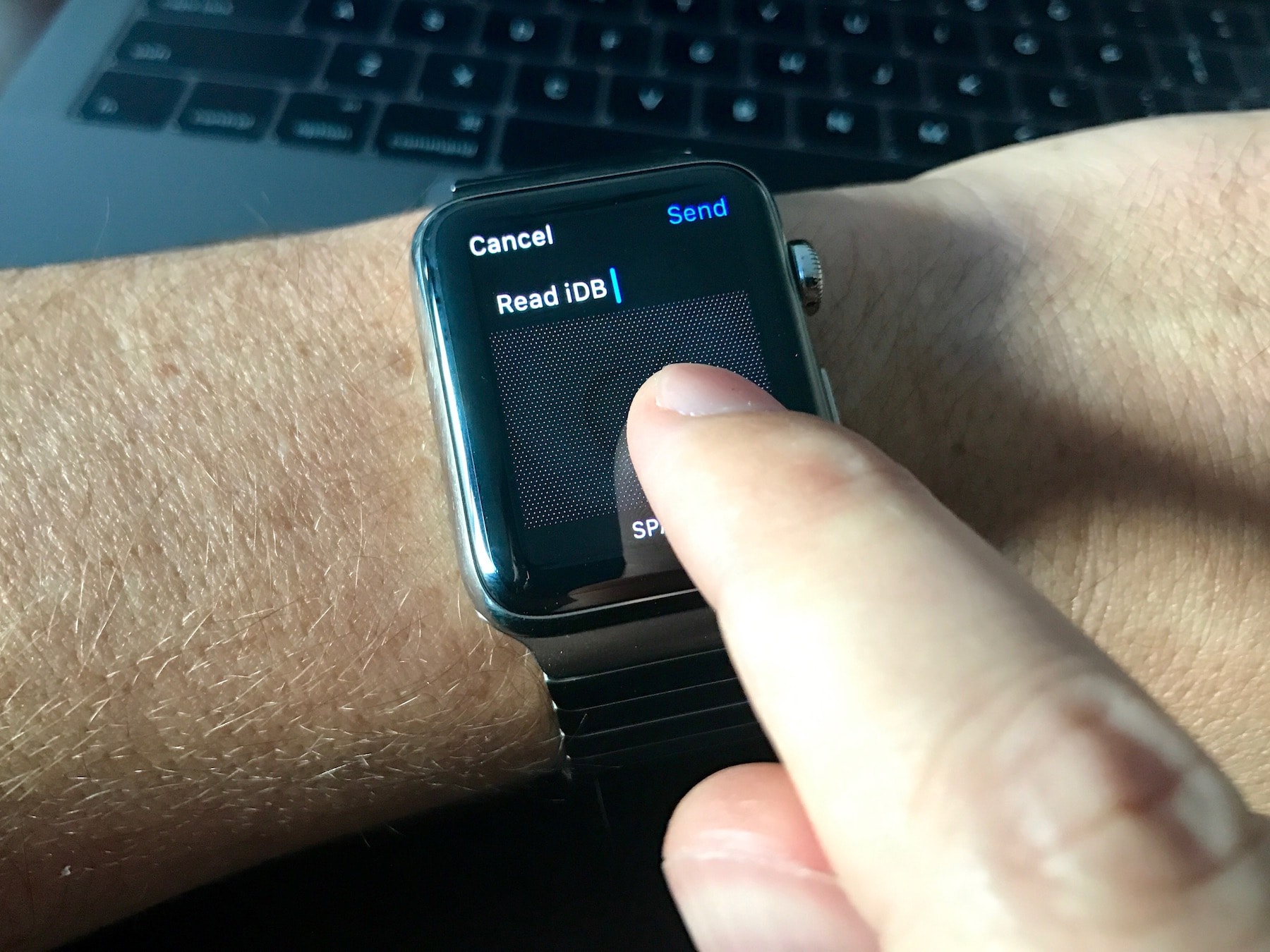
Do you often face difficulties typing words using the Scribble feature? In this guide, we will share five handy tips to make the most of Scribble on your Apple Watch to improve your typing experience.

Our account deletion series has provided detailed tutorials about deleting various service accounts with major companies like Facebook, Google, Apple, Yahoo, PayPal, Netflix, Twitter and many more. In today's step-by-step guide, you'll learn how to close your account with eBay, remove your payment information and ensure that your private data stored on eBay's servers is permanently and safely deleted.

In this tutorial, we'll show you how you can remove your credit card or other payment method information from Safari, Apple ID, and Apple Pay on your iPhone or iPad.

Enable Guided Access to limit what someone else can do on your iOS device by keeping them locked to a single app on the screen. You can also use Guided Access to block touch access to selected parts of the iPhone or iPad screen.
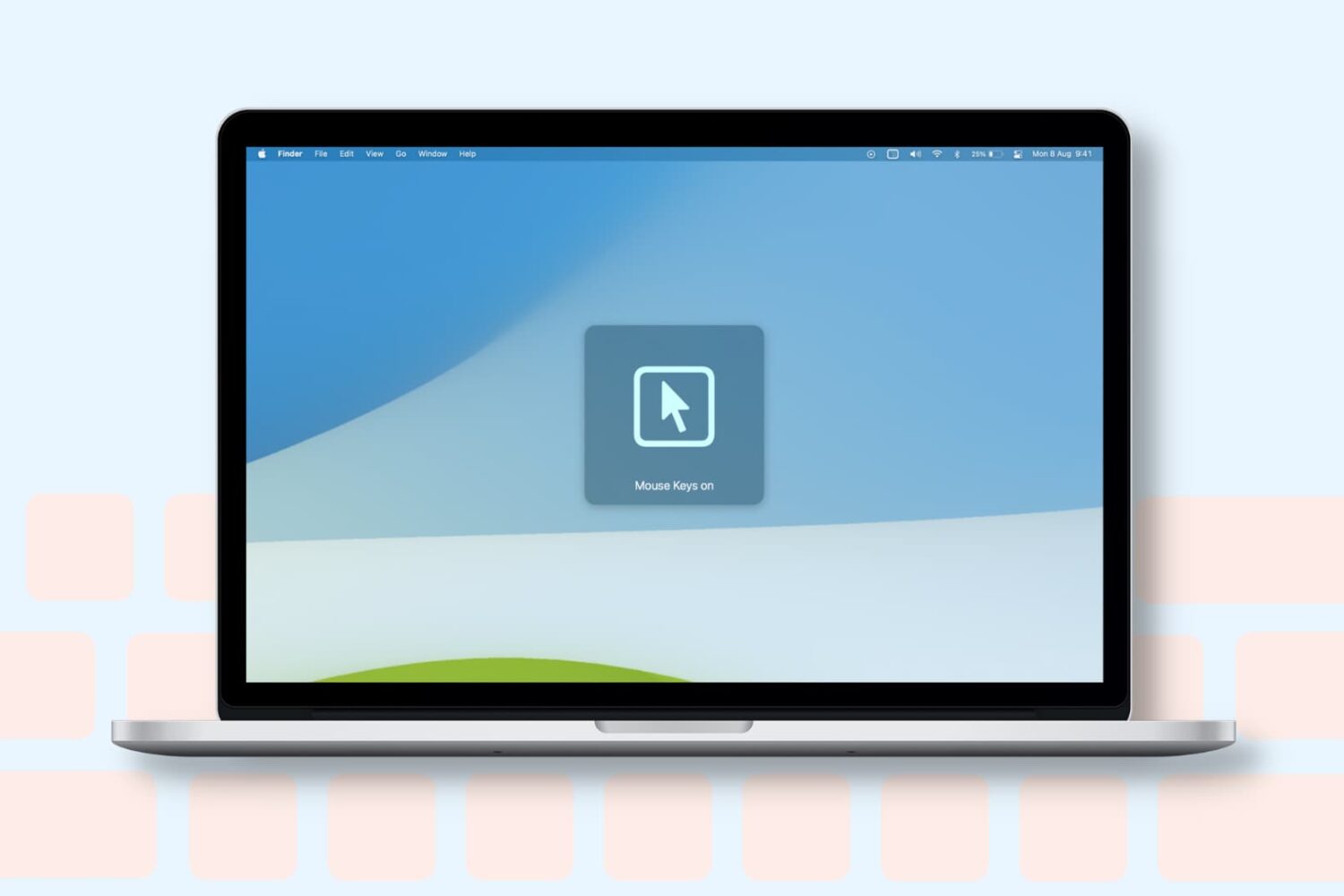
Learn how to turn on the Mouse Keys feature on your Mac to control the mouse pointer with the keyboard or numeric keypad.
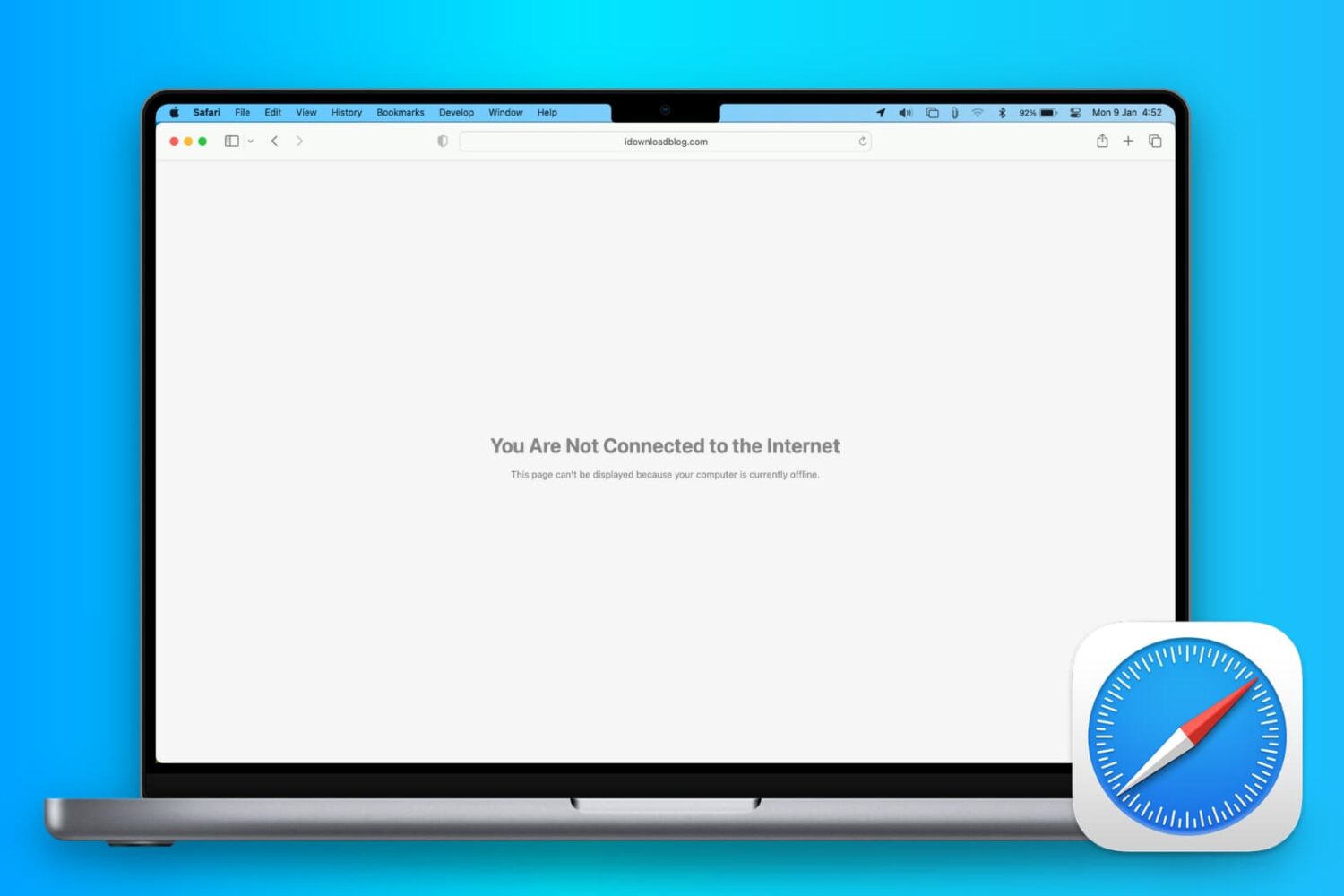
In this comprehensive troubleshooting guide, we list 24 solutions to fix all or specific websites not loading in Safari on your iPhone, iPad, and Mac.