Theme

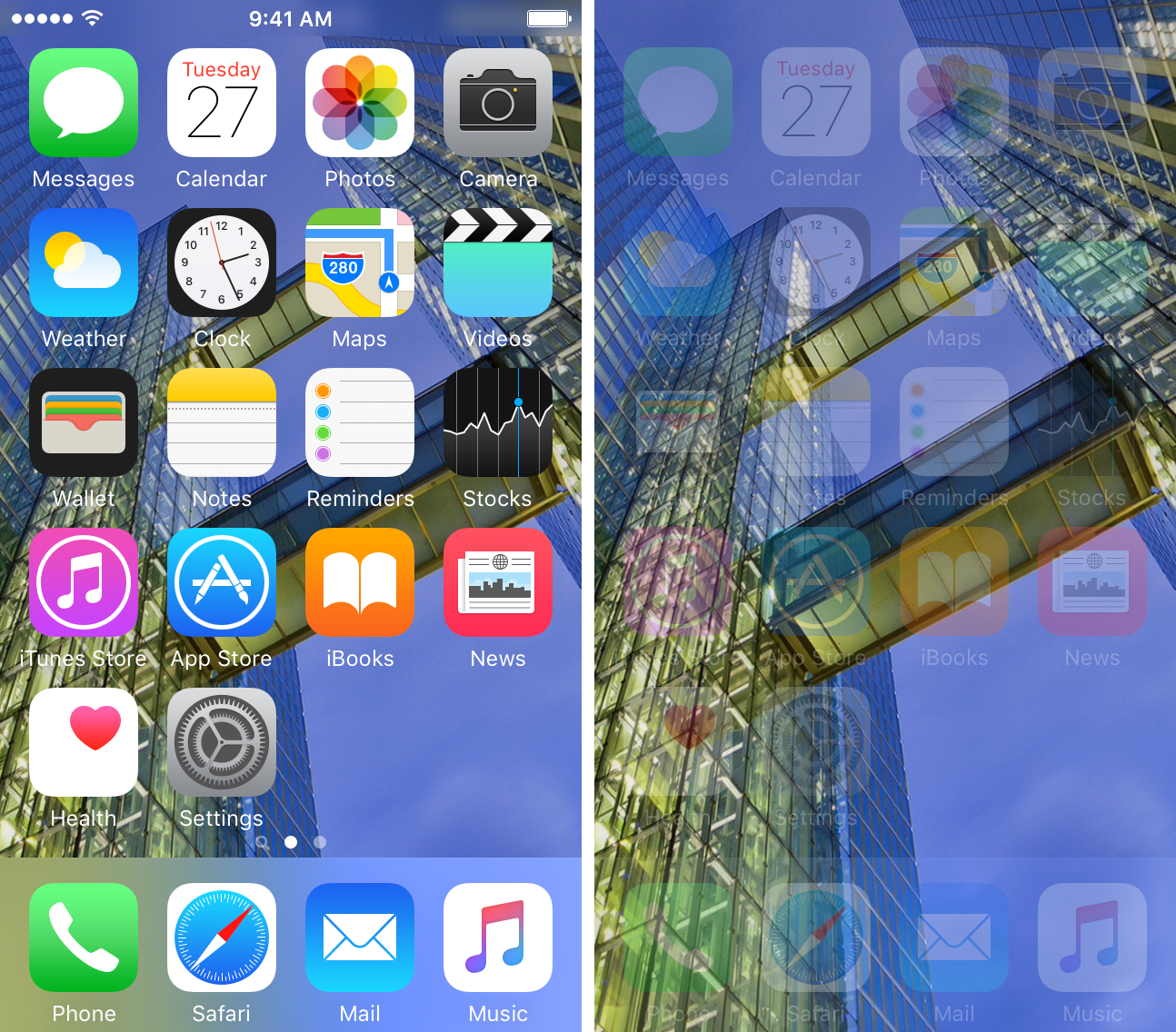
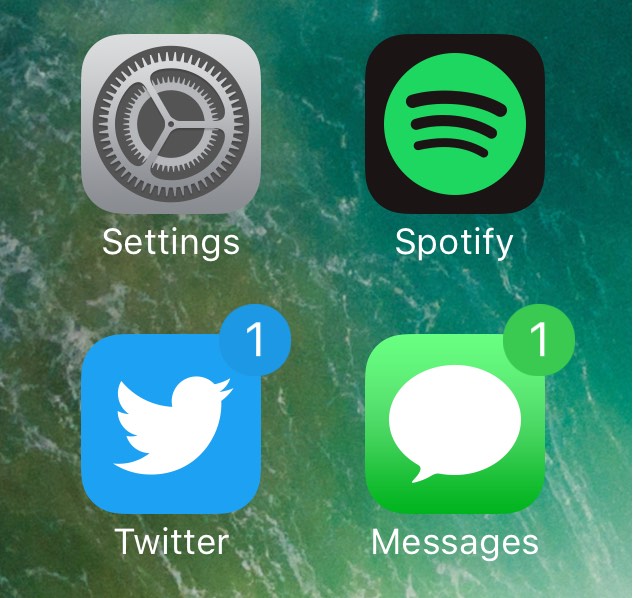
ColorMeBaddge can be used to colorize your Home screen’s notification badges

On any stock installation of iOS, every one of your notification badges are going to be red and contain white-colored text that usually indicates the number of missed notifications in the app. To me, that seems a little boring, and a developer named midey seems to agree, as he’s just released a new free jailbreak tweak called ColorMeBaddge.

With this tweak, you can colorize all of your Home screen’s notification badges in pretty much any way you choose, but the best feature is being able to automatically colorize your notification badges based on the dominant color of the application icon in question.
AppCon lets you change your Home screen icons with images from your Photo Library

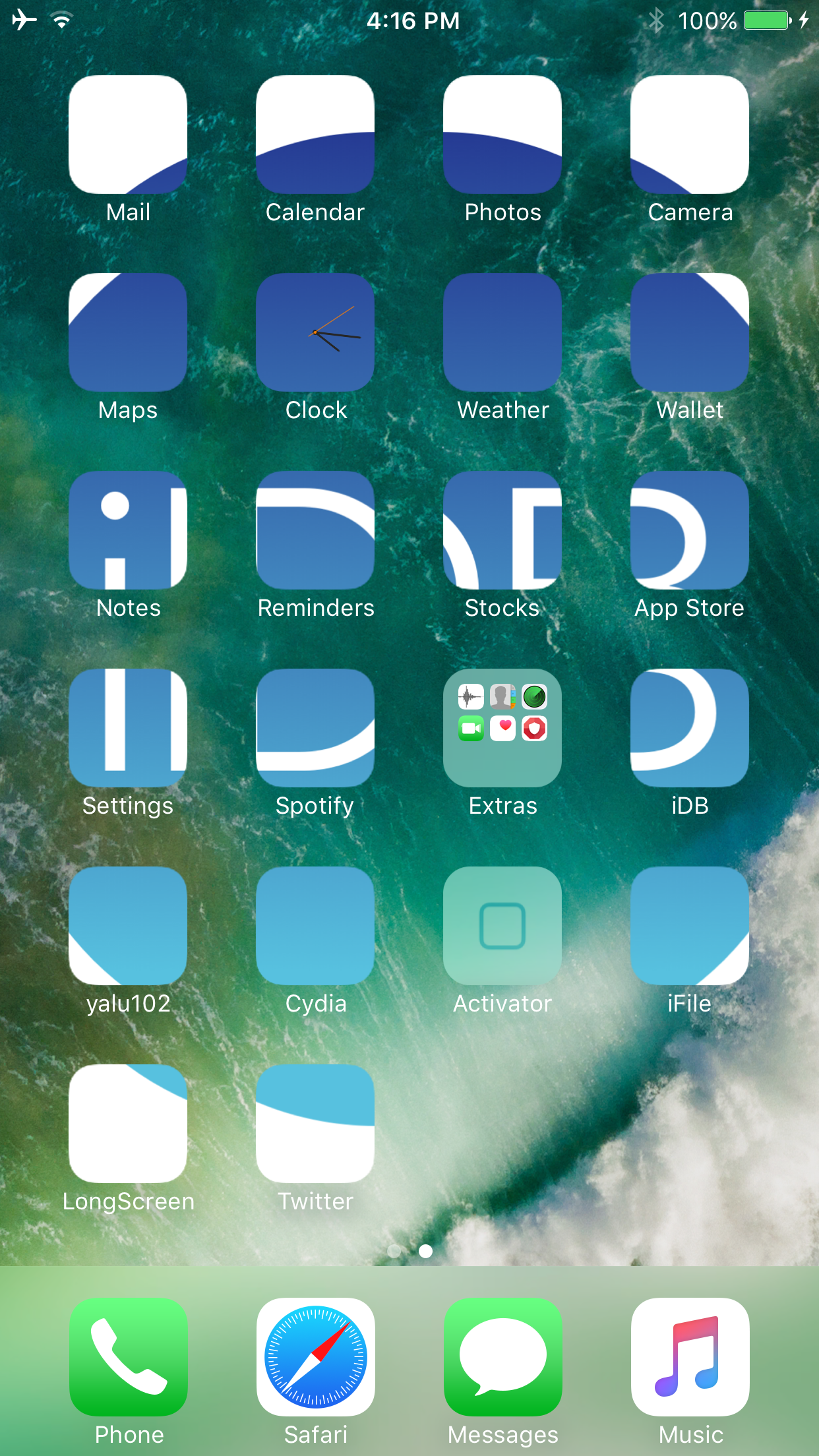
Anyone who might have a creative nature at heart will probably have a lot of fun with a new jailbreak tweak release by merdok called AppCon.

This tweak lets you customize your Home screen app icons with anything you want from your Photo Library, and more importantly, you can customize each app icon on a per-app basis, or you can make a complete picture out of the entire grid of app icons on a page.

This tweak makes iOS 10 notifications more bearable for minimalists

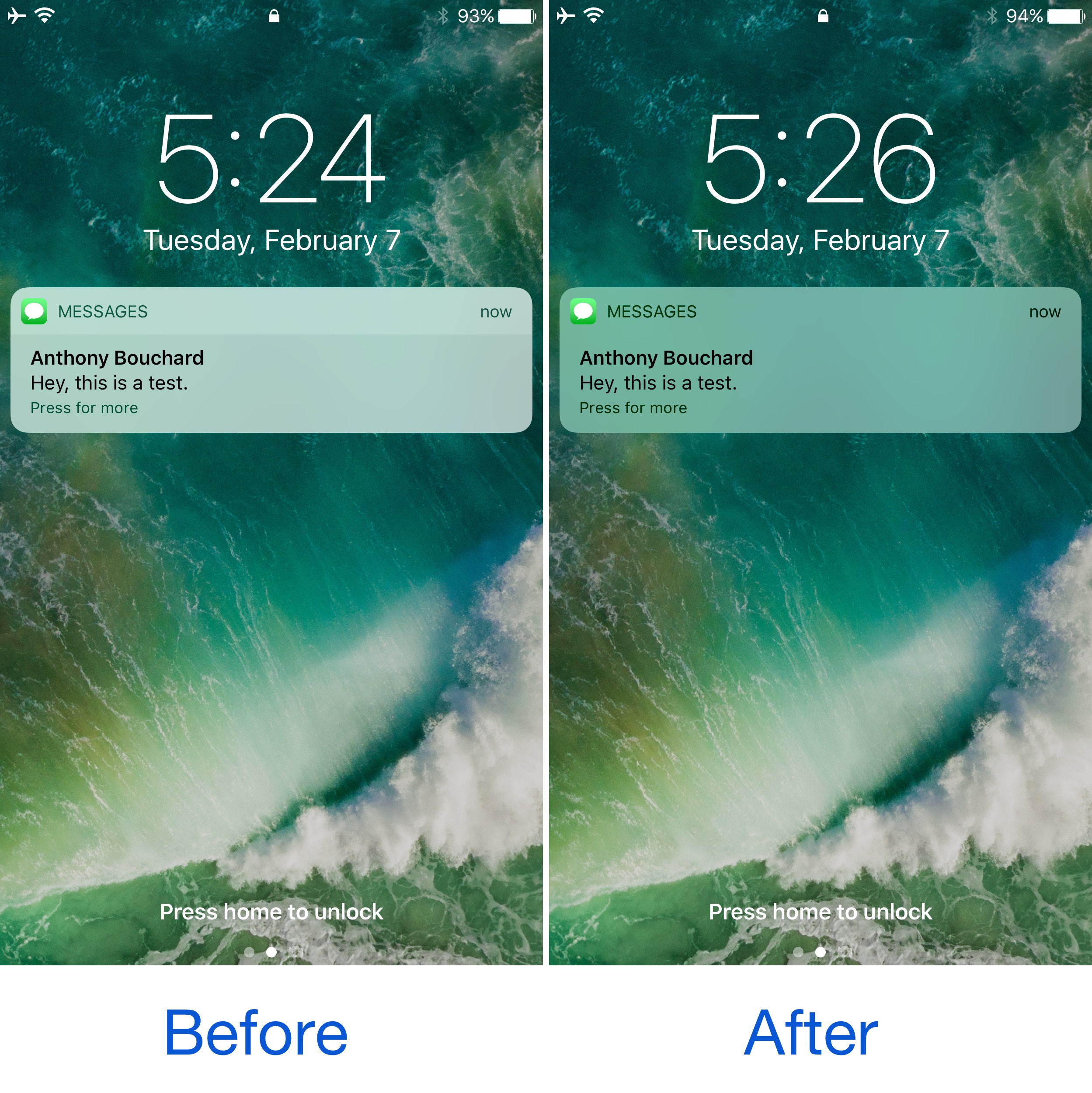
Being able to customize and theme your device’s look and feel to your own liking is one of the top reasons why people jailbreak their iPhone or iPad in the first place, and a new free jailbreak tweak called CleanNotifications10 is a testament to that.

Developed by AppleBetasDev, this tweak essentially cleans up the look of your incoming Notifications on both the Lock screen and in Notification Center by getting rid of the two-tone color scheme and making them look simpler with a softer, monotonous transparency.

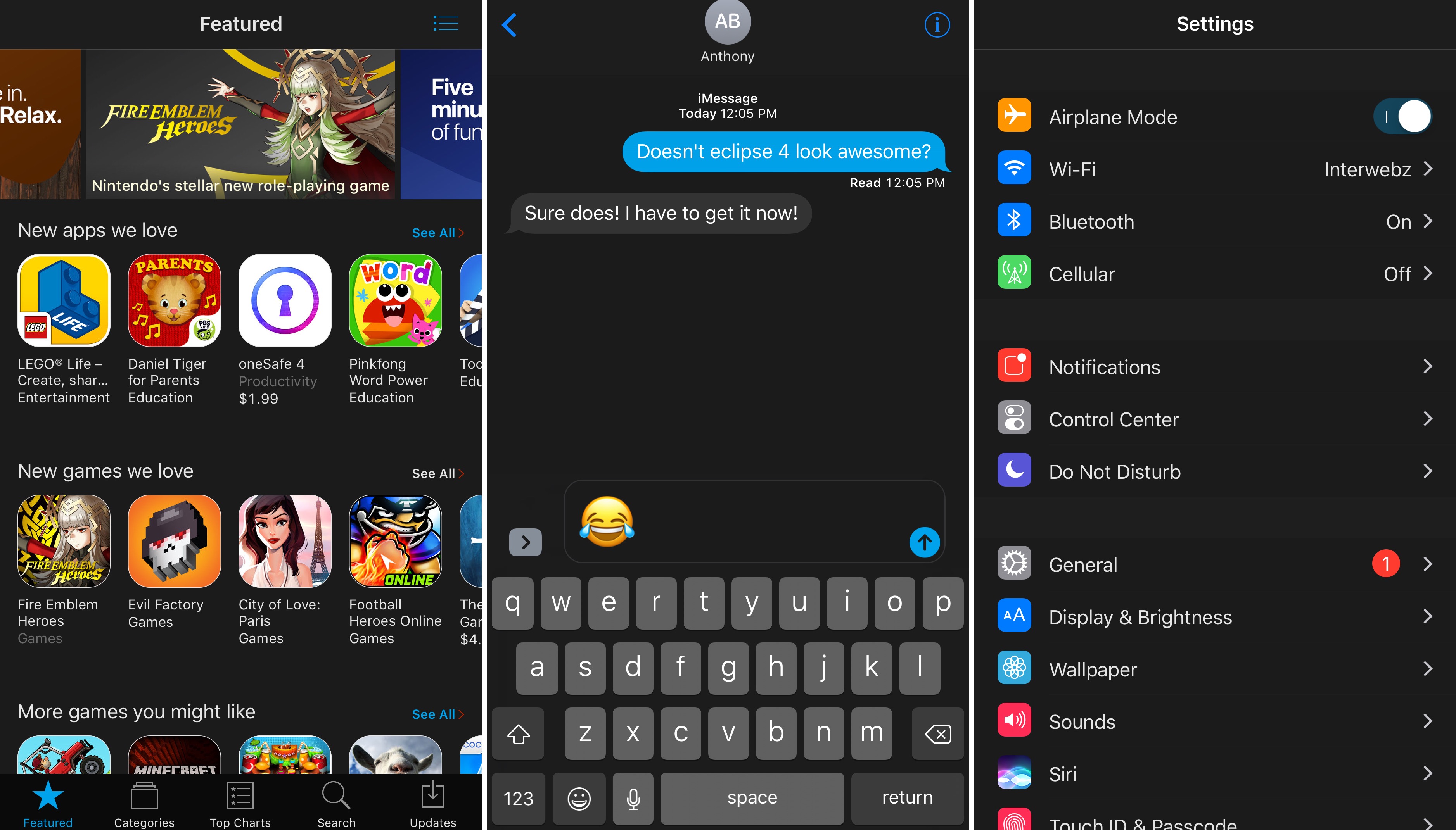
Eclipse 4 released, brings system-wide night mode to jailbroken iOS 10 devices

It seems as thought night/dark mode jailbreak tweaks are really hot these days, and the popular Eclipse night mode jailbreak tweak by developer Guillermo Moran has officially been re-released this week with full support for iOS 10, officially raising the bar for all the hype.

The new version of Eclipse, named Eclipse 4 because it's the fourth iteration of the tweak since its initial inception back in 2014, is a free download for anyone who owns any of the previous versions from any other jailbreak they may have had in the past.

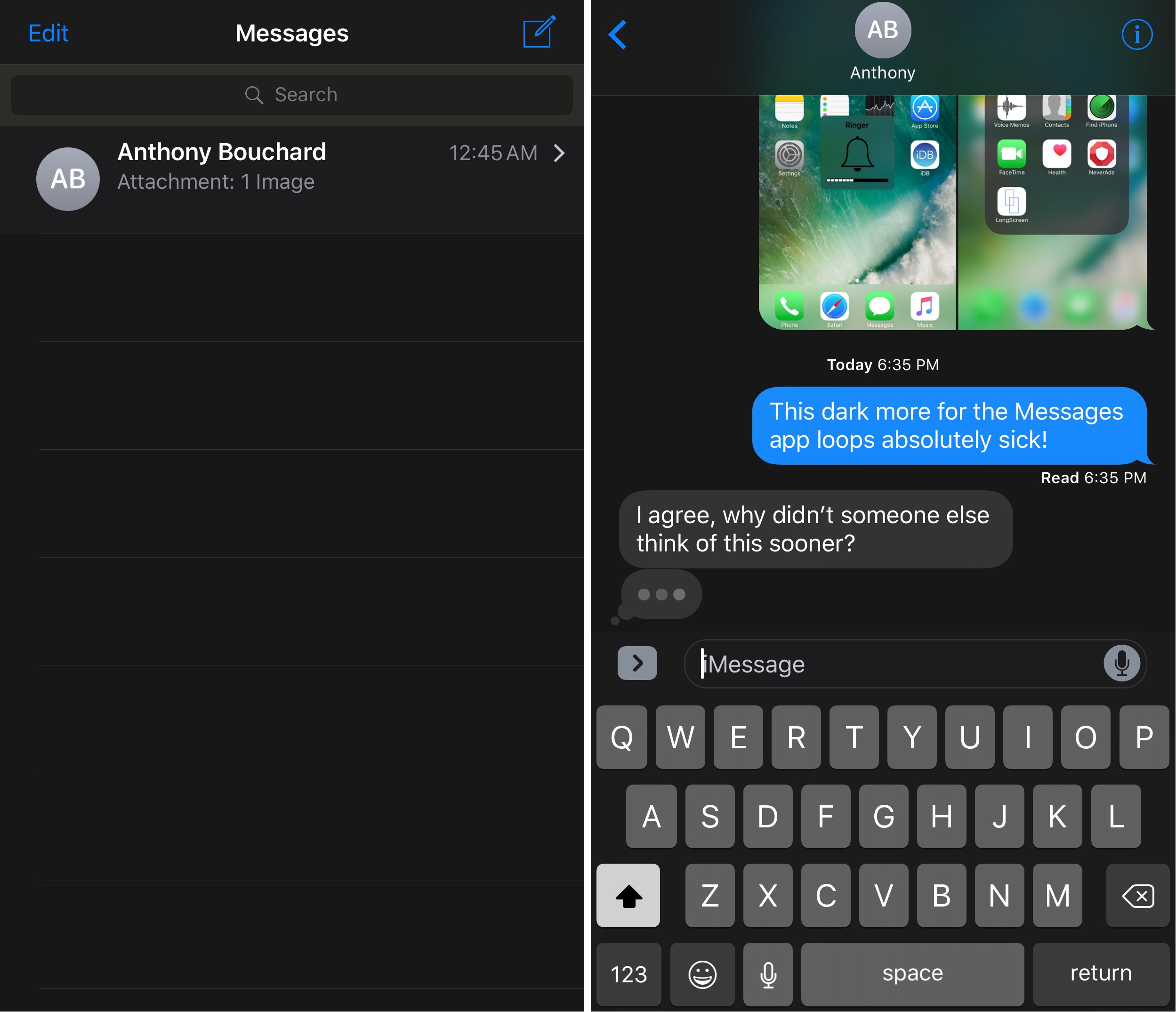
DarkMessages gives your iOS 10 Messages app a dark makeover

Dark mode-based jailbreak tweaks appear to be a pretty hot topic of conversation lately, and it would seem that this trend isn’t going anywhere any time soon.

A new free jailbreak tweak called DarkMessages by Sticktron is now available in Cydia that gives the Messages app on jailbroken iOS 10 devices a dark mode-styled makeover.

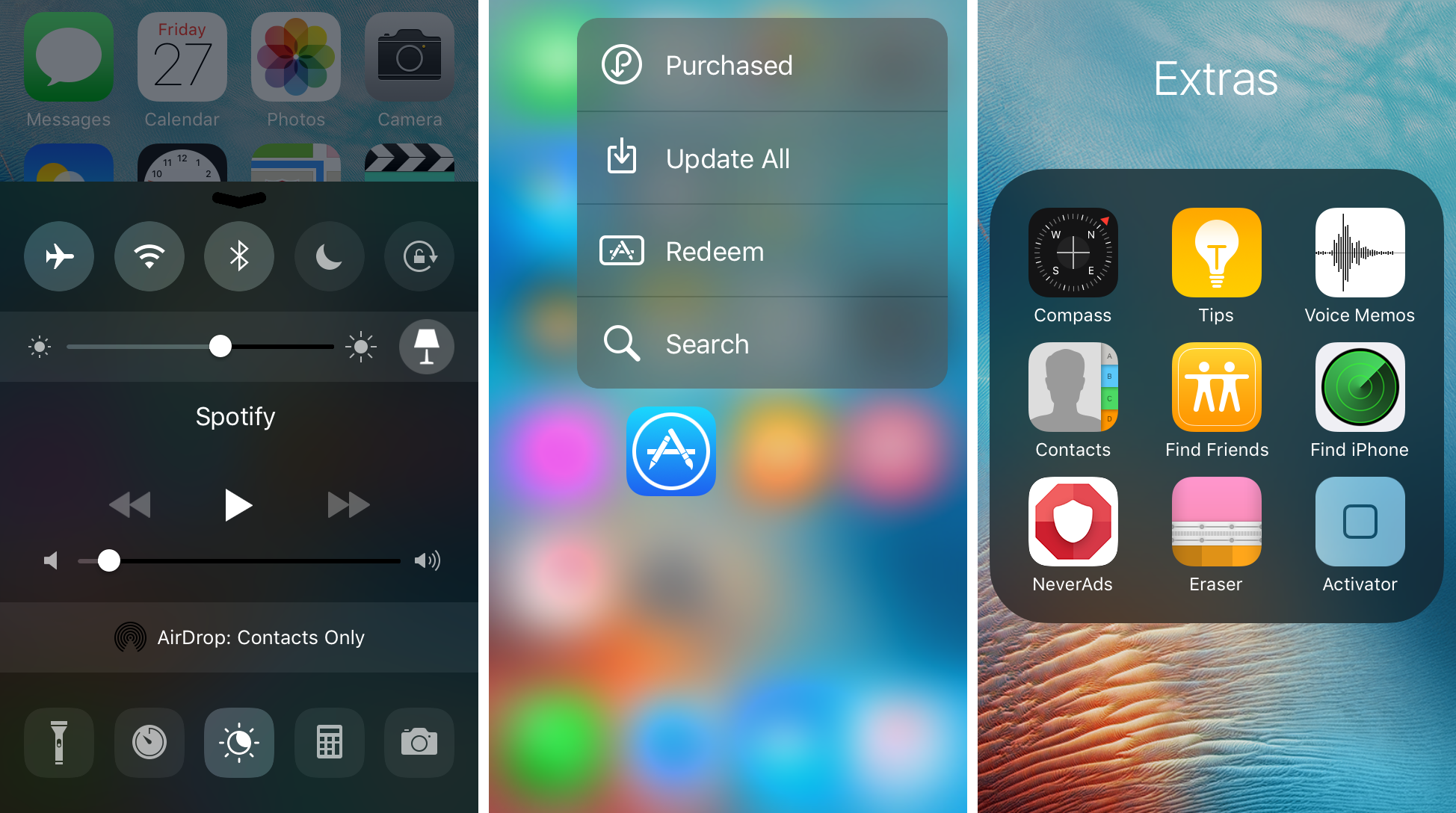
Noctis9 adds a dark mode to many transparent interfaces in iOS

Many iPhone and iPad users have wanted some kind of dark mode setting for ages, and the energy was even more hyped up after Apple debuted dark mode on macOS for the first time.

That’s where a new jailbreak tweak called Noctis9 comes in, as it brings a system-wide dark mode to various transparent elements of iOS, including, but not limited to Control Center and 3D Touch menus.

AdaptiveColorAlerts colorizes all your alert messages to match anything behind them

Most people use banner notifications for their day-to-day notifications, but some apps like Calendar and Reminders default to alert-style notifications because they require a little bit of extra attention.

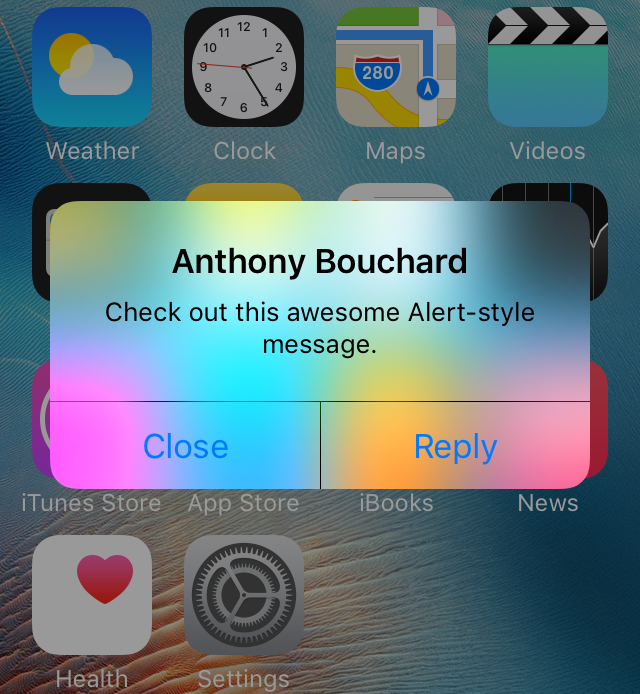
For the most part, these alert messages look pretty boring on a stock iOS device, but with a new free jailbreak tweak release called AdaptiveColorAlerts, your alerts can automatically color themselves based on whatever background is residing behind them.

Hide or show your Home screen dock on demand with ShyDock

In macOS, you can configure your application dock to hide away and only appear when you need it, so wouldn’t it be nice to bring that kind of functionality over to your iPhone or iPad as well?

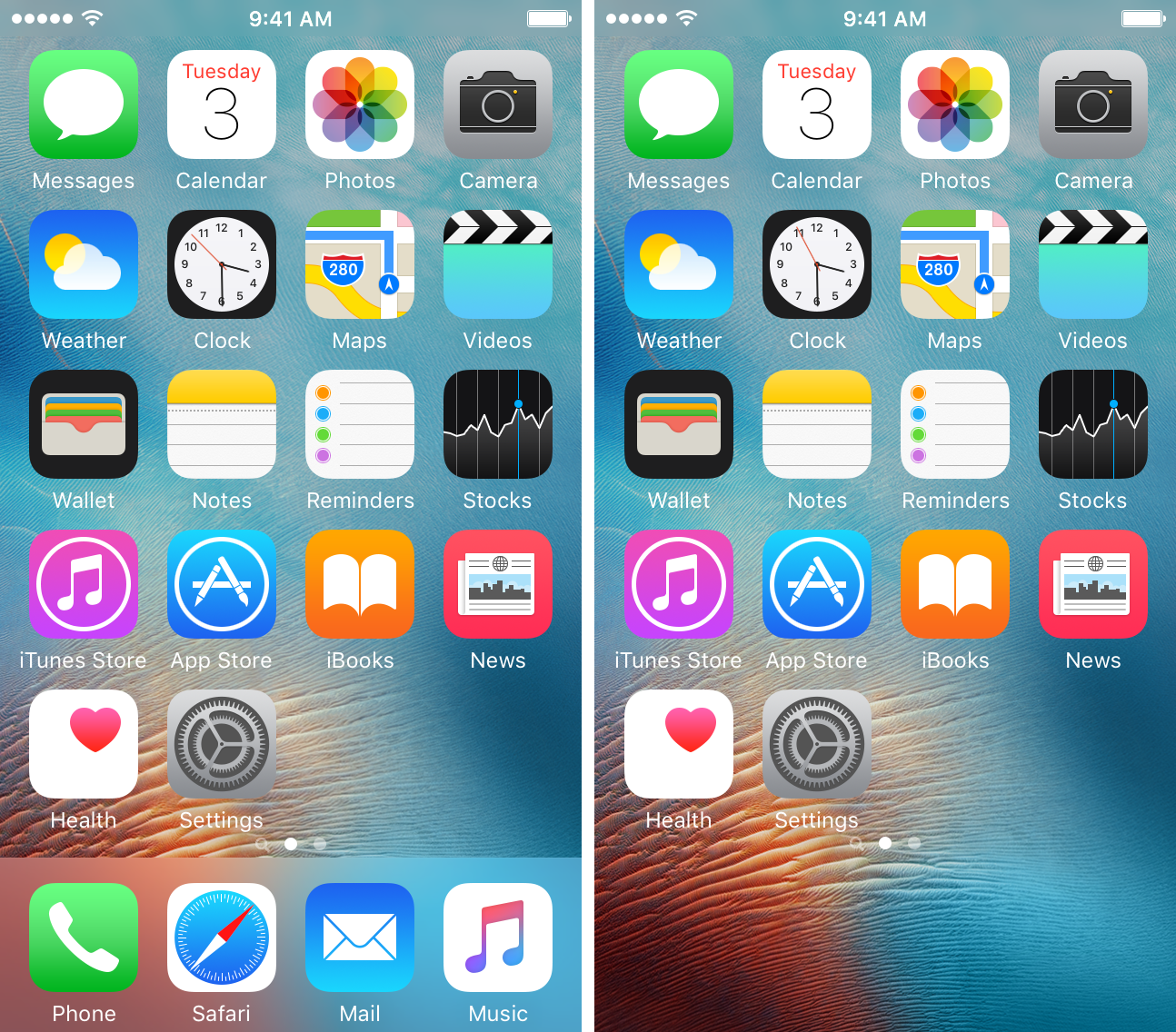
With a new free jailbreak tweak dubbed ShyDock, you can hide or show your app dock on demand with a simple Activator action.

Customize your iOS 10 Control Center toggle colors with Cream 2 and Creamless

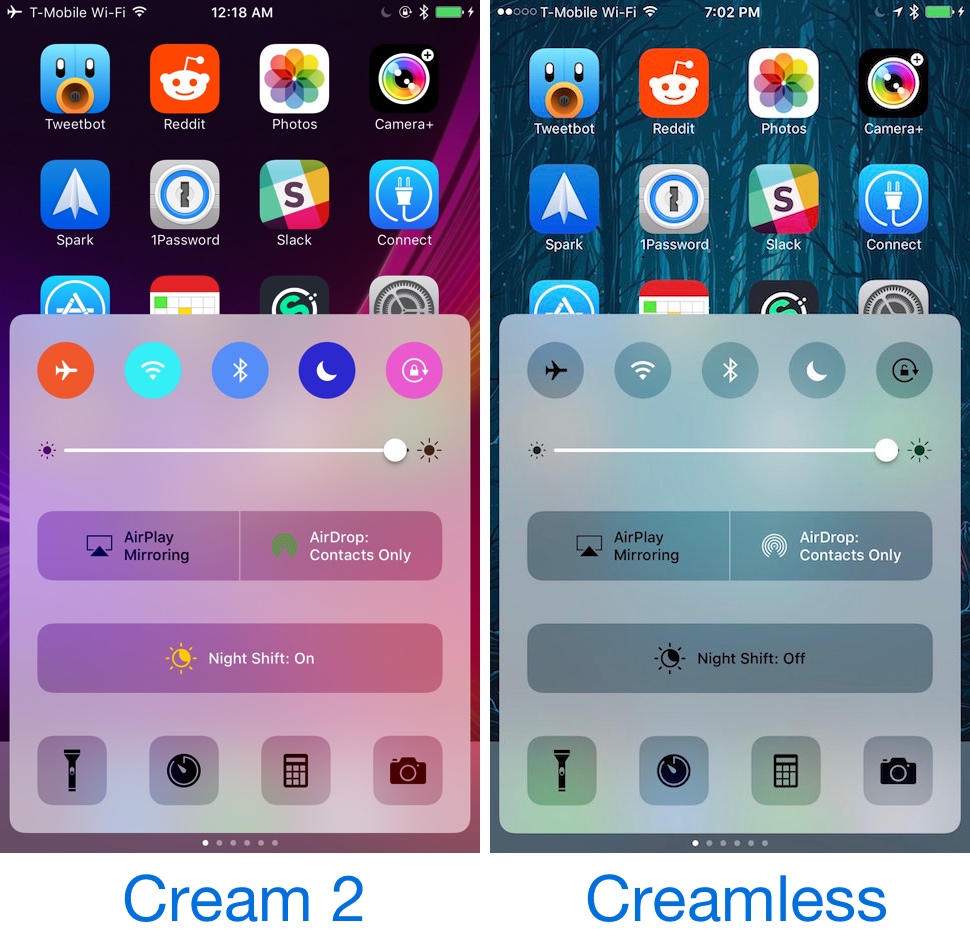
Starting with iOS 10, your Control Center toggles are colored whenever they’re toggled on. This includes the toggle buttons at the top, in addition to the AirSharing buttons and the Night Mode toggle.

On the other hand, anyone who doesn’t like the appearance of the new colorizations in Control Center in iOS 10 and is jailbroken with the beta iOS 10.1.1 jailbreak by Luca Todesco can use one of two new free jailbreak tweaks called Cream 2 and Creamless to either customize all of Control Center's colors or disable them altogether.

Cuttlefish tints 3D Touch menu backgrounds on the Home screen to match the app color

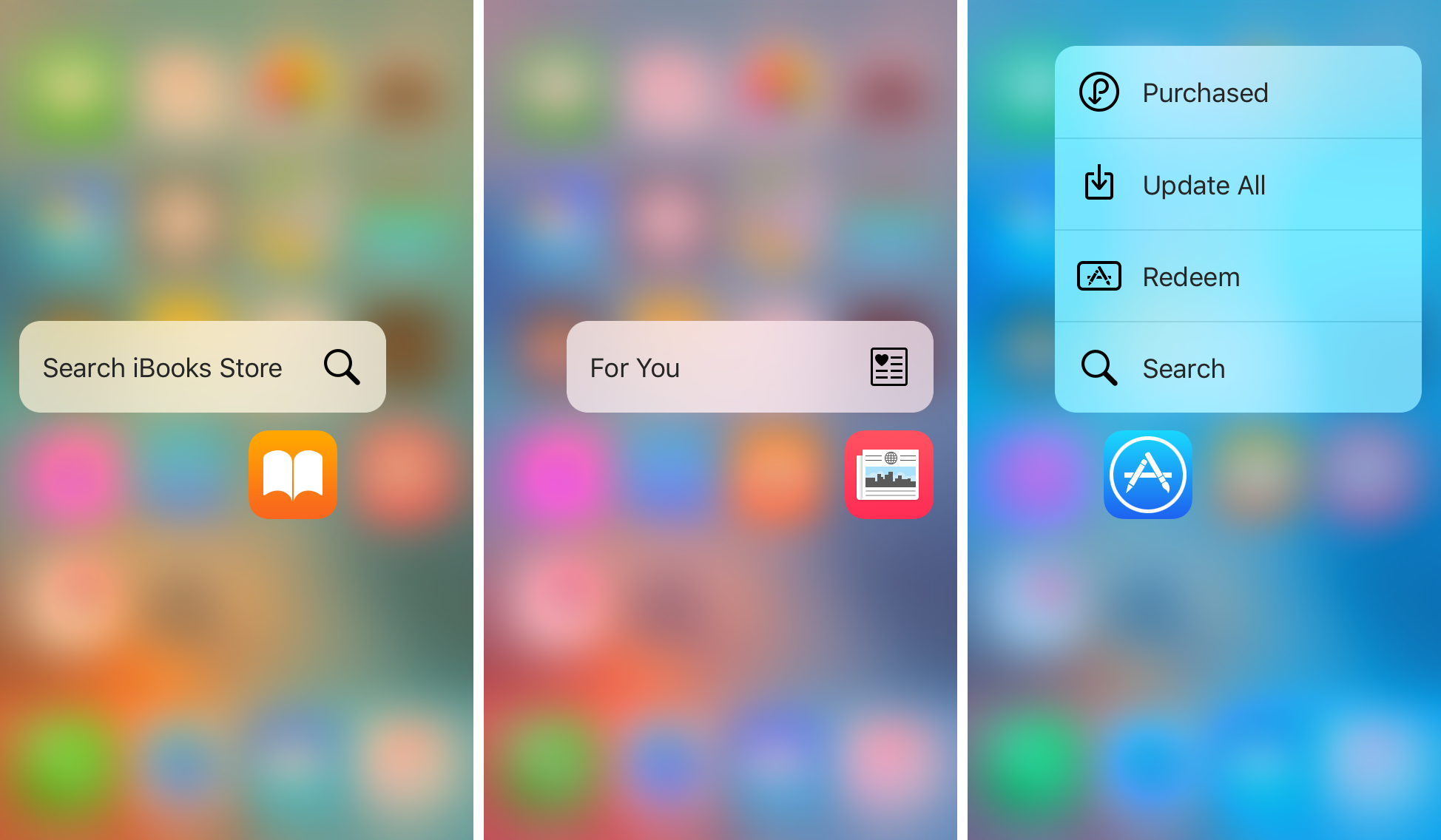
Those who use 3D Touch to access the Home screen menu shortcuts from application icons know its usefulness for getting to specific app actions quickly. On the other hand, all of the 3D Touch Home screen menus are pretty bland, and no matter what app you use the 3D Touch gesture on, the menu is always the same color.

A new free jailbreak tweak called Cuttlefish aims to change that by dynamically colorizing the menu background blur to match the dominant color of the application icon you’re using the 3D Touch gesture on.