Theme

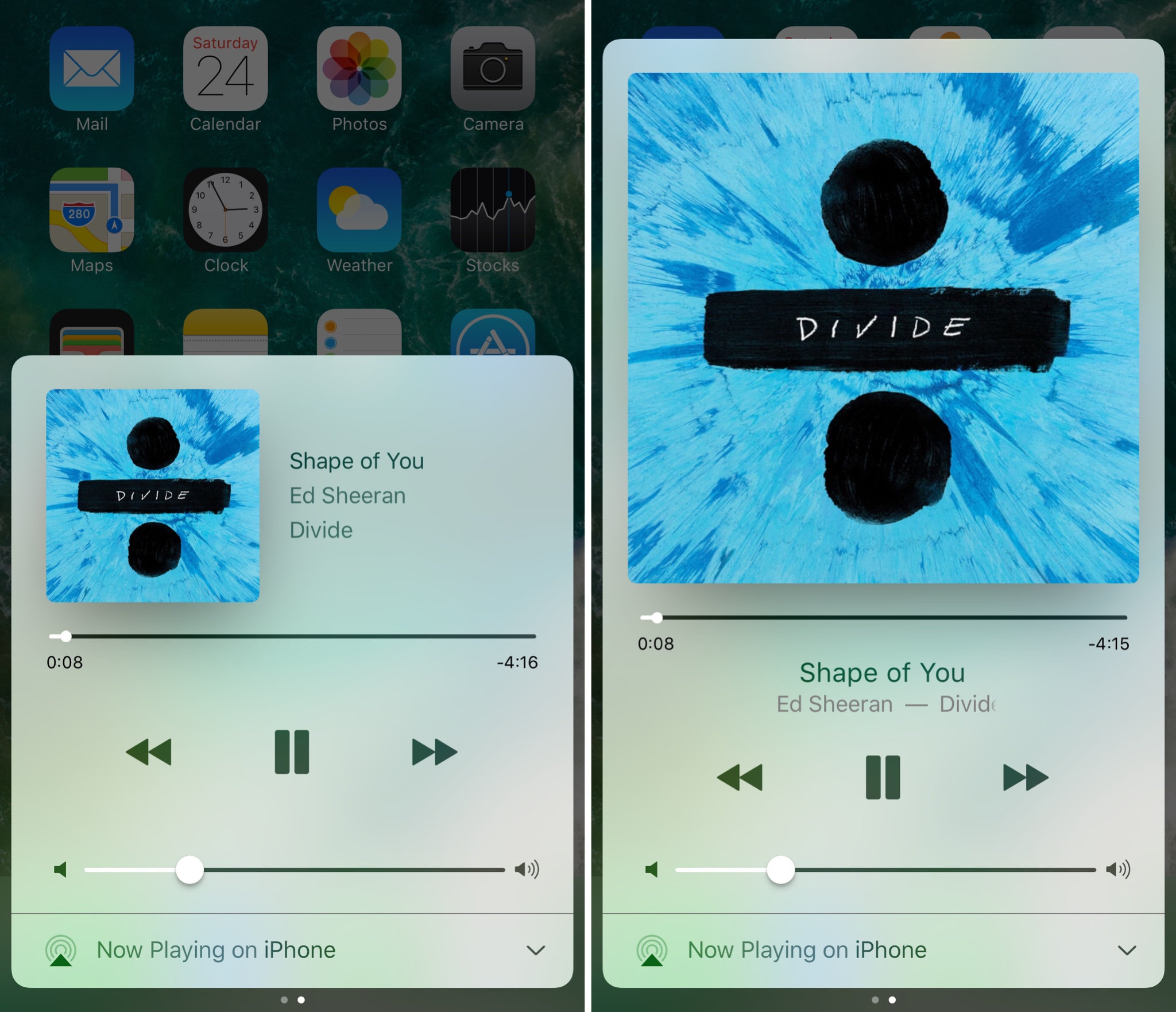
Make Control Center’s Now Playing interface full screen with Sinatra

iOS’ Now Playing interface showcases any music you’re listening to and includes controls for adjusting your playback settings, but there are so many ways the interface could be improved.

A new jailbreak tweak called Sinatra by iOS developer candoizo takes some first steps towards improving the Now Playing interface in Control Center while still maintaining an Apple-esque design standard.
This tweak brings an iOS 11-inspired passcode keypad to iOS 10

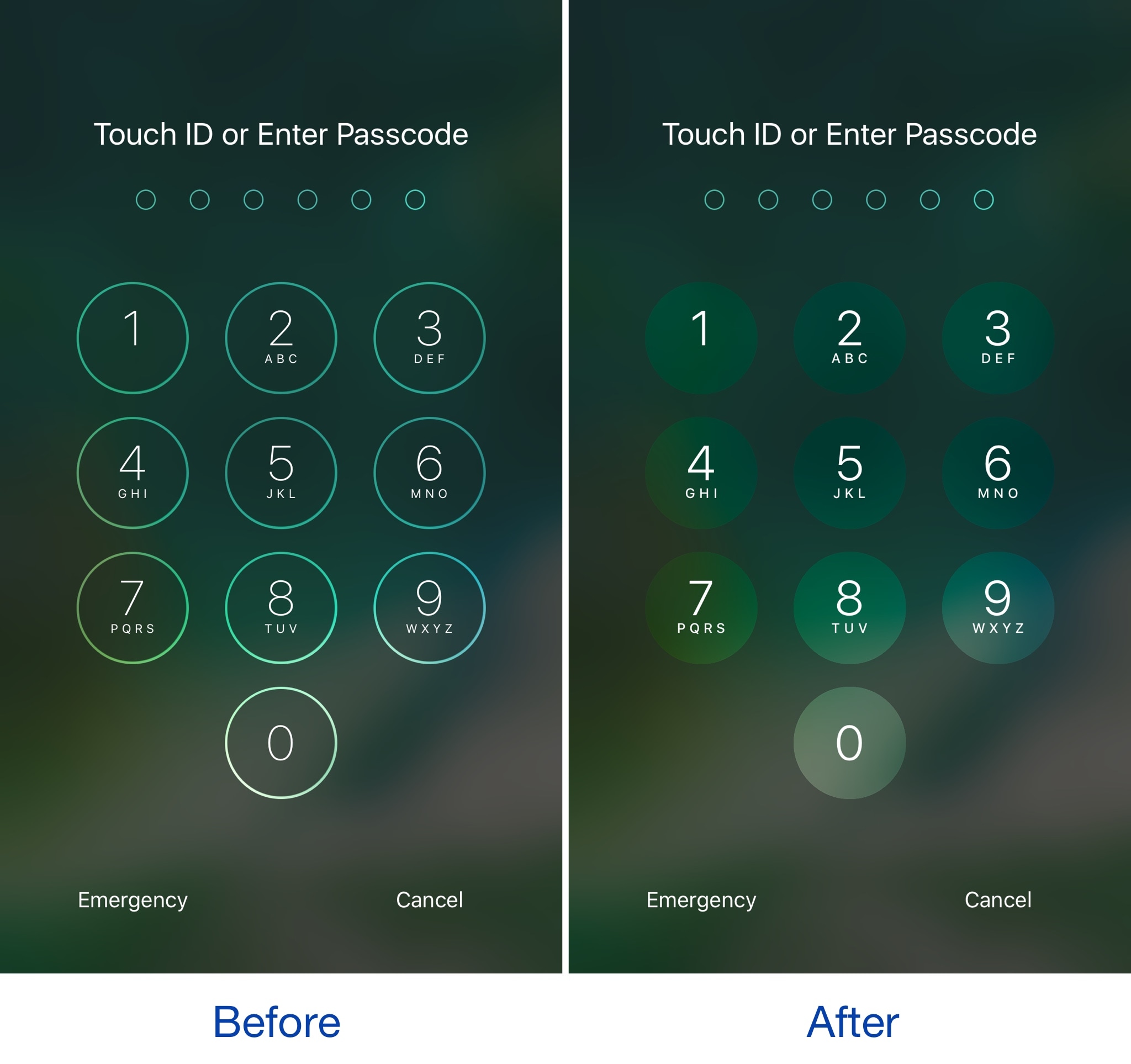
Among the slew of interface changes iOS 11 brings to the table, one of first things you’ll notice after picking up a device with the new operating system installed on it is the redesigned passcode keypad.

If you like the way it looks, but you won’t be upgrading this Fall in order to keep your jailbreak, a new free jailbreak tweak dubbed Creamy (iOS 10) by iOS developer ijapija00 can be used to mimic the aesthetics of the iOS 11 passcode keypad on your jailbroken device.

S8Edge simulates the aesthetics of Samsung’s S8 Infinity display on iPhone

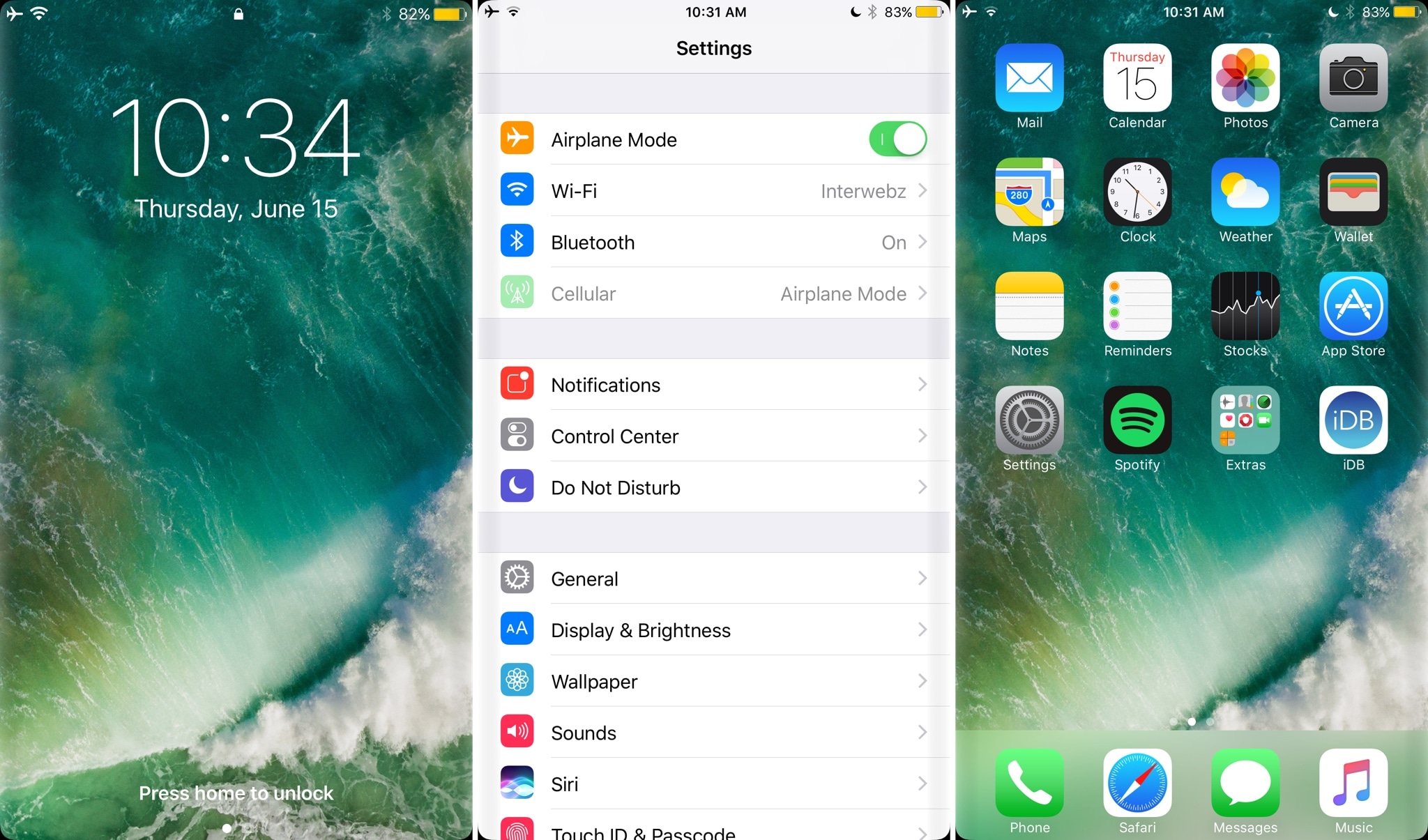
Whether you're coming to the iPhone from the Samsung world or you just like the look and feel of Samsung’s latest smartphone displays, a new free jailbreak tweak called S8Edge by iOS developer Bruno Andrade helps you feel right at home by simulating the Samsung S8 Infinity display on your flat-screened iPhone.

The tweak accomplishes its task by rounding the corners of everything displayed on your screen and adding a darkened gradient to both side edges of your screen that help reproduce the look and feel of the Samsung S8 Infinity display when looking at it head-on.

AdvancedStatusTime lets you customize the Status Bar time format

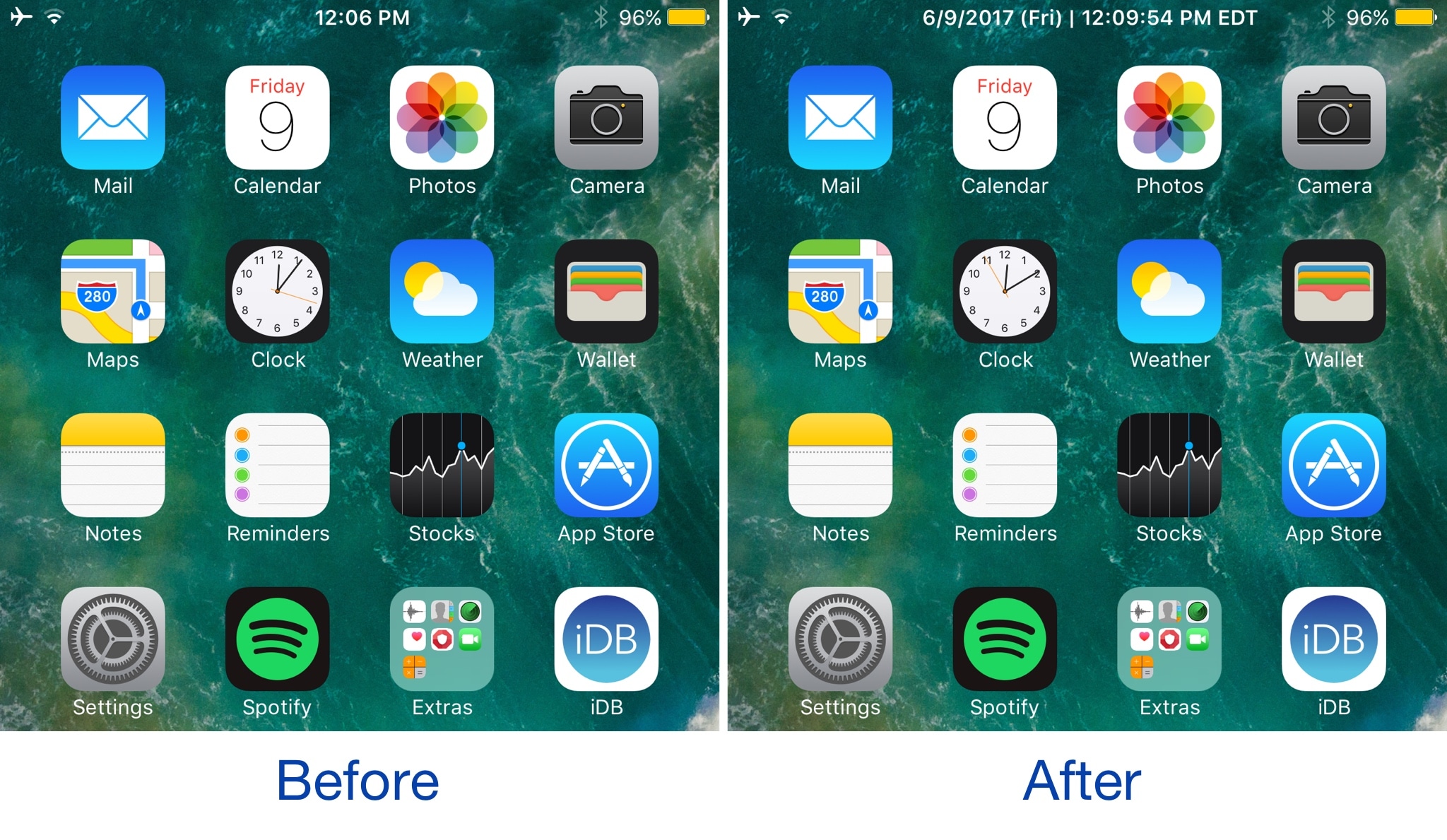
Your Status Bar is home to a digital clock that you can glance at throughout the day to keep track of time, but whether or not you like the way it’s formatted out of the box remains to be seen.

A new jailbreak tweak dubbed AdvancedStatusTime by iOS developer Maxwell Lang gives you a way to customize the time text string so that your time is displayed in the Status Bar how you want it to be.

TimeMover offers creative tools for moving and rotating your Lock screen clock

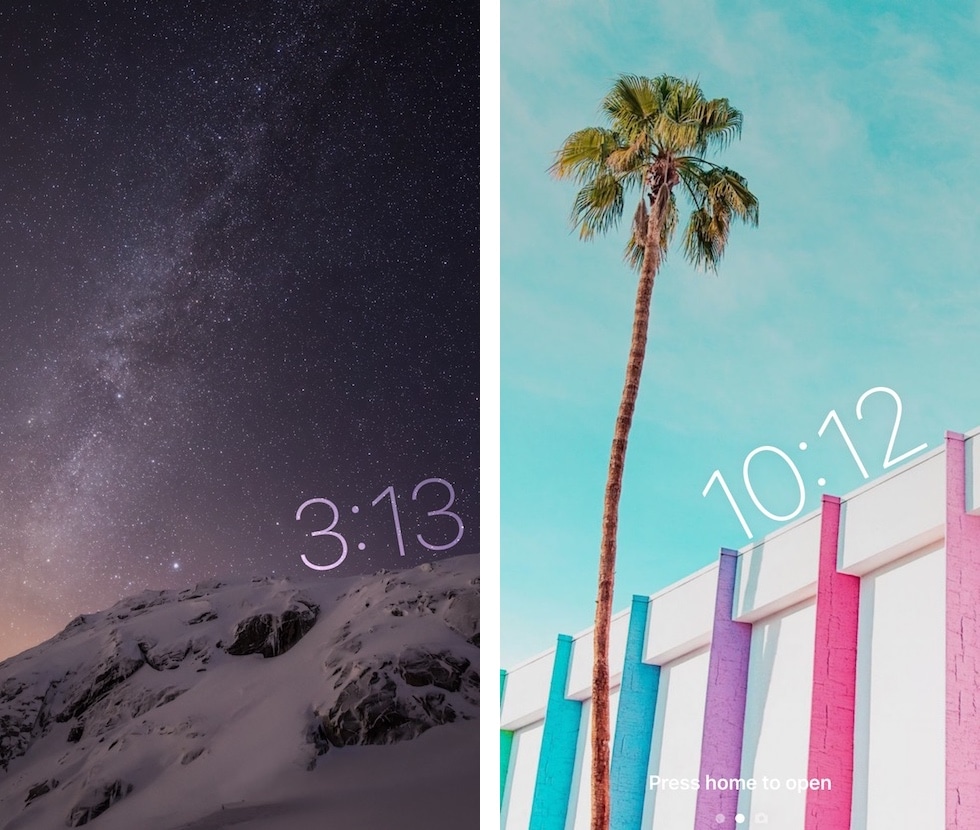
Depending on what kind of wallpaper you’re using on your Lock screen, a new jailbreak tweak dubbed TimeMover by iOS developer NeinZedd9 can help you re-orient your Lock screen clock to better match it.

Whether you want to move the time up or down or side-to-side slightly, or rotate it to follow the lines or effects appearing in your wallpaper, TimeMover has an intuitive tap and drag-based user interface for fine-tuning your Lock screen clock to match your unique setup.

Safari Plus brings powerful customization options to Safari

Safari is the stock web browser on the iOS platform, and love it or hate it, the jailbreak community has come up with countless ways to customize it for the better.

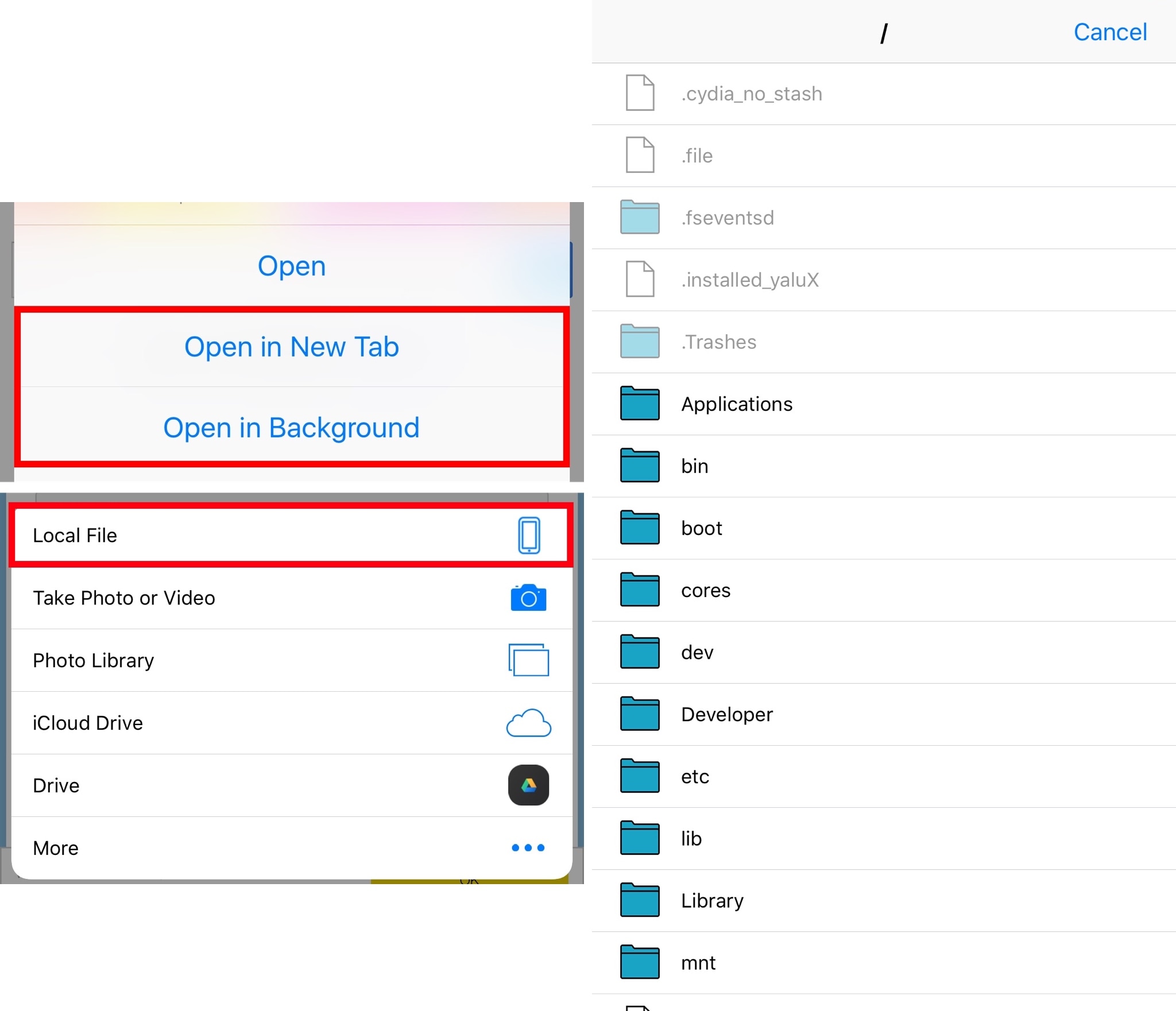
One of the latest releases to benefit the Safari web browser is a jailbreak tweak dubbed Safari Plus by iOS developer opa334. This tweak brings a host of new configuration options so you can customize Safari any way you see fit.

Revamp your Lock screen’s battery charging display with Charge

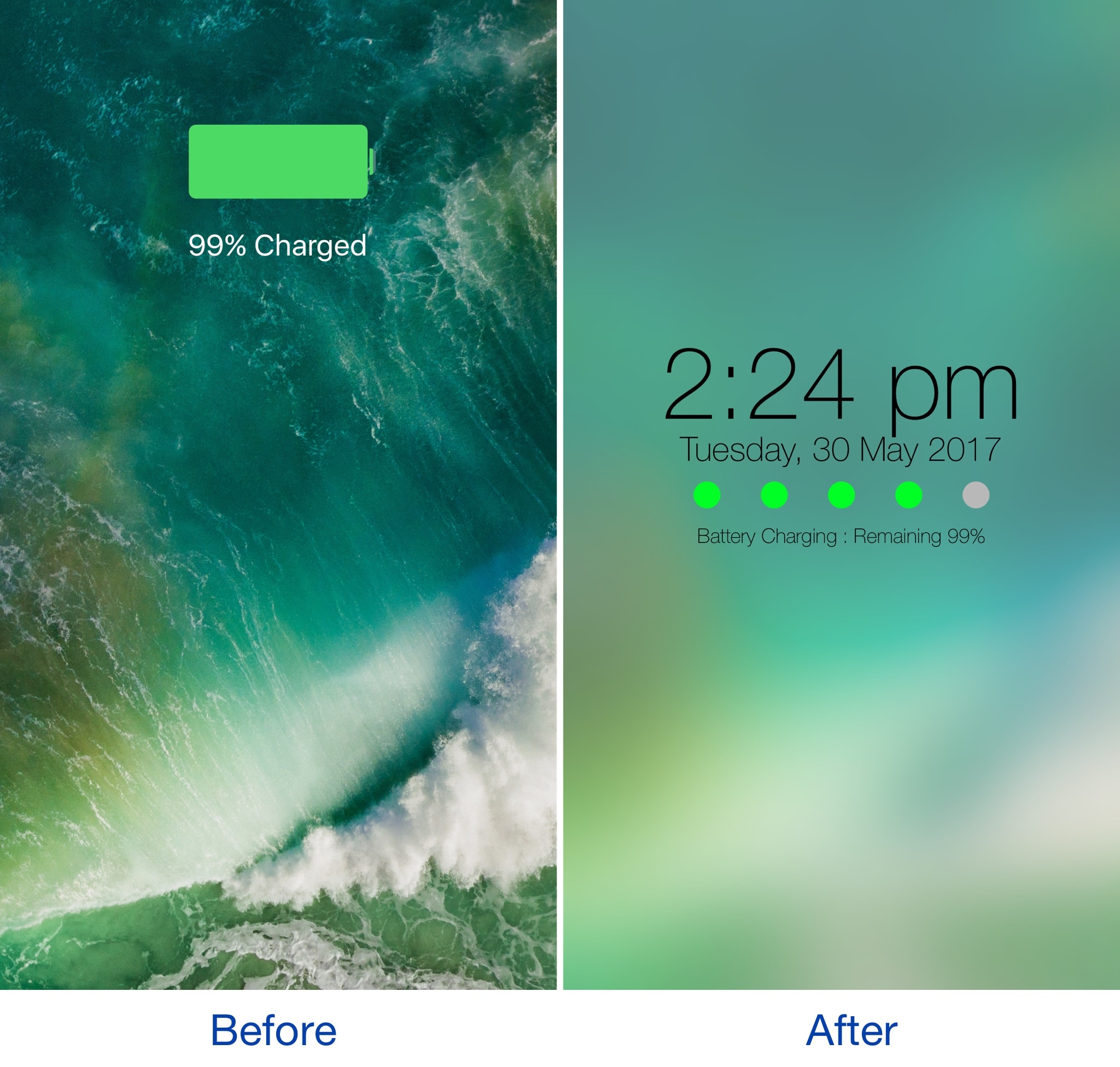
Any time you plug your locked iOS device into a power source, a full-screen charging view with a large battery icon and the percentage you have remaining appears. It’s a simple UI, but one jailbreak developer thought they could do better.

A new jailbreak tweak dubbed Charge by iOS developer Mr Smith, supercharges your Lock screen’s charging view with a bevy of aesthetically-pleasing features. Not only does it provide a dreamy interface for minimalists, but it offers more information at a glance than the stock interface does.

Colorize your iPhone’s toggle switches with SwitchTint

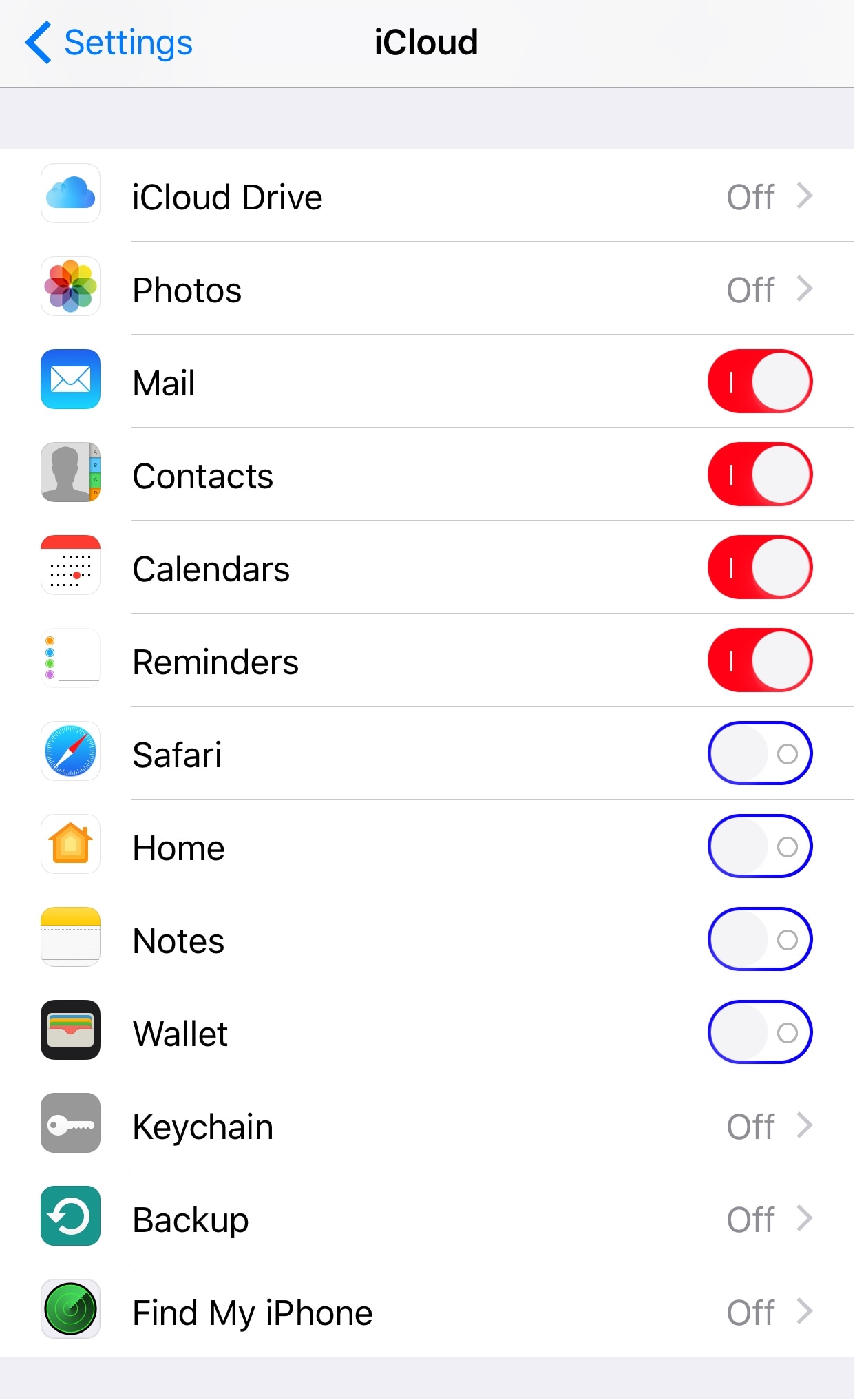
I've always been a fan of simple customization jailbreak tweaks, and one of the latest releases to catch my eye is one called SwitchTint by iOS developer Justin Petkovic.

This tweak lets you add a splash of color to all the toggle switches you’ll find throughout iOS, allowing you to add a personal touch to your own device in a subtle way.

Minimalists can put the Settings app on a diet with SkinnySettings

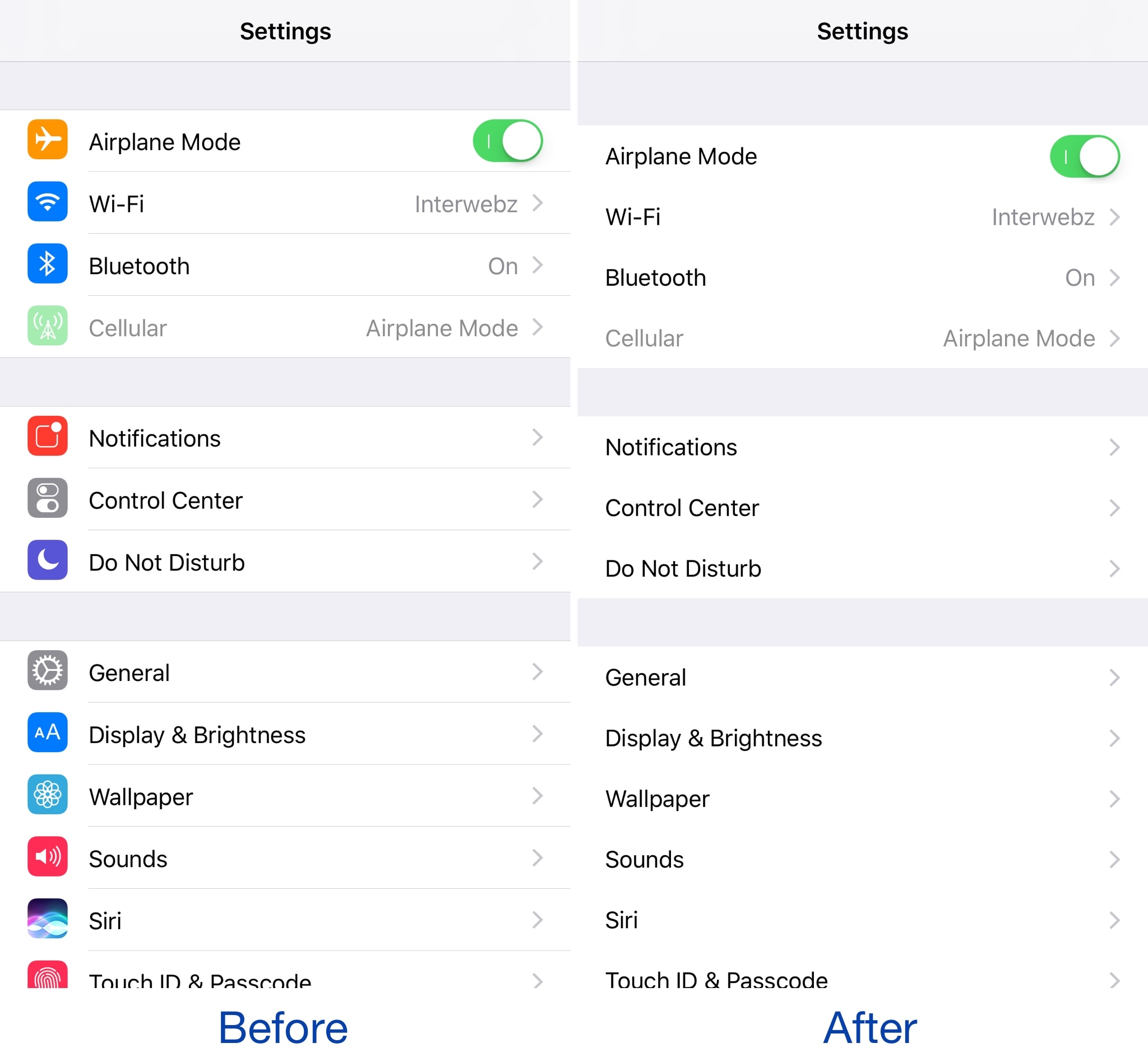
Most people use the Settings app on a daily basis given just how much functionality is packed inside of it from both Apple and the jailbreak tweaks you’ve installed from Cydia.

That said, if you find the Settings app is more cluttered up than it needs to be out of the box, then you might like the concept behind a new free jailbreak tweak called SkinnySettings by CydiaGeek.

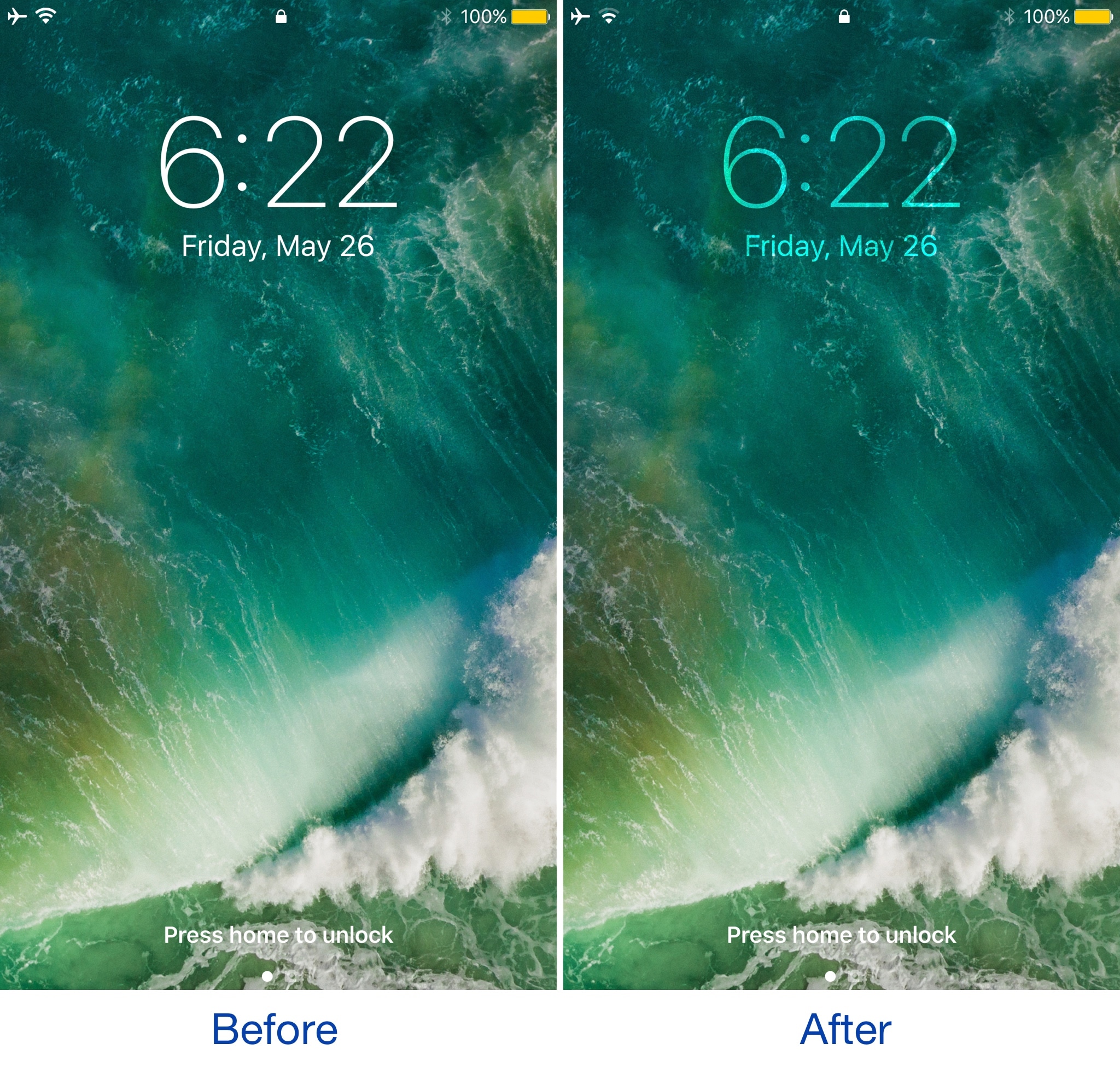
Vibrancy makes your Lock screen clock subtler

Given just how often people use their Lock screen clock to see what time it is, it’s a shame that Apple doesn’t give users visual customization options to tailor its looks around the user's personality.

Nevertheless, those with a jailbreak can use a new free jailbreak tweak dubbed Vibrancy (iOS 10) by iOS developer NeinZedd9 to make the Lock screen clock text subtler, giving the illusion that the time is fading away into the wallpaper.