In this tutorial, we’ll show you how to change the overall text size to a level that makes it comfortable to view the contents on your iPhone or iPad screen.
How to increase the overall text size on your iPhone or iPad
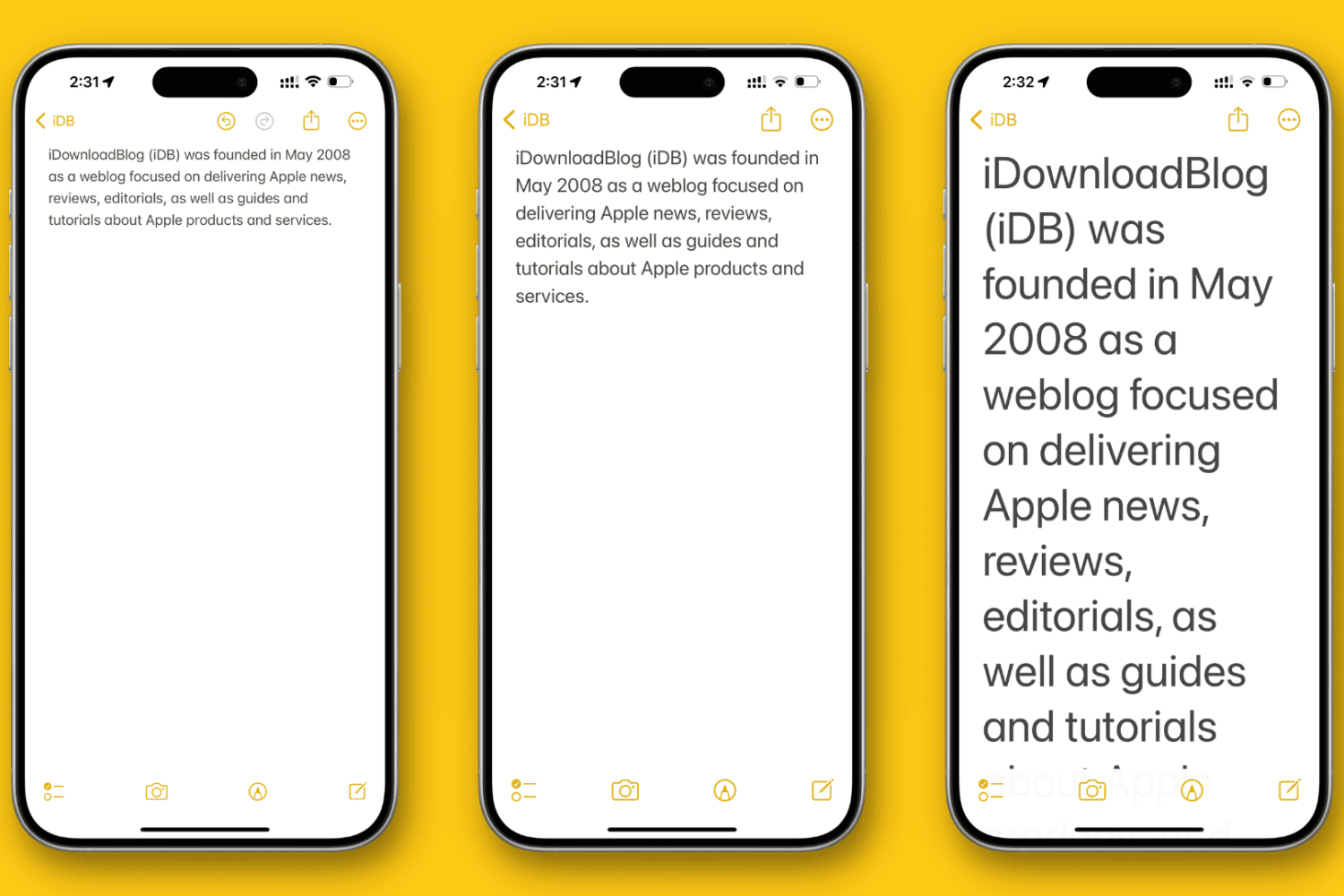
In this tutorial, we’ll show you how to change the overall text size to a level that makes it comfortable to view the contents on your iPhone or iPad screen.
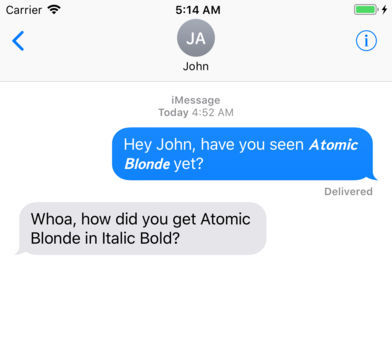
You may have noticed that not all iPhone apps support text styling.
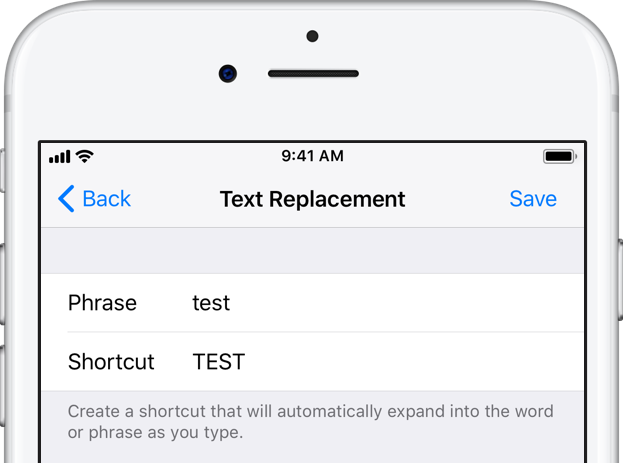
Text Replacements, an often overlooked iOS and macOS feature that automatically expands custom text snippets into longer phrases or whole sentences as you’re typing, should no longer be plagued with the widely reported intermittent syncing issues.
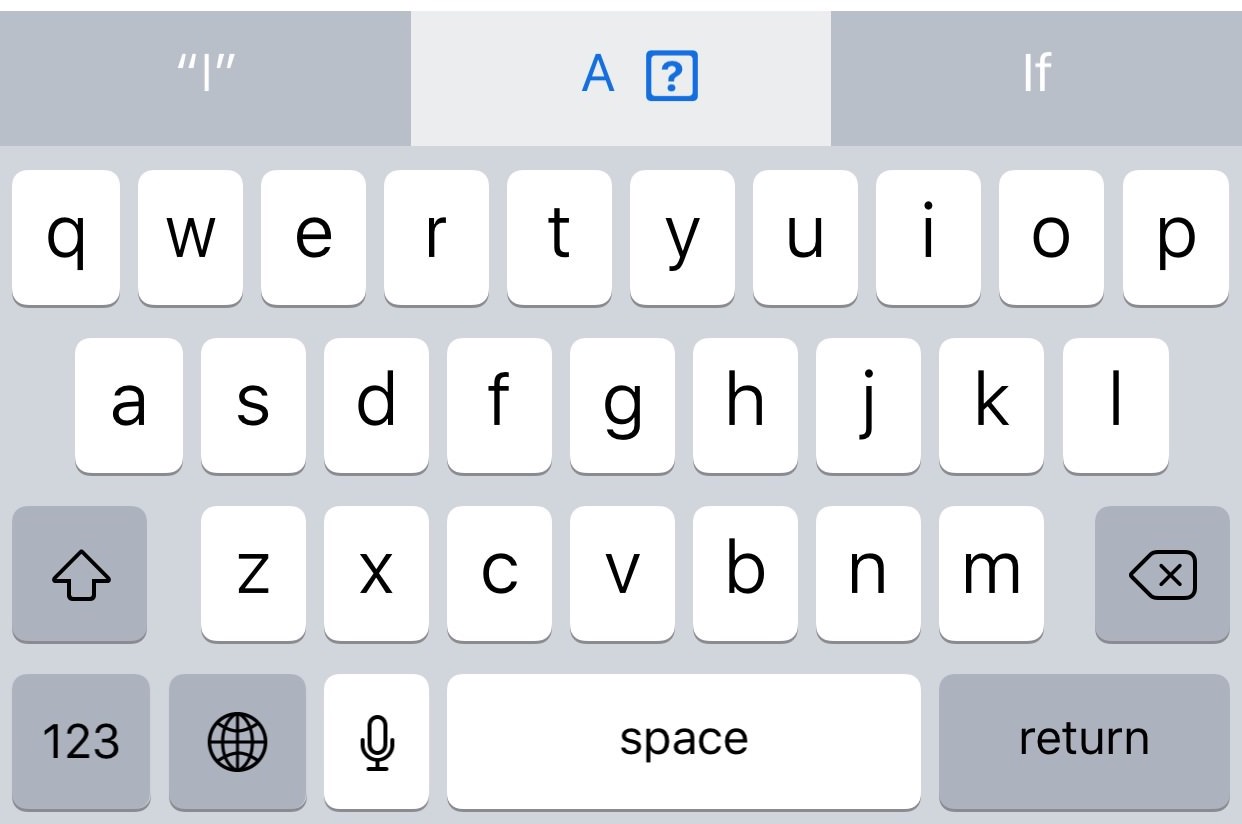
A new Apple support document published two days ago recommends a temporary workaround solution for a weird auto-correct bug in iOS 11.1 where typing the letter "i" can replace it with the uppercase letter “A” and a question mark symbol.
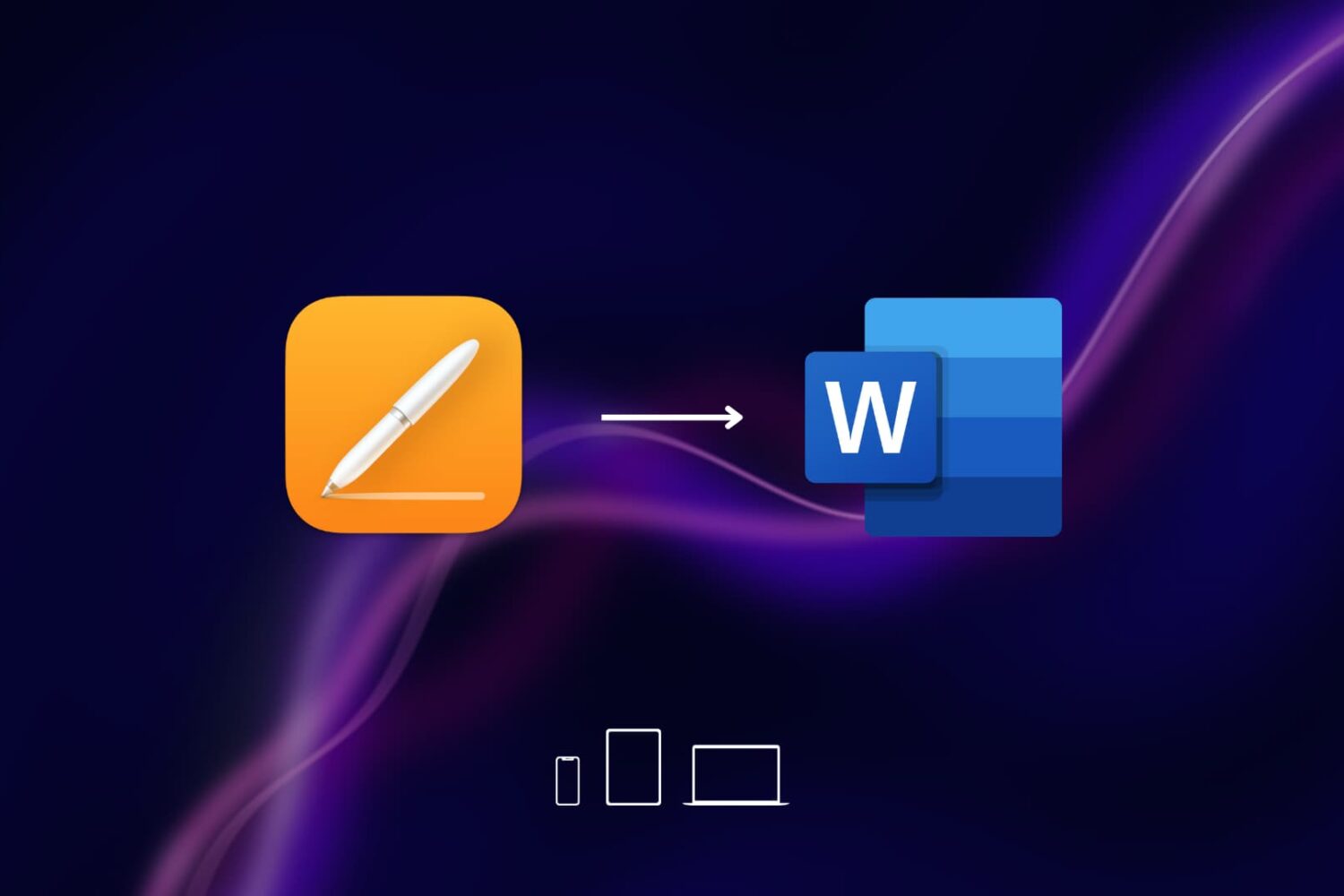
Learn how to convert or save documents created in Apple's Pages app as Word files on your Mac, iPhone, and iPad for cross-platform compatibility with Windows.
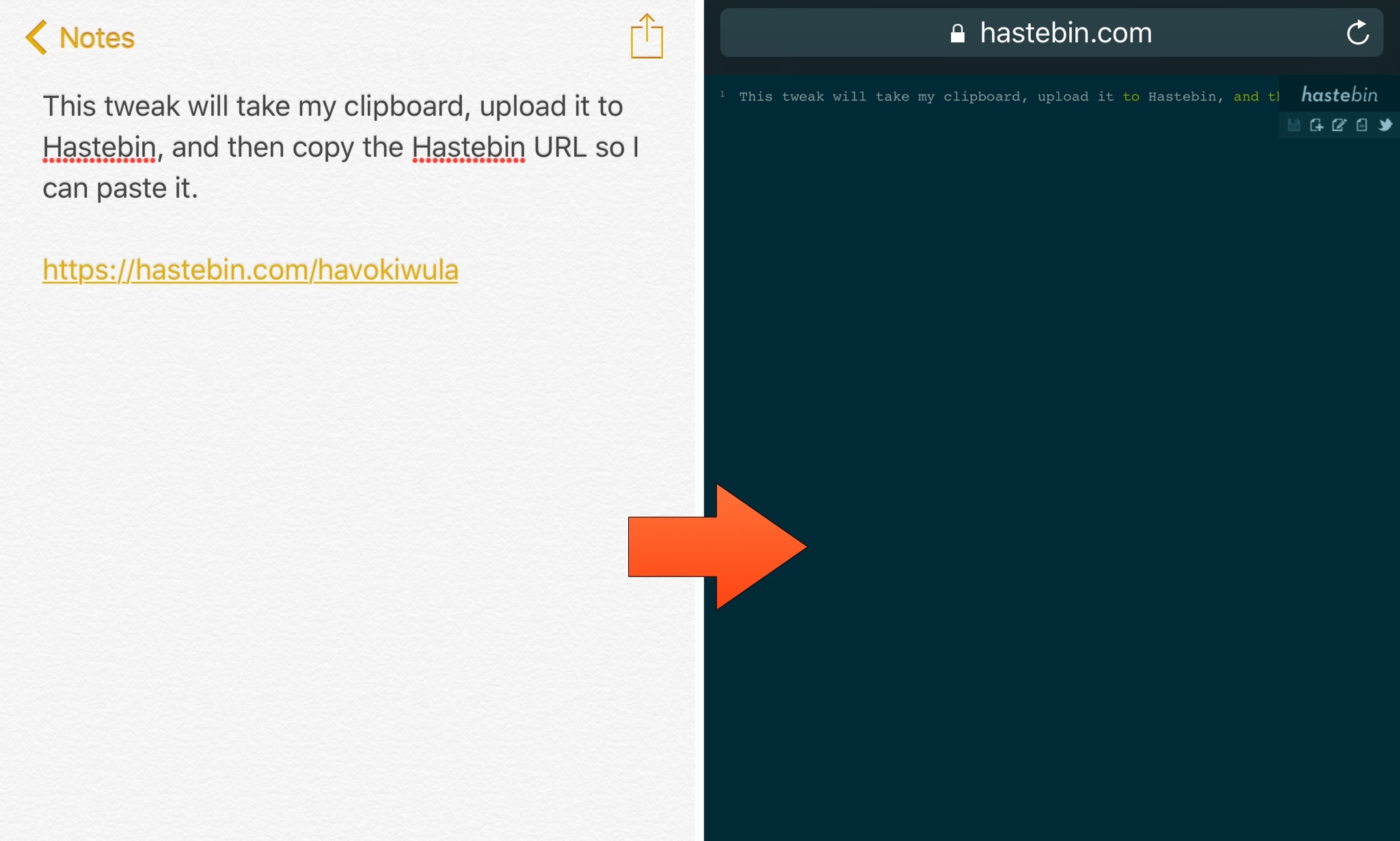
Hastebin is an open-source alternative to the popular Pastebin website that lets you upload snippets of code or text online for more comfortable sharing. It can be a useful tool, so iOS developer ipad_kid came made a new free jailbreak tweak called ActiHastebin that makes sharing snippets with Hastebin even simpler for you power users out there.
ActiHastebin integrates with Activator, a well-established add-on for jailbroken devices. It’s straightforward to use and works smoothly, delivering the results you’d expect on an Apple device.

Learn how to turn on bold text on your Apple TV to switch to a much heavier font that makes it easier to read things throughout the user interface.
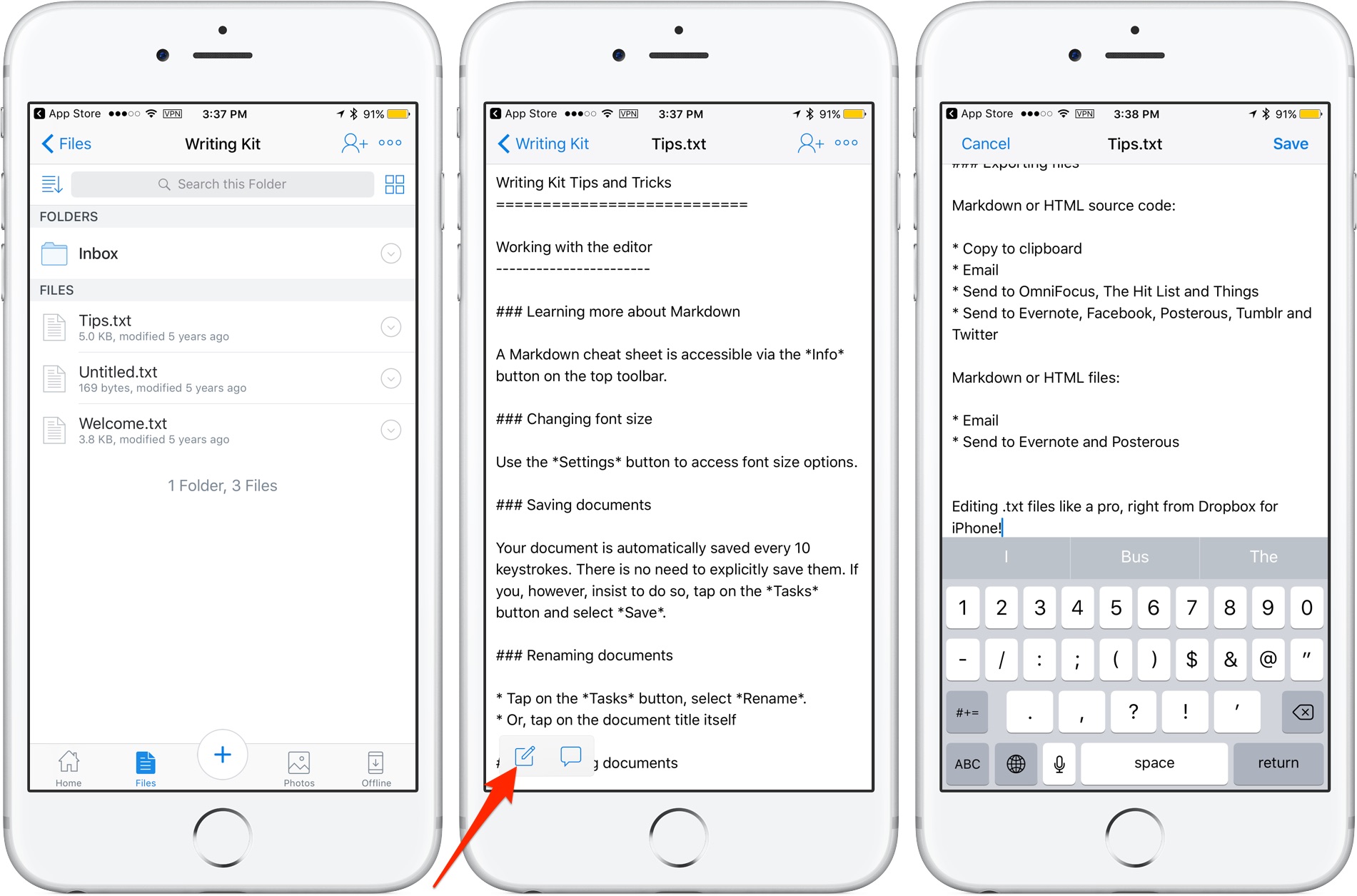
Cloud storage provider Dropbox today updated its app on App Store with the ability to edit text files right from the mobile app. Now when you browse the files in your Dropbox, simply view any text file then tap a new Edit icon to enter the app's new built-in text editor.
When done editing, tap Save to save the changes directly to the text file in your Dropbox. No more emailing the file back and forth. The bast part is, no longer do you need to use a third-party editor just to make a few quick changes to a text file saved in your Dropbox.
Aside from the built-in text editor, Dropbox for iOS version 54.2 has gained a new auto-capture function. When scanning documents, simply focus on the document and this feature will take a picture automatically.
Dropbox for iOS is a free download via App Store.
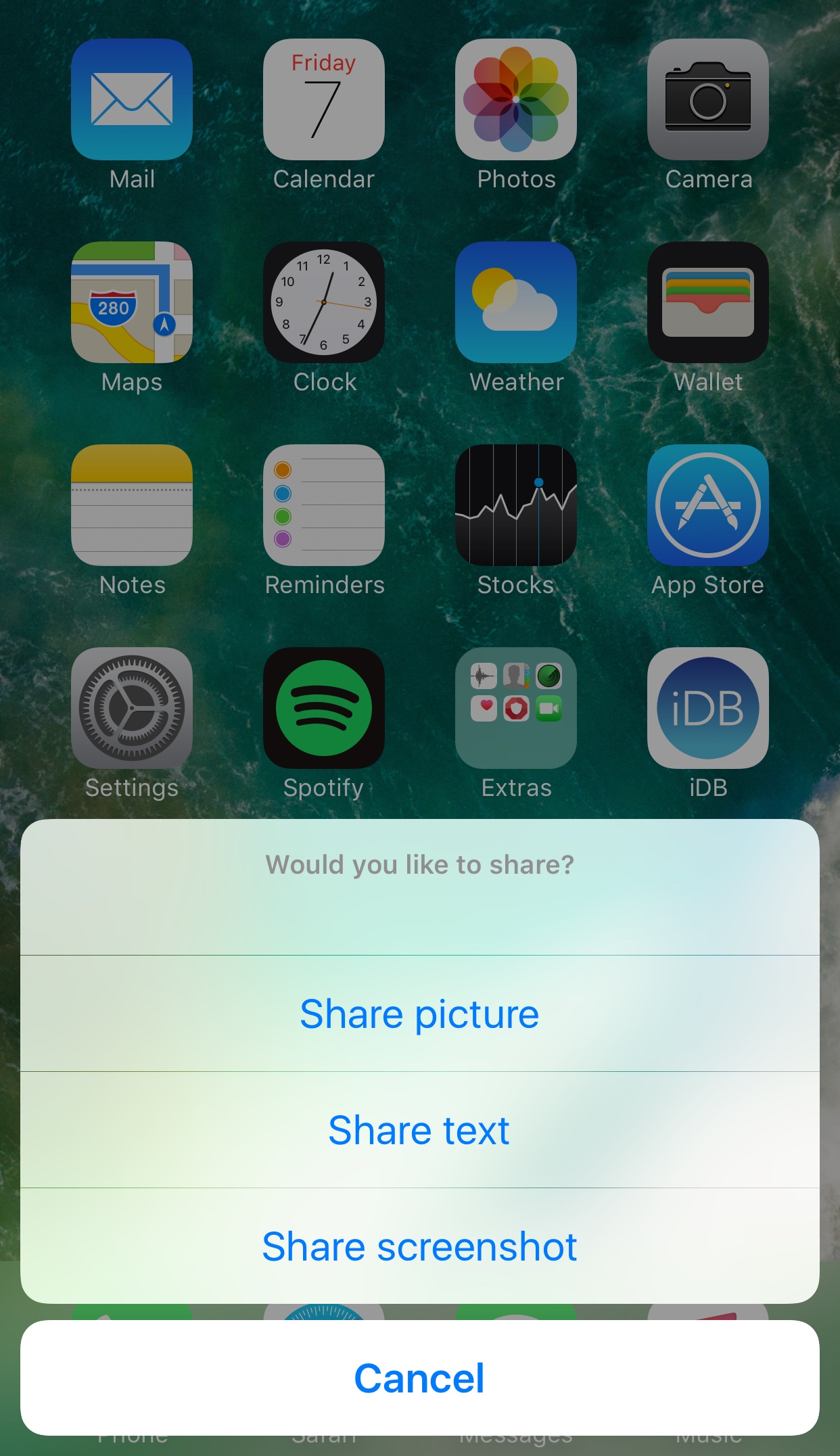
If you share all kinds of things from your iPhone or iPad with friends more often than the average Joe does, then a new free jailbreak tweak called Share Anywhere by wizages might be worth checking out.
Complete with Activator integration and an all-in-one menu, this tweak makes it easier to share photos, screenshots, and blocks of text from anywhere in iOS.

The last several weeks have seen the release of many jailbreak tweaks aimed at colorizing different elements of iOS, and it doesn’t seem like the trend will be dying down any time soon.
Yet another tweak to join the growing array of color customization tweaks is Moose by iOS developer Tom Effects. This tweak lets you tint the cursor and text highlighting tools you typically see when editing text in iOS.