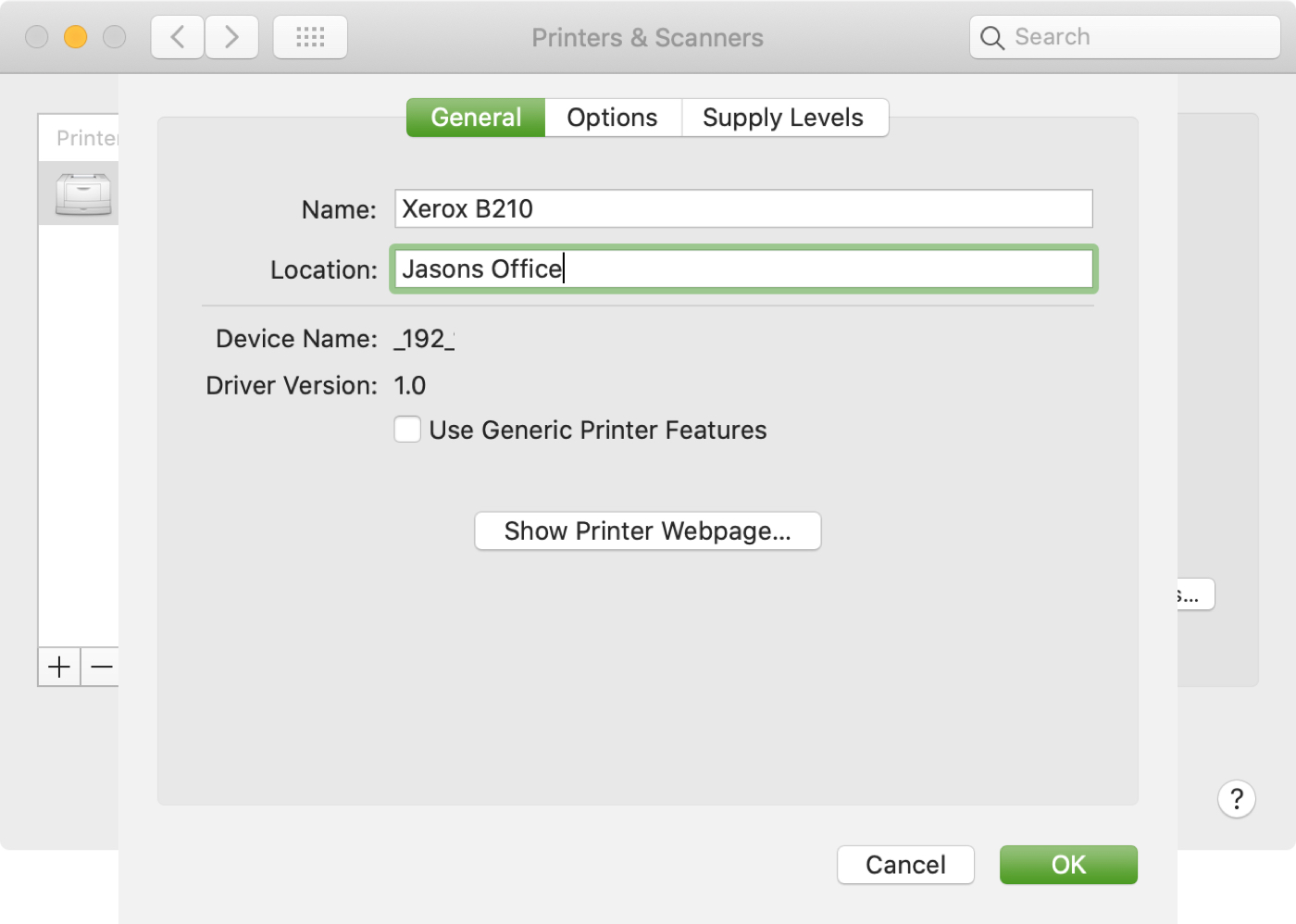
If you use more than one printer with your Mac, it’s important to know how to choose the default printer. This is useful if you take your Mac to your physical office, school, or library and then return to your home office. And if you share your Mac and printer with others, giving a name and location to your equipment is also helpful.
In this tutorial we’ll show you how to set your default printer as well as change its name and location on your Mac.