Security

Importing data to Safari from another web browser

Love it or hate it, Apple's Safari is a zippy web browser that performs well on the Mac, and it continues to get more and more competitive with other web browser platforms.

Since Apple wants you to use Safari on your Mac, it's a no-brainer they're going to make it easier to migrate your web data from one web browser to another.

In this tutorial, we're going to show you how to import bookmarks to Safari, along with your other web data, from a different web browser.

It seems that iOS 10 beta 2 locks some people out of their Apple ID

Some folks with iOS 10 beta 2 installed on their iPhone are finding that they've been locked out of their Apple ID account, unable to perform a password reset. As per a new thread on Reddit, the problem seems to affect a portion of iOS 10 beta 2 users whose Apple ID account has been protected with Apple's two-step authentication system, which requires both a password and a one-time six-digit code when using iCloud on a new device.

We're posting this as convenience for those who have been affected. If you're seeing this, you probably don't need to worry about your Apple ID being hacked and unrecoverable, it's just a bug in iOS 10 beta 2.

macOS Sierra preview: Auto Unlock your Mac with your Apple Watch

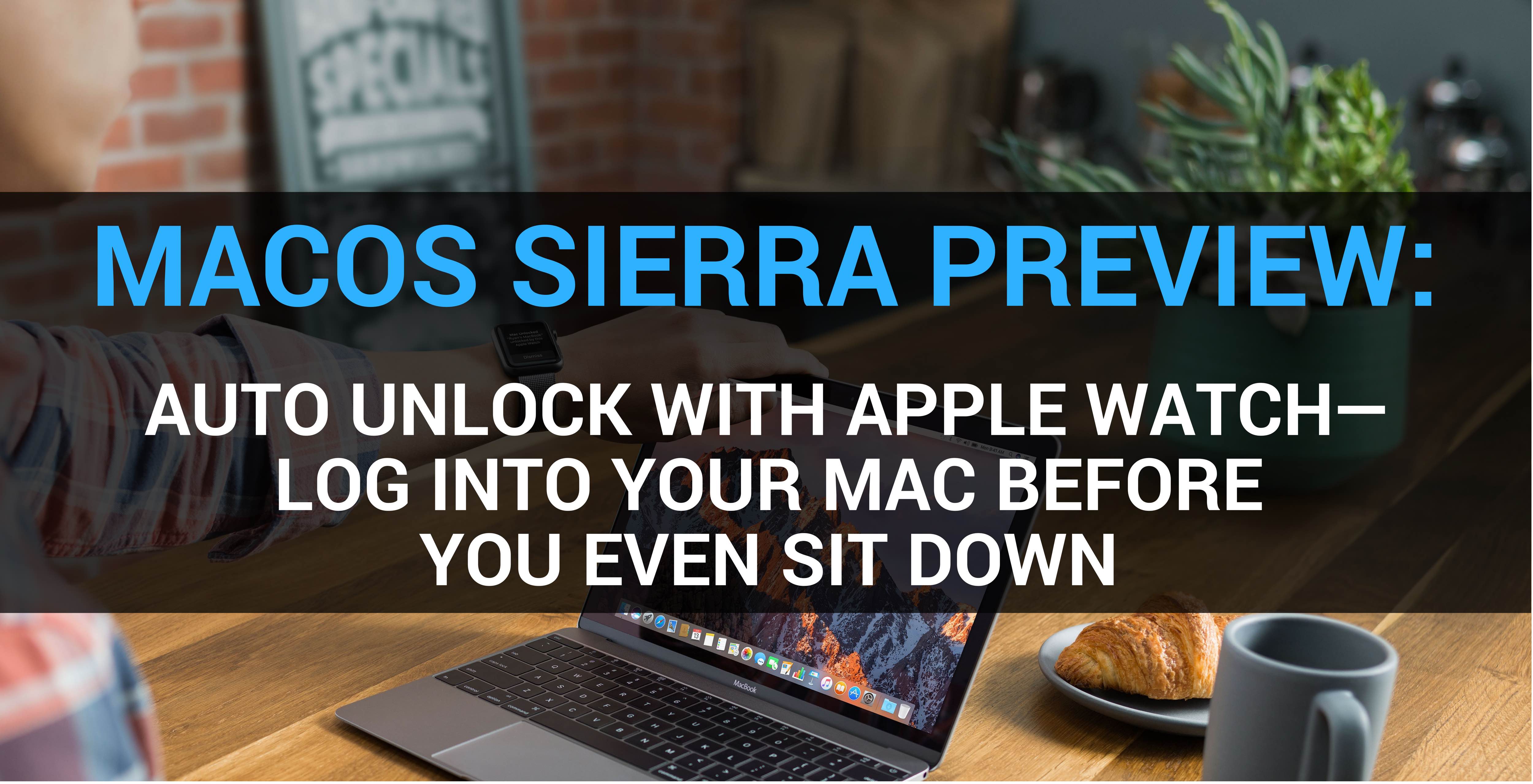
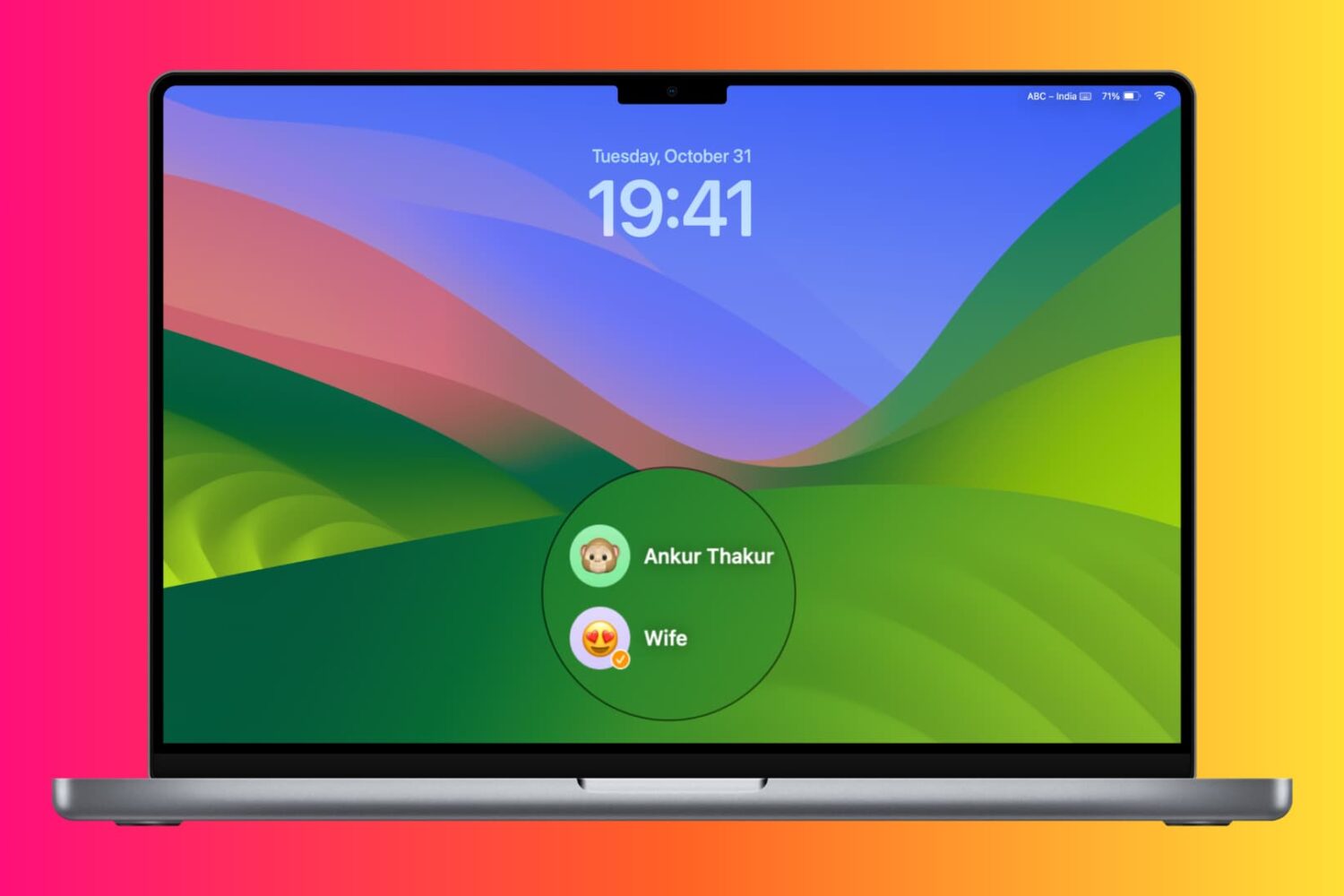
Auto Unlock, a new feature in macOS Sierra, gives you instant access to your Mac when you’re wearing an Apple Watch. As its marketing name suggest, Auto Unlock is seamless. You simply wake your Mac from sleep while wearing your watch, and boom—just like that, you’re logged in and ready to go, no password typing required. Here's our entertaining video walkthrough of Auto Unlock and a detailed overview of the feature for those interested in its inner workings and intricacies.

Has Apple gone mad? More iOS 10 parts left unencrypted in beta 2

As you know, security experts were baffled realizing that the iOS 10 kernel in beta 1 was not encrypted. Apple argued it was no big deal because the kernel contained no user data so the company had left it unencrypted intentionally in order to increase general system performance, in their own words.

But Apple didn't stop there.

As first discovered by prominent jailbreak developer and iPhone hacker, MuscleNerd, iOS 10 beta 2 actually leaves more parts of the operating system unencrypted.

What's going on here?

iOS 10 tidbit: unlocking iPhone and iPad without launching Home screen

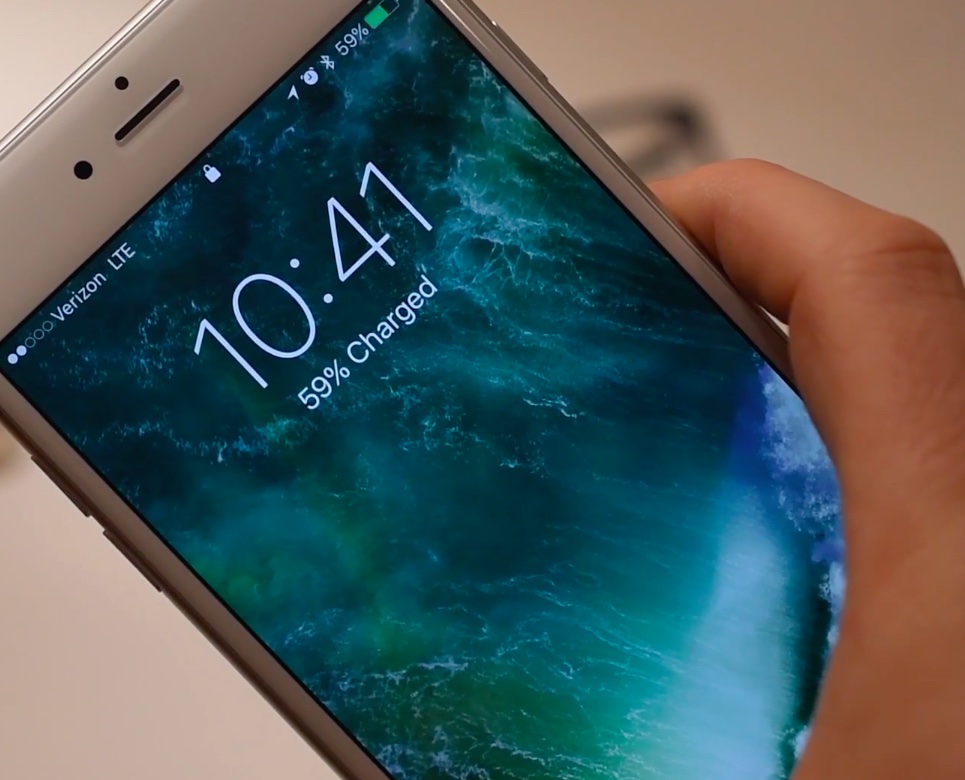
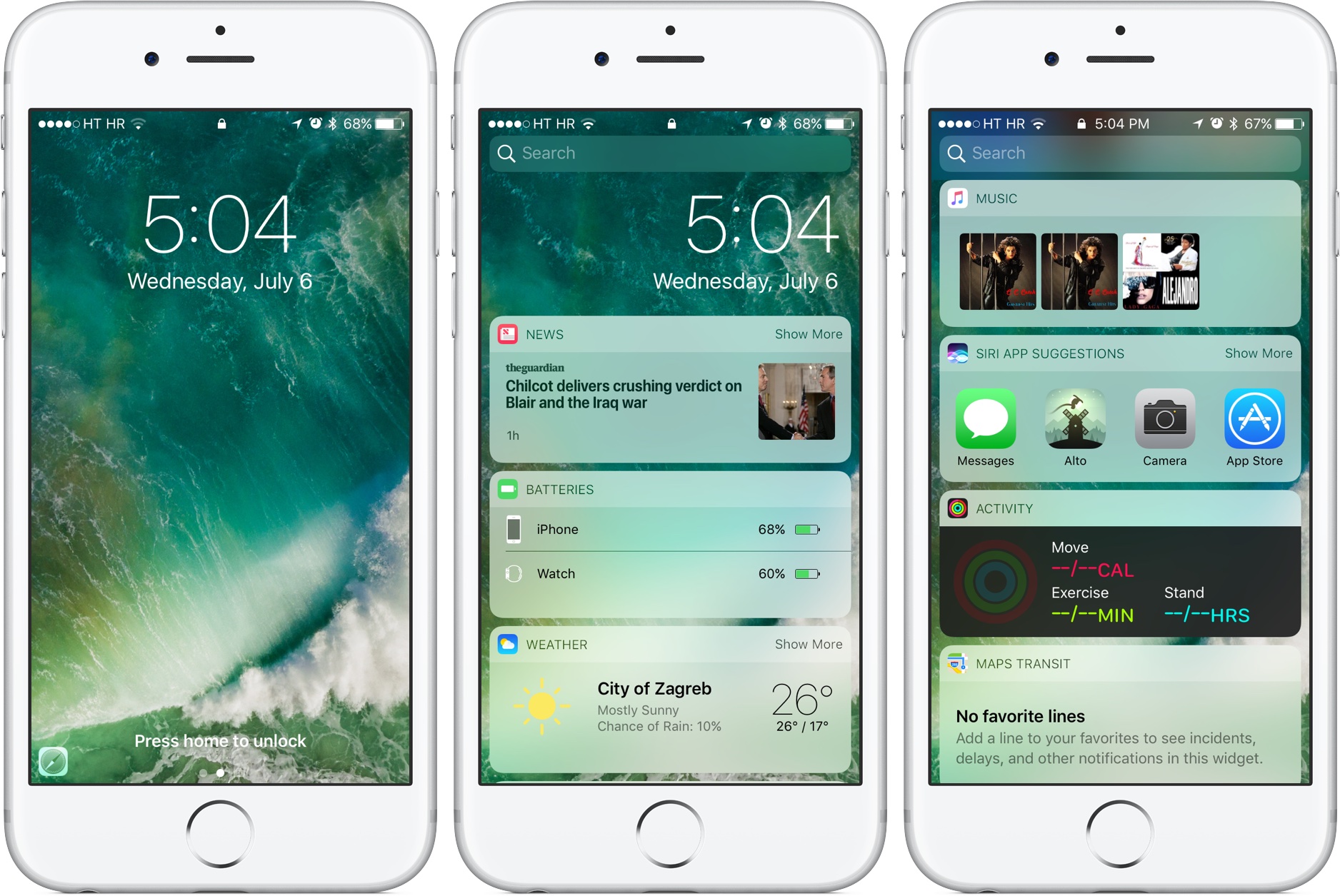
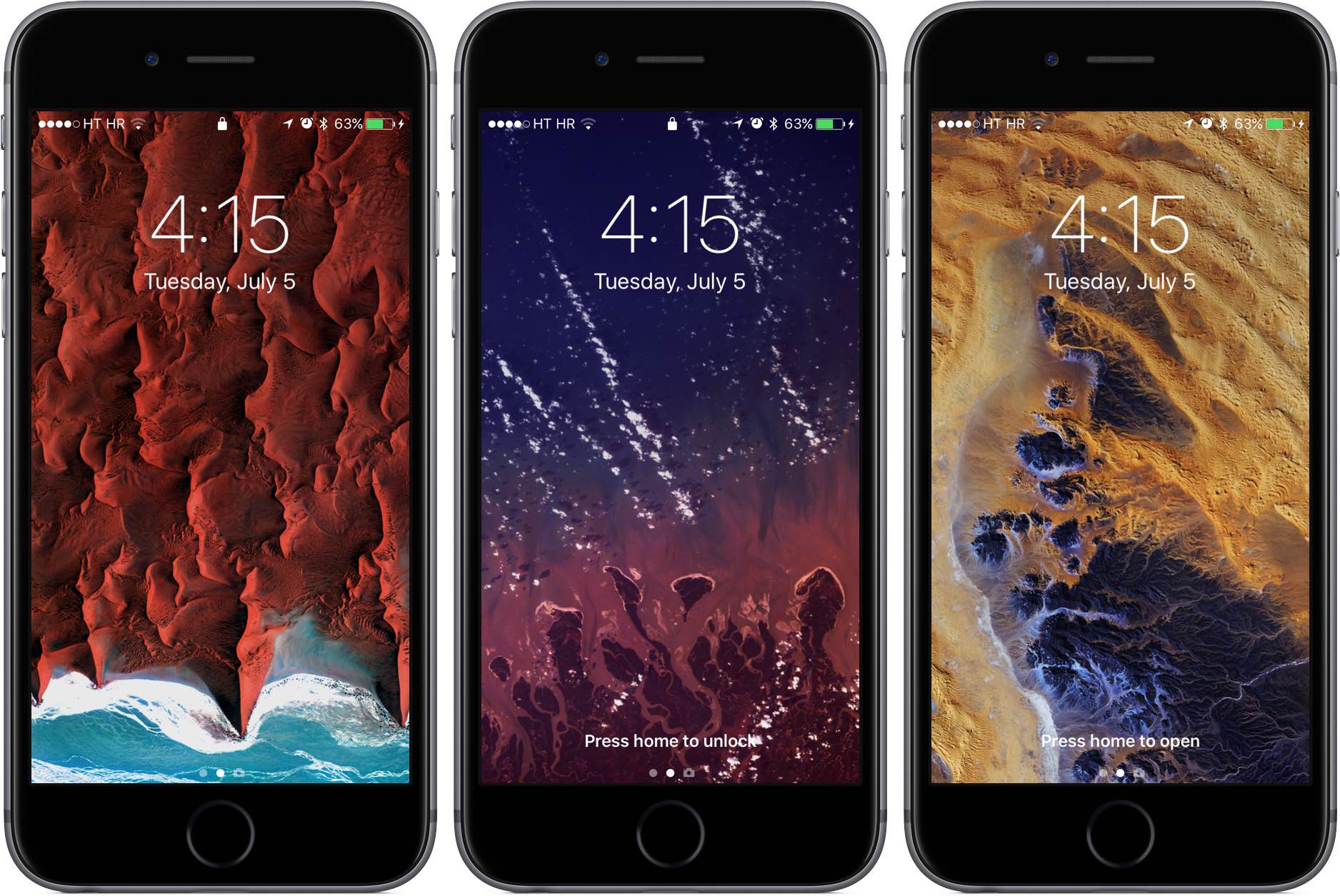
As we wrote before, iOS 10 changes the way unlocking your iPhone, iPad and iPod touch works. For starters, iOS 10 does away with the familiar slide-to-unlock gesture so instead of “Slide to Unlock”, which now takes you to a dedicated widgets screen, you get to see a new “Press Home to unlock” message on the Lock screen.

As a result, unlocking a Touch ID-outfitted iOS device now requires you to press the Home button rather than rest your finger on it, like in prior editions of the software. But as it turns out, iOS 10 gives users another, previously unavailable option for unlocking their device without automatically launching the Home screen.

Clearing your search history from the Instagram app

Instagram users who search for things frequently leave a trail behind that shows everything they've searched for, and to some who are used to hiding their tracks, this could be considered a privacy concern.

If you want to clear your search history from the Instagram app on your iPhone or iPod touch, then follow along as we take you through the simple steps to do so in this tutorial.

Apple likes the fact that the prices for iPhone vulnerabilities are high

FBI and Apple logos

In order to gain access to San Bernardino shooter's iPhone 5c beyond the Lock screen, the United States government eventually had to pay through the nose to a third-party to exploit a little-known iOS vulnerability and break into the device. According to FBI director James Comey, the agency paid at least $1.3 million for the hack.

Analyzing the black market for so-called zero-day iPhone vulnerabilities, a top Apple security engineer is actually pleased by the fact that they command steep prices because it means they're rare and difficult to pull off, Business Insider reported Monday.

A closer look at Differential Privacy in iOS 10 and macOS Sierra

Making Apple services even smarter and more personalized entails processing troves of information because intelligence is driven by big data. The fact that iOS 9's proactive features don't tap into the cloud has served Apple well thus far. But since Google Assistant came to light, people have been wondering if Apple can compete without resorting to raw data collection Google is infamous for.

iOS 10 and macOS Sierra represent Apple's refined approach to privacy, which revolves around new techniques collectively known as Differential Privacy. An en vogue statistical method, Differential Privacy helps Apple deliver smarter services without compromising privacy of their users.

It's a relatively unproven technique with lots of potential which hasn’t been used to boost Apple's services before iOS 10 and macOS Sierra. Here's a closer look at Differential Privacy, how it powers intelligence and proactiveness and why it should serve Apple better than Google's bulk data collection and analysis.

Apple explains why iOS 10 kernel is unencrypted

Following the discovery by MIT Technology Review that the kernel in iOS 10 beta is unencrypted, Apple has gone on the record to explain why that's the case. Speaking with Dave Mark of The Loop, an Apple spokesperson has officially confirmed that the decision was intentional.

Now, some security experts speculated that leaving the iOS 10 kernel unencrypted would aid anyone, nefarious users included, looking for security weaknesses in the iOS software.

Apple explains why such fears are unfounded.