In this tutorial, we'll show you how to quickly find and insert emojis when you're using a hardware keyboard with your iPad.
How to insert emojis when using a physical keyboard with iPad

In this tutorial, we'll show you how to quickly find and insert emojis when you're using a hardware keyboard with your iPad.
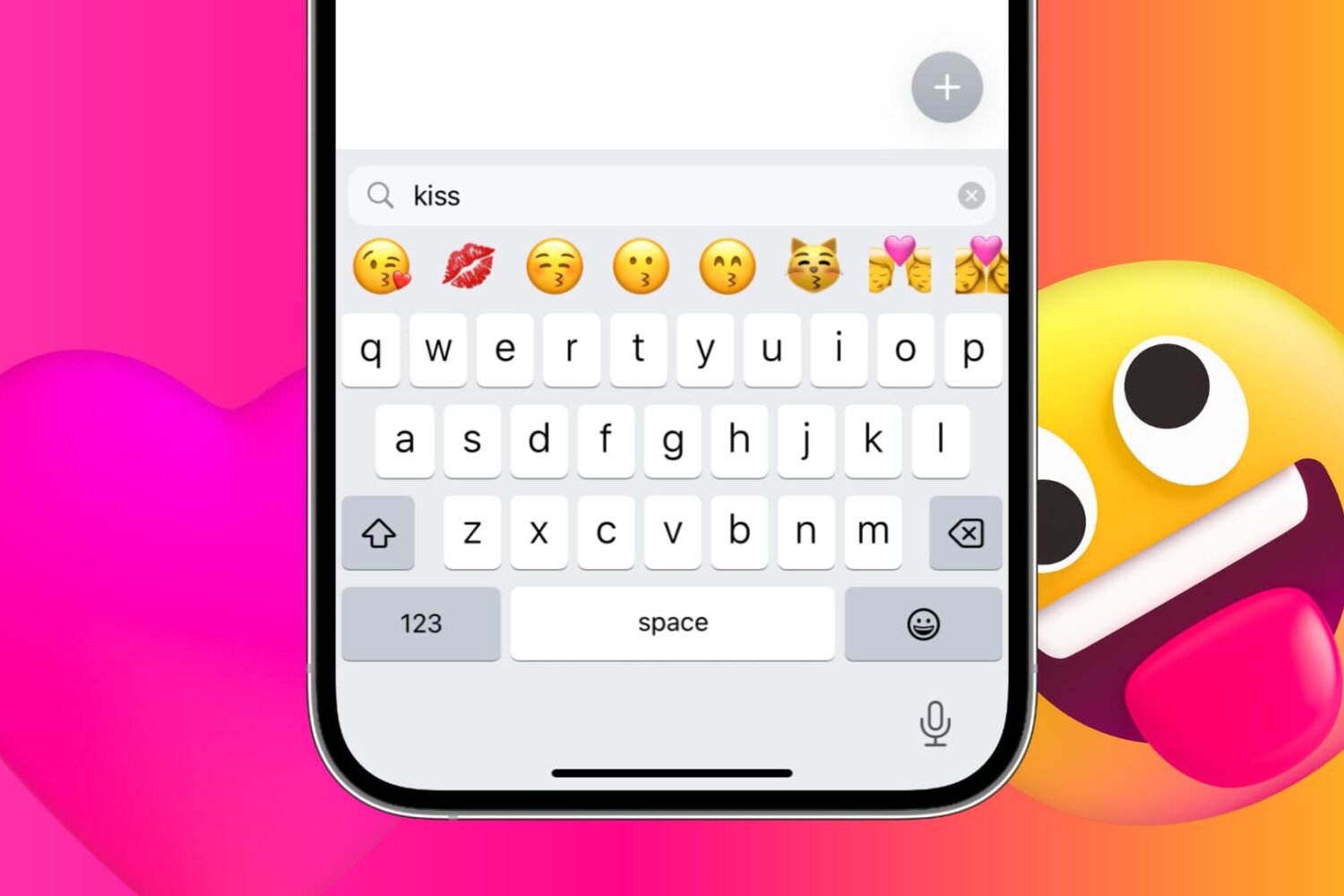
iPhone and iPad provide a handy search field above the emoji keyboard. With it, you can find and filter appropriate emojis by entering keywords. Follow along with us as we show you how to take advantage of the iPhone emoji search option.
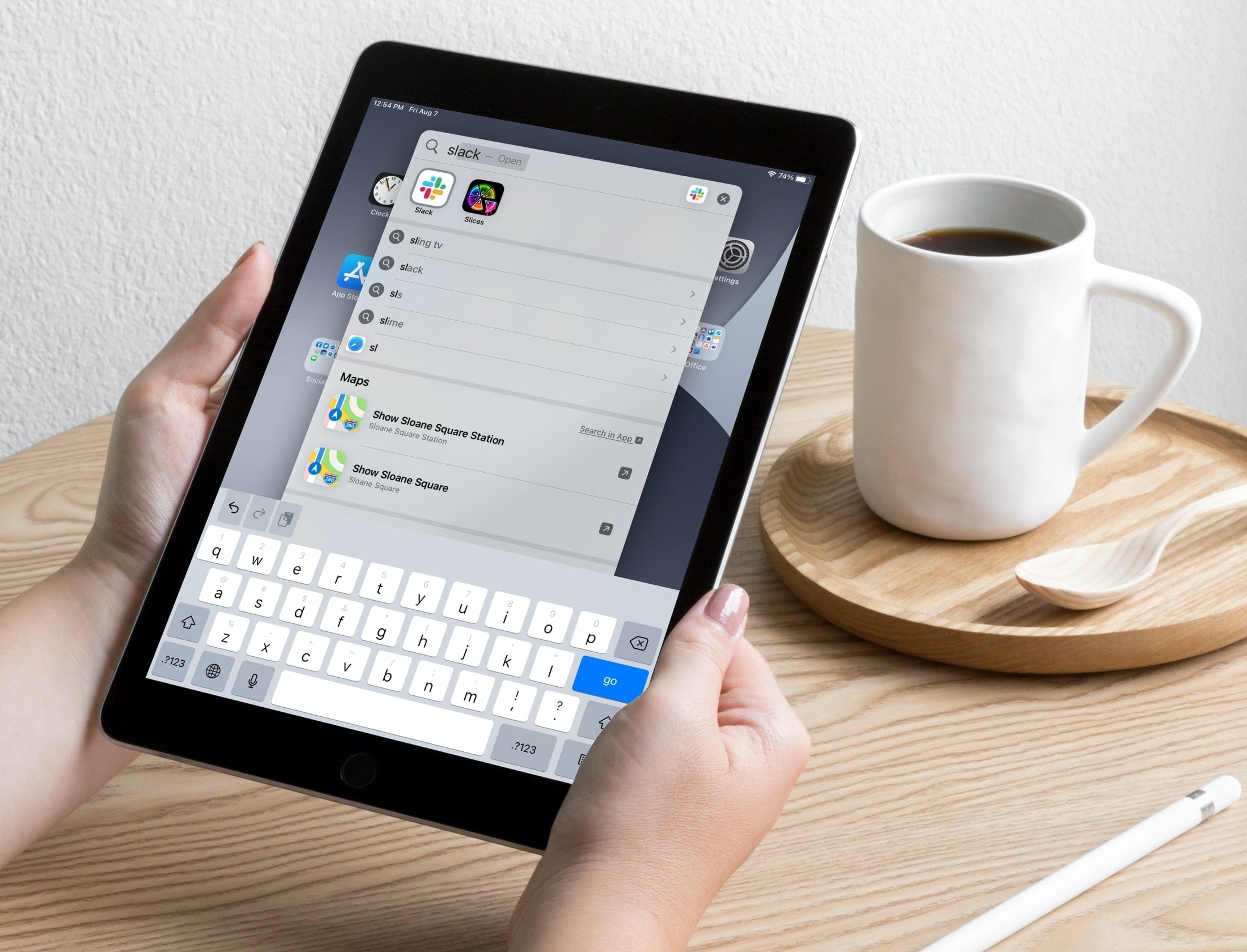
Learn about a couple of simple Spotlight Search tips to open apps and websites in an instant on your iPhone or iPad.
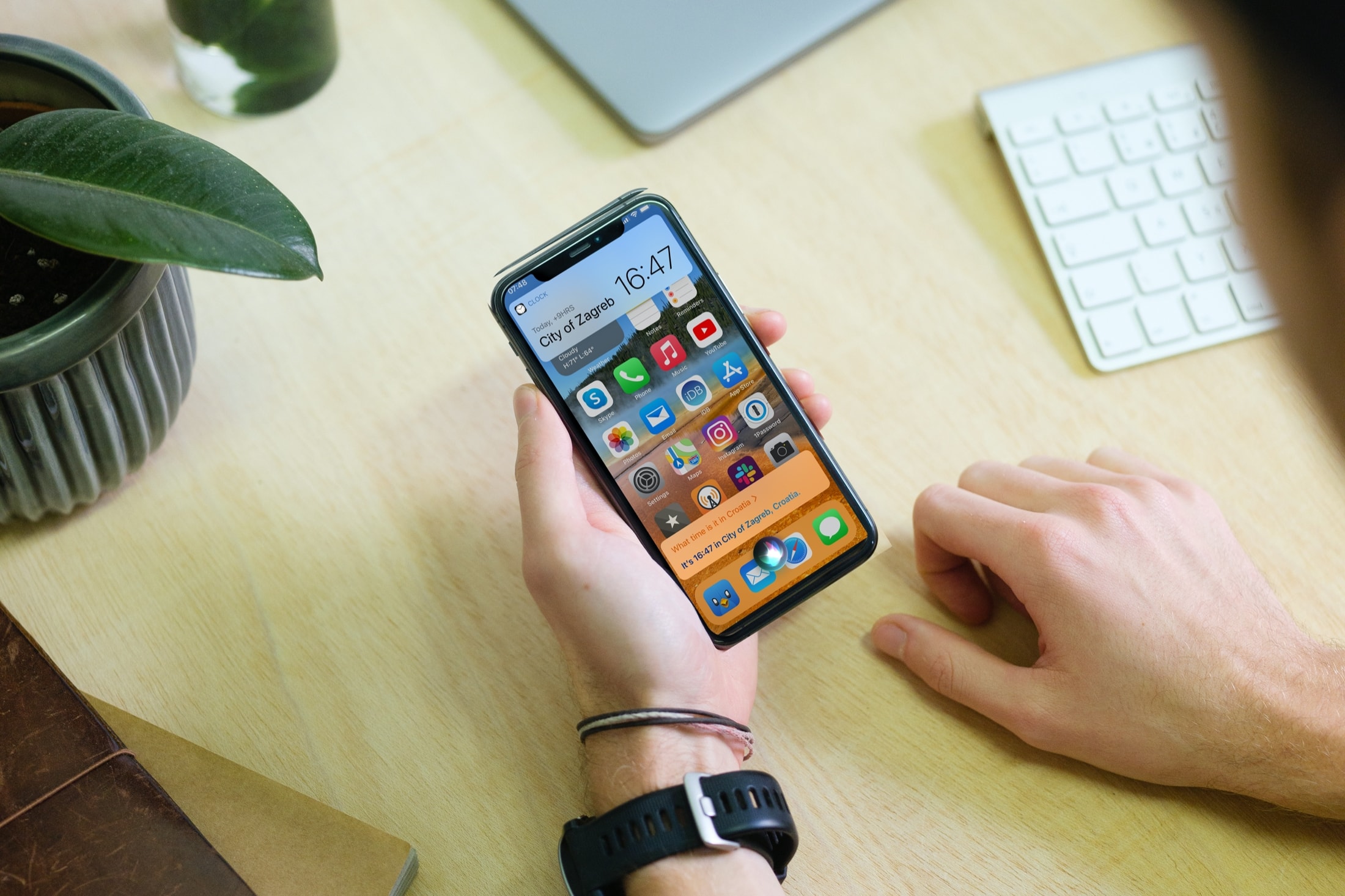
By default, Siri appears in a compact view on your iPhone and iPad. In this tutorial, we'll show you how to use that compact view or go the old way and have Siri take the entire screen.
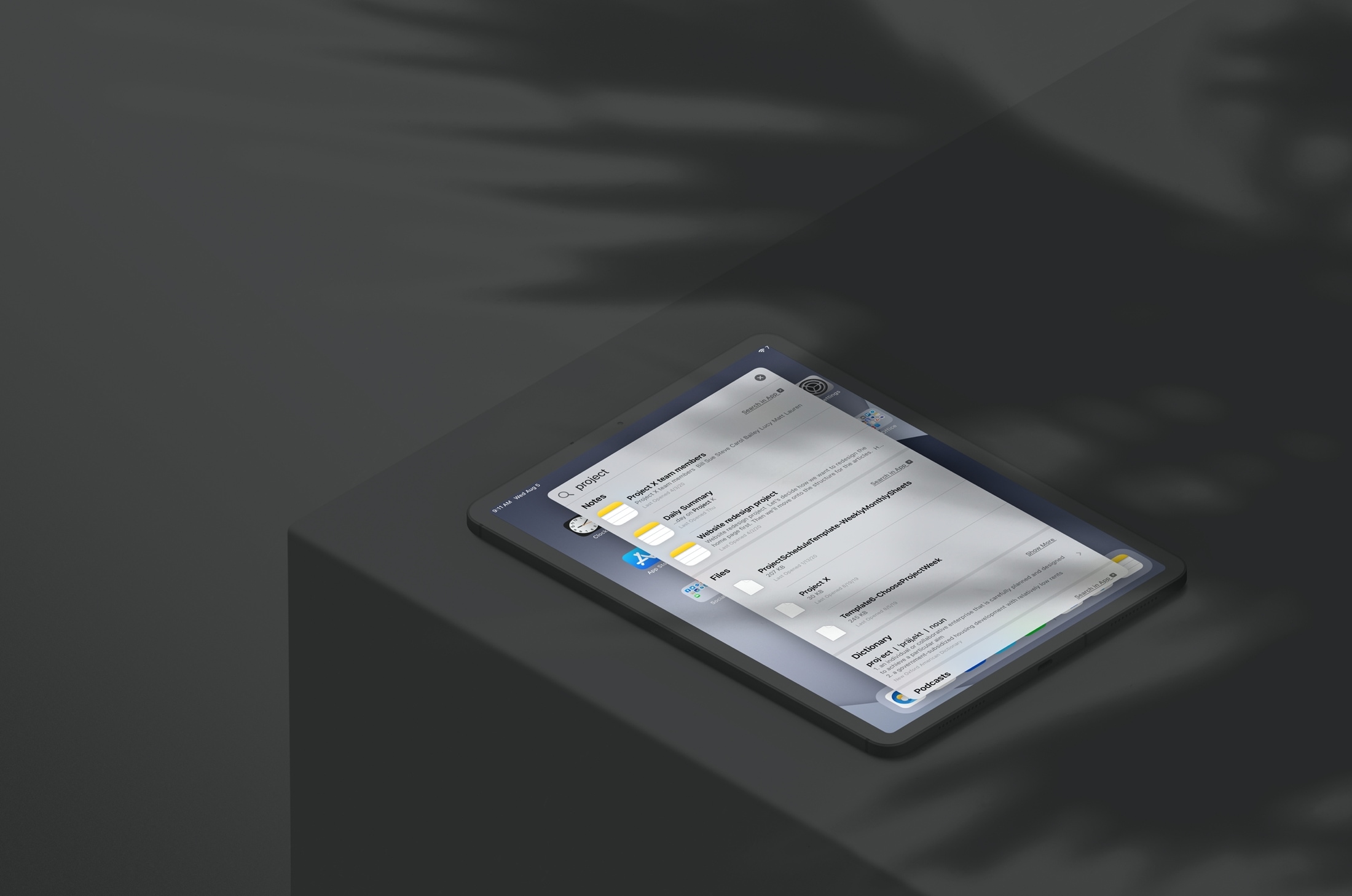
Learn how to save time and effort by searching inside apps on your iPhone or iPad directly using Spotlight Search from your Home Screen.

This guide shares some helpful tips about using Siri on your Apple TV so you can watch shows, play specific songs, check the weather, open apps, and do other things with your voice on the big TV screen.
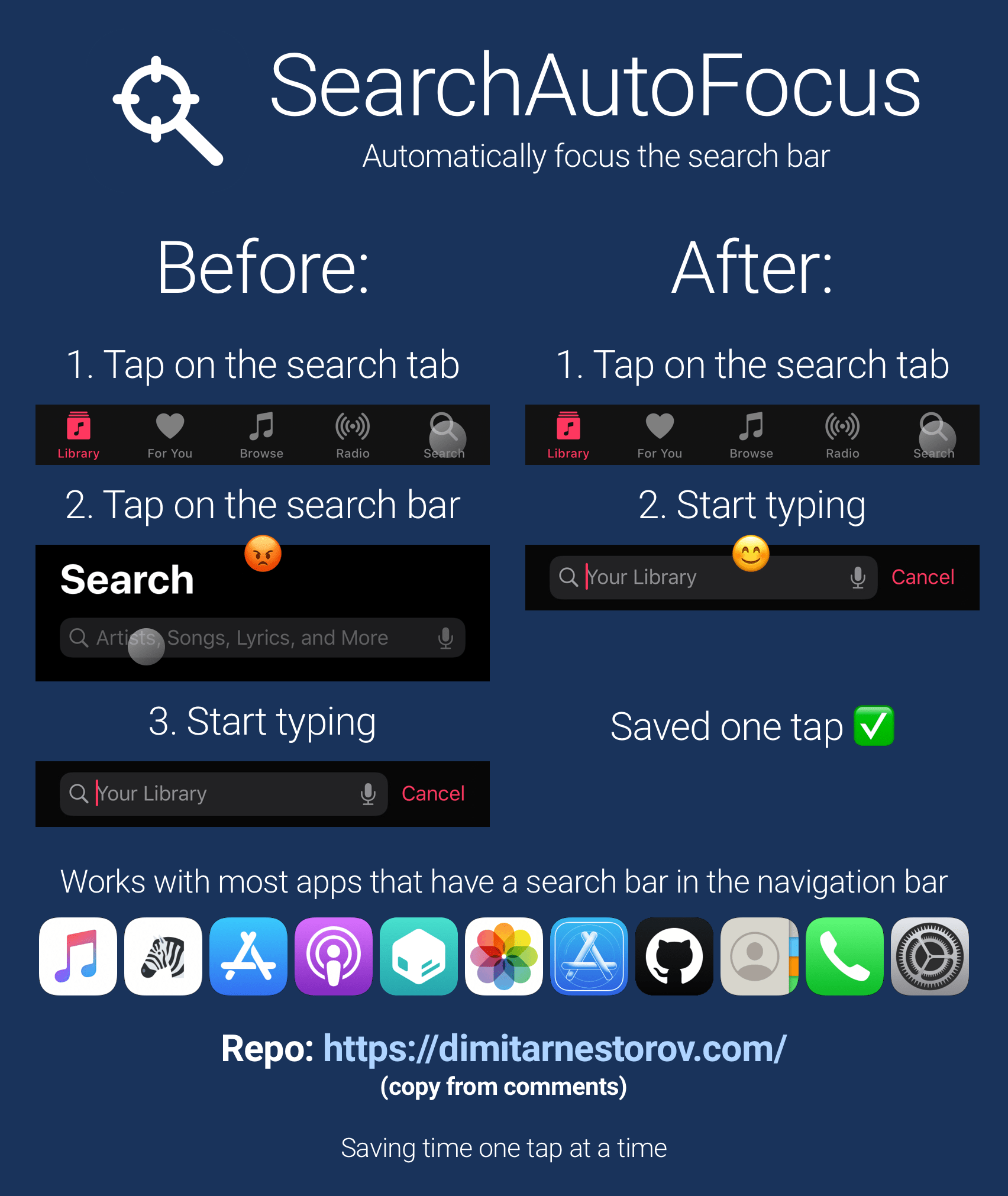
One thing that I’ve always found rather convenient about iOS’ Spotlight search feature is that the focus starts with the search bar from the moment the interface appears. In other words – the keyboard instantly appears and you’re ready to begin typing out your search query.
Search bars can be found throughout the iOS platform, and the aforementioned instant-focus experience unfortunately doesn’t extend to all of them. That’s why iOS developer Dimitar Nestorov created a new and free jailbreak tweak dubbed SearchAutoFocus.
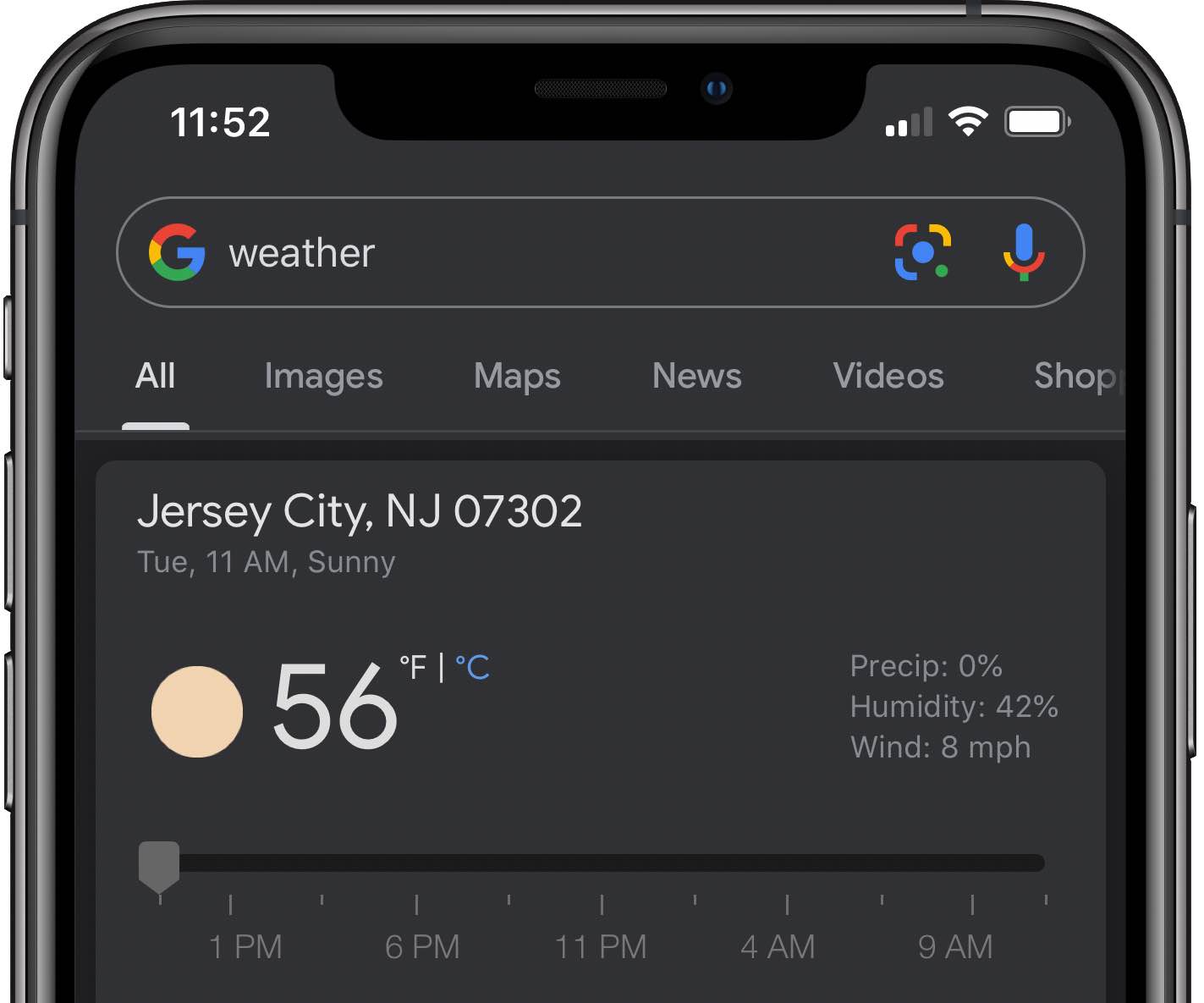
Goole recently began making Dark Mode support in Gmail for iPhone and iPad available to more people following a very limited roll-out that kicked off last year, and now the company is on the verge of launching Dark Mode support in its dedicated Search app for iOS and Android.
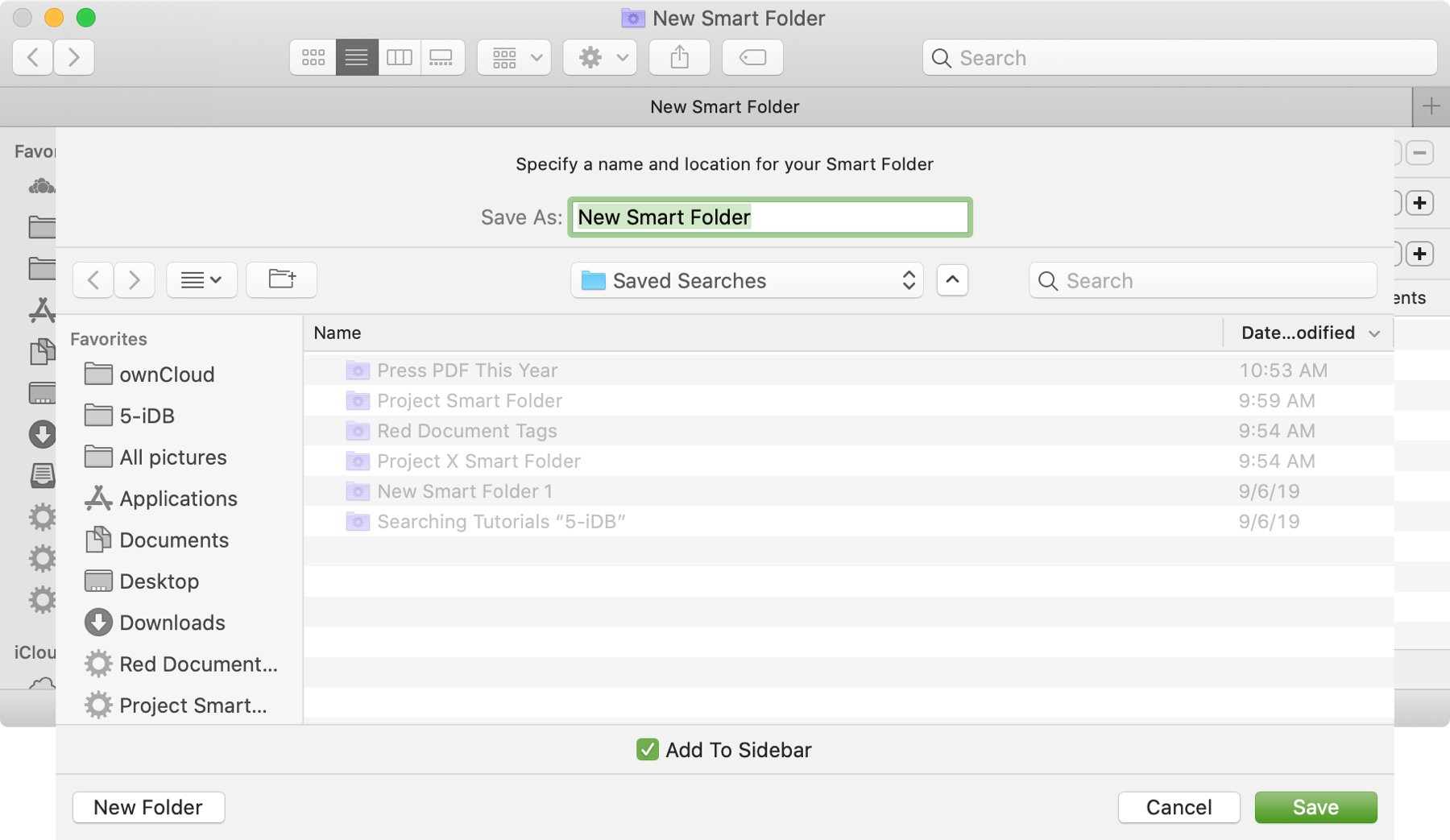
The Smart Folders feature on Mac gives you a great way to collect items that match specific criteria. You can use Smart Folders for business or pleasure and instead of searching for files, images, or documents.
We have a basic tutorial for how to use Smart Folders on Mac if you’re just getting started. But if you’ve used Smart Folders before, you might be interested in additional ways these handy folders can be even more useful.
To keep up with your work or school projects, here are several creative ways to use dates as conditions for Smart Folders on your Mac.
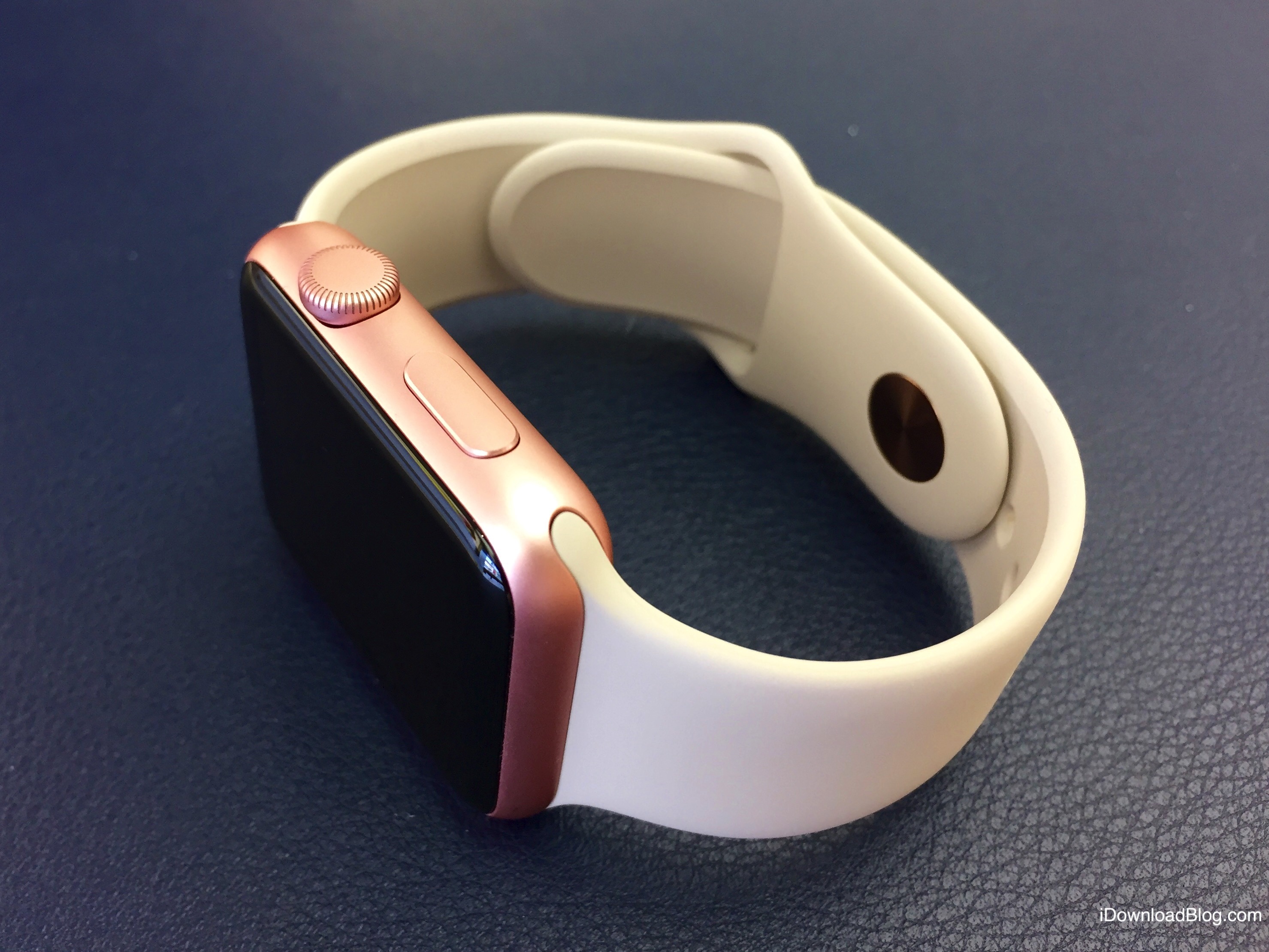
SearchLight is a new Apple Watch software release by ReBoard Keyboard makers Jeet and Gagandeep Singh from India which not only allows you to search the web via Google just like that, but also actually read articles reliably in clutter-free text mode, right on your wrist.

Discover some handy tips for using Safari Search on your Mac and find answers more efficiently with just a few clicks.
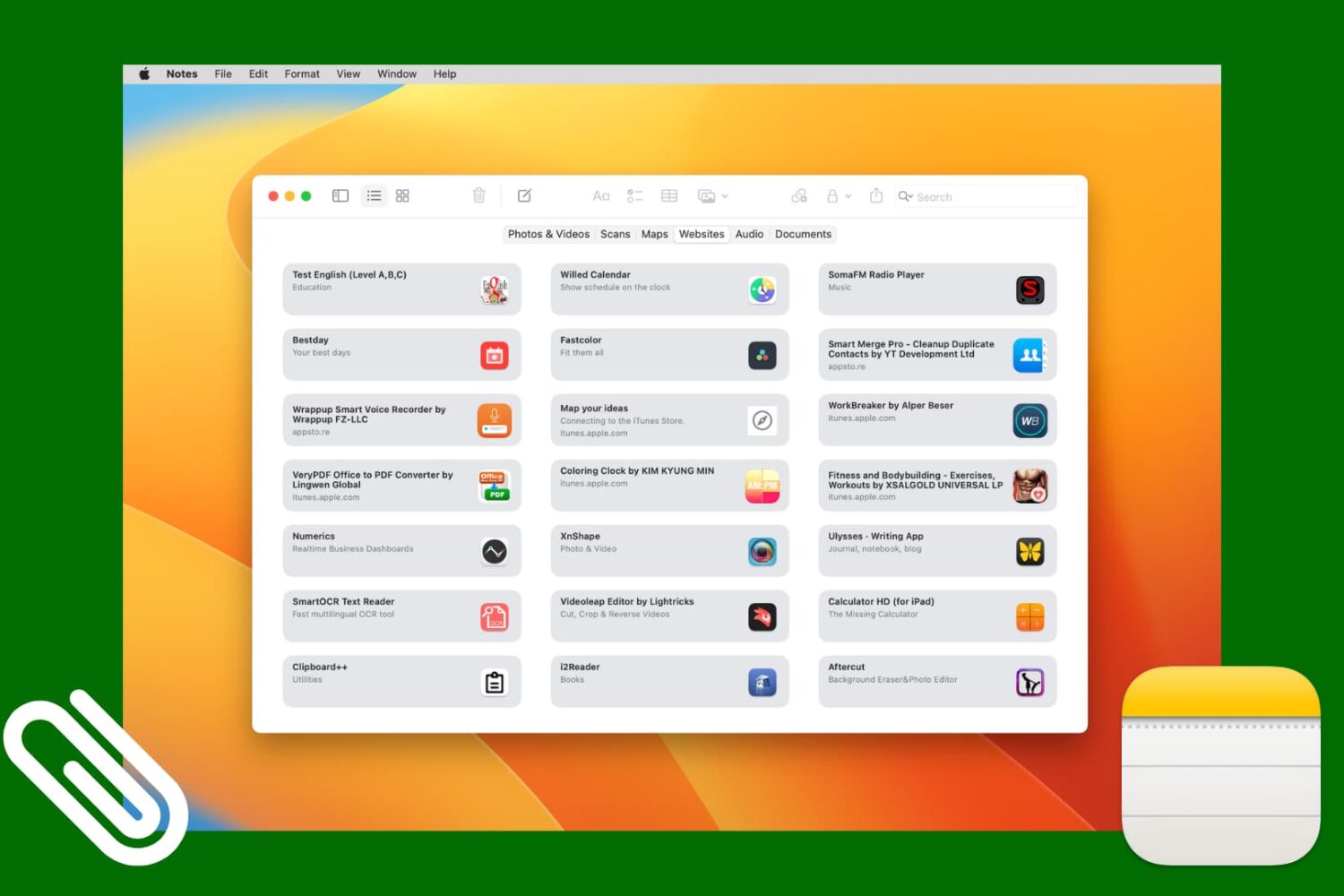
Check out this simple method to access all images, scans, website links, map addresses, audio, or documents attached to various notes in the Notes app on your iPhone, iPad, and Mac.