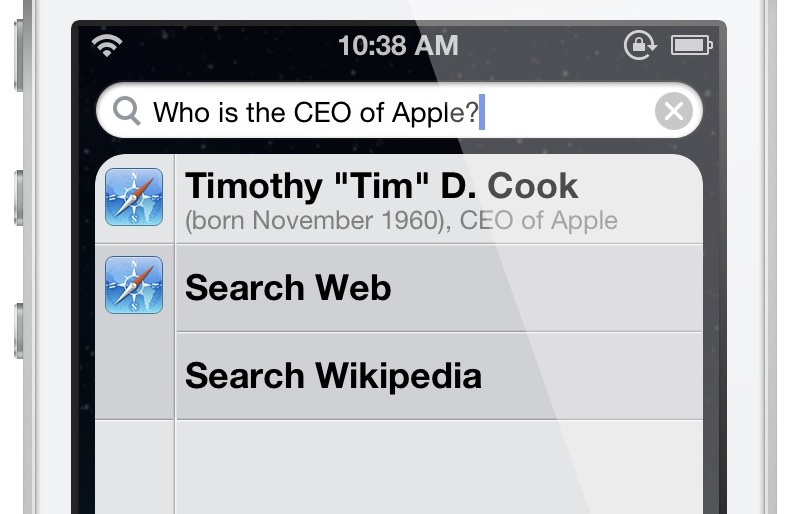
Apple is tweaking the App Store's search algorithm pretty much all the time so people have an easier time finding a needle in a haystack.
Three months ago, Apple deployed an improved algorithm for iTunes and App Store rankings, boosting the relevancy of search results up a notch.
And back in the summer, the iPhone maker gave the App Store storefront on iPads a new lefthand bar for easy alphabetical sorting of your Purchased items.
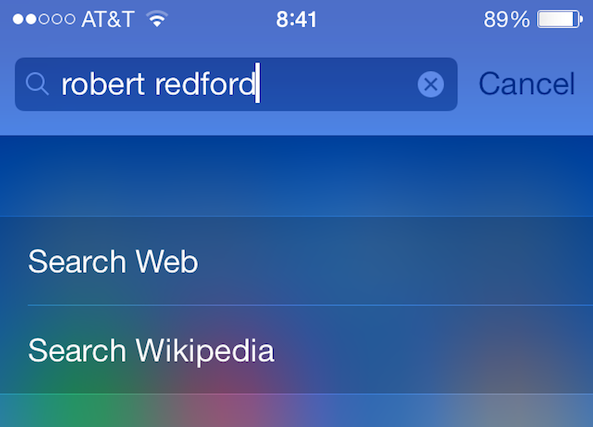
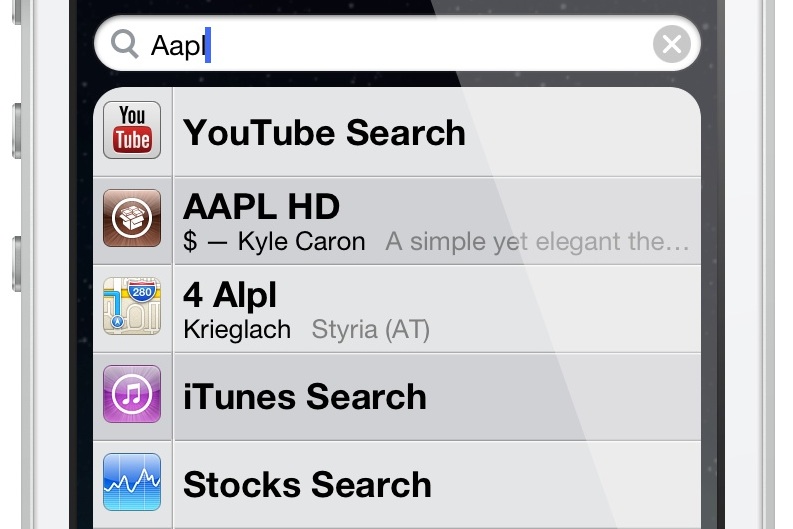
It's now come to light that Apple's team has once again made the App Store search better by automatically correcting for your mistakes and other misspellings. That's right, you no longer have to type in the exact app name when searching as the App Store will now list apps with fairly similar names...