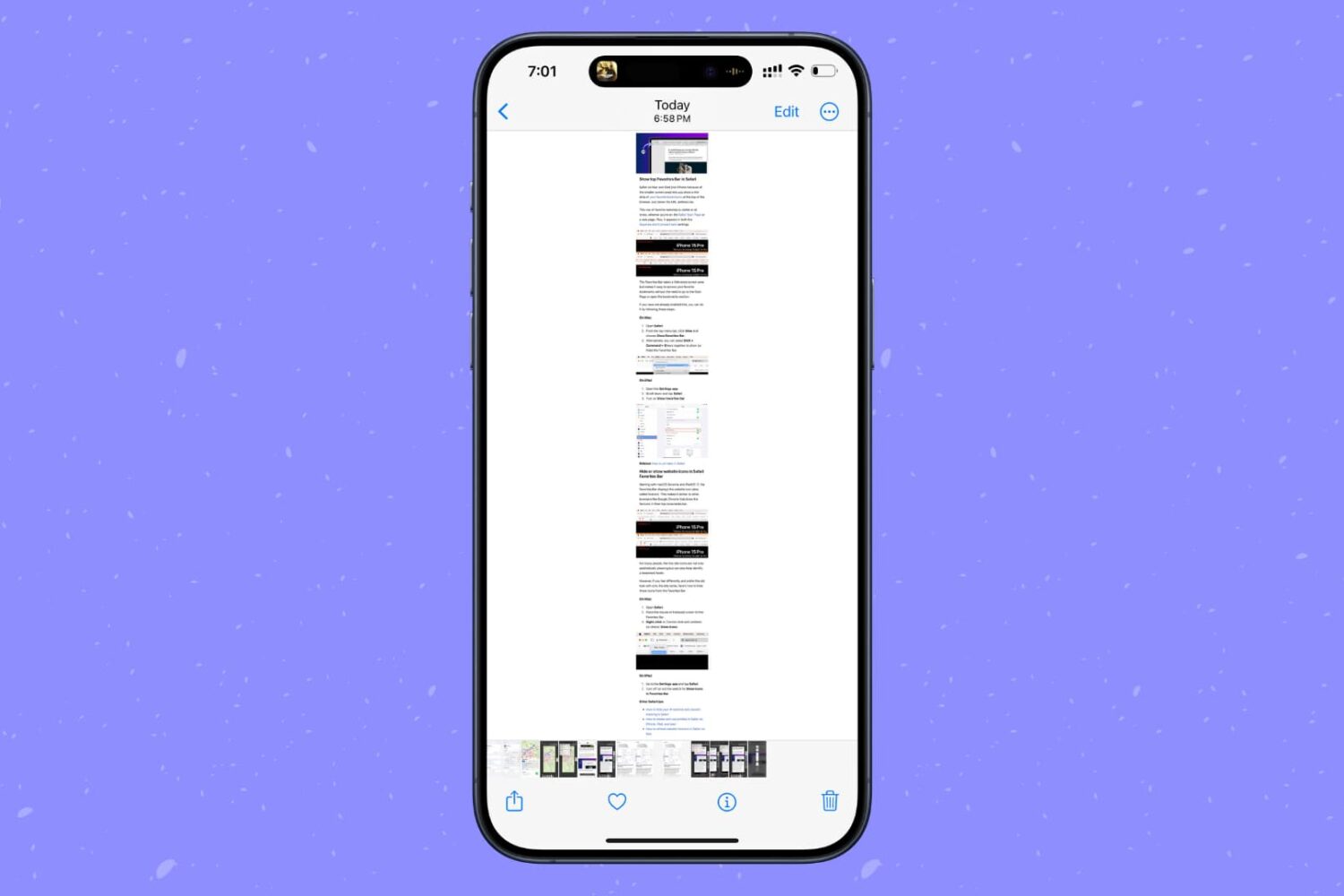
Learn how to screenshot the full page in any iPhone app to capture everything in a single tall image instead of taking multiple screenshots.
How to take a full-page screenshot in any iPhone app
Learn how to screenshot the full page in any iPhone app to capture everything in a single tall image instead of taking multiple screenshots.
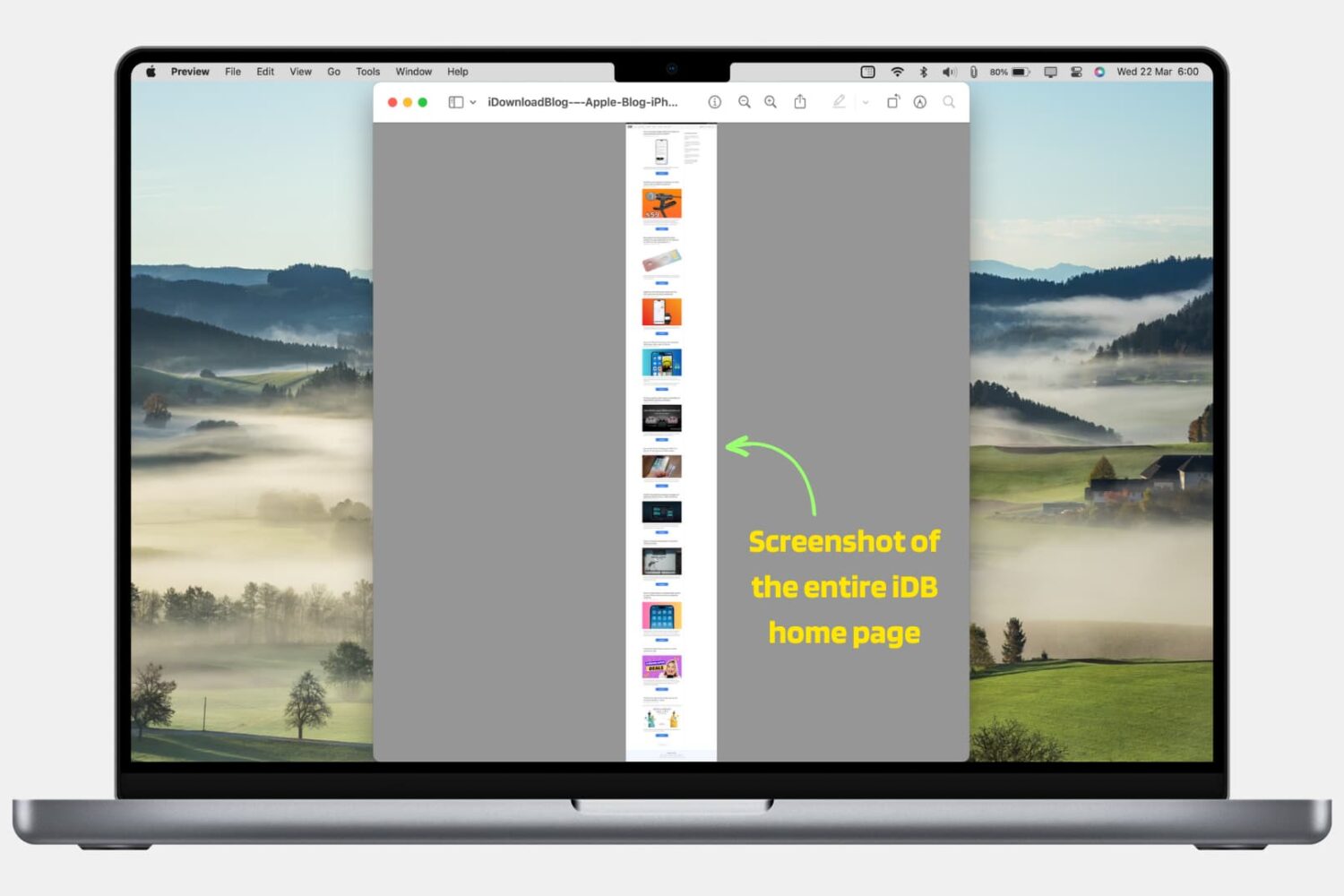
In this step-by-step tutorial, we’ll show you how to take a screenshot of a full web page in Safari, Google Chrome, and Firefox on your Mac using built-in methods. We have also mentioned an excellent third-party tool at the end.
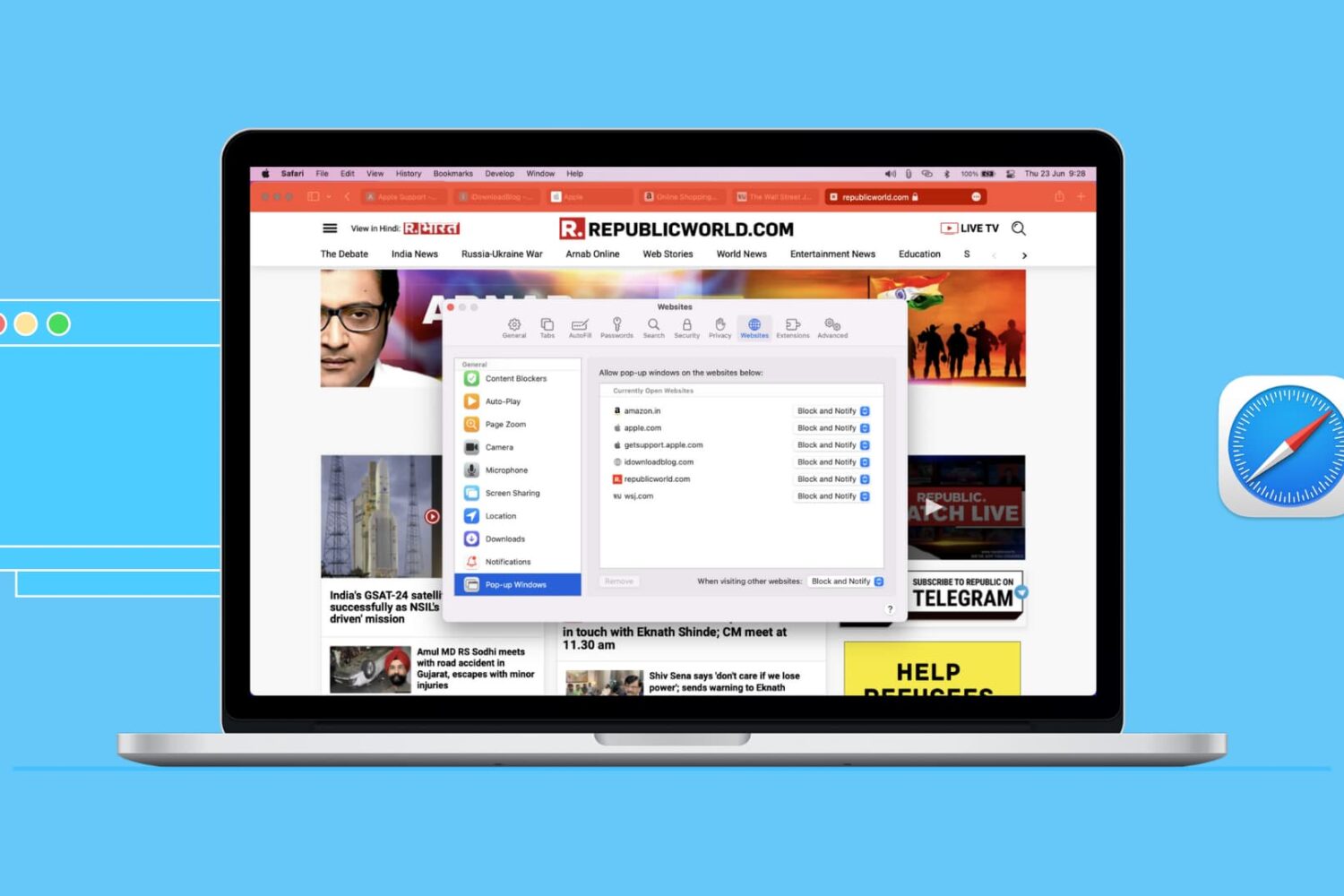
Learn how to enable pop-ups in Safari on iOS and Mac to see a pop-up offered by a site you trust and access all essential website features with ease.
Learn how to use Siri suggestions in Safari on your iPhone, iPad, and Mac to get recommendations for useful sites you might want to visit.
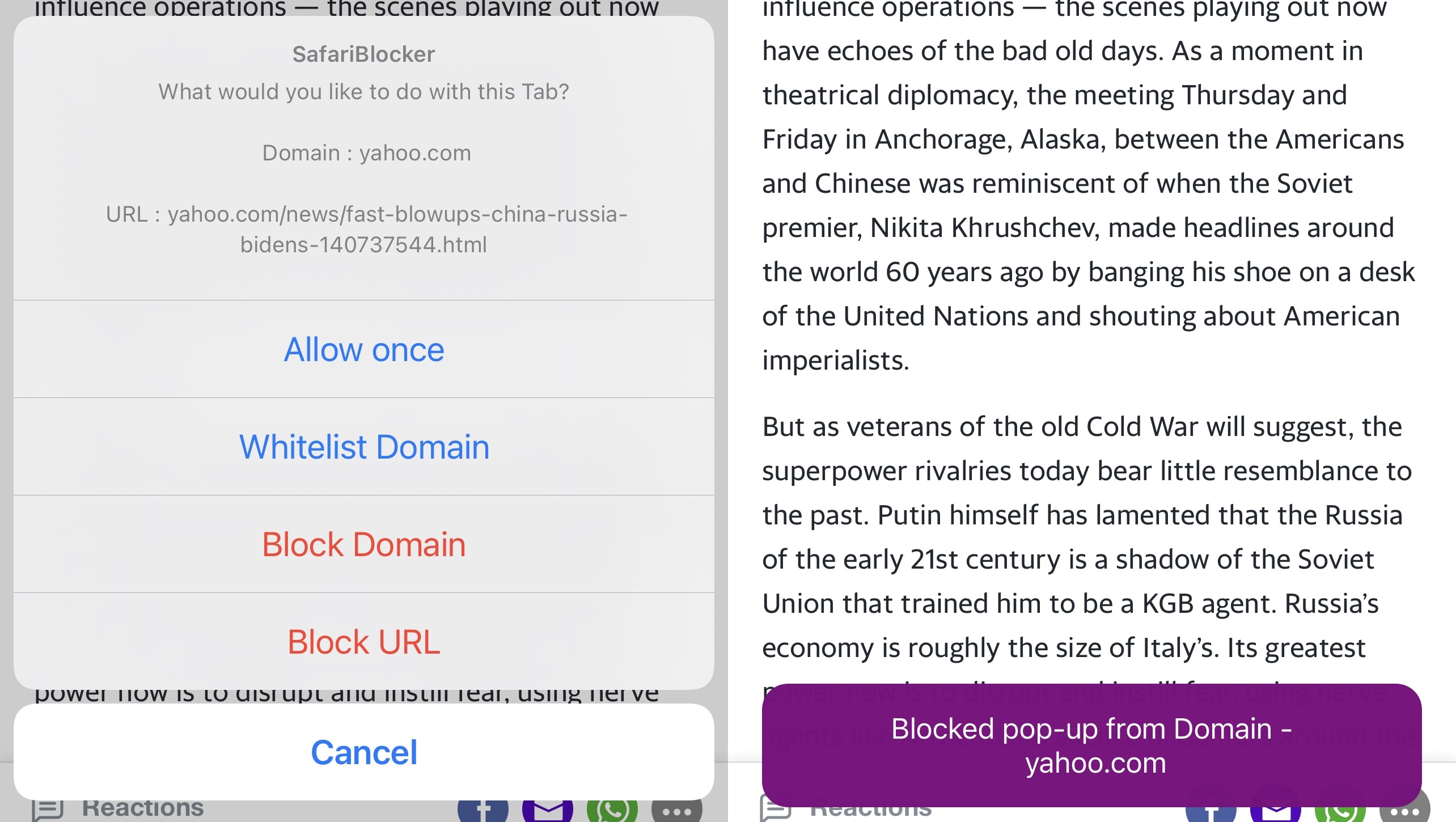
As much as I like the native Safari web browser on iOS and iPadOS, I’ve come to recognize that it’s far too easy to be jettisoned over to a new tab upon accidentally tapping on an advertisement or link on a web page.
Some third-party web browsers from the App Store already include native functionality that can stop this behavior from irritating the end user. But having a separate web browser app installed on my phone solely for this purpose just makes me feel like I’m installing another unnecessary app to clutter my Home Screen.
The very first thing that most iPhone and iPad users do after opening a new tab in Safari is tap on the URL bar at the top of the interface to begin entering a new website URL or search query. With that in mind, wouldn’t it make perfect sense if the keyboard popped up automatically upon launching a new tab?
If you answered yes to that question, then I’d lean to agree with you. In fact, I find it rather odd that Apple hasn’t thought around the same lines.
With Safari 14 on Mac came a cool feature for tab previews. This allows you to see a tiny snapshot of a webpage you have open in another tab when hovering your mouse over this tab. The thing with this feature is, it’s simply not for everyone. Some find it distracting. If you fall into this group, we’re here to help. Here’s how to disable the Safari tab previews on your Mac.
Words can’t express how much I enjoy the native Dark Mode feature on my iPhone and iPad, but even though most of my apps play along with this feature, many would agree that most web pages don’t.
If, like me, you’re a Dark Mode user on the iOS and iPadOS platforms and despise having your eyeballs seared to a crisp in their sockets by ultra-bright web pages, then chances are you’ll appreciate the concept behind a new and free jailbreak tweak dubbed WebShade by iOS developer WilsontheWolf.
Learn how to set Safari to open links in a new tab or do it on the fly to control how and where links open.
Apple's Safari browser is getting official support for the efficient albeit niche WebM video codec on the Mac via an upcoming update to the macOS operating system.
Learn how to configure Safari websites to stop asking for your location on iPhone, iPad, and Mac. You can always allow sites you want and deny those you don’t at any time.
Safari in iOS and iPadOS 14.5 further limits the risk of information leak by proxying safe-browsing services via Apple servers to prevents user data from being returned to Google.