Review

Customize your iPhone’s Lock screen in depth with FingerLock

If you have a jailbroken iPhone or iPad at your disposal, then we think you might come to enjoy a newly released and free jailbreak tweak dubbed FingerLock by iOS developer MTAC.

Citing the details provided to us in the tweak’s Cydia depiction, FingerLock provides the user with a bevy of Lock screen-centric customization options that can help it stand out from the crowd. The tweak purportedly includes the following features:
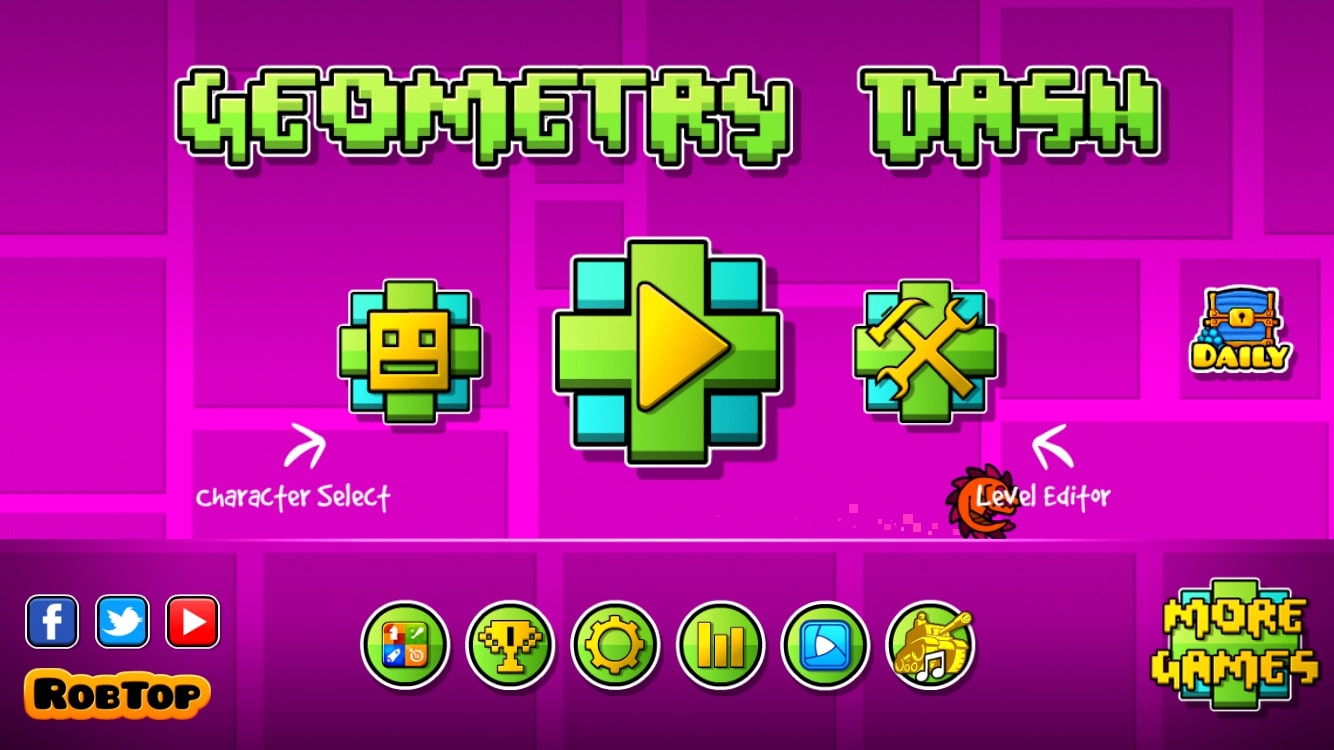
Retro review: Geometry Dash

When you hear Geometry Dash, you probably remember the nightmares you got from this game. It's probably one of the most frustrating games that have ever been on the iPhone. And yet, you still wanted to play it.

Nowadays, you don't hear about the game as much, which makes sense. Not only it has been out for a little over 6 years now, but it’s got other more recent spin-offs. Now there's an even more popular and frustrating game on the App Store, the infamous Getting Over It. So should you still play Geometry Dash in 2019? Or should you try one of the other games that will cause you the same amount of frustration and emotional pain? Let's find out on today's retro review.

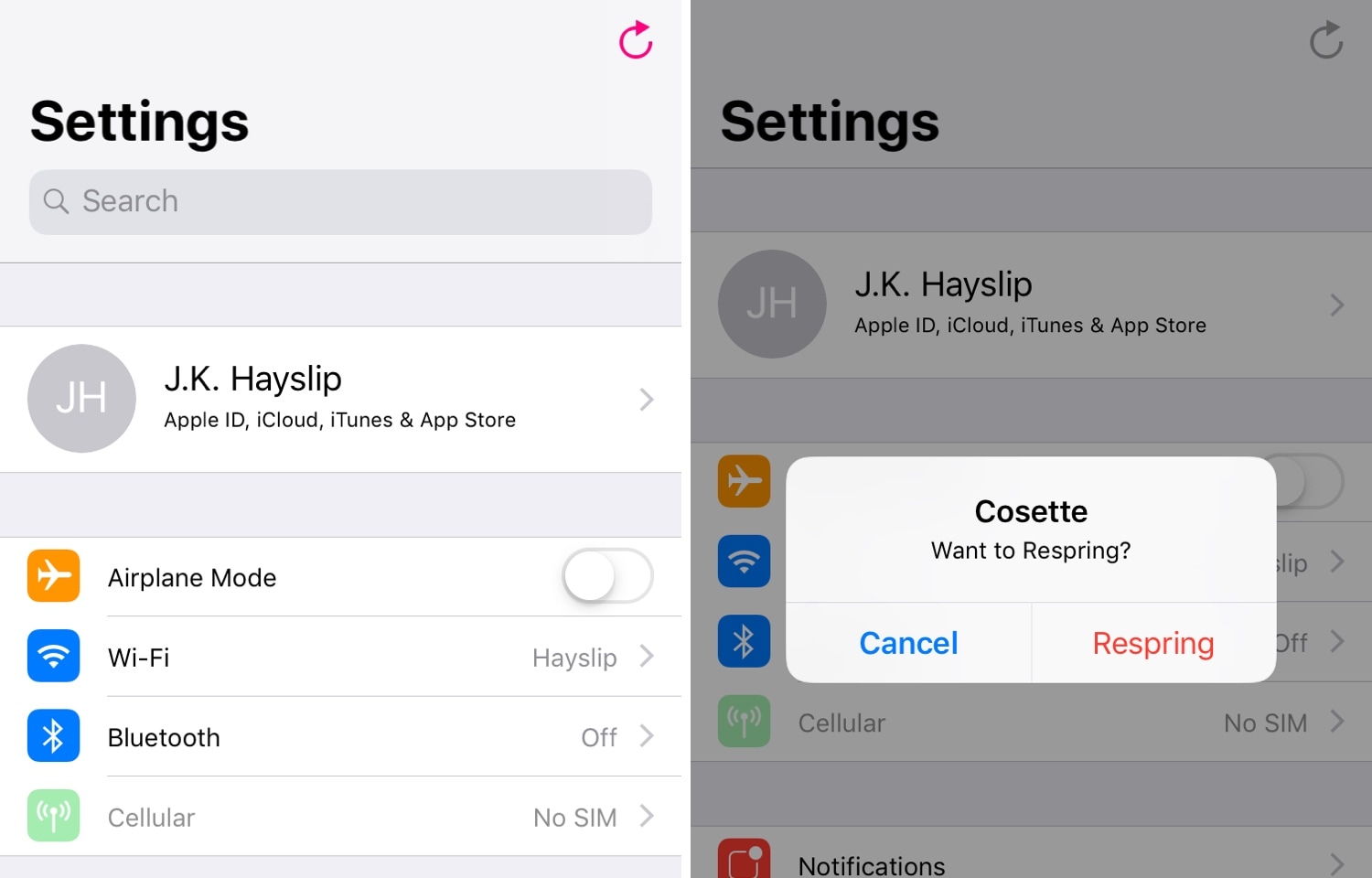
Cosette lets you Respring your jailbroken device more easily

When you have a jailbroken iPhone or iPad at your disposal, the question isn’t ‘if’ you’ll ever respring your device, but rather ‘when.’ Fortunately, there’s no shortage of jailbreak tweaks that make it easy to respring your handset from just about anywhere.

The latest of such tweaks is a new release called Cosette by iOS developer iKilledAppl3, which as the screenshots above depict, adds a convenient respring button to the first page of the native Settings app.

Ringer13 brings the iOS 13 ringer HUD to jailbroken devices

iOS 13 introduces a plethora of aesthetic changes over iOS 12, but perhaps one of the greatest improvements comes by way of the updated volume and ringer HUD interfaces, which no longer photo-bomb the center of your display when invoked.

You can already port the iOS 13 volume HUD to a pwned device with a jailbreak tweak called 13HUD, but now, you can also port iOS 13’s ringer HUD to your jailbroken handset with a secondary add-on dubbed Ringer13 by iOS developer KingPuffDaddi.

Give your iPhone’s wallpaper a subtle blur with BlurryPaper

Whether you’re the type of person who enjoys detailed landscapes as your iPhone’s wallpaper, or you simply favor something subtle that gives your Home screen’s app icons the spotlight, there’s probably something out there for you.

But for those who demand a stronger sense of wallpaper customization, a newly released and free jailbreak tweak called BlurryPaper by iOS developer Ziph0n lets you apply custom blurs to your wallpaper to generate some particularly stunning visual effects.

Make your pwned iPhone’s battery indicator sexier with Bazzi 2

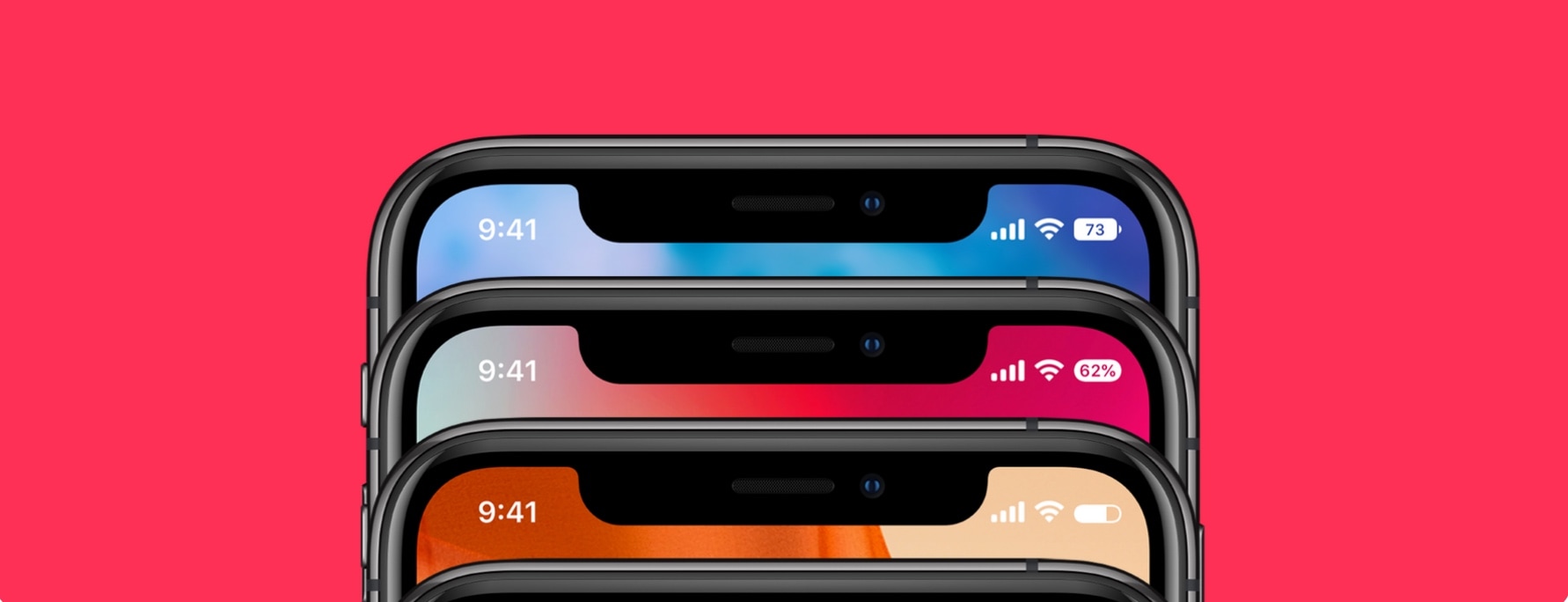
If you’re lucky enough to sport a jailbroken iPhone X-style handset, be it an iPhone X, XR, or XS, then you might be interested in giving the standard Status Bar battery icon an upgrade.

Bazzi 2 is a new jailbreak tweak by iOS developer Blake Boxberger that permits two different types of battery-centric Status Bar customization, including integral battery icon displays and notch-based battery displays:

Jailbreak tweaks of the week: ChargingBubbles, Peekable, Vigor 2, and more

Many people just got their shiny new iPhone 11, 11 Pro, or 11 Pro Max in hand this past week, but for those sticking with jailbreakable handsets following the launch of the new checkm8 bootrom exploit, this post is for you.

In this roundup, we'll discuss all the latest jailbreak tweaks to be released from Monday, September 23rd to Sunday, September 29th. As always, we'll kick things off by talking about our favorites first and then wrap things up with an outline of the rest afterward.

Retro review: Infinity Blade

Do you remember when Epic Games actually made epic games? No, I'm not talking about Fortnite, I'm talking about an objectively good game: Infinity Blade. This game took the world by storm when it first came out in 2010 and it was the first game on iOS to use the Unreal Engine.

This game made over $1.6 million in its first week and $23 million by the end of 2011. Epic Games knows how to make high-grossing games, I'll give them that. Due to its success, it got two sequels and even got two novellas. Now, the game is just a memory that's almost forgotten. I'm saying almost because we're bringing back for today's retro review.

ChargingBubbles gives your iPhone a slick new charging animation

If you’re tired of looking at the same old charging interface every time you plug your iPhone or iPad into a power source to juice up the battery, then perhaps it’s time you take a look at a newly released jailbreak tweak called ChargingBubbles by iOS developer Soh Satoh.

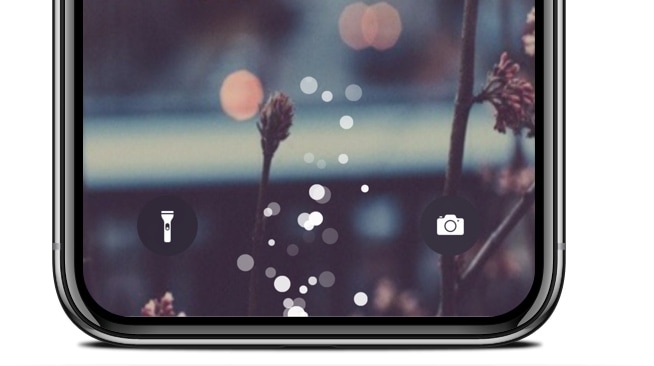
As the name implies, ChargingBubbles replaces the standard iOS charging interface with one that displays bubble animations near the bottom of the handset (where the Lightning port would be). The screenshot above shows what these bubbles look like, but for a more detailed demonstration, have a look at the animated GIF below:

This tweak hides when you type to others via iMessage

iMessage is one of my favorite messaging platforms, but I sometimes wish that it provided more privacy while typing to other people. Case in point, I’m not that fond of how iMessage notifies other users with a live status indicator when I’m typing to them.

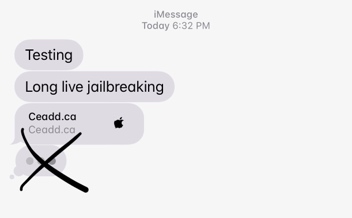
If you’re in the same boat and you have a jailbroken handset at your disposal, then I think you’ll enjoy using a newly released and free jailbreak tweak called No Typing Indicator 12 by iOS developer ceadd.

Enable Peek and Pop on unsupported devices with Peekable

One of the most popular functions conceived by Apple’s 3D Touch and Haptic Touch gestures on modern iOS devices is the ability to press firmly on an app icon from your Home screen to reveal a hidden menu, but there’s actually much more to this feature than meets the eye.

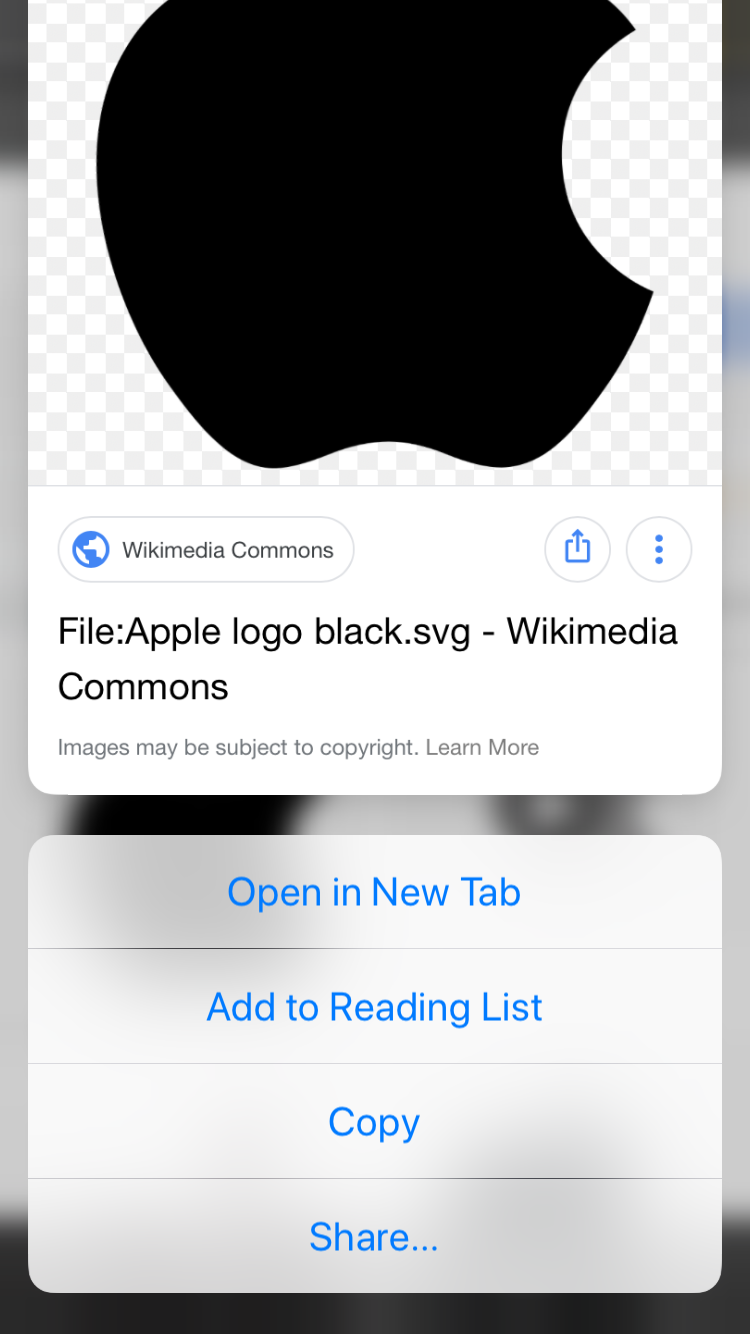
Peek and Pop is a great example, as it enables users to press firmly on objects throughout the operating system to view more information and options for that item. Peek and Pop is limited to devices that support 3D Touch or Haptic Touch, but with a new and free jailbreak tweak called Peekable by iOS developer Ryan Nair, you can enable Peek and Pop on any iOS device.