Review

Jailbreak tweaks of the week: Iris, Kai, TypeCentury, and more…

If you were lucky enough to jailbreak iOS or iPadOS 13.5 before Apple stopped signing it earlier in the week, then you’re probably wondering what you can do to make your device more fun to use. That’s where jailbreak tweaks come into play, and it’s one of the reasons we’ve curated this roundup for you.

This roundup will encompass all the latest jailbreak tweaks we’ve showed you from Monday, June 7th to Sunday, June 14th. As usual, we’ll kick things off by discussing our favorites first, and then wrap things up with the rest afterward. These lists are alphabetized for referencing purposes.
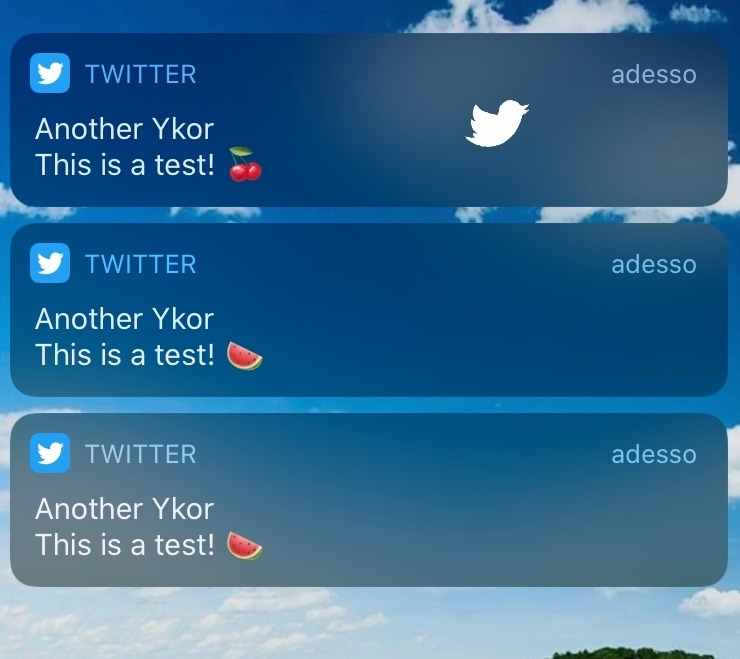
Fly Fly brings fun and quirky animations to your Twitter notifications

If you have as much of a love for jailbreaking as you do for using Twitter, then we think you’re going to have an absolute blast using a newly released jailbreak tweak dubbed Fly Fly by iOS developer Plat-Ykor.

Fly Fly makes the experience of receiving push notifications from Twitter both more fun and interactive. Upon receiving a notification, you will witness the Twitter bird taking flight across your display, complete with bird chirping sounds and an animated Twitter app icon.

BlurryAlerts brings tvOS-inspired alerts to jailbroken iPhones and iPads

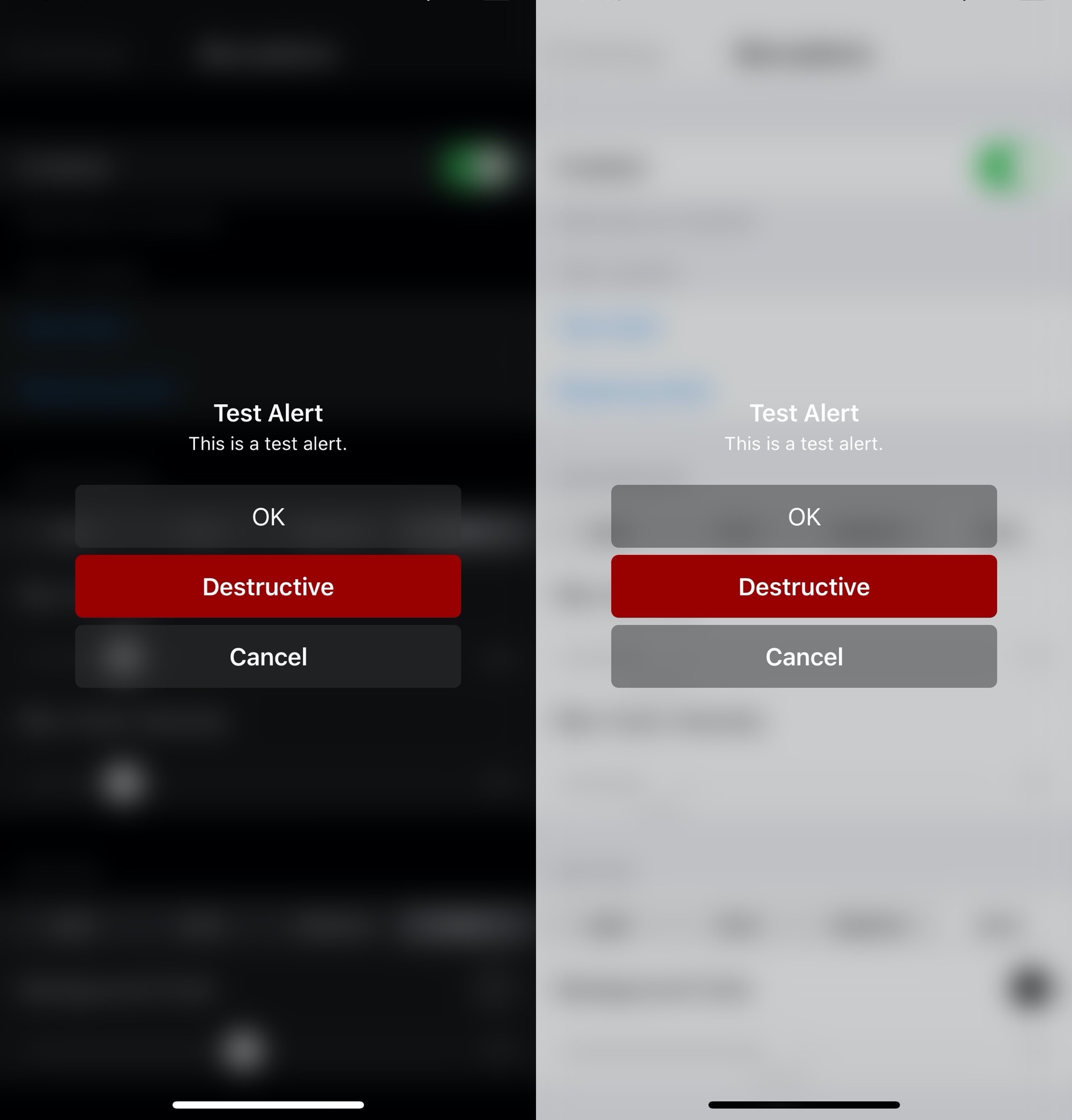
Apple has entirely different design aesthetics for its iOS and tvOS operating systems, but if you wish you could have more synergy between the two, then one way you could accomplish that is with the help of a new and free jailbreak tweak dubbed BlurryAlerts by iOS developer SlyFabi.

As you can discern for yourself in the screenshot examples above, BlurryAlerts replaces iOS’ native pop-up alert with a tvOS-inspired interface complete with the blurry background and the color-matched buttons.

Keep track of how many times you unlock your iPhone with counter

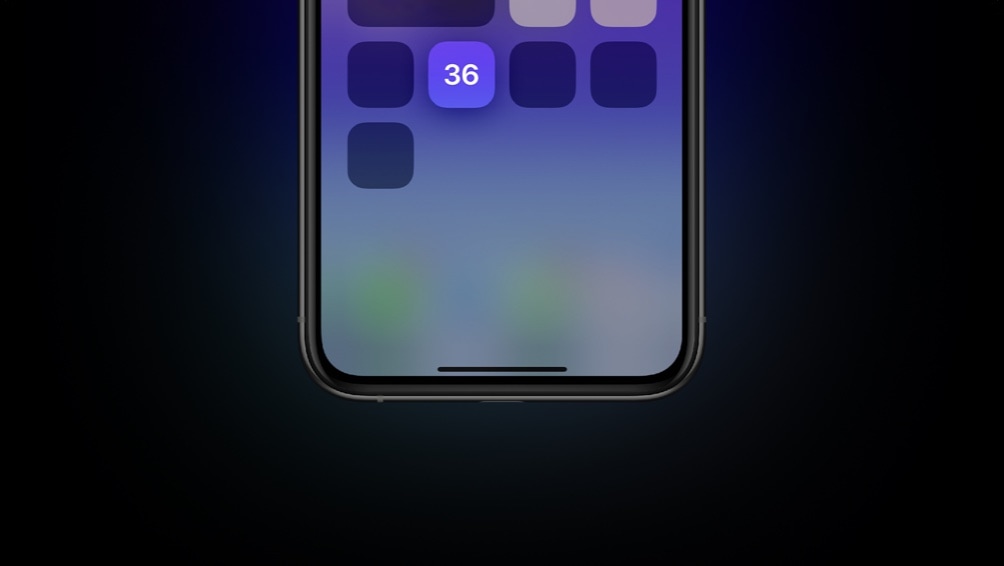
It can be difficult to curb smartphone addiction, especially when you’re so used to unlocking your iPhone with the flick of a finger and then refreshing your favorite social media feeds to see what’s happening in the world around you. But do you actually know how many times you unlock your iPhone each day? The number may surprise you.

For those interested in tracking their smartphone usage in a more intelligent manner, counter is a newly released and free jailbreak tweak by iOS developer ConorTheDev that puts a real-time device unlock counter in your handset’s Control Center interface.

Buzz Buzz Lite brings universal haptic feedback to your iPhone for free

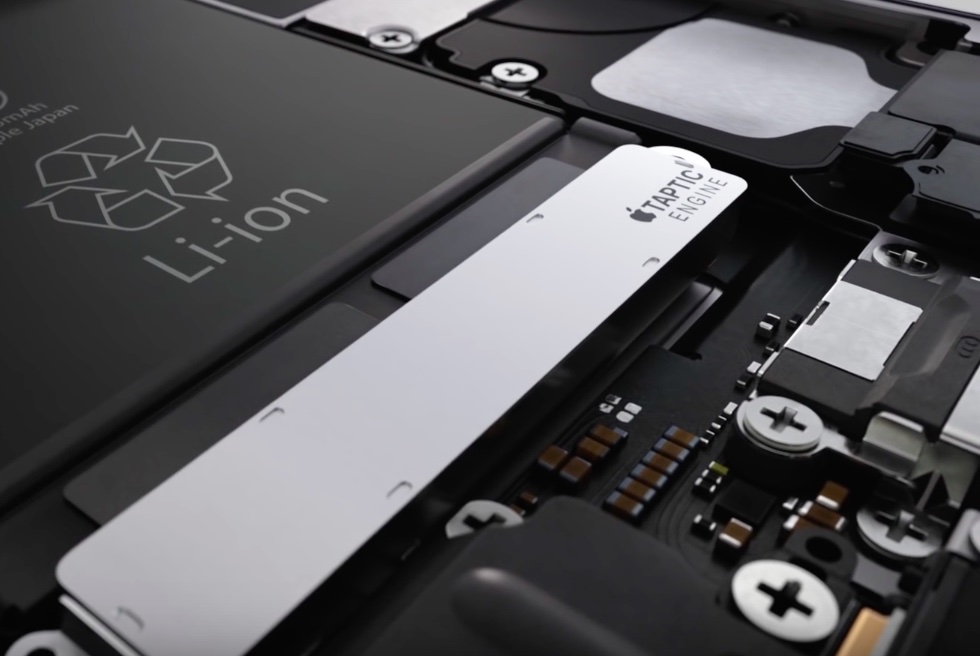
Just yesterday, we showed you a jailbreak tweak called Haptify that could make your iPhone exhibit haptic feedback in more places that it would out of the box. While it was indeed a fine tweak, it also came with a price tag, and that’s one of the primary reasons why we’re eager to show you a newly released and free add-on dubbed Buzz Buzz Lite by iOS developer Jax Roth.

Just like Haptify, Buzz Buzz Lite provides a little bit of haptic feedback to many of the actions that you might regularly perform on your iPhone. But it’s worth noting that Buzz Buzz Lite supports several more actions than Haptify did, and that the tweak’s execution is somewhat different as well. We’ll be bringing many of those differences into the light in this piece.

This tweak brings colorful gradients and more to iOS’ Messages app

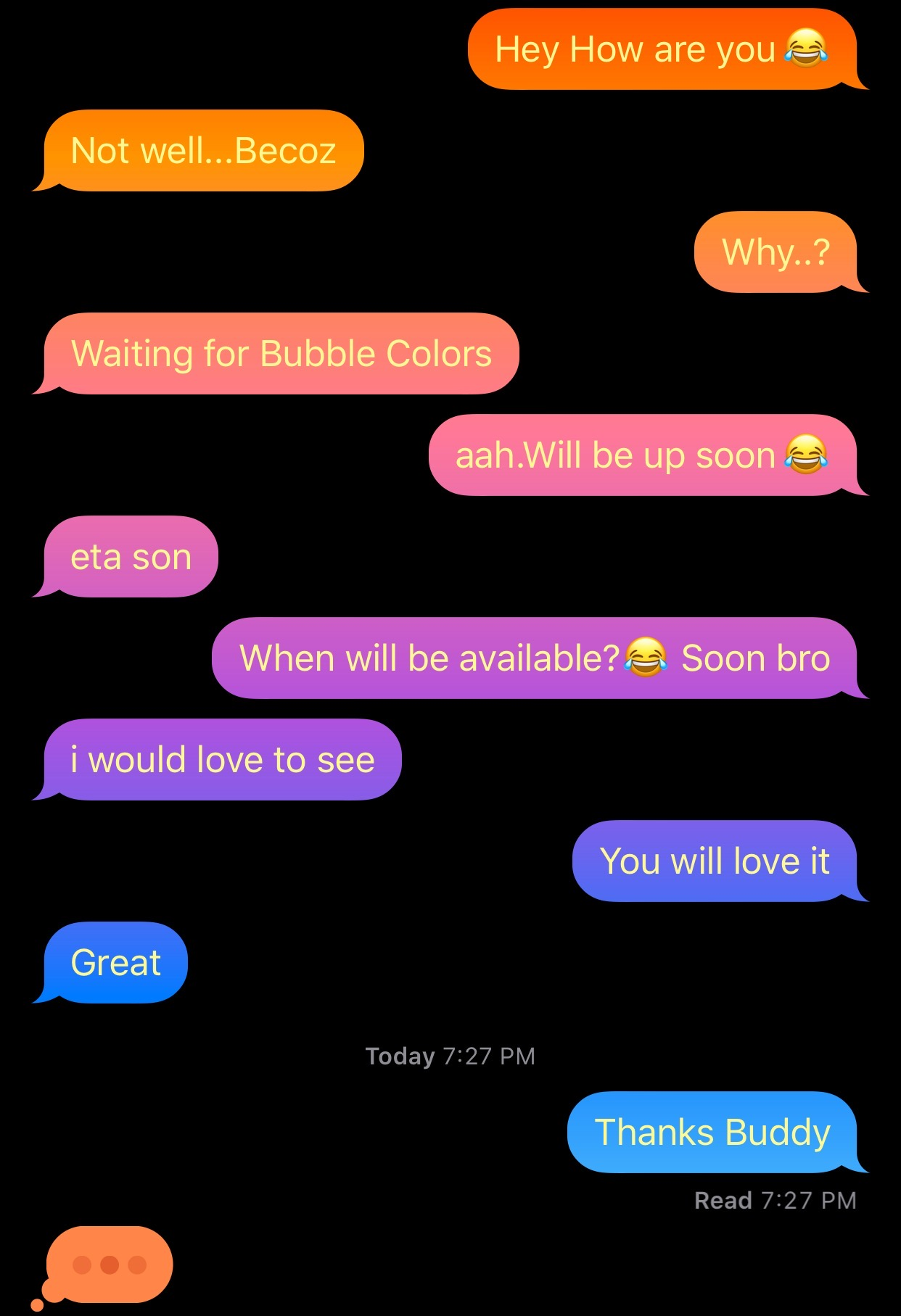
After jailbreaking your iPhone or iPad, one of the more exciting things you can do is add custom colors to the Messages app, namely the sent and received chat bubbles that distinguish your words from your recipient’s. But as cool as that might be, who wants to be limited to only a single color choice for each person?

Enter Gradient Bubble Color, a newly released jailbreak tweak by iOS developer Naneramanu that outfits your Messages app’s chat bubbles with a juicy gradient of colors and provides a plethora of options for colorizing other aspects of the Messages app.

Customize system sounds on your jailbroken iPhone with CustomSounds 2

While a lot of jailbreakers are investing their time into making their pwned iPhones look cool by way of themes and tweaks, looks simply aren’t everything. In fact, what better way to give your handset a splash of personality than with custom interface sounds?

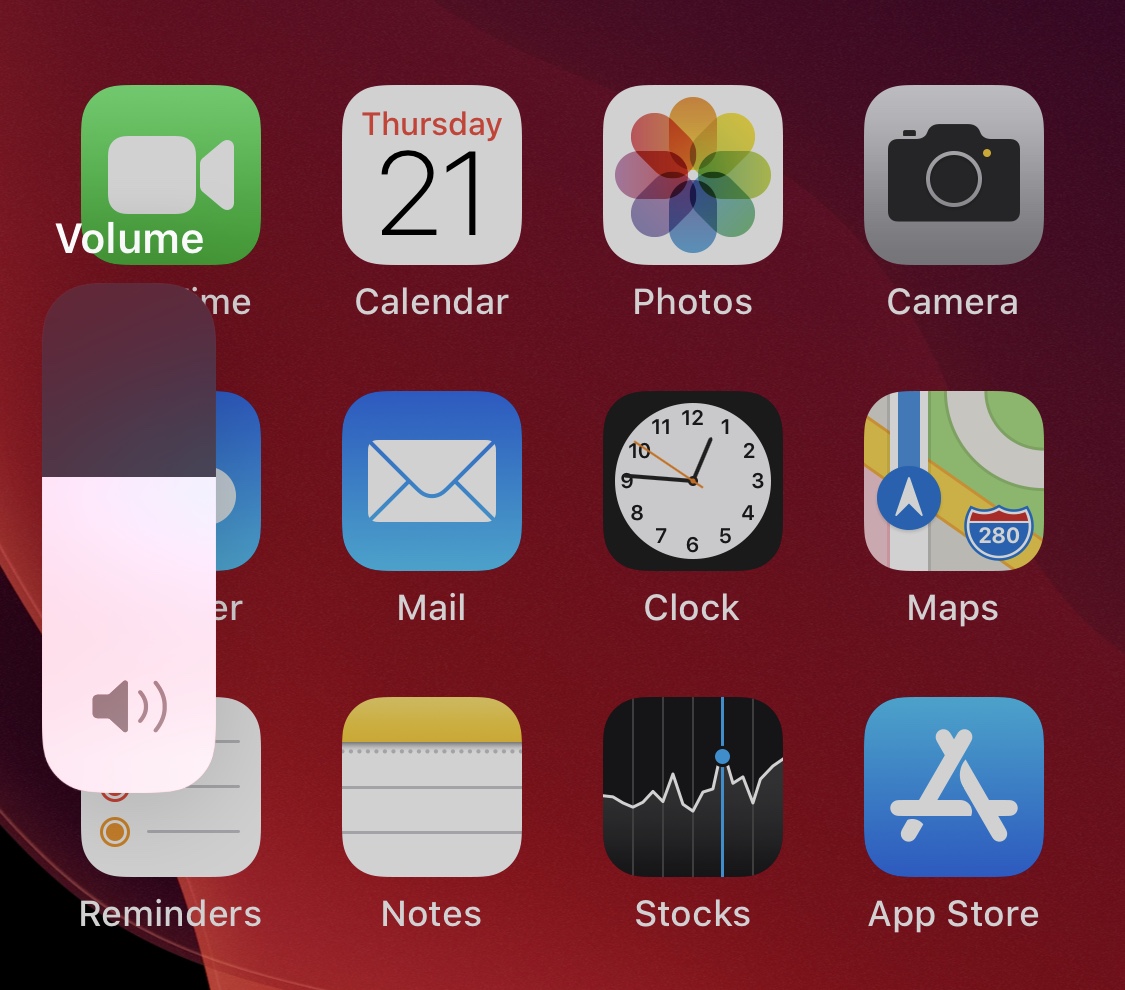
If you’re onboard with everything we’ve said thus far, then you’re probably going to have a lot of fun with a newly released and free jailbreak tweak called CustomSounds 2 by iOS developer Nebbs. Just as the name suggests, this tweak lets you replace several of your handset’s native interface sounds with third-party ones.

TypeCentury displays iMessage read receipts and typing indicators anywhere in iOS

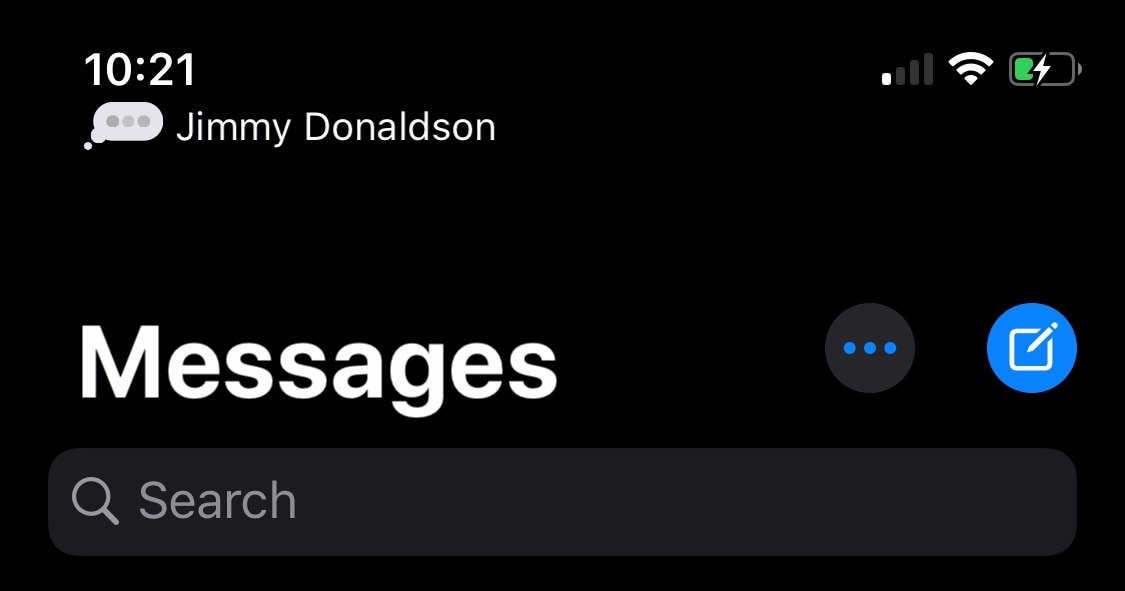
Some of the most compelling features that set iMessage apart from traditional SMS in Apple’s Messages app are the creature comfort features that it provides such as read receipts, typing indicators, and the lack of character limits. Among those, read receipts and typing indicators are some of my favorites because they lets me know when the other person is typing so I can refrain from interrupting them mid-dialogue and when they've read my message so I can nag them about why they didn't respond to me later.

But as anyone with a jailbroken device will tell you, there are always ways that things can be improved. The much appreciated iMessage typing indicator is no exception to that rule, and that’s one of the primary reasons why I’m advocating for a newly released jailbreak tweak called TypeCentury by iOS developer captinc.

Iris unlocks powerful new features in Apple’s Messages app

Apple meticulously designed its Messages app to be one of the most straightforward standard text messaging platforms on any modern handset, and the company’s built-in iMessage service only augments your messaging capabilities, as long as your recipient is an iOS or macOS user too.

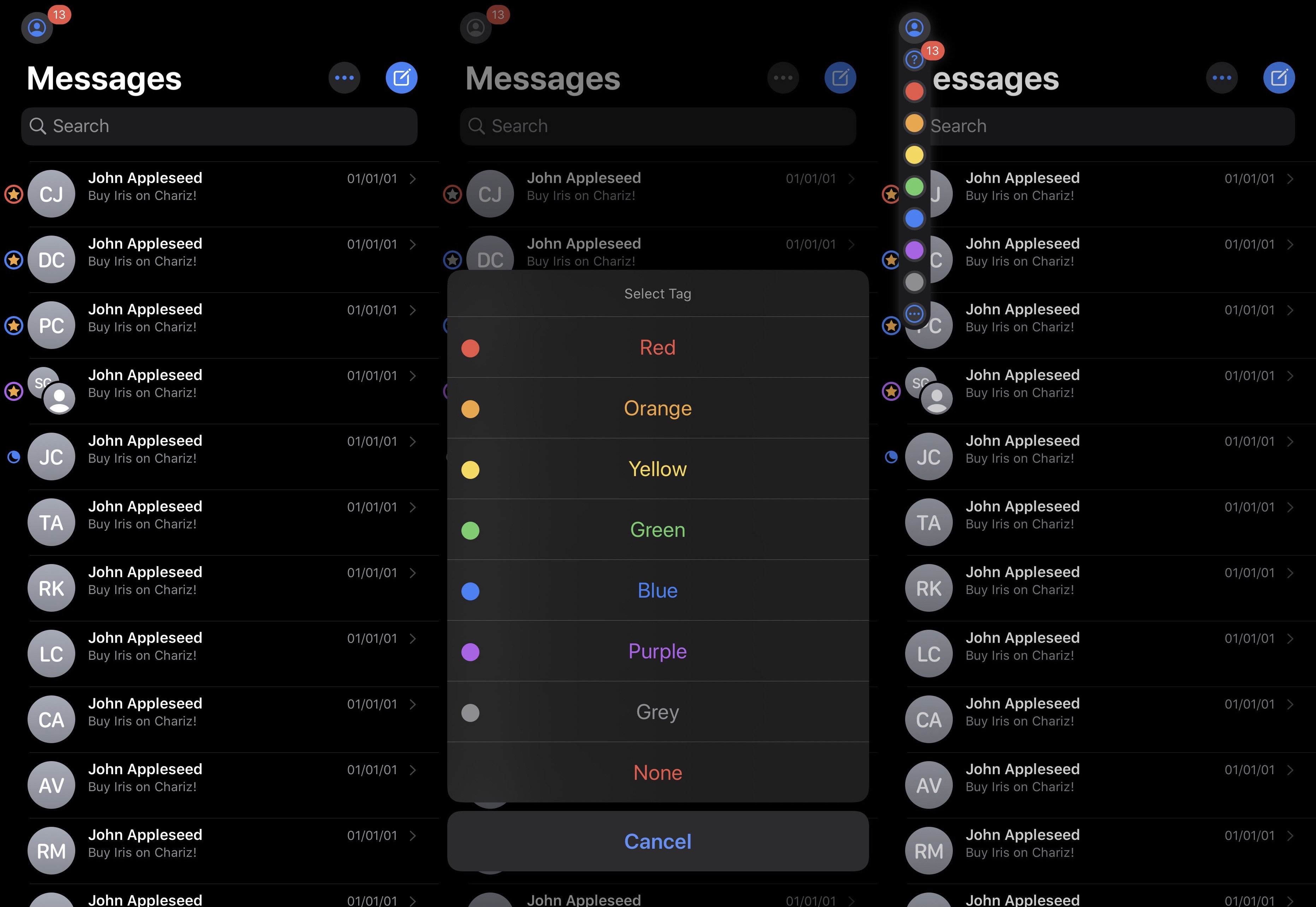
But despite the bevy of creature comforts that Apple implemented into Messages to make iMessage as great as it is today, there’s no question that a number of high-demand features are still missing, and iOS developer JacobCXDev has done a wonderful job of bringing those to the Messages app without Apple’s seal of approval in the form of a newly released jailbreak tweak called Iris.

Haptify adds more forms of haptic feedback to iOS

Haptic feedback is something that many smartphone owners like to have, but for whatever reason, is only sparingly used by the native operating system for niche and specific actions. Personally, I enjoy haptic feedback in moderation, and I think that Apple has been rather skimpy on its implantation out of the box.

If you’re anything like me and wish haptic feedback occurred more frequently while performing other common actions on your iPhone, then you might come to appreciate a newly released jailbreak tweak called Haptify by iOS developer Caleb G(kWaB), as it incorporates haptic feedback into several more of iOS’ native interfaces and performable actions.

Kai adds persistent battery indicators to the Lock screen for connected devices

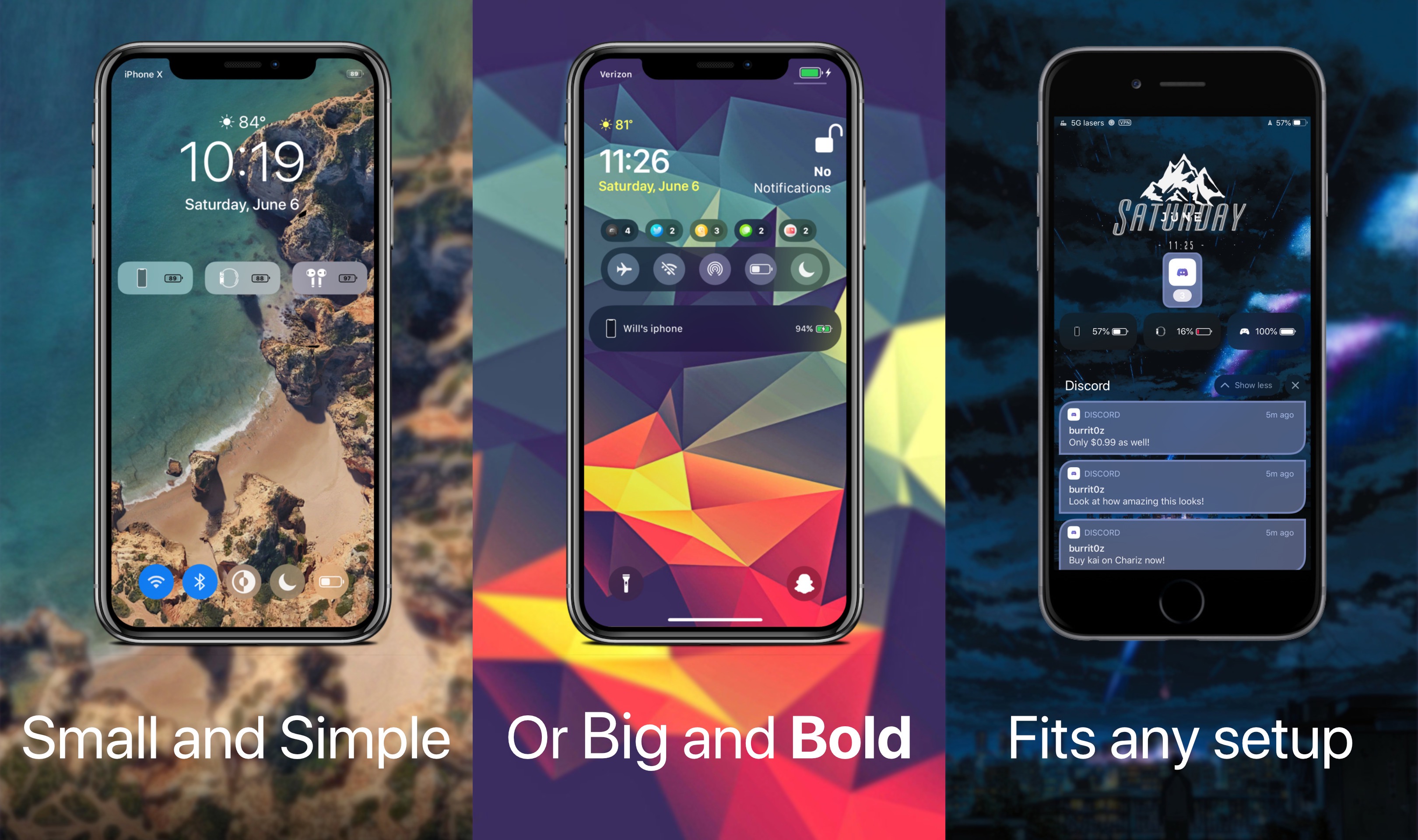
Just last week, we showed you a free jailbreak tweak dubbed WatchBuddy that would persistently display your Apple Watch’s battery level on your iPhone’s Lock screen. Albeit simple and effective, some users demanded more, and so a new release called Kai by iOS developer Burrit0z was conceived.

As shown in the screenshot examples above, Kai expands upon the WatchBuddy concept by persistently displaying your connected devices’ battery levels on the Lock screen. You’ll also notice that the indicators include, but aren’t limited to the iPhone itself, connected Apple Watches, and connected AirPods where applicable. Furthermore, the indicators are customizable whether you prefer smaller subtle solutions, or bigger and bolder ones.

Jailbreak tweaks of the week: AlwaysOnHeadphones, Ares, and more…

It’s been a crazy couple of weeks for the jailbreak community thanks to a slew of jailbreak tool updates from both the checkra1n and unc0ver teams adding support for iOS & iPadOS 13.5. Thankfully, we’re here to help keep you apprised of the best of the latest jailbreak tweak releases.

In this roundup, we’ll show you all the best jailbreak tweaks released from Monday, June 1st, to Sunday, June 7th. As usual, we’ll start things off by showcasing our favorite releases and then wrap things up with an outline of everything else afterward.