Review

Jailbreak tweaks of the week: Backtrix, croutons13, WebMessage, and more…

It’s that time of the week again, and as we prepare to bid adieu to an otherwise ordinary weekend, we’re reminded that it wouldn’t be a Sunday here at iDownloadBlog without a weekly recap of all the latest jailbreak tweak releases and news directly impacting the jailbreak community.

It’s that reason exactly that we come at you today with the latest iteration of our jailbreak tweak roundup, this time encompassing all the releases between Monday, January 25th and Sunday, January 31st. As usual, we’ll kick things off by showcasing our favorite releases from this past week first, and then we’ll outline everything else afterward.
My favorite accessories for the iPhone 12 Pro Max

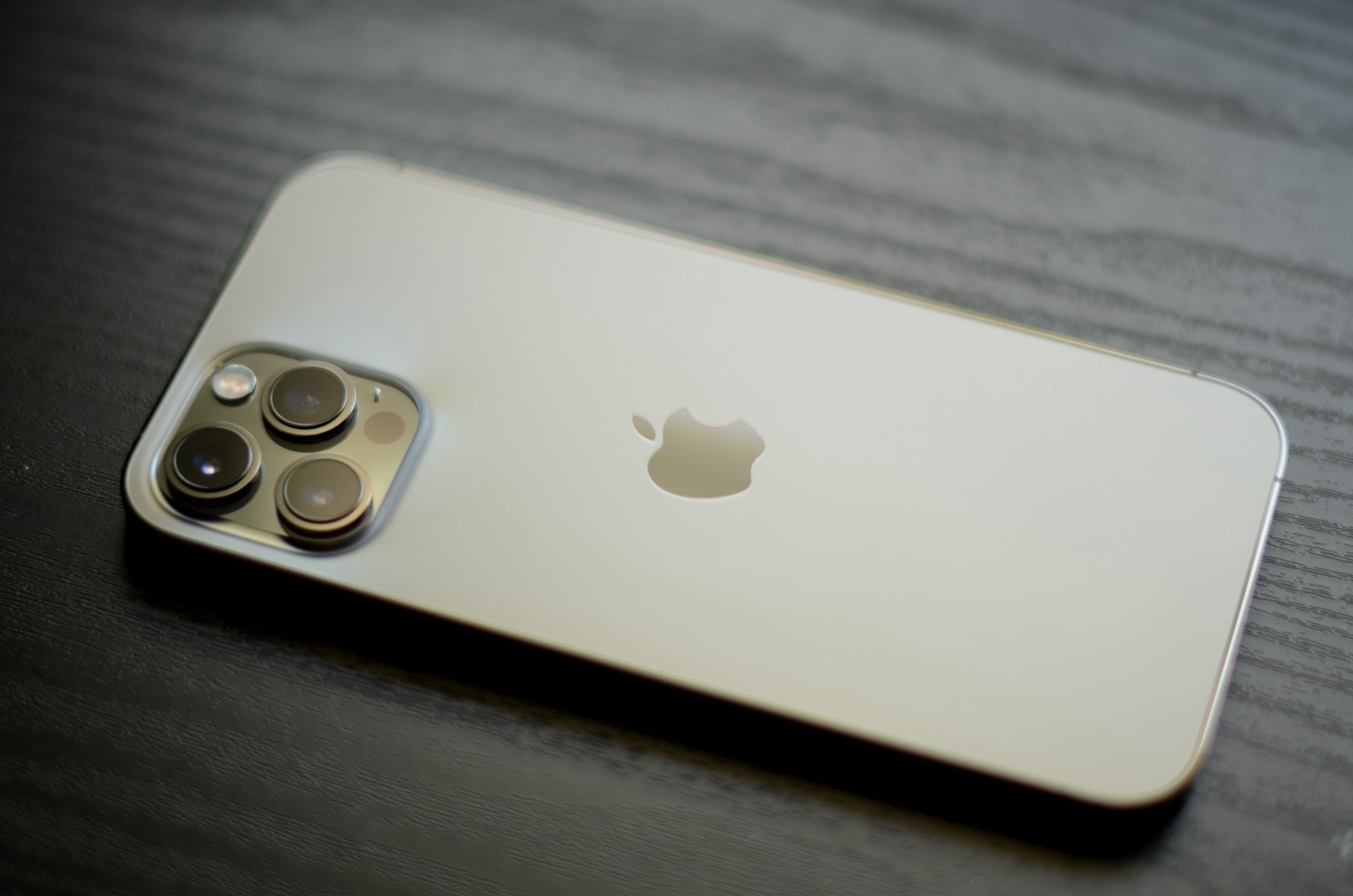
A gold iPhone 12 Pro Max laid face down on a wooden table

It wasn’t long after acquiring my shiny new iPhone 12 Pro Max at the end of last year that I began scouring every corner of the internet for relevant accessories that I believed would complement my fast-paced and dynamic lifestyle.

Some of the peripherals I tried along the way became an instant hit with regard to my daily routine, and many others were quickly phased out after I became aware of alternative solutions that were, to be frank, superior.

Backtrix back-ports iOS 14’s Back Tap feature to jailbroken iOS 13 handsets

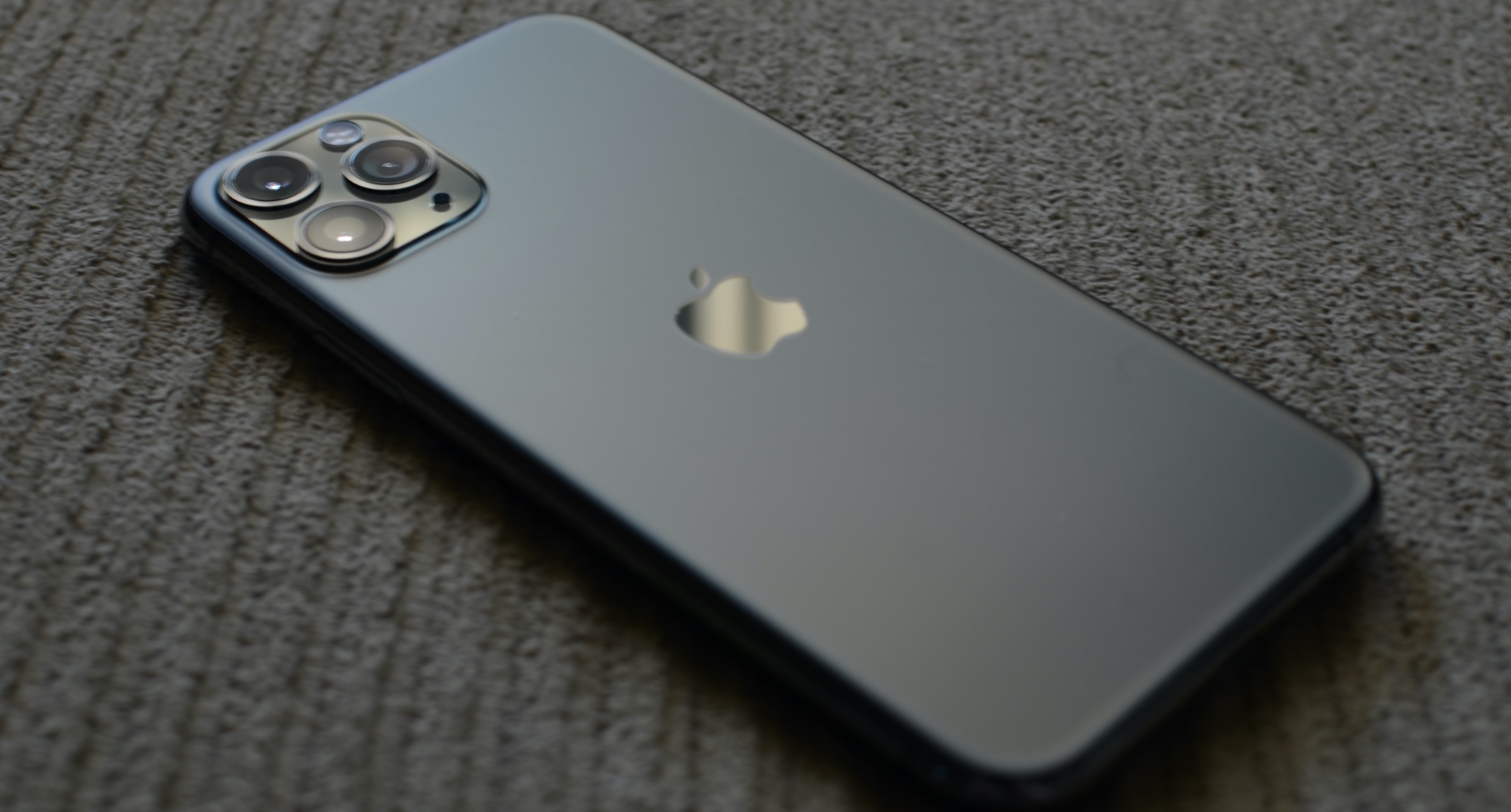
iPhone 11 Pro

iOS 14 introduced an incredibly handy accessibility feature dubbed Back Tap, which grants iPhone users the ability to tap twice and/or three times on the back of their handset to invoke an action of their choosing.

Notably, this feature isn’t present on iOS 13, despite the fact that iOS 13-compatible handsets come equipped with the same accelerometer-based hardware that makes this possible.

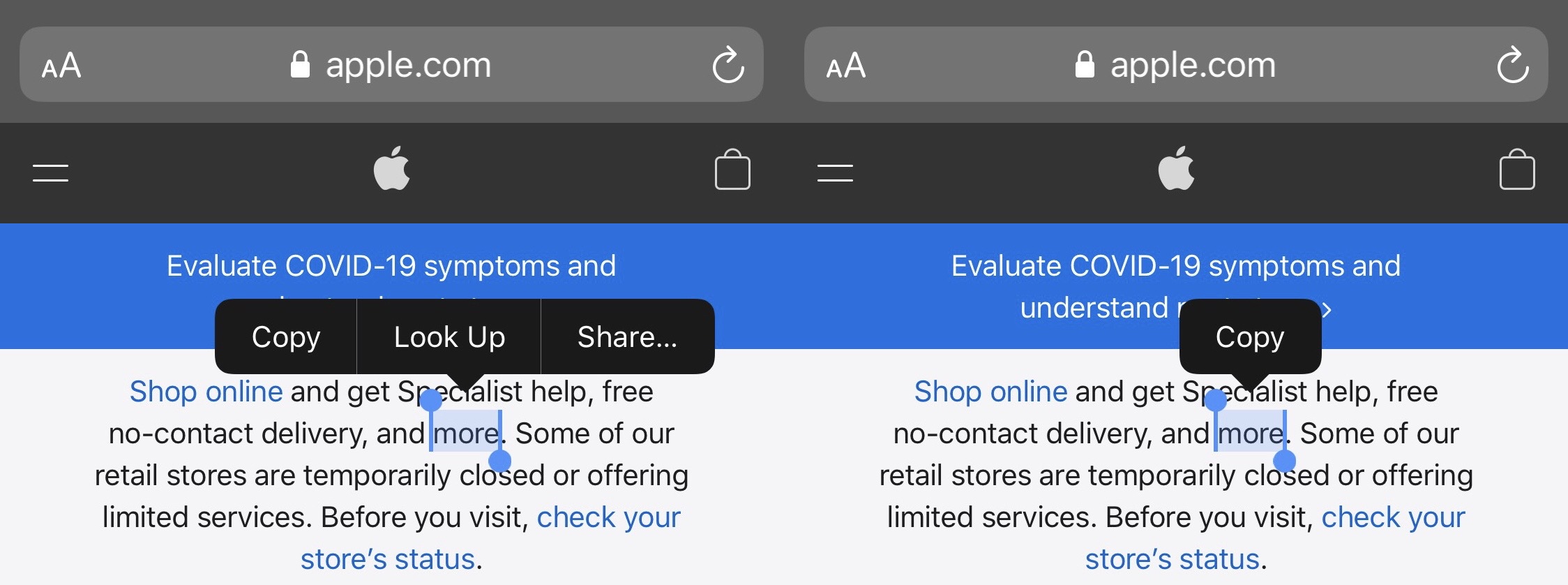
SkinnyMenu removes the superfluous Look Up and Search options from iOS’ Action Menu

When you tap and hold on a word in a body of text on your iPhone or iPad, you’ll find yourself being presented with an Action Menu that contains useful options that vary depending on the app you’re in.

If you’re using a text editor, then you might see Copy, Cut, and Paste as options. In other areas of iOS, you may find those in addition to other superfluous options, like Look Up and Share to name a few.

WebMessage lets jailbreakers send SMS and iMessages via almost any computer

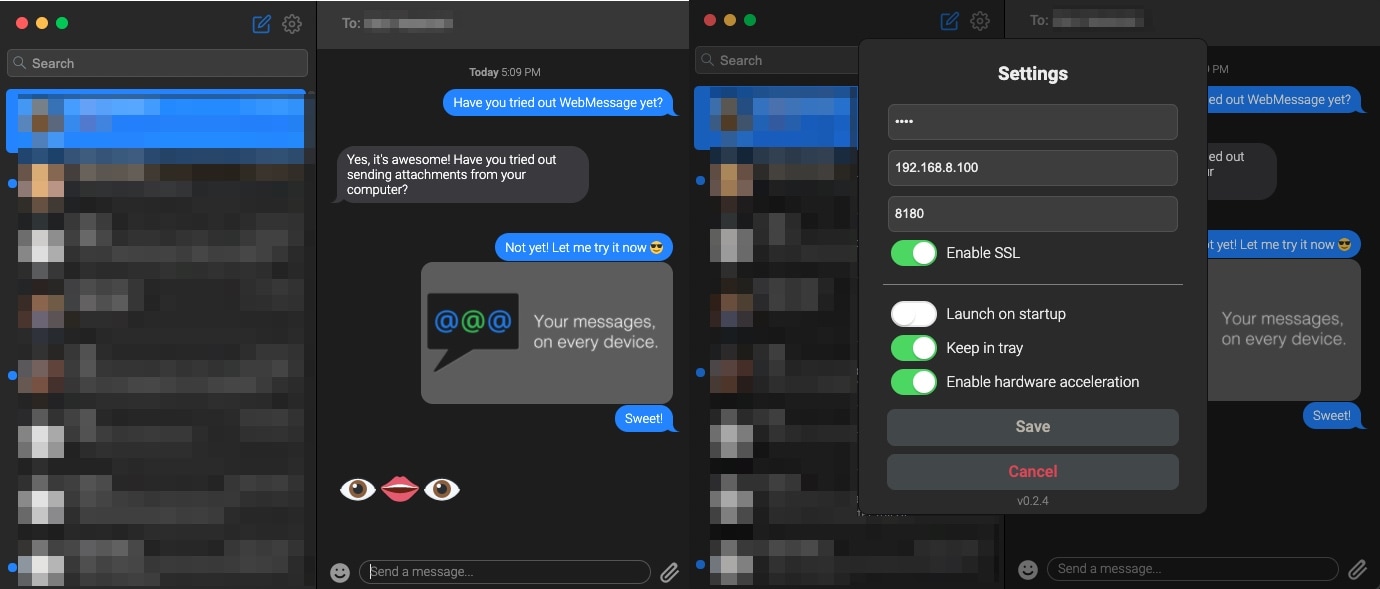
If, like so many others, your primary methods of communication comprise of iMessage and SMS via your iPhone, then you might take a particular liking to a newly released jailbreak tweak and computer application combination dubbed WebMessage by iOS developer sgtaziz.

WebMessage effectively turns your iPhone into a messaging server on demand, and by installing a special client on your computer, you can read and respond to both iMessage and SMS conversations via your computer even if it’s not a Mac.

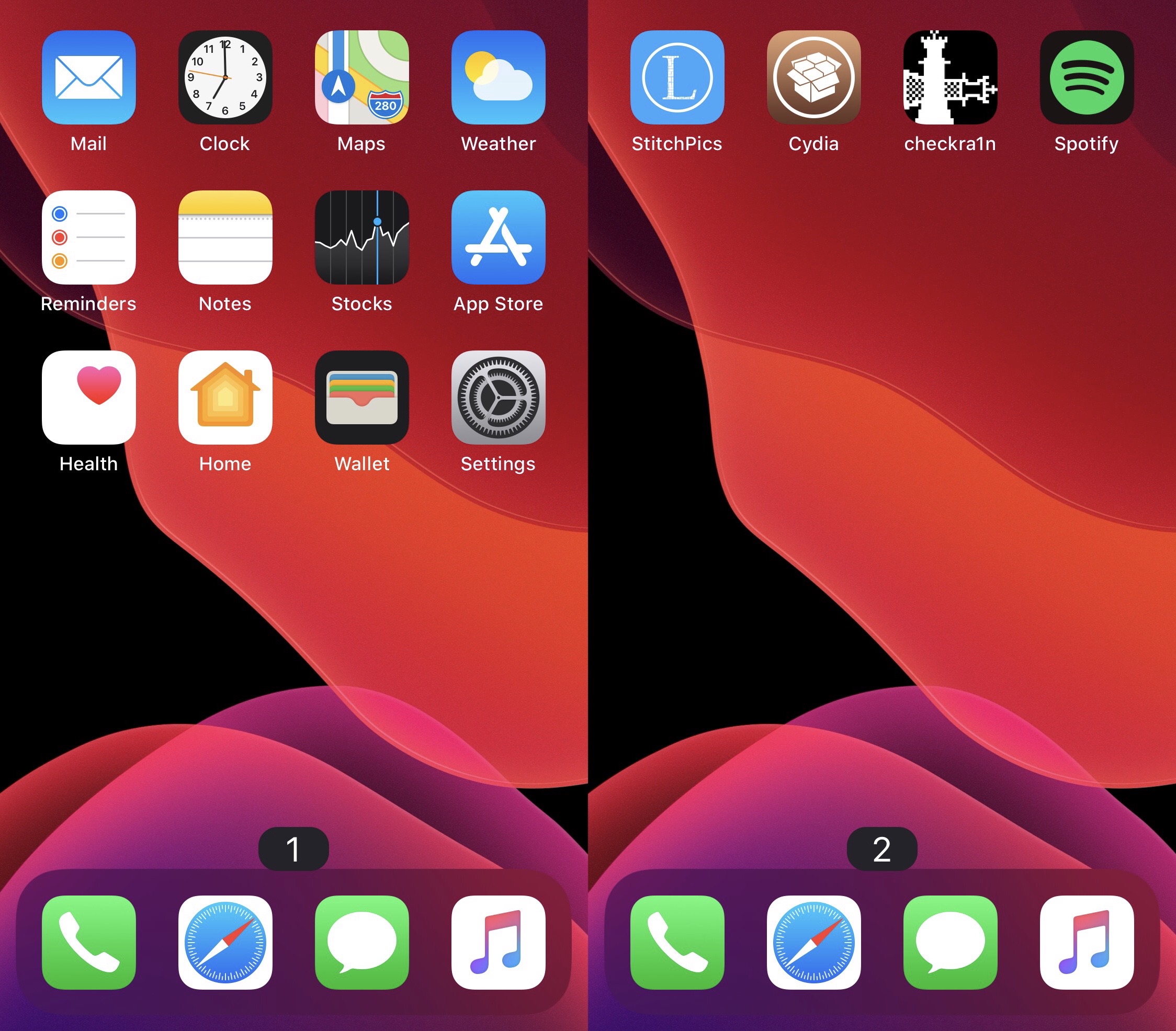
Page Dots 2 Numbers gives jailbreakers book-inspired Home Screen page numbers

At the bottom of your iPhone or iPad’s Home Screen are a series of dots – one for each page on your Home Screen. As you move between pages, a specific dot lights up to represent the page you’re currently looking at.

While I personally enjoy the Home Screen’s page dot indicator as it comes, I can certainly grasp how someone harder at seeing than I am could have more difficulty discerning which page they’re on. For that reason, a new and free jailbreak tweak called Page Dots 2 Numbers by iOS developer MinxterYT seems noteworthy.

iPhone 12 mini review: Two months later

The iPhone 12 mini, the smallest 5G handset in Apple's lineup, is more pocketable than the iPhone SE and with fewer compromises. Yes, it has the worst battery life of all new iPhones, but that's normal given its small size. In this hands-on video walkthrough, our videographer approaches reviewing the iPhone 12 mini two months later with a pair of fresh eyes.

Croutons13 makes iOS’ breadcrumb links look more aesthetically pleasing

It used to be that when iOS jolted you from one app to another, you’d then need to open the App Switcher to return to what you were doing in the first app. That all changed after Apple introduced Status Bar-based breadcrumb links starting with iOS 9 and later.

To put it briefly, a breadcrumb link appears in the Status Bar as a string of text with a left-pointing arrow beside it. You’ve probably seen one after tapping on a link in an app, as this usually kicks you into either the App Store or Safari, but other apps may also apply in certain circumstances.

Jailbreak tweaks of the week: FreePIP, Emerald, KBAppDock, & more…

There have been a lot of head-turning jailbreak tweak releases lately, and if you have a pwned iOS or iPadOS 13 or 14 device at your disposal, then you’ve likely taken notice.

Today, we’ll be sharing a comprehensive roundup of all the latest jailbreak tweak releases and jailbreak-oriented news in an effort to help keep the community apprised of all the newest developments. As usual, we’ll kick things off by talking about our favorite tidbits, and then we’ll wrap things up with an outline of everything else at the end.

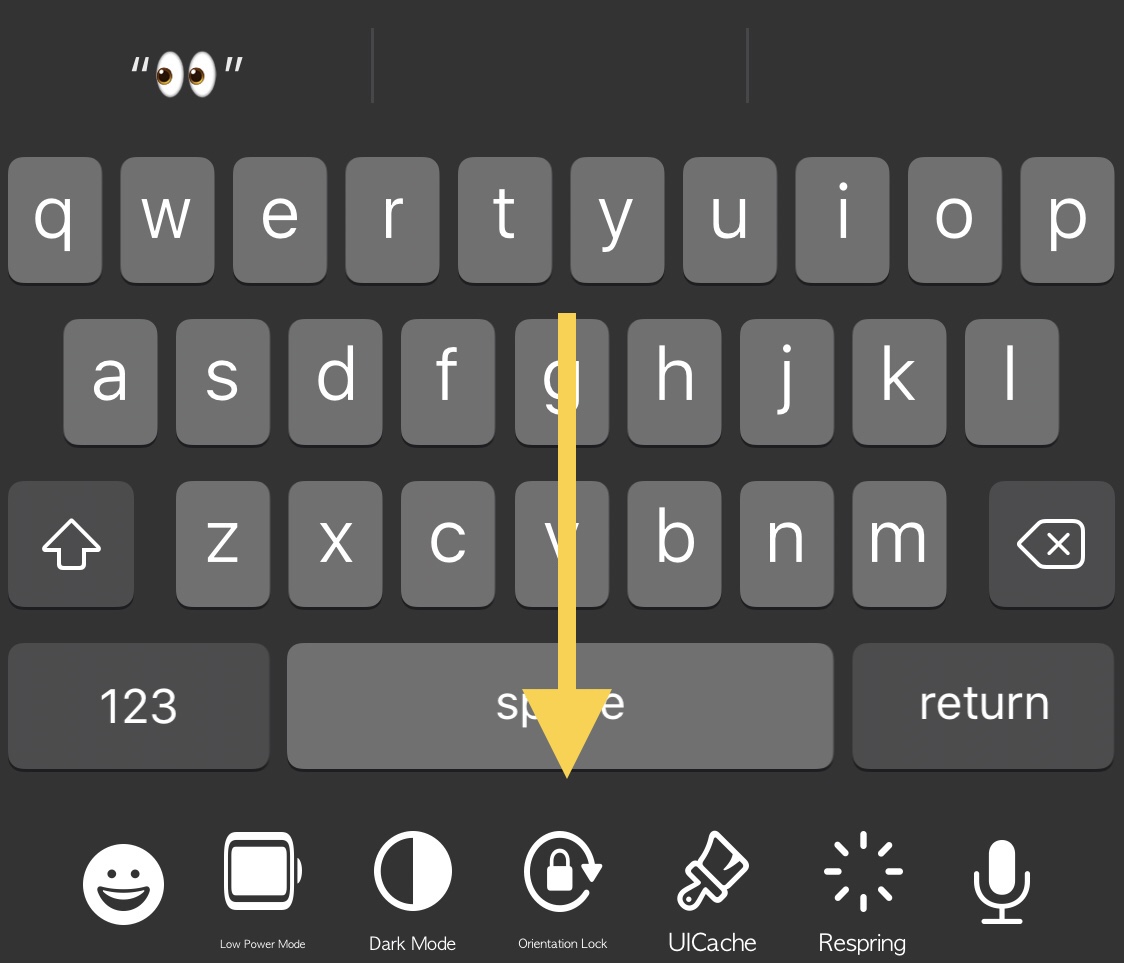
KBAppDock upgrades the stock keyboard on jailbroken iPhones

The keyboard is one of the most frequently-used interfaces on any iPhone, and that’s not just because it’s useful for texting, but also because it’s the one tool you use whenever you browse the web, jot down notes or reminders, or search the App Store for your favorite apps, among other things.

While it’s certainly possible to download third party keyboards from the App Store to replace iOS’ native keyboard interface, you’d be hard pressed to find anything nearly as powerful as what can be had with a jailbreak tweak. That’s because jailbreak tweaks often let you keep Apple’s wonderful native keyboard while still enabling you to augment it in ways that Apple otherwise wouldn’t permit on a stock handset.

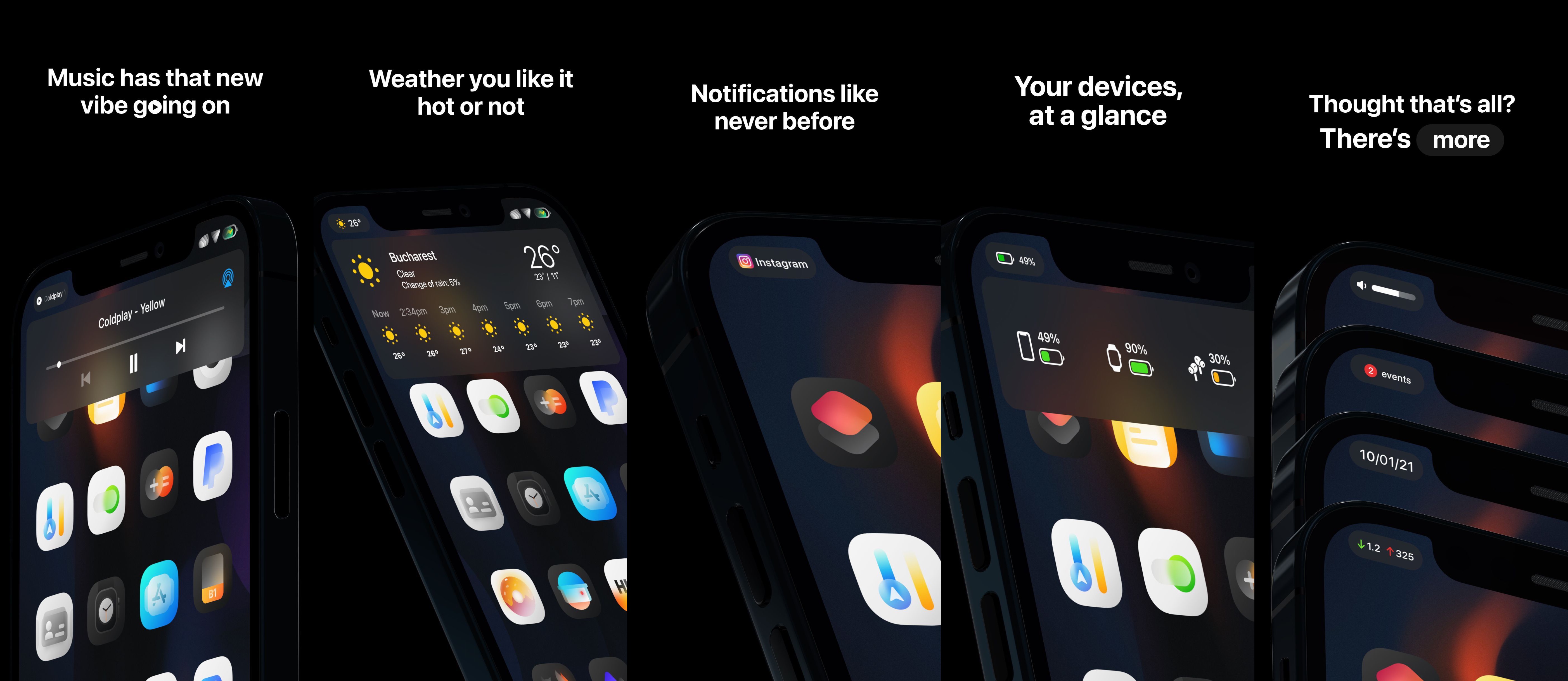
Emerald: A new Status Bar experience that Apple needs to take notes on

Your iPhone’s Status Bar is intended to provide useful information at a glance, and while it definitely seems to have the basics covered, Apple could have went so much further in terms of implementing an immersive Status Bar-centric user experience. Given what an iPhone costs these days, wouldn’t you think they’d give this some thought?

While it seems unlikely that Apple will be upgrading the iPhone’s Status Bar any time soon, those lucky enough to have a jailbroken handset at their disposal won’t need to put up with the stock Status Bar experience any longer. Why, you ask? Just have a look at a newly released jailbreak tweak dubbed Emerald by iOS developers LaughingQuoll and thetimeloop, and all your questions will be answered.

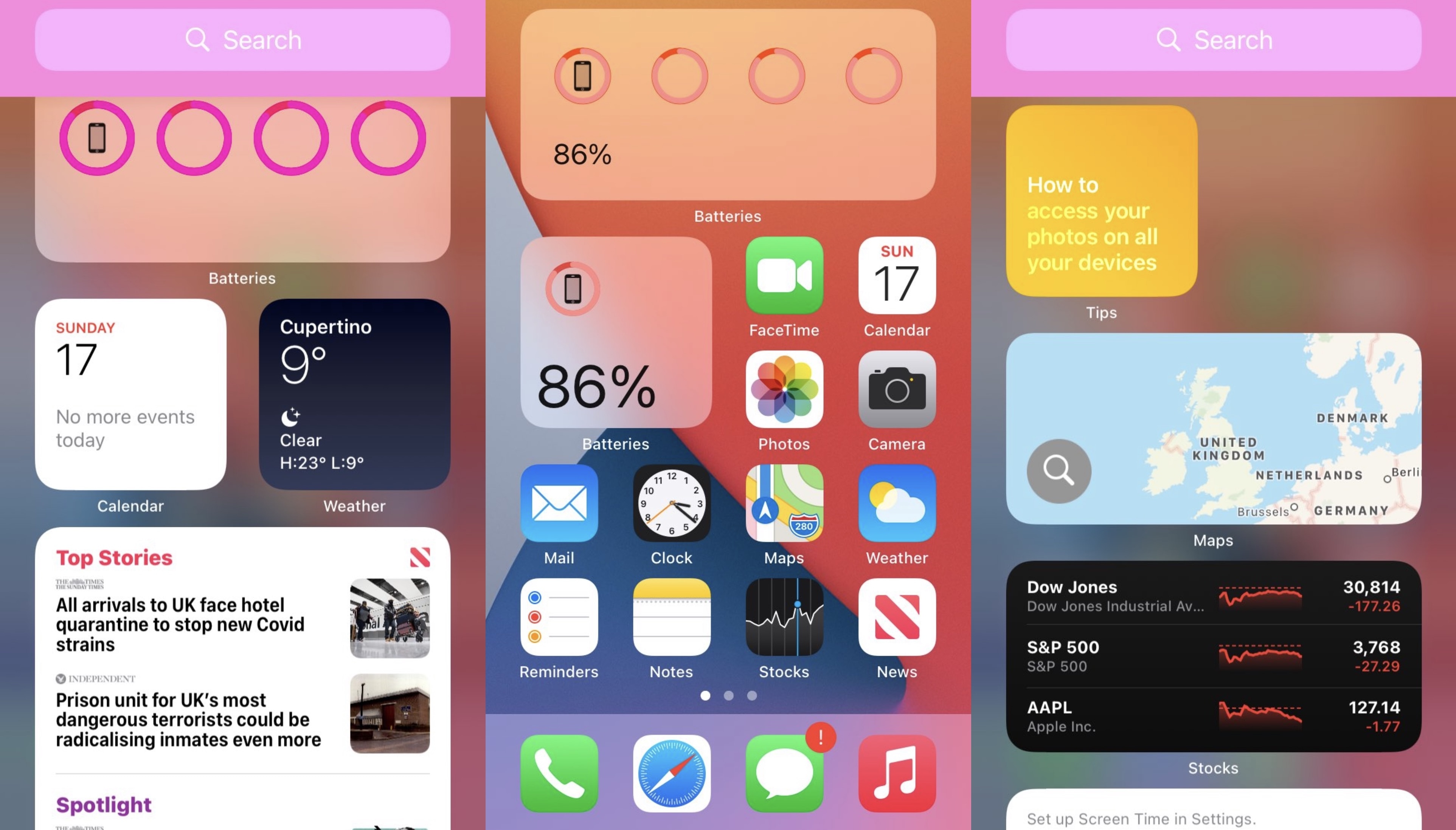
WidgetCustoms offers jailbroken iOS 14 users a way to personalize their widgets

Those using iOS or iPadOS 14 on their daily driver handset(s) are probably keenly familiar with the upgraded widget system and how it compares with the much less intuitive widget system found on iOS and iPadOS 13.

Not only can you take advantage of much more powerful widgets than ever before, but you can even choose to seat them right next to your Home Screen’s application icons if you aren’t a fan of hiding all your widgets on a specialized page. But as nice as Apple’s upgraded widget system may be on iOS & iPadOS 14 devices, one thing Apple predictably forgot to add was a mechanism for user customization.