Review

Hands on with the Starfish Beta, a reimagined Home Screen for jailbroken iPhones

iOS 14 brought with it what could only be described as the biggest upgrade to the iPhone’s Home Screen to date. The integration of native widgets alongside app icons means that the Home Screen is no longer limited to a bland grid of icons.

But despite this change, many would argue that the Home Screen still looks and feels the same — especially if you still use the Today page as a dedicated home for all your widgets.

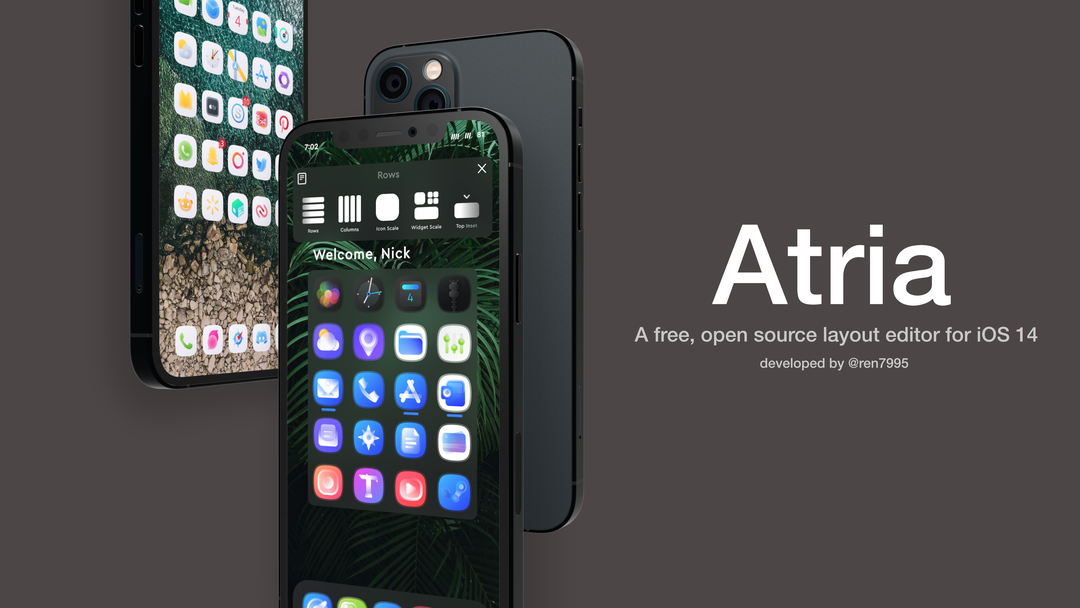
Atria helps jailbreakers on iOS 14 customize their Home Screen layout

One of the things I’ve seen a lot of jailbreakers do over the years is change up their Home Screen’s default icon layout. After all, who doesn’t like giving their own device the personalization it deserves?

This capability is possible even on iOS 14 with Apple’s novel Home Screen-based widget system, but various tweak developers have released different jailbreak tweaks with their unique takes on how such a capability should be implemented.

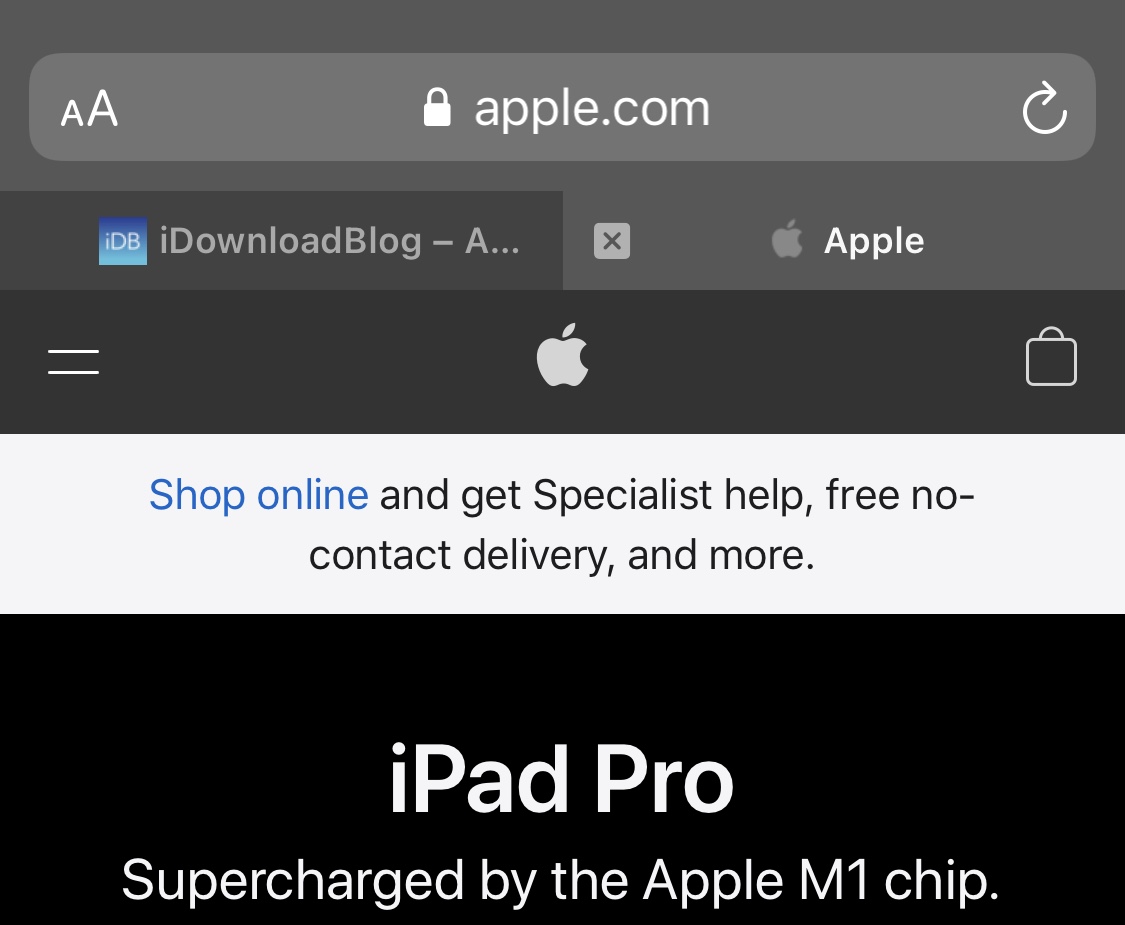
Enjoy iPad-style tabbed browsing in Safari on iOS 14 iPhones with SafariTab14

One thing Apple got right with Safari on the iPad was its desktop-class tabbed web browsing, and it really peeves me that a similar tabbed web browsing experience isn’t available on the iPhone — at least not while browsing in the commonly-used portrait orientation, that is.

Given the fact that so many iPhone users resent Apple’s decision not to offer tabbed browsing on the iPhone in all screen orientations, it’s not surprising to see that the jailbreak community continuously provides for users who don’t want Apple making such poor accessibility decisions on their part.

ChatWall lets jailbreakers set a wallpaper in the Messages app

On a bone stock iPhone, the Messages app sports a plain background — either black when using dark mode or white when using light mode. If you’ve ever craved something with a bit more pizzazz than that, then you’d be out of luck.

Fortunately for jailbreakers, running a bone-stock setup isn’t necessary, and a newly released and free jailbreak tweak named ChatWall by iOS developer Chr1s offers an effective way to change the Messages app’s background to virtually anything you want.

Key+ supercharges the keyboard on jailbroken iPhones in more ways than one

I sternly hold the opinion that Apple offers one of the best touch screen-based keyboards in the smartphone industry today, but that hasn’t stopped me from thinking about ways that Apple could make it better. Perhaps my biggest gripe has to do with the amount of wasted space on notched devices — especially at the bottom of the keyboard interface.

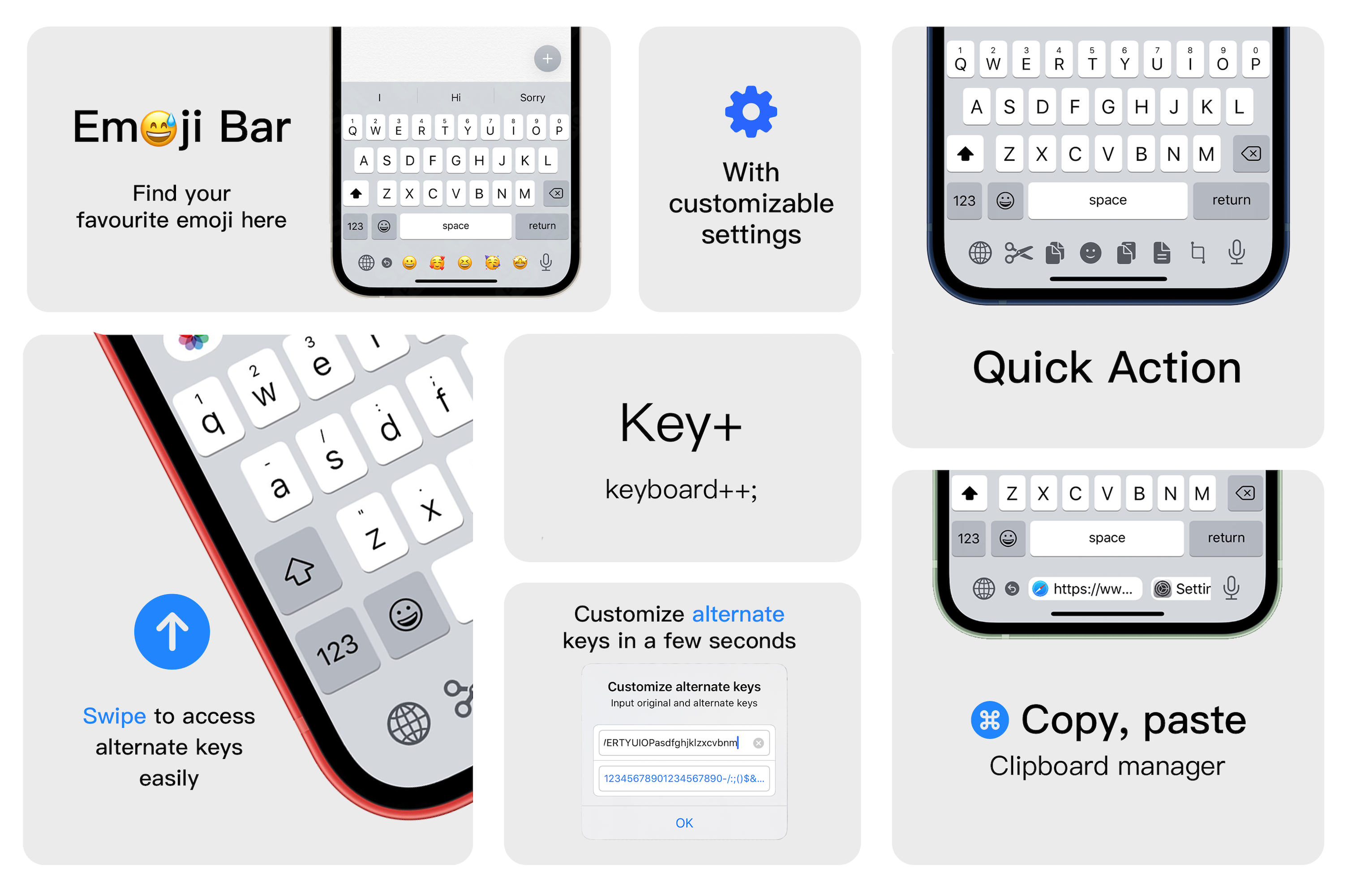
Key+ is a newly released jailbreak tweak by iOS developer XCXiao that makes much more productive use of said wasted space on the keyboard interface by filling it with useful commands and shortcuts. These include but aren’t limited to text editing shortcuts for cutting, copying, and pasting text, a way to customize the output of key swipes, a way to rapidly enter pasteboard items, and a quick entry Emoji bar.

Give the Now Playing interface an attractive background effect with MusicBackground

Listening to music is a popular activity among iPhone owners, but regardless of what music streaming app you use to jam out to your favorite tunes, one thing is certain: the Now Playing interface can be downright boring.

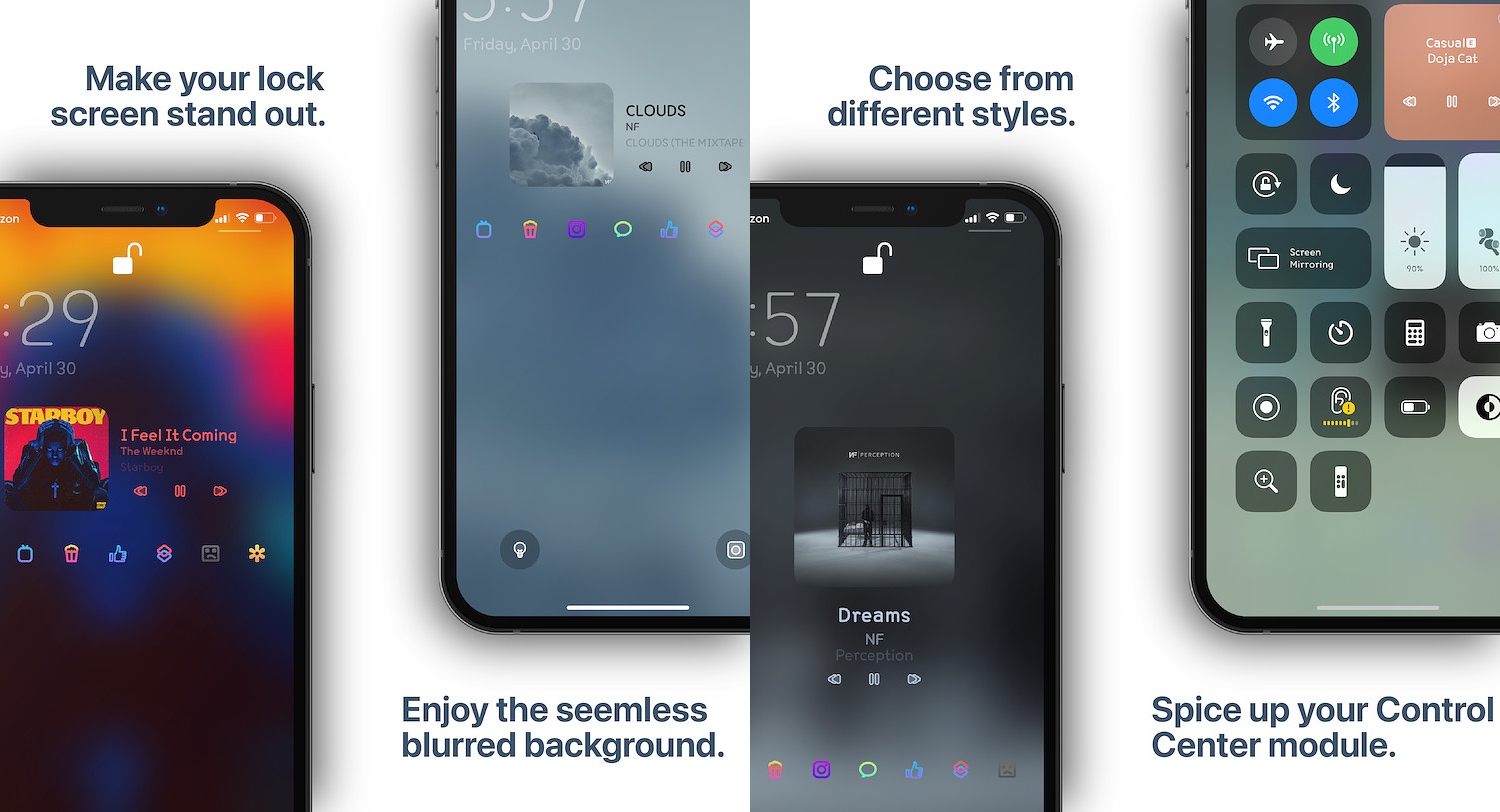
MusicBackground is a new jailbreak tweak by iOS developer Ethan Whited that hopes to solve this longstanding problem by incorporating eye-catching background effects, and it does this for the Now Playing interfaces in the Apple Music app, Spotify Music app, Tidal app, and even those found in Control Center and on the Lock Screen.

Want a second carrier for your iPhone that won’t break the bank? Try Visible by Verizon Wireless

It wasn’t long ago that I shared my personal experience with using the Google Fi cellular service as a secondary carrier on my iPhone. But my curiosity pertaining to a dual carrier setup on my iPhone led to me to research several other Mobile Virtual Network Operators (MVNOs), and you can probably take a few accurate guesses as to where that rabbit hole took me.

Upon being blown away by Google Fi’s cellular reception and data speeds, I decided to drop AT&T as my primary carrier and switch over to T-Mobile. To those asking why – the T-Mobile network powers Google Fi in my region, and the un-carrier provided an enticing offer after announcing its new truly unlimited Magenta MAX plan earlier this year for a fraction of what I was paying AT&T.

Conditional gives jailbreakers more control over how and when apps can connect to the internet

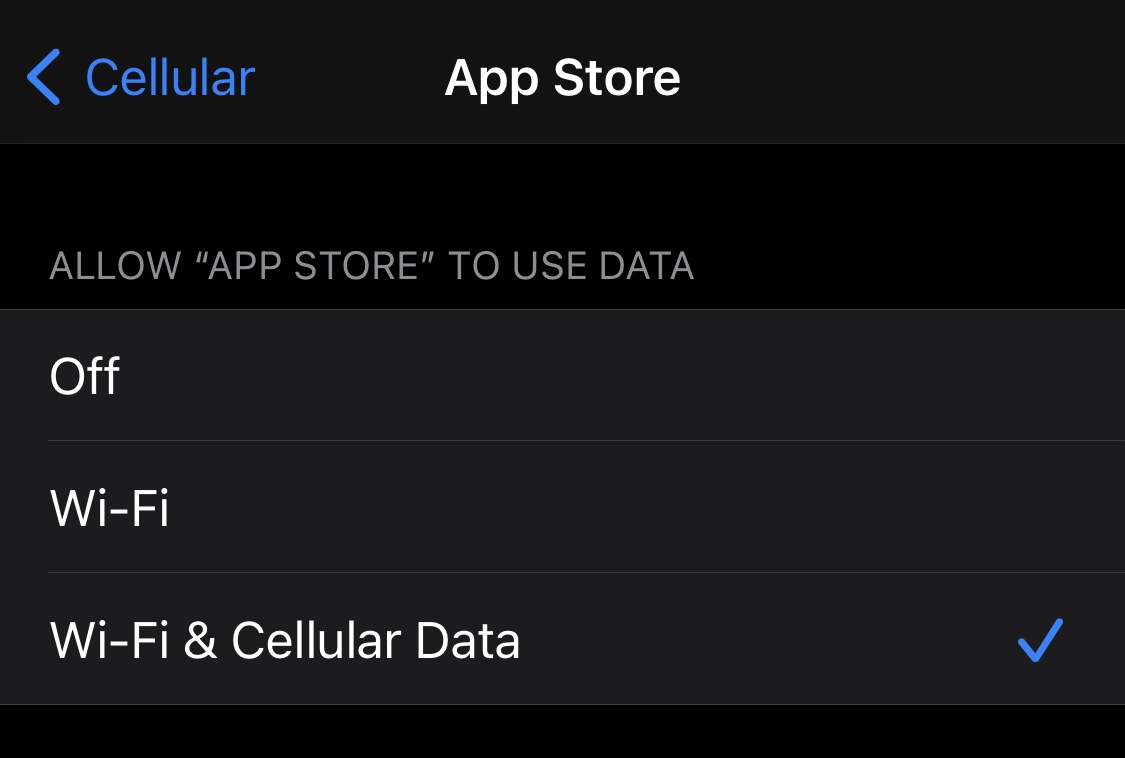
Right out of the box, iPhone and iPad users are able to choose which apps can and can’t use cellular data. This can be particularly helpful for those who might be subscribed to capped data plans with their cellular providers since it’s easy to blow through a couple of gigabytes with certain apps.

Oddly enough, neither of the aforementioned devices offer a way to choose which apps can and can’t use Wi-Fi networks, which seems like a no-brainer given that even some home Wi-Fi plans have data caps. With that in mind, a newly released and free jailbreak tweak called Conditional by iOS developer daniel seems like it could be useful for anyone under this umbrella.

Jailbreak tweaks of the week: Mochi, ProKeys, & more…

Those sporting jailbroken iPhones and iPads generally embark on a continuous adventure to find the best and latest jailbreak tweaks to trick out their handset. Whether it’s improving a feature, adding a missing feature, or making the device look different, these add-ons offer a plethora of benefits.

Since it can be a daunting experience to try and find all the best or latest jailbreak tweaks for yourself, we at iDownloadBlog cover all the latest releases as they happen and come at you with an easy-to-digest roundup every Sunday that encompasses all of them. This Sunday is no exception.

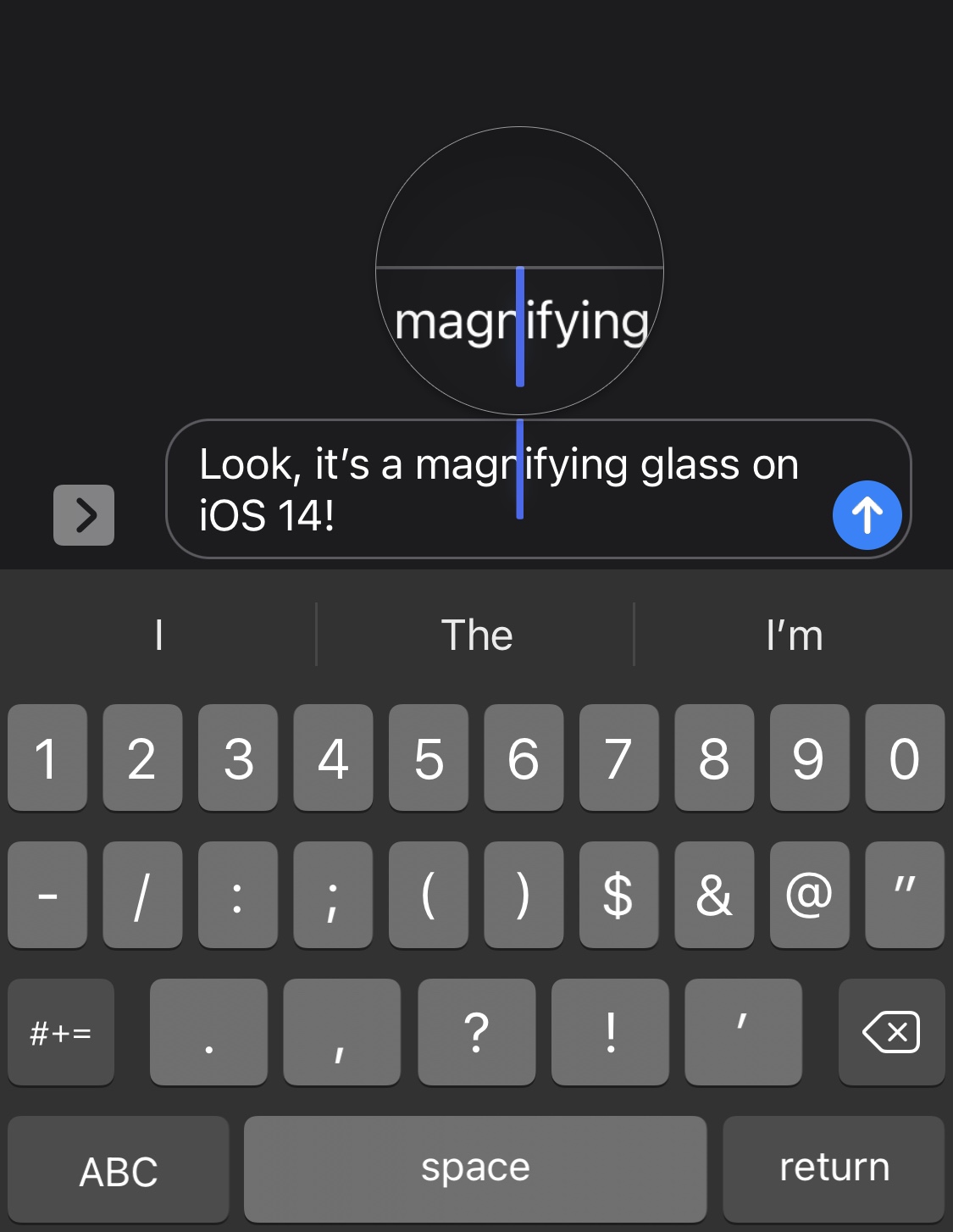
Loupe brings the magnifying glass back to iOS 14’s text editing experience

Anyone that does any capacity of text editing on their iPhone, whether it’s writing a document in Microsoft Word, modifying something drafted out in the Messages app’s text field, or some other form of the matter, may have noticed that the magnifying glass no longer appears when moving the cursor somewhere specific in the body of text.

Apple made this change because you can now pan the cursor across your body of text by tapping and dragging on the keyboard. But that hasn’t stopped a growing number of nostalgic iPhone users from wishing that the classic magnifying glass was still a thing. Said nostalgia is only amplified by the fact that the magnifying glass still exists on the iPad in the latest versions of iPadOS 14.