Privacy

How to increase privacy in Safari for iPhone and iPad

Safari on iPhone and iPad

Most of you who use an iOS device probably use Safari as your main and default web browser despite the vast number of third-party alternatives like Chrome, Firefox, Brave, Opera, etc., available in the App Store. But how often do you think about the privacy of your information when you're using it?

Apple gives you several privacy options for using Safari on your iPhone or iPad to keep your information safe. In this tutorial, we aim to make you more familiar with them and talk about how to use them to make Safari secure and private.

Facebook search results now include public posts

Facebook announced yesterday it is now including public posts into search results while bringing personalized suggestions and highlighting popular stories with expanded search functions.

“Today, we’re updating Facebook Search so that in addition to friends and family, you can find out what the world is saying about topics that matter to you,” wrote the social networking firm.

Enhanced search features are currently available across Facebook for iPhone, Android and on the web, to US English users only.

Apple opposes proposed Cybersecurity Information Sharing Act

Apple on Tuesday provided a statement to The Washington Post, voicing its opposition to the proposed CISA bill. The legislation, which spelled out reads the Cybersecurity Information Sharing Act, is expected to be voted on by the Senate within the next few days.

"We don't support the current CISA proposal," Apple told The Post, reiterating its position on the privacy and trust of iOS and Mac users. "The trust of our customers means everything to us and we don't believe security should come at the expense of their privacy."

Some App Store apps found to gather personal information, Apple acts swiftly

As many as 256 iPhone, iPod touch and iPad applications in the App Store, a majority of them from Chinese developers, have been found to violate Apple's privacy policy by gathering personal information such as email addresses, installed apps and even serial numbers, an analysis by security analytics startup SourceDNA has found out.

In addition, the offending apps, which obviously went under the radar of Apple's App Store editorial team, have been found to collect other personally identifying information that can be used to track users.

1Password for Mac gains large type option, changing secondary vault password and more

AgielBits' popular password-management utility, 1Password, was refreshed in the Mac App Store today with several notable enhancements. For starters, the app has brought out a new large type option to make those passwords easier to read on huge monitors and Macs with high-resolution Retina screens.

People who happen to manage multiple vaults in 1Password should jump with joy as they can at last change passwords for secondary vaults, too.

The top layout view has seen some changes as well with rich item icons and customizable columns. Last but not least, 1Password 5.4 for Mac includes security updates to address the dreaded XARA vulnerabilities.

What to know about ‘YiSpecter,’ new malware targeting all iOS devices

Just as all the hoopla surrounding the XcodeGhost attack appears to have died down, security researchers over at Palo Alto Networks have identified a new type of harmful malware.

Dubbed YiSpecter, it can install itself on both jailbroken and non-jailbroken iOS devices and is the first iOS malware that exploit Apple's private APIs to implement malicious functionalities.

Here's everything you need to know about this new type of attack, what Apple is saying about the malware and what you can do in order to protect your devices from becoming infected with YiSpecter.

iOS 9.0.2 fixed vulnerability that allowed Lock screen access to photos and contacts

iOS 9.0.2 has patched a potentially disturbing vulnerability which allowed malicious users who have access to your device to use Siri from the Lock screen in order to browse your photos and contacts.

According to Apple' official iOS 9.0.2 release notes, the software has fixed the issue which allowed access to photos and contacts on a locked device by “restricting options offered on a locked device.”

The vulnerability was left unpatched in iOS 9.0 and iOS 9.0.1 and affected the iPhone 4s and later, fifth-generation iPod touch and later and iPad 2 and later.

How to make your iPhone and iPad more secure with 6-digit passcodes

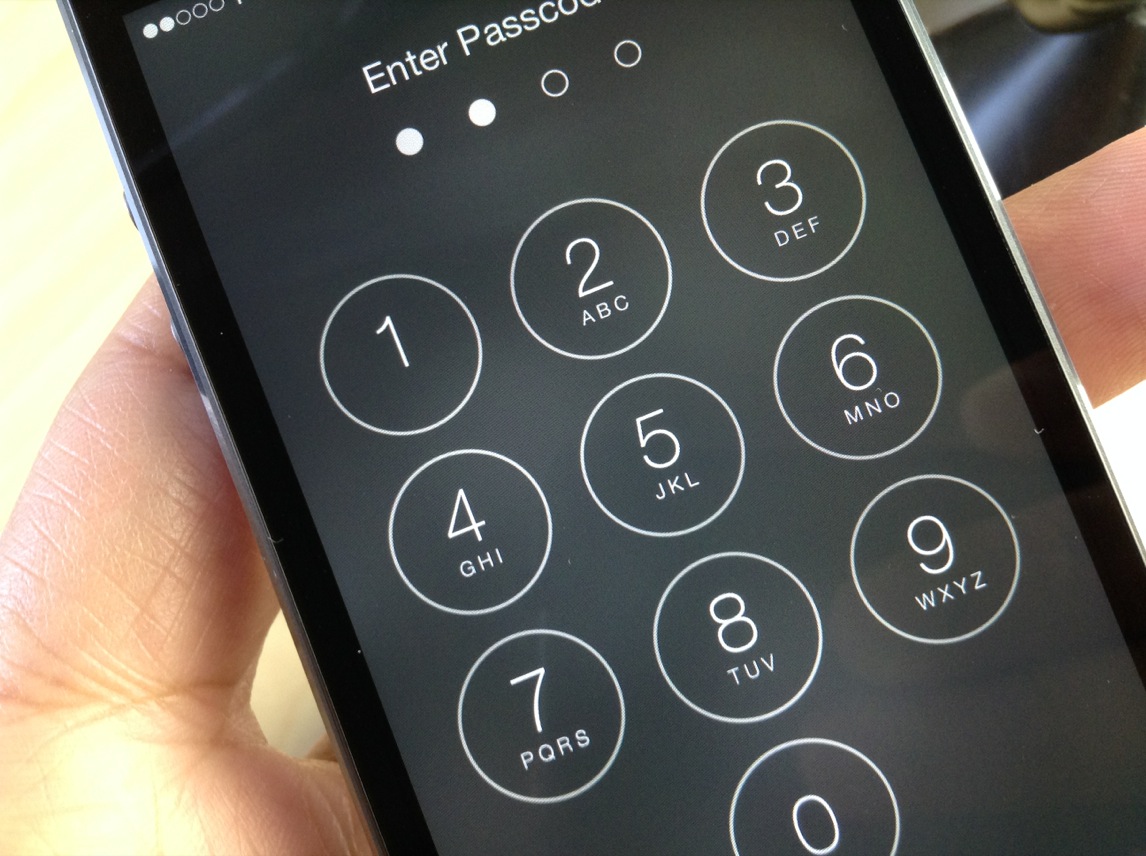
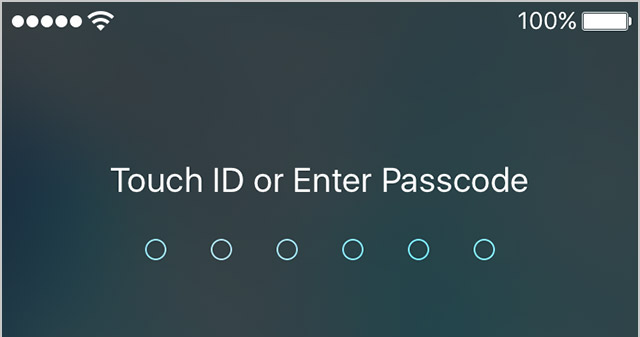
Starting with the release of iOS 9.0.1, Apple has increased your security by defaulting to 6-digit passcodes on Touch ID devices. “If you use Touch ID, it’s a change you’ll hardly notice,” says Apple.

Compared to 4-digit passcodes which have 10,000 possible combinations, their 6-digit counterparts strengthen your security with one million possible combinations, meaning 6-digit passcodes will be a lot tougher to crack.

Non-Touch ID iPhones and iPads still default to less secure 4-digit passcodes, however. You can enable a 6-digit passcode with a quick trip to Settings, here's how.

Apple details what it does and doesn’t collect in Privacy website refresh

Apple on Tuesday refreshed the Privacy section of its website with new information on what “we do and don't collect.” In a post titled “Apple’s commitment to your privacy,” Apple CEO Tim Cook explains the great lengths his company goes in order to protect your private data from prying eyes.

Among other things, Apple's approach to protecting your privacy entails employing strong encryption and strict policies that govern how all data is handled.