This tutorial teaches you how to avoid common iPhone photography mistakes that prevent you from taking great photos with your Apple smartphone.
5 iPhone photography mistakes stopping you from taking great photos
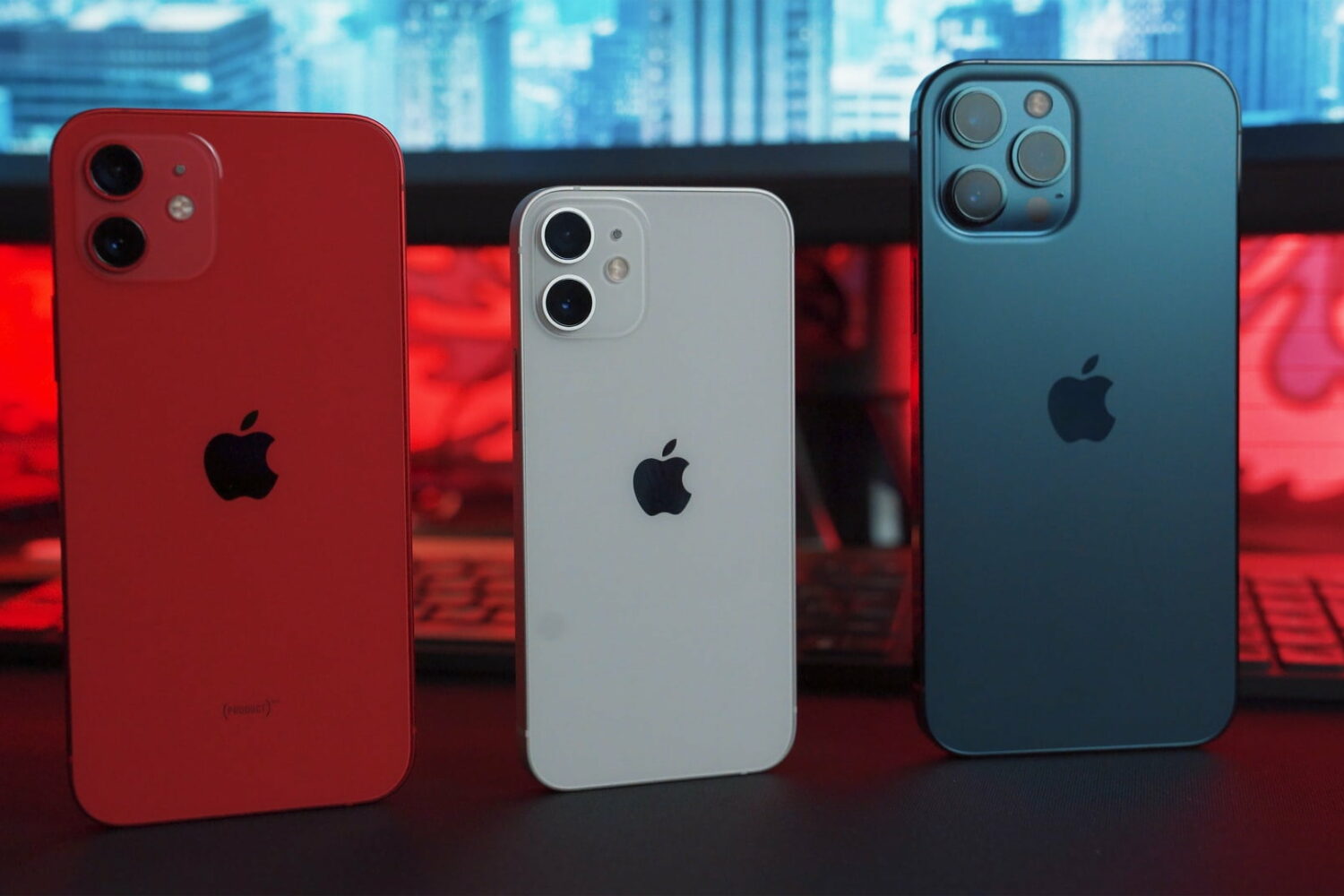
This tutorial teaches you how to avoid common iPhone photography mistakes that prevent you from taking great photos with your Apple smartphone.
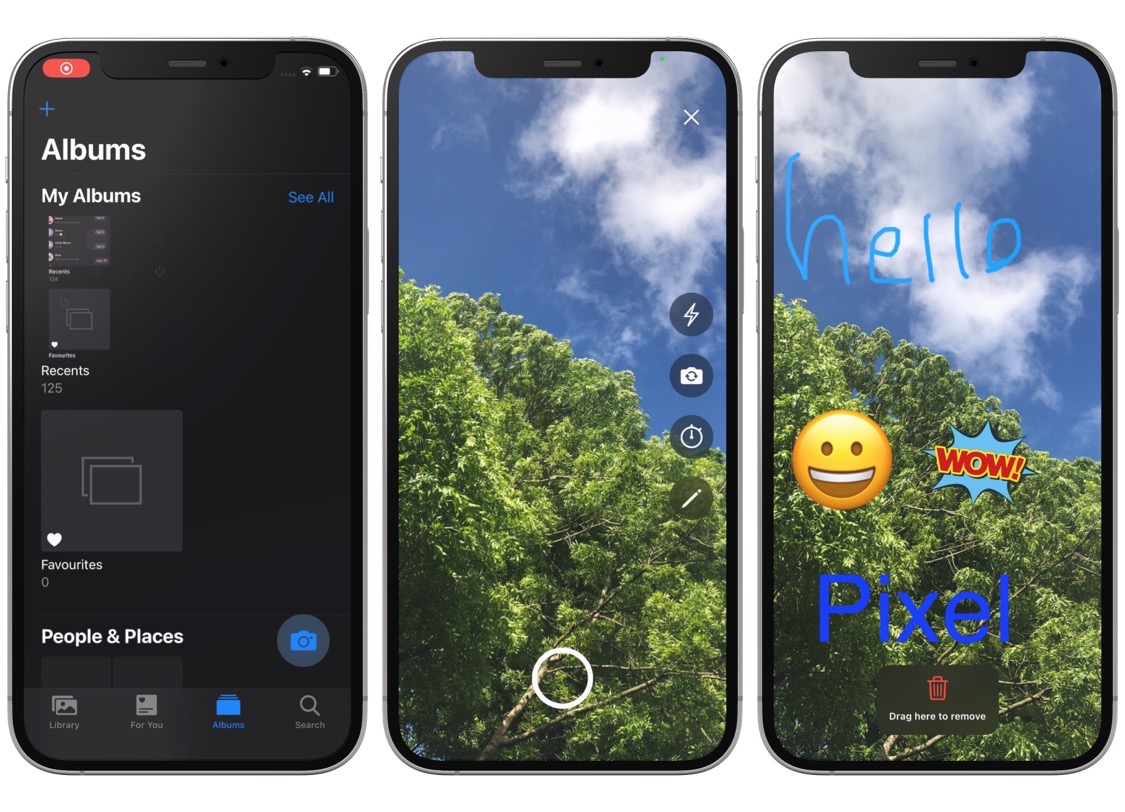
It’s almost like a bad joke how Apple designed the Camera app with a shortcut to your Photo Library, but not vice-versa. In fact, some might call it almost maddening.

Check out these great free and paid options for backing up your iPhone photos and videos to ensure your memories are always safe and accessible.
One of the things I really like about iOS & iPadOS 15 is the ability to see detailed information about images that are stored in my iPhone or iPad’s Photo Library. Types of information include the type of device it was captured on, camera specs, location, and more.

Your iPhone is designed to play a simulated camera shutter sound every time you tap on the shutter button in the Camera app to take a photograph, however this only happens when your iPhone isn’t in silent mode.
A dedicated telephoto lens (aka zoom lens) found on some iPhones boosts iPhone photography with optical zoom capabilities. Future iPhones are rumored to allow for even deeper zoom by adopting a periscope lens (or foldable lens as it's sometimes referred to). At its core, this technology diverts light through a prism and into a telephoto lens set at a ninety-degree angle to a rear-facing lens and buried deep inside the chassis.
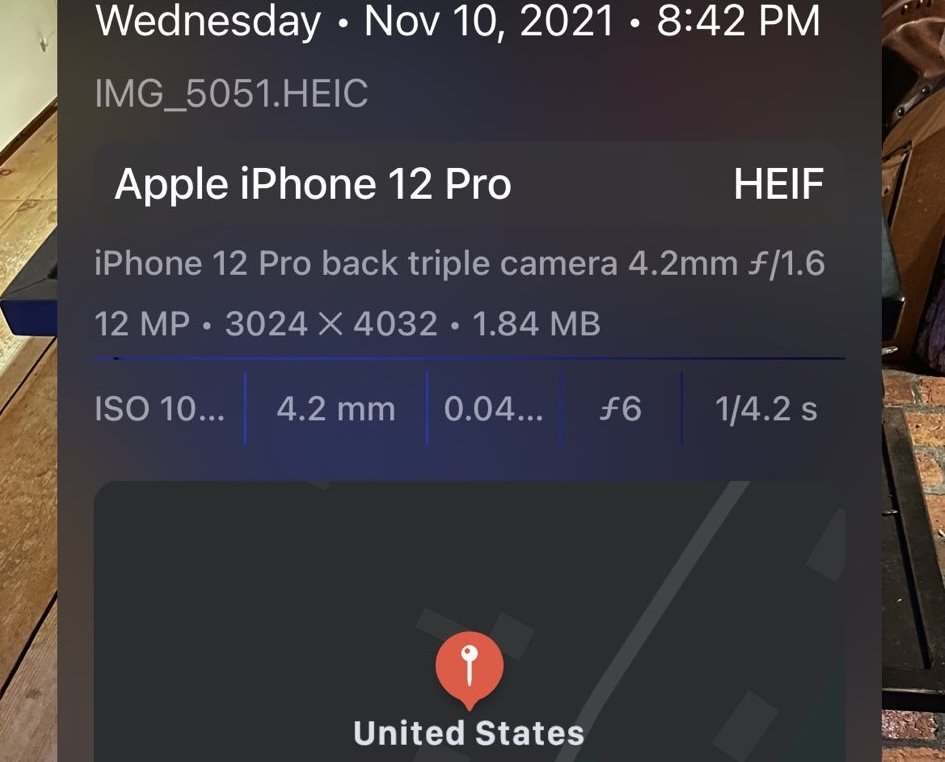
A really neat feature of iOS 15 that I like to use fairly regularly is swiping up on any photograph to view specific details about the device that captured it and when and where it was captured.
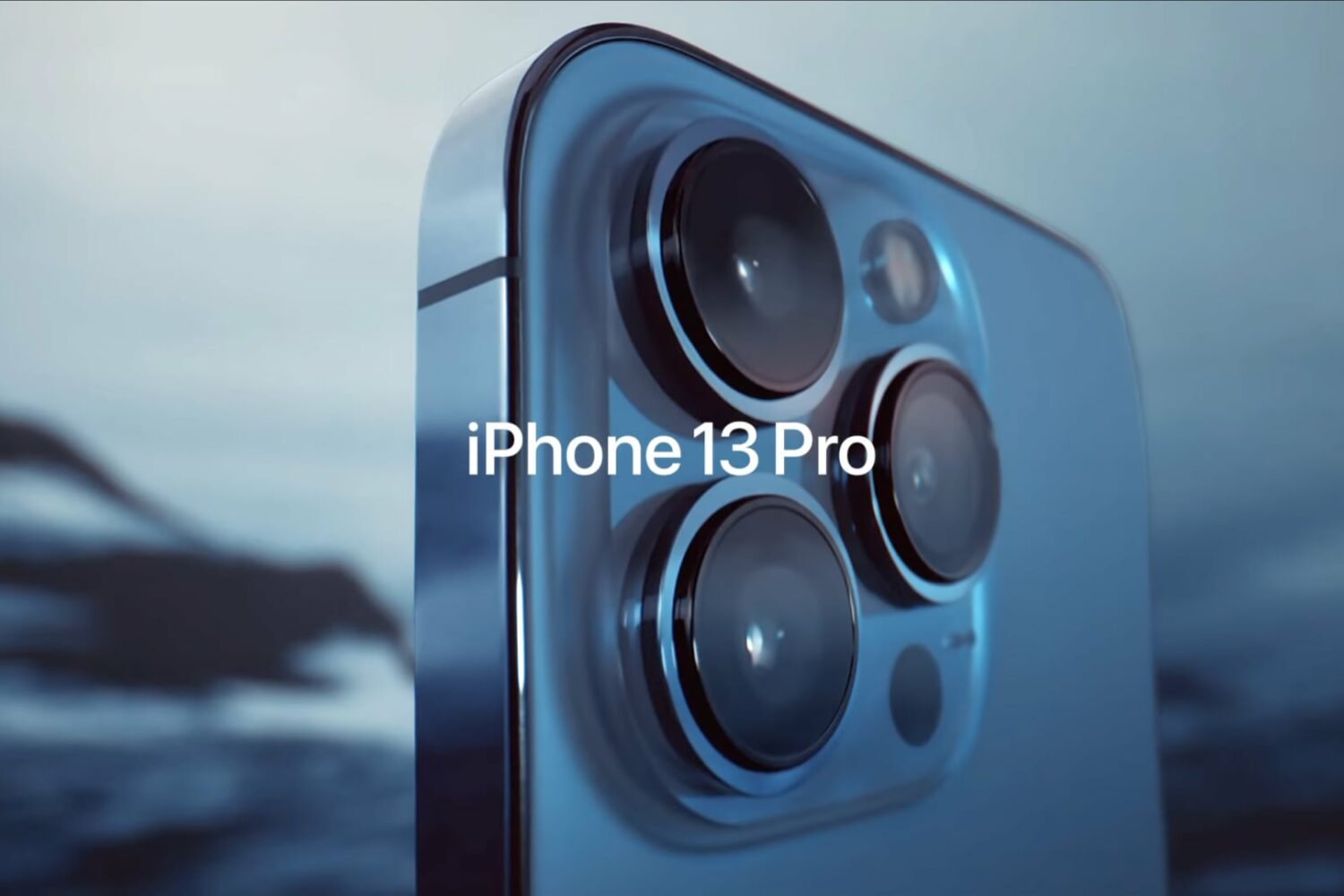
With the launch of iOS 15 and the iPhone 13 Pro, which includes support for macro photography, Apple made a bold decision. That was automatic switching, which could be pretty aggressive sometimes. That meant that some users were unable to avoid automatically switching to Macro mode for snapping a photo, even when they didn't want it. The good news, Apple was quick to fix it with the wide launch of iOS 15.1.
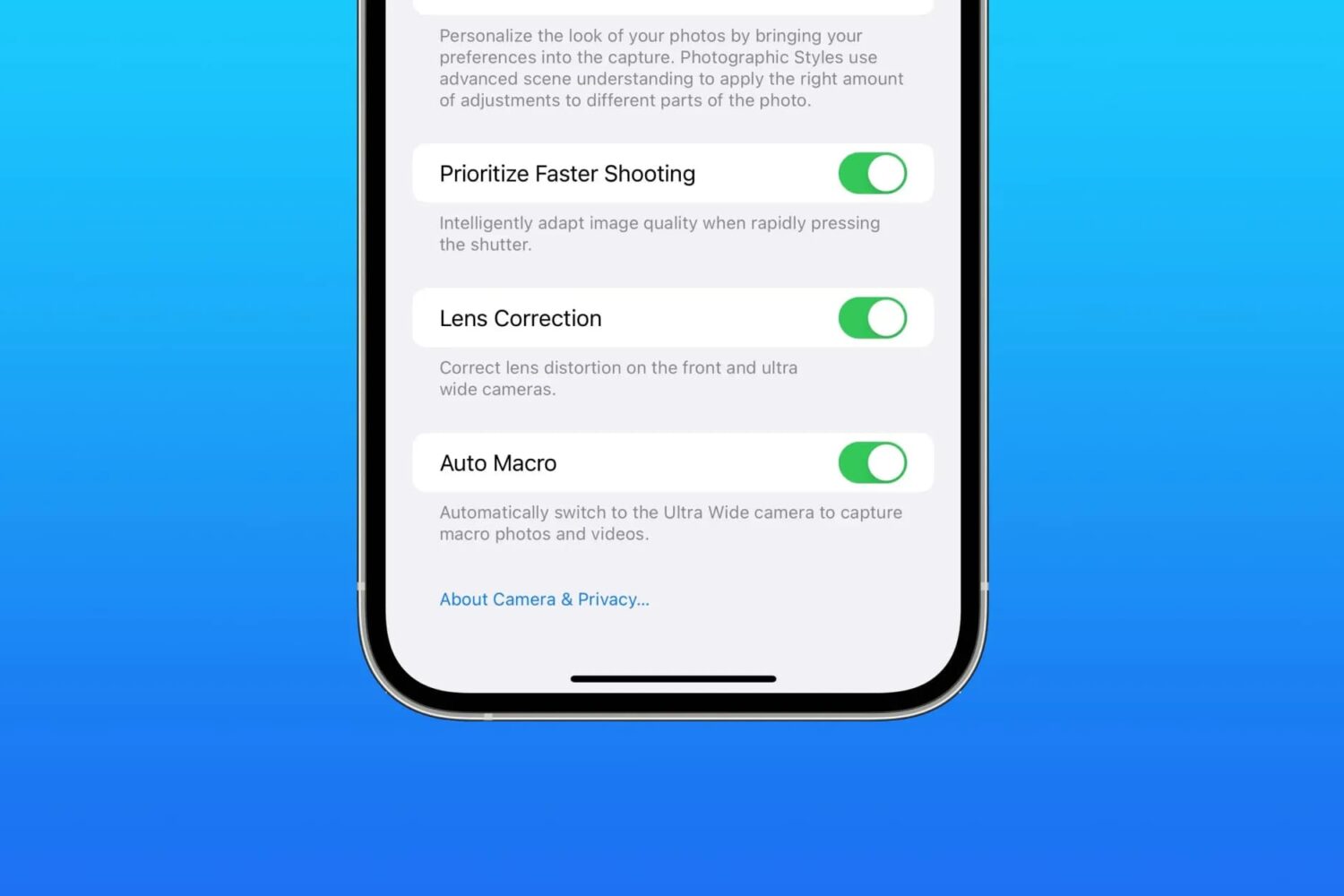
It's probably safe to say that iOS 15 has had a fair share of pain points since its public launch back in September. Interestingly, one of those was Apple's decision to . . . aggressively switch between macro photography and not. Some reviewers pointed it out that it was a bit of an issue, but Apple was pretty quick to say that a fix was incoming.
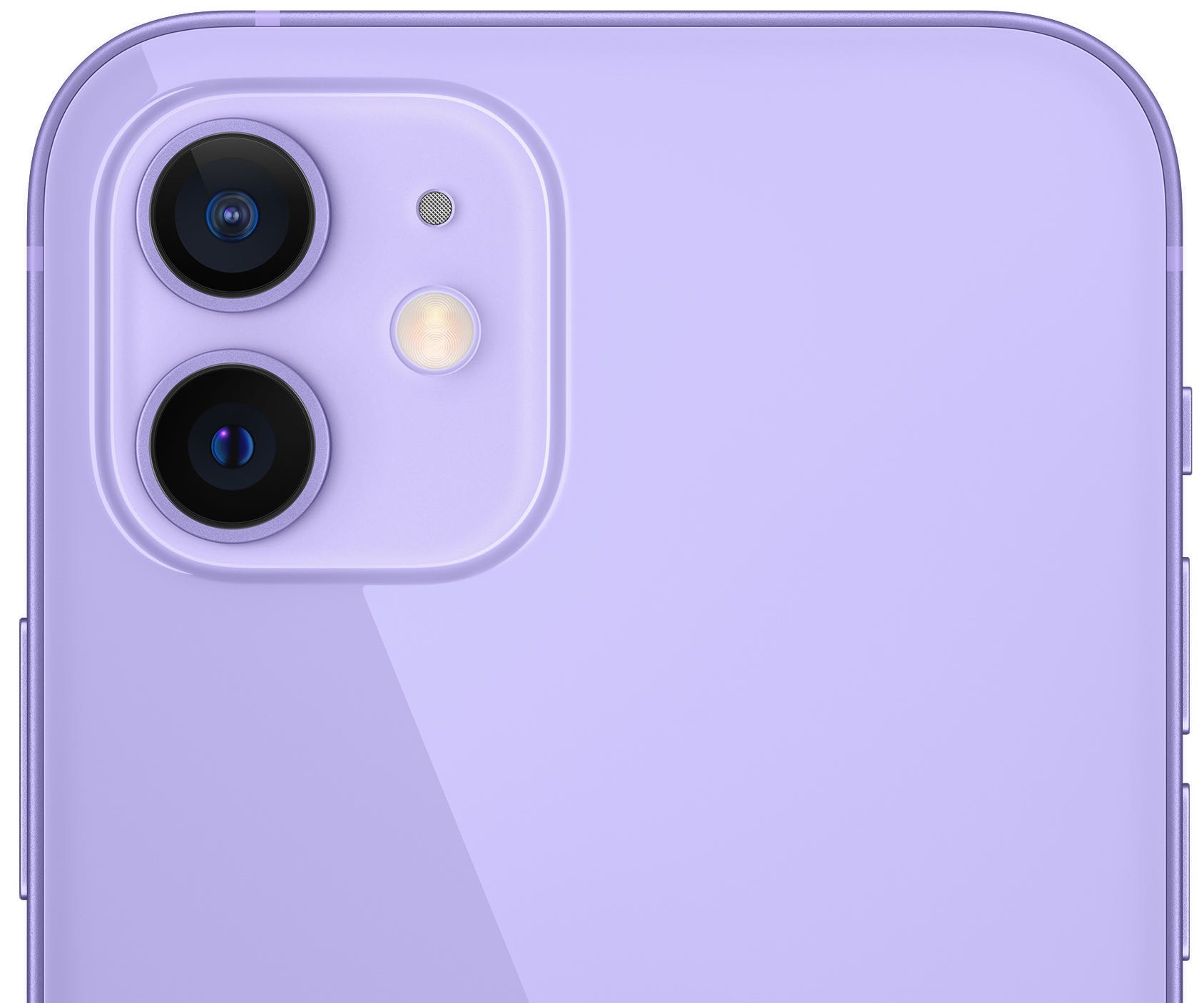
A new educational video from Apple on the intricacies of taking depth-of-field images of four-legged friends offers some great tips for shooting expressive pet portraits with iPhone.

Today at Apple has a variety of different offshoots, but they all typically focus on creative endeavors using a range of Apple products. For example, the previous video uploaded as part of the Creative Projects initiative was meant to help iPhone photographers take better shots at night. And now the company is back with another tutorial.
If you own an iPhone, then a substantial part of the user experience would be tinkering with the powerful camera systems that Apple invests millions of dollars into improving year after year. This holds true even for jailbreakers since they can enjoy even more convenience and performance out of their iPhone’s camera than basic iPhone users thanks to being free of Apple’s software limitations.