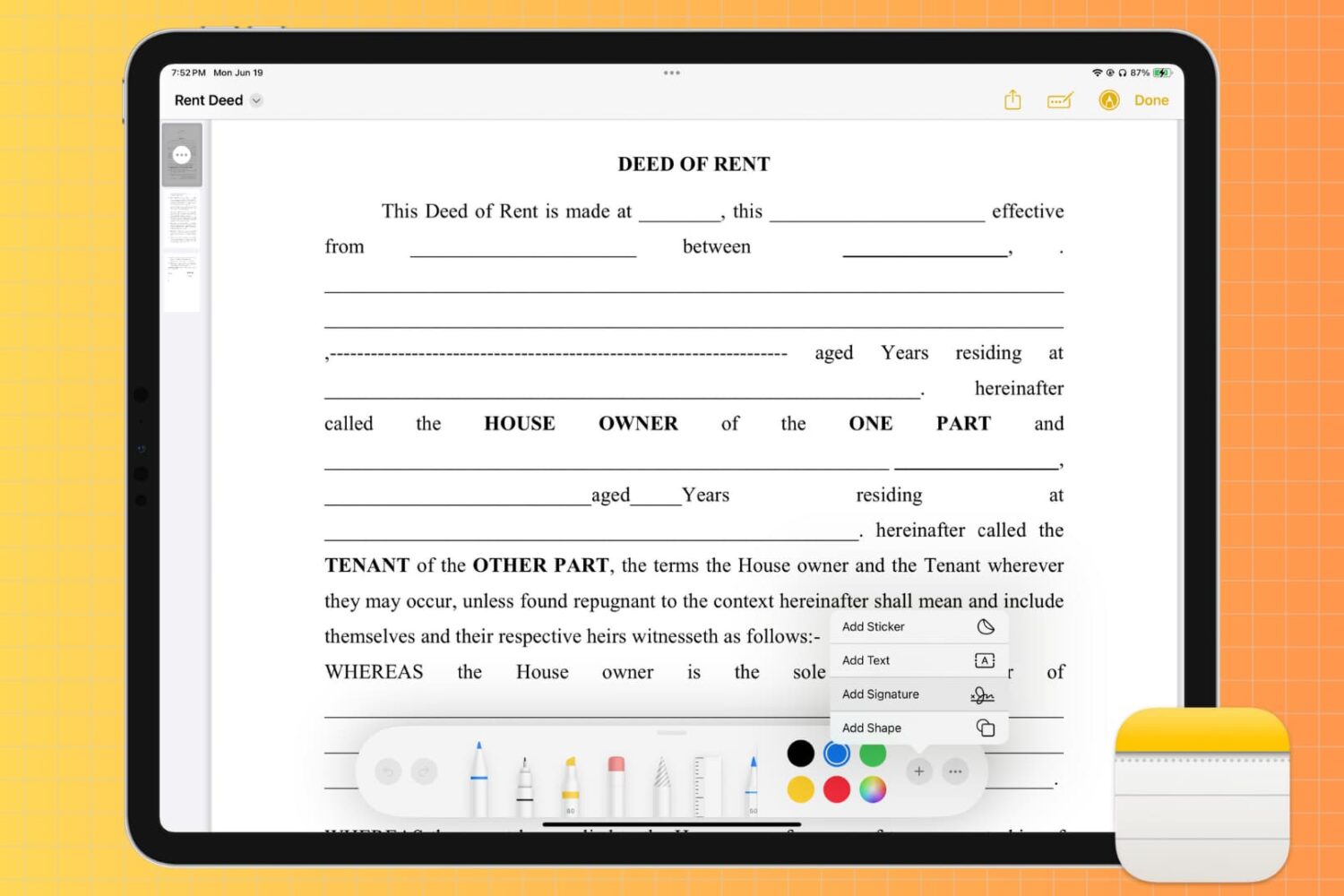
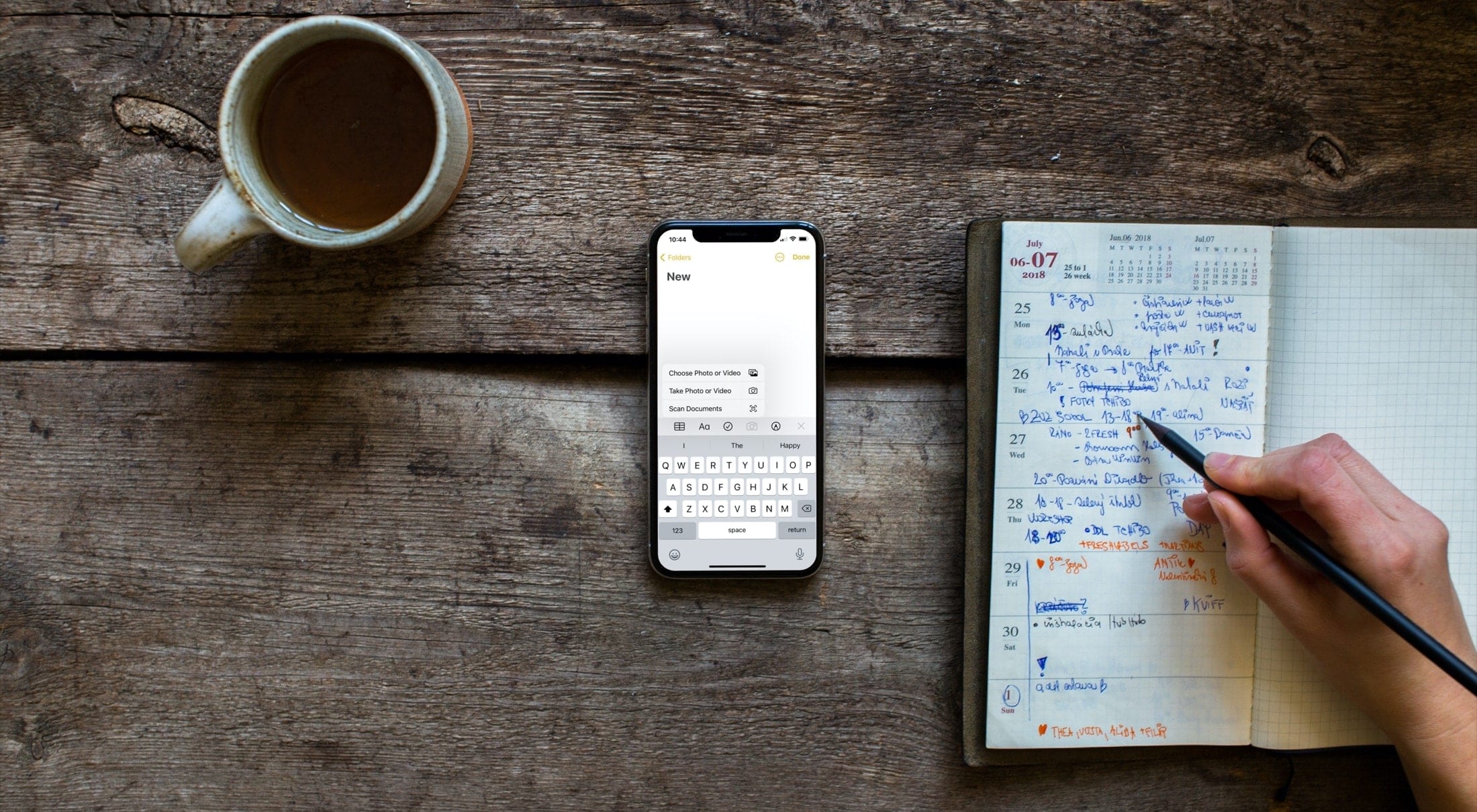
Attach a file, video, or photo to the Apple Notes app so you can keep those items as references in one spot.
How to attach files, photos, videos to Notes on iPhone, iPad, and Mac
Attach a file, video, or photo to the Apple Notes app so you can keep those items as references in one spot.
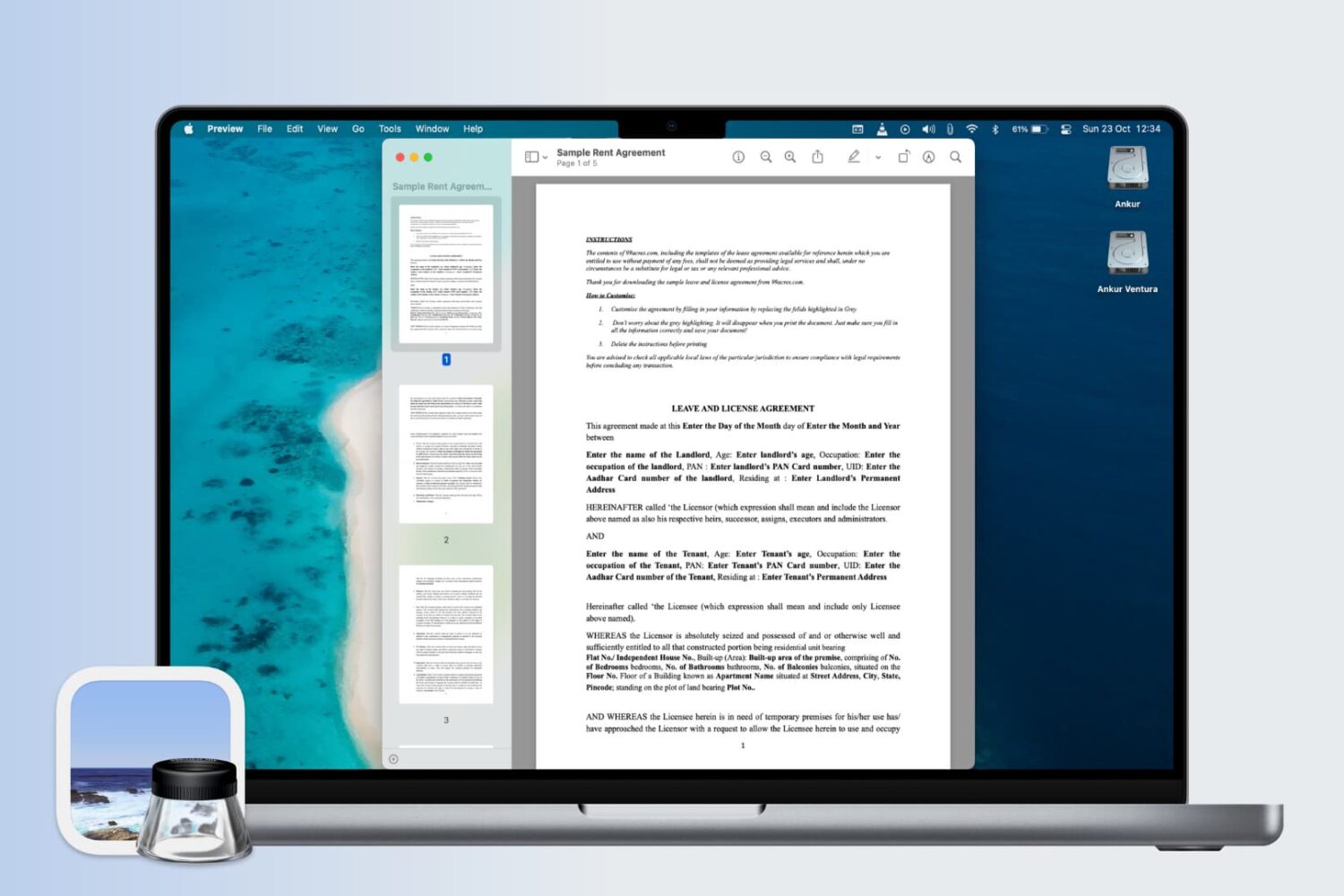
Learn how to change the display settings in Apple's Preview app on the Mac so that images and PDF documents appear in real size on the screen.
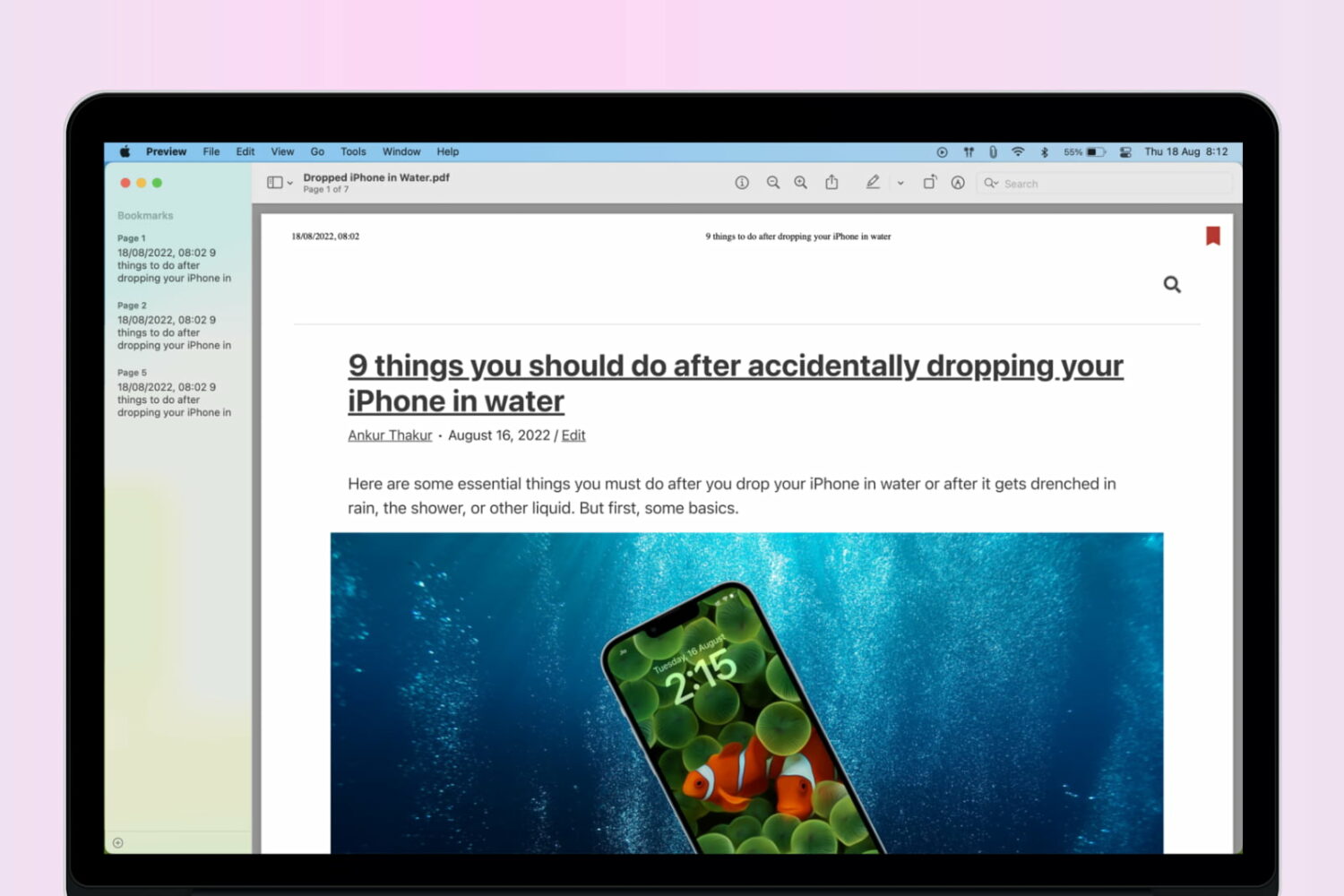
Learn how to add bookmarks in a PDF using the built-in Apple Preview app on your Mac to easily reference sections of a lengthy document.
Learn how to use a setting in the Preview app on your Mac to automatically reopen PDFs at the last page you were reading.
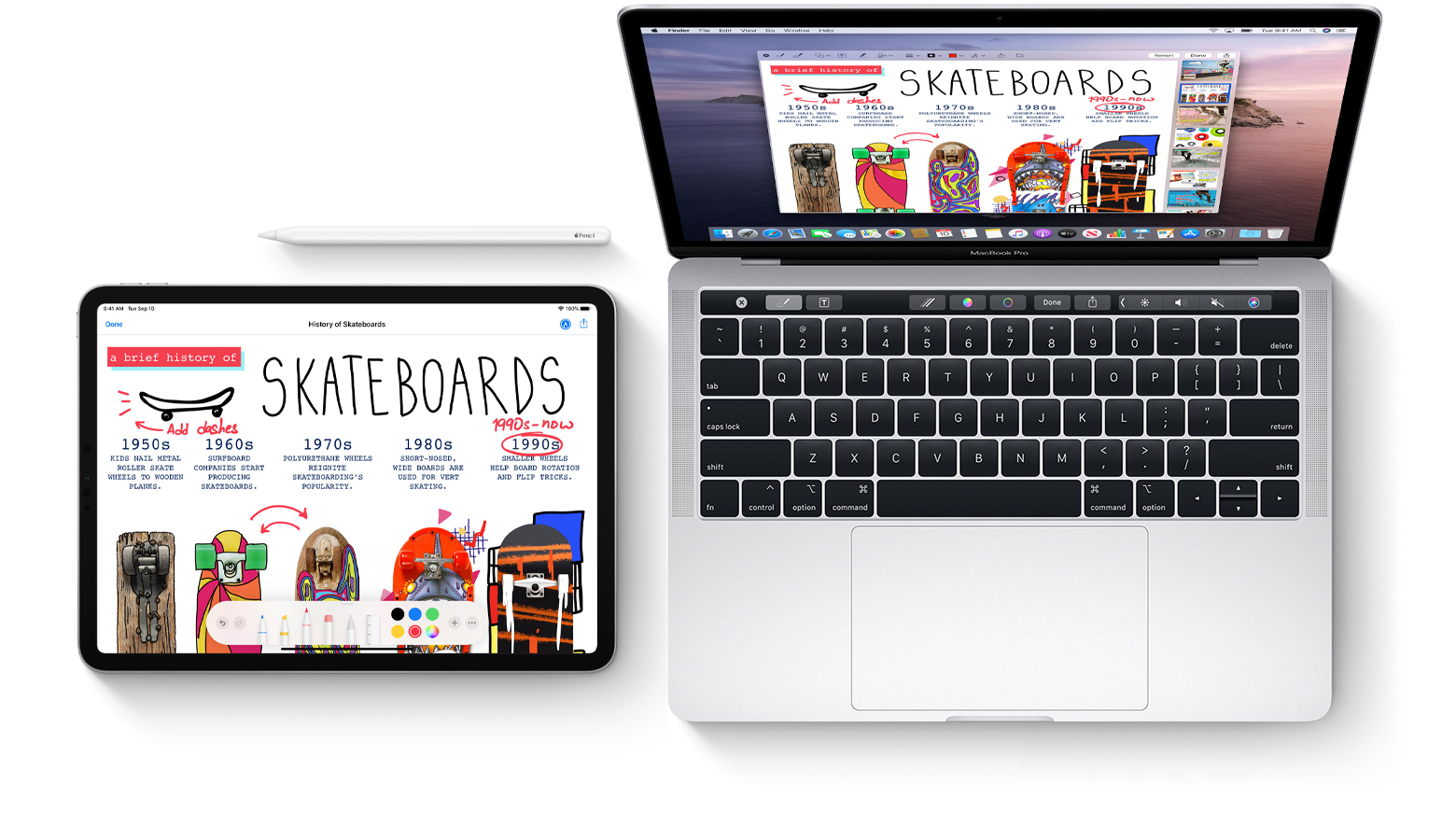
Learn how to mark up PDF documents and images on your Mac by using Apple Pencil or your finger on a nearby iPhone or iPad.
Learn how to export your document from Pages, Numbers, and Keynote apps as password-protected PDFs on your iPhone, iPad, and Mac to prevent unauthorized use.
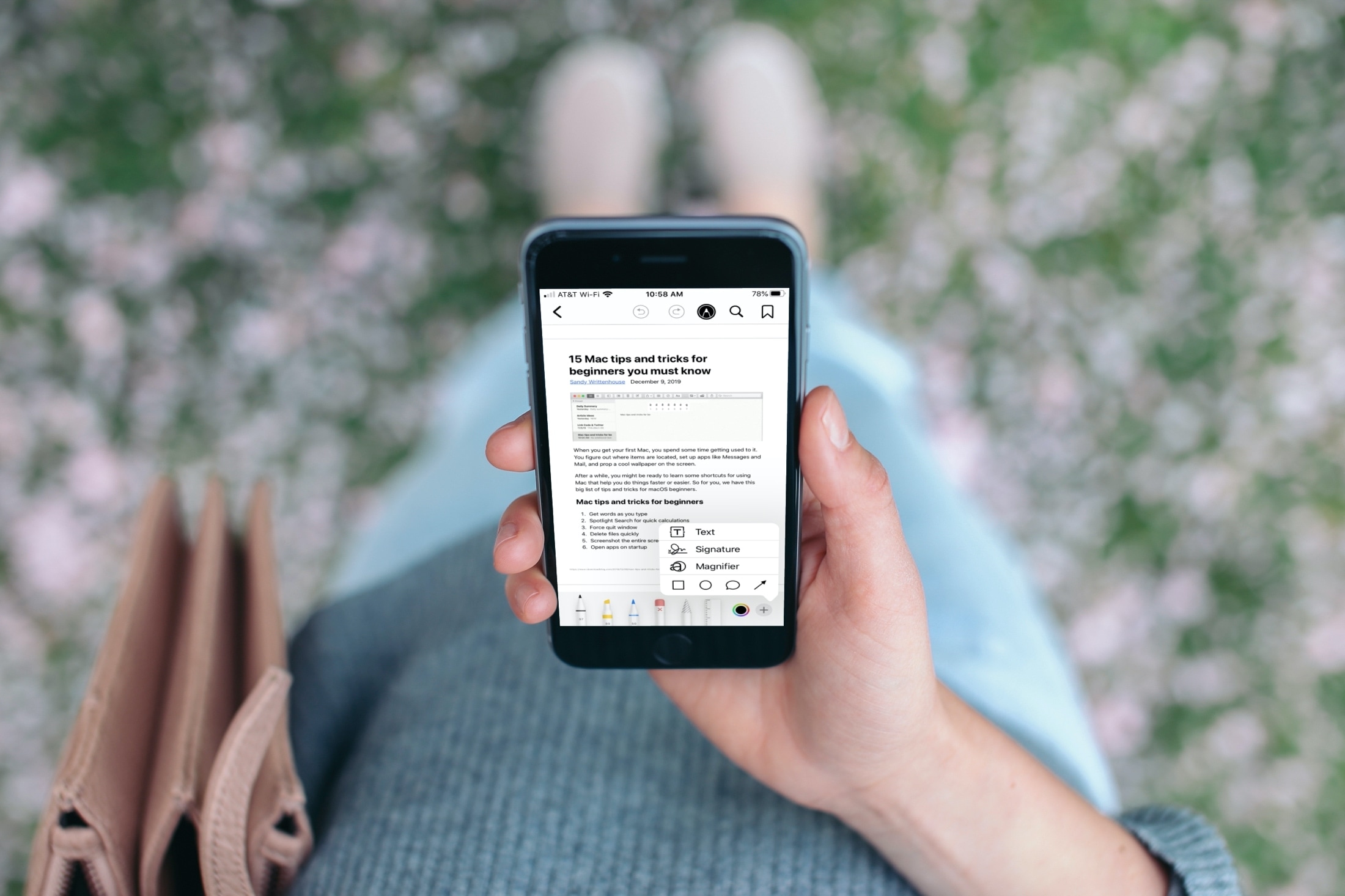
Find out how to use the Apple Books app to save, sign, share, and mark up a PDF on your iPhone and iPad.
Readdle, the Ukraine-based makers of some of the finest productivity software for the Mac, iPhone and iPad, announced today that their popular apps for iOS and macOS, such as PDF Expert and Scanner Pro, are available half price as part of their time-limited Black Friday sale.
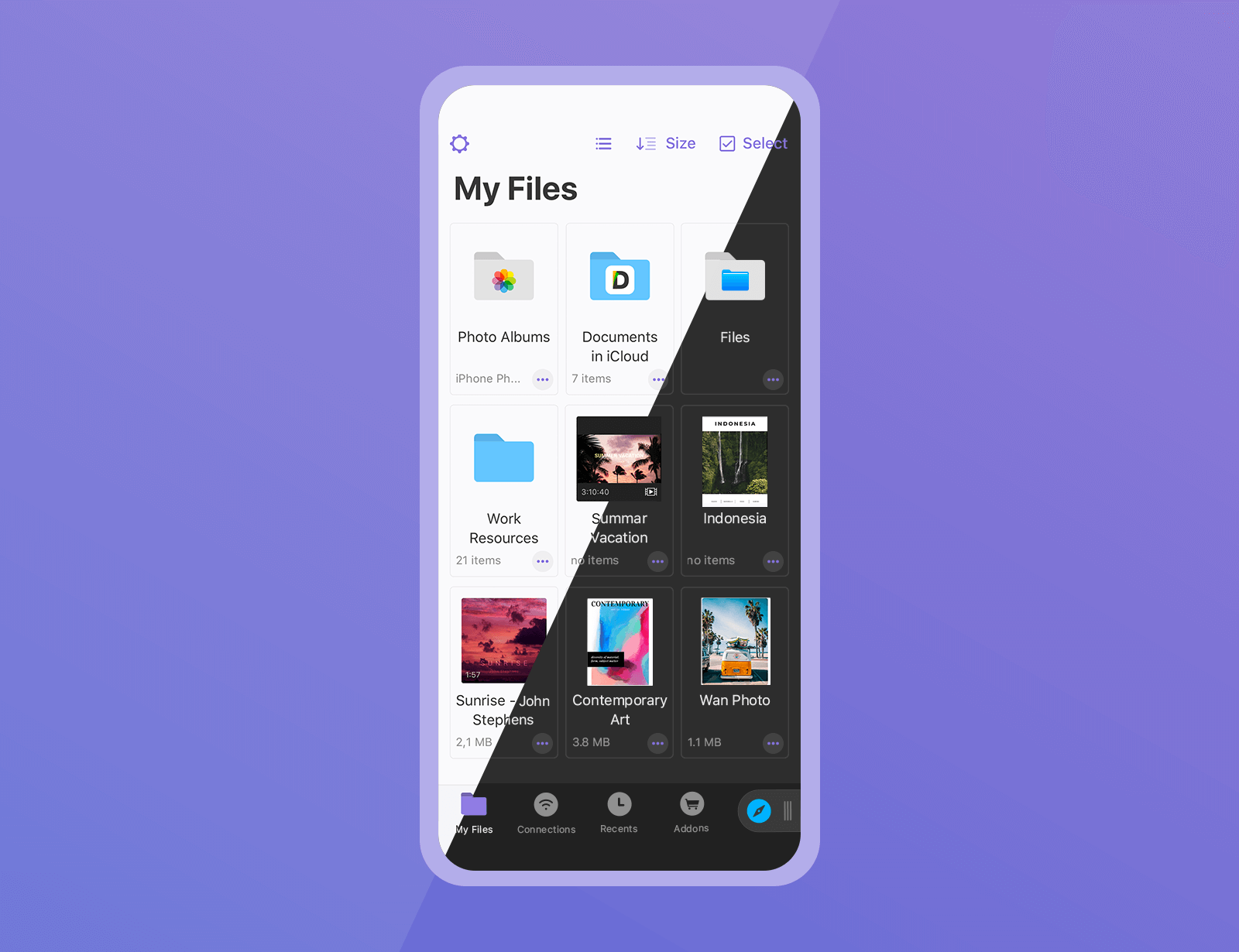
The Documents app by Ukrainian developer Readdle is the best iOS file manager — think of it as the Files app on steroids. And now, it's gotten even better thanks to a major update bringing some great productivity enhancements and several features people have been waiting for.
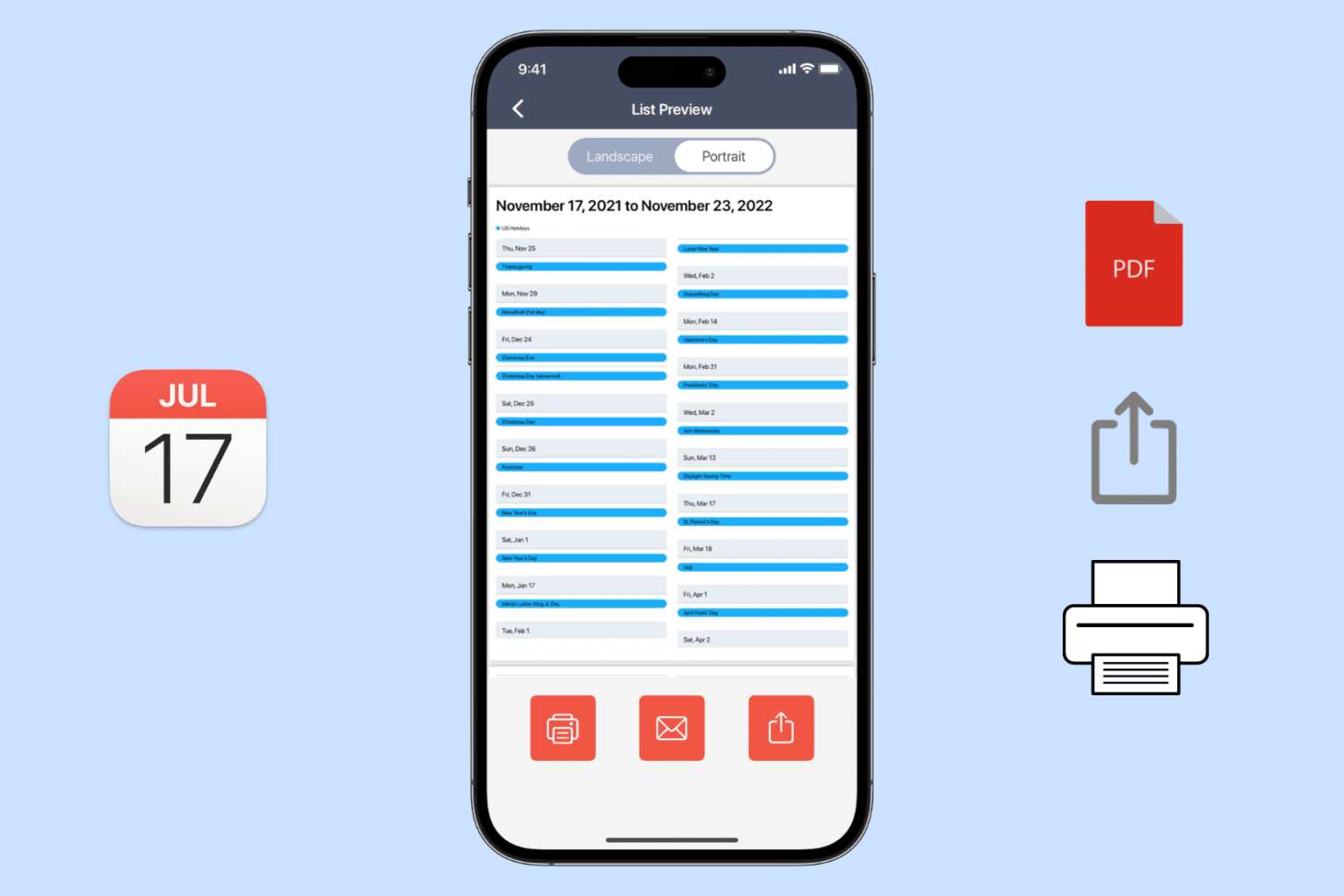
Learn how to export, save, and share your calendar events as a PDF on your iPhone, iPad, or Mac, or print them to get a physical copy.
Learn how to download a copy of your Apple Card statement in PDF format on your iPhone, iPad, or any web browser.
PDFs remain the most efficient format when it comes to sending and receiving files on multiple platforms. Whether you’re sending a compartmentalized presentation to a coworker or receiving a digitized version of your child’s most recent art project, PDFs have earned their reputation as being the most utilized and relied-upon file format on the Web.
But PDFs are also famously difficult to work with, and changing a single character of text (let alone reformatting entire sections of a file) can be an absolute nightmare.
Enter PDFpenPro, a top-rated Adobe Acrobat alternative for Mac-based professionals, which allows you to quickly and easily work with PDF files in a streamlined and intuitive fashion—and you can try it all out for free.