OS X

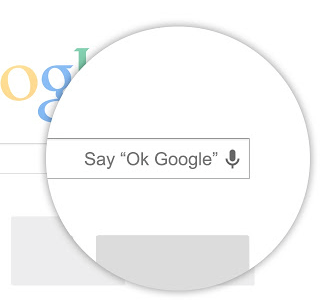
Hands-free ‘OK Google’ search comes to your Mac

Yours truly is a huge fan of Google Now so it goes without saying I've long been yearning for that kind of hands-free voice searching on my Mac desktops and notebooks. Available via Google's free Search app for the iPhone and iPad since November 5, the cool feature dutifully listens to the 'OK Google' keyword which initiates a voice search. It's severely crippled, too, as 'OK Google' only works if the Search app is running, as opposed to the always-on implementation on the Nexus 5 and Moto X.

Blame it on Apple's strict policy that prohibits third-parties from listening to the microphone input in the background. Well, there are no such restrictions on Macs (yet) and Google has taken advantage of the fact and released a nice little extension for its browser allowing you to talk to Google (when you're using Chrome) hands-free, no typing required...
Apple adds new features to iWork for iOS and Mac

As you know, Apple earlier in the month has promised to bring back dozens of recently-removed iWork features over the course of six months. In keeping with that promise, a barrage of updates has gone live Wednesday on the App Store and Mac App Store, adding new capabilities to the iWork suite of applications on Macs, iPhones, iPads and iPods.

This is the first major refresh since last month's downgrade stealthily removed arguably less popular though essential features in favor of cross-platform document compatibility between OS X, iOS and the web.

I've included full release notes and a couple of highlights right after the break...

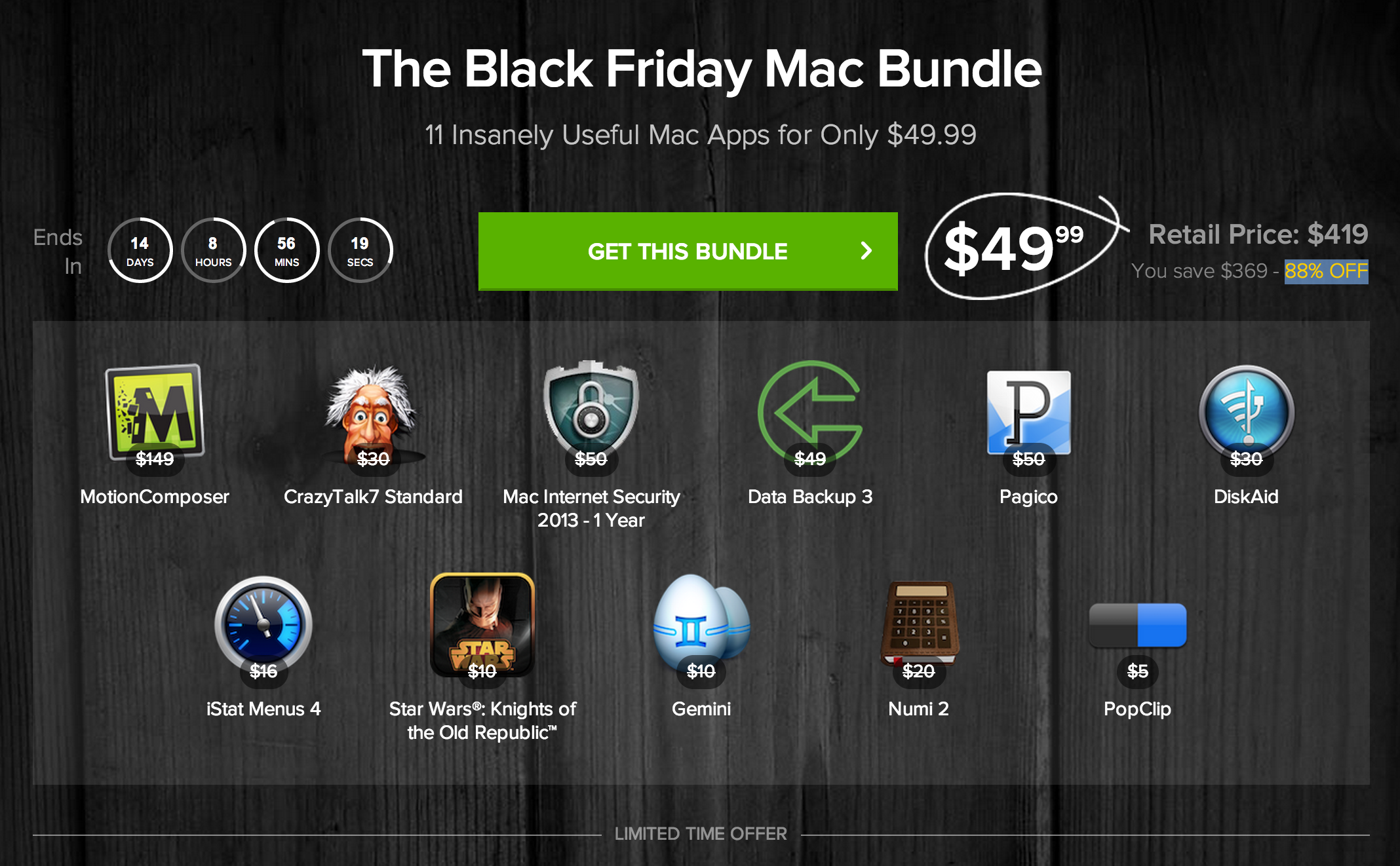
Good deal: 88% off Mac software bundle

A little over a week from now, retailers everywhere are going to open their doors to hordes of holiday shoppers as they rush towards their must-have items. Everything from TVs to iPads will be heavily discounted for what is known as Black Friday.

But these holiday sales aren't just limited to consumer electronics—take this new Black Friday Mac Bundle from Stack Social, for example. The deal site is offering up a package of 11 popular Mac apps (well 10 apps and 1 game) at an 88% discount...

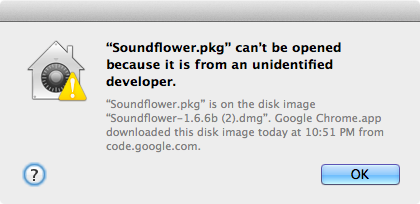
How to launch Mac apps from unidentified developers on a case by case basis

OS X has a feature that prevents apps from unidentified developers from launching out of the box. While this is a noble cause, it presents issues when launching legitimate apps from great developers that don't happen to be on Apple's whitelist. That message reads "XYZapp can't be opened because it is from an unidentified developer."

You can go into OS X's system preferences and disable this protection altogether, but there's a much more sensible option than that. Instead, how about enabling apps from unidentified developers on a case by case basis? 

OS X Mavericks 10.9.1 to fix remaining Mail bugs and refine graphics performance

Apple released its OS X 10.9 Mavericks as a free Mac App Store upgrade on October 22.

As is the norm with new OS releases, while these things tend to address complaints and issues from the previous version they frequently introduce new ones as well.

For example, immediately after Mavericks went live a bunch of people started complaining about a new and annoying Gmail issue in the stock Mail app.

This past Friday, the company supplied its registered Mac developers with the first beta release of what would become the OS X 10.9.1 software update. The software focuses on graphics enhancements and is said to squash the remaining Mail bugs...

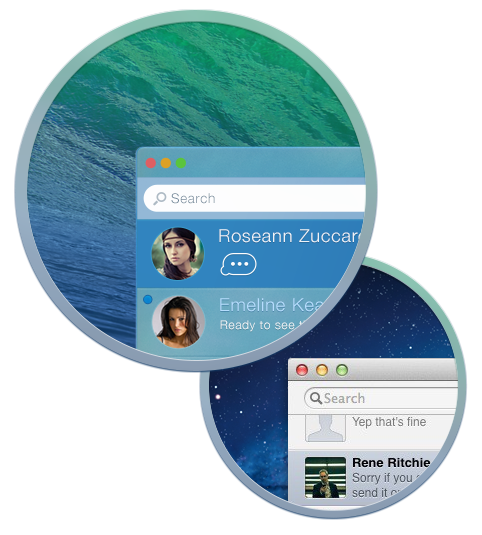
This jaw-dropping concept totally reimagines Apple’s dull OS X Messages app

The iDB team very much depends on Apple's Messages app as our day-to-day communications tool to keep everyone on the same page. Disregarding for a moment the ongoing iMessage reliability issues, the Messages app that comes bundled with OS X feels terribly outdated both design and feature-wise, even in Mavericks.

Basically nothing has changed since the iChat days apart from iMessage integration and a few questionable UI tweaks adding up to the overall clunkiness.

Thinking differently about the software, Palo Alto, California-based user interface designer Denis Pakhaliuk has envisioned a remarkable concept which has immediately left me speechless and wanting for more.

The awesomeness is right after the break...

How to quickly search the contents of iDB using Alfred

Alfred is one of my favorite launchers available for OS X. It serves as a replacement for Spotlight search, and can do a whole bunch of other cool things using custom workflows, searches, etc.

I could write a whole series about Alfred, because it's just that deep. But first things first. To start, I'm going to show you how to perform a custom search on iDownloadBlog. I've included a downloadable custom search in this post that you can import directly into Alfred. Have a look inside to see how it works.

Apple working on fixes for Mavericks Mail, iBooks, Safari and Remote Desktop Client issues

Apple's free Mavericks update contains a set of compelling headline features and nice-to-haves, like tapping the ambient light sensor to detect motion in order to prevent system sleep.

But as any Mac owner could tell you, each major OS X release brings with it inevitable early adopter issues in the form of bugs and various software-related issues and hiccups. Mavericks is no exception.

Though definitely more stable and less susceptible to teething issues than perhaps any OS X release thus far, Mavericks affects your productivity by introducing unreliable performance with Gmail accounts in Mail. Other stock apps suffer from typical 1.0 release issues, but rest assured that Apple is hard at work squashing these pesky bugs as we speak...

How to use the iPhone 5s slow motion effects in iMovie

Taking slow motion video with your shiny new iPhone 5s is a piece of cake, but editing that video using a desktop app like iMovie may not be as straightforward or obvious. Fortunately, Apple has made it relatively easy to work with the 120 FPS video that your iPhone 5s is capable of shooting.

Just like on the handheld hardware, you can dial back the speed of video to showcase the high quality slow motion footage. Inside we'll show you how incredibly easy the process is.

Future OS X, iLife and iWork updates will continue to be free

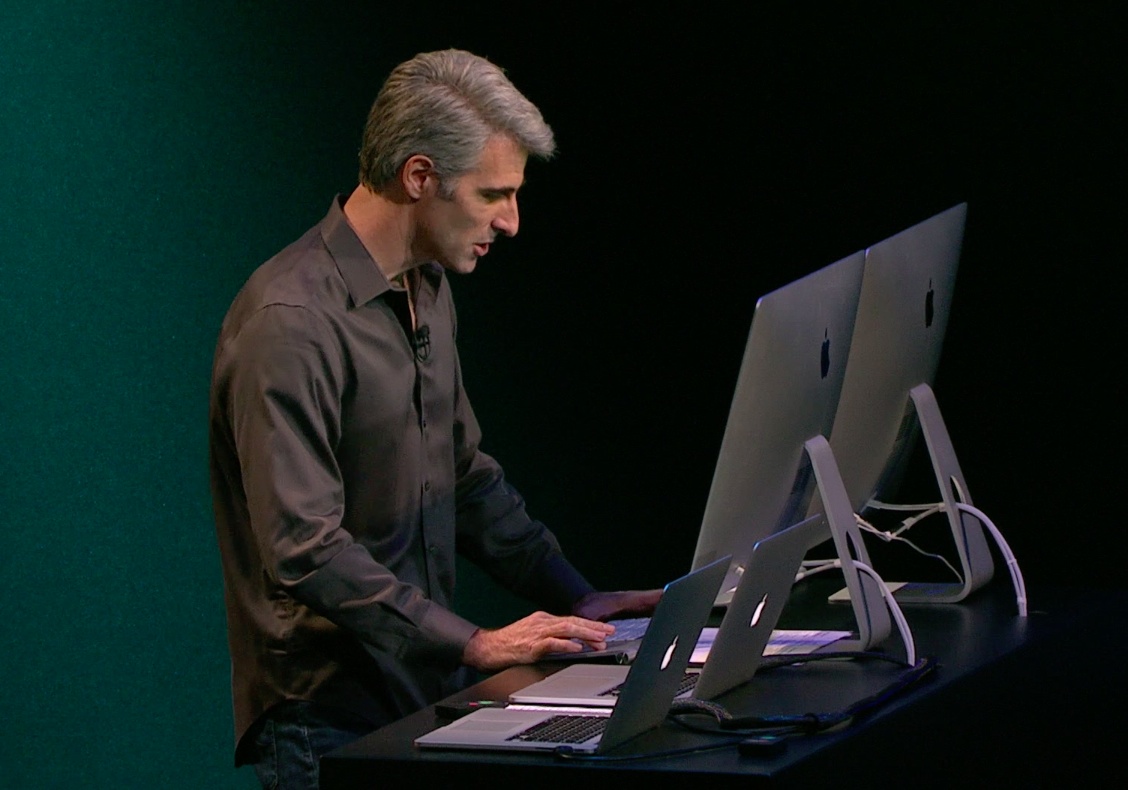
One of the easily overlooked aspects of last week's iPad keynote is how Apple revolutionized software pricing. "The days of spending hundreds of dollars to get most out of your computer are gone," charismatic software chief Craig Federighi enthusiastically remarked just before revealing that OS X Mavericks will be a free upgrade to everyone.

The move has ushered in “a new era of Mac,” he said. And of course on the iOS side, the iLife and iWork suite of apps for content creation and productivity has gone from paid to free for every new iOS device owner.

The best part: future updates to iWork/iLife apps and upcoming new versions of the Mac operating system are going to continue to be completely free. What sort of dark magic is that?

Online Apple Store now offering $20 OS X Lion and Mountain Lion redemption codes

Following the free OS X Mavericks release, Apple has removed the $19.99 Mountain Lion purchase from the Mac App Store. This has brought headache to owners of older Macs who were looking to upgrade their operating system to OS X Lion or Mountain Lion.

Apple typically keeps only the most current version of OS X on the Mac App Store. As a result, folks who want to purchase a copy of Lion, for example, are required to give Apple a phone call to get either a DVD or a content code via email which lets them download the installer through the Mac App Store.

The company has now made the process easier by selling the redemption codes through its online store...

Flash Player is finally sandboxed in Safari on Mavericks, says Adobe

Yours truly long stopped using the standalone Flash Player so you could imagine I'm fairly puzzled that folks to this date continue to rely on Adobe's plug-in. I know, if you're into Flash games/apps and other Flash-authored content, there's no escaping Adobe's multimedia run-time.

Among the reasons I keep Flash miles away from my Macs: the instability, resource hoginess and excessive proneness to malware and other types of vulnerabilities and malicious attacks.

With this week’s release of Safari in OS X Mavericks, the Flash Player will now be protected by a new operating system feature called App Sandbox, Adobe announced Thursday...