OS X

Helvetica Neue typeface replaces Lucida Grande as the system font in OS X Yosemite

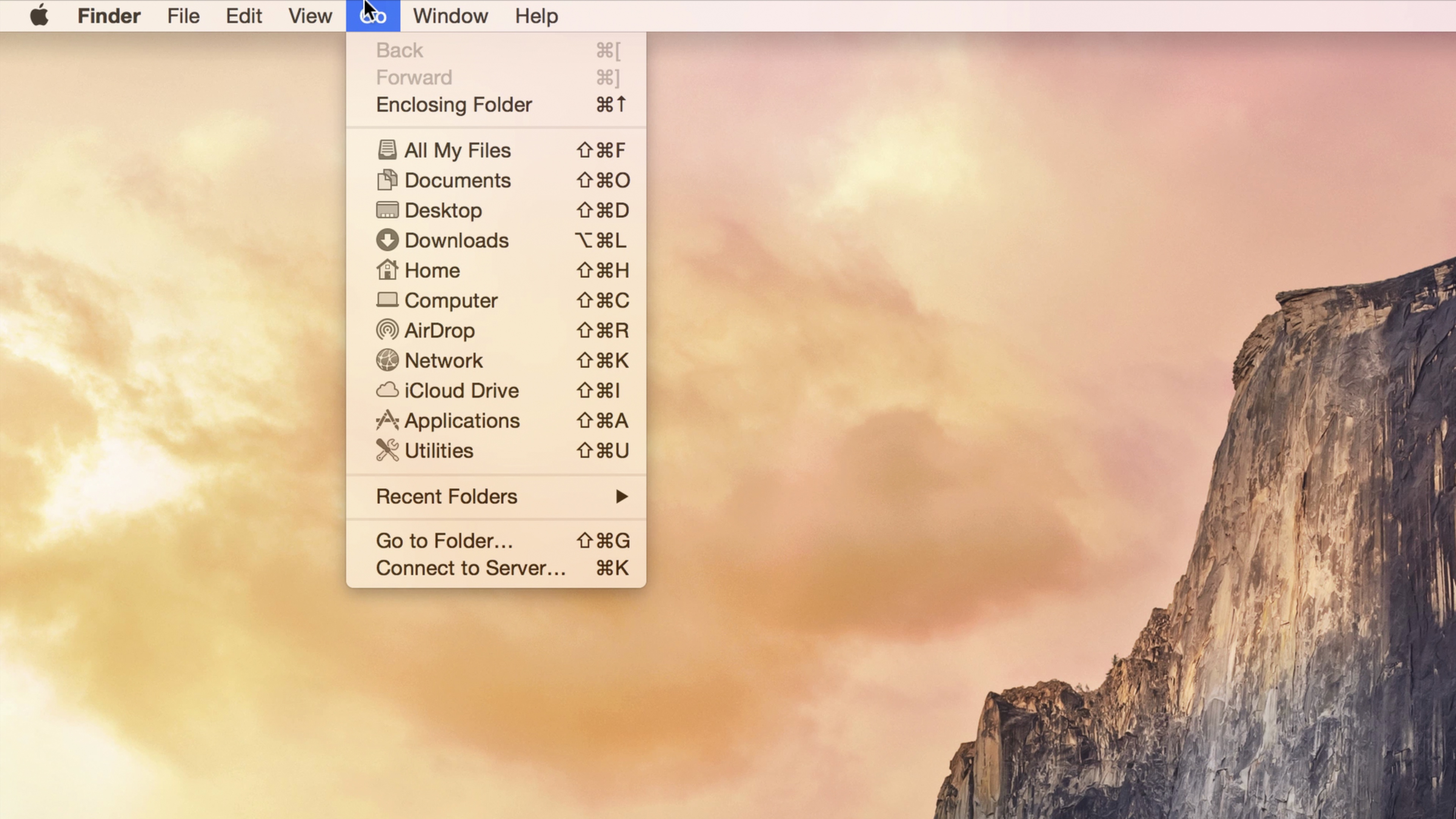
One of the most striking changes that you will notice when you first fire up OS X Yosemite is the system-wide font change. Apple’s previous desktop operating system releases, since 1999, used Lucida Grande as the system font.

Lucida Grande worked well on lower resolution screens, but as high resolution Retina Displays become more common, it's starting to look out of place. To address the issue, Apple decided to adopt iOS’ system font of choice—Helvetica Neue—and make it the system font for OS X Yosemite.

‘iStat Mini’ widget places system stats in OS X Yosemite’s Notification Center

As I discussed on Let's Talk iOS episode 39, Bjango's iStat Menus is one of my favorite Mac apps. It's an app that places a wealth of system status information right in the Mac's menu bar.

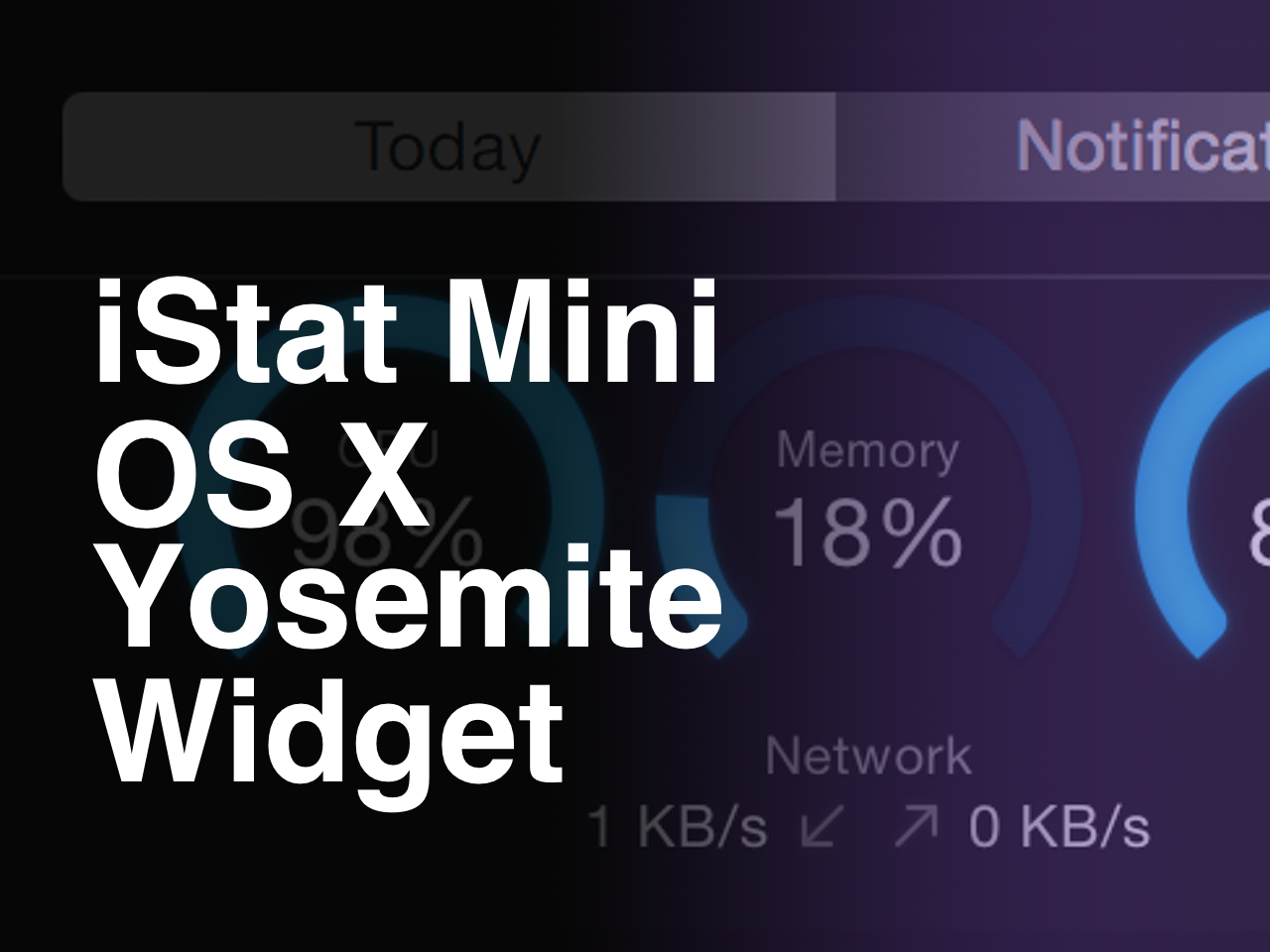
The same folks behind iStat Menus have come up with a new app geared towards OS X Yosemite. The app, which is cleverly entitled iStat Mini, places a simple widget in Notification Center's Today View.

Like its big brother, iStat Mini allows you to quickly view the CPU usage, disk usage, and memory usage on your Mac. It also allows you to monitor your Mac's upstream and downstream bandwidth.

Have a look at our 4K ultra-high resolution video walkthrough after the break for more details.

Wunderlist for iOS gets 1Password integration, Mac app gains Handoff, Today widget and more

Wunderlist, an increasingly popular cross-platform to-do and task manager by German developer 6Wunderkinder, got updated both for iOS and OS X with cool new features.

The iOS edition now includes support for 1Password signing and the ability to see your to-dos in iCal while fixing UI issues on iPad and more.

The Mac edition has received a substantial Yosemite-ready refresh adding a more productive Today widget in the Notification Center, interactive push alerts, a more powerful “Add to Wunderlist” feature along with the complete Handoff experience for seamless moving between devices and more.

Apple revamps iTunes Store in iTunes 12 ahead of OS X Yosemite launch

Apple has rolled out a revamped version of its desktop iTunes Store to iTunes 12 today. Folks with access to the developer preview or public beta of OS X Yosemite should see the new storefront with various changes including cleaner, flatter design elements.

As you can see in the image above, Apple has axed the 3D rotating carousel of featured content in favor of a new card-style layout. There's also no longer a backdrop shadow behind the album art, or in the navigation buttons, and the fonts have been changed.

Apple seeds OS X Yosemite GM candidate 2.0 to developers, Public Beta 5

Alongside beta 2 of iOS 8.1, Apple has today seeded Golden Master candidate 2.0 of OS X Yosemite. The update can be downloaded either through the Updates tab in the Mac App Store, or through Apple’s Mac Dev Center by registered developers.

This marks the tenth and possibly final developer beta of Yosemite as Apple prepares to officially release the software to the public later this month. Introduced in June, OS X Yosemite brings about new UI design and several other improvements for Macs.

Apple seeds OS X Yosemite GM candidate 1.0 to developers, Public Beta 4

Apple has today seeded Golden Master candidate 1.0 of OS X Yosemite. The update, which arrives as Build 14A379a, can be downloaded either through the Updates tab in the Mac App Store, or through Apple's Mac Dev Center by registered developers.

This marks the ninth and [likely] final Developer Preview of Yosemite as Apple prepares to officially release the software to the public next month. Introduced in June, OS X Yosemite brings about new UI design and several other improvements for Macs.

Apple issues update to patch ‘Shellshock’ Bash bug in OS X

Apple on Monday delivered the promised update to patch the 'Shellshock' Bash bug in OS X. You can download the update manually here, otherwise it should be popping up in the Updates tab of the Mac App Store shortly.

The security flaw was uncovered by security researchers last week and sent much of the Internet into a panic. Affecting the bash command shell in UNIX, the exploit allows for hackers to remotely execute malicious code.

Apple readying a fix for Bash vulnerability, ‘vast majority’ of Mac users unaffected

A fix for a new kind of exploit recently discovered in the Bash command shell used in multiple versions of Unix is underway, Apple confirmed Friday, adding that the “vast majority” of Mac users are unaffected because OS X is "safe by default" from the so-called 'Shell Shock' attacks.

"The vast majority of OS X users are not at risk to recently reported Bash vulnerabilities," an Apple spokesperson said in a statement quoted by The Verge.

The vulnerability was documented and publicized Thursday by security researchers at RedHat and gained prominences after security expert Robert Graham called it “as big as the Heartbleed bug,” referring to a nasty vulnerability discovered earlier in the year in the OpenSSL software commonly used by nearly two-thirds of servers powering the Internet.

New Unix command line exploit makes Macs vulnerable to attacks

A new exploit in the Bash command shell found in many versions of Unix, including Apple's OS X desktop operating system, makes Mac computers vulnerable to so-called 'Shell Shock' attacks, security researchers at RedHat discovered Thursday.

Though the exploit lets attackers run malicious scripts remotely, most people are not at risk unless they've manually allowed SSH access from remote connections or a web server running server side scripting.

Here's how you can check if you're vulnerable and what you can do in order to avoid 'Shell Shock' attacks on your system.

Safari 7.1 for Mavericks is out with encrypted Yahoo searches, DuckGoGo and more

Apple on Thursday released an update to its desktop Safari browser for Macs running OS X Mavericks which contains improvements to compatibility and security while introducing a pair of new options for strengthening your privacy when searching.

The first such feature turns on SSL encryption for all Yahoo searches conducted from Safari's search field. As a result, no one can eavesdrop on what you're searching for online.

The other adds DuckGoGo, a search engine that does not track you (Google won't like this) as a built-in option in the search field. Note that Safari in iOS 8 and OS X 10.10 Yosemite already includes DuckGoGo as an option.

Safari 7.1 has arrived on the heels of yesterday's OS X Mavericks 10.9.5 update which contains Safari 7.0.6 and improves the stability, compatibility and security of your Mac.

Apple: iOS 8’s SMS forwarding arriving in October

When iOS 8 launches for public consumption next Wednesday, text message relaying will not work immediately from day one because Apple plans to enable the feature in October, according to the just-refreshed iOS 8 webpage detailing the Continuity feature that was first spotted Friday morning by iLongue.

Now listed as ”coming in October”, the delayed launch coincides nicely with an upcoming October release of the free OS X Yosemite update. A discussion thread at MacRumors corroborates iLounge's findings, suggesting Apple has disabled SMS relaying on its servers in the past couple of days, likely until Yosemite is officially released.

This development isn't surprising to us given that iOS 8 and Yosemite are more dependent on each other by Continuity than previously.

How to move files around in OS X Finder while maintaining permissions and ownership data

Many Mac users are unaware that copying a file or folder in the Finder, or moving it to another location, does not preserve the permissions and ownership data attached to it.

In most circumstances, that's not a problem as you’ll be moving stuff within your own user account. Hence, the default behavior of changing ownership/permissions is actually desirable for most users, in most cases.

But on occasion, you may need to override the default setting when, say, copying a file into another user’s folder, dropping a document into the Guest account and so forth. In these kinds of scenarios, preserving the original file’s ownership and permissions can save you headache down the road.

But worry not — the Mac's Finder includes a pair of hidden features, Paste Item Exactly and Duplicate Exactly, that get the job done. The following tips will teach you how to leverage them to ensure that the file’s ownership information and permission data has been kept intact after the copy/move operation.