Notifications

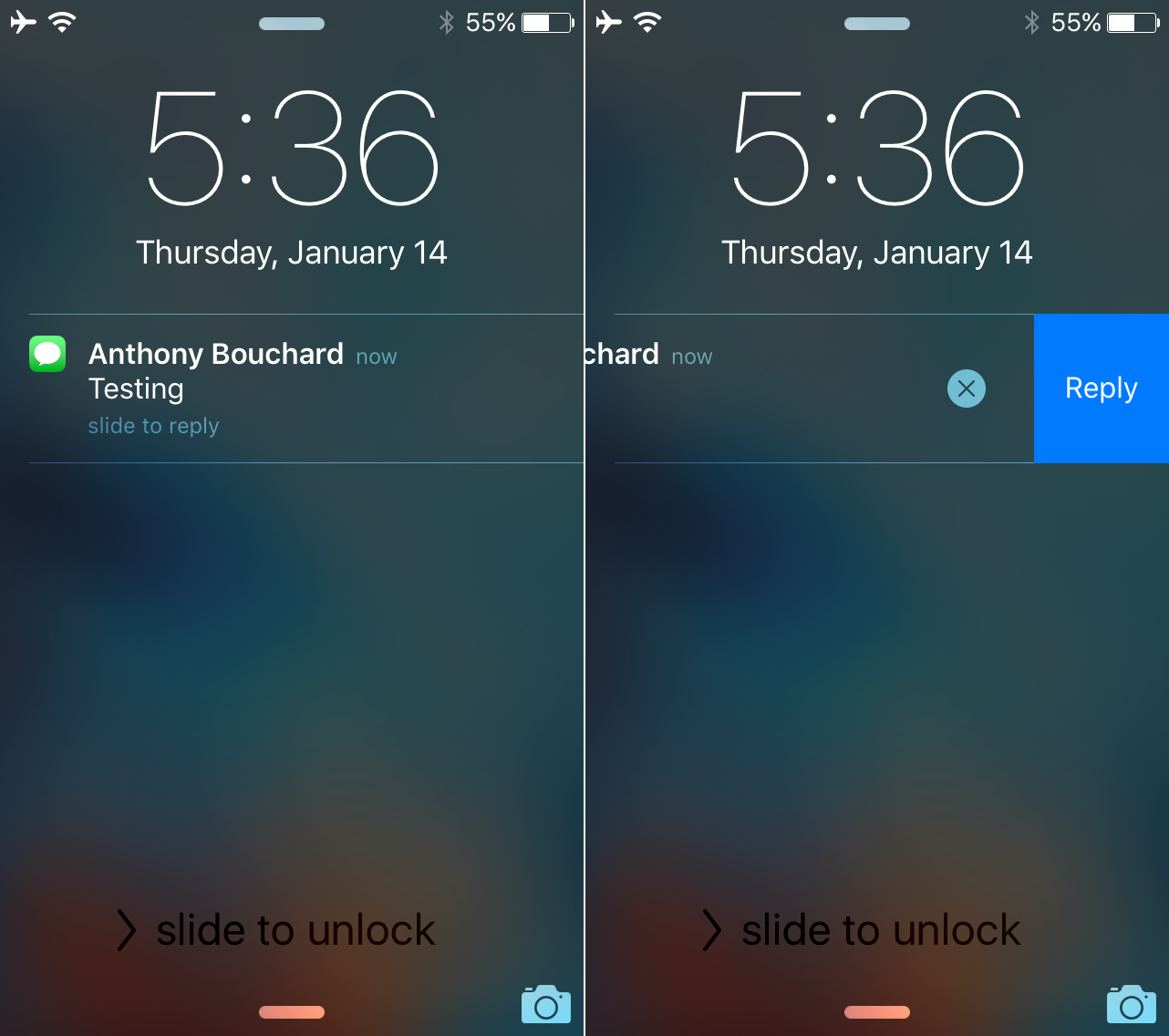
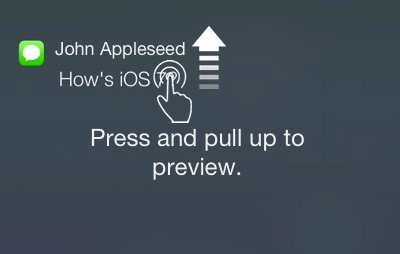
‘3D Touch Notifications’ lets you peek and pop your notifications with 3D Touch

3D Touch is one of the flagship features of the iPhone 6s and iPhone 6s Plus, allowing users to press firmly on various interfaces throughout iOS to reveal hidden menus with shortcuts to commonly-performed actions.

Despite iOS already having a variety of 3D Touch peek and pop menus, the jailbreak community is continuing to engineer interesting new uses for 3D Touch, such as this recent scale concept tweak, and it doesn't stop there. A new jailbreak tweak called 3D Touch Notifications from Cydia's BigBoss repository is about to change the way you interact with notifications on the Lock screen and in Notification Center using 3D Touch.
ForeverNotification keeps notifications on your Lock screen longer

When you get notifications and are unable to get to them immediately, iOS automatically stacks them on the Lock screen for you so you can see a general overview of what you've missed. The only problem is when you unlock your device, and then lock it again, the notifications disappear from your Lock screen, even if you haven't had the chance to view all of your notifications just yet.

With ForeverNotification, a new free jailbreak tweak in Cydia's BigBoss repository, you can prevent those notifications from disappearing from the Lock screen automatically just because your device gets unlocked.

Never miss a call or message notification again with this tweak

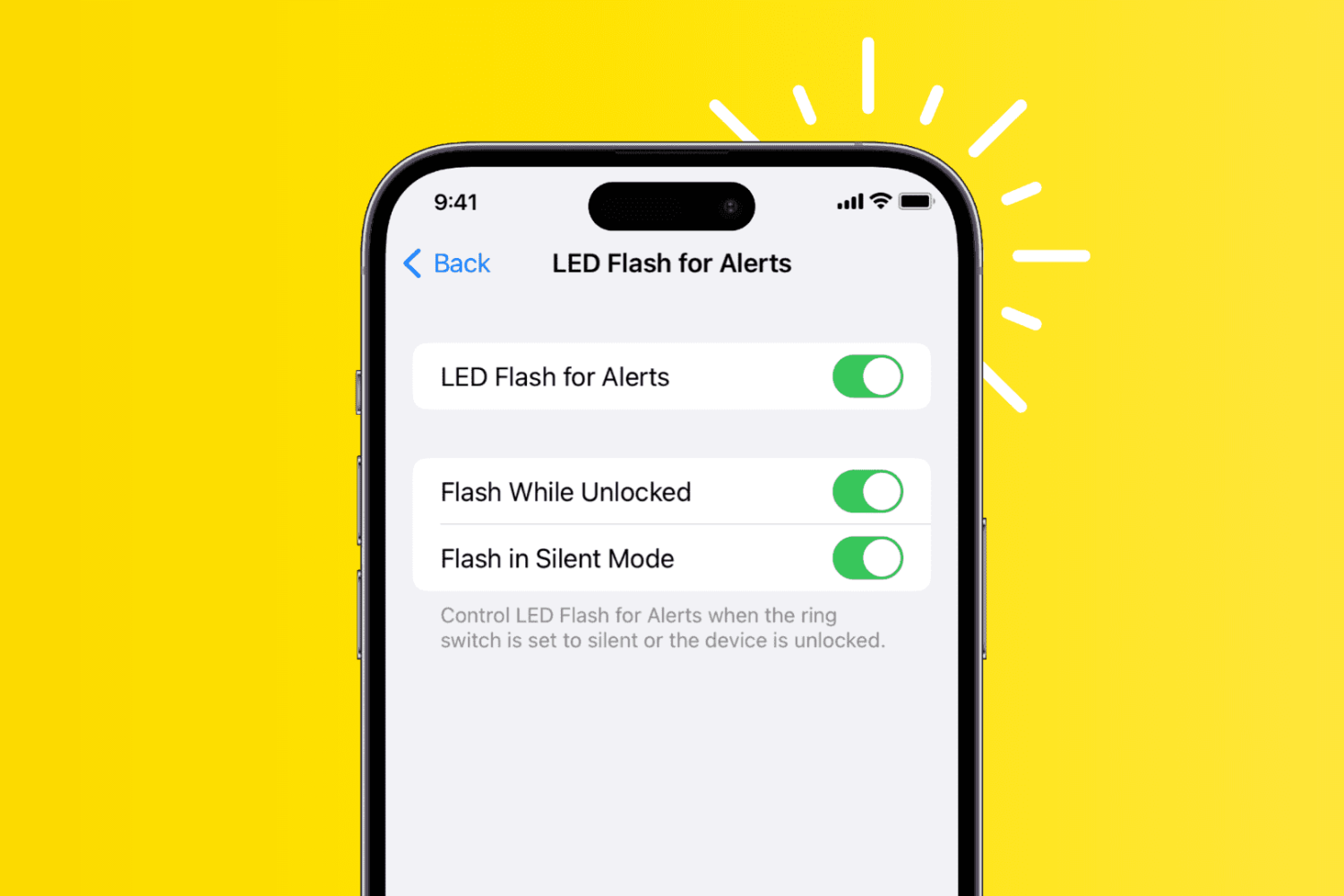
Sometimes you miss notifications on your iOS device. Perhaps you were incredibly busy when someone was in the middle of texting or calling you. In some cases, you were so preoccupied that you couldn't even feel the vibrations. In other situations, perhaps you were just away from your device, and never got the memo until hours later, when it was too late.

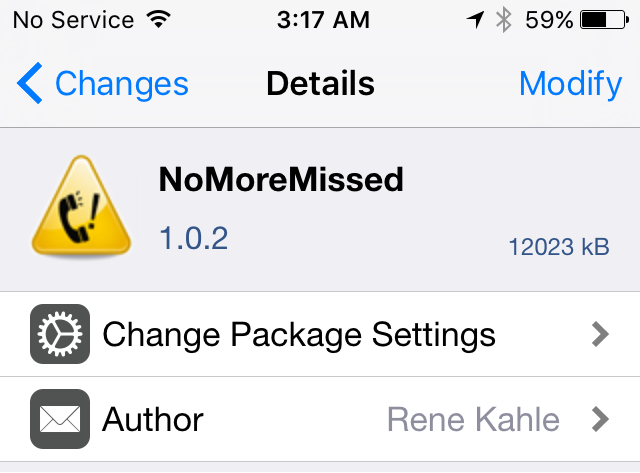
NoMoreMissed is a new jailbreak tweak available in Cydia's BigBoss repository that ensures you'll never miss a notification for text messages, phone calls, or instant messages ever again.

This tweak gives iOS notifications a makeover

iOS' notification system it set up so when you miss notifications, they'll stack up on the Lock screen and in Notification Center until you have a moment to look back at all of them.

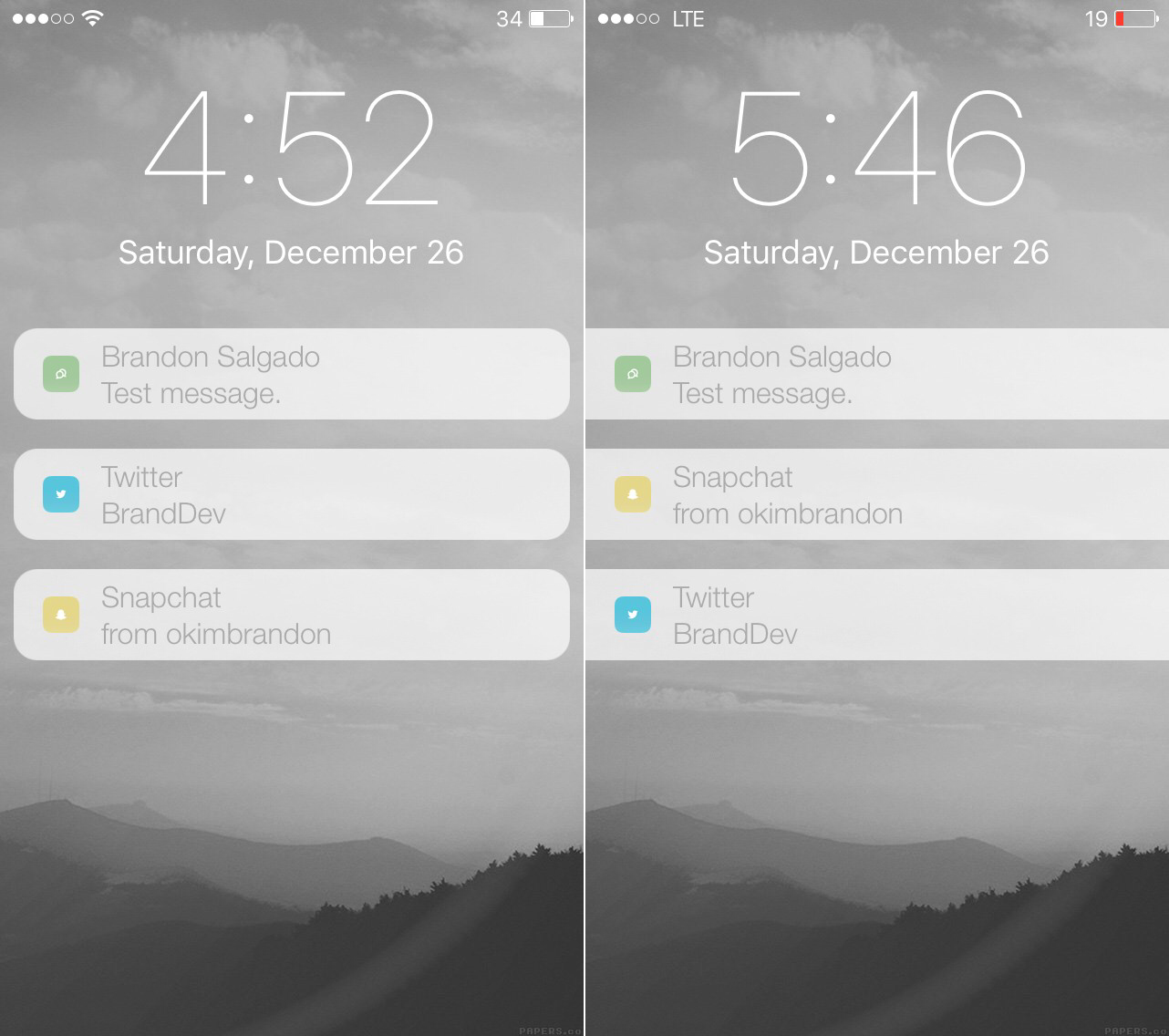
The notifications are separated with padding and are plain Jane, but for those that want to switch things up a bit and make notifications look a bit more modern or appealing, a new jailbreak tweak called RedesignedNotifications will let you personalize the look of your Lock screen and Notification Center notifications to your own personal preference.

How to add Mario-inspired notification sounds to iOS

If you're rocking a jailbroken iPhone and you like Mario, then a newly released jailbreak tweak is sure to be right up your alley. 1UP is a brand new tweak that alters the sound of Message notifications to that of the classic Mario coin sound found in Nintendo's storied gaming franchise.

The real treat of the tweak, and the inspiration behind the name, comes from when you reach a preset threshold of notifications. By default, once you receive 10 notifications for the Messages app, you'll hear the special "1UP" sound instead of the typical coin notification.

1UP is a great tweak to have if your heart strings are easily pulled by video game nostalgia. Best of all, it's available free of charge on Cydia' ModMyi repo.

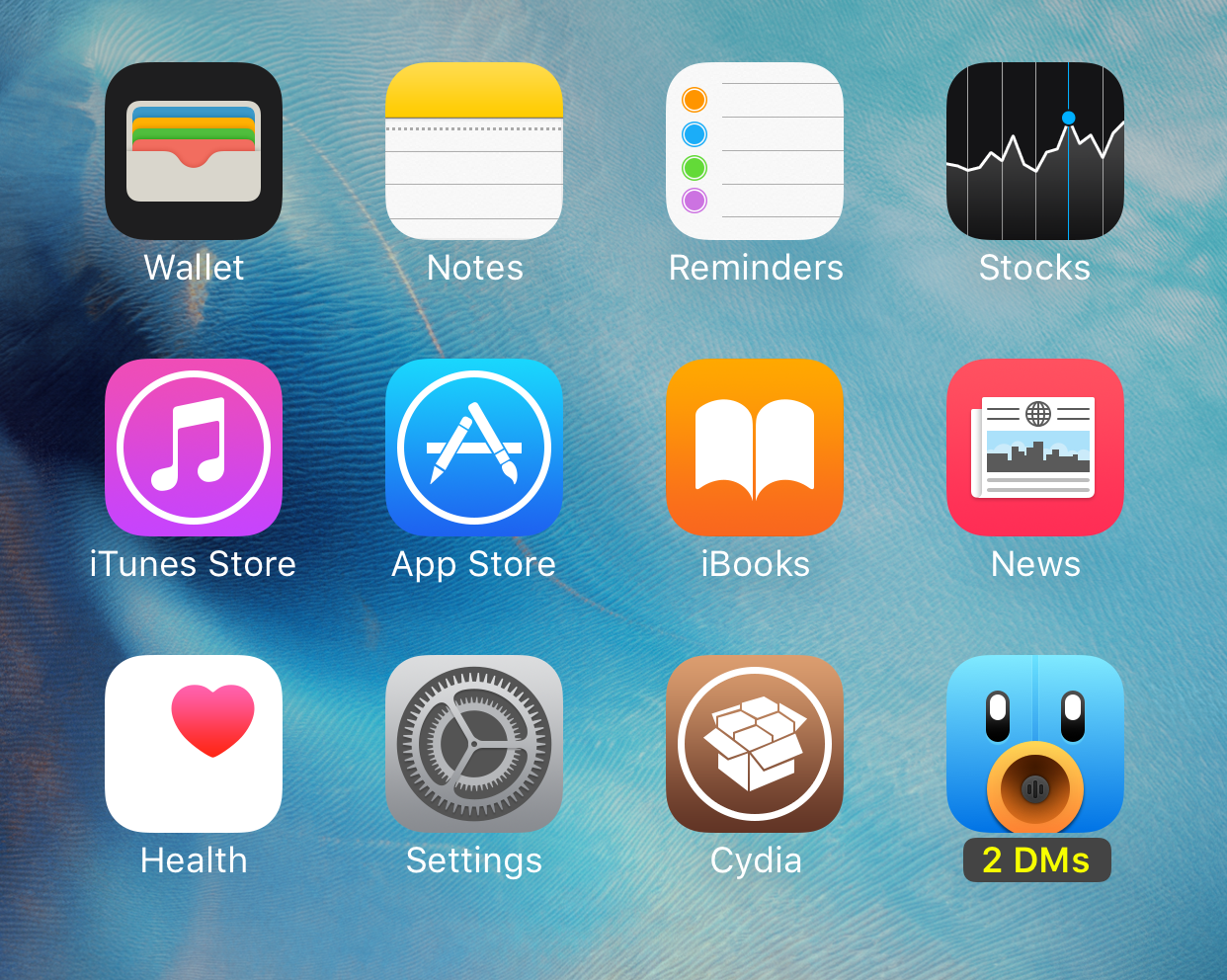
Goodges: a tweak that replaces badge notifications with labels

Goodges is a new jailbreak tweak that lets you swap out app icon badges for app icon labels. In other words, the tweak is designed to showcase a label notifying you of pending notifications, instead of the traditional badge.

If you find app icon badges to be unsightly, then Goodges is a free tweak that you should consider. It allows you to see pending notifications for specific apps, without being subjected to the ugly badges that litter your Home screen.

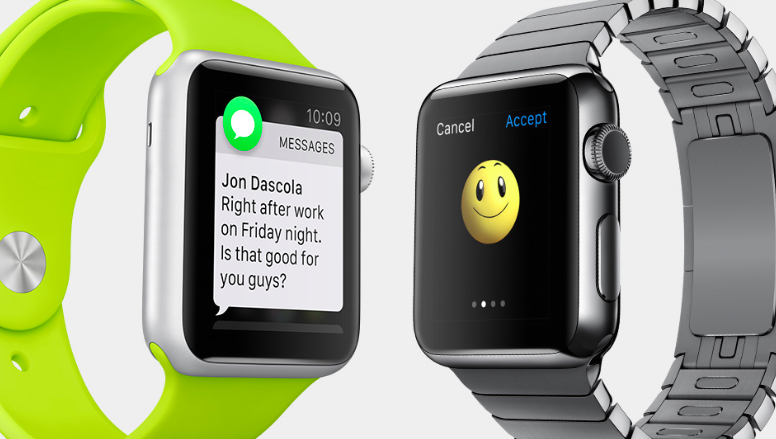
Why are some Apple Watch notifications round and others are square?

I was wondering about this for a long time, too. Some notifications that hit my Apple Watch are presented using a round app icon while the others embed a square one. But why is that?

Thanks to Mac Kung Fu, we now know that this simple yet subtle difference serves a very good purpose because you can decide whether the notification can be replied to or not by its attached app icon.

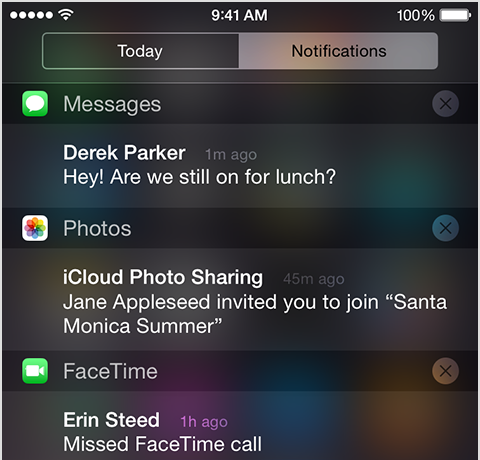
How to sort iOS notifications

iOS has always grouped alerts in the Notification Center in the order they were received. If you're overwhelmed with numerous notifications from apps and services on a daily basis, this can quickly clutter your view and push important notifications out of the view.

It is possible to change grouping of push alerts to have them compartmentalized according to their respective originating app and listed in the order you define.

In this tutorial, we'll detail how you can select, manage and adjust app grouping within the Notification Center on your iPhone, iPod touch or iPad.

WhatsApp rolls out responding to messages and calls directly from notifications to everyone

After testing out with a subset of its user base a new ability to quickly respond to incoming messages directly from the notification banner, Facebook-owned WhatsApp today began rolling out this feature to its massive 900+ million monthly active users. In addition, this edition of WhatsApp for iPhone also makes it easy to reply to incoming WhatsApp VoIP calls with a message, right from the call notification. Both features require Apple's latest mobile operating system.