Notifications

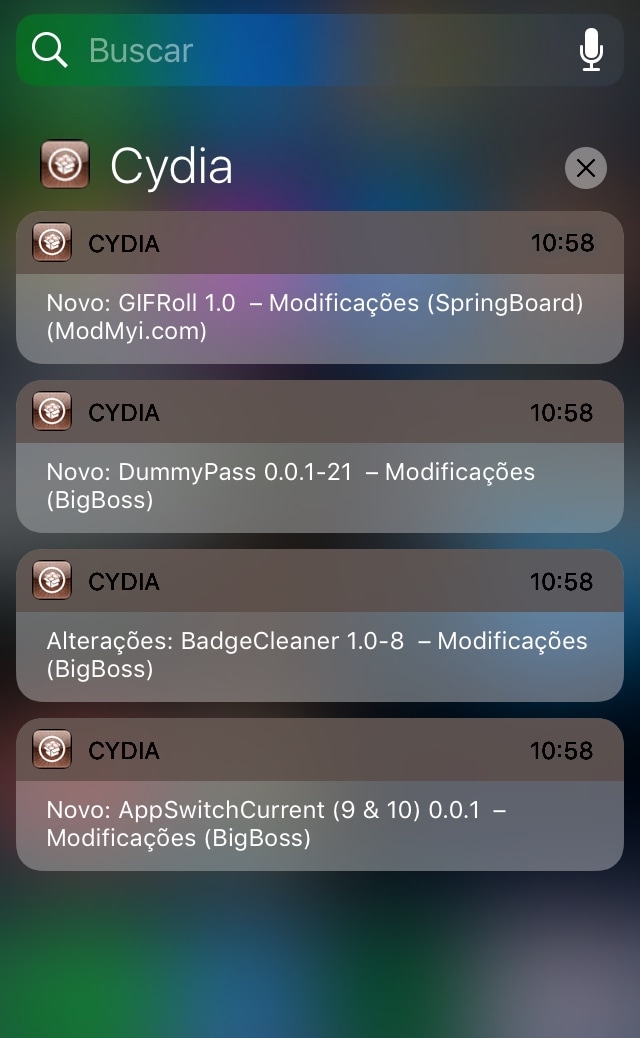
CyPush2 brings push notification support to Cydia

If you’ve ever jailbroken an iPhone or iPad before, then you should be familiar with Cydia as it’s the flagship package manager on the jailbroken iOS platform. Despite its rock-solid stability, Cydia has always been utilitarian by nature and isn’t known for fostering creeper-comfort features. Luckily, Saurik (Jay Freeman) empowered developers to tweak the Cydia app via Cydia Substrate a few years back.

There have only been a handful of Cydia-centric jailbreak tweaks released since Saurik first opened the gates to tweaking Cydia, some of them have been godsends. One great example is CyPush2, a tweak made by iOS developer Julio Verne to bring push notification support to the Cydia app.

BLightAlert leverages your iPhone’s display brightness to get your attention for notifications

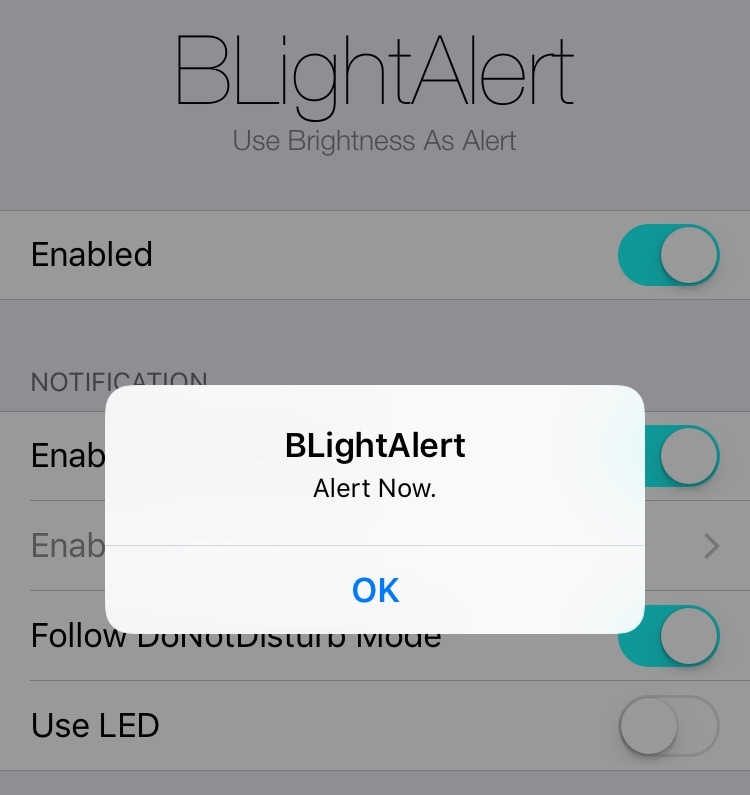
iOS’ notification system tends to be subtle enough that it can be easy to forget or miss an incoming notification. Fortunately, a free jailbreak tweak called BLightAlert by iOS developer Julio Verne can help mitigate this problem.

BLightAlert leverages your handset’s display backlight to grab your attention for incoming notifications. Once installed, the display brightness changes rapidly from low to high for a couple of seconds whenever an incoming notification rolls in, like so:

Nightshade provides an all-in-one Dark Mode experience for your iPhone or iPad

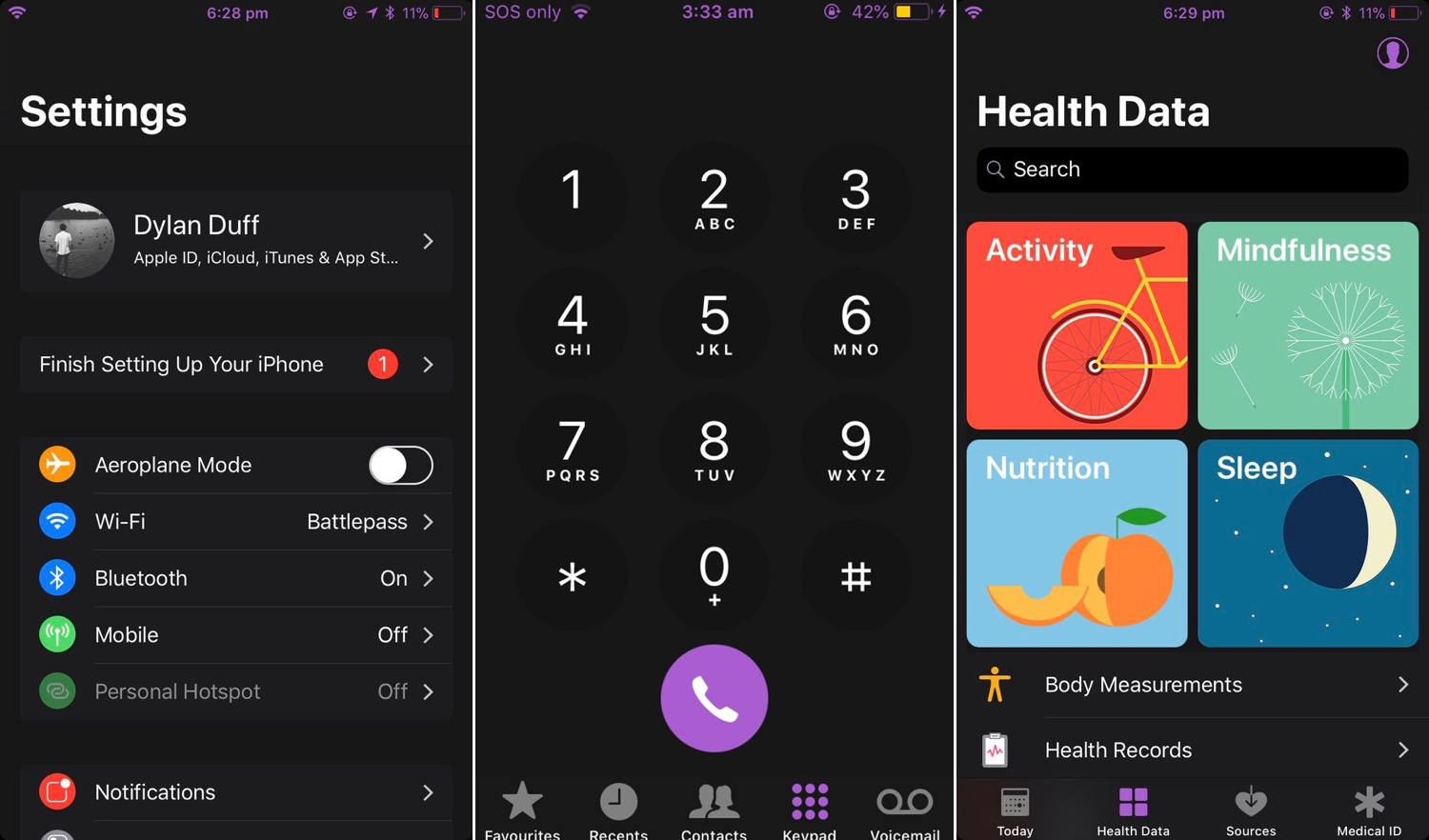
Dark Mode jailbreak tweaks have become quite the hot commodity among iPhone and iPad users, especially considering how Apple officially supports the feature on macOS. But wouldn’t it be nice to have a reliable all-in-one solution for all your apps and user interfaces rather than installing several jailbreak tweaks to achieve the same result?

If you answered ‘yes’ to that question, then you’re in luck; a new jailbreak tweak called Nightshade by iOS developer Dylan Duff promises ‘an all-in-one iOS Dark Mode’ that promises to ‘theme almost every aspect of the UI.’

LSPullToDismiss clears all pending notifications from the Lock screen with a pull gesture

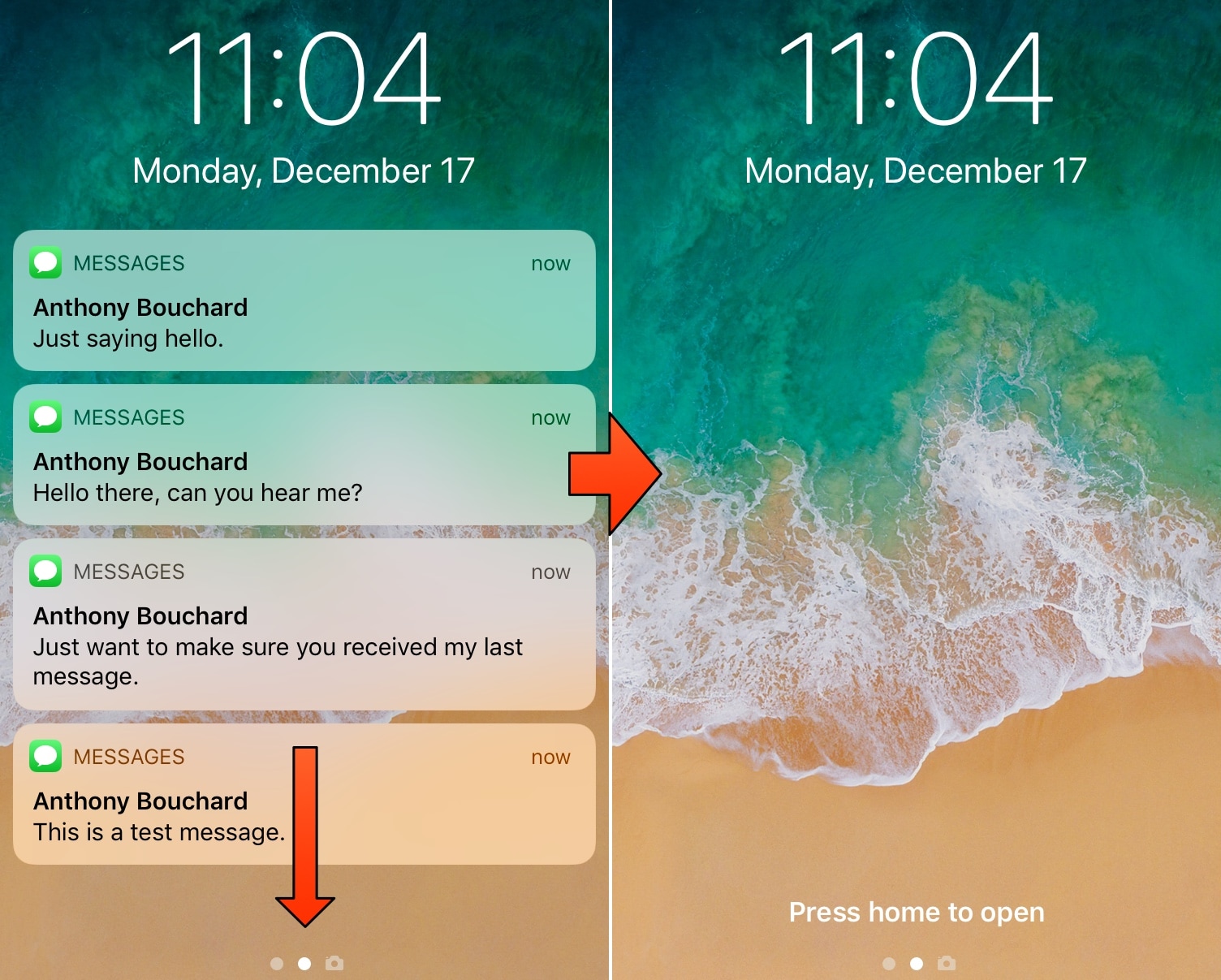
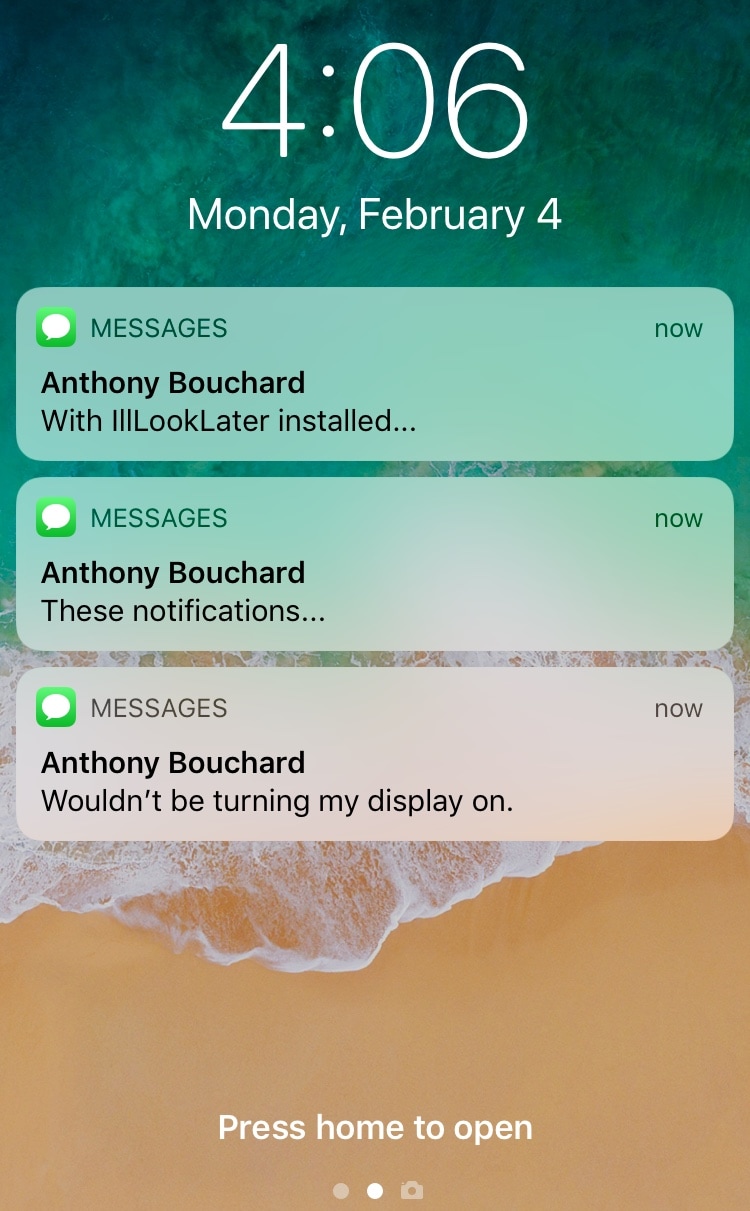
If you’re more popular than the average individual, then you probably get barraged with iMessages and other notifications as you sleep and throughout the day. iOS automatically stacks these missed notifications on your Lock screen to be reviewed later, and you can clear them individually or all in one fell swoop with a 3D Touch gesture.

Apple’s 3D Touch implementation in this regard is neat, but it’s not perfect, and it’s very much a two-step process. A free jailbreak tweak called LSPullToDismiss by iOS developer SparkDev reduces the number of steps required to clear all Lock screen notifications at one time, and it feels more natural than a 3D Touch gesture would.

This tweak transforms iOS’ low battery pop-ups into banner notifications

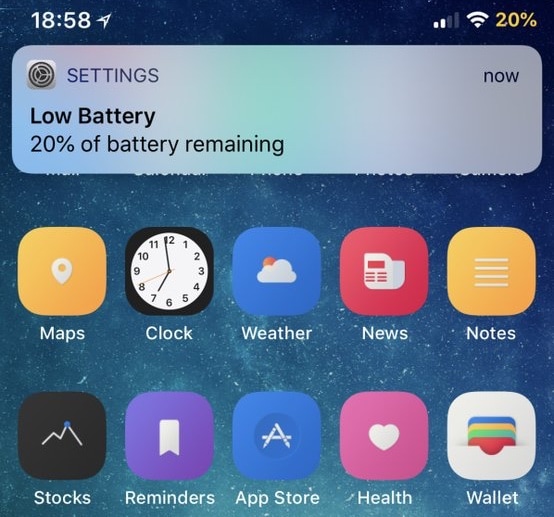
When your iPhone’s battery level dips below 20%, a persistent pop-up alert appears front and center on your display to let you know. Most people cringe at these kinds of notifications because they get in the way of everything, but a free jailbreak tweak called LowBatteryBanner by iOS developer SparkDev can help.

As you might have inferred from the name already, LowBatteryBanner replaces the standard low battery level pop-up alert with something we can all appreciate: a banner notification.

NoSimAlert hides those annoying ‘No SIM Card Installed’ alerts

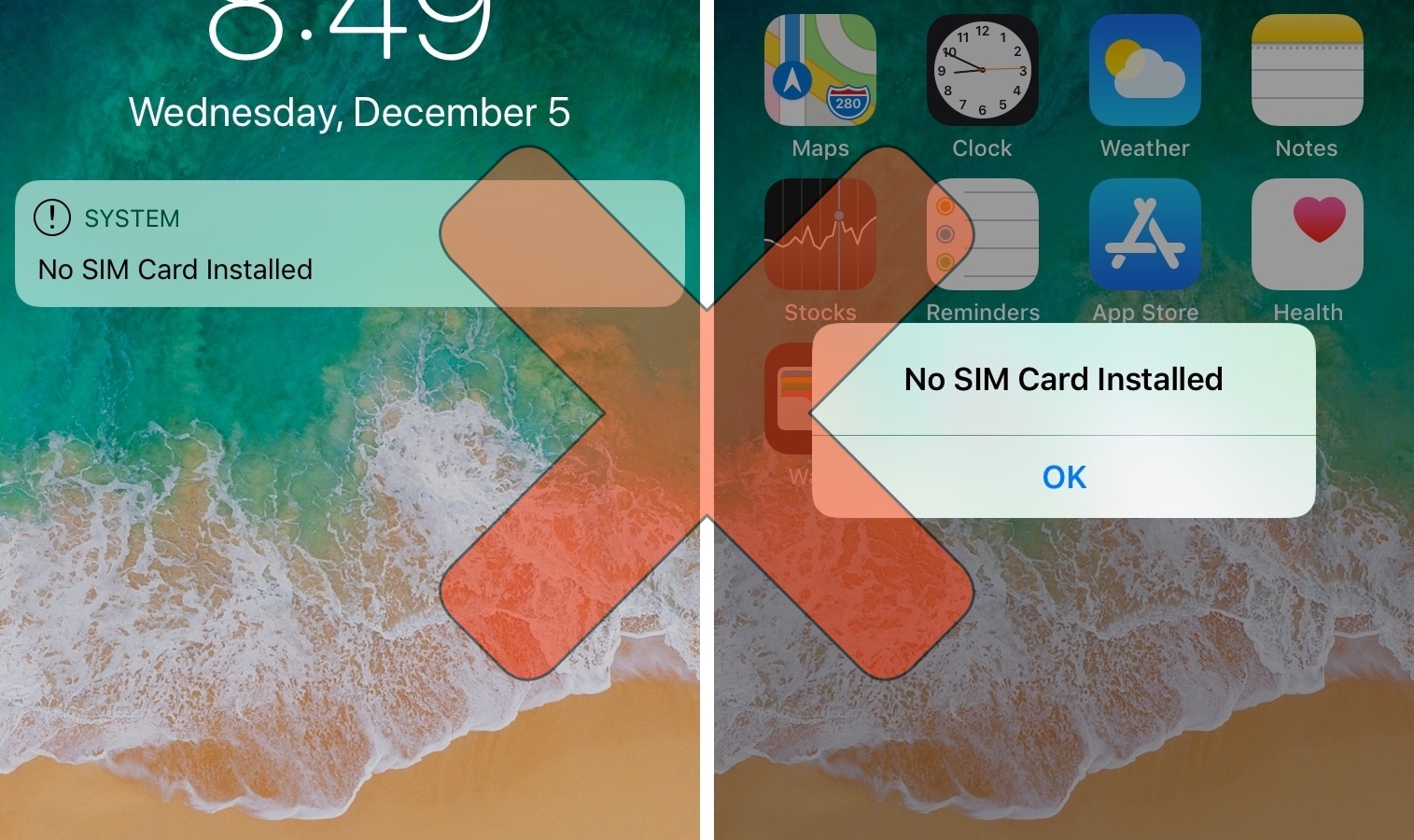
If you’ve got a stack of old, deactivated iPhones laying around without SIM cards like I do, then you’ve probably become very familiar with iOS’ inherently annoying ‘No SIM’ alerts. Not only does iOS display “No SIM” in the Status Bar, but it feels the need to display Lock screen banners and pop-up alerts to remind you of the obvious not just twice, but three times in a row.

As a jailbreak enthusiast and jailbreak tweak reviewer, I use deactivated and SIM-less iPhones all the time, and I’ve come to loathe these No SIM alerts. Fortunately, a jailbreak tweak called NoSimAlert by iOS developer SparkDev can help tremendously in this department.

InstaNotifyFilter hides extraneous in-app notifications from Instagram

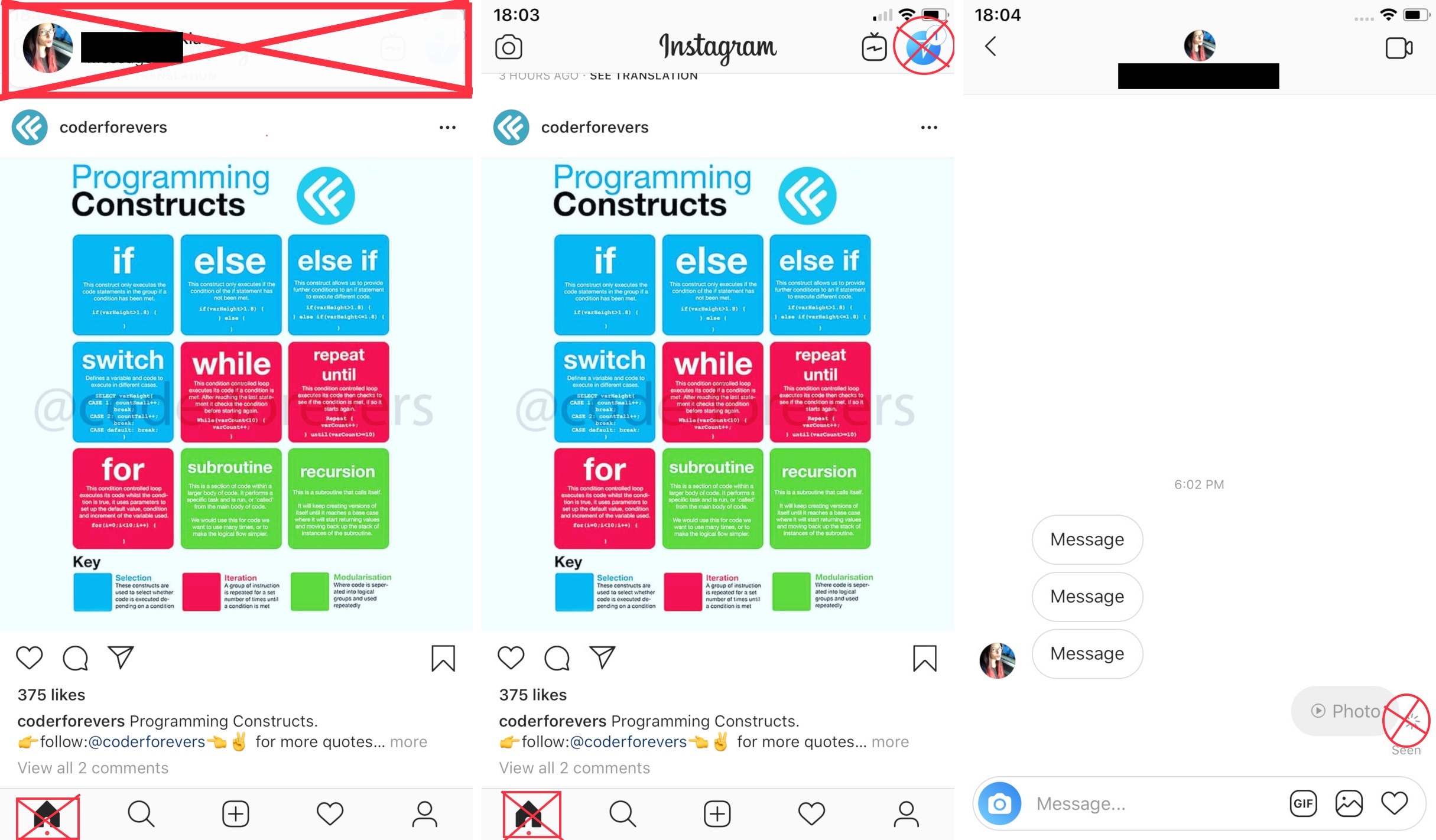
If you frequently use the official Instagram app on your jailbroken iPhone, then you might have something to gain from using a new free jailbreak tweak dubbed InstaNotifyFilter by iOS developer midkin.

As you might have already inferred from the tweak’s name, InstaNotifyFilter filters some of the more extraneous notifications you might receive in the Instagram app, and citing the tweak’s description, it specifically targets the following:

QuietApps mitigates interruptions while you use specific apps

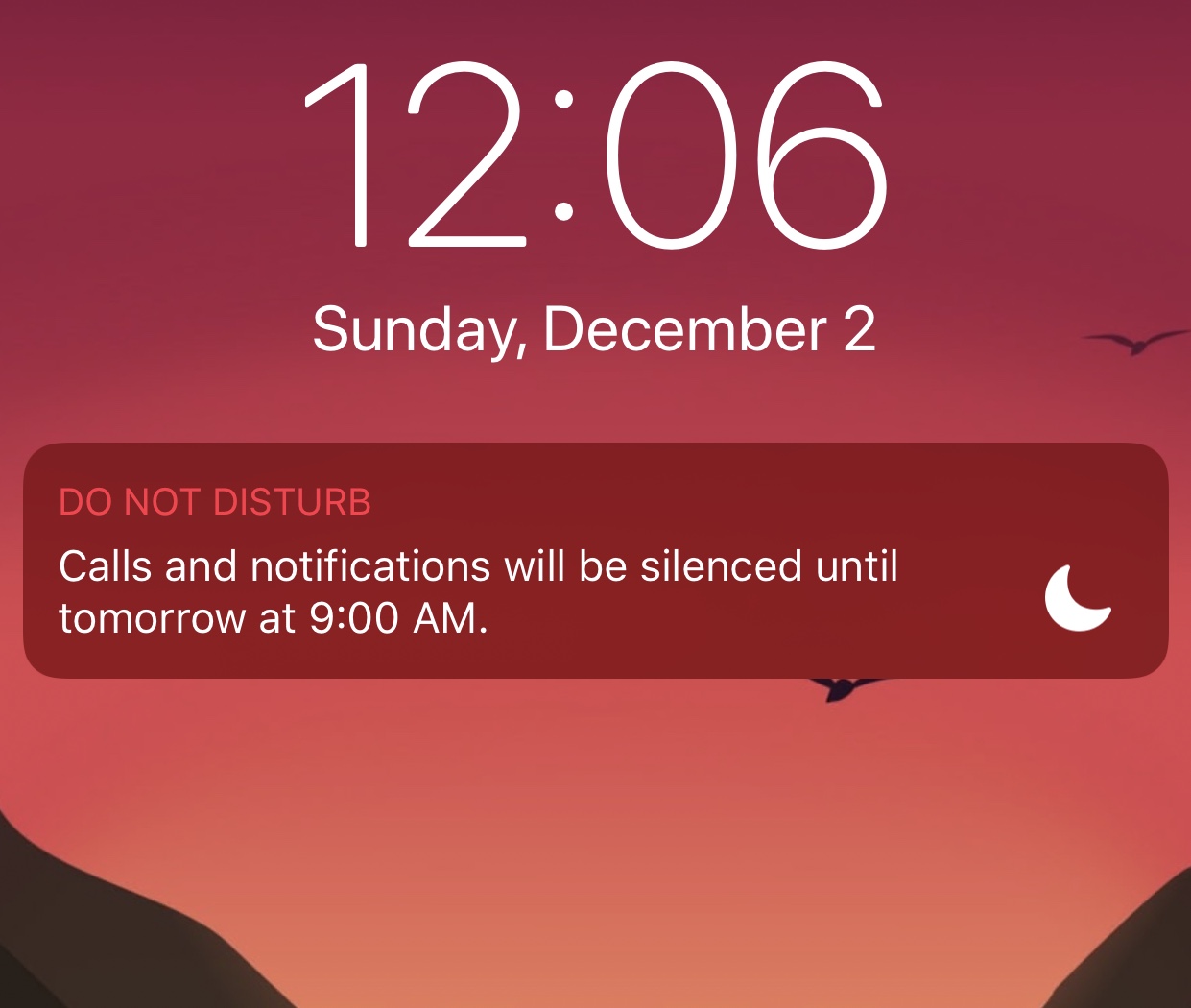
Your iPhone comes with a feature known as Do Not Disturb that can help mitigate the influx of notifications when using your device or sleeping, but have you ever wished you could minimize interruptions while using specific apps?

If so, then we advise checking out a powerful new jailbreak tweak called QuietApps by iOS developer smokin1337. With it, you can configure a plethora of convenience options on a per-app basis.

Colorize your Home screen’s notification badges with BadgeColors

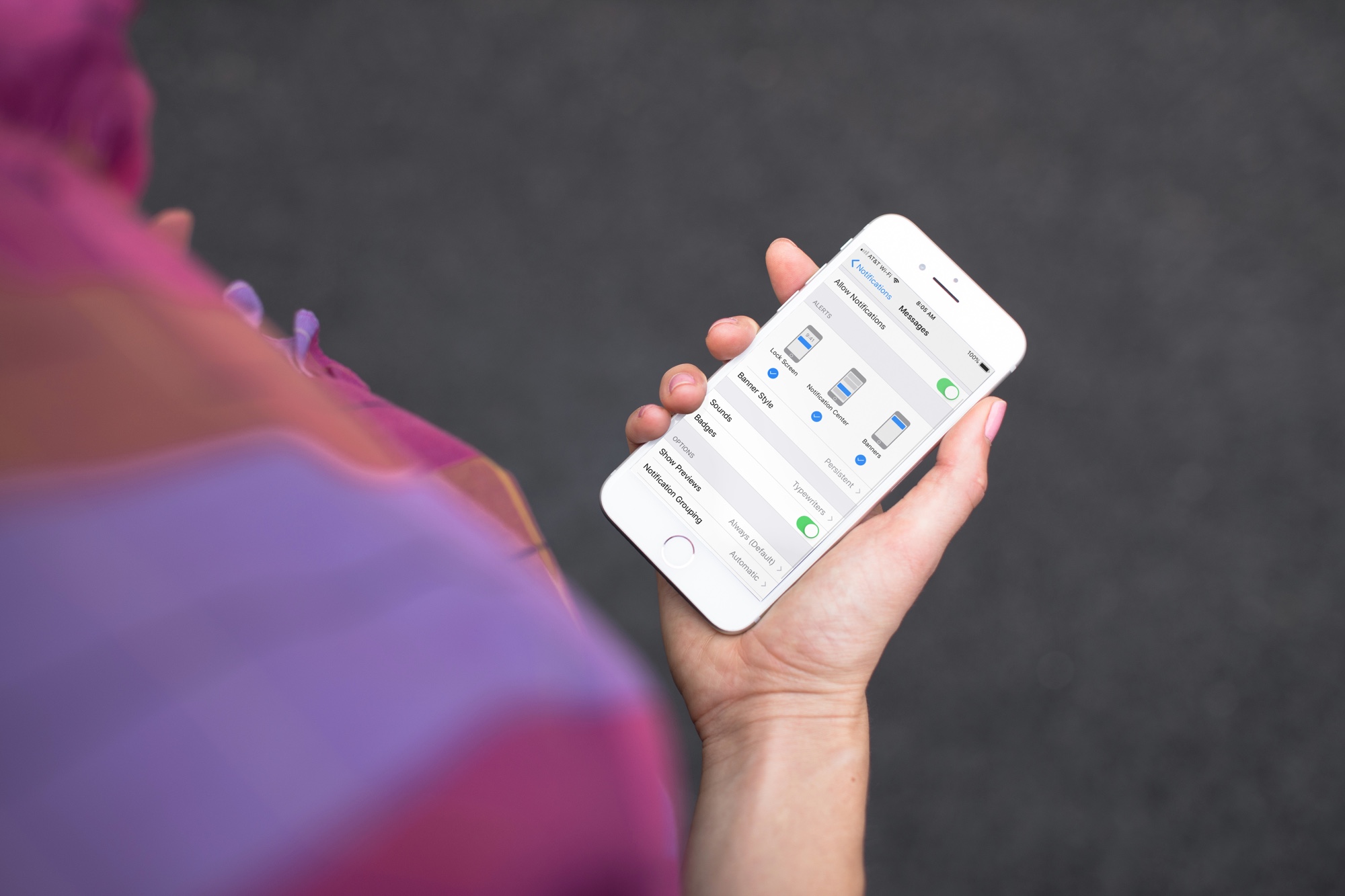
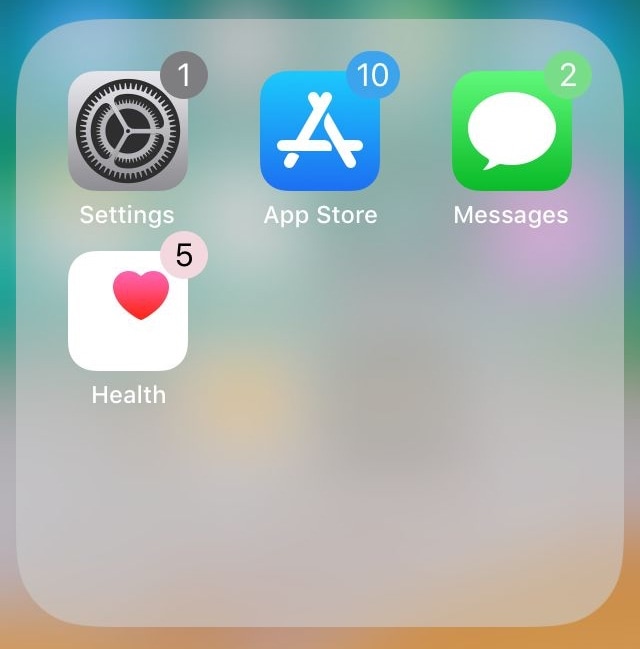
As your iPhone accumulates missed notifications, the icons on your Home screen become littered with little red dots indicating the number of missed notifications you have. Apple calls these red dots notification badges.

There’s no way to customize how notification badges look on a stock device, but if you’re jailbroken, then you can take advantage of a new jailbreak tweak called BadgeColors by iOS developer Cole Cabral.

Adjust each of your iPhone’s various volume levels independently with SmartVolumeMixer

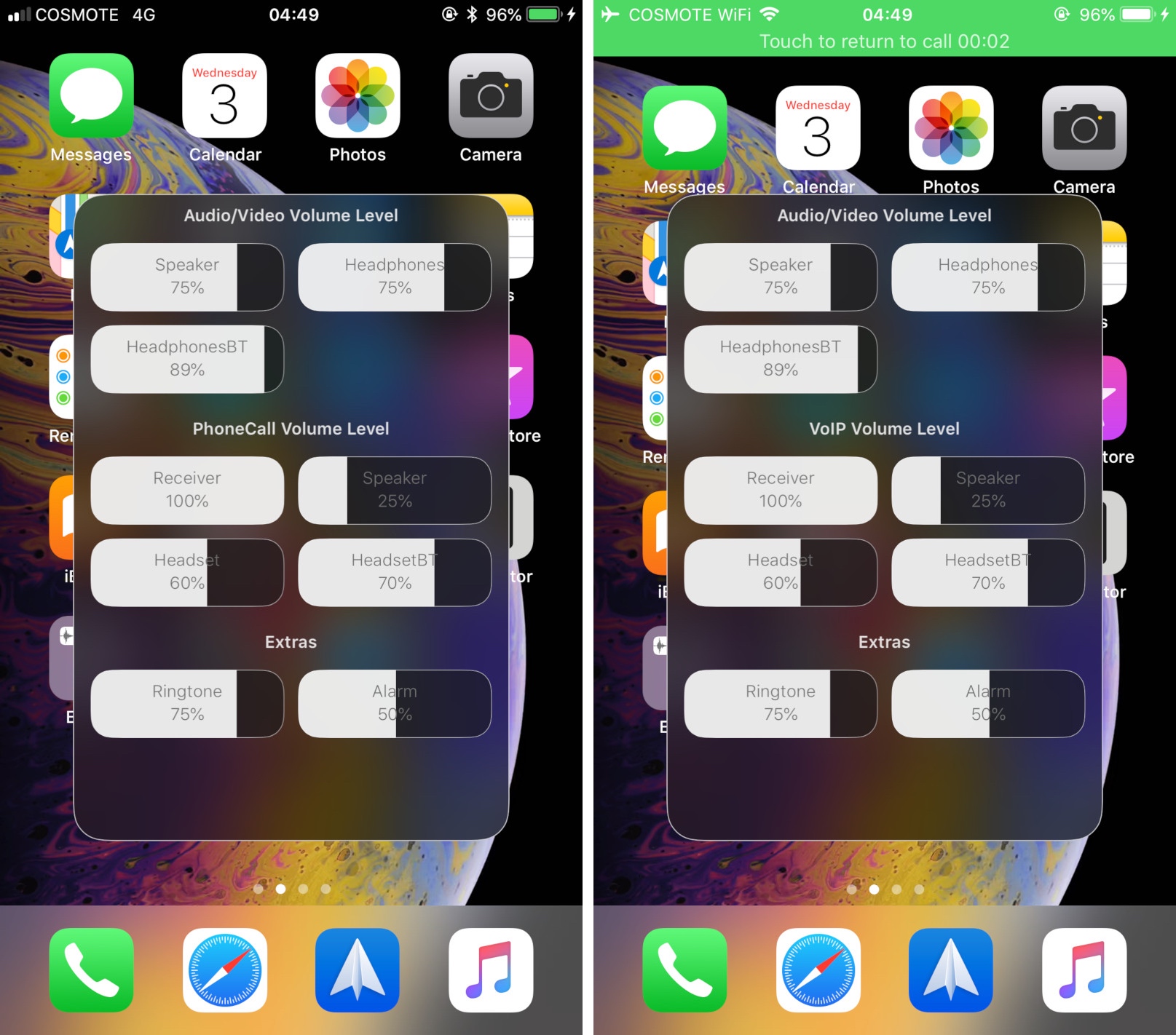
At first glance, it might seem like your iPhone has just one volume control that you can change with the volume buttons at the side of the handset, but there are actually nine different volume controls present on your handset.

It can be challenging to discern which volume control you’re adjusting when you press your device’s volume buttons, and so iOS developer midkin just launched a new jailbreak tweak called SmartVolumeMixer to make life a bit easier in this department.

Lace 2 provides jailbreakers with more control over the Lock screen

The Lock screen has come a long way in many of the most recent iterations of iOS. Instead of just being a place to tell the time and view your missed notifications, the Lock screen has become a hub for everything that matters, including app-centric widgets that can help you discern important information at a glance.

Depending on how much you utilize these aspects of your iOS device’s Lock screen, a new free jailbreak tweak called Lace 2 by iOS developer Andreas Henriksson can help you take better advantage of it all.