Notifications

Essentials: An all-in-one SpringBoard customization tweak for iOS 11 and 12

If you’re jailbroken on iOS 11 or iOS 12 and looking for the ultimate one-stop-shop jailbreak tweak to customize the bulk of your operating system’s primary aesthetic and function, then you’re sure to take a particular liking to a new jailbreak tweak release called Essentials by iOS developer Adam Seiter.

Essentials provides a long list of options for iPhone and iPad users, much like the original classic that we’ve all come to know and love called Springtomize. On the other hand, Essentials supports the latest jailbreakable versions of iOS, whereas Springtomize hasn’t been officially updated since the golden days of the iOS 10 jailbreak.

Centurion: A Lock screen widget that displays notifications and events at a glance

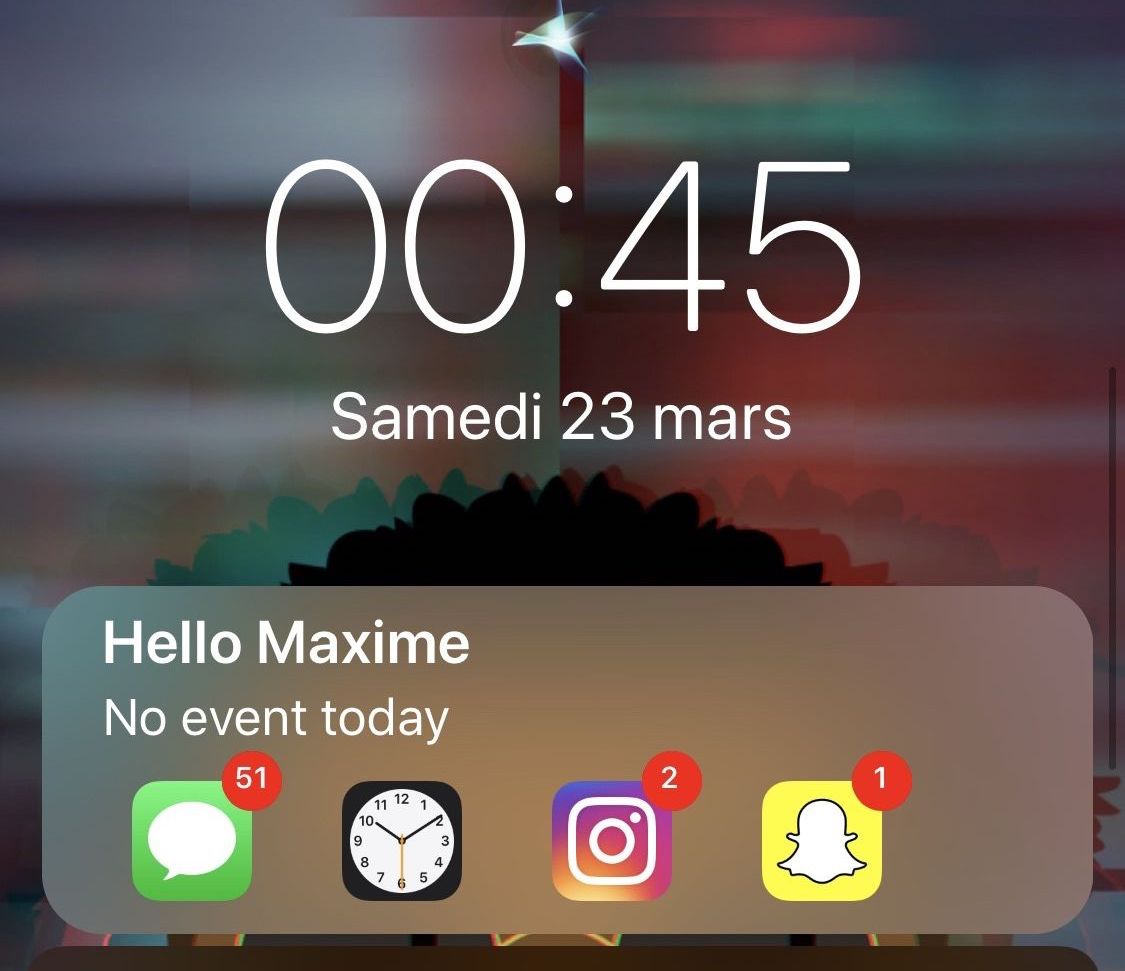
The iPhone’s stock Lock screen is as barebones as can be, and while some people love the minimalistic look, others with Apple would make better use of the available screen real estate. Those in the latter boat, much like myself, will come to appreciate a new jailbreak tweak called Centurion by iOS developer maximehip.

Centurion is essentially a new widget that appears just below the date and time on the Lock screen with an informative view regarding current/upcoming events and the number of missed notifications for some of your favorite apps.

SnoozeX provides a more intuitive firing alarm interface for iOS

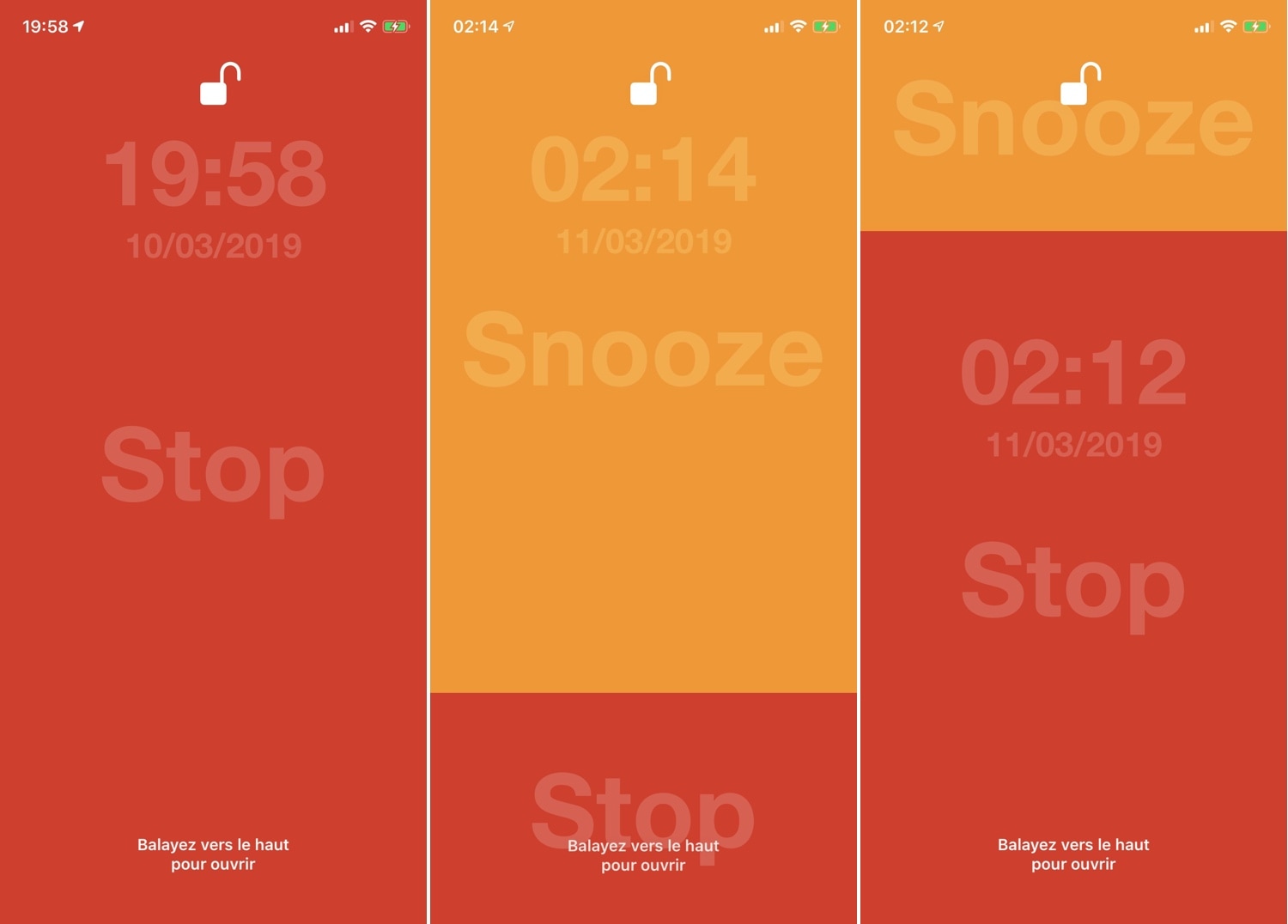
Whenever one of your iPhone’s alarm fires, you’re presented with an interface where you can either snooze or stop the alarm indefinitely. Many have expressed their dissatisfaction with iOS’ native alarm firing interface, and with that in mind, iOS developer VincentMDIM came out with a jailbreak tweak called SnoozeX to address that.

SnoozeX makes the iOS’ alarm firing interface more intuitive, especially for those who have trouble waking up early in the morning after their alarm goes off. As depicted by the screenshot examples above, SnoozeX makes the alarm firing interface easier to interact with, which will be appreciated by folks who are still half asleep when the alarm sounds.

TinyBanners provides less intrusive notification banners for iOS 12

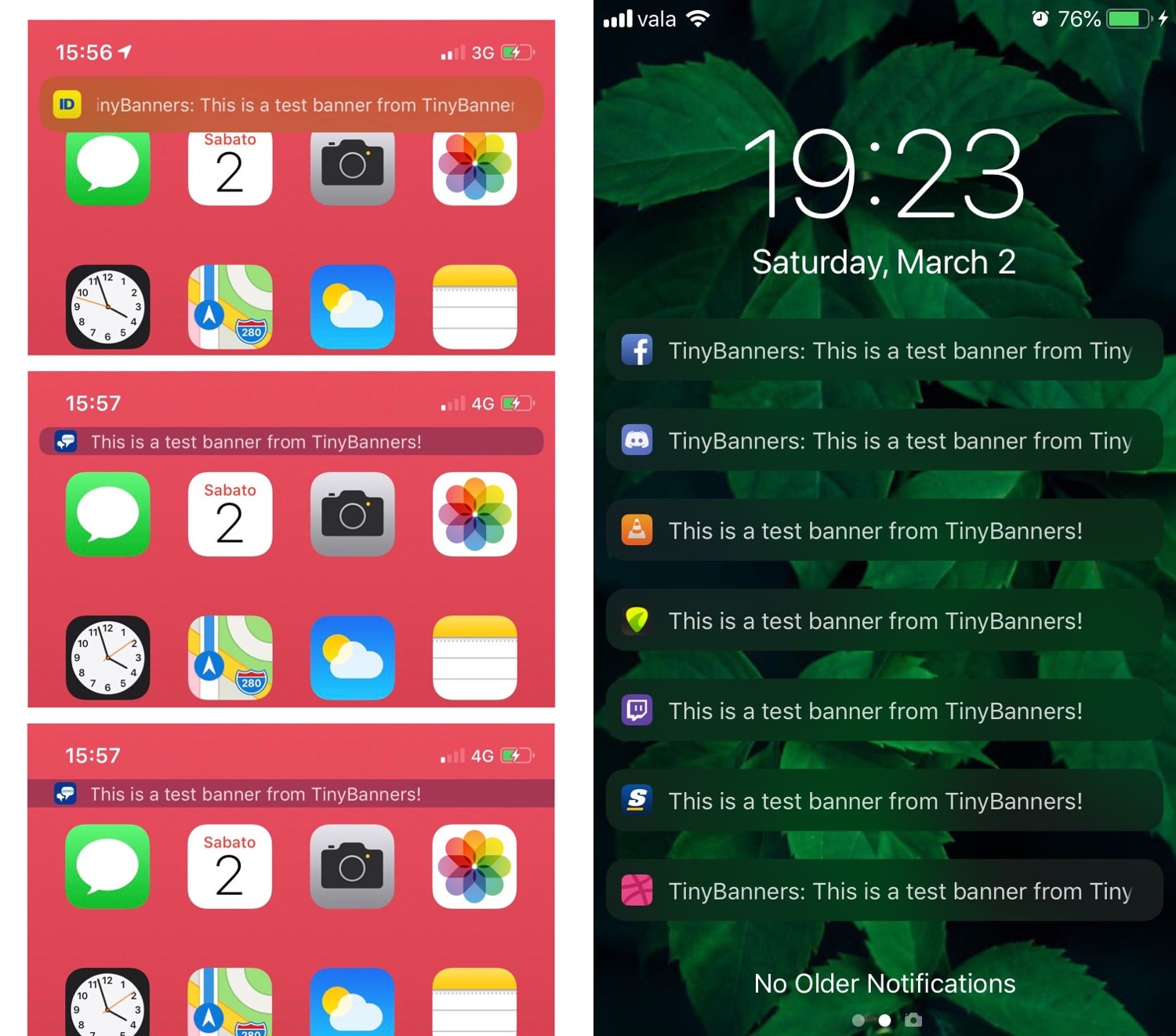
Apple originally introduced the humble notification banner to replace the intrusive notification alert pop-up in iOS, but Apple has since made those notification banners much taller, making them more intrusive than they were initially designed to be.

Here to solve that problem is a new jailbreak tweak called TinyBanners by iOS developer donbytyqi, which just as the name implies, makes iOS’ notification banners smaller such that they aren’t as intrusive.

BottomBannersX2 moves notification banners to the bottom of the display

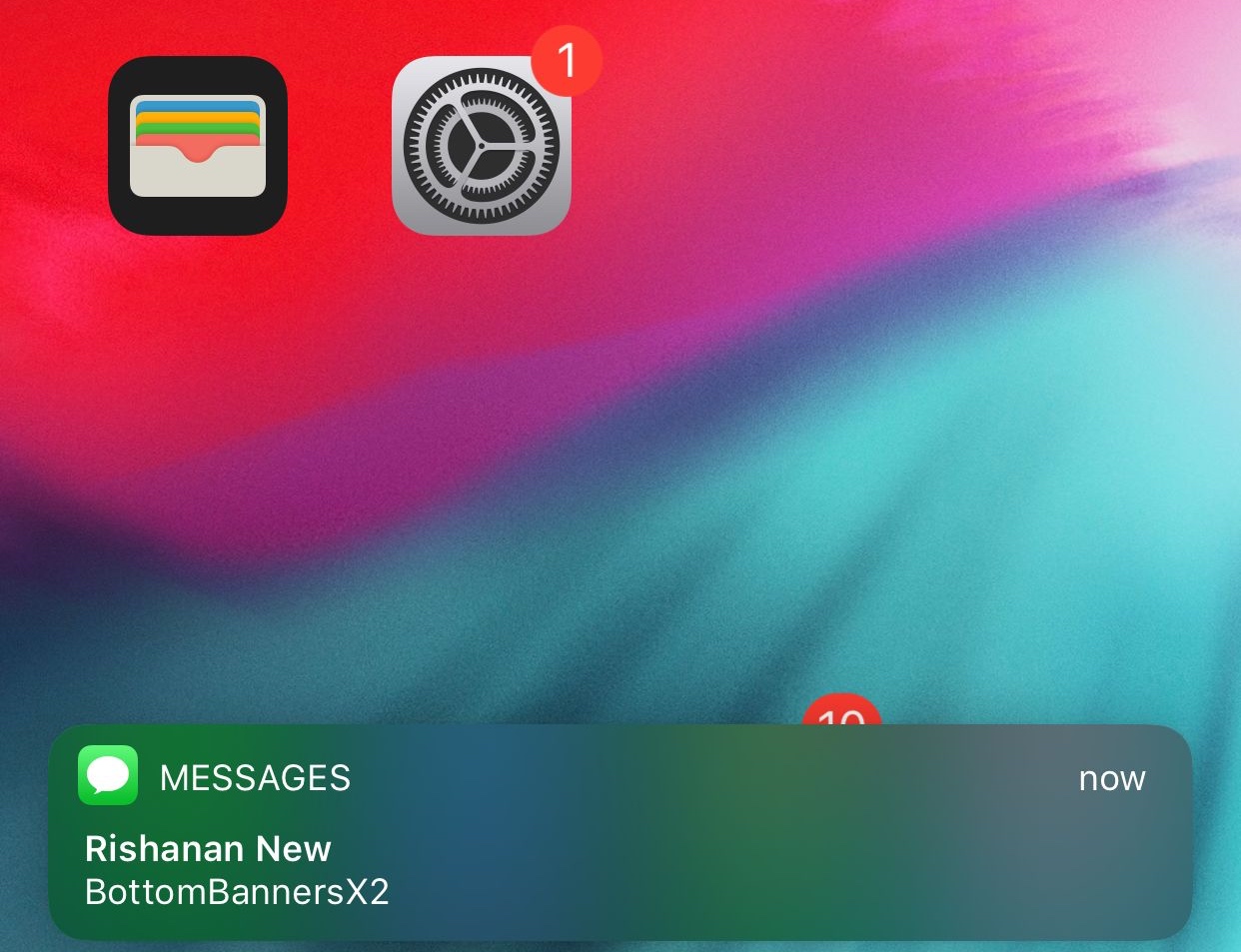
iOS device users have long been accustomed to seeing their notification banners pop up at the top of the display, but with modern handsets adopting taller, larger displays, it becomes more challenging with each passing day to reach said banners one-handed without doing some serious thumb articulations.

Given the circumstances, iOS developer Rishanan has just released a new free jailbreak tweak called BottomBannersX2, which as the name implies, moves all inbound notification banners to the bottom of the display for easier one-handed access.

ModernAlerts gives your iPhone tvOS-inspired notifications and alerts

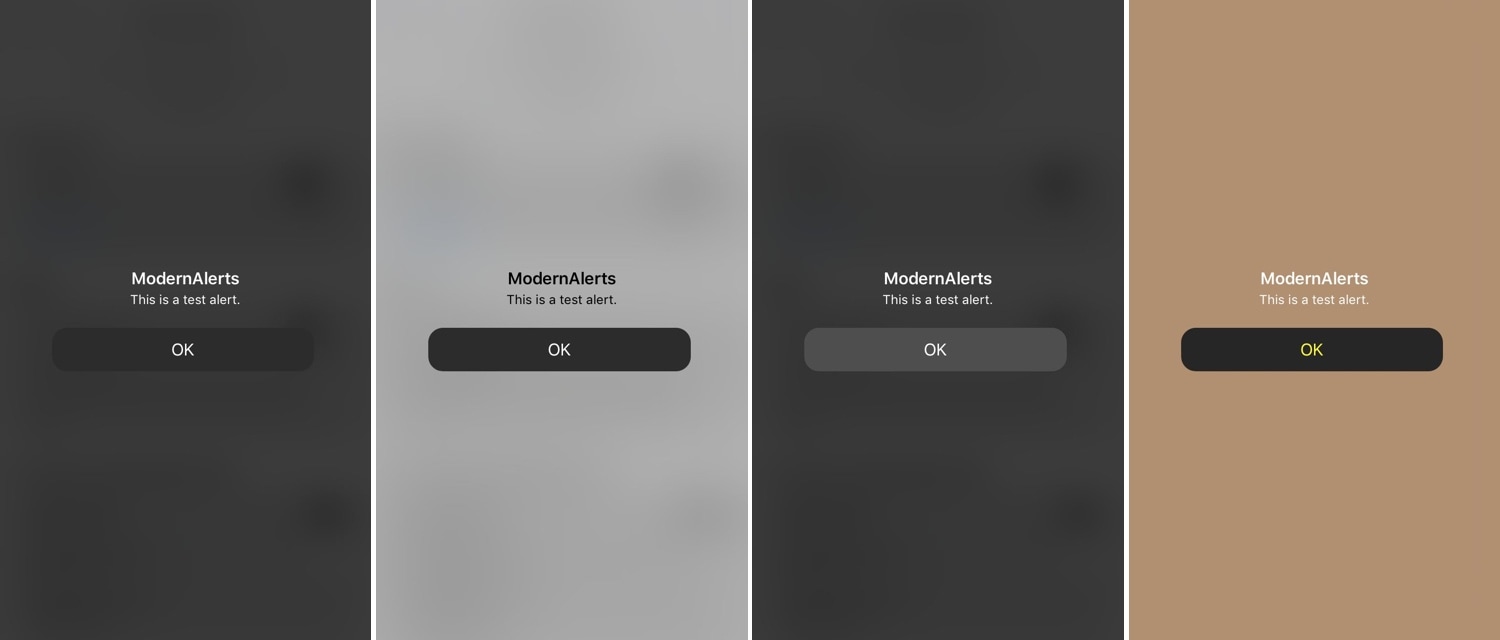
While I enjoy the seamless software experience that the iPhone brings to the table, I still must admit that the mobile platform’s notification system leaves a lot to be desired. As it would seem, iOS developers Luke Muris and Geometric Software felt the same way, and so a new jailbreak tweak called ModernAlerts was born.

As it would seem, ModernAlerts draws most of its inspiration from the tvOS platform; as such, it themes your incoming notifications to look more like what you’d expect to see on your Apple TV. But the tweak doesn’t stop there… it takes things a step further by providing users with a full range of theming options.

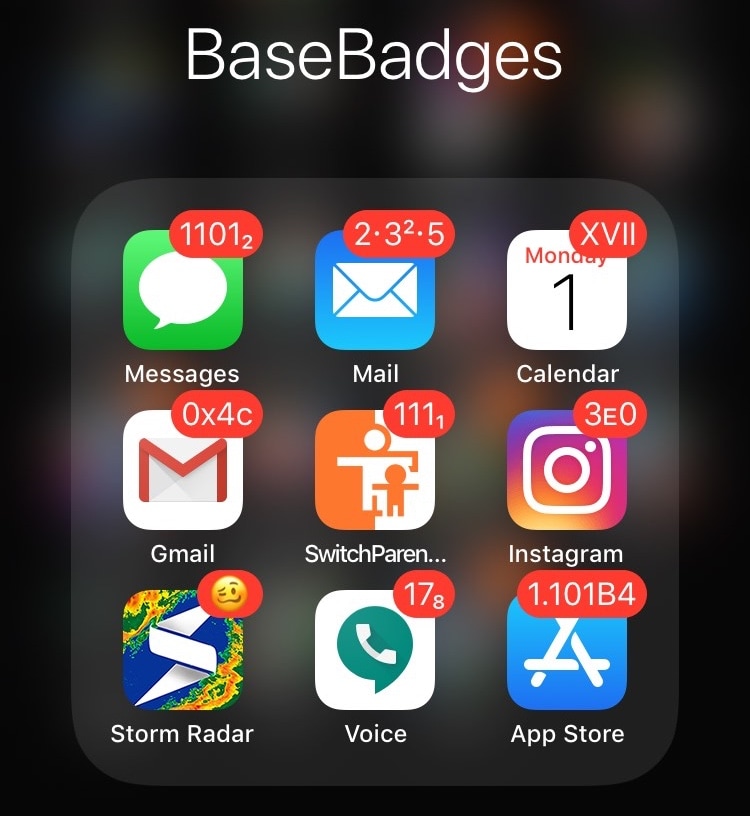
ColorBadges gives your notification badges a fresh coat of paint

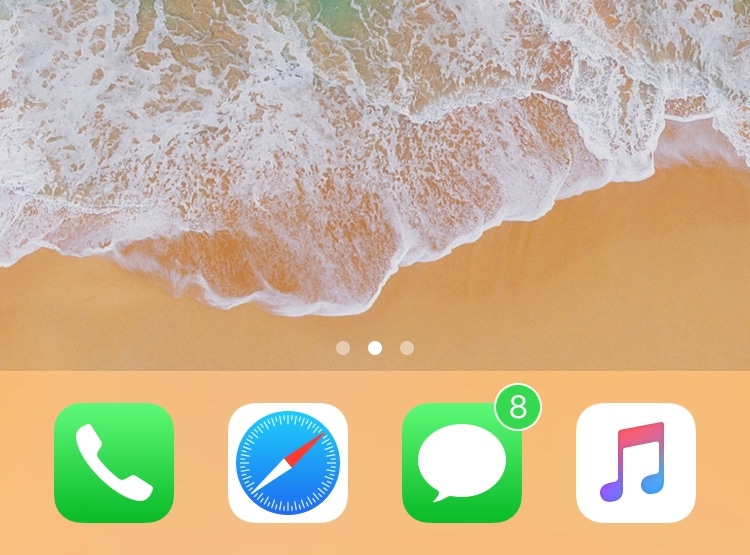
Jailbreakers are always looking for ways to make their handsets stand out from the rest of the crowd, and one great way to do that is with a jailbreak tweak called ColorBadges by iOS developer David Goldman.

Just as the name implies, ColorBadges gives your Home screen’s app icon notification badges a fresh coat of paint. More specifically, it colorizes those badges based on the dominant color of the app icon itself.

Colorize your jailbroken handset’s notifications with ColorBanners 2

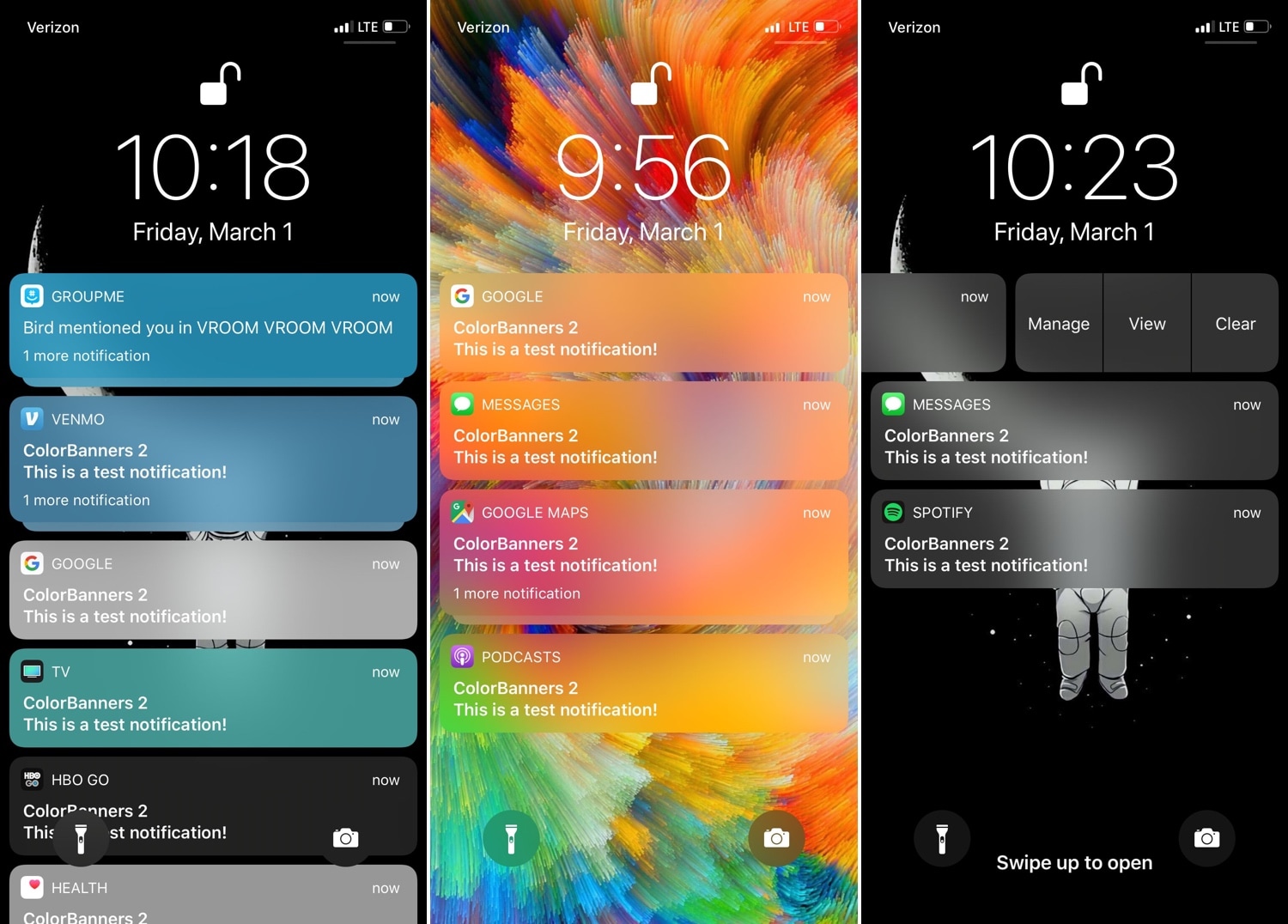
If you’re looking for a way to make your jailbroken iPhone or iPad stand out from the rest, then you might enjoy a jailbreak tweak called ColorBanners 2 by iOS developer David Goldman.

Just as the name implies, ColorBanners 2 adds a splash of colors to your handset’s notification banners. In the screenshot examples above, you’ll see that the tweak’s behavior impacts your notification banners on a system-wide basis, including on the Lock screen, on the Home screen, and in Notification Center.

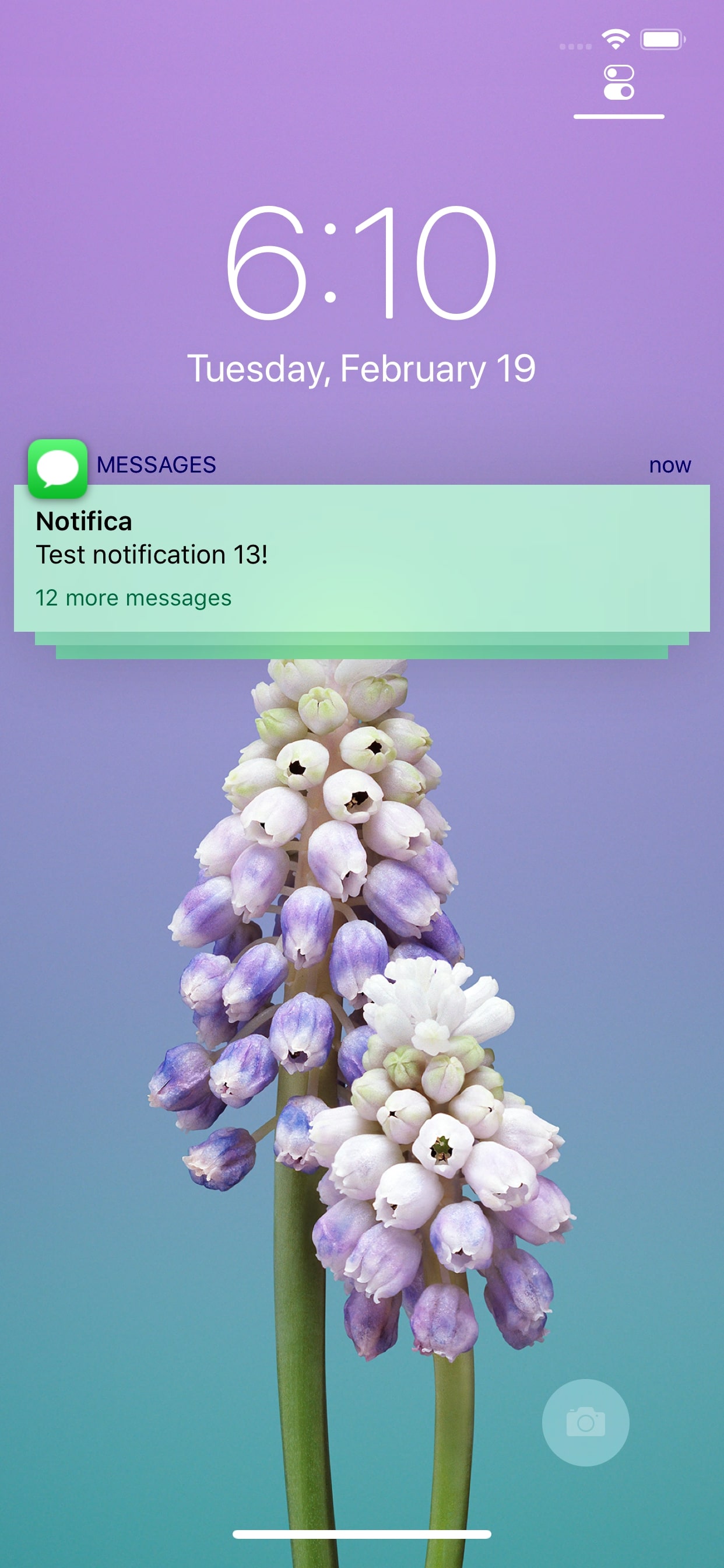
Modernize your iPhone’s notifications, banners, & widgets with Notifica

Freshly-jailbroken on iOS 12 and looking for a way to spice up your handset’s look and feel? If so, then you might take a liking to a brand-new free and open-source jailbreak tweak called Notifica by iOS developer Nepeta.

Notifica lets imaginative minds run wild with a plethora of aesthetic-centric customization options for your iPhone or iPad’s incoming notifications, banners, and widgets. For starters, Notifica empowers you to do virtually any of the following:

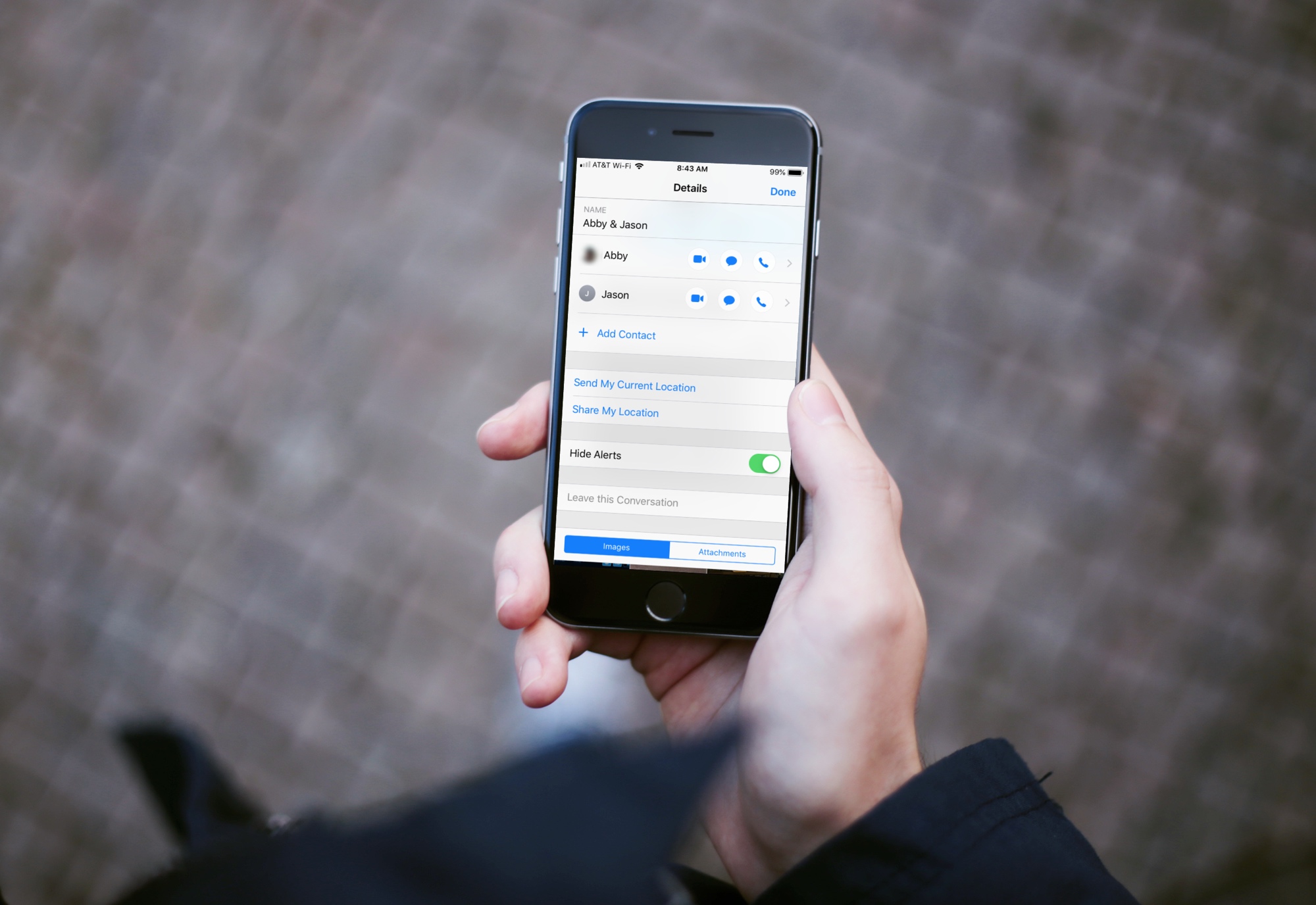
How to hide alerts for group texts on iPhone, iPad and Mac

Mute Group Text Notifications iPhone

Group text messages can often get out of control, with several participants sending messages in quick succession. In such situations, you can either leave the group text or hide group text alerts and see them later.

This brief tutorial will show you how to turn off notifications for group iMessage or SMS conversations on your iPhone, iPad, and Mac. We will also share a pro tip that ensures you're instantly notified of the group message with you in it, even if that group conversation is muted!

This jailbreak tweak prevents incoming notifications from waking the display

Apple designed iOS to wake your locked handset’s display in the wake of incoming notifications, and while this helps to grab your attention, it also tends to grab the attention of others. You can easily prevent this by turning notifications off, but then you run the risk of missing important notifications altogether.

Love it or hate it, Apple’s notification-oriented display-waking feature is probably here to stay; but with a free jailbreak tweak called IllLookLater (iOS 11) by iOS developers N104 and Julio Verne, you can better control what wakes your display and what doesn’t.