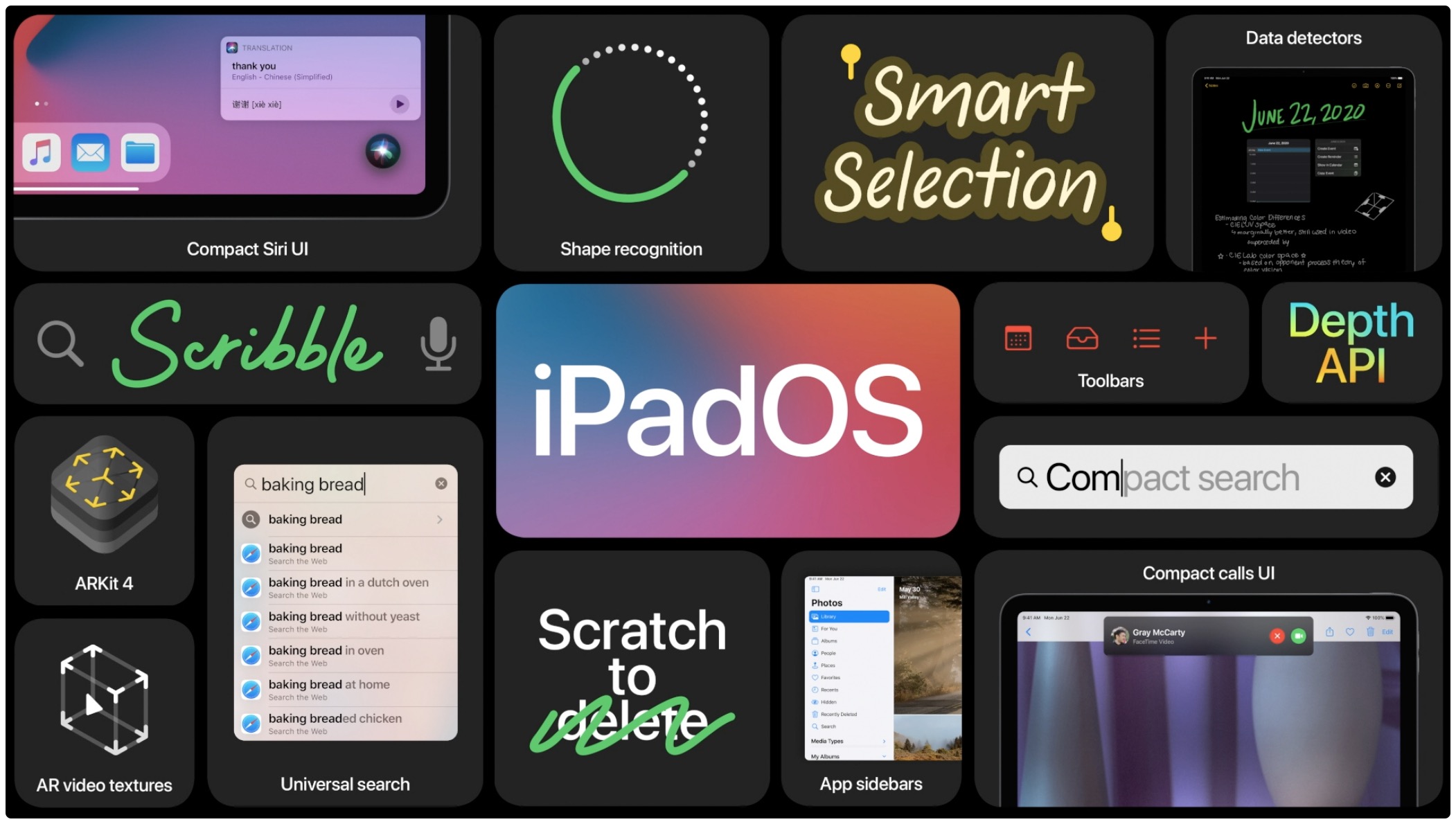
Along with iOS 14 and macOS 11.0 Big Sur, Apple also revealed the next major update to the iPad lineup: iPadOS 14 at this year's Worldwide Developers Conference.
The 12 most compelling new features in iPadOS 14
Along with iOS 14 and macOS 11.0 Big Sur, Apple also revealed the next major update to the iPad lineup: iPadOS 14 at this year's Worldwide Developers Conference.
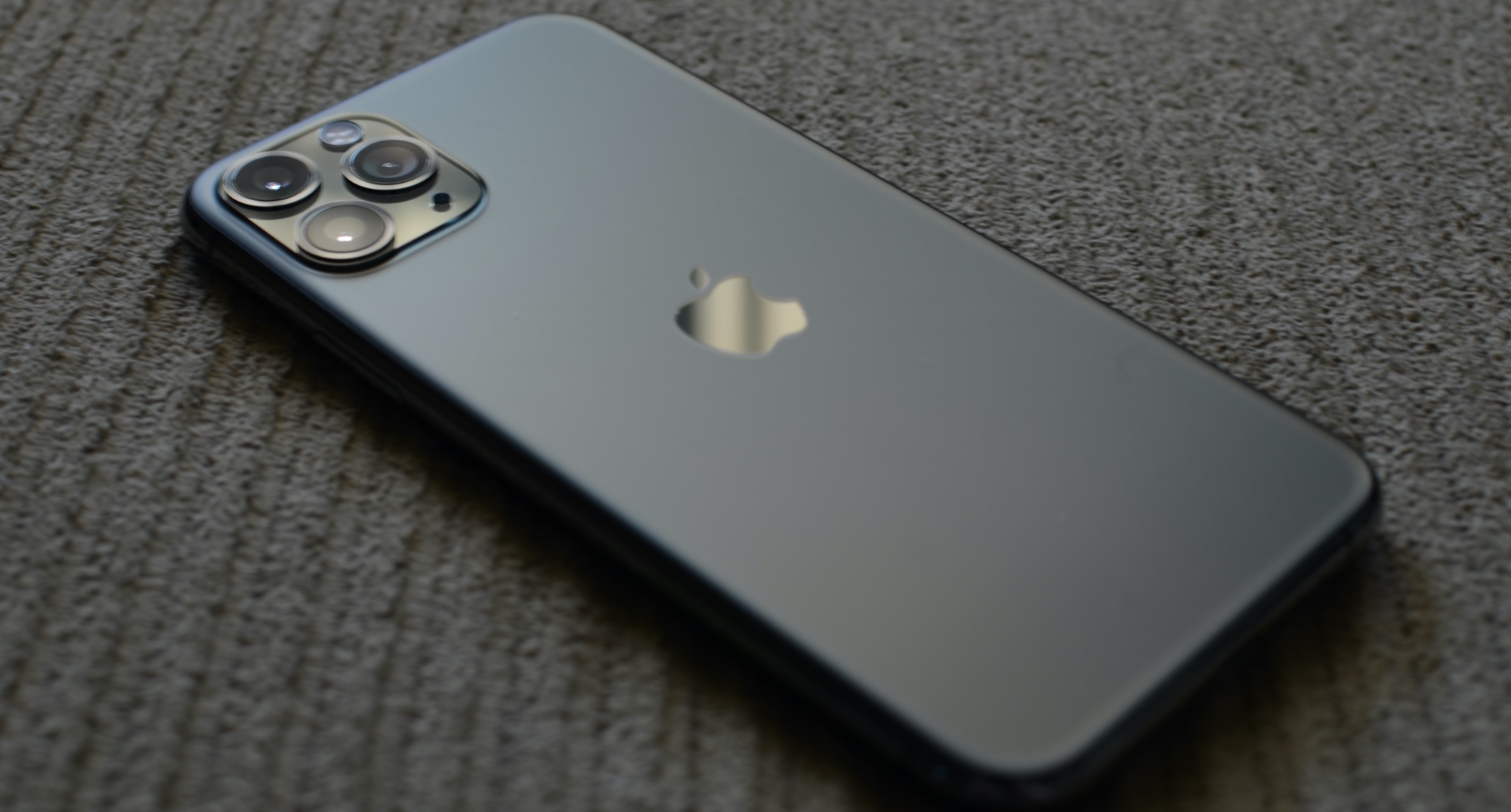
With the current iPhone lineup and iOS 13, Apple welcomed the U1 chip and Ultra Wideband technology for improved spatial awareness. But, up until this point, Apple hasn't really done much with it.
Apple has officially left OS X behind as it welcomes macOS 11.0 Big Sur into the family. So here's a look at some of the most exciting features coming to the desktop operating system.
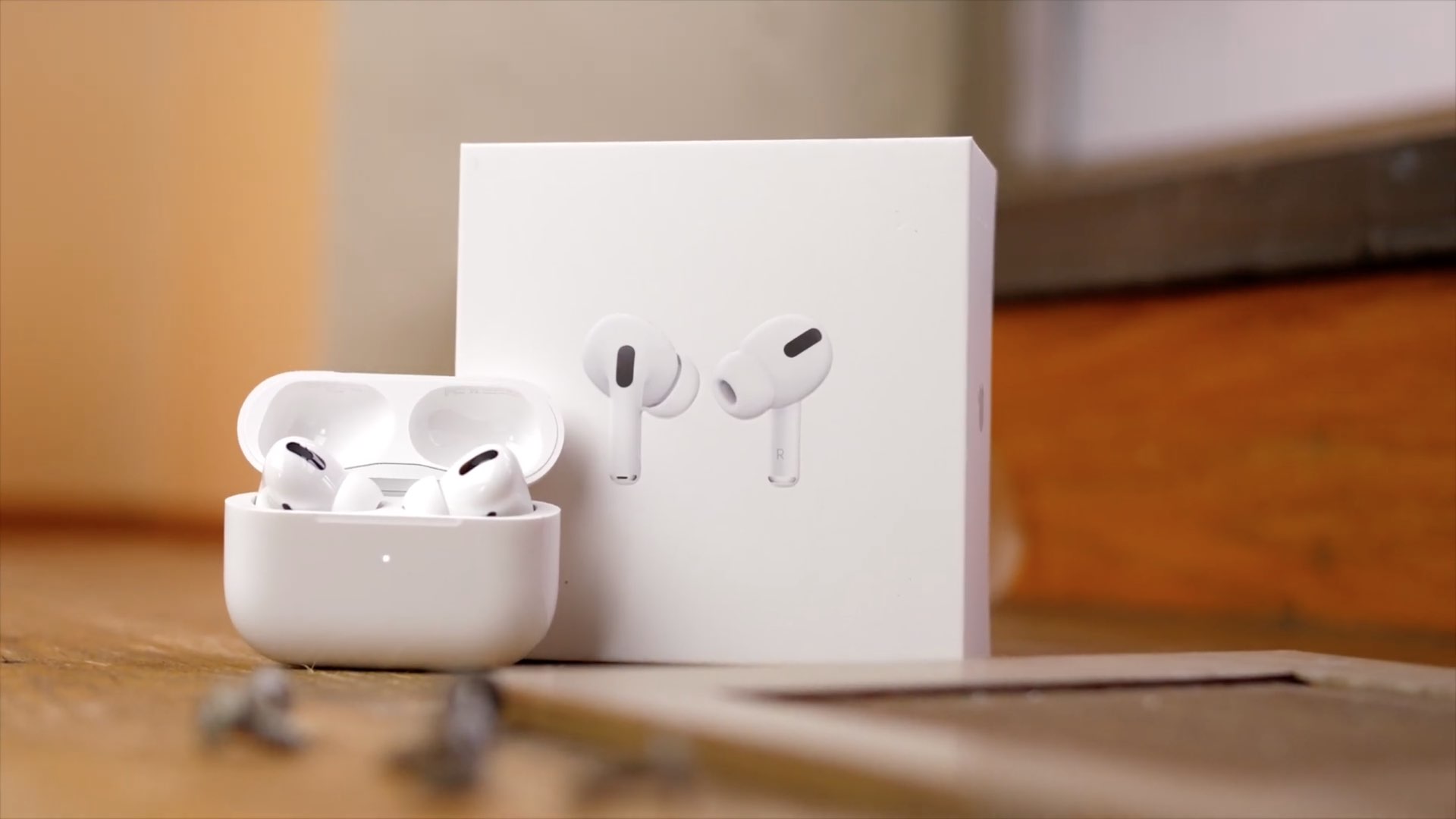
Apple is moving along with another firmware update for the AirPods Pro.
Remember 2016? Seems like forever ago now. Well, back then Apple was making waves by eliminating the startup chime in the MacBook Pro, and, subsequently, future models in the lineup as well.
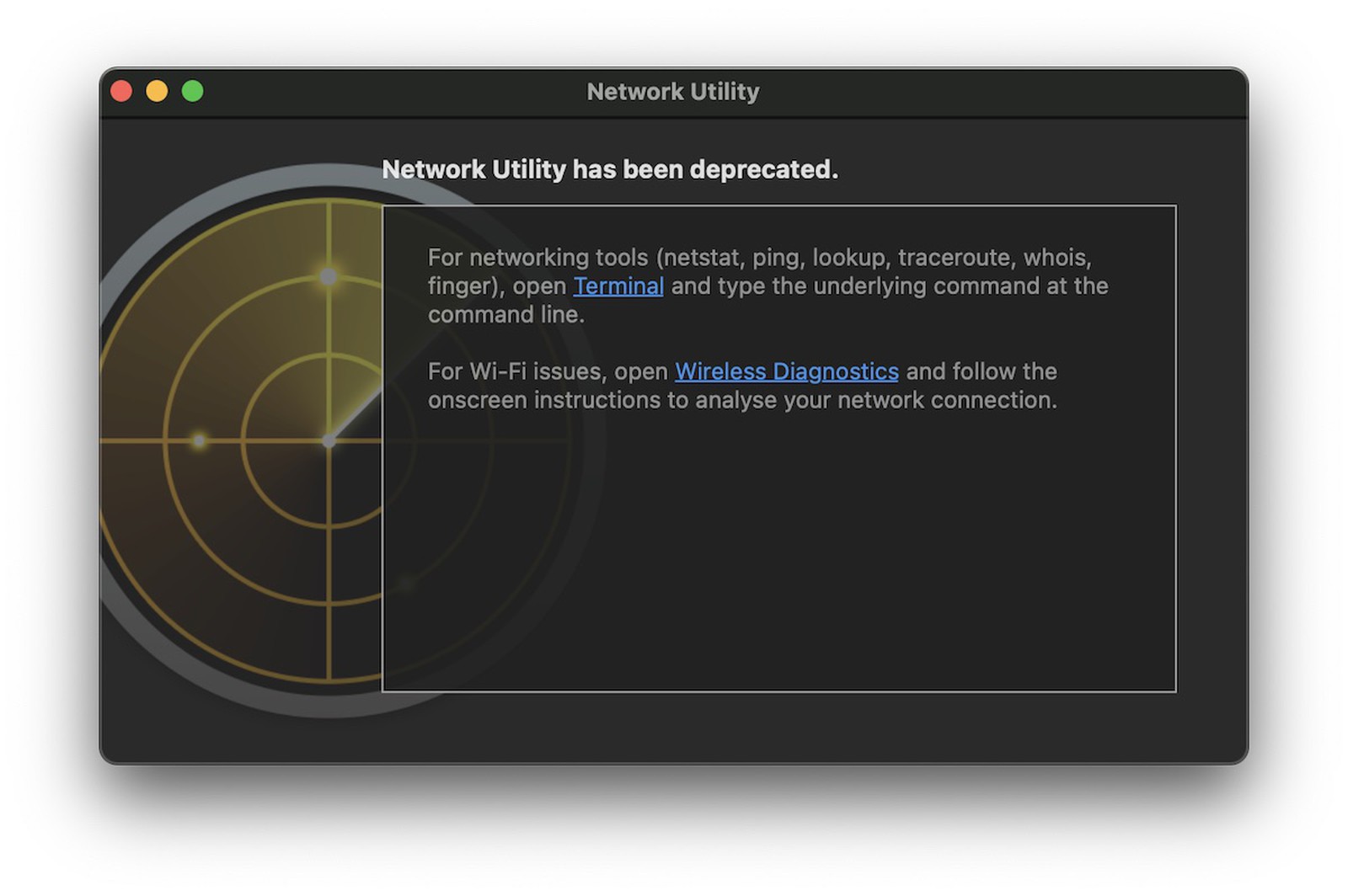
While launching a major update for your operating system typically means adding things to the mix, it sometimes means taking things away, too. And this time around it's the Network Utility app.
Apple is making important changes within iOS 14, the next major installment of Apple's most popular operating system. That includes new notifications for more information.
Yesterday, Apple unveiled the newest version of its most popular operating system. And now that iOS 14 is available as a developer beta, even more details are finding their way to the surface.
Apple’s WWDC presentation for 2020 brought with it the unveiling of iOS and iPadOS 14, the premier operating systems for the company’s iPhone, iPod touch, and iPad platforms. While these updates will unquestionably incorporate countless new improvements by way of new features and user-friendly interfaces, it’s worth noting that the jailbreak community provided access to many of those features before Apple.
In this piece, we’ll discuss at least fourteen new features from Apple’s upcoming iOS and iPadOS 14 software updates that jailbreakers have enjoyed access to for what feels like forever thanks to the boundless possibilities presented by jailbreak tweaks.
Following yesterday's pre-recorded WWDC 2020 keynote speech, Apple pushed to its official YouTube channel a replay video of the even for those who prefer to relive the keynote on their own time. In addition, the iPhone maker published one of its nicely done event recap videos which compresses highlights of the most important announcements in less than two minutes.
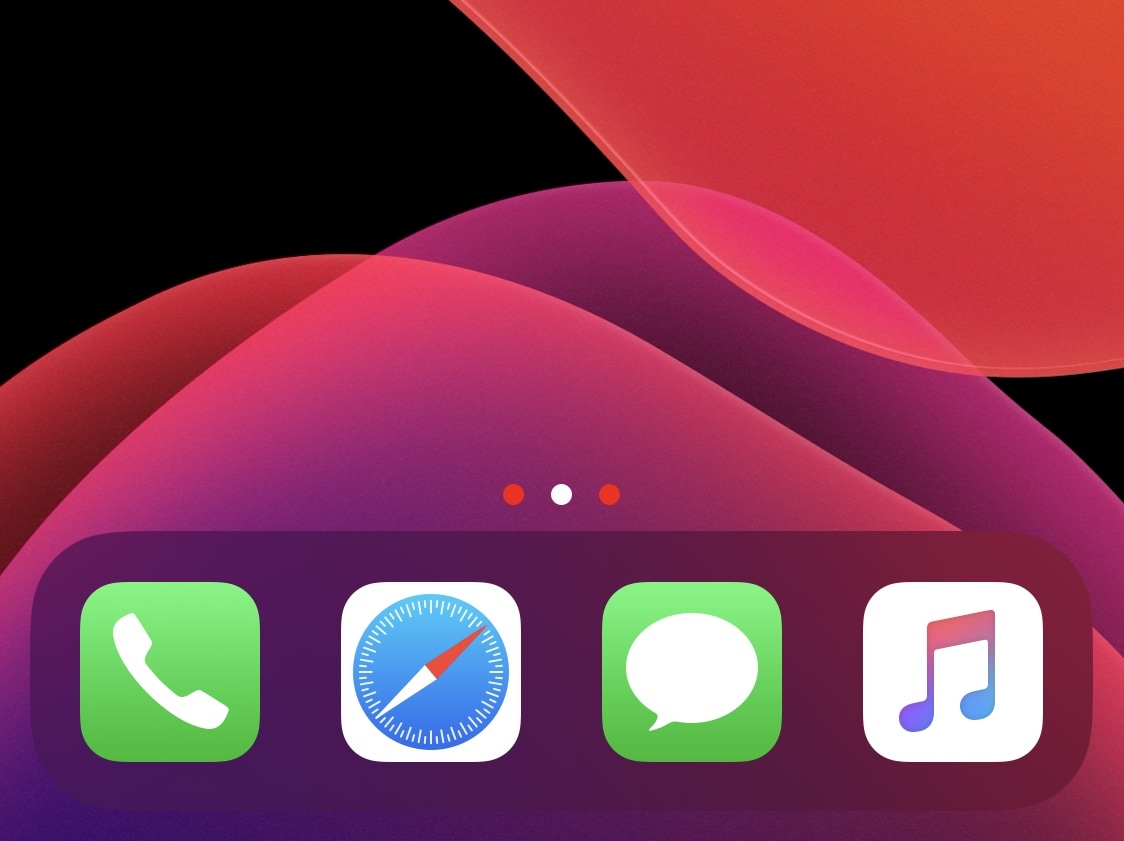
Jailbreakers can customize virtually anything they want about their iPhone or iPad’s user experience and behavior, but if you consider yourself a bit of a minimalist and prefer subtler changes over the more extravagant ones, then we think you might want to try a new and free jailbreak tweak release called Dots color by iOS developer 8a1wkar.
Just as the tweak’s name implies, Dots color lets users apply a custom color to the paging dots that typically appear on the Home Screen and Lock Screen. As you’ll see in the screenshot examples above, the selected page dot remains white, whereas the deselected page dots appear red instead of grayed out.
We've known about Foundation since 2018, and now we know when we can finally see it make its Apple TV+ debut.