News

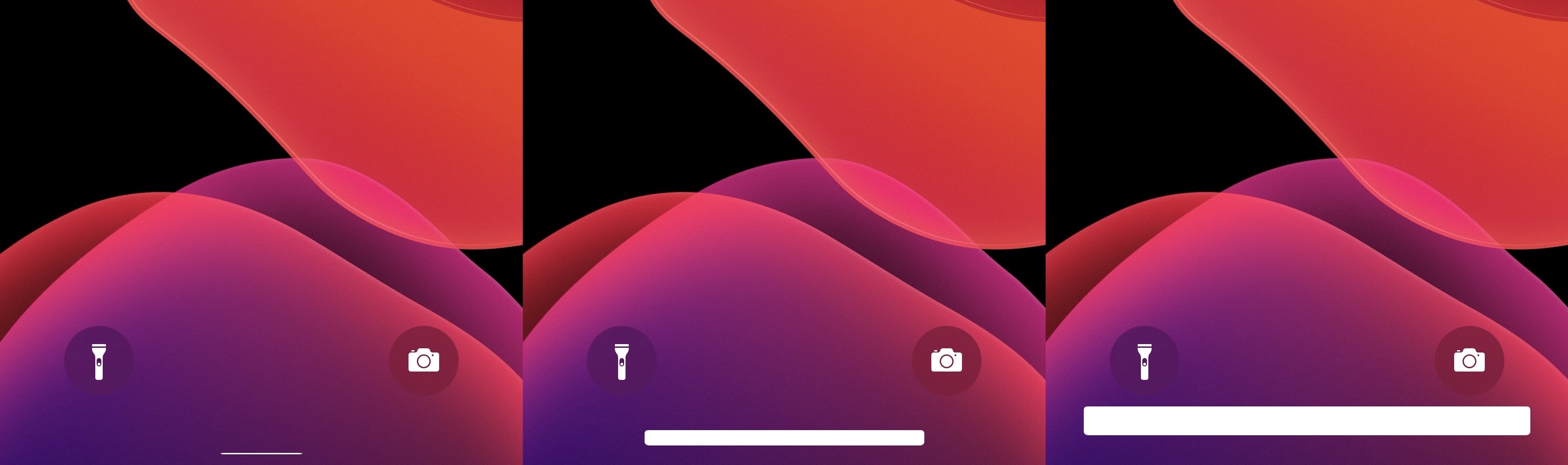
Jailbreakers can resize their iPhone’s Home Bar with HomeSize

The Home Bar is a relatively young element of iOS that first replaced the iPhone’s Home Button starting with the iPhone X in 2017. It later became a part of iPadOS beginning with the 2018 iPad Pro.

It’d be an understatement to say that the Home Bar is the future of the iPhone and iPad platforms, so it’s relatively unfortunate that Apple doesn’t let us customize it at all. Fortunately, a newly released and free jailbreak tweak dubbed HomeSize by iOS developer ahmedmakls lets jailbreakers resize the iPhone or iPad’s Home Bar however they want.

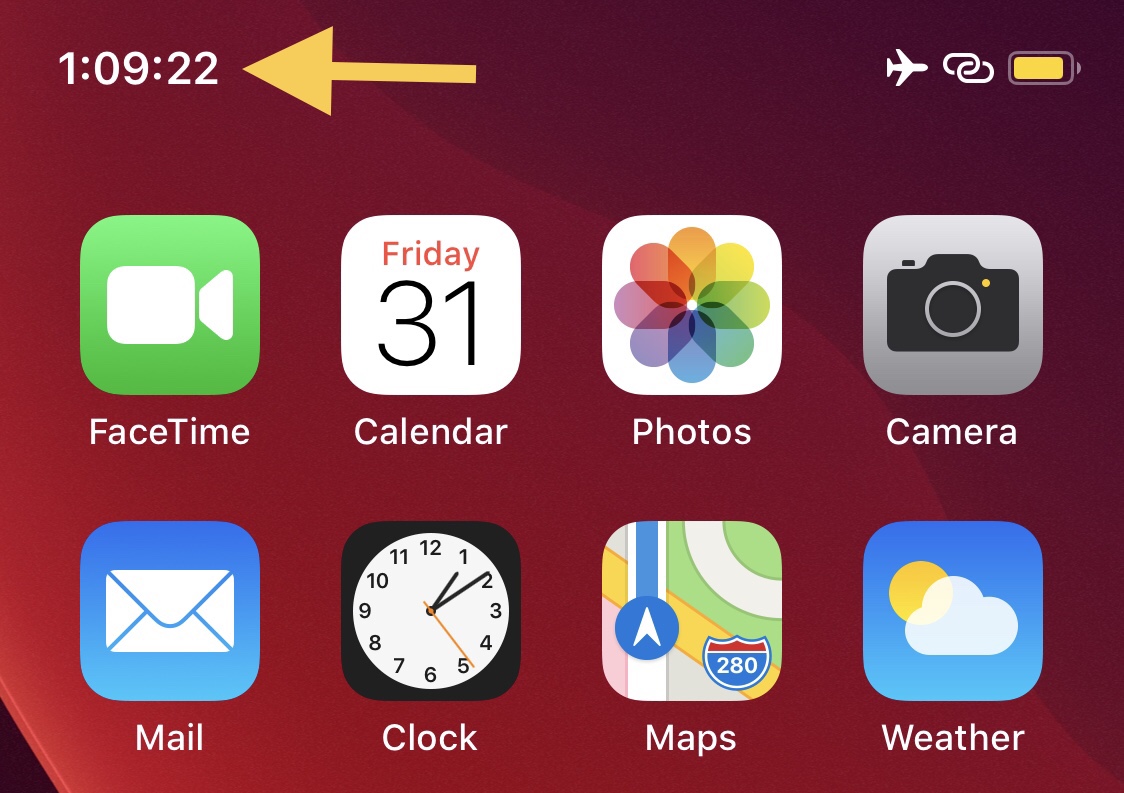
This tweak adds a seconds indicator to the Status Bar’s time display

If you’re anything like me and you’d rather see more information than less, then you probably wouldn’t mind having a seconds indicator in your iPhone’s Status Bar-based time display.

Apple doesn’t provide an option for the aforementioned scenario out of the box, but by installing a newly released and free jailbreak tweak dubbed TimeSeconds by iOS developer Netskao, you can circumvent the controlling tech giant and add this feature to the Status Bar all by yourself.

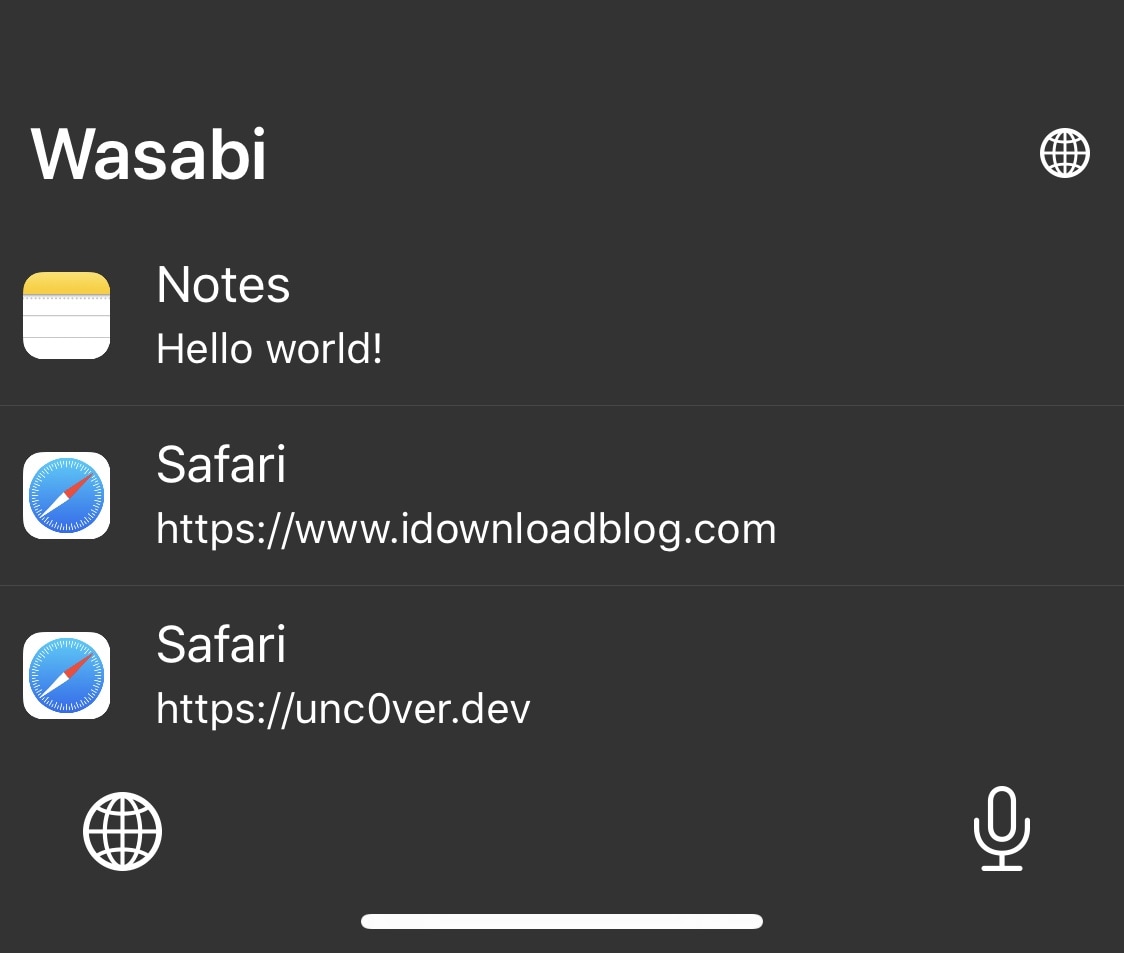
Wasabi brings a supercharged clipboard manager to jailbroken iPhones

In a world where multitasking becomes more and more important to the average iPhone and iPad user, the clipboard experience on both the iOS and iPadOS platforms leaves a lot to be desired out of the box. Unfortunately, this doesn’t look like an area that Apple aims to improve any time soon.

The bright side of this particular scenario is that a newly released jailbreak tweak dubbed Wasabi by iOS developer Nepeta provides jailbreakers with the clipboard experience that all iPhone and iPad users deserve.

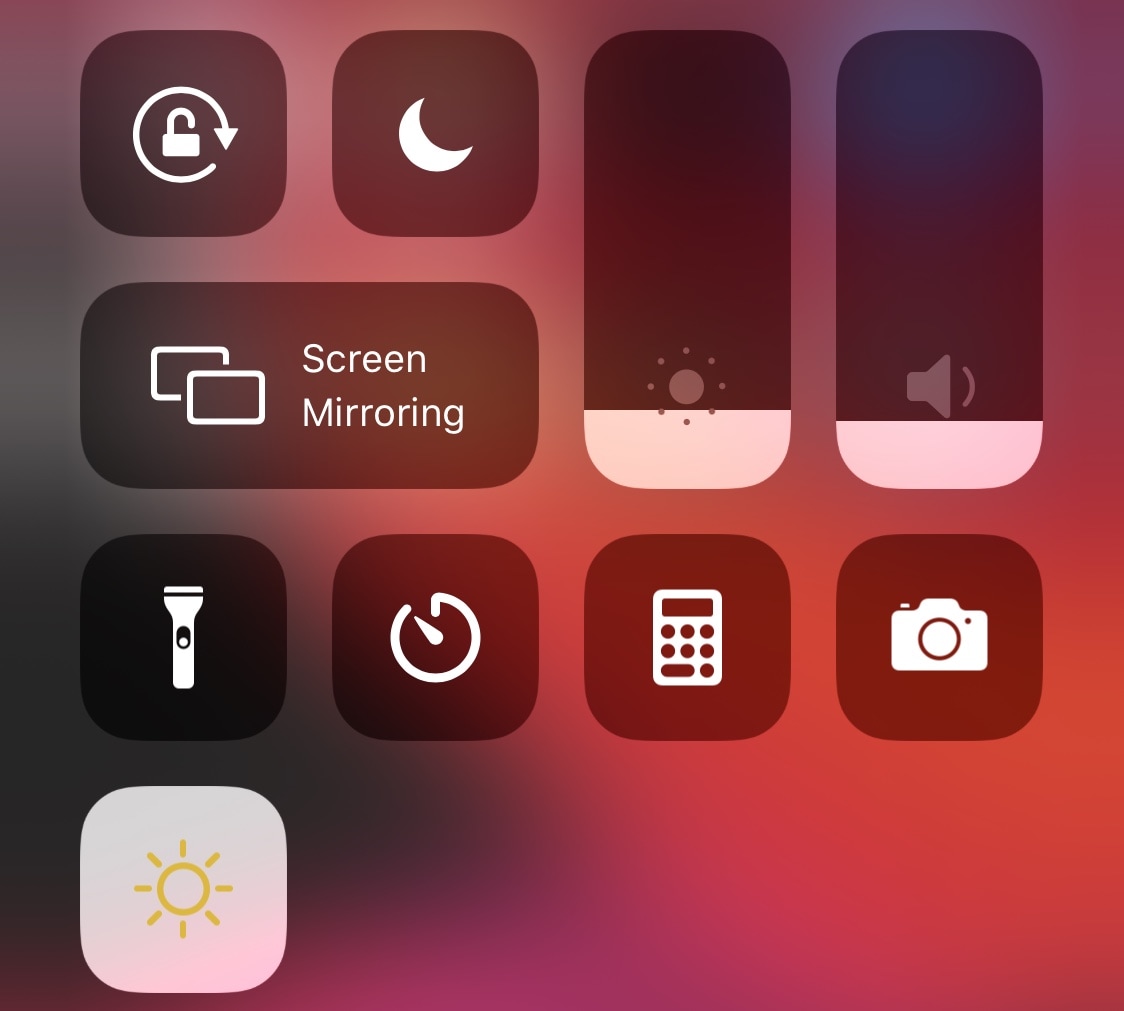
This simple tweak adds a Night Shift toggle to Control Center

When Apple introduced Dark Mode with iOS 13, they were smart enough to integrate a convenient toggle button into the Control Center interface so that users could easily switch between the dark and light interfaces on demand without much headache. That said, it’s somewhat of a head-scratcher as to why Apple didn’t do the same for Night Shift, instead choosing to obfuscate it by hiding it inside of the display brightness module.

If you want a non-obfuscated Night Shift-centric Control Center toggle button, then we’ve got good news for you – jailbroken devices now have access to a newly released and free CCSupport extension dubbed Night Shift Module by iOS developer shepgoba that brings this simple concept to life.

Microsoft is ending support for Cortana on iOS

As companies were jumping on the digital assistant bandwagon, Microsoft launched its own alternative: Cortana. It proved to be plenty helpful, but Google's and Amazon's dominance in this regard (across platforms, and Siri on iOS) forced Microsoft to make some tough decisions.

ReachInfo adds something useful to the wasted space of Reachability

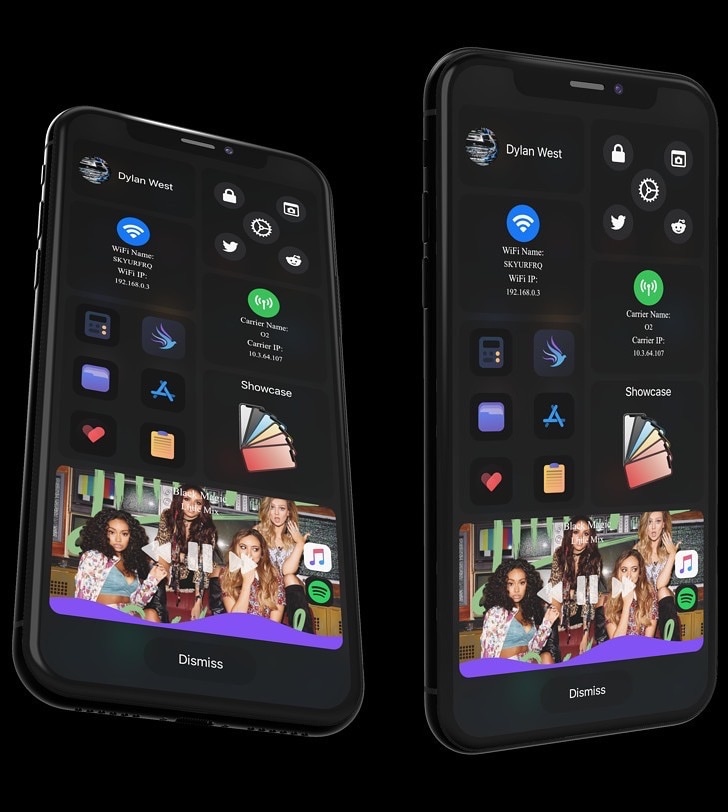
Widgets for the empty space in the iPhone’s Reachability space.

Reachability is an often-under-appreciated feature of iOS that makes it so much easier for iPhone users to touch interface elements normally residing at the top of the display – especially when only using one hand. For the most part, it does a good job of this.

Unfortunately, Reachability also tends to leave a lot of unused space at the top of the iPhone’s display when it moves the interface down to make it more reachable with one hand, an issue that a newly released and free jailbreak tweak dubbed ReachInfo by iOS developer 1di4r tries to fix.