If you are excited about the new Mac hardware and dream about running Windows on your M1-powered Mac, a company called Docker is working on a solution for you.
Docker virtual machine is working on Apple Silicon compatibility, but hurdles remain
If you are excited about the new Mac hardware and dream about running Windows on your M1-powered Mac, a company called Docker is working on a solution for you.
Those paying close attention to the jailbreak community as of late would already know that there’ve been a number of recent developments that could eventually spell out the jailbreakability of iOS 13.5.1-13.7. If you missed the news, FreeTheSandbox is working on a public jailbreak supporting these firmware versions while security researcher @08Tc3wBB plans to release a dedicated exploit for use by the jailbreak community.
Neither of the aforementioned things have happened yet, but for those trying to keep tabs on everything as it happens, it might be worth mentioning that @08Tc3wBB plans to discuss his iOS 13.5.1-13.7 exploit on November 19th via HITB CyberWeek in a talk entitled “Jailbreaks Never Die: Exploiting iOS 13.7.”
Photoshop maker Adobe has released a limited version of its popular image editor optimized for Apple Silicon M1-based Macs, the company announced in a blog post.
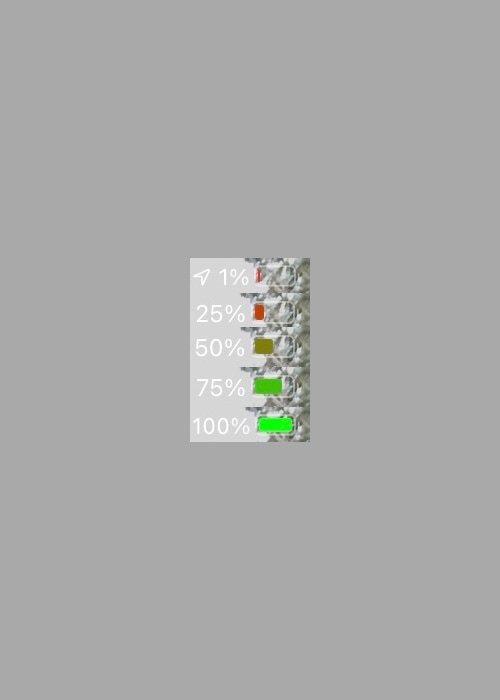
Apple makes it easy to discern the state of your iPhone’s battery, not only with a convenient icon in the Status Bar that depicts the current charge level, but also with unique colors that hint about its current condition. For example, a green battery icon indicates a good charge, while a yellow battery icon means that Low Power Mode is turned on and a red battery icon suggests a low charge.
Apple has used the same colors to depict battery states for as long as I can remember, and so it tends to be somewhat monotonous. Fortunately, a newly released and free jailbreak tweak dubbed Eliza by iOS developer WilsontheWolf provides the Status Bar’s battery icon with a wider range of colors to help it express your current battery state.

We've heard about plenty of theft rings in the past, many of which target high-profile Apple devices to make a quick buck on the side.
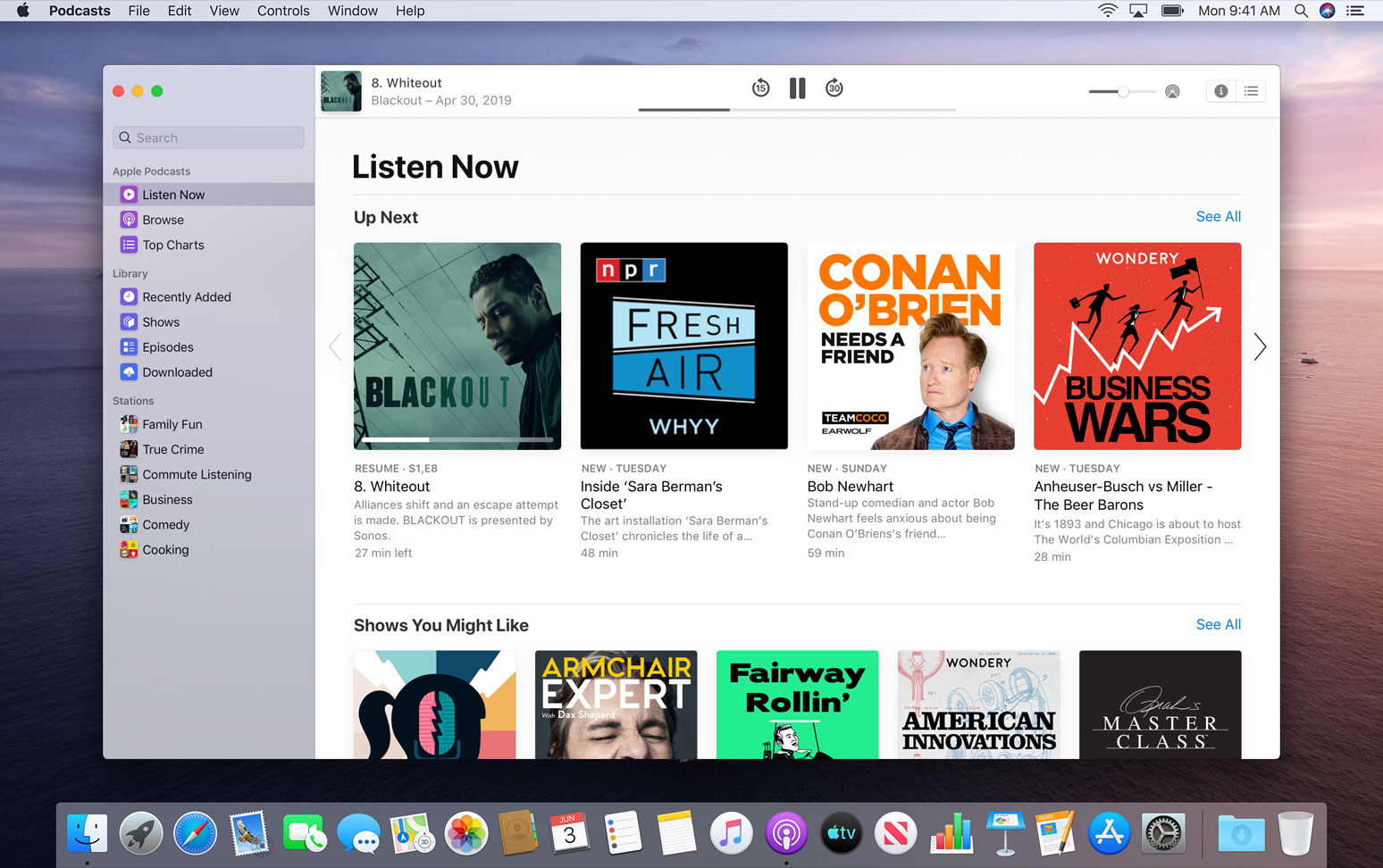
Apple Podcasts is getting a handy new feature today, which will make it even easier to listen to content on the platform across the web.
If you're using an MFi (Made for iOS)-certified hearing device with an iPhone, you'll be delighted to learn that Apple is aware of the sound quality issue and will fix it in a future software update.
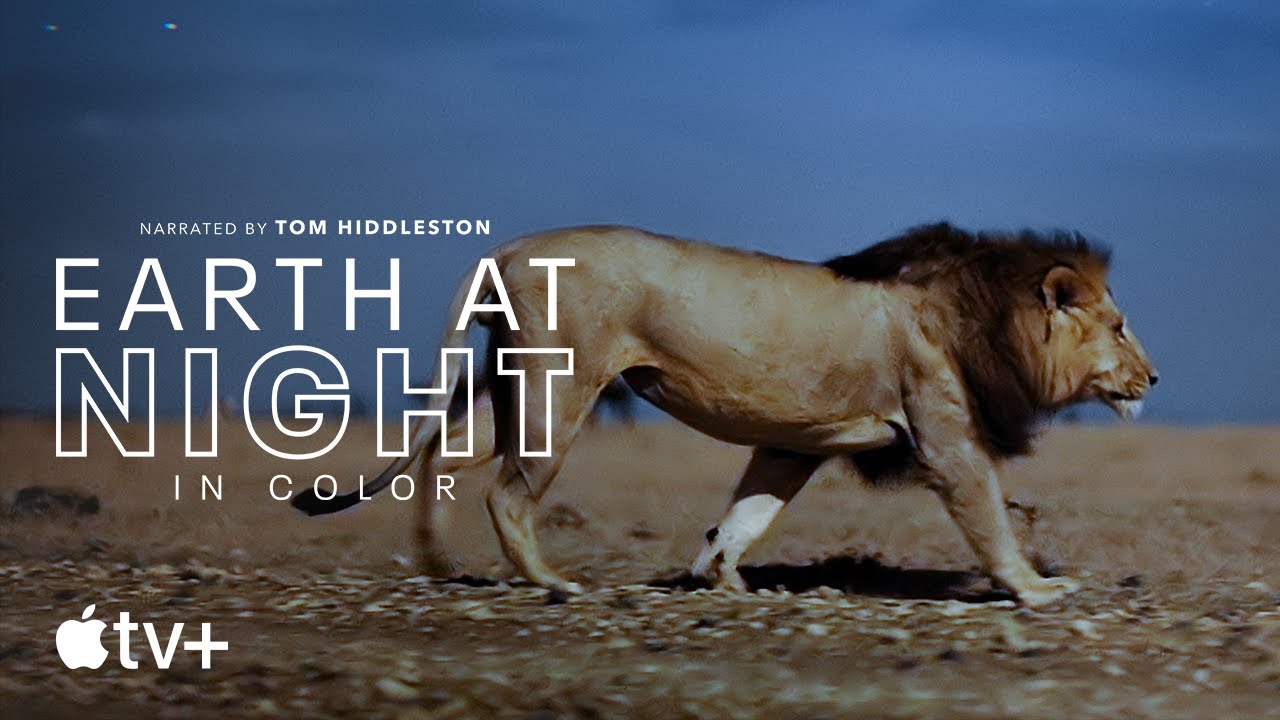
Apple has been leaning into documentaries with Apple TV+ as of late, and that trend will continue well into the future. Today, for instance, we have a new trailer for one of the newest entries.
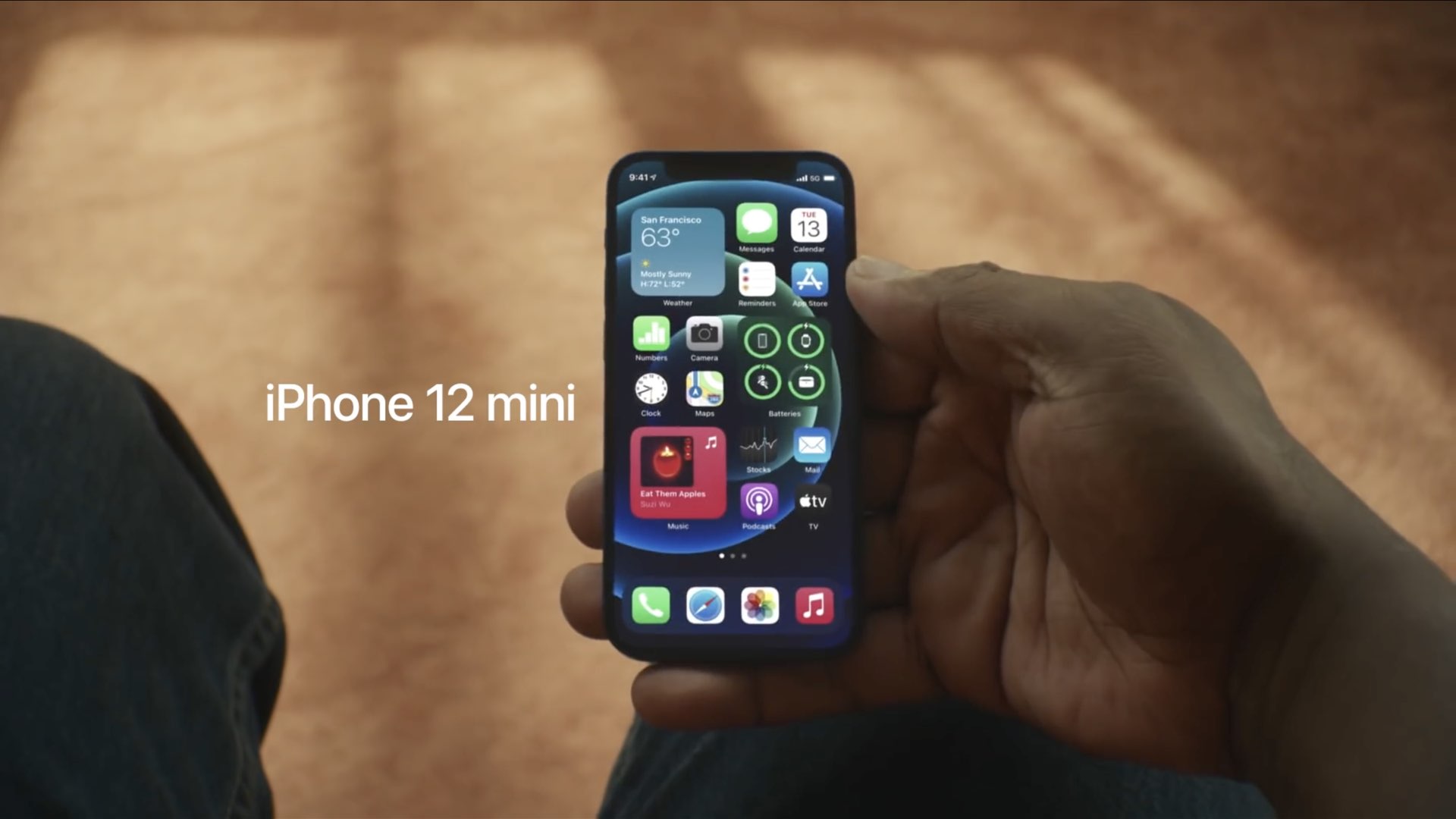
Did you get your hands on an iPhone 12 mini? If so, how's your Lock screen sensitivity? I'm asking because numerous reports from Reddit users, MacRumors forum members and more are pointing to various problems with touch sensitivity while on the Lock screen.
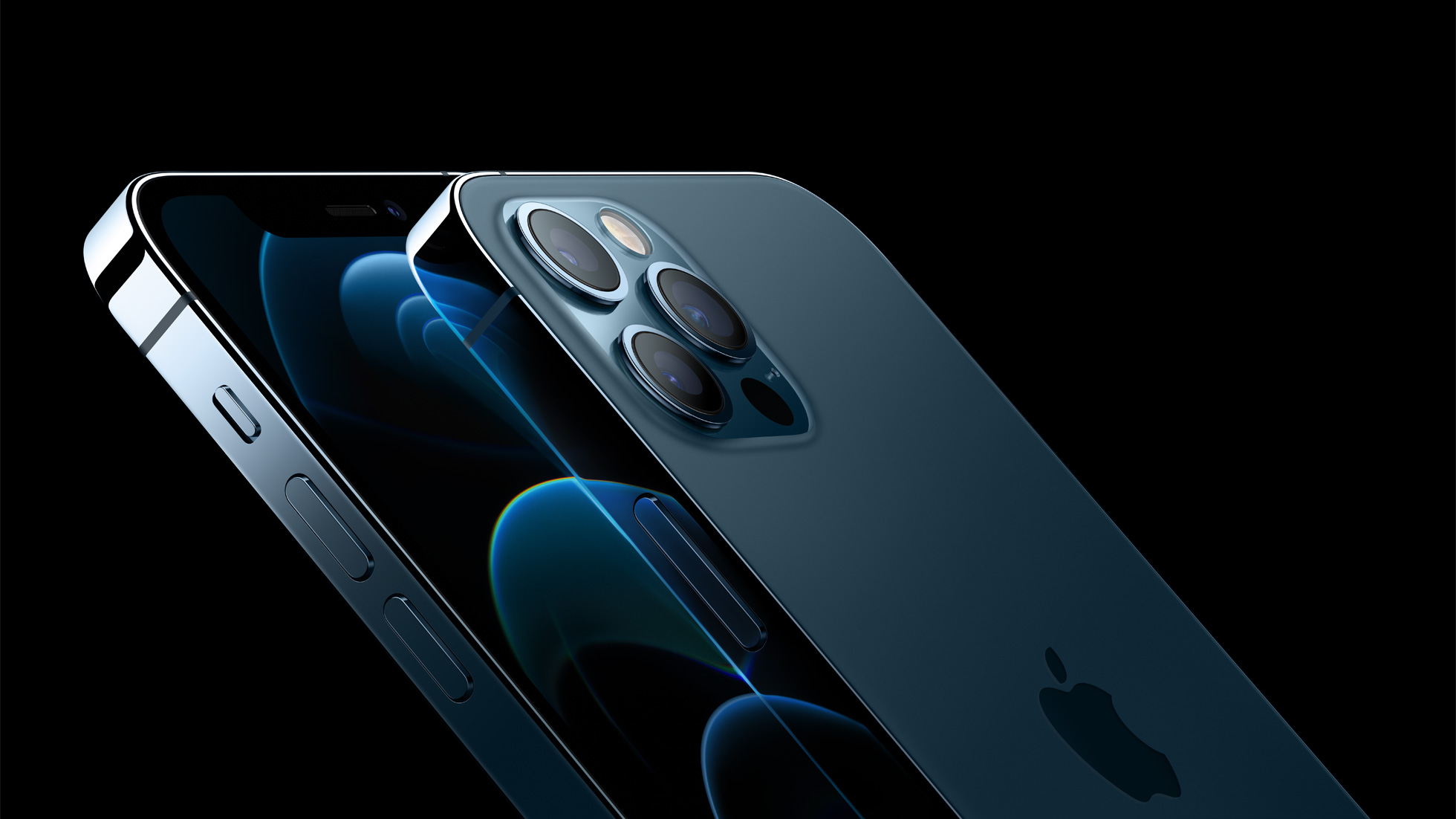
If you ask the wireless carriers in the United States and Apple, 5G is a very big deal. Whether that's actually the case really comes down to the individual using that technology out in the wild. Still, Verizon's not done shining a light on the wireless technology.

Reliable leaker L0vetodream tweeted on Saturday that Apple fans can expect a mystery Christmas surprise from the company without giving us any clue as to what it could be.
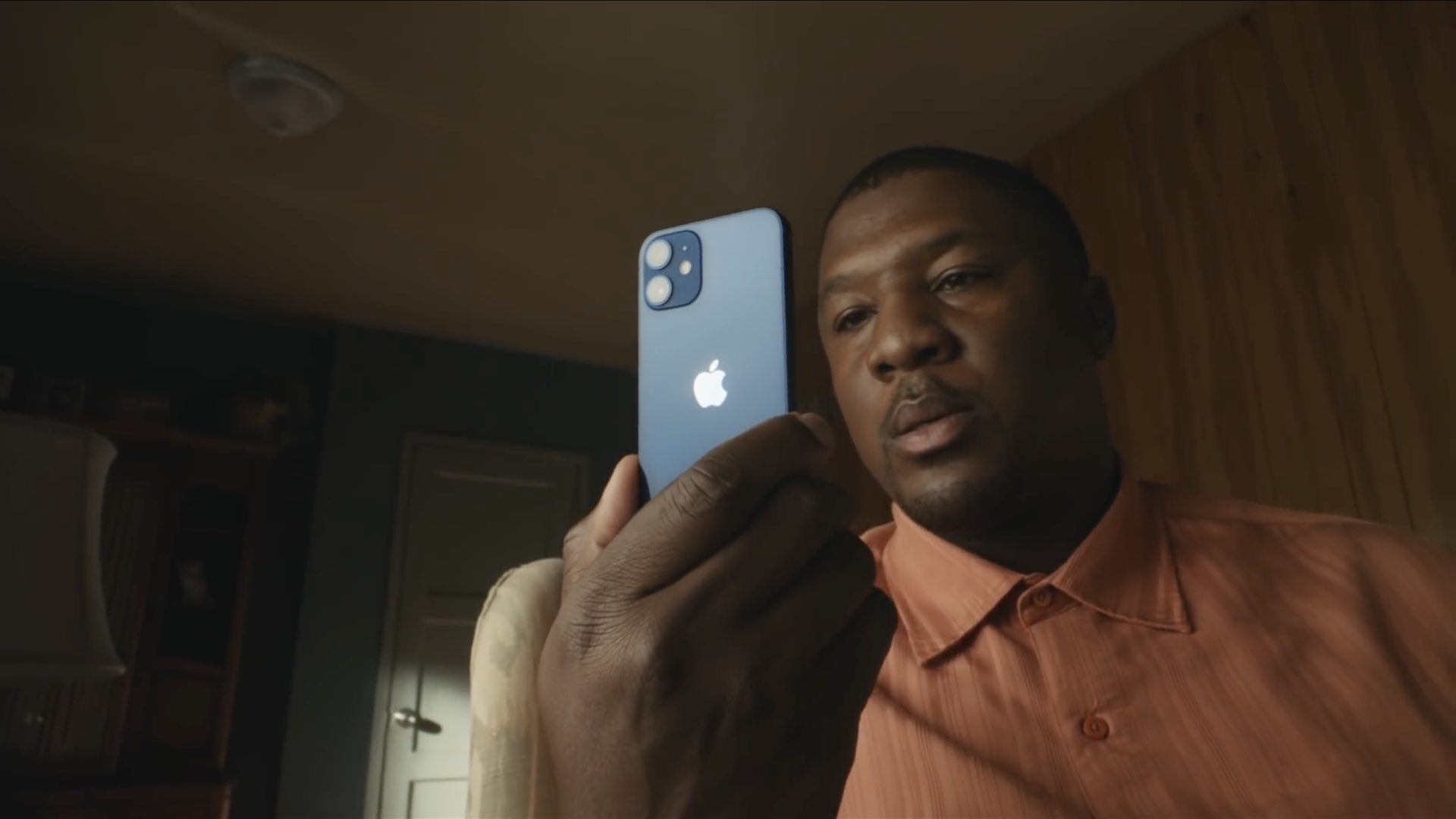
The iPhone 12, Apple's smallest handset in their 2020 lineup, is finally here! The entry-level device cuts corners when it comes to battery life, but makes up for it with extreme pocketability. At just 5.4-inches diagonally and near fullscreen design with Face ID, this is going to be the beloved iPhone for many. Here are a few tips for making the most out of it.