Music

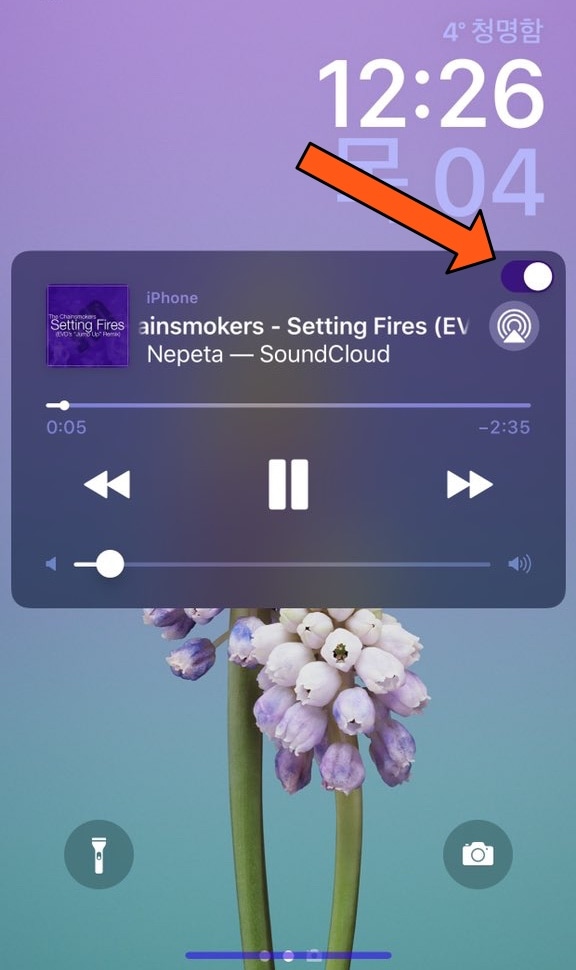
MusicLocker prevents accidental taps and swipes on the Now Playing widget

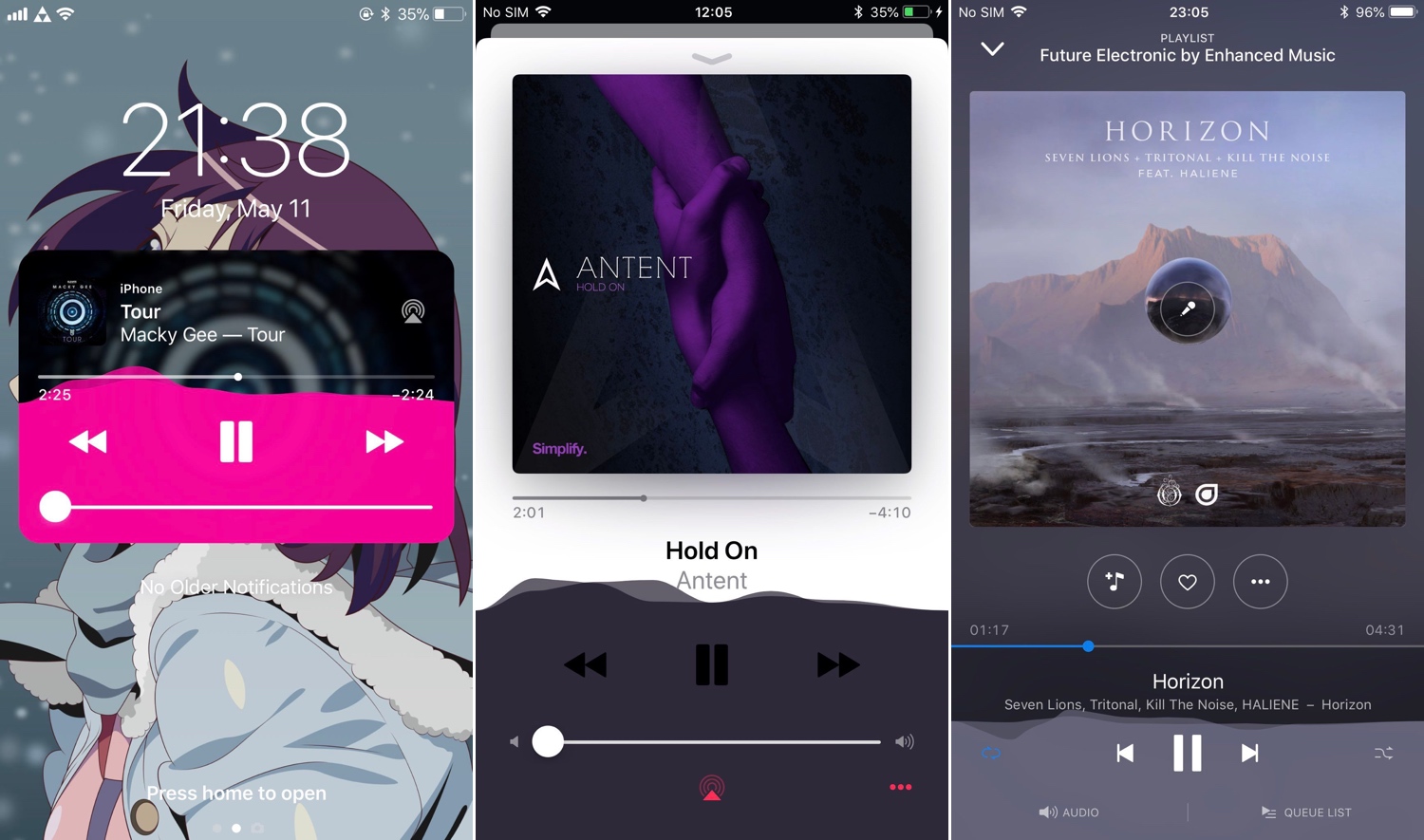
Whenever you listen to music on your iPhone or iPad, a Now Playing widget appears on the Lock screen so you can see a visual representation of the song’s information and interact with playback controls as needed. Unfortunately, having this widget on a touch screen interface tends to result in accidental actions, such as unwanted pausing, scrubbing, or skipping.

iOS developer PeterDev recognized this problem first-hand on a device of his own and created a new free jailbreak tweak called MusicLocker in an effort to solve the problem once and for all.

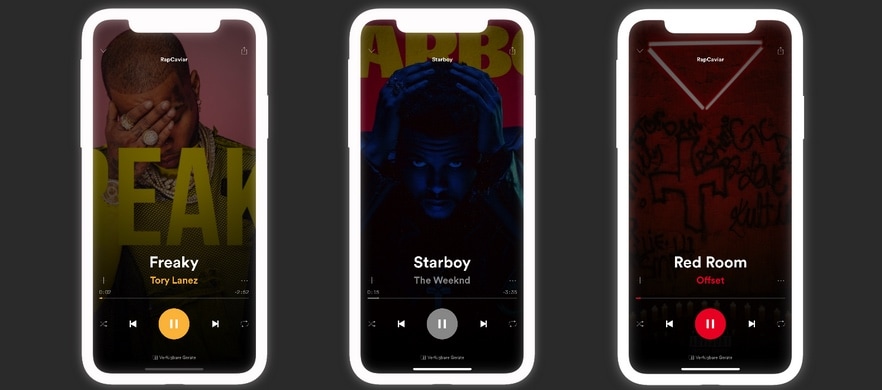
NewNowPlaying gives the Spotify app’s Now Playing interface a cosmetic facelift

Apple Music provides one of the best all-in-one music streaming services that you can get on an iPhone or iPad, but admittedly, I still have a soft spot for the third-party streaming service known as Spotify. That said, while I enjoy using Spotify, I tend to get excited when I see new jailbreak tweaks that have made specifically for it.

NewNowPlaying by iOS developer Yung_Specht just so happens to be one of those releases, and as the name implies, this tweak gives the Spotify app’s Now Playing interface a gorgeous cosmetic makeover.
Mitsuha Infinity: A beautiful audio visualizer for iOS

One of the things iOS lacks that I sometimes wish it didn’t is a real-time audio visualizer for Now Playing music. Instead, Apple keeps things bland by displaying nothing more than a Now Playing widget with details about what’s playing.

Although Apple doesn’t seem to have much interest in giving users an audio visualizer on its platform, that’s not to say you can’t have one. A new free jailbreak tweak called Mitsuha Infinity by iOS developers c0ldra1n and Nepeta brings it to the table for anyone who possesses a pwned handset.

How to share Spotify playlists from your iPhone, iPad, and Mac

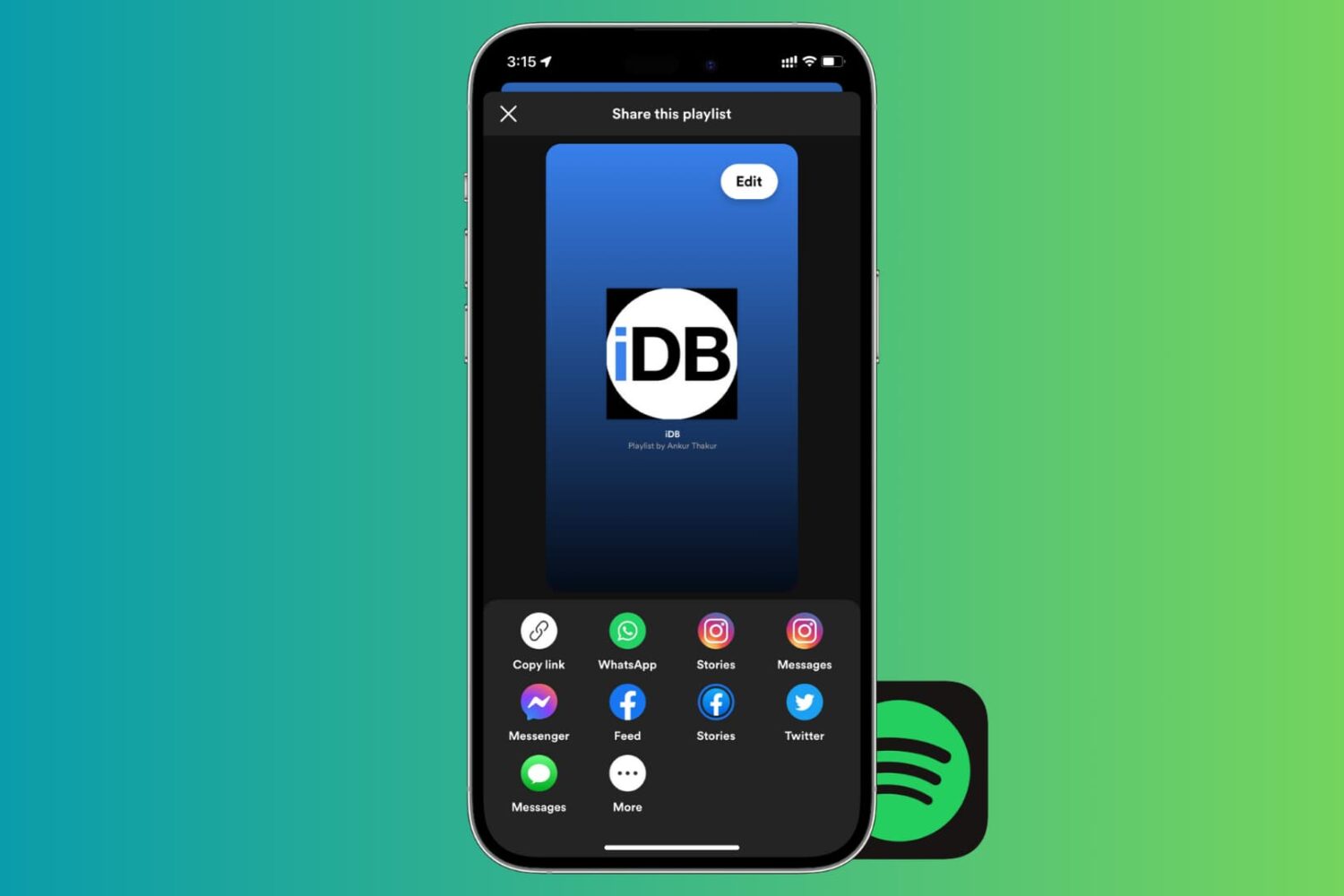
Share Spotify playlist from your iPhone

If there’s one thing that’s better than enjoying the music you love, it’s sharing it with others. And if you use Spotify, sharing your playlists is easy. You can quickly share them in a variety of ways from your devices. So, if you’re ready to brighten someone’s day with some cool new tunes, here’s how to share Spotify playlists on iPhone, iPad, and Mac.

NoIdleTimer negates the Lock screen’s lockout timer if your device is charging or playing music

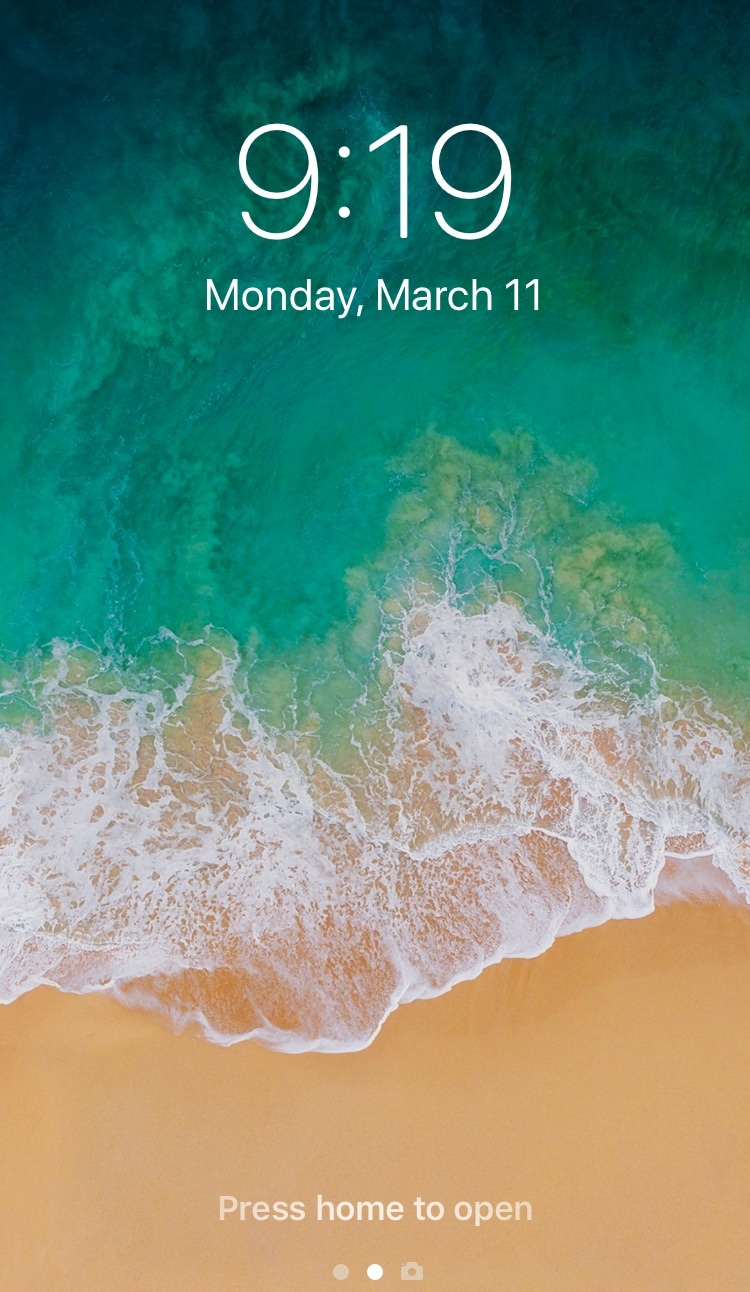
Apple designed your iOS device’s Lock screen to go back to sleep after a predefined timeout period, and while this can be useful for battery savings in certain circumstances, there are some instances where this might be irrelevant or where you may favor performance over battery life.

For that reason, iOS developer Nepeta came out with a new free jailbreak tweak called NoIdleTimer that lets you disable the Lock screen’s automatic lockout period so long as certain conditions are met.

MusicArtwork changes the Music app’s icon depending on the Now Playing track

A large part of Apple’s business model involves Apple Music, and so it’s no surprise that the company spend a lot of its time refining the music experience on its mobile devices. That aside, Apple could do more, and those who agree might enjoy a new jailbreak tweak release called MusicArtwork by iOS developer Cole Cabral.

Right out of the box, MusicArtwork replaces iOS’ native Music app icon with an image file that is representative of the Now Playing song’s album artwork. You can view a few different examples of the tweak in action via the multitude of images that we’ve included in this piece.

Sync iPhone data to Mac without iTunes errors – MacX MediaTrans license + AirPods giveaway [sponsor]

Transferring your iPhone data to a Mac or Windows PC isn't a hassle-free affair due to various iTunes syncing errors that can quite often result in duplicate files, syncing inconsistencies and even data loss. One viable option is MacX MediaTrans by developer Digiarty Software, a versatile iTunes alternative for your Mac that resolves iTunes syncing errors.