Whether you’re using iMovie on a Mac or an iOS device, you can use its voiceover feature to record your narration or even add a particular sound to the movie.
How to record and add voiceover in iMovie on Mac, iPad, and iPhone
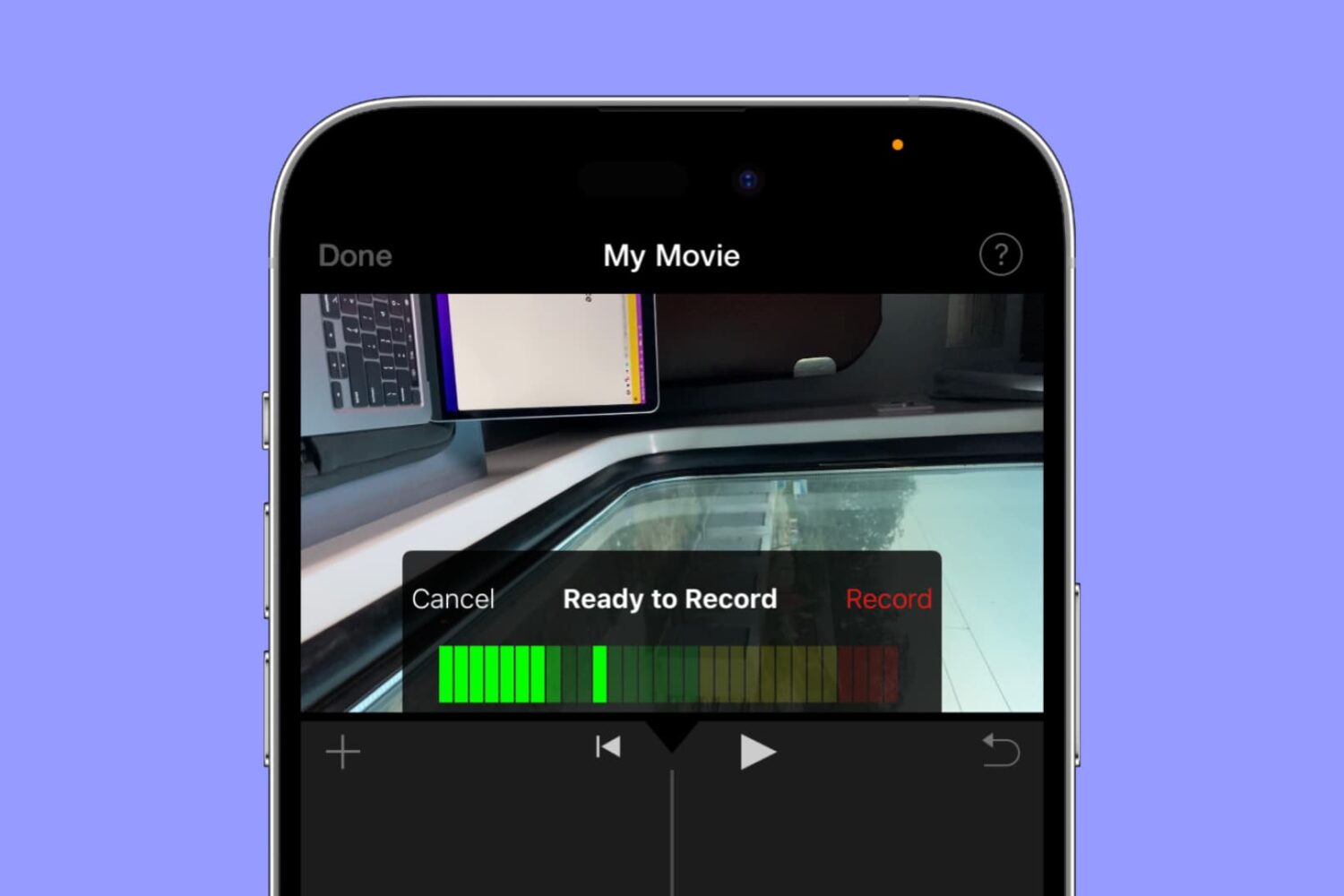
Whether you’re using iMovie on a Mac or an iOS device, you can use its voiceover feature to record your narration or even add a particular sound to the movie.

These days there’s no reason to stand in line at the movie theater to purchase tickets. Many theaters let you buy your tickets ahead of time. This saves you time and lets you grab your popcorn and perfect seats while everyone else is still waiting in line at the box office.
Here are some of the best iPhone apps for movie theaters and tickets.
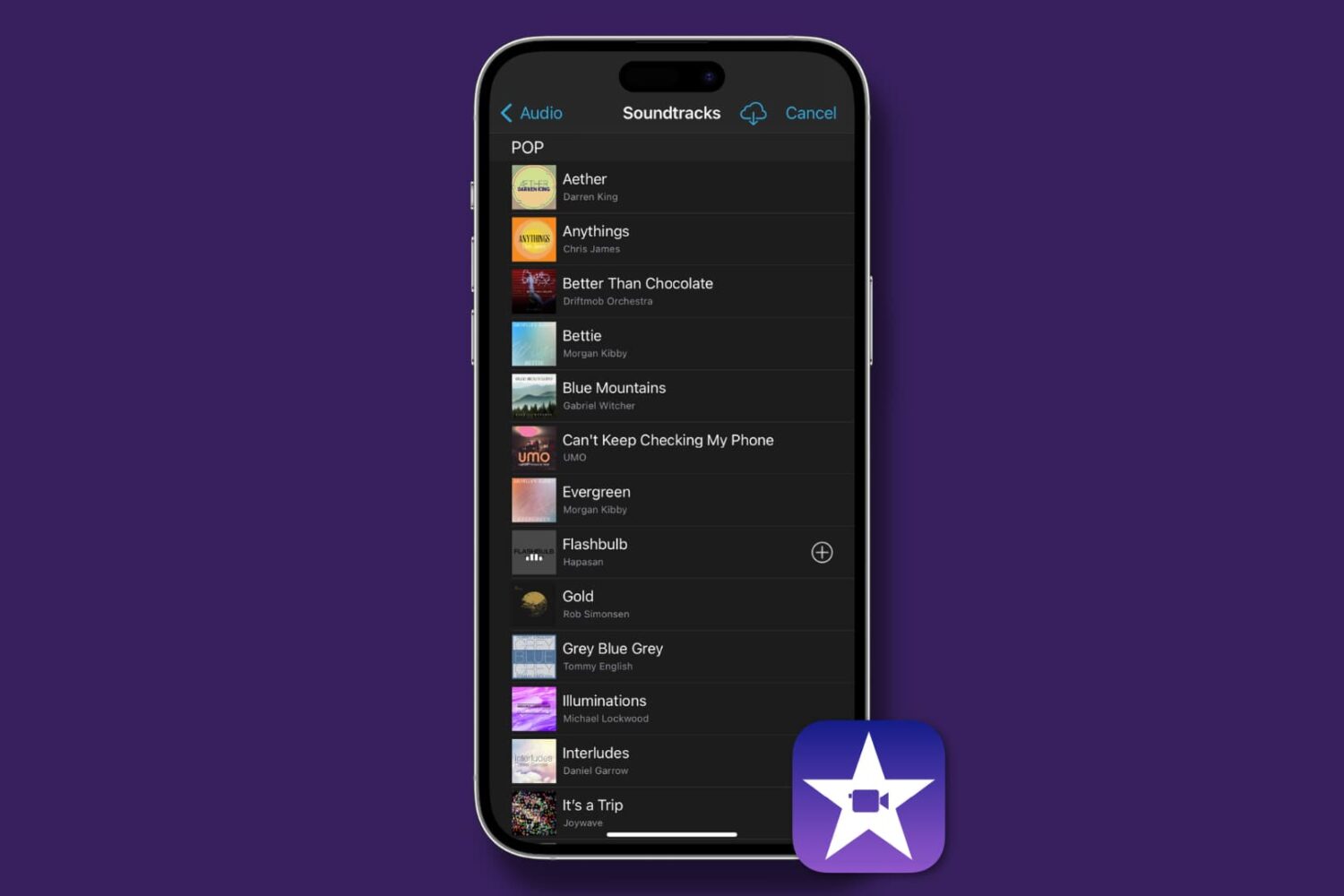
Find out how to add background music and sound effects to your video projects in iMovie on Mac, iPad, and iPhone to make them sound as great as they look!
Apple on Tuesday updated its iTunes Store with new deals on movies and other media. Among the discounts are action films like Die Hard and Suicide Squad for less than $10, and a huge assortment of blockbuster classics and indie hits for under $5. Check out our full roundup below!
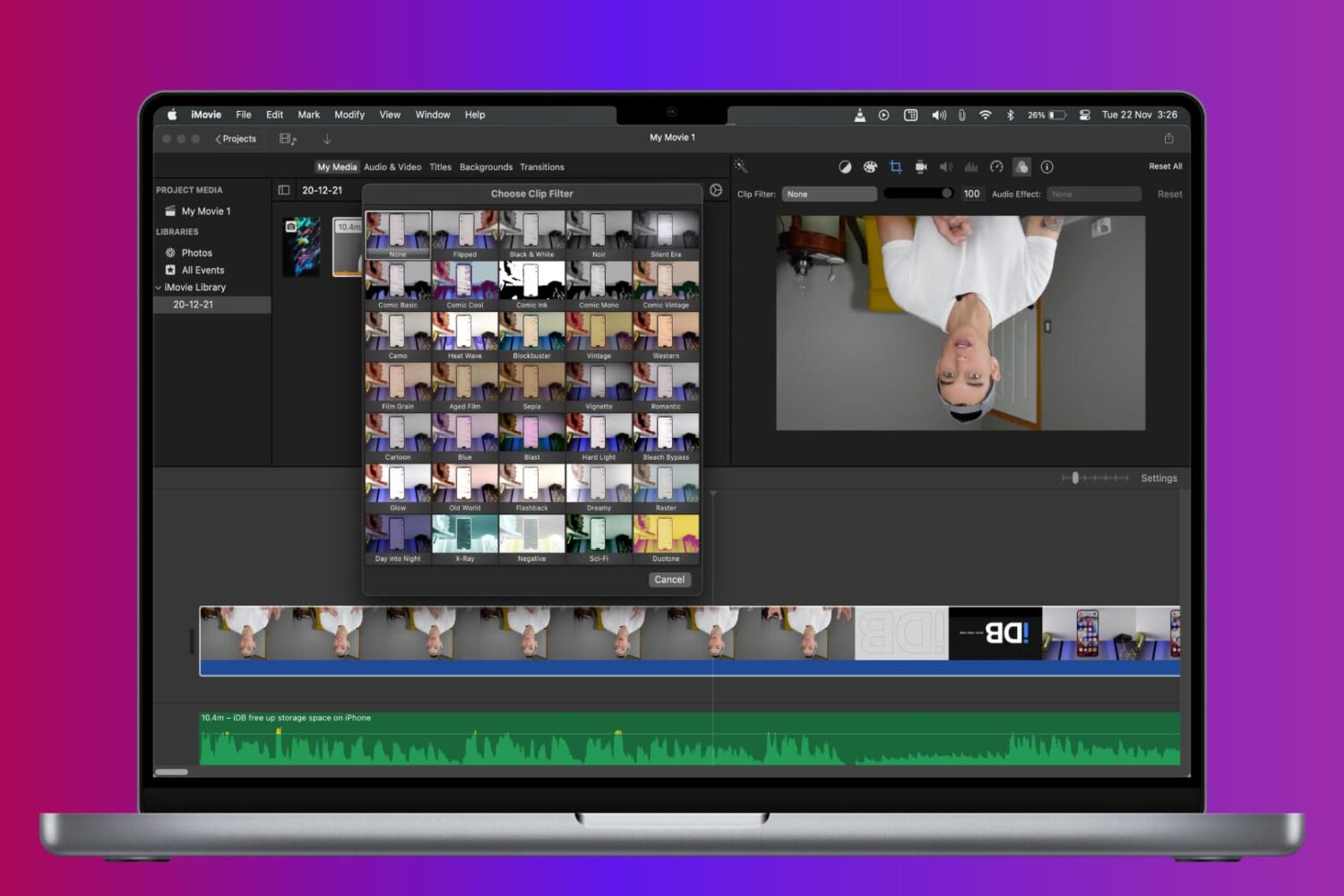
Learn how to rotate, turn, and flip a video in iMovie on Mac, iPad, and iPhone to fix a clip or add cool visual effects to your movie project.
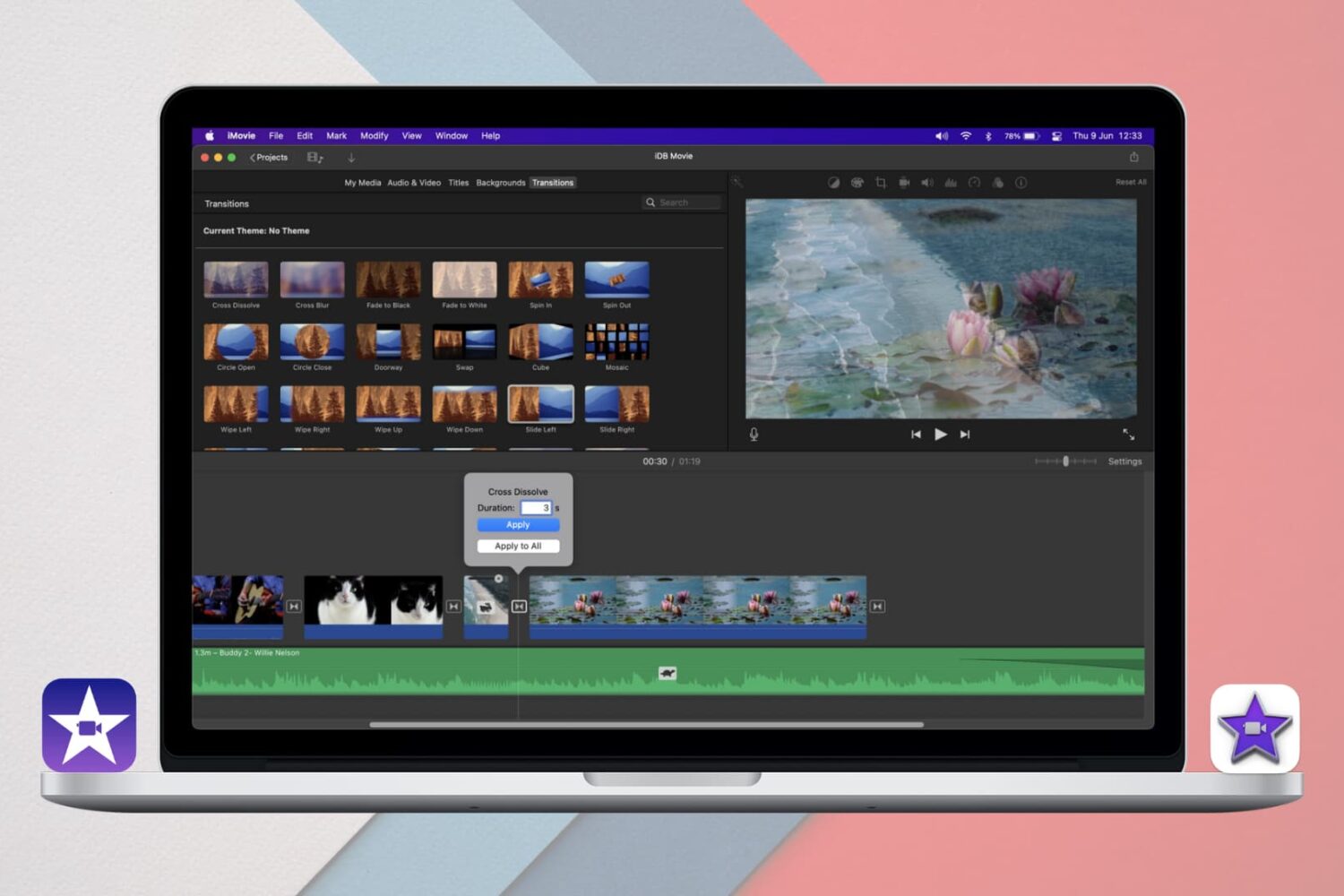
Learn how to add and edit iMovie Transitions on iPhone, iPad, and Mac for a seamless way to move between clips or scenes in your movie projects.
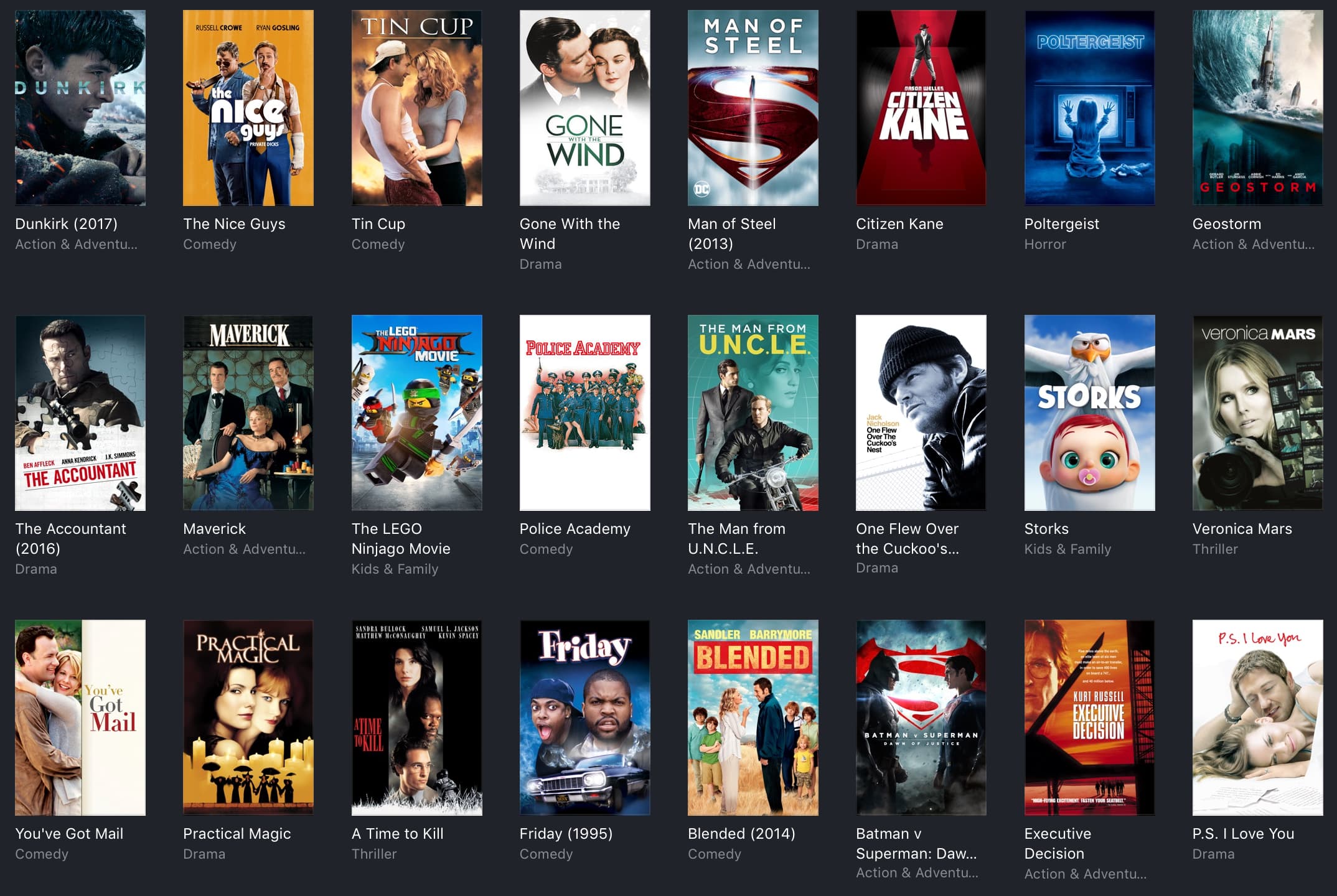
Apple on Tuesday updated its iTunes Store with new discounts on movies and other media. Among the deals are hit movies like Dunkirk and The Matrix for under $5, reboot bundles for under $10 and blockbuster rentals for $1. Check out our full roundup below.
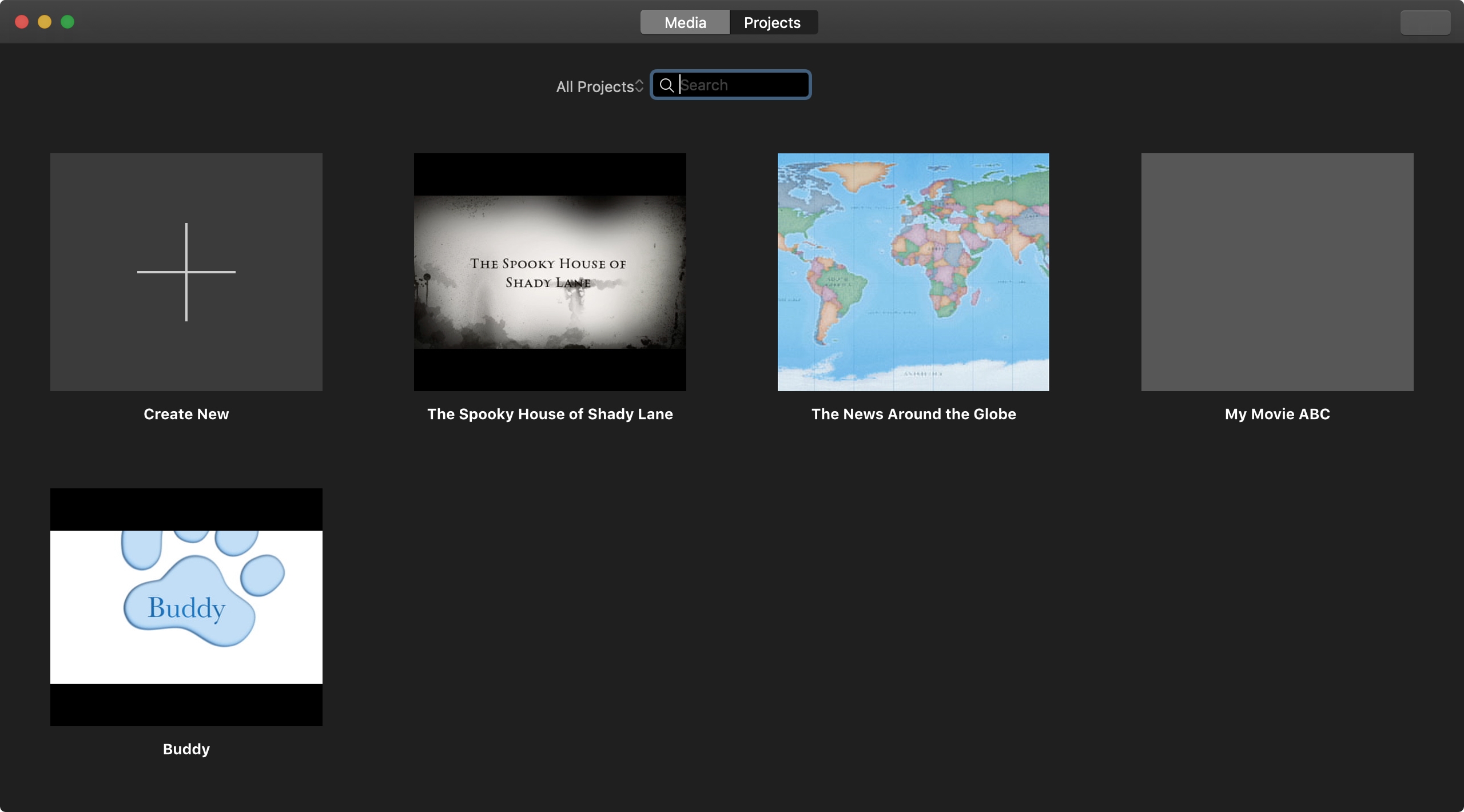
Everything that you create in iMovie, whether a Trailer or Movie, is considered a Project. You can make as many Projects as you like. And if you end up with a huge list of them, you’ll want to know how to manage those Projects. You may want to play, rename, edit, duplicate, or delete a Project. This tutorial shows you how to do all that in iMovie on iPhone, iPad, and Mac.

The title is an important part of the movie you create in the iMovie app on Mac, iPad, or iPhone. Whether it's short and sweet or long and descriptive, the title, as you know, lets others know what the overall movie is about.
You can add a title to your movie at any point during its creation, and you have some terrific tools for making the title appear as you like. This tutorial shows you how to add and edit a title in iMovie on your Mac, iPad, or iPhone.
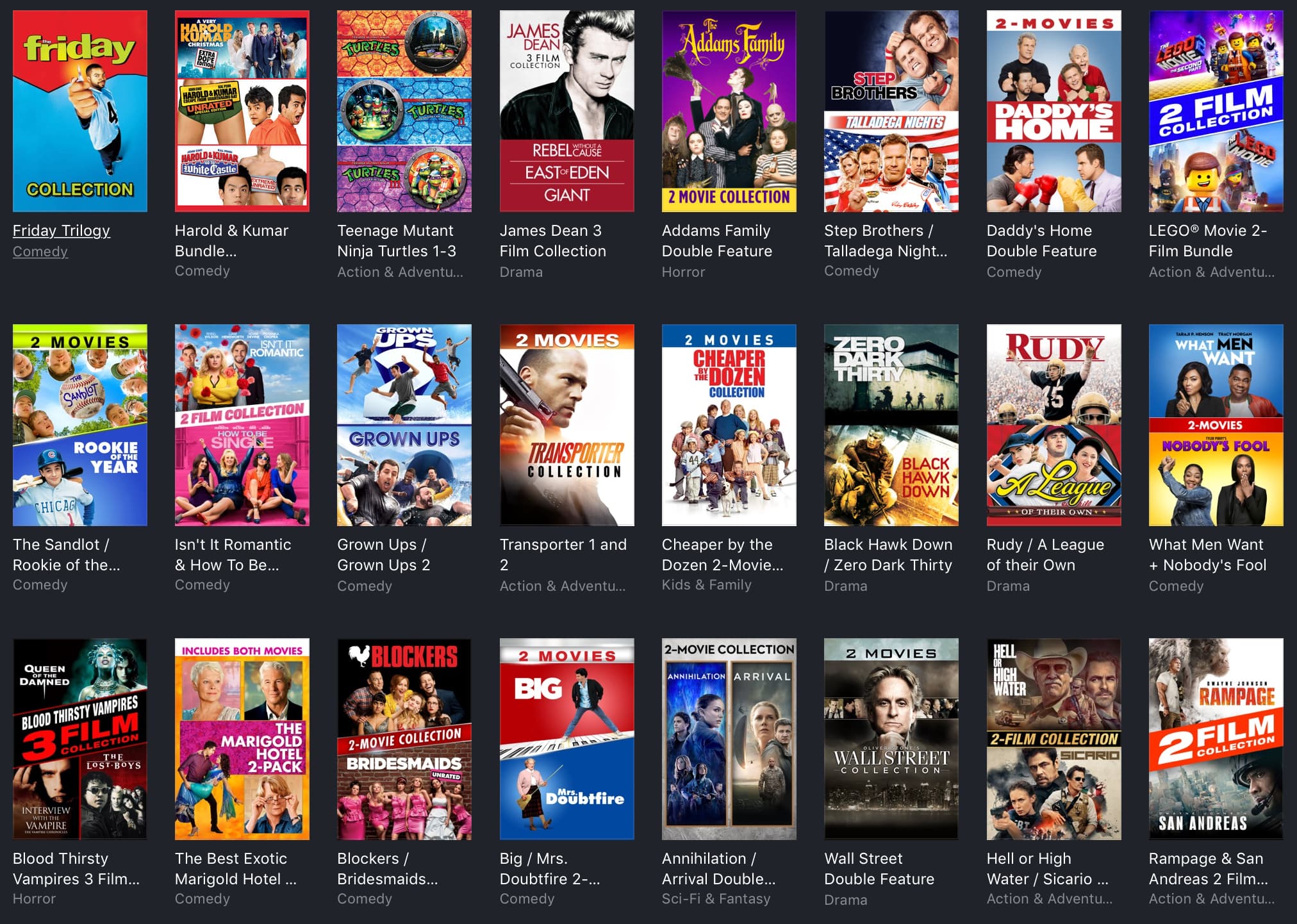
Apple on Tuesday updated its iTunes Store with new discounts on movies and other content. Among the deals are double features for under $10, trilogies for under $15, and hit movies like Superbad and The Lincoln Lawyer for under $5. Check out our full roundup below.
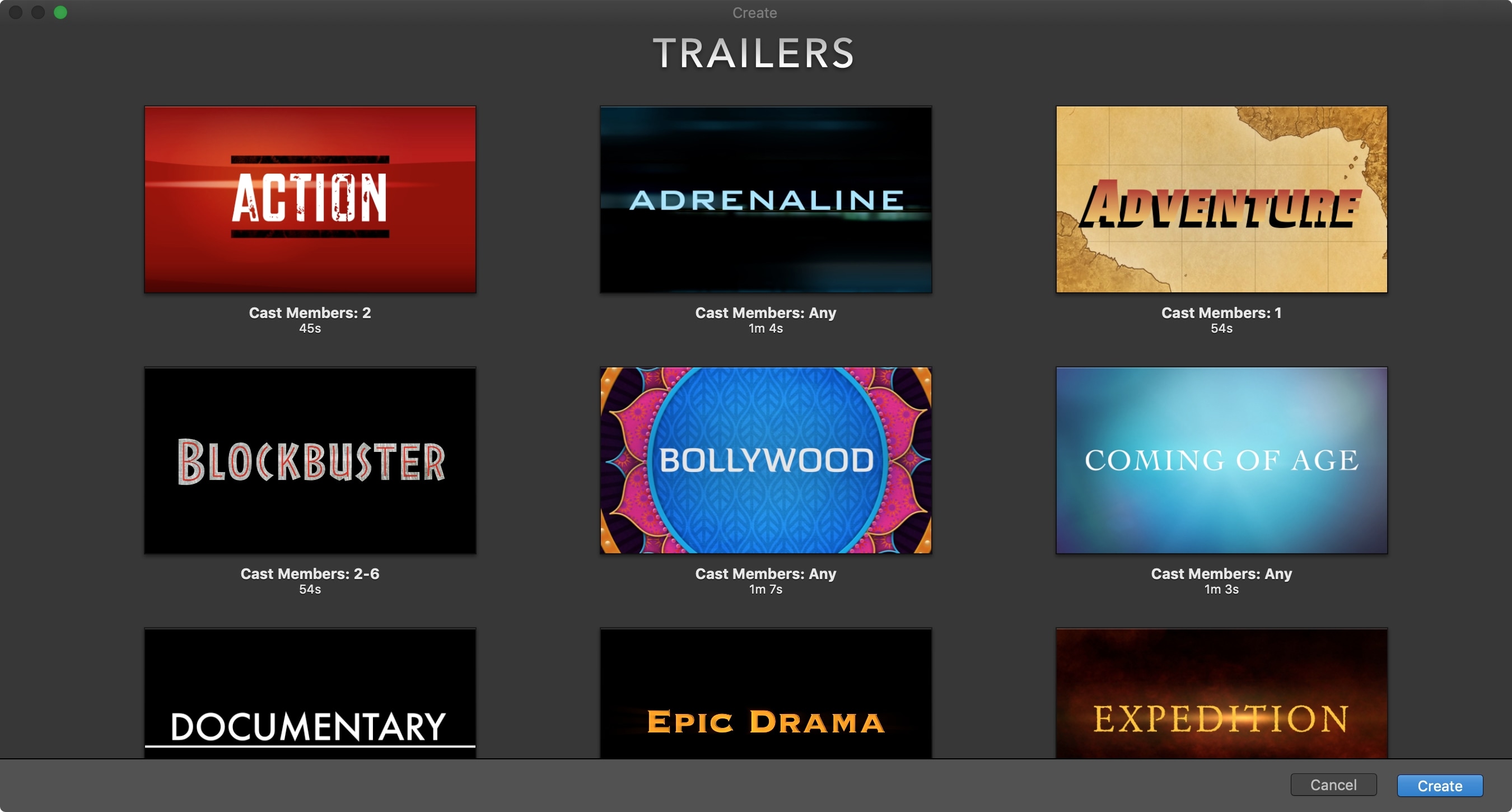
The iMovie app on iOS and Mac is one of those apps you only open if you really need it. And many people delete it just to save storage space. But if you are interested in creating some movie magic on your device, then there’s no better way than with iMovie. And the best place to start is with how to create a new project. So, open iMovie on iPhone, iPad, or Mac and follow along!
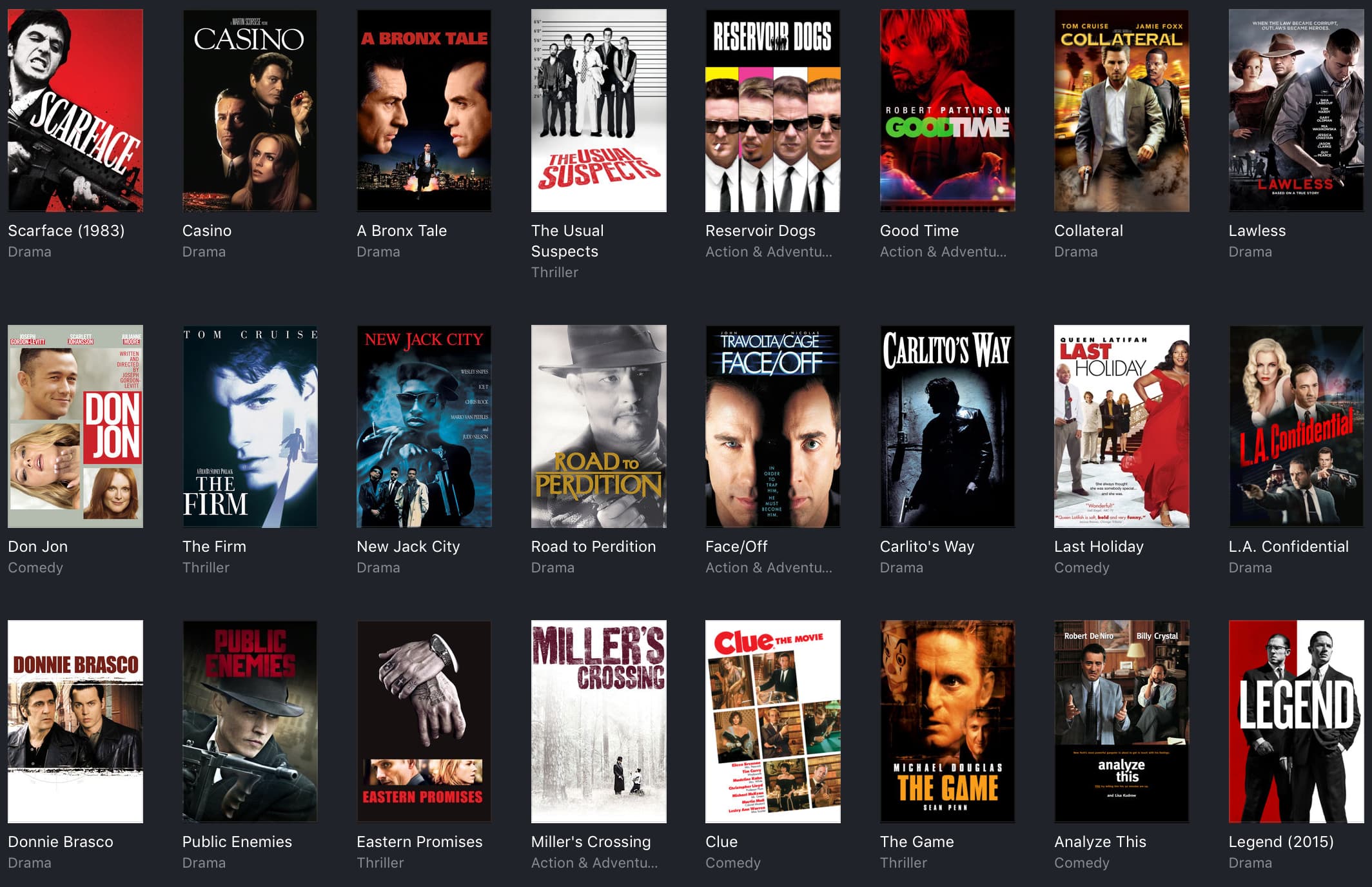
Apple on Tuesday updated its iTunes Store with new discounts on movies and other content. Among the deals are movies like Scarface, Casino, Patriots Day and Four Brothers for under $5. There are also 90's hits for under $10 and limited-time bundle offerings. Check out our full roundup below.