WhatsApp, the world's most popular messaging service, will be ending support for older platforms like iOS 7 which lack modern capabilities needed for its upcoming features.
WhatsApp won’t work on iOS 7 after February 1, 2020

WhatsApp, the world's most popular messaging service, will be ending support for older platforms like iOS 7 which lack modern capabilities needed for its upcoming features.
Facebook's annual F8 developers conference kicked off today with news that a desktop Messenger app is in the works, but we've now learned details of what the company has in store for the mobile messaging app which is getting rebuilt for speed and small memory footprint.
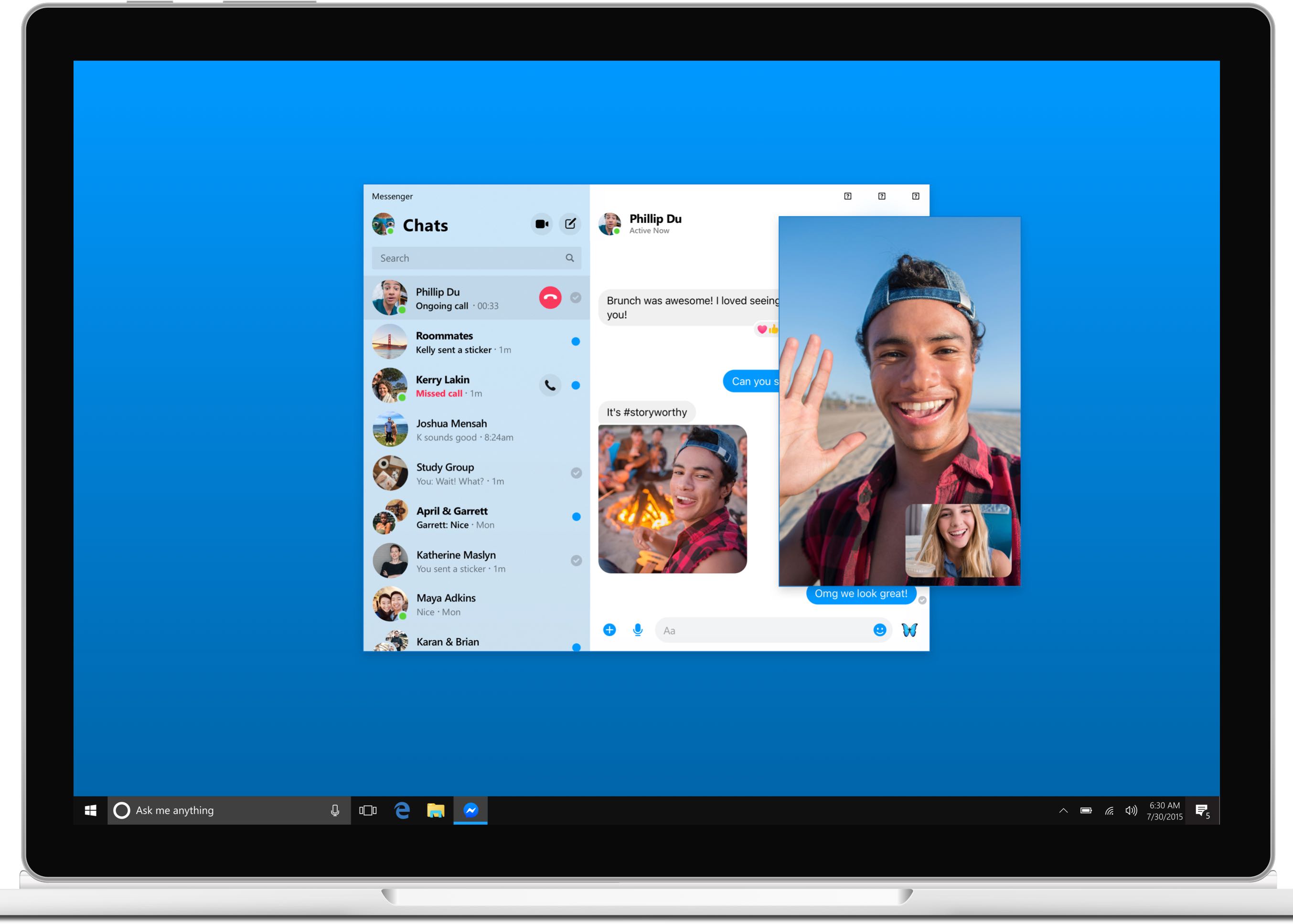
Solid evidence surfaced today regarding the native Facebook Messenger app that will be hitting the Mac platform later this year, with leaked images and videos depicting a user interface that looks like a cross between the Skype app and Apple's Messages software.

BlackBerry announced on Thursday that it will be closing its once-popular messaging platform next month. The company says the consumer-side of the BBM service will officially shut down on May 31st, but it plans to keep the enterprise version online for the foreseeable future, and it will be opening that up to all users.
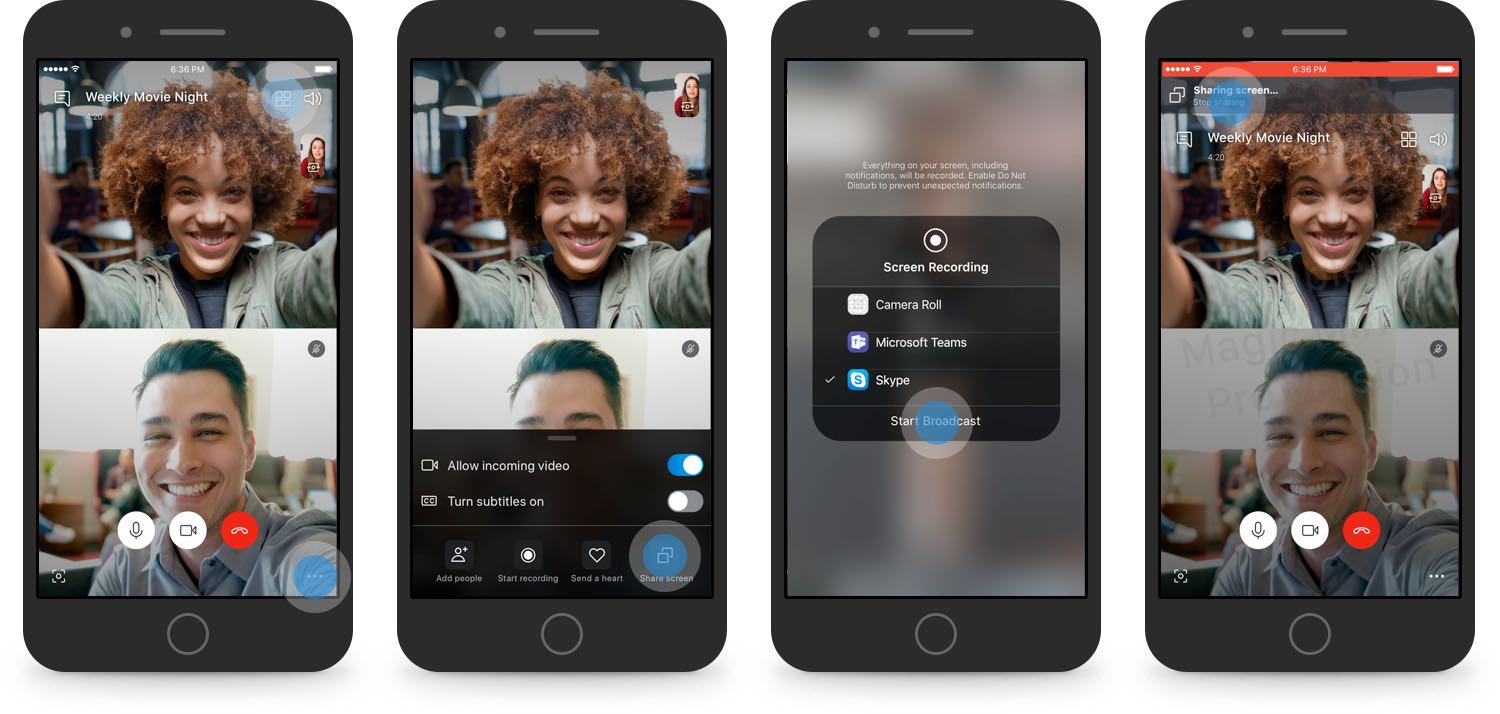
Skype users may soon be able to share their iPhone's screen during video calls.
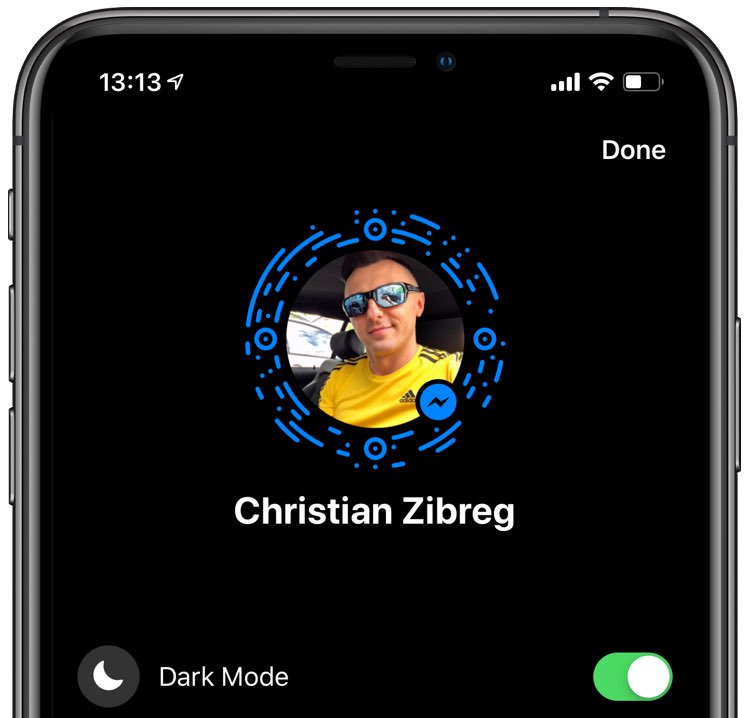
Facebook might be prepping to reintegrate basic messaging functions back into its main mobile app for iPhone and iPad, eight years after separating Messenger into a standalone app.
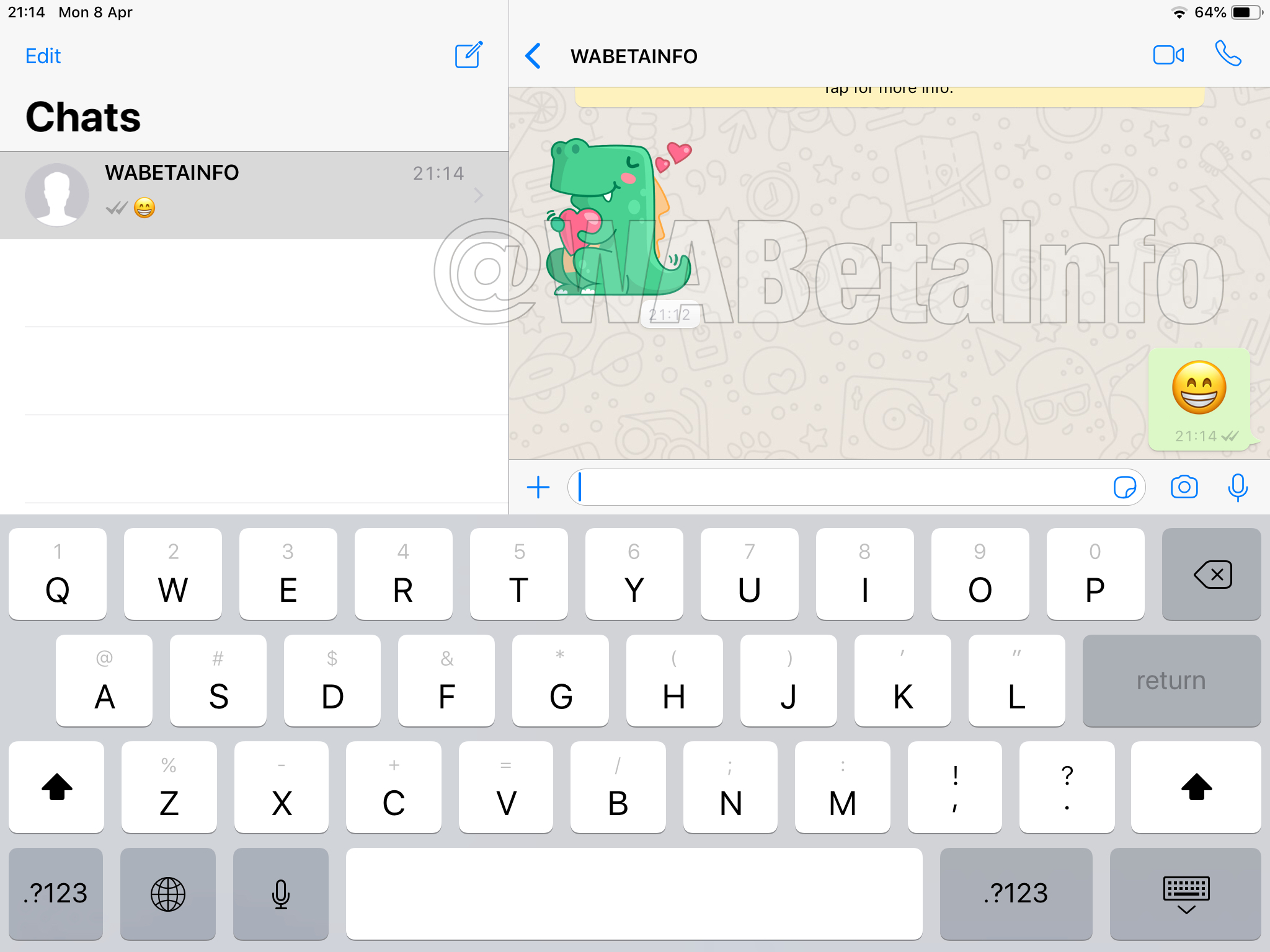
Facebook-owned WhatsApp may be working on an iPad version of the popular messaging app nearly four years after rival Viber got optimized for the Apple tablet.
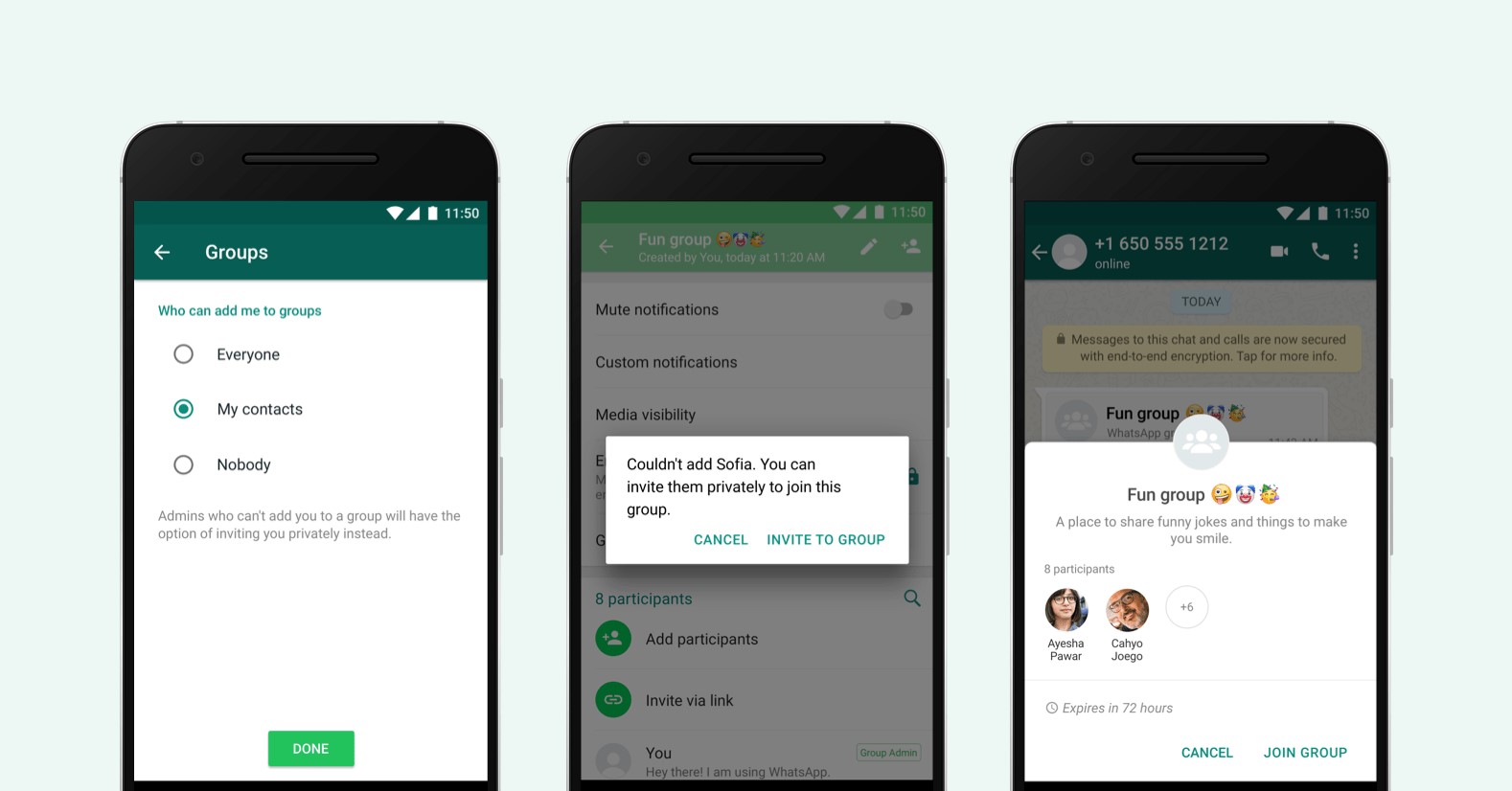
Addressing one of the most pronounced privacy issues on WhatsApp, the Facebook-owned service announced today that its users can now take advantage of a new feature allowing them to adjust who can add them to a group.

The Rakuten-owned Viber messaging app released a major redesign effort this morning with a unified chat list, an overhauled call screen, additional privacy protections and more. In terms of eye candy, you'll definitely appreciate a bright, light header across the app.
Welcome to Viber 10Viber 10 has a brand new design with a much sleeker look than before, but that's just the beginning because the app is now a lot faster and safer to use. The Viber service now sends messages 2x faster than ever. Plus, your voice and video calls now sound clearer than before.
Unified tabs, calls and contactsWith just three tabs at the bottom—Chat, Calls and More—replacing Viber's old tabs (Chats, Calls, Contacts, Public and More), the app is no doubt simpler to use than it used to be.
The unified call and contact listThe new organization minimizes tab switching because all your private and group chats, communities and public content are now in the main chat list.
Watch the new Viber in action right below.
https://www.youtube.com/watch?v=8GaCOG4yyTEThe new Calls list holds your recent calls and your phone contacts in one place, with the Viber Out balance and your subscriptions displayed at the top of the screen.
Hidden-number Chats in CommunitiesHere's how Viber sells this feature:
As you spend more time in Communities on Viber, you will meet more and more new people who you wish to chat with directly.
Viber 10 includes Hidden-number Chats in Communities – a new, safe way for you to make new friends who share the same passions as you. Start chatting with them on Viber without revealing both sides’ phone numbers, until you both decide to do so.
They have added Hidden-number Chats in Communities in order to "encourage you to spark spontaneous connections" with other community members.
Viber 10 includes a new privacy-focused feature in CommunitiesLastly, developers have officially confirmed in a blog post that group Viber calls with up to five people at the same time are scheduled to arrive "very soon".
Coming soon to Viber: group callingLike WhatsApp, iMessage and other major messaging apps, Viber applies end-to-end encryption by default to all of your private and groups chats and voice/video calls.
Viber is a free download from App Store.