Learn how to remove your recent FaceTime call history on your iPhone, iPad, or Mac to clean up the list or simply increase your privacy if you share your device with others.
How to clear recent FaceTime calls on iPhone and Mac
Learn how to remove your recent FaceTime call history on your iPhone, iPad, or Mac to clean up the list or simply increase your privacy if you share your device with others.
OS X, the desktop operating system which powers the Mac—“it's what makes a Mac a Mac,” says Apple—does not fit into the company's current OS naming scheme that has already given us watchOS, tvOS and iOS, but that might be about to change.
According to Portuguese-language site MacMagazine.com.br, developer Guilherme Rambo has discovered an interesting mention of 'macOS' in the “FUFlightViewController_macOS.nib” interface file within the FlightUtilities framework inside OS X code.
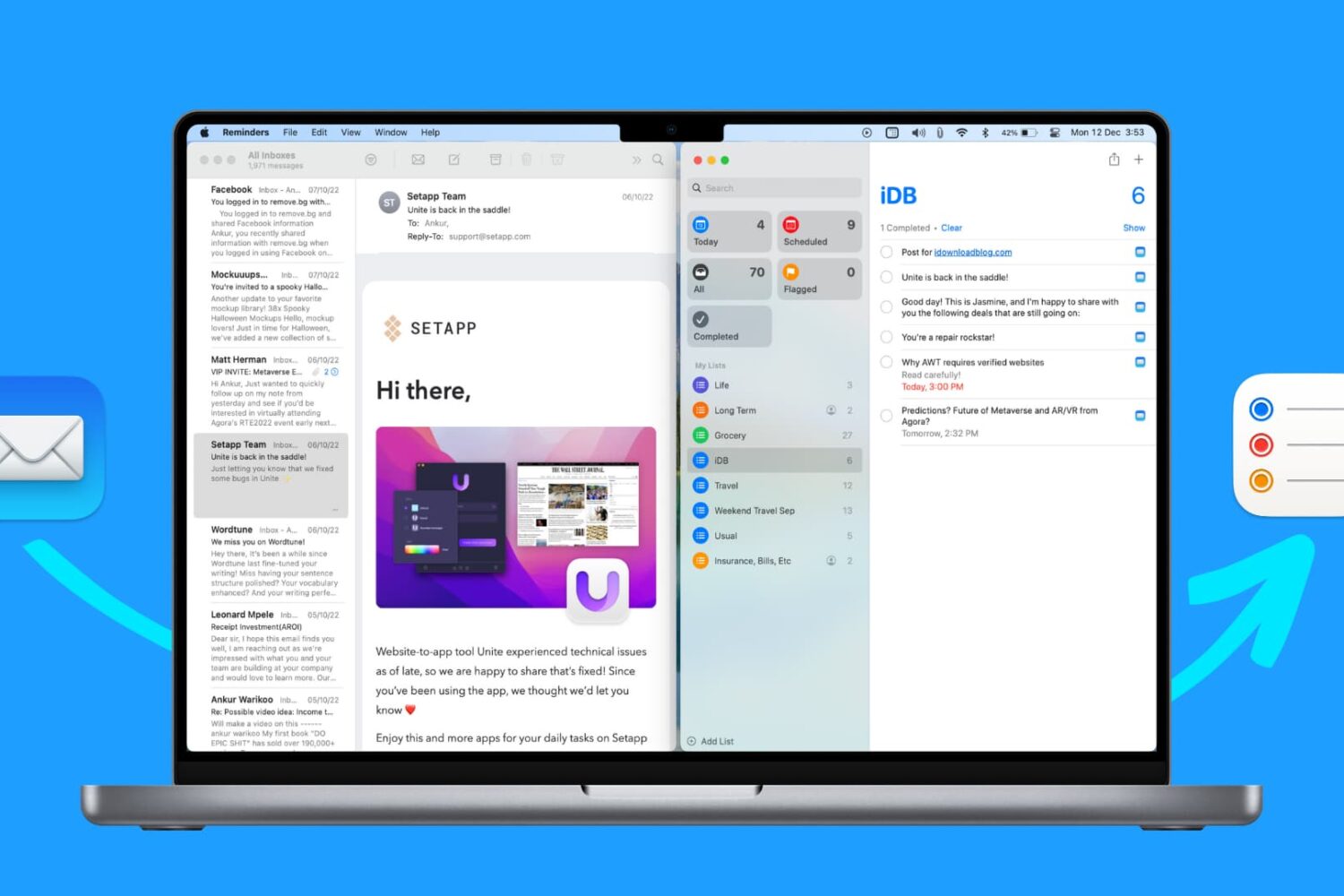
In this tutorial, we’ll show you how to use the Reminders app on your Mac to remind yourself about specific emails you receive in the Mail app.
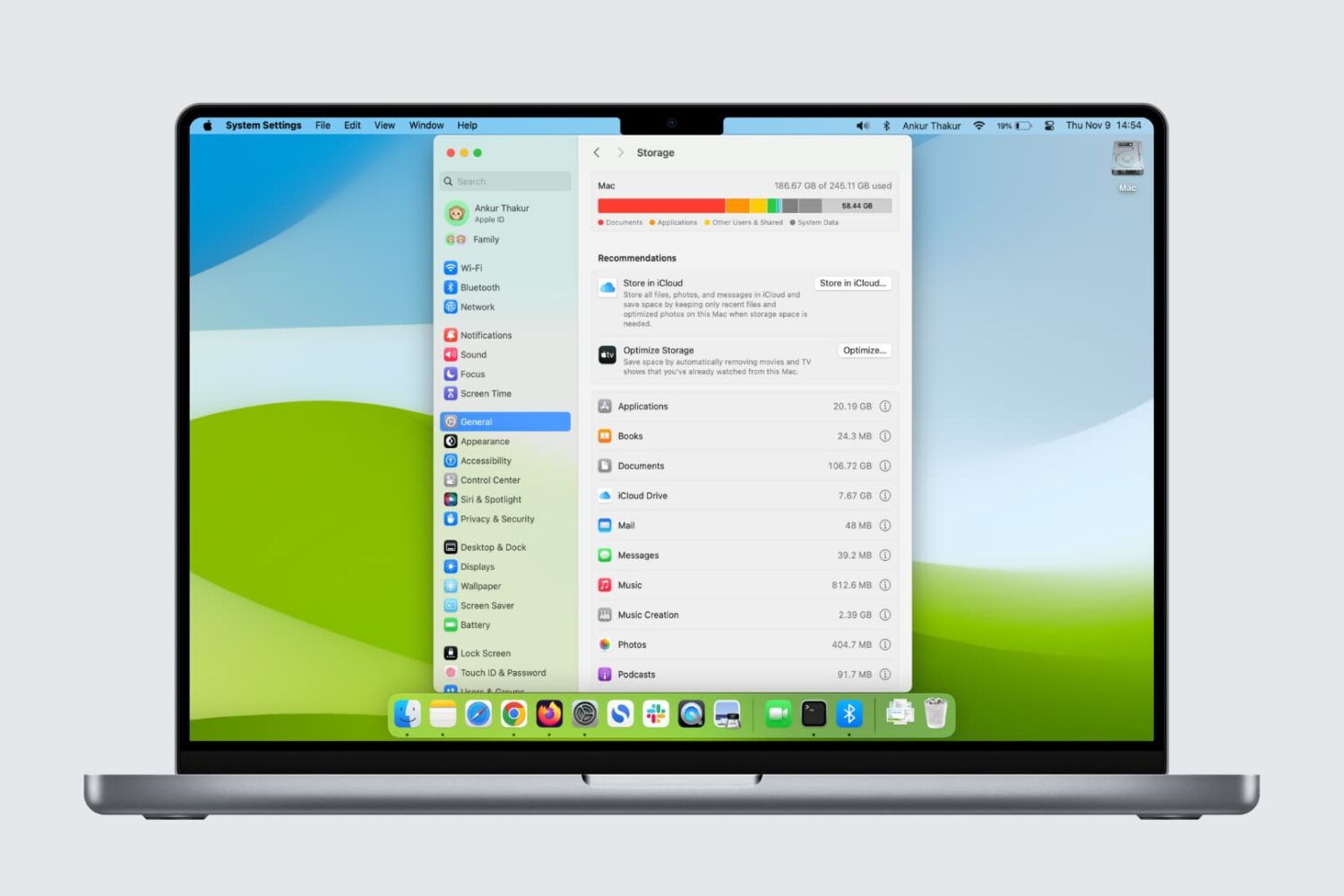
Here are five quick ways to check how much storage space is available on your Mac’s internal SSD or hard drive.
Continuity and Handoff are features built into your iOS devices and Macs that allow the devices to work more seamlessly together. With Continuity, you have instant access to a personal hotspot on demand, the ability to send and receive SMS messages and to make and take phone calls from your Mac, and the ability to pick up where you left off on one device from another.
Although they can work well at times, there is always the lingering chance that the functionality may not work right for you or connectivity may be flaky. In this piece, we'll go over several troubleshooting steps you can take if your Continuity and Handoff experience isn't going as expected.
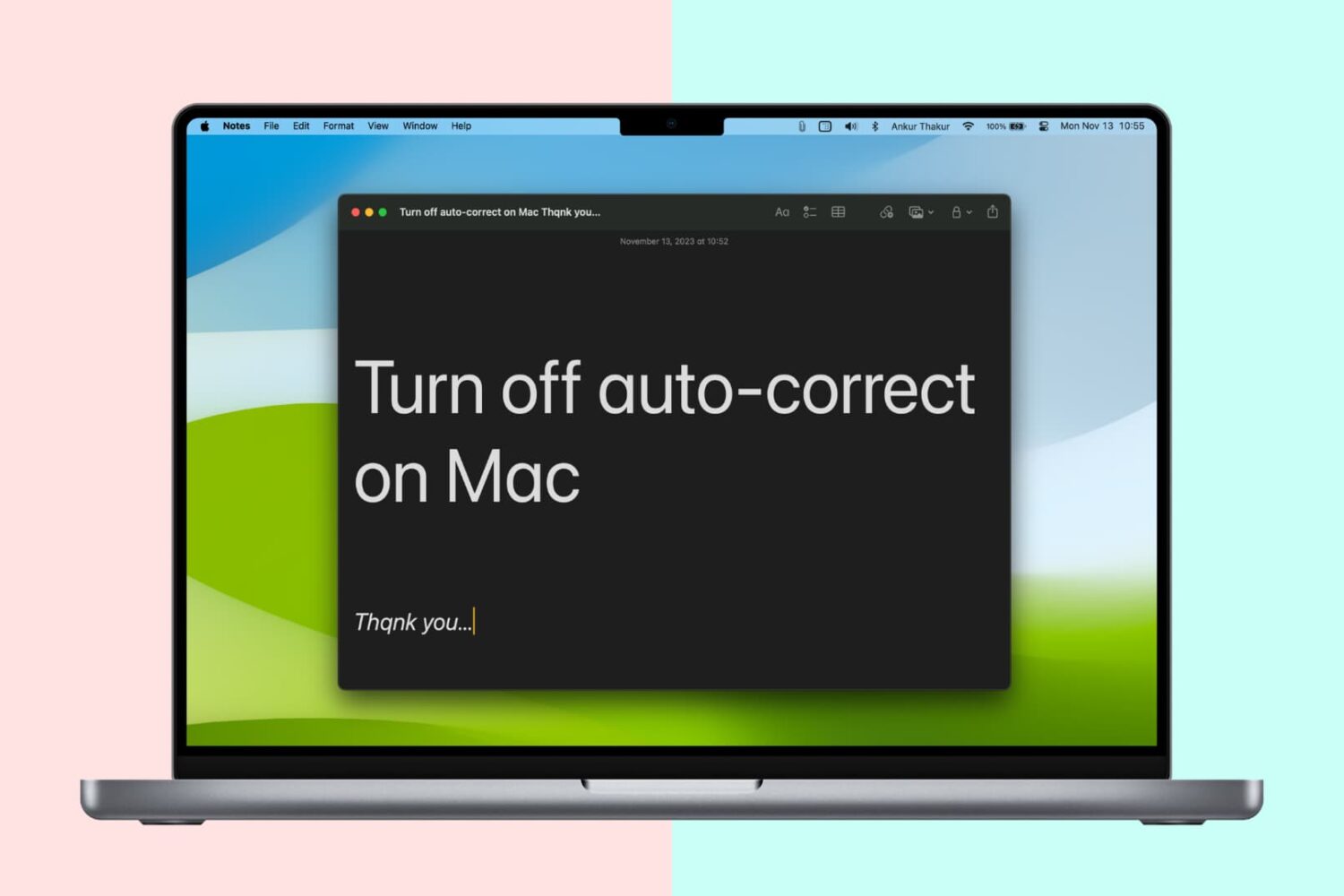
Like your iPhone or iPad, your Mac sports an auto-correction feature that automatically corrects any misspelled words in your chats, documents, emails, and other documents that work with the system-level auto-correction feature.
In many macOS apps, mistakes are automatically corrected as you type. Native speakers who know their way around the grammar and spelling rules may want to reverse this behavior, and we’ll show you how.
One of the questions I hear a lot about storage space on Macs and iOS devices is why when you purchase a 256GB Mac you only get about 230GB of space to play with, or why when you get a 16GB iPhone, you only get about 12.6GB to use for yourself.
The fact of the matter is, your storage space is used by more than just what you put on your own computer or device, and in this piece, we'll explain how Apple calculates all that storage space that you can never seem to claim on your devices.
This tutorial shows you how to change the profile picture of admin, standard, or shared user accounts on your Mac.
Apple's portable Mac notebooks like the MacBook, MacBook Air, and MacBook Pro are all powered by Lithium-Ion batteries, and these batteries don't last forever. They go through cycles as they're charged up and used over and over. After a number of cycles, batteries tend to lose their effectiveness at storing power, and will eventually need to be replaced.
If you have ever wondered just how close you are to needing a battery replacement in your Mac, then you'll be happy to know that macOS is actively monitoring your Mac's battery and can tell you with a quick keyboard shortcut, which we'll be discussing in this short information piece.
Learn how to add, change, or delete a profile picture for your Apple account and iCloud using your iPhone, iPad, Mac, or web browser.
Emails are a popular way to keep in touch with people, be it friends, family, or co-workers, but often companies that you deal business with will send you the occasional promotional email if you signed up for subscriptions.
Sometimes, you get an email that you think is legit, and it turns out it's just a fake email pretending to be something it's not and it tries to get you to click on stuff or give up your personal information. These emails are malicious and they're known as phishing emails.
In this piece, we'll go over some of the things you can look for to tell if the emails you're getting are legitimate, or if they're a con artist trying to scam you of your personal information.