macOS

Apple removes Game Center app from iOS 10 and macOS Sierra betas

Apple has removed the Game Center app from the first betas of iOS 10 and macOS Sierra. The change appears to be permanent, according to the iOS 10 Preview release notes. Although it's still available in Settings, “the Game Center app has been removed,” reads the document.

That doesn't mean that developers can no longer use the Game Center service or implement Game Center features—quite the contrary—it's just that the user-facing Game Center app is no longer available.

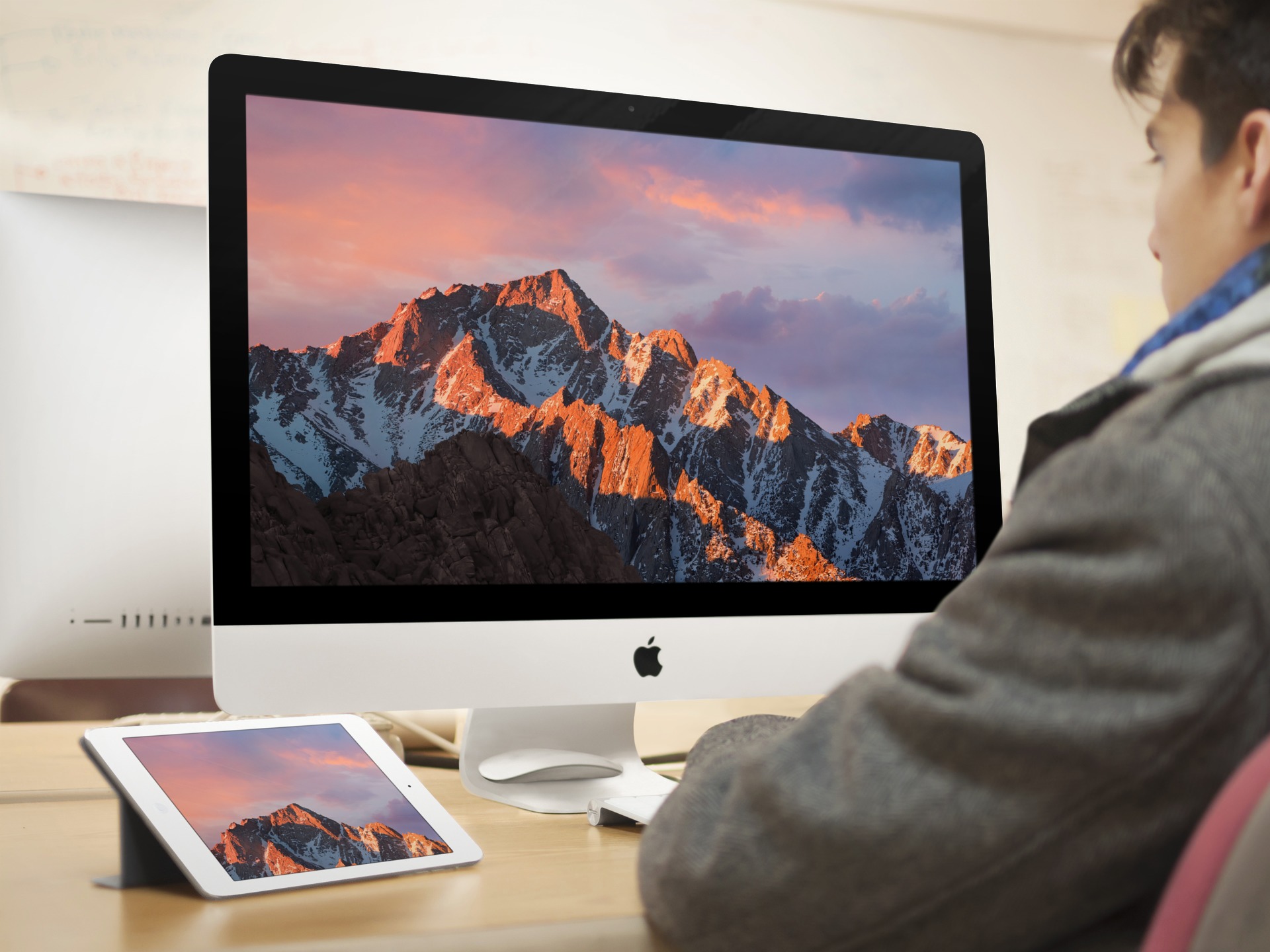
Download the new macOS Sierra wallpaper for iPhone, iPad, and desktop

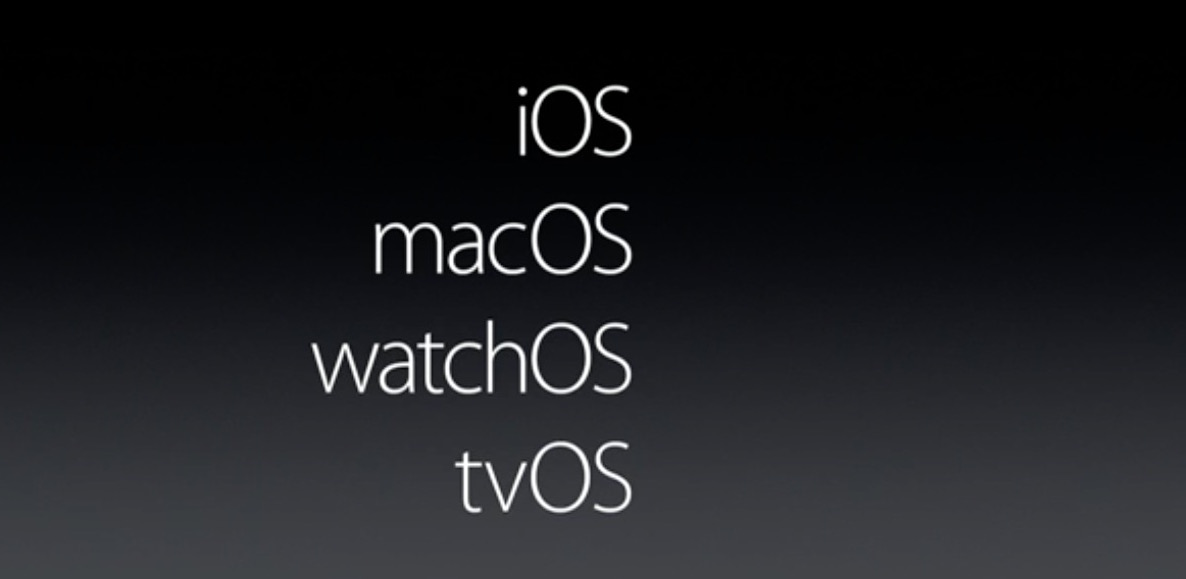
Today, Apple announced major renovations and upgrades to its latest version of OS X, now called macOS. The new naming convention means the operating system falls in line with its brethren, watchOS, iOS, and tvOS. New features prominently include desktop Siri integration and auto unlock features. Check out our full round up from earlier.

Immediately after the new system was shown, I began getting pings for the new wallpaper via @jim_gresham, where I receive submissions for our Wallpapers of the Week section. Also, if you have any leads on upcoming wallpapers, you know where to find me.

Thanks to some Twitter friends, you can find versions of the macOS Sierra wallpaper inside. Download them below the fold.

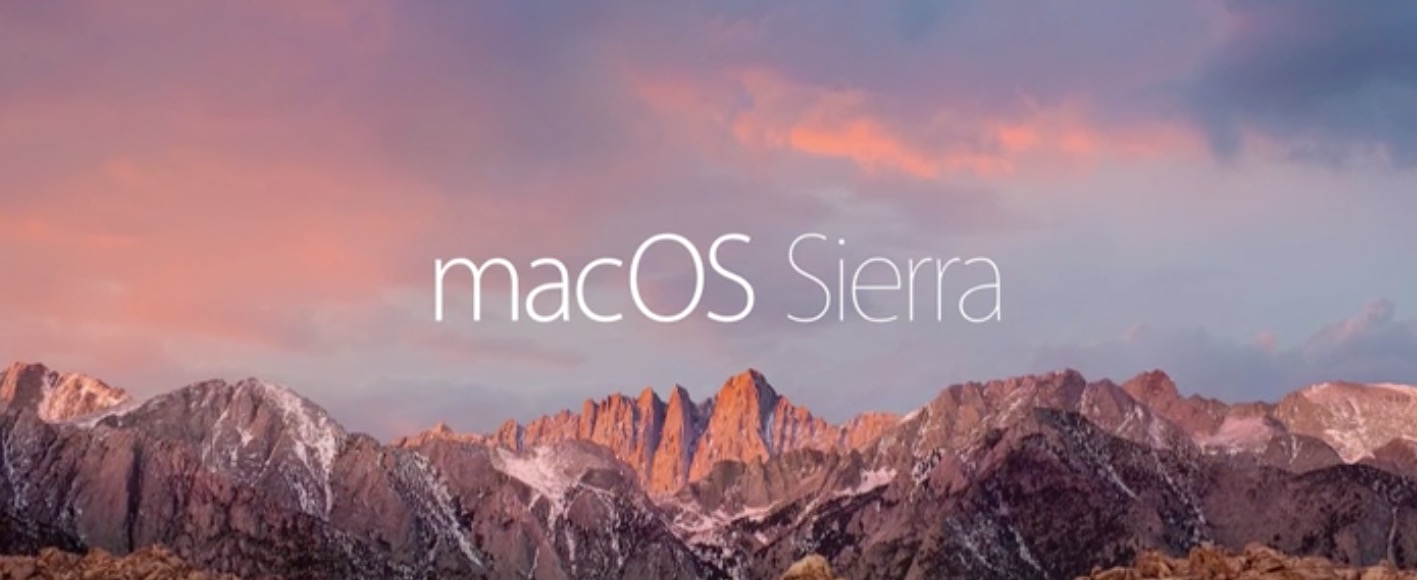
Apple introduces macOS Sierra with Siri, Auto Unlock and more

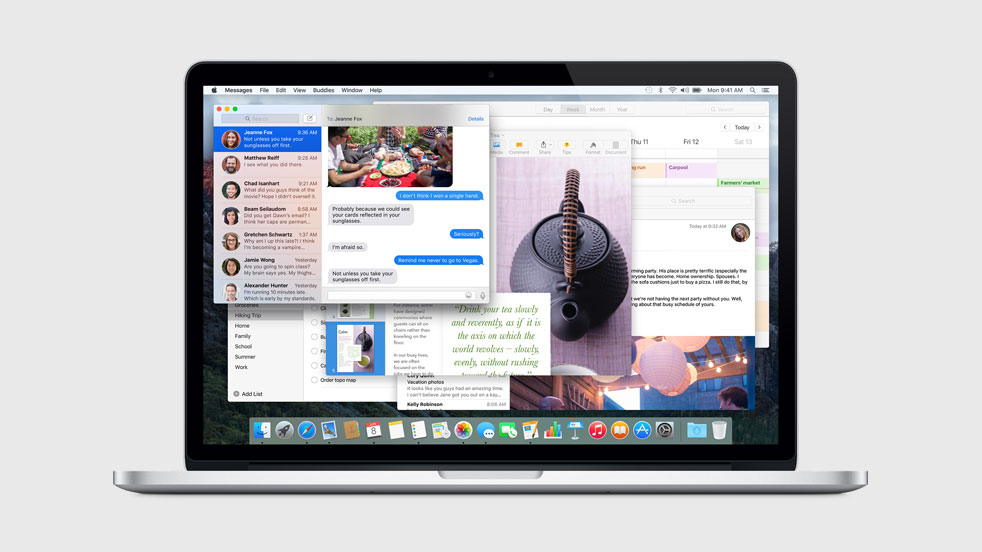
We know OS X is now macOS, and the first major version is macOS Sierra. So what new features does it have? SVP of Software Engineering Craig Federighi is on stage at Apple's WWDC keynote running through the new additions and improvements in the software, and there are some great ones.

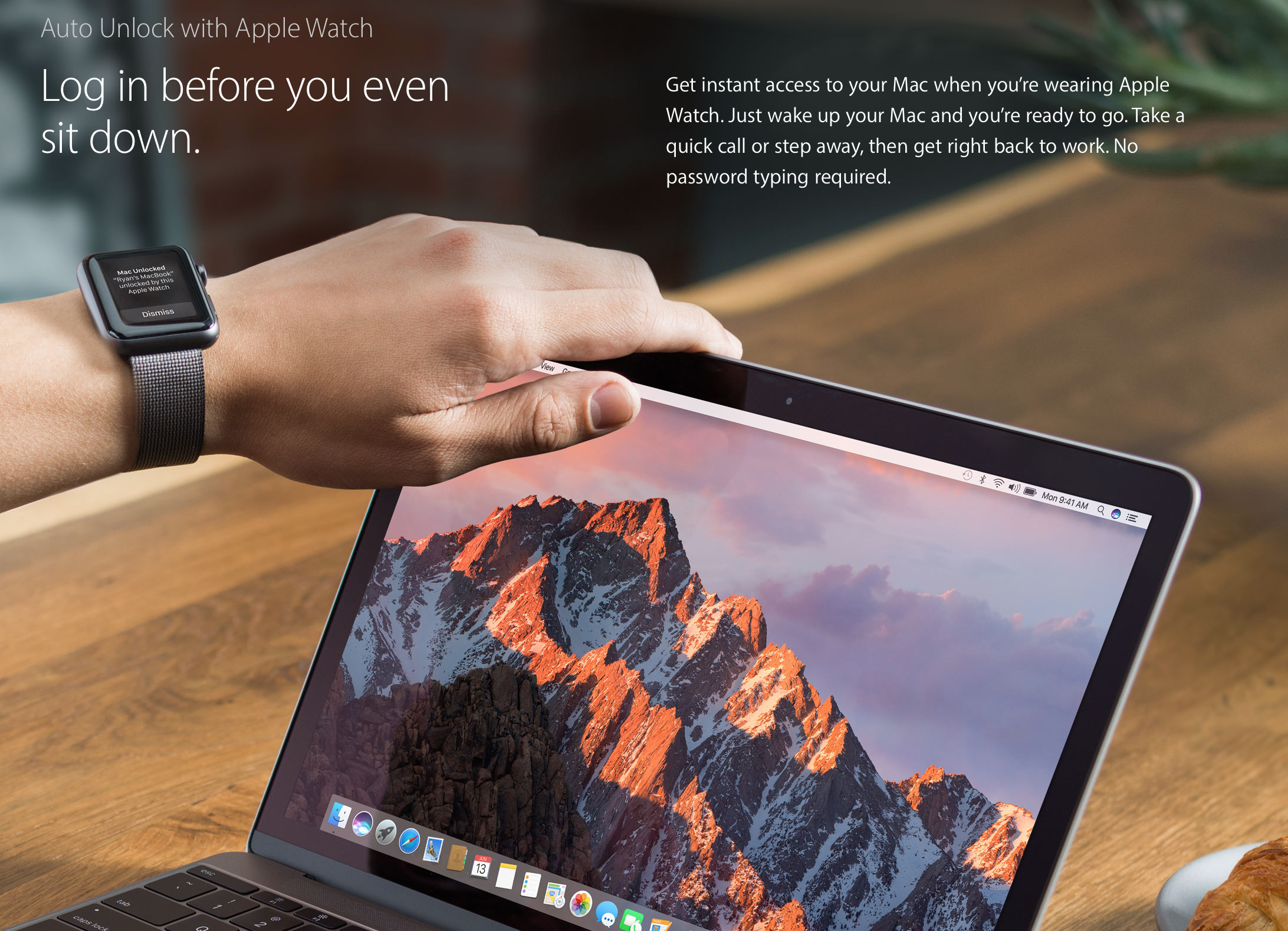
The main focuses for this update are going to be Continuity, iCloud and "the fundamentals of the Mac experience." The first big new feature for the group is Auto Unlock, which allows you to automatically unlock your Mac with your Apple Watch—meaning, if you have your Watch on, you don't need to type in your password.

Apple rebrands OS X as macOS

That Apple would rebrand OS X as 'MacOS' was one of the worst-kept WWDC secrets ahead of today's keynote, and Apple just made it official. SVP of Software Engineering Craig Federighi just announced on stage that from here on out, the Mac operating system is going to be called macOS.

More ‘macOS’ rebranding evidence discovered on Apple’s developer website

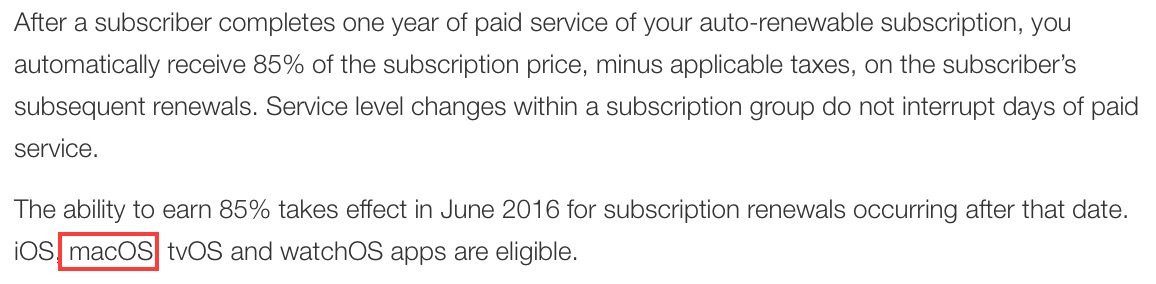
More evidence has surfaced that Apple is planning to rebrand OS X to macOS in the near future. As noted by MacRumors, a reference to the name-change has been spotted on a developer FAQ page outlining the new App Store revenue sharing policies.

The news follows a March sighting of a macOS reference hidden inside OS X code, and a similar slip-up in April on Apple's website. The change has long been speculated about, as it would bring the desktop OS in line with its younger platform siblings.

You could soon be able to unlock your Mac using Touch ID on your iPhone

Apple engineers are designing a remote unlock function that would allow an iPhone to unlock a Mac when in close proximity, reports MacRumors. The feature would use the handset's Touch ID hardware, and is slated for the upcoming OS X 10.12 update.

The site notes that this will use Bluetooth LE frameworks, and will likely work similar to the solution found in the Apple Watch. Passcodes on the Apple Watch can be bypassed by entering your iPhone passcode or using Touch ID on the connected iPhone.

Apple’s environmental webpage hints at ‘MacOS’ name change

More evidence that Apple is planning to rebrand OS X to MacOS in the near future has been discovered on Apple's environmental webpage. First spotted by 9to5Mac, the recently updated page specifically refers to "MacOS" devices.

The news follows a March report that pointed to a MacOS reference hidden inside OS X code. And of course the change has long been speculated about, as it would bring the desktop OS branding in line with Apple's other platforms.

10+ things to do if your Mac won’t switch on

MacBook powering on and showing the Apple logo with a progress bar below it

Most of the time, when you want to use your Mac, you can just press the power button or lift the MacBook screen, hear a startup sound, and your computer will begin booting, so you can use it.

Sometimes, however, you don’t get so lucky. There may be a time when you go to use your Mac, and it doesn’t turn on at all.

As reliable as Macs can be, they can hiccup occasionally. In this piece, we talk about what you can do to troubleshoot if your Mac won’t power on after you press the power button.