macOS

macOS Sierra 10.12.2 beta 2 available to public testers

Just about 24 hours after releasing macOS Sierra 10.12.2 beta 2 to developers, Apple has now pushed the software to public testers as well. Members of the public beta program can update to beta 2 directly from the Mac App Store.

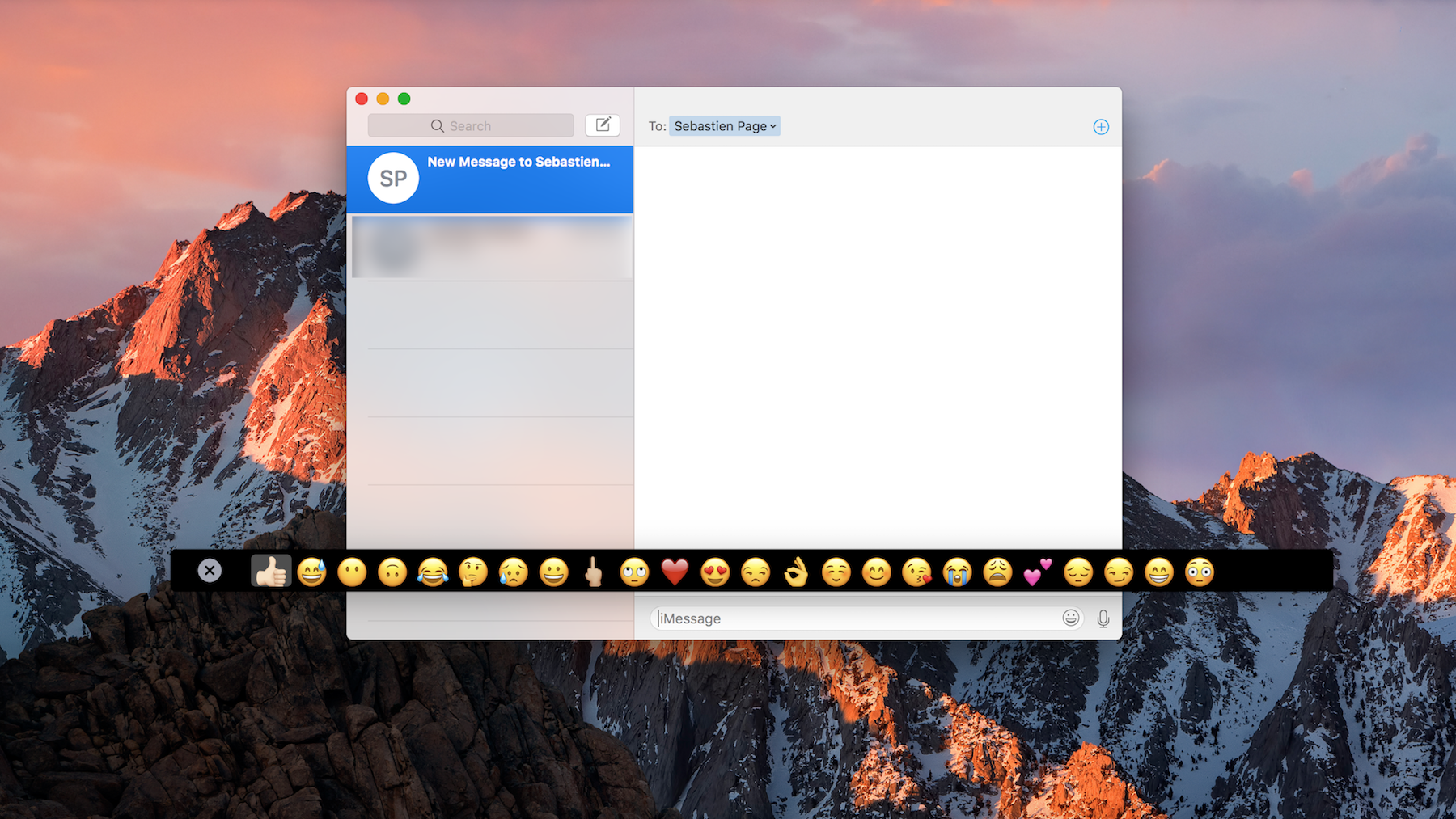
macOS Sierra 10.12.2 doesn't seem to offer many new user-facing features besides a myriad of new emojis that are part of unicode 9. Other improvements are apparently under the hood, likely offering bug fixes and stability improvements.

How to try out the new MacBook Pro Touch Bar on any Mac

If you're really interested in that new Touch Bar that comes built into the top of the keyboard portion of the higher-end MacBook Pro, but don't have the dime to drop on an expensive new computer right now, then you're gonna love this.

A new hack has surfaced on Github that lets you simulate the Touch Bar on any Mac, and it's fully functional, sans the flashy OLED touch surface. We'll show you how to get it in this tutorial.

Apple seeds minor update for macOS Sierra 10.12.2 beta

Apple on Wednesday seeded what appears to be a small update for the latest macOS Sierra 10.12.2 beta. The release comes just two days after the first 10.12.2 beta, and there's just a tiny difference in the build numbers (16C32f vs 16C32e), so we're guessing it just contains minor bug fixes.

The different kinds of memory states on your Mac and what they mean

I was recently asked about the difference between active, inactive, and wired memory on computers. Many memory measure tools use these terms to describe your memory usage and doesn't really go into much depth about what they mean.

In this piece, I hope to shed some light on this confusion and explain the differences between these memory states the best I can.

Touch Bar on new MacBook Pro will show function keys when using Windows via Bootcamp

Apple yesterday unveiled the new MacBook Pro with Touch Bar, a completely redesigned, thinner machine that shifts away from traditional computer ports in place of Thunderbolt 3 and replaces the function key row of the keyboard with a new versatile Touch Bar that dynamically changes based on the app you're in.

So that might raise the question: what happens when you boot into Windows on your MacBook Pro with Bootcamp?

20 cool things you can do with the new MacBook Pro Touch Bar

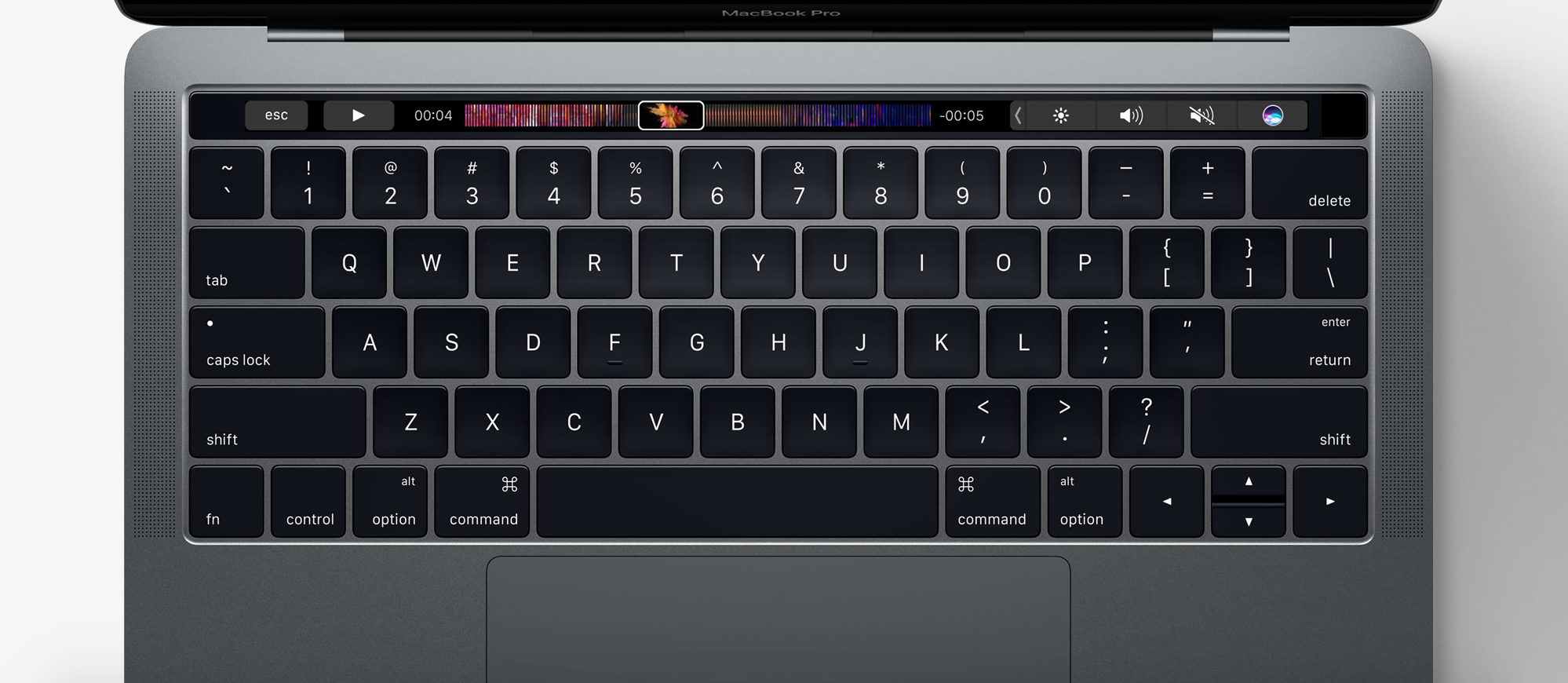
One of the new flagship features on the 2016 MacBook Pro is the new Touch Bar. This is essentially a versatile OLED bar at the top of your keyboard that replaces the function keys with software-based buttons that change based on what app you're in and what you're doing.

In this post, we'll mention 20 awesome things you can do with the Touch Bar on your new MacBook Pro.

2016 MacBook Pro tech specs

Apple's new line of MacBook Pros was finally revealed at the 'hello again' presentation on Thursday, October 27th, and the initial first impressions with smaller form factor, new Touch Bar, and upgraded specs are stunning.

Apple is sticking to its gun with both the 13-inch and 15-inch sizes in its lineup, and in this post, we'll outline the spec differences between each of them for you.

What Automatic Graphics Switching is on your MacBook Pro and how to use it

MacBook Pro graphics

Depending on the model of MacBook Pro you have, you may be able to physically choose whether your computer uses the high-power discreet graphics card for better performance or the low-power integrated graphics chip for better battery life by using an option known as Automatic Graphics Switching.

The feature is only available on MacBook Pros which have two Graphics Processing Units (GPU). The reason it only exists on certain models of the MacBook Pro is not all Macs have dual GPUs. And desktop Macs don’t need this as they don’t rely on batteries and are connected to a power source all the time.

Here's more about Automatic Graphics Switching and how to enable it on your Mac.