macOS

Apple releases macOS Sierra 10.12.2 update

Following yesterday's iOS 10.2, tvOS 10.1 and watchOS 3.1.1 releases, Apple today completed its OS updates by launching macOS 10.12.2 software update (build 16C67) for Sierra-compatible Macs. In addition to bug fixes and performance improvements, macOS Sierra 10.12.2 packs in 100+ new and redrawn emoji available across iOS 10.2 and watchOS 3.1.1 as well.

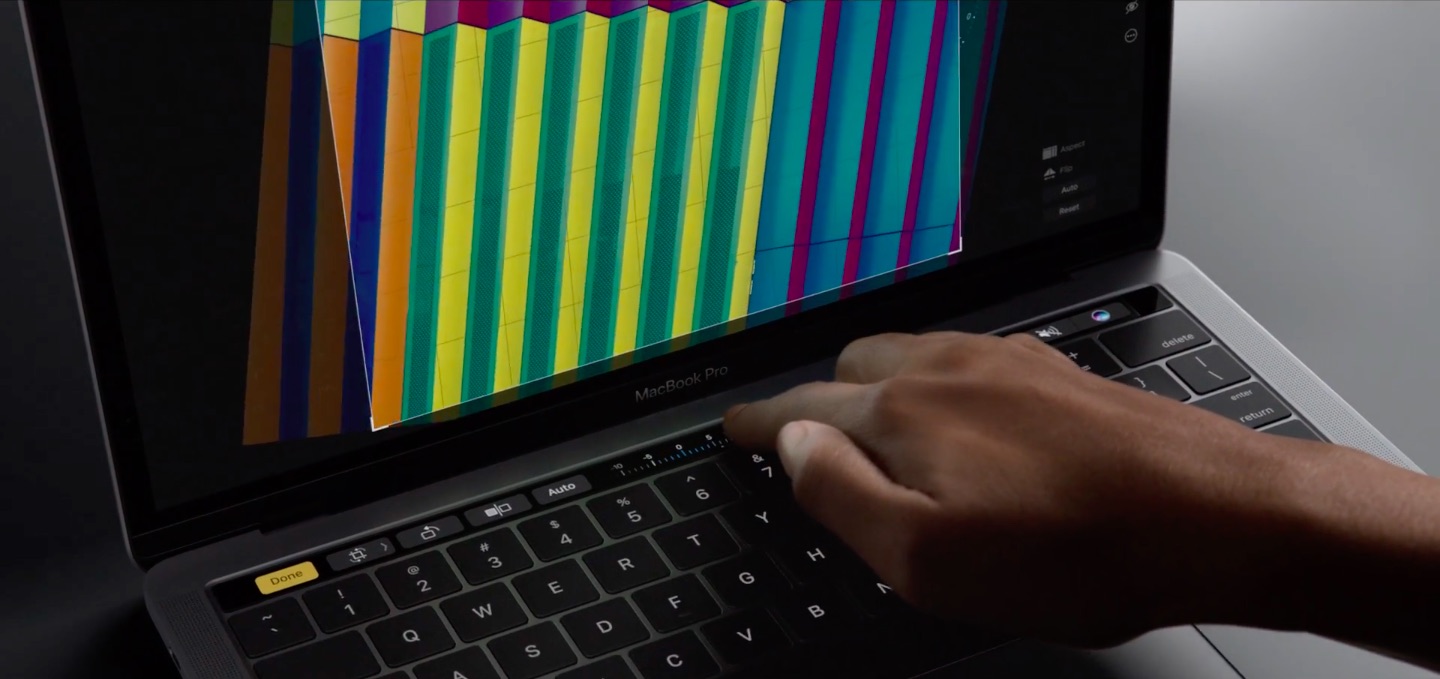
There's a new shortcut for taking screenshots of the Touch Bar and Chinese users can put a new Chinese Trackpad Handwriting button to the Touch Bar's Control Strip. If you use Boot Camp, Sierra now supports new installations of Windows 8 and Windows 7 on supported Macs.

You can now report calendar spam on iCloud.com, support for iOS devices coming soon

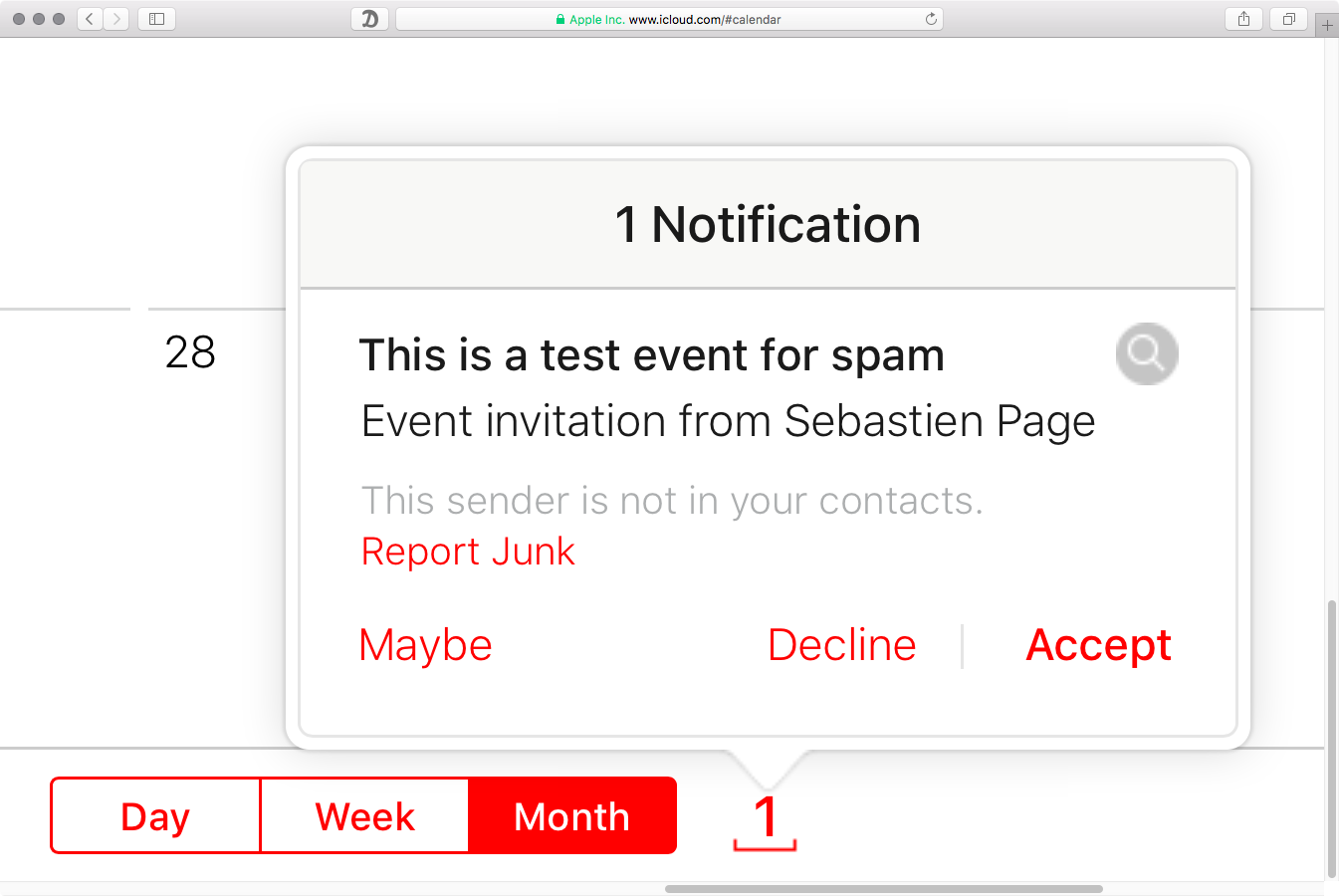
A new kind of spamming technique relying on iCloud Calendar has caused and continues to cause a lot of pain as these unwanted invites hit users' email inboxes and trigger a notification. As noted on Reddit, the iCloud Calendar web app seems to have gained a new link for reporting spammy calendar invites and blocking their senders.

This feature will be rolling out to the stock Calendar app on iOS devices soon, an Apple representative allegedly told a disgruntled customer.

Apple seeds macOS Sierra 10.12.2 beta 6 to developers

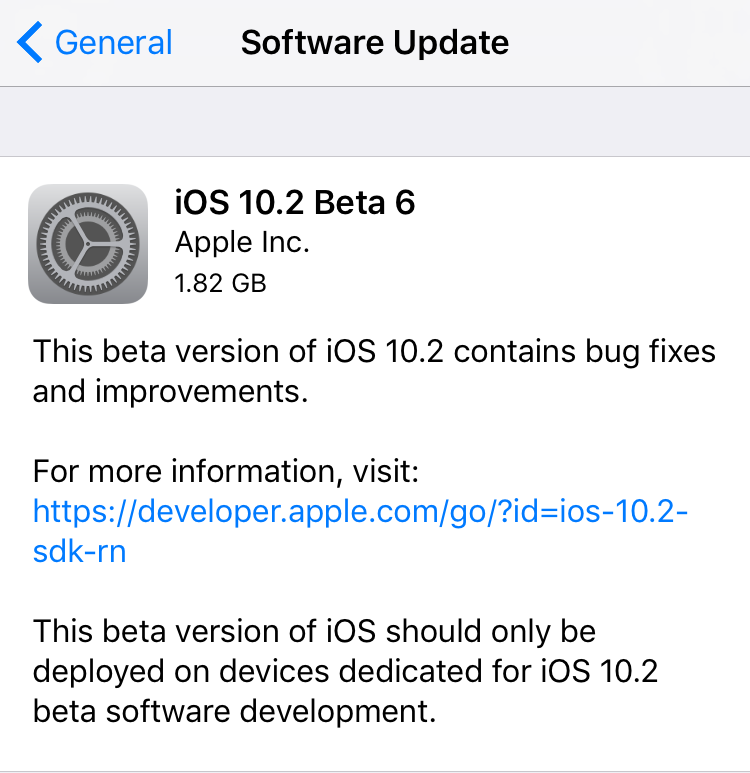
Just 24 hours after iOS 10.2 beta 7 dropped and three days following macOS Sierra 10.12.2 beta 5, Apple on Thursday issued a sixth beta of what would become the second major update to macOS Sierra. macOS Sierra 10.12.2 beta 6 (build number 16C63a) is now available to registered developers.

The update can be deployed via the Mac App Store's Updates tab on Macs which are registered with the Apple Developer Program. The full installer is on Dev Center.

Latest macOS 10.12.2 beta fixes MacBook Pro graphics glitches, says Apple’s Federighi

An annoying graphics glitching issue that some owners of the new MacBook Pro are seeing should become a thing of the past when macOS 10.12.2 Sierra software update releases for public consumption, according to a purported email message from Apple's software boss Craig Federighi.

Portland-based MacRumors forum member Dennis reportedly received a reply from Federighi after asking Tim Cook via email about the reported glitches, which range from screen tearing and broken textures to brightly colored flickering and checkerboard patterns to issues with translucency, transparent graphics and other visual artifacts.

How to fix TinyUmbrella v9.3.4 crashing on launch

Many jailbreakers will be familiar with the program TinyUmbrella, which has traditionally been one of the best ways to save SHSH blobs for their iOS devices onto their Macs for safekeeping. What SHSH blobs are, their function, and how to save them is outside the scope of this article, (I will put something together soon on this), but suffice to say that saving these blobs is of some importance to many jailbreakers and that TinyUmbrella has been the go-to application for doing so for a long while.

Whilst the application was updated as recently as August by its creator Semaphore, many Mac users (myself included) have noted that the new version, 9.3.4, gives an error on launch and cannot be used at all. This guide will walk you through the fix to get your umbrella back up again on Mac, so you can carry on wishfully saving those blobs.

Apple seeds iOS 10.2 beta 6, and fifth betas of watchOS 3.1.1 and macOS 10.12.2

Apple on Monday released iOS 10.2 beta 6, watchOS 3.1.1 beta 5 and macOS 10.12.2 beta 5. Developers can install the updates via the company's dev portal, or via each platform's respective OTA update mechanism, and both iOS 10.2 and macOS betas are available to public testers.

The new betas come one week after Apple seeded beta 4 to developers, and just a few days after iOS 10.2 beta 5 was released. The rapid rollout suggests we are close to seeing public versions of the software—likely before the iTunes Connect holiday shutdown coming up in 2 weeks.

How to enable AirDrop file transfers between unsupported Macs and over Ethernet

The AirDrop file transfer protocol, introduced with Mac OS X Lion and iOS 7, is a fast and convenient way to transfer files between Apple devices. The current version of the service is interoperable between iOS and macOS, but requires both Bluetooth and Wi-Fi to be active in order to work. It also requires Mac OS X Yosemite or newer and a hardware model from 2012 or later.

However, the version of AirDrop that shipped as standard with OS X between 10.7 (Lion) and 10.9 (Mavericks), whilst unable to send files to iOS devices, works without Bluetooth and on Mac models going back as far as 2008. Luckily, alongside the newer version, this legacy mode is still included on all Mac models to date, and as this guide will show, can be modified to have an even broader functionality.
How to hide specific mounted volumes from your Mac’s desktop

We've already covered how to completely prevent partitions from mounting under macOS, but sometimes you want a partition mounted and ready to use but still want the benefit of it not cluttering up your desktop. For example, many people want their Time Machine partition constantly mounted and backing up throughout the day but don't need it to be visible at all.

Finder's preferences allow for hiding all volumes from the desktop but offer no control on a volume-by-volume basis. Therefore, we'll show you how to use the Terminal to hide mounted volumes on a case-by-case basis.

How to extend Quick Look preview functionality on your Mac

If you're not familiar with the Quick Look feature on macOS, try selecting a picture, folder, or text document on your computer and pressing the space bar. The rich preview that pops up is Quick Look working its magic. Apple introduced Quick Look in Mac OS X 10.5 Leopard and it has since gained support for many more file types natively, such as Microsoft Office and Adobe Suite documents.

I use it daily and it has become an automatic part of my workflow, a natural response to wanting to inspect a file without waiting for a program to launch and without leaving off what I'm doing.

However, the problem that Quick Look faces is support. It requires a plugin for each file type it can preview, and out-of-the-box only a handful are supplied. More obscure file types are neglected, and display only a blank pane with the file icon, name, size, and date modified. In this guide, I will detail how to add plugins to Quick Look for a richer and more useful preview experience.

Apple releases beta 4 of iOS 10.2, watchOS 3.1.1 & macOS Sierra 10.12.2 to developers

Apple on Cyber Monday seeded new beta downloads to its registered developers who are enrolled in the Apple Developer Program. If you're a developer, iOS 10.2 beta 4 (build 14C82), watchOS 3.1.1 beta 4 (build 14S879) and macOS Sierra 10.12.2 beta 4 (build 16C53a) are now readily available as standalone downloads through the company's portal for developers or as over-the-air downloads on devices with a prior beta and an appropriate configuration profile.