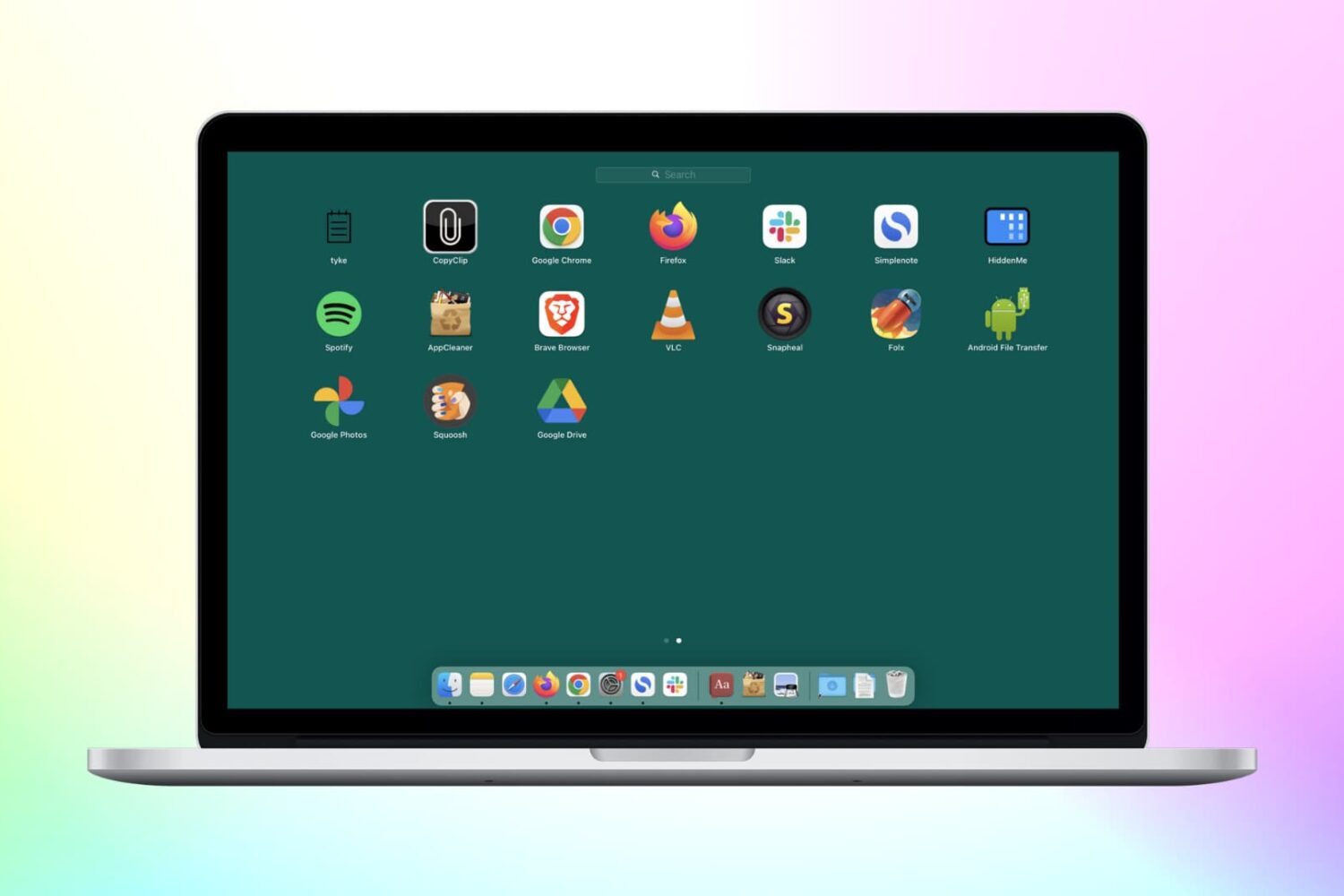
Check out these 3 simple methods to delete Chrome apps on your Mac, including from Finder, Launchpad, and Chrome’s built-in settings.
How to delete Chrome apps on Mac (3 easy ways)
Stay up-to-date on the latest Mac news, and tutorials. Get expert tips and tricks to optimize your Mac’s performance and learn about the latest Apple products and software updates. Discover the best Mac apps and accessories to enhance your user experience.
Check out these 3 simple methods to delete Chrome apps on your Mac, including from Finder, Launchpad, and Chrome’s built-in settings.
Japanese customers have been hit with significant price increases across the most popular Apple products such as iPhones, iPads and Apple Watches.
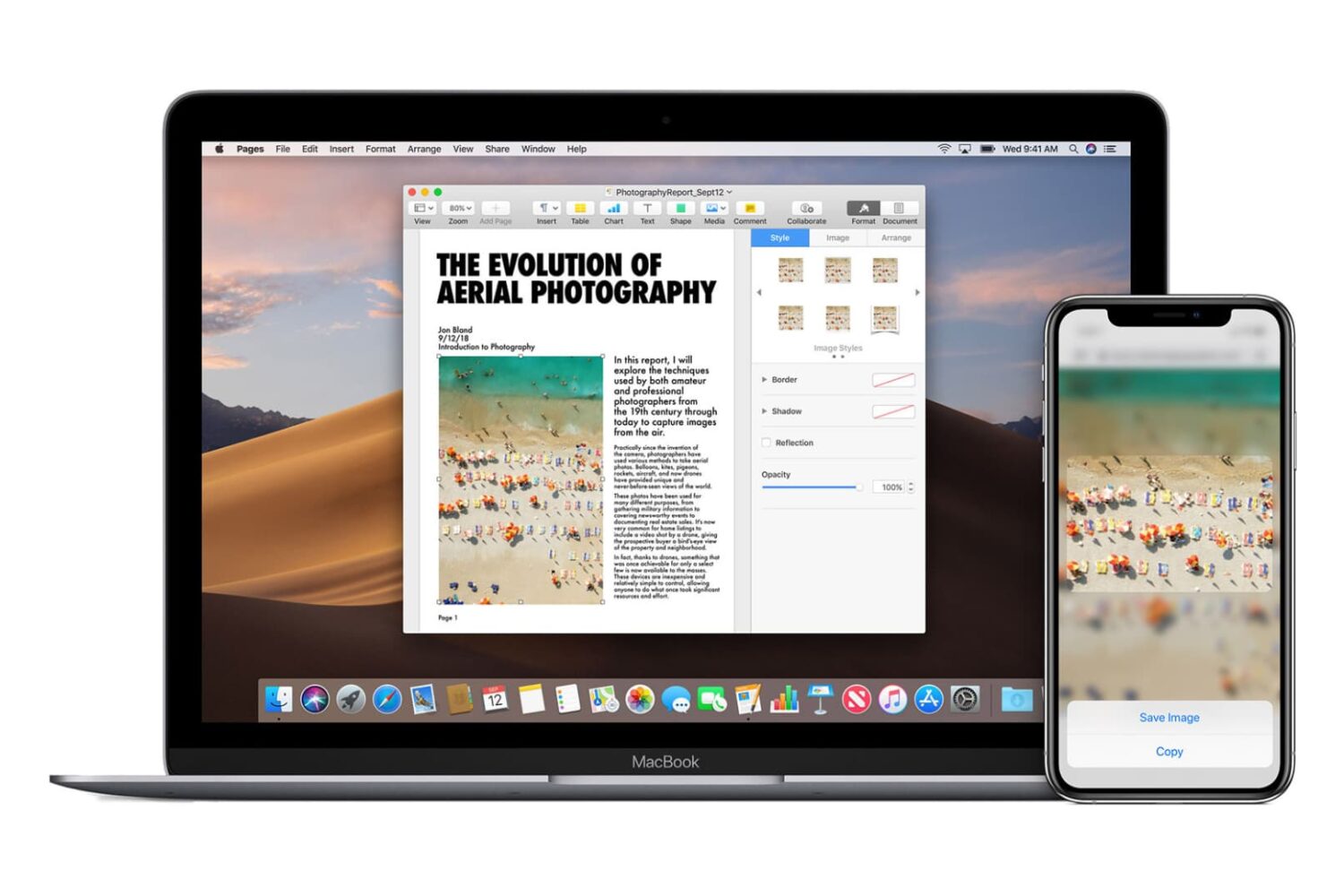
Go through these easy fixes if you cannot copy and paste text, photos, and videos between your iPhone, iPad, Mac, and Apple Vision Pro.
Flash storage on the 256GB version of the M2 MacBook Pro is dissapointingly slow versus the equivalent previous-generation model with the M1 chip.
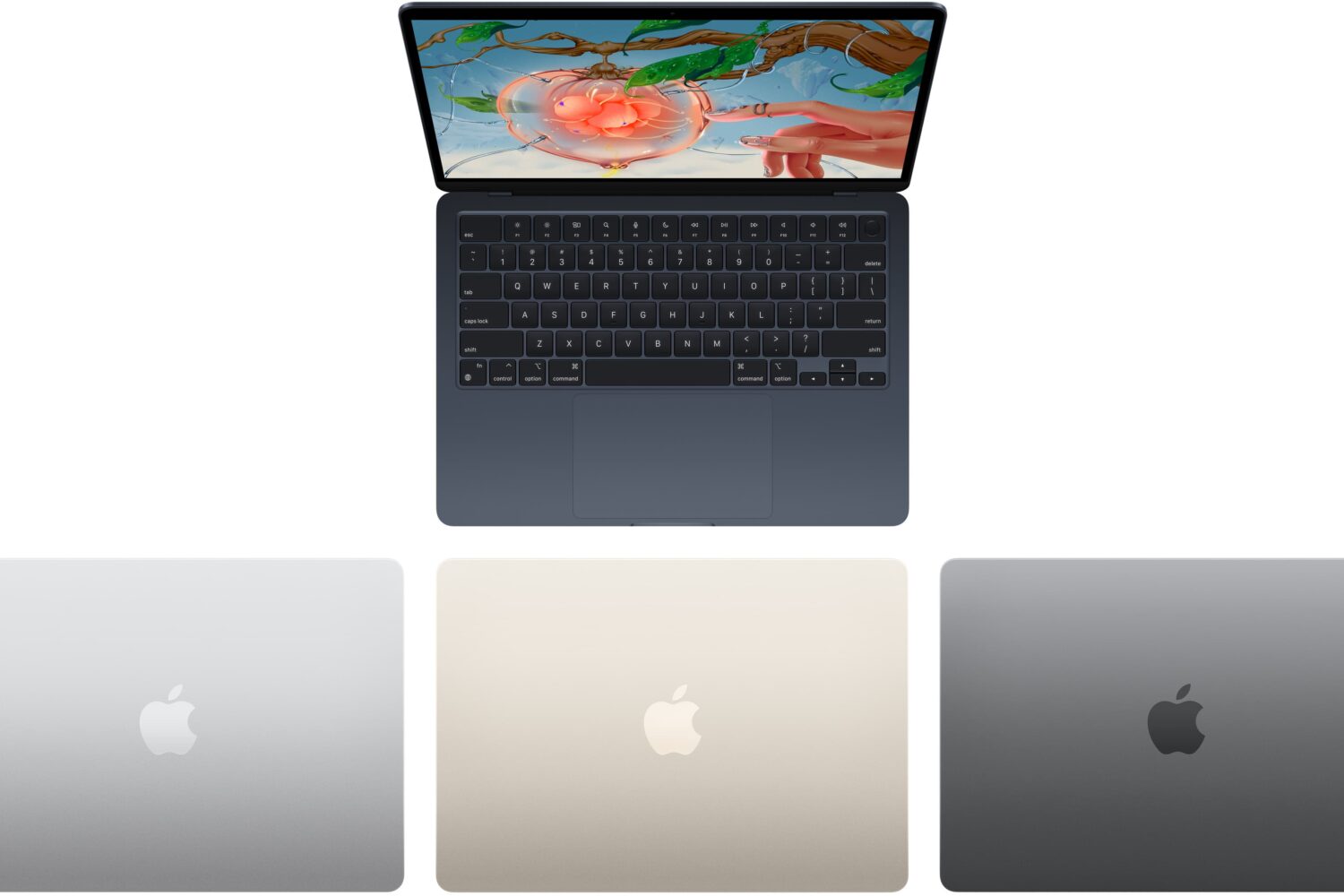
Next-generation Apple M3 chips will reportedly debut in 2023 inside the company's MacBook Air laptops, including a new 15-inch model. It should also power a new iMac all-in-one desktop and appear in a rumored new Apple notebook which should come equipped with a 12-inch display said to be similar to the company's discontinued 12-inch MacBook notebook.
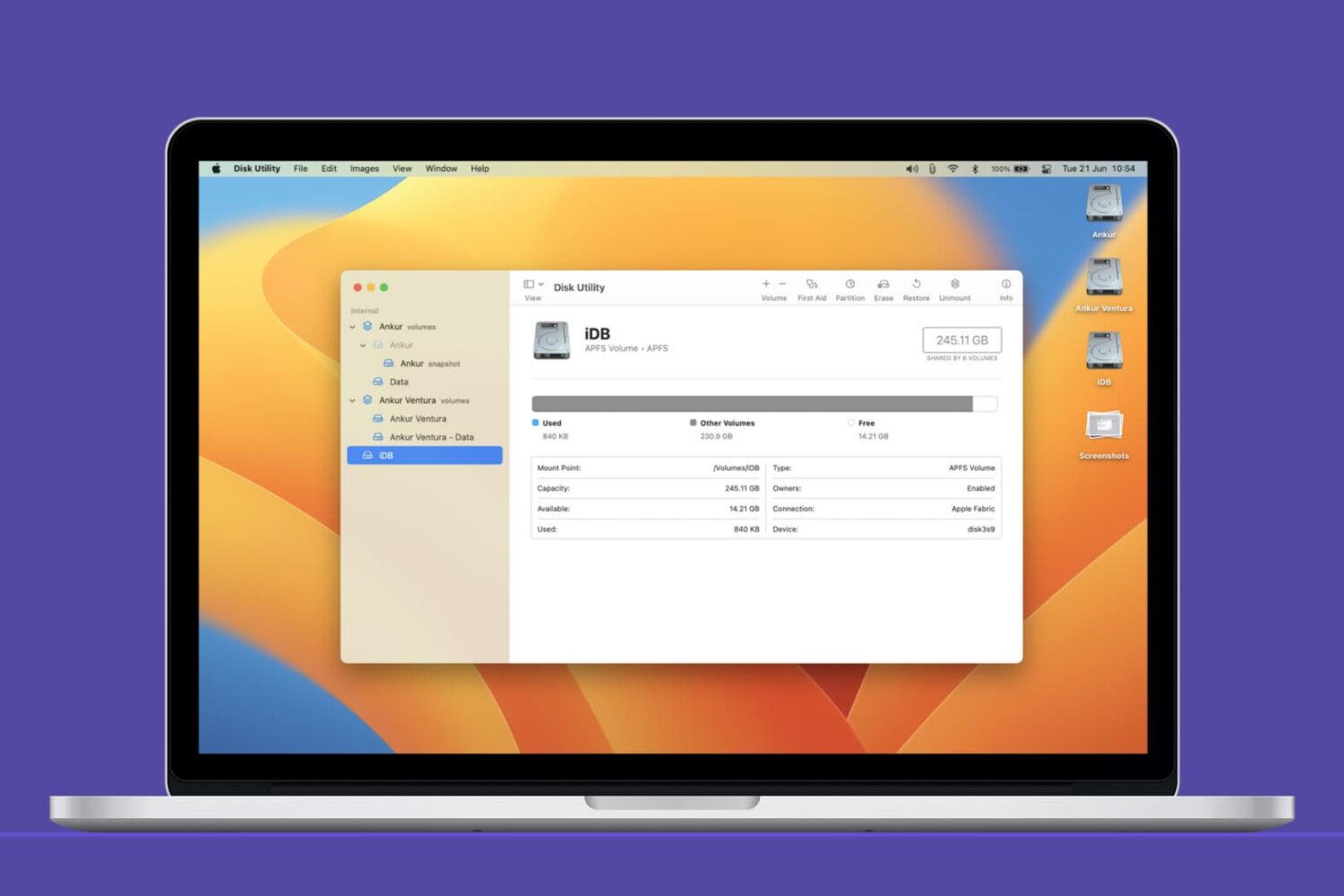
In this Mac tutorial, we show you how to create a new volume using Disk Utility and, if required, erase or delete it.
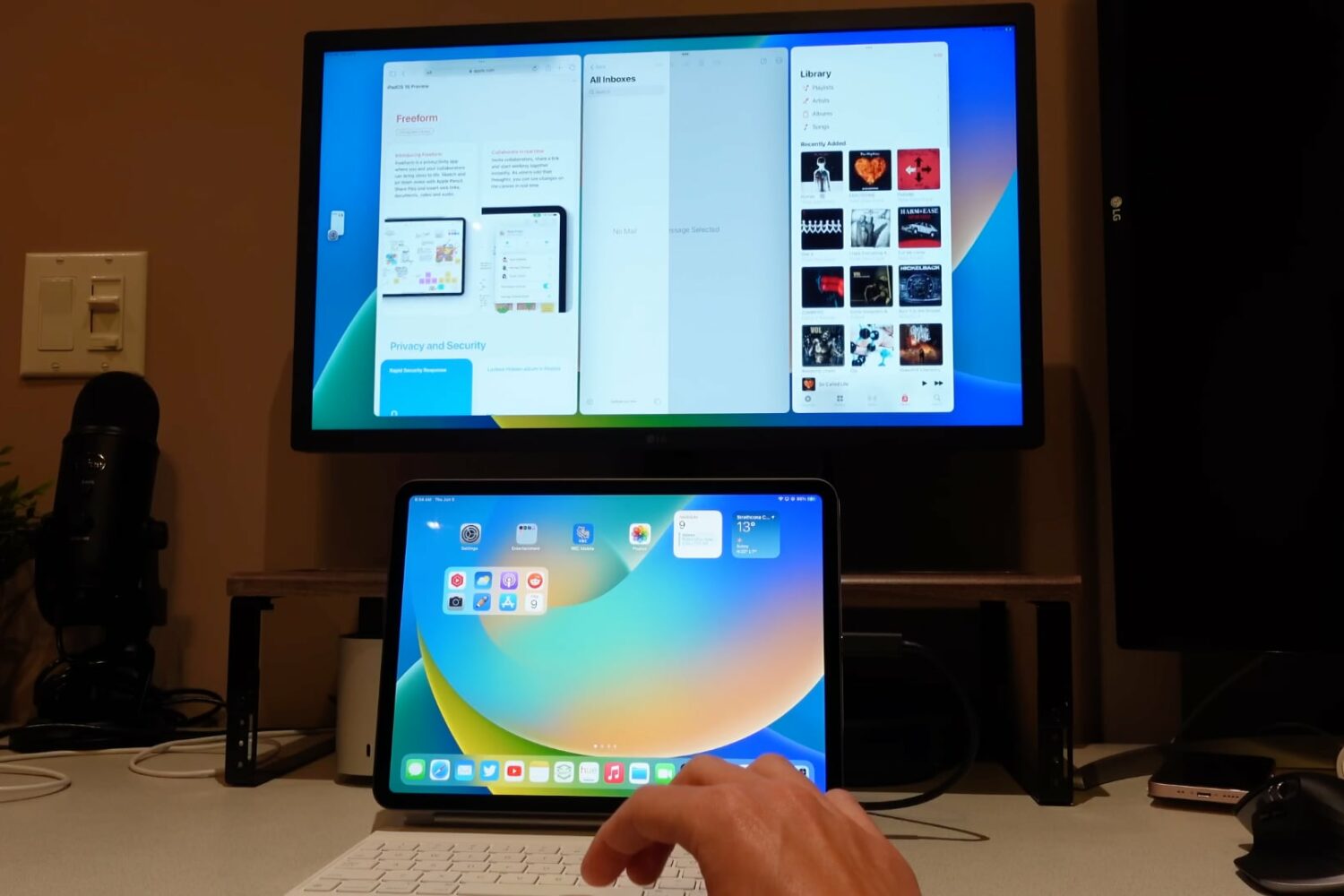
In this hands-on video walkthrough, we go hands-on with Stage Manager, Apple's new multitasking feature in iPadOS 16 and macOS 13 Ventura.
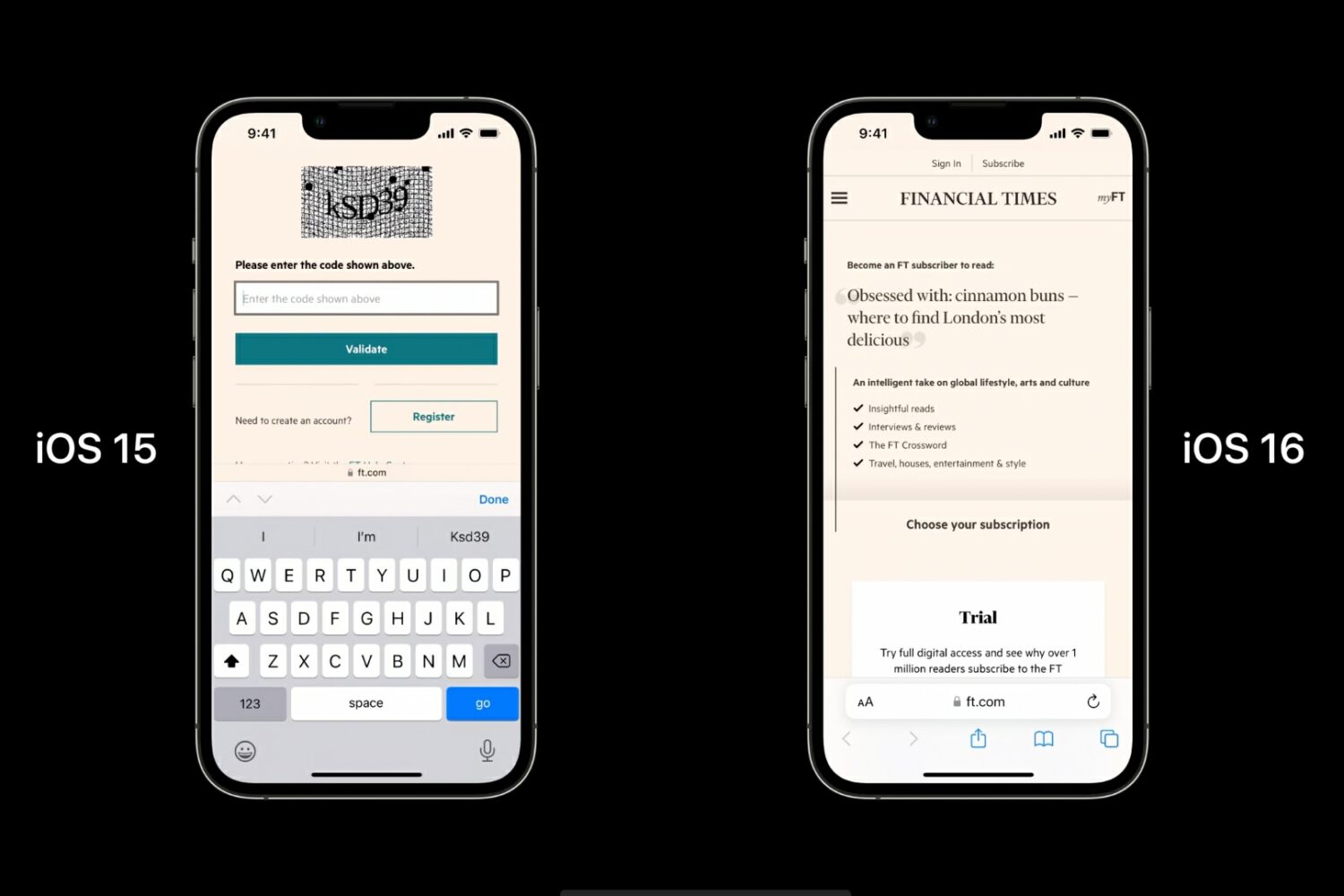
Apple's iOS 16 supports automatic verification in compatible apps and websites, allowing you to bypass CAPTCHA prompts while still proving you're human.
In this quick step-by-step tutorial, we show you how to copy iCloud contacts that are on your iPhone, iPad, or Mac to Google Contacts using several easy methods.
Apple has now begun accepting preorders for its updated 13-inch MacBook Pro notebook powered by the company's latest Apple M2 chipset.
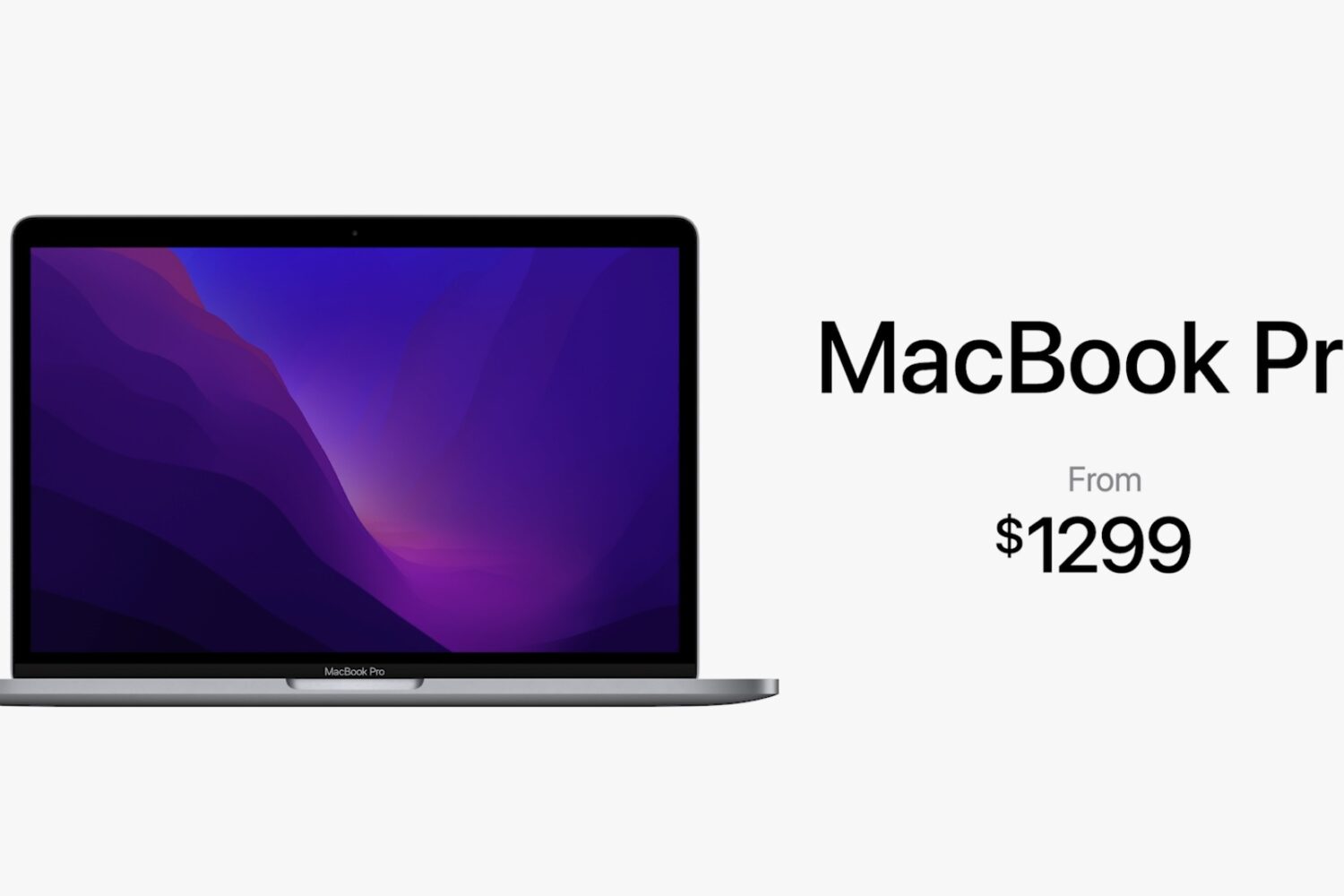
You can order Apple's refreshed 13-inch M2 MacBook Pro notebook from Friday, June 17, with retail availability starting beginning Friday, June 24.
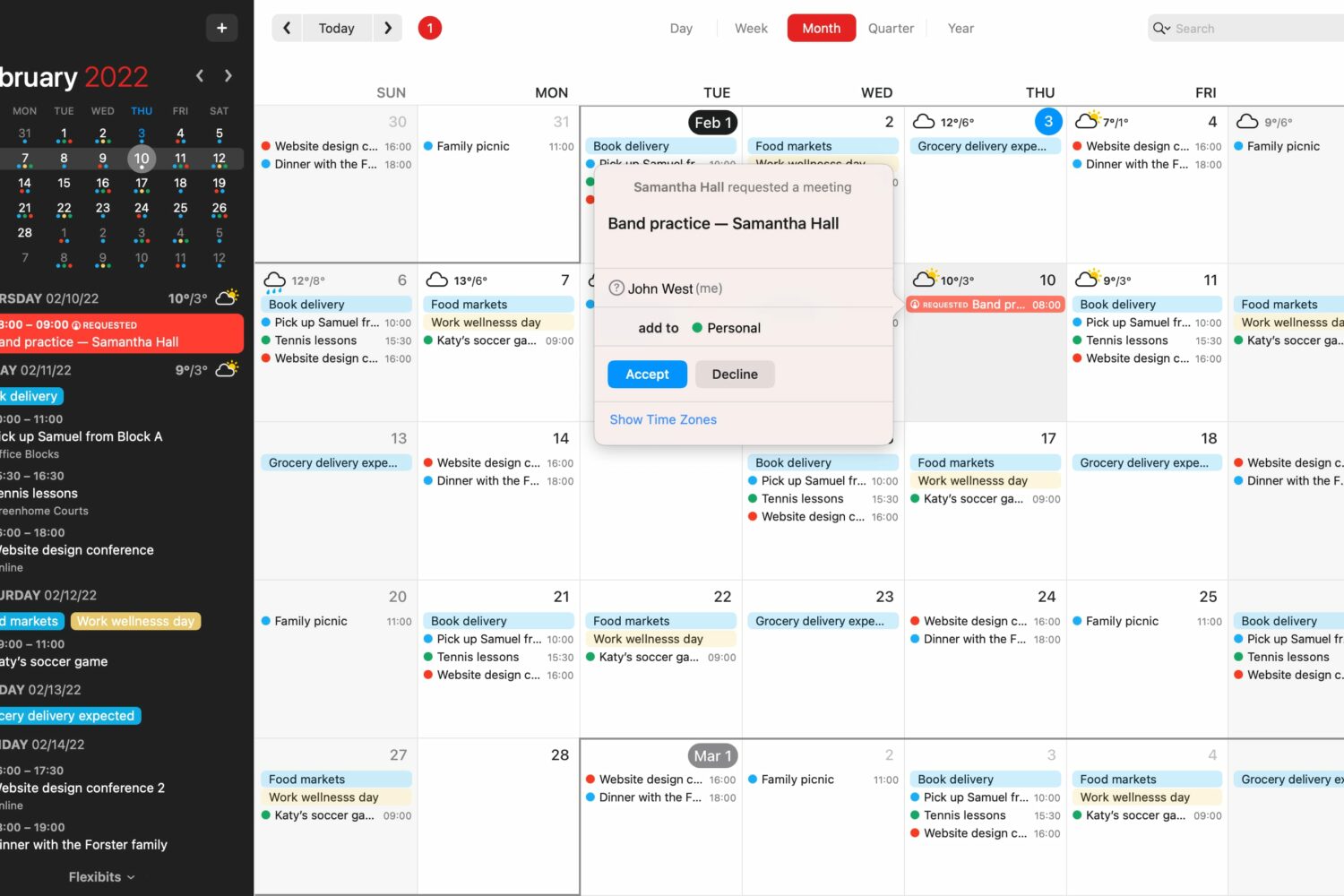
The latest improvements to Fantastical's scheduling features on Apple's devices include a detailed overview of your availability along with a new Break Time feature.