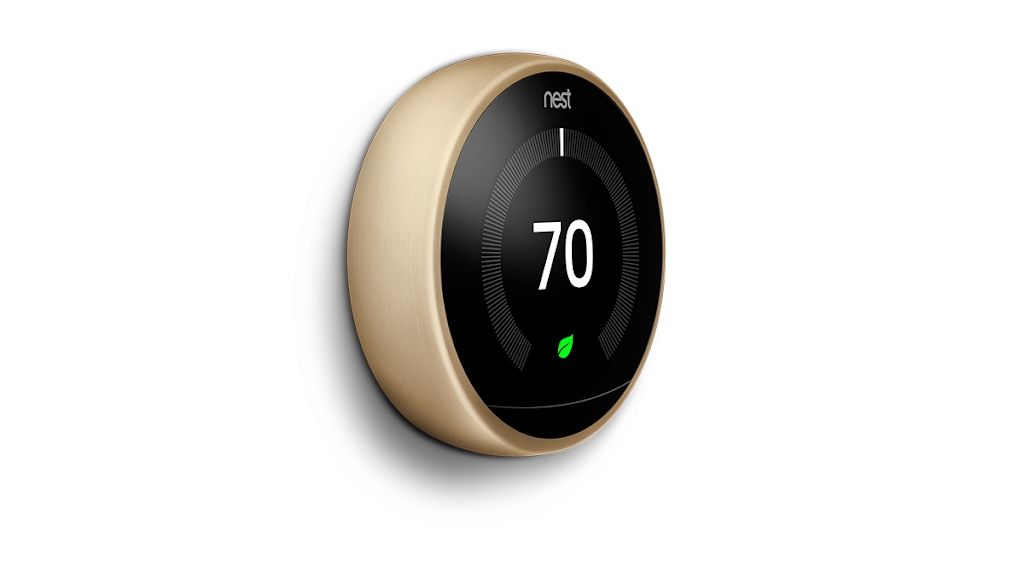
An over-the-air Matter update lets you set up and control your Nest thermostat in Apple's Home software without requiring a dedicated Nest hub.
Matter update makes Google’s Nest smart thermostat work in Apple’s Home app
Stay up-to-date on the latest Mac news, and tutorials. Get expert tips and tricks to optimize your Mac’s performance and learn about the latest Apple products and software updates. Discover the best Mac apps and accessories to enhance your user experience.
An over-the-air Matter update lets you set up and control your Nest thermostat in Apple's Home software without requiring a dedicated Nest hub.
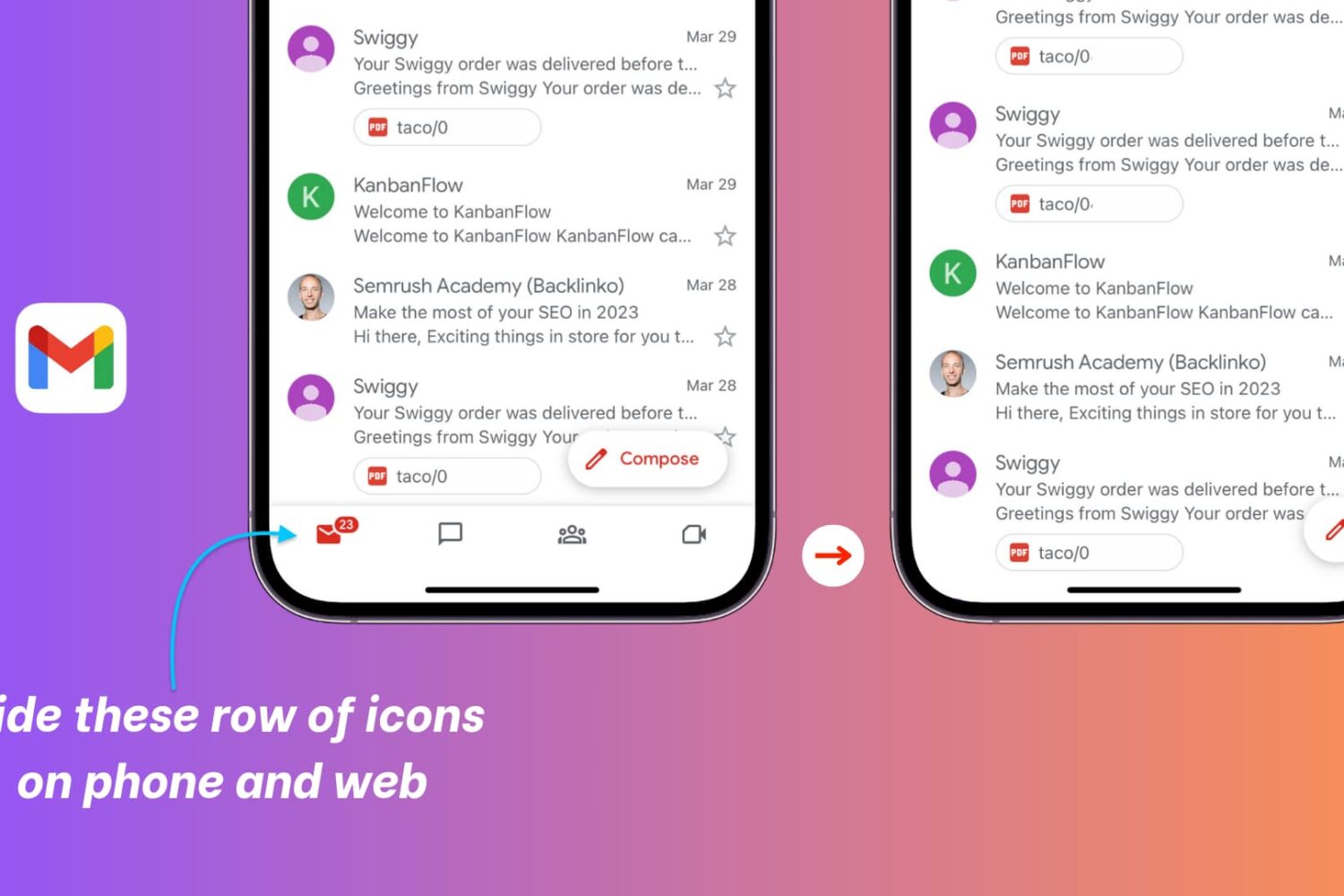
This tutorial shows you the quick steps to get rid of the Chat, Spaces, and Meet buttons from the Gmail sidebar on a computer and the bottom row in the official Gmail app on iPhone and iPad.
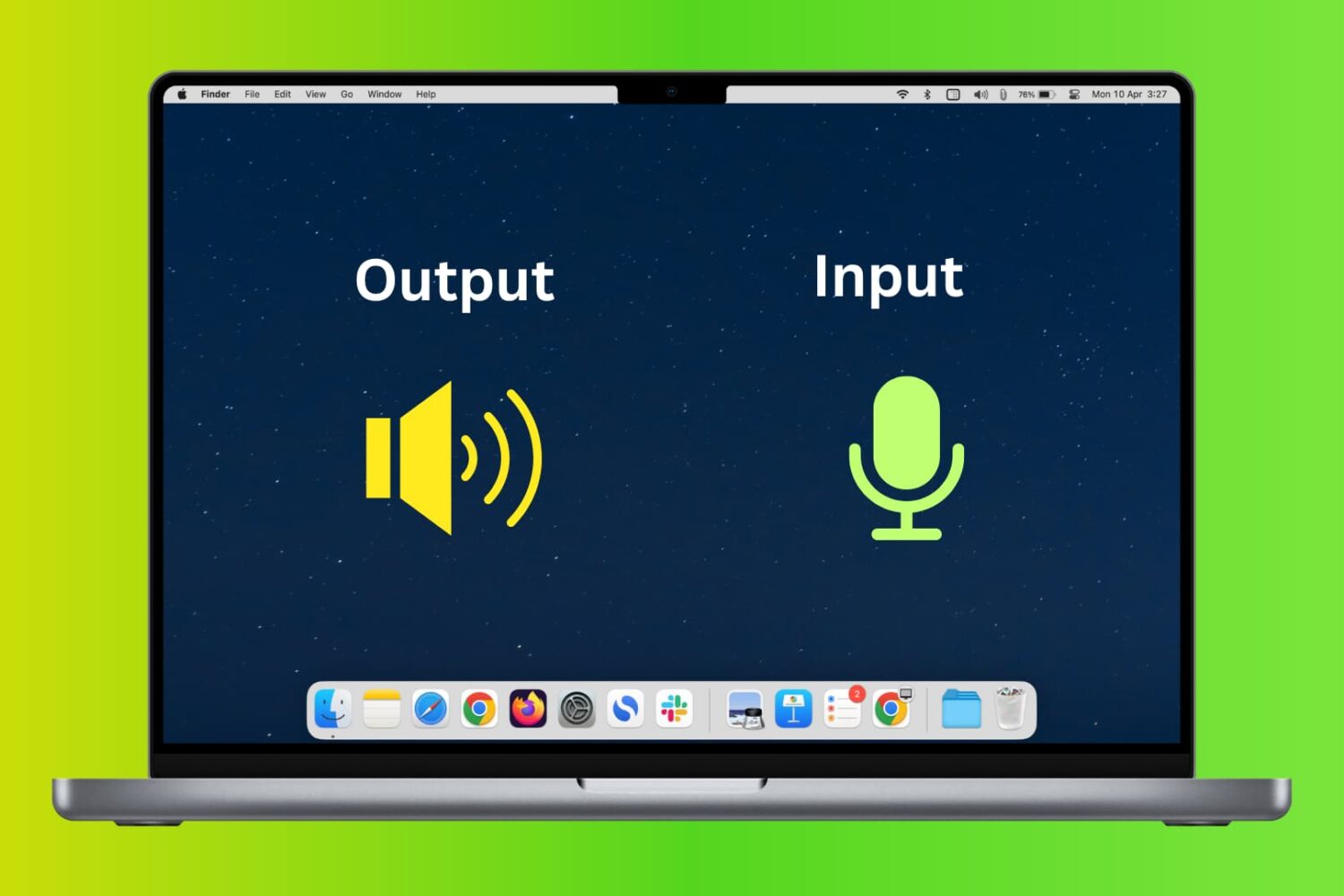
In this tutorial, we will show you how to change the audio input and output devices on your Mac from System Settings, as well as do that quickly from the top menu bar.
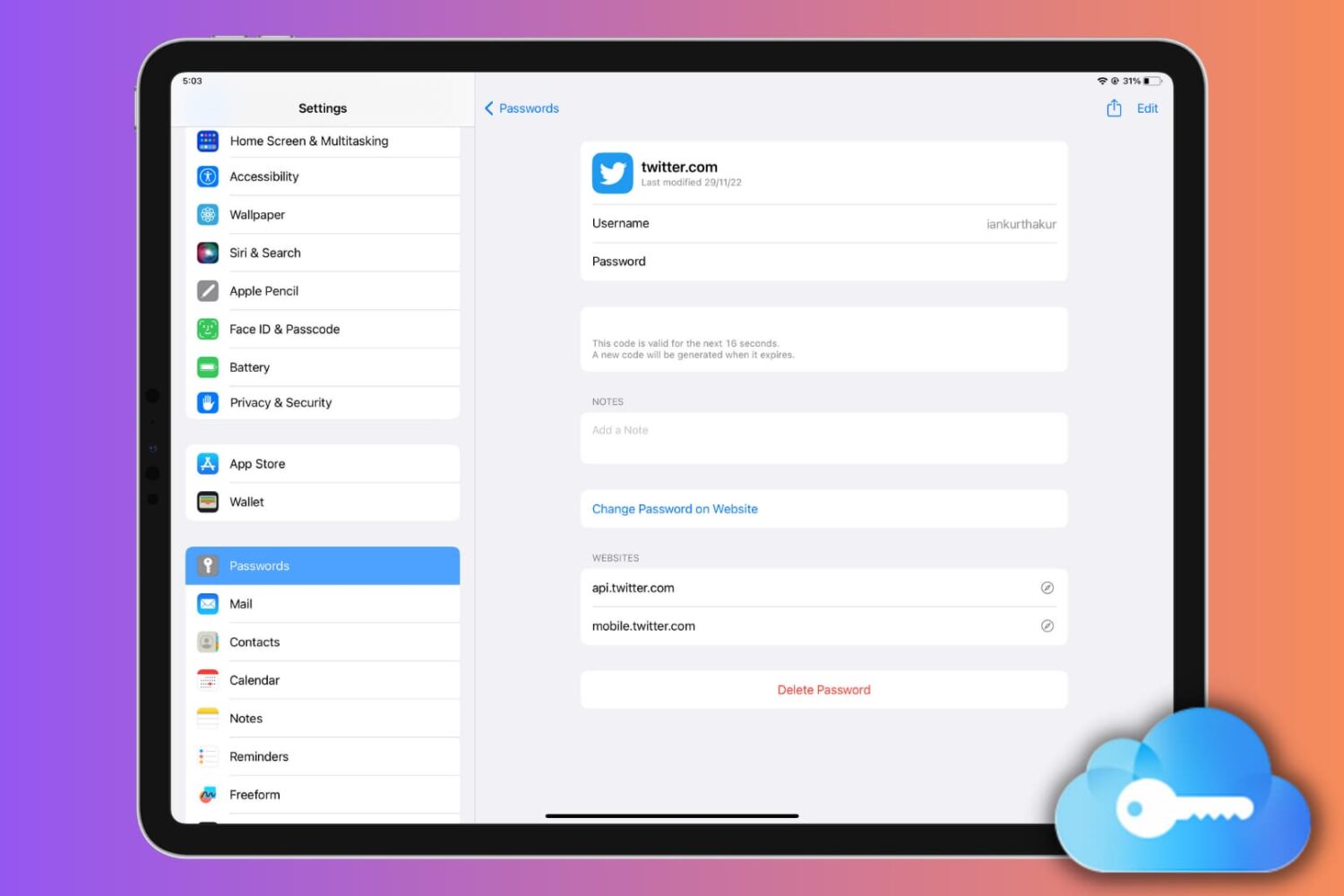
Learn how to set up, use, or turn off iCloud Keychain on your Apple devices to keep your passwords secure and simplify your digital life.
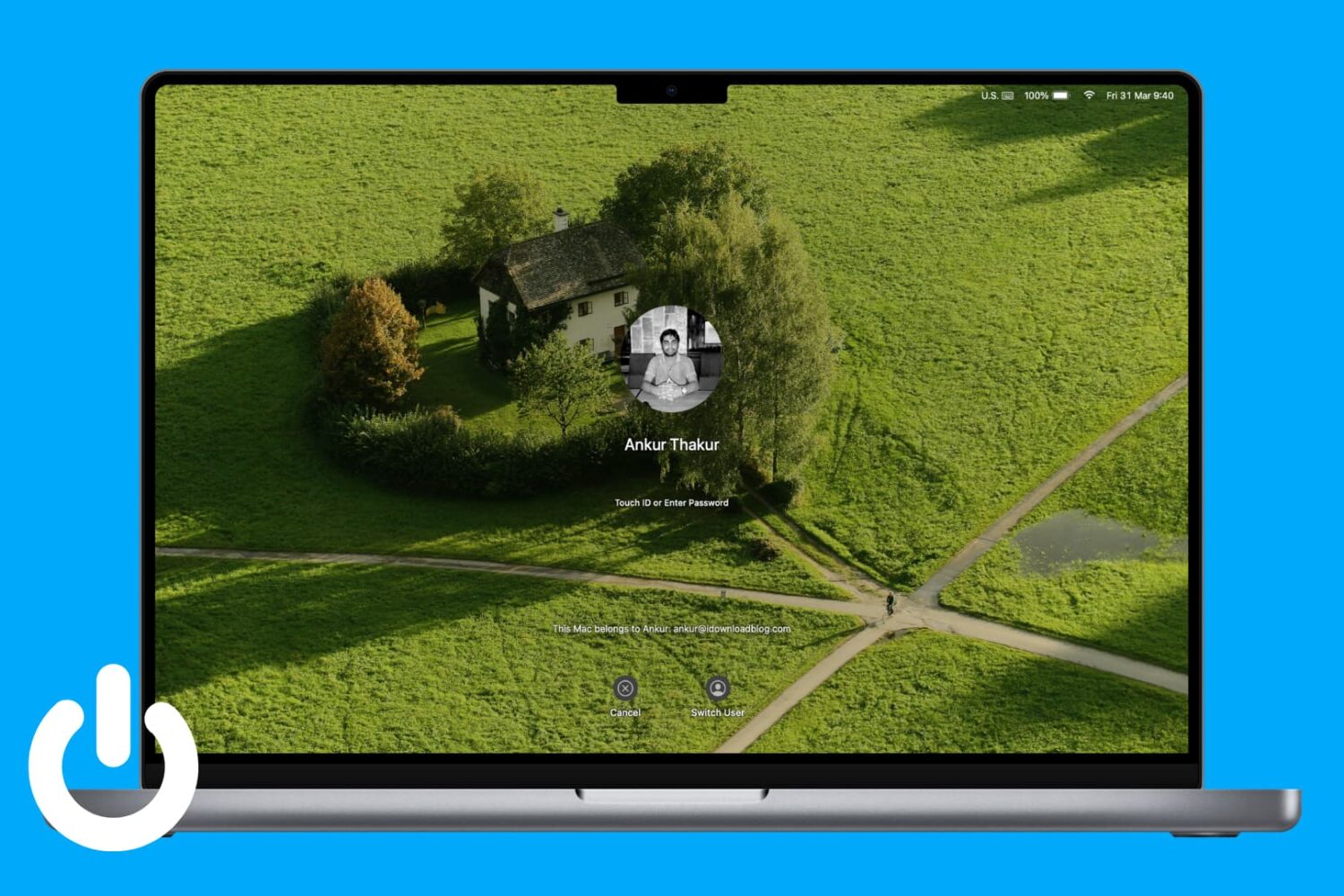
Try these troubleshooting tips to stop your MacBook from waking from sleep or powering up on its own, even when you’re not using it.
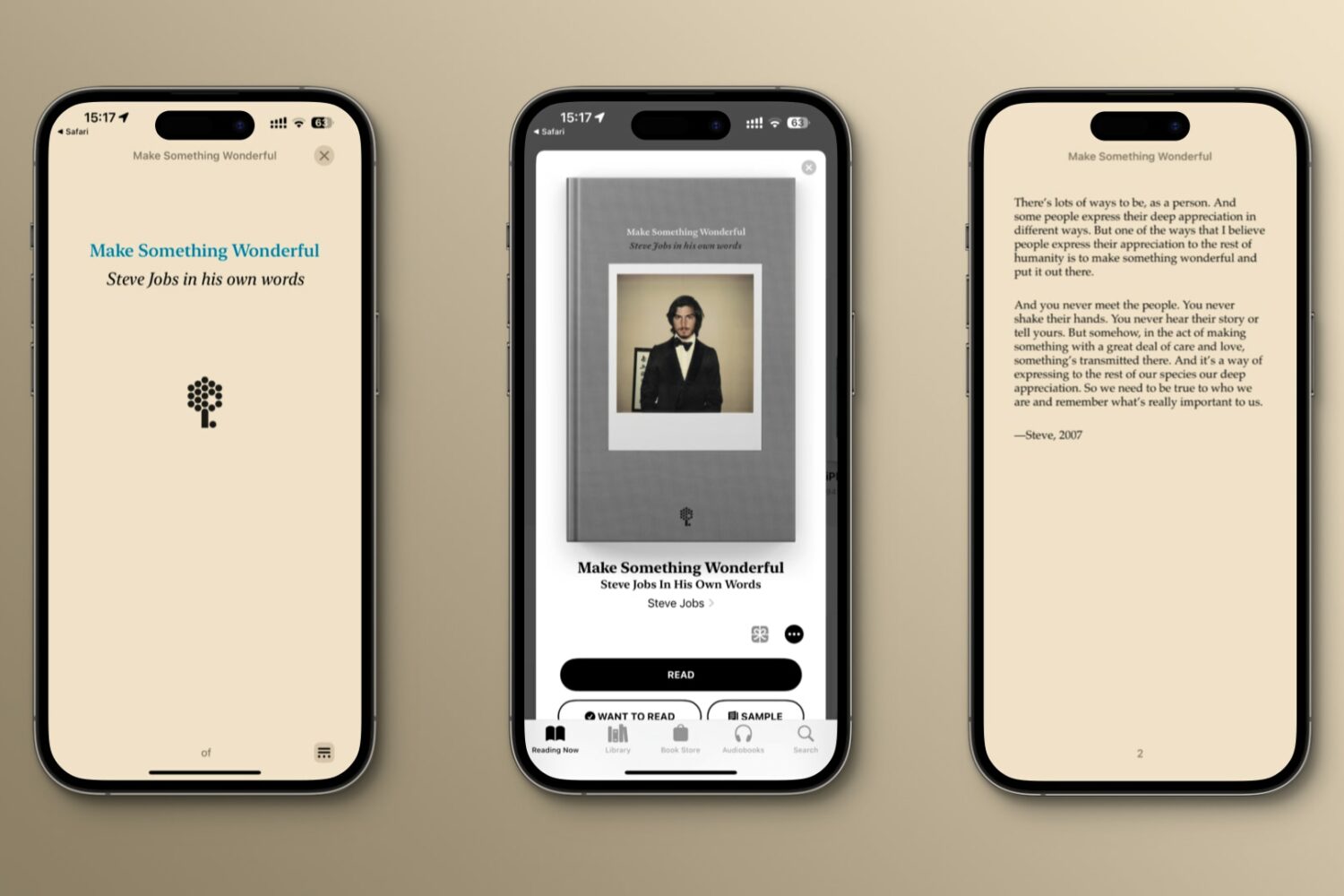
Here's how to download "Make Something Wonderful," a free ebook with emails, speeches and interviews illustrating how Steve Jobs approached life and work.
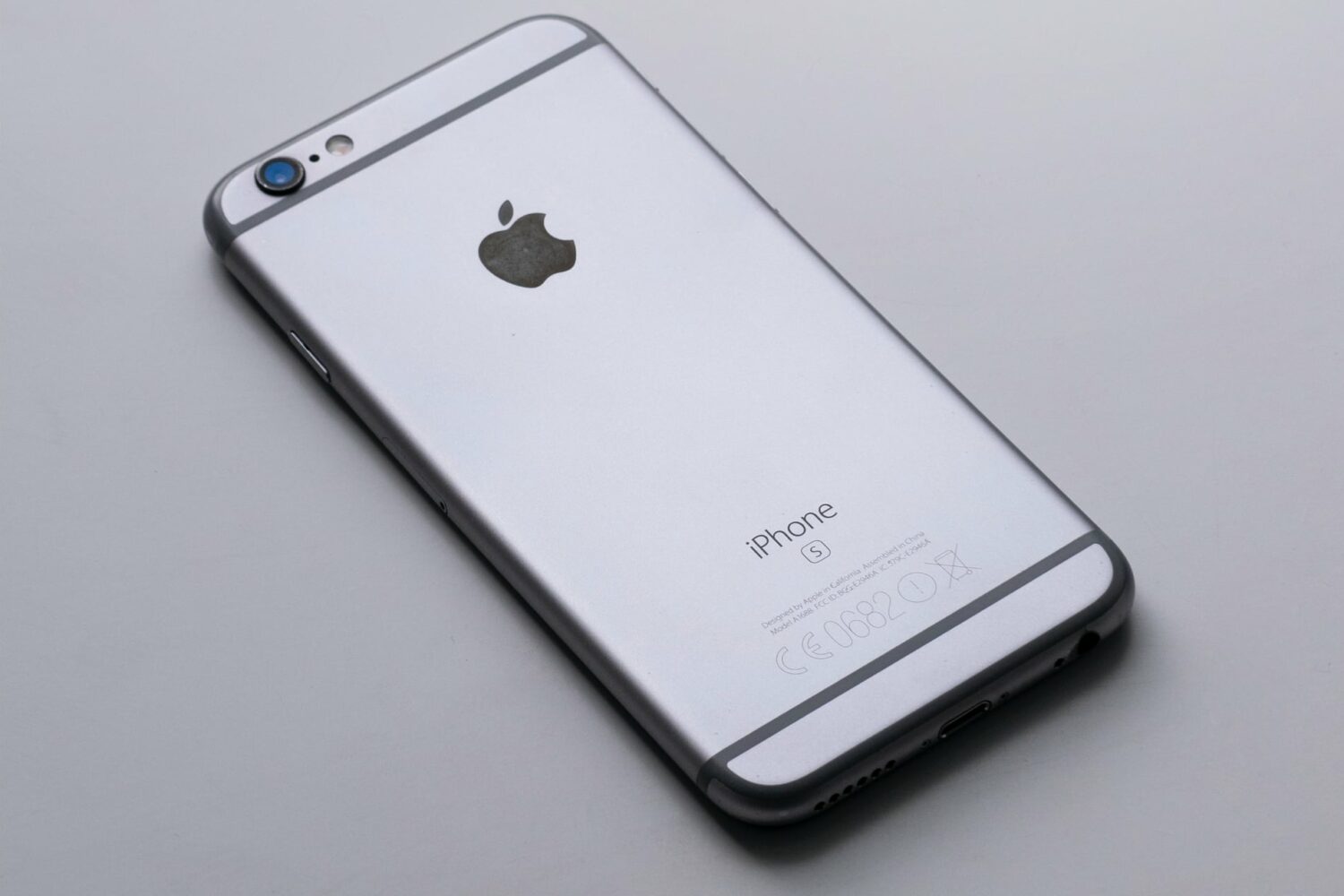
iOS 15.7.5, iPadOS 15.7.5, macOS Monterey 12.6.5 and macOS Big Sur 11.7.6 fix a dangerous vulnerability that Apple says may have been exploited in the wild.
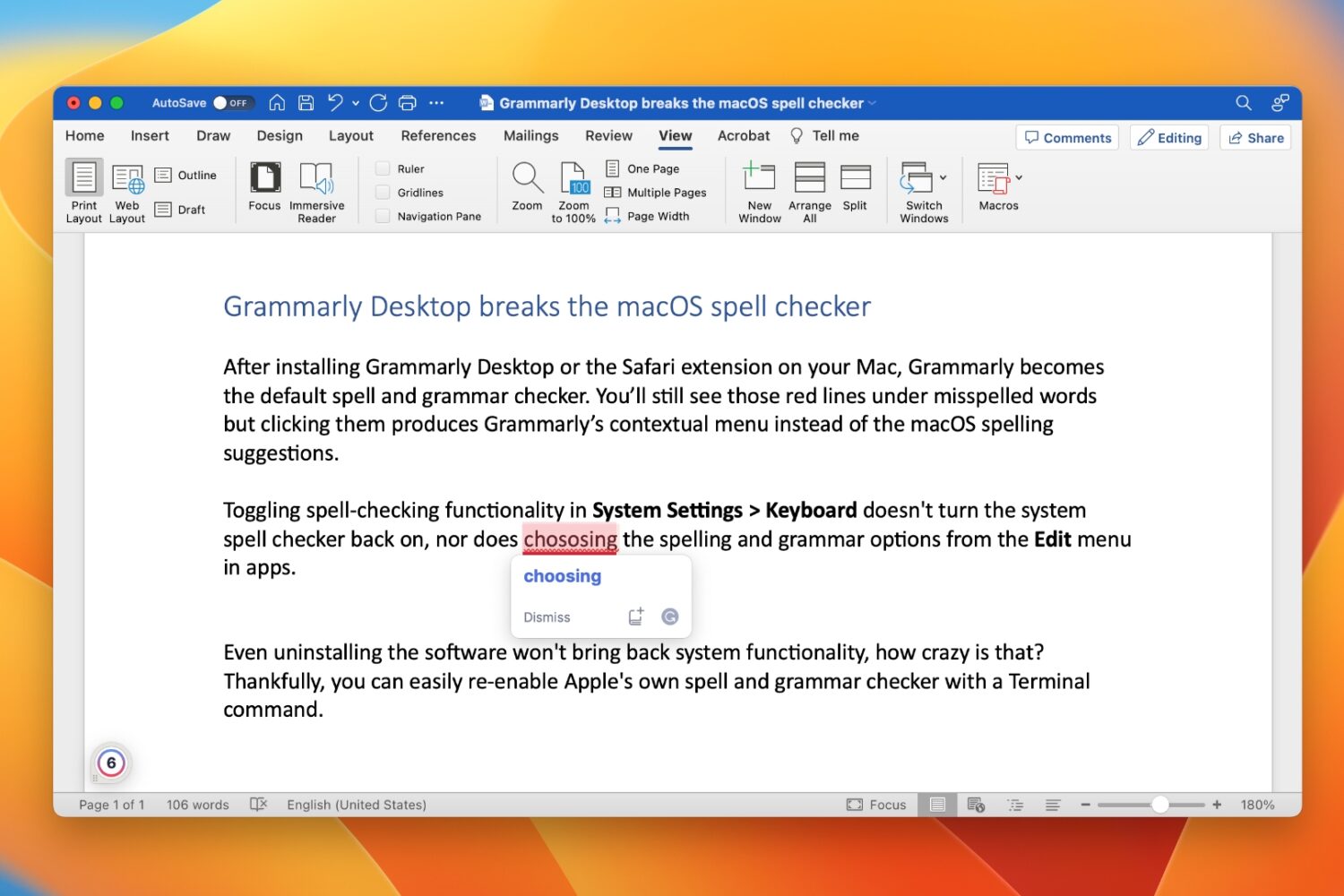
Learn how to restore your Mac’s built-in spell and grammar checker if Grammarly has disabled it and taken over your typing.

Apple Arcade is getting four new titles for you to play on your iPhone, iPad, Mac and Apple TV in April 2023, including Summon Quest from Team17, a unique take on the Minesweeper classic, a new Doctor Who game and more.
This tutorial shares some quick and practical ways to improve the quality of video calls on your Mac. The tips here apply to all video conferencing services like FaceTime, Zoom, Skype, Google Meet, Slack, Microsoft Teams, WebEx, Discord, Facebook Messenger, LINE, and more.
Update your Apple devices to a newer software version to continue using the App Store, Maps, Apple TV+ and other services beginning next month.
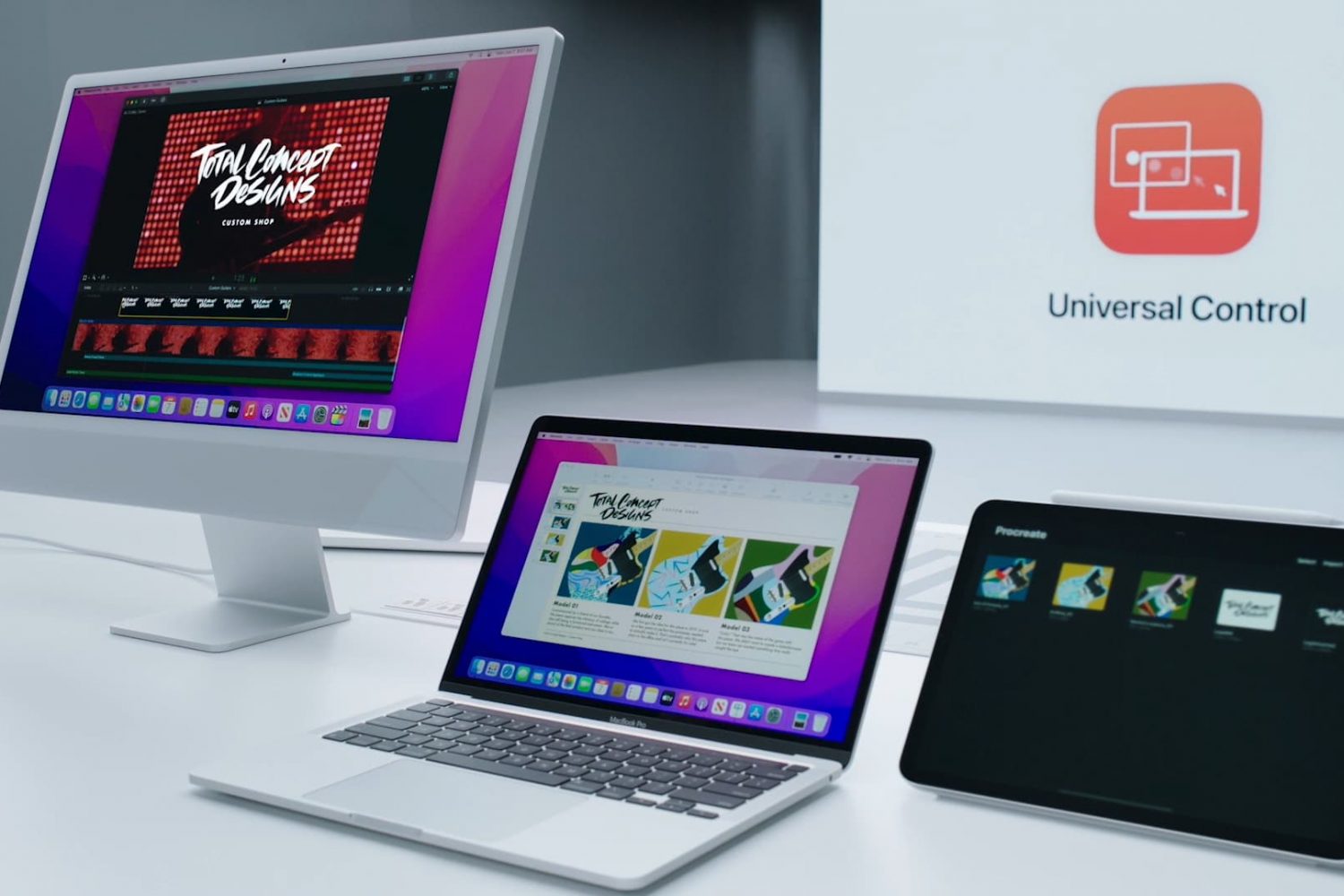
Are you having issues getting Universal Control and other Continuity features to work on your iPad and Mac after installing iPadOS 16.4 and macOS Ventura 13.3?