iOS 16.4 and Apple’s other updates let you pair Sony’s latest and greatest DualSense Edge gaming controller with your iPhone, iPad, Apple TV and Mac.
Sony’s latest PS5 DualSense Edge gaming controller now works on Apple devices

Stay up-to-date on the latest Mac news, and tutorials. Get expert tips and tricks to optimize your Mac’s performance and learn about the latest Apple products and software updates. Discover the best Mac apps and accessories to enhance your user experience.
iOS 16.4 and Apple’s other updates let you pair Sony’s latest and greatest DualSense Edge gaming controller with your iPhone, iPad, Apple TV and Mac.
The stopgap update would fix issues with the Weather app not loading data and Wi-Fi passwords being forgotten when switching networks.
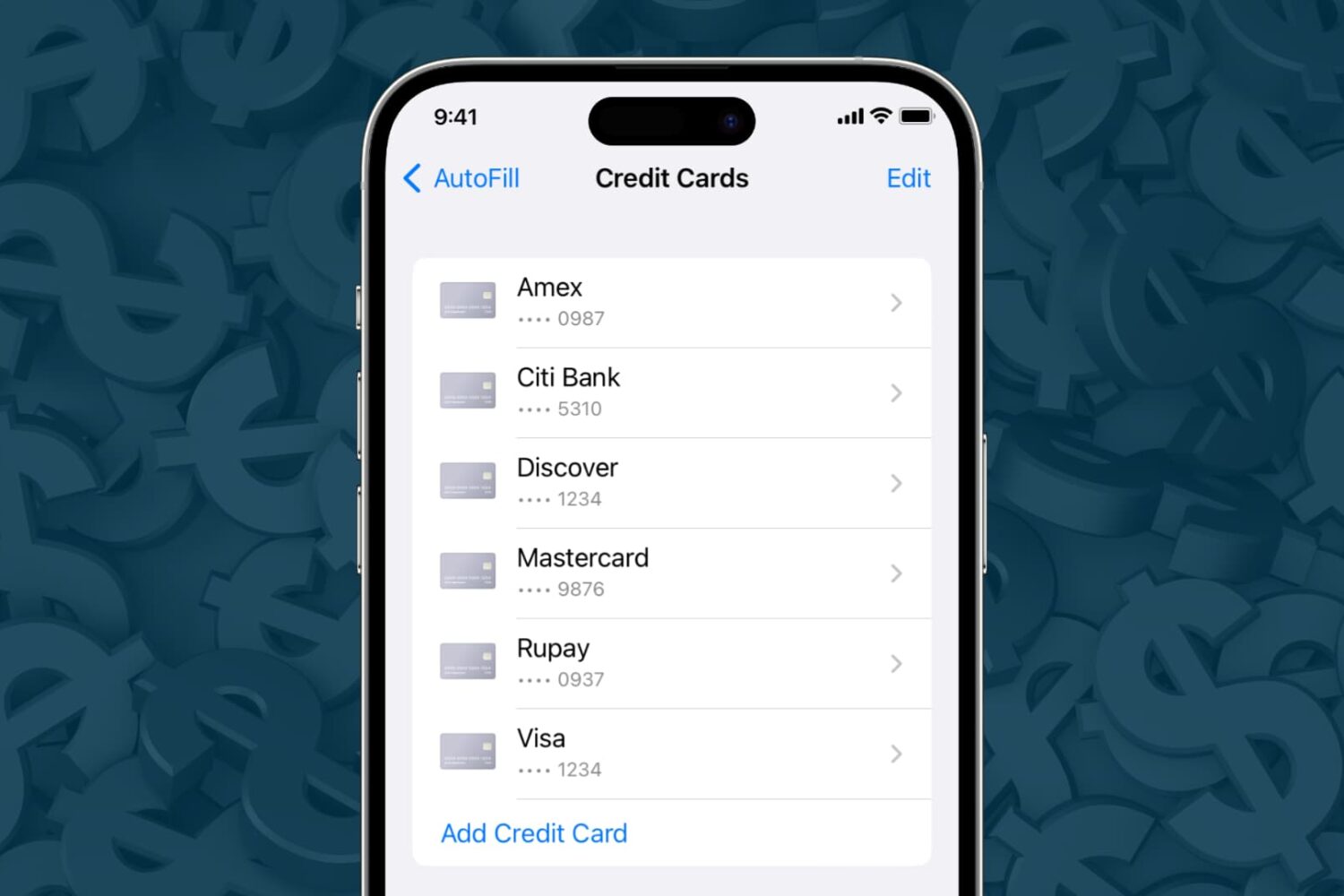
Learn how to securely add, update, and remove saved credit and debit cards for Safari Autofill on your iPhone, iPad, or Mac.
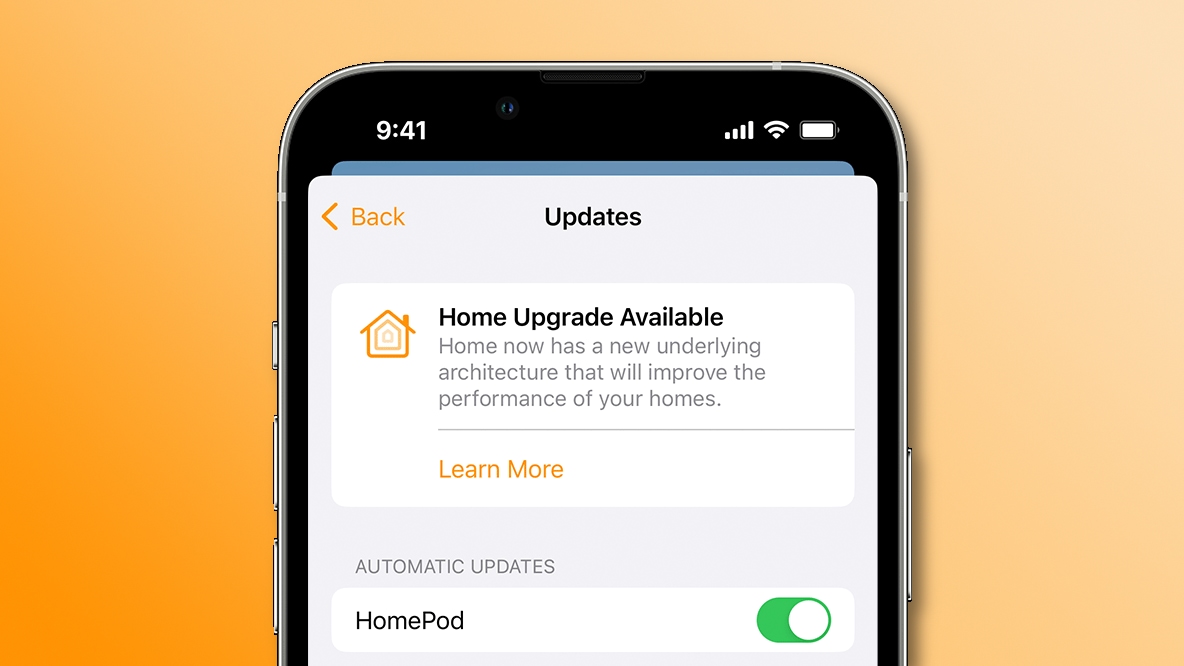
Upgrade to the new smart architecture in Apple's Home app to make your HomeKit appliances perform faster and more reliably than before.
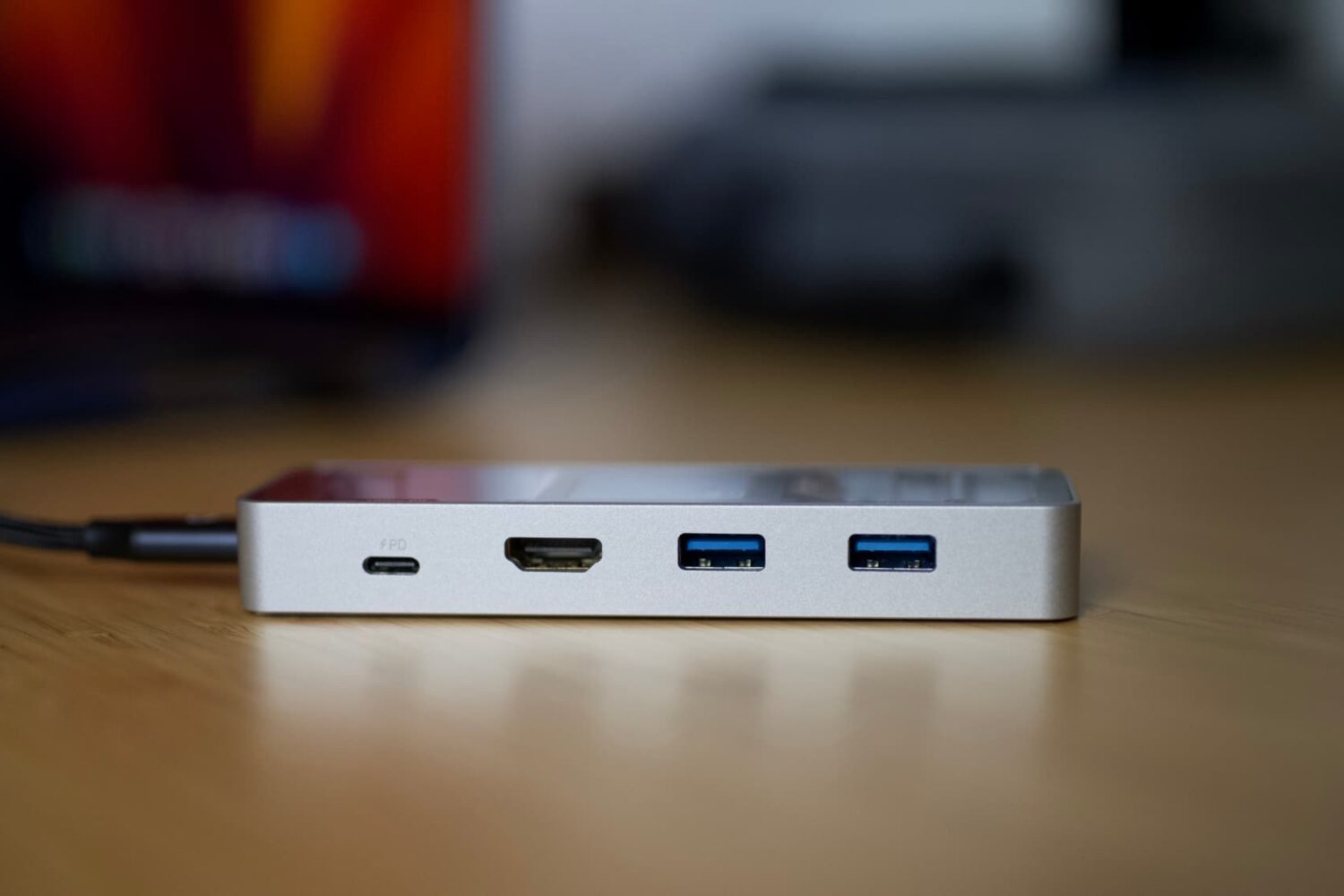
There’s no shortage of USB-C hubs out on the market that you can pick from, ranging from around $15 to $60. These dime-a-dozen devices are useful for attaching multiple peripherals to your USB-C-equipped computer with a single port, and whether you opt for a cheap or expensive model, you can expect mostly the same performance from each, albeit a cheaper model might have fewer bells and whistles or not look as nice.
Check out six free ways to convert a PDF into an MP3 audio file or have your computer read the PDF aloud to you.
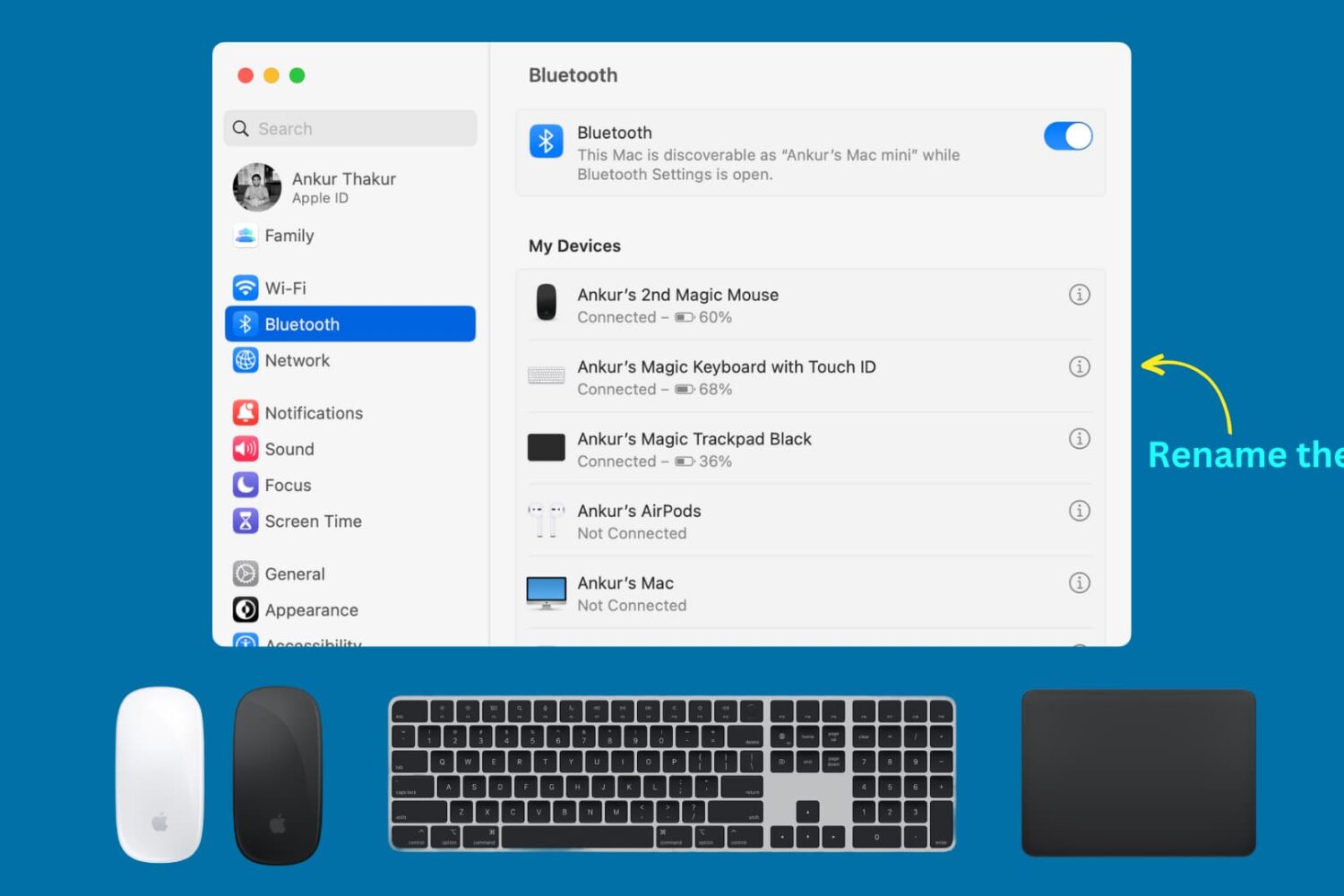
Learn how to rename your Apple Magic Keyboard, Magic Mouse, or Magic Trackpad so that macOS displays these Mac accessories with custom names instead of default ones.
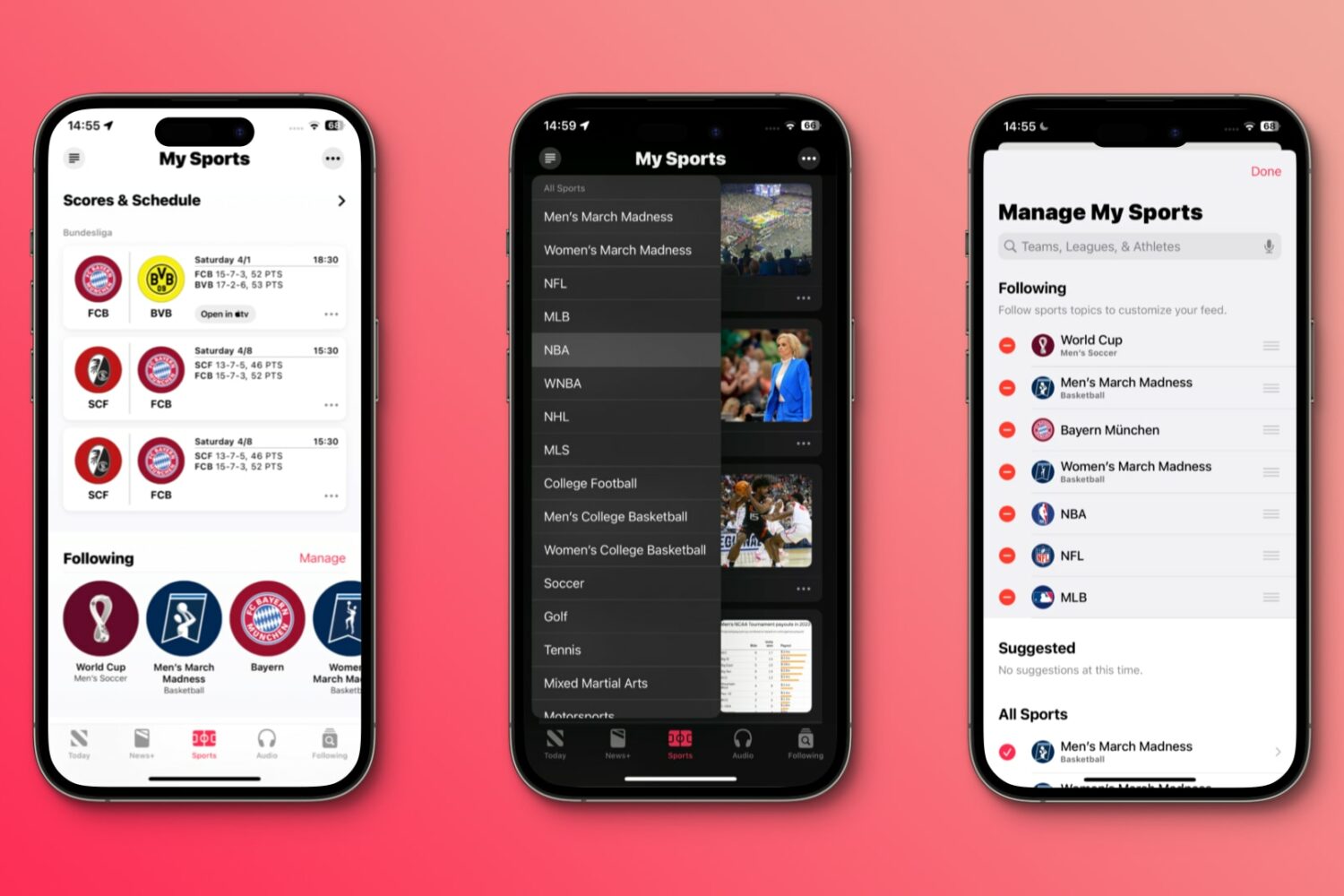
Browse sports news for the teams, leagues and athletes you follow through a new tab at the bottom of Apple’s News app on the iPhone, iPad and Mac.
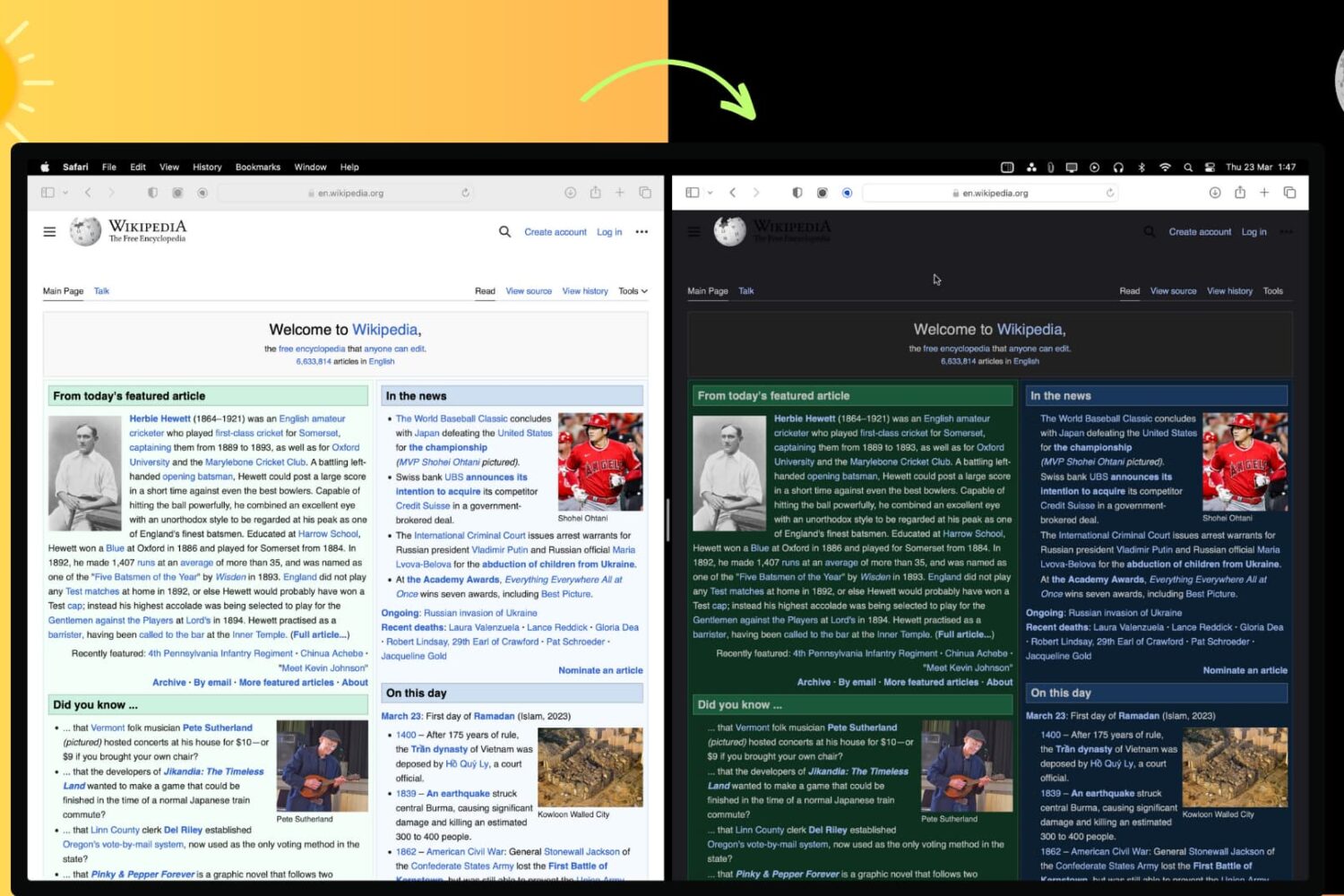
In this article, we'll show you how to use the right browser extensions to enable Dark Mode on every website in Safari, Google Chrome, Edge, Brave, Opera, and Firefox on your Mac or Windows PC.
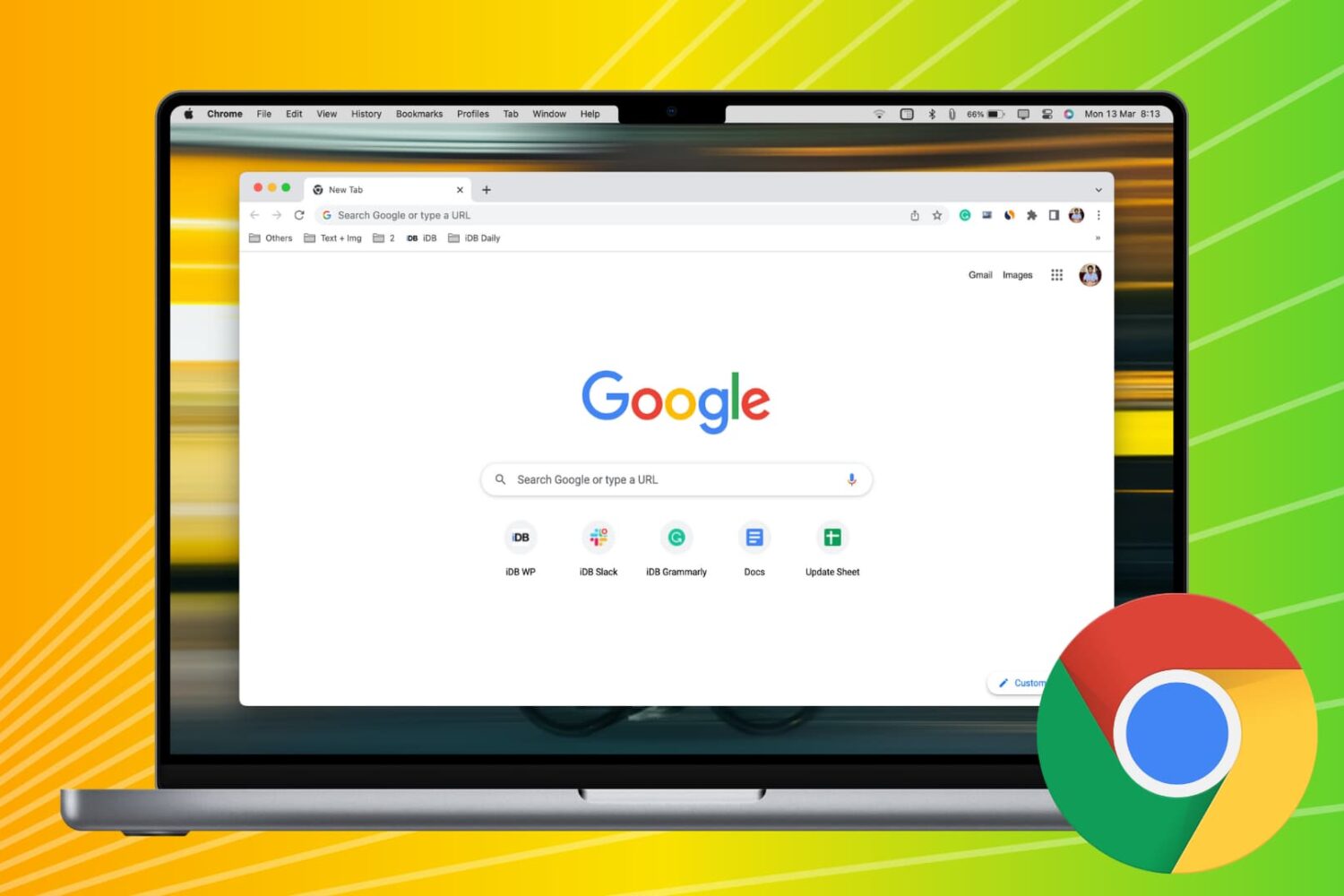
In this comprehensive troubleshooting guide, we provide all the solutions to fix slow or unresponsive Google Chrome on your Mac and restore optimal performance.
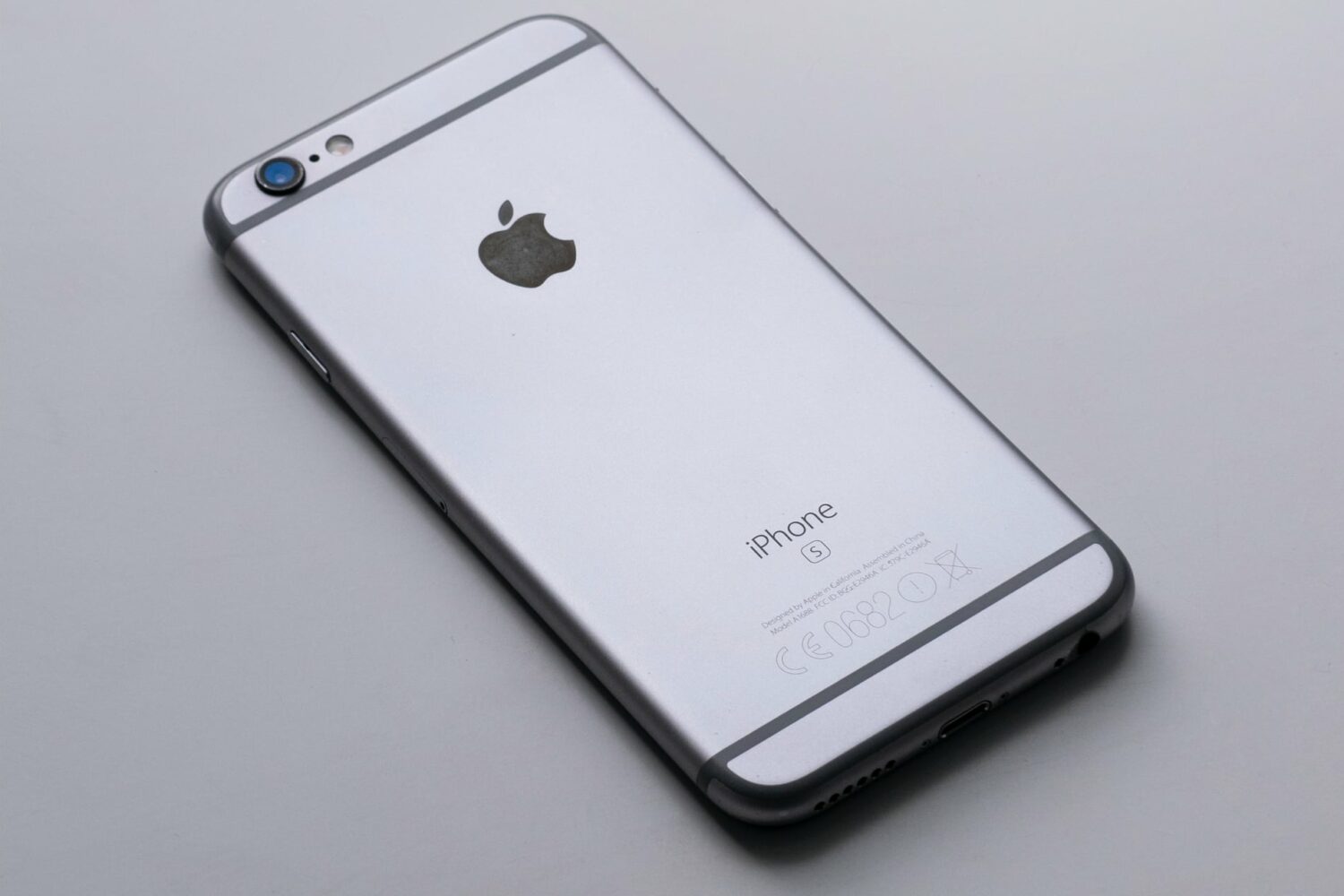
These bug-fix updates patch dozes of vulnerabilities on older iPhones, iPads and Macs, some of which have been exploited in the wild.
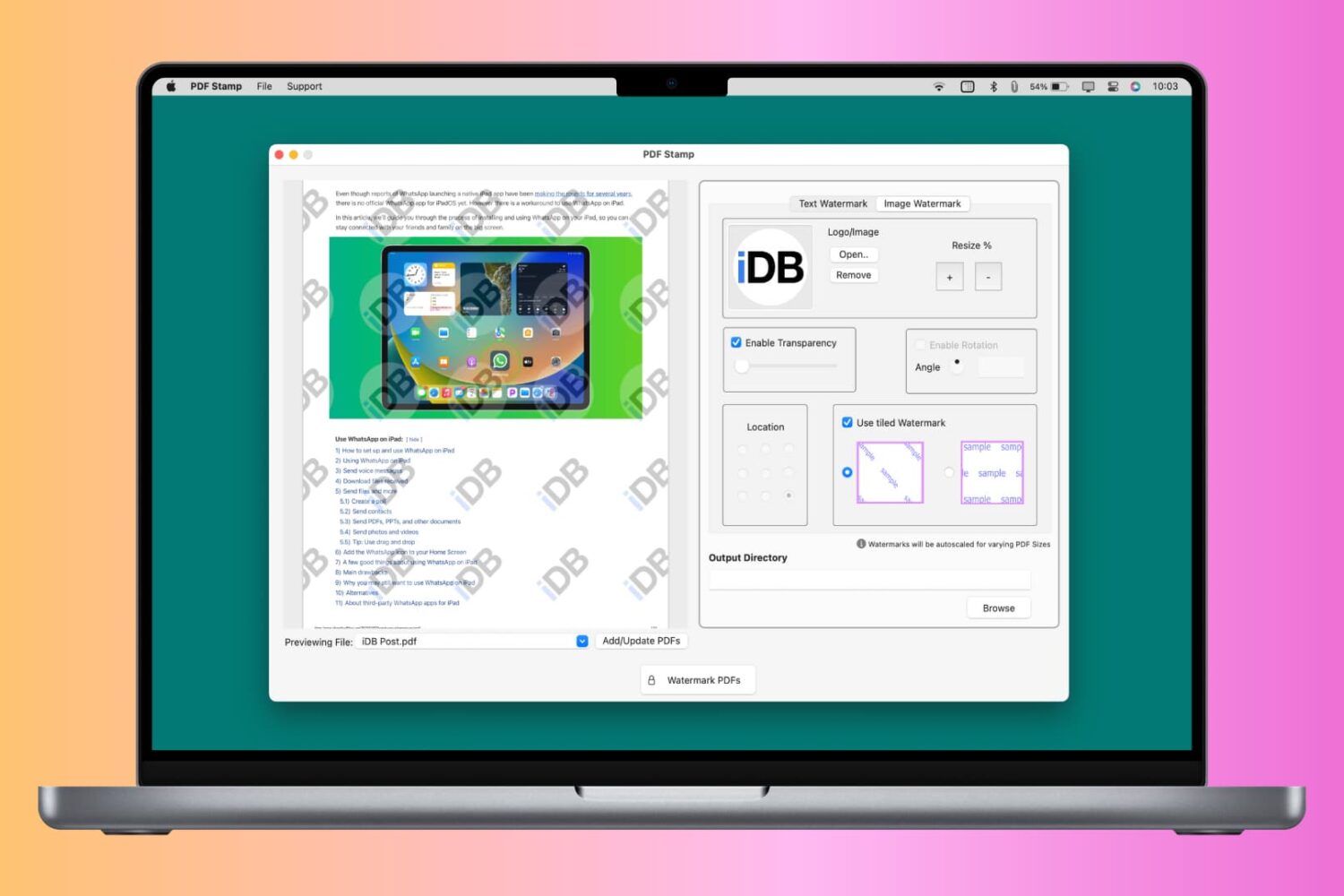
You can watermark your PDF with text, logo, or image to let people know that the PDF is private, confidential, or created by you or your organization. Though a watermark can’t prevent content theft, it certainly can prevent misuse and help convey that you’re the creator or owner of that PDF.
So, whether it is for school, work, or personal use, this tutorial will show you how to watermark PDFs for free on your iPhone, iPad, and Mac.