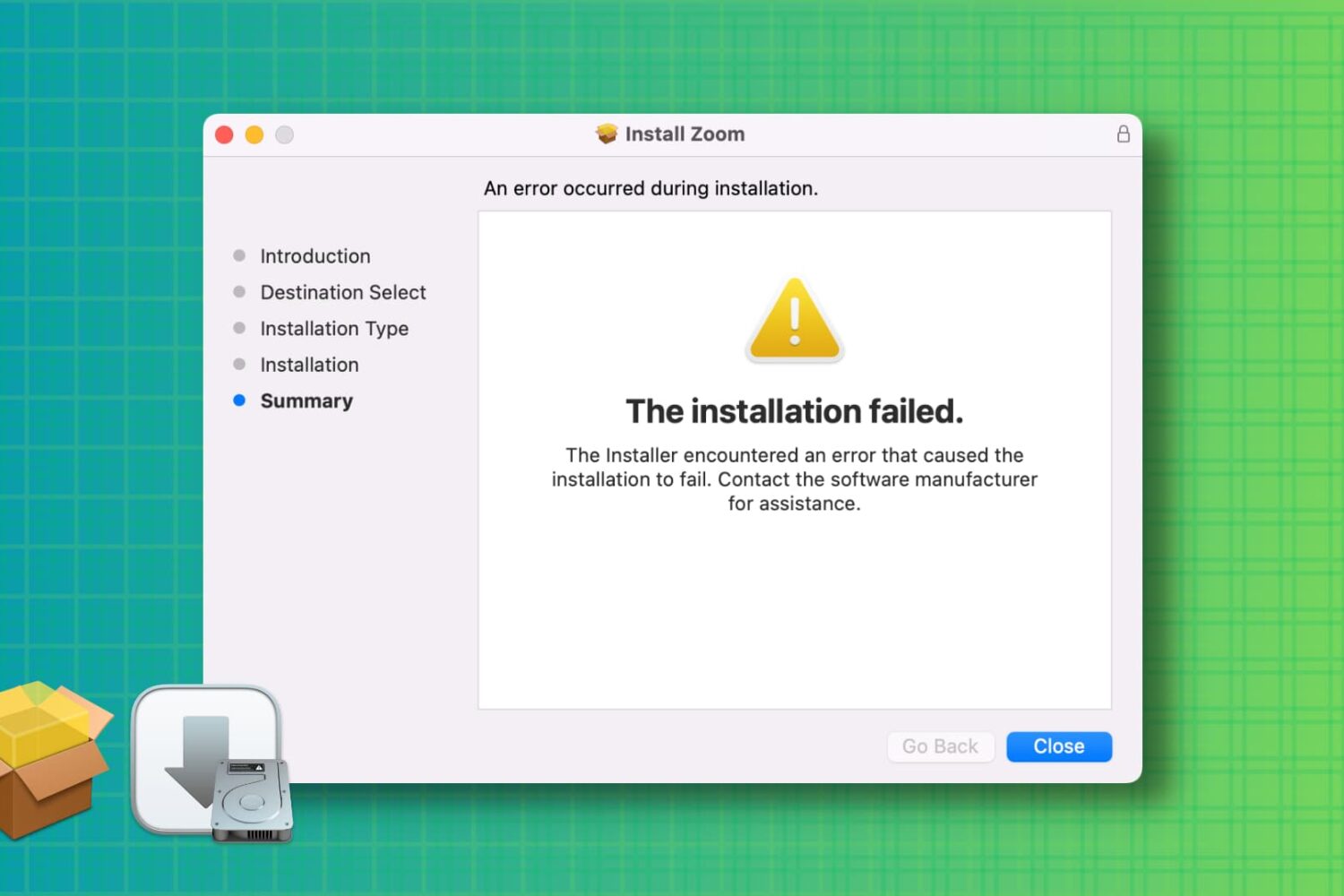
Learn how to troubleshoot and fix the “installation failed” error when installing a Mac app using a downloaded PKG, DMG, or ZIP file.
How to fix ‘The installation failed’ error on Mac
Stay up-to-date on the latest Mac news, and tutorials. Get expert tips and tricks to optimize your Mac’s performance and learn about the latest Apple products and software updates. Discover the best Mac apps and accessories to enhance your user experience.
Learn how to troubleshoot and fix the “installation failed” error when installing a Mac app using a downloaded PKG, DMG, or ZIP file.

Learn how to set up a screensaver in macOS 27 Golden Gate or macOS 26 Tahoe to hide your desktop when you’re not using your computer by displaying photos, music album art, word of the day, and other custom visuals.
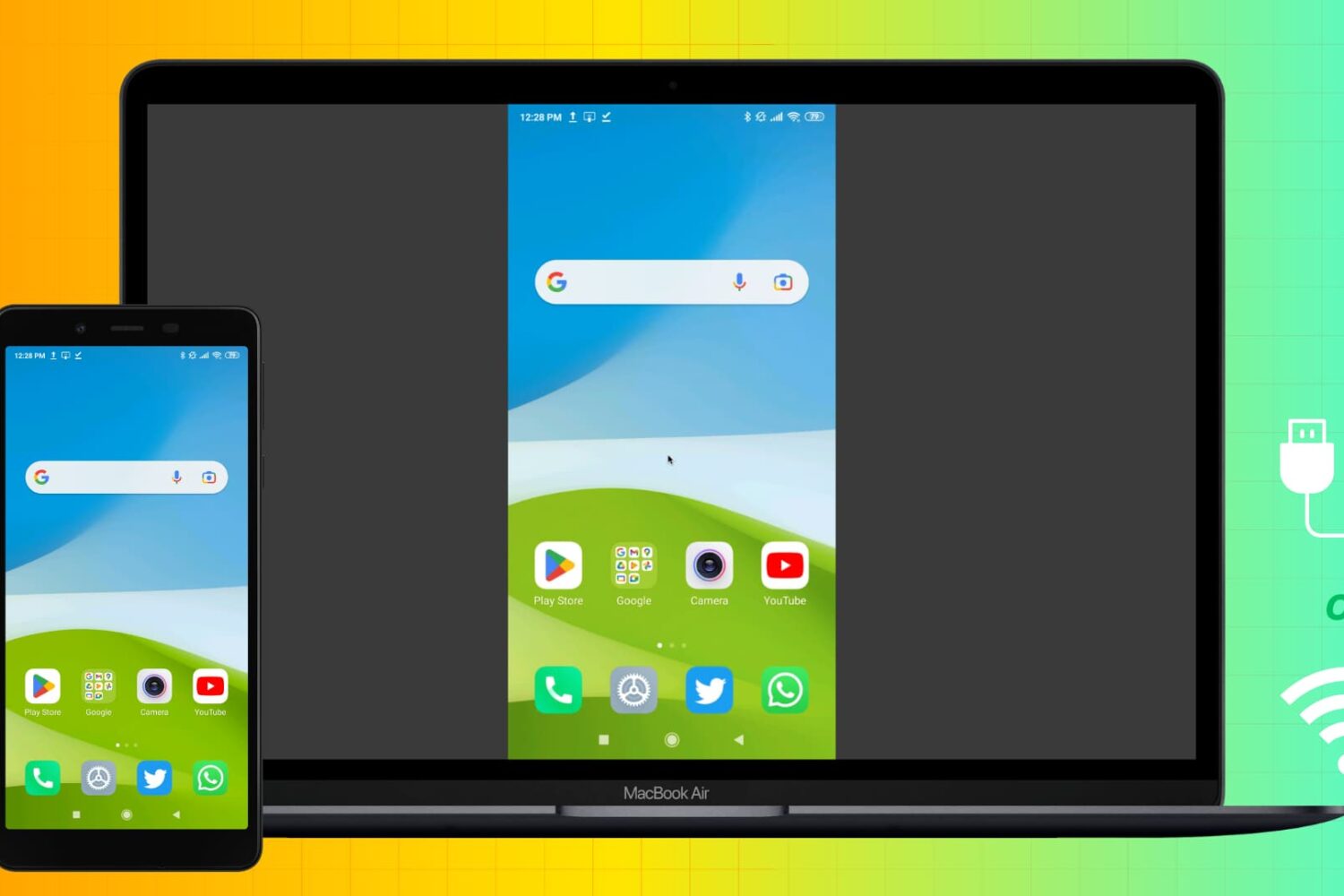
Learn how to mirror your Android phone screen to your Mac wirelessly or using a USB cable without rooting your device.
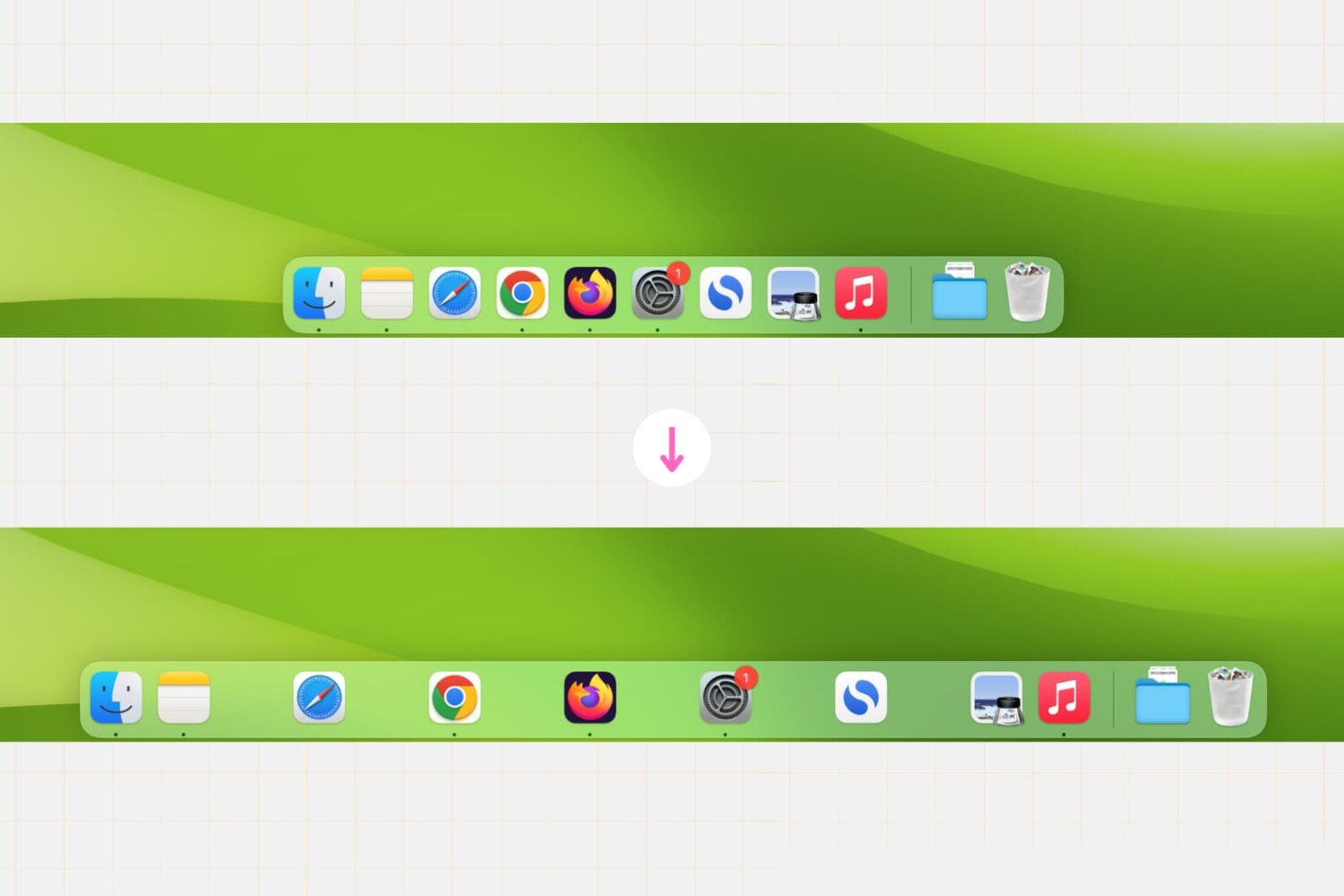
Whether you’re a productivity enthusiast or just want to customize your desktop, this simple Terminal command lets you create clear divisions between app icons, helping you achieve a cleaner and more organized Dock setup in no time.

Apple is testing two high-end Mac computers with the M2 Max and M2 Ultra chips—likely the next-generation Mac Studio that could be unveiled at the WWDC.
Learn how to split tabs in the Finder on your Mac into separate windows, as well as merge multiple windows into a single window with multiple tabs.

Learn how to set up and use WhatsApp on your Mac or Windows PC to stay connected, send messages, make calls, and share media directly from your desktop. We’ll also explain what to do if you can’t get WhatsApp working on your computer.
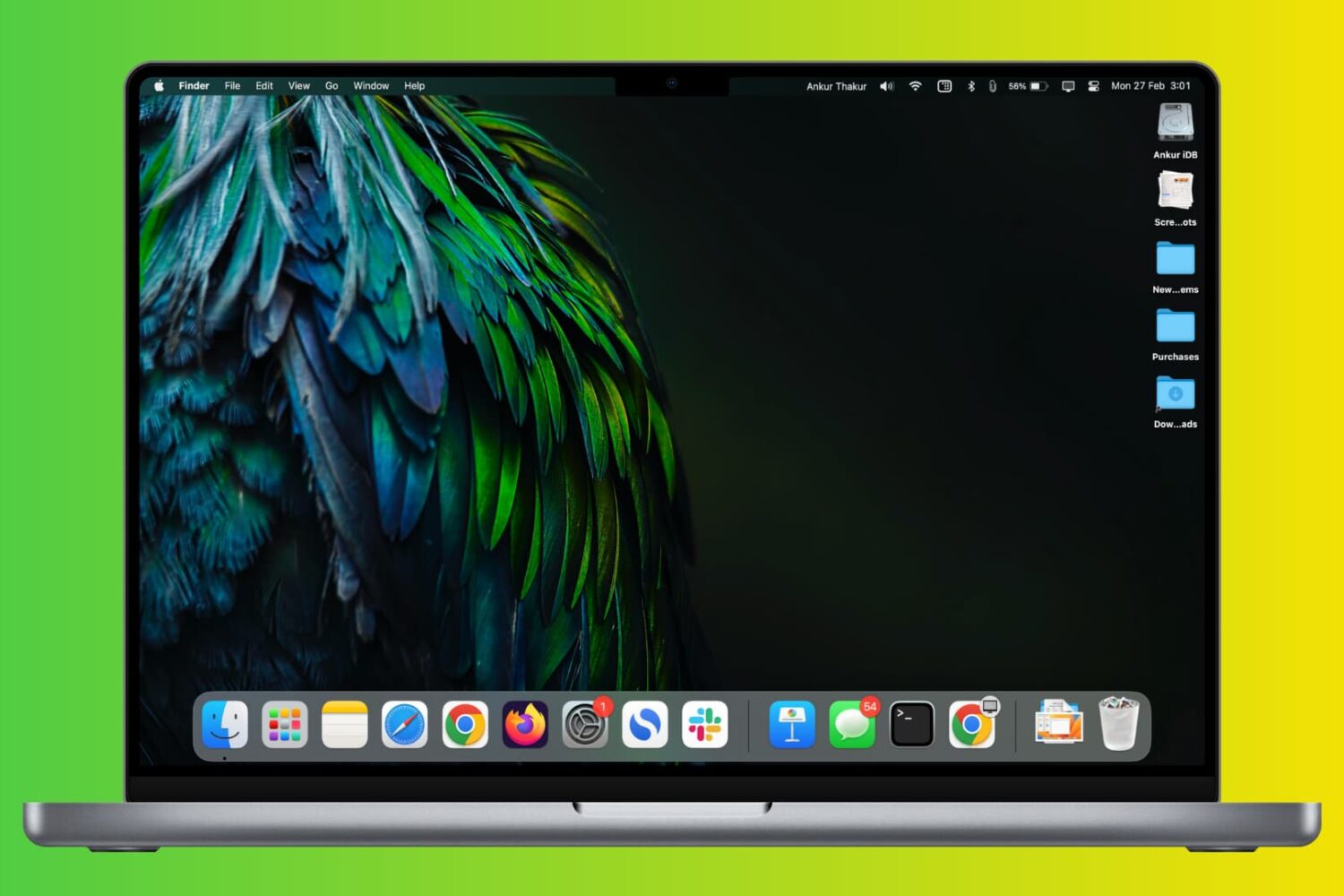
Check out these two simple ways to permanently keep currently open and recently used apps in your Mac’s Dock.

Apple might unveil several new Macs during its upcoming WWDC keynote, in addition to the rumored mixed-reality headset and new operating systems.
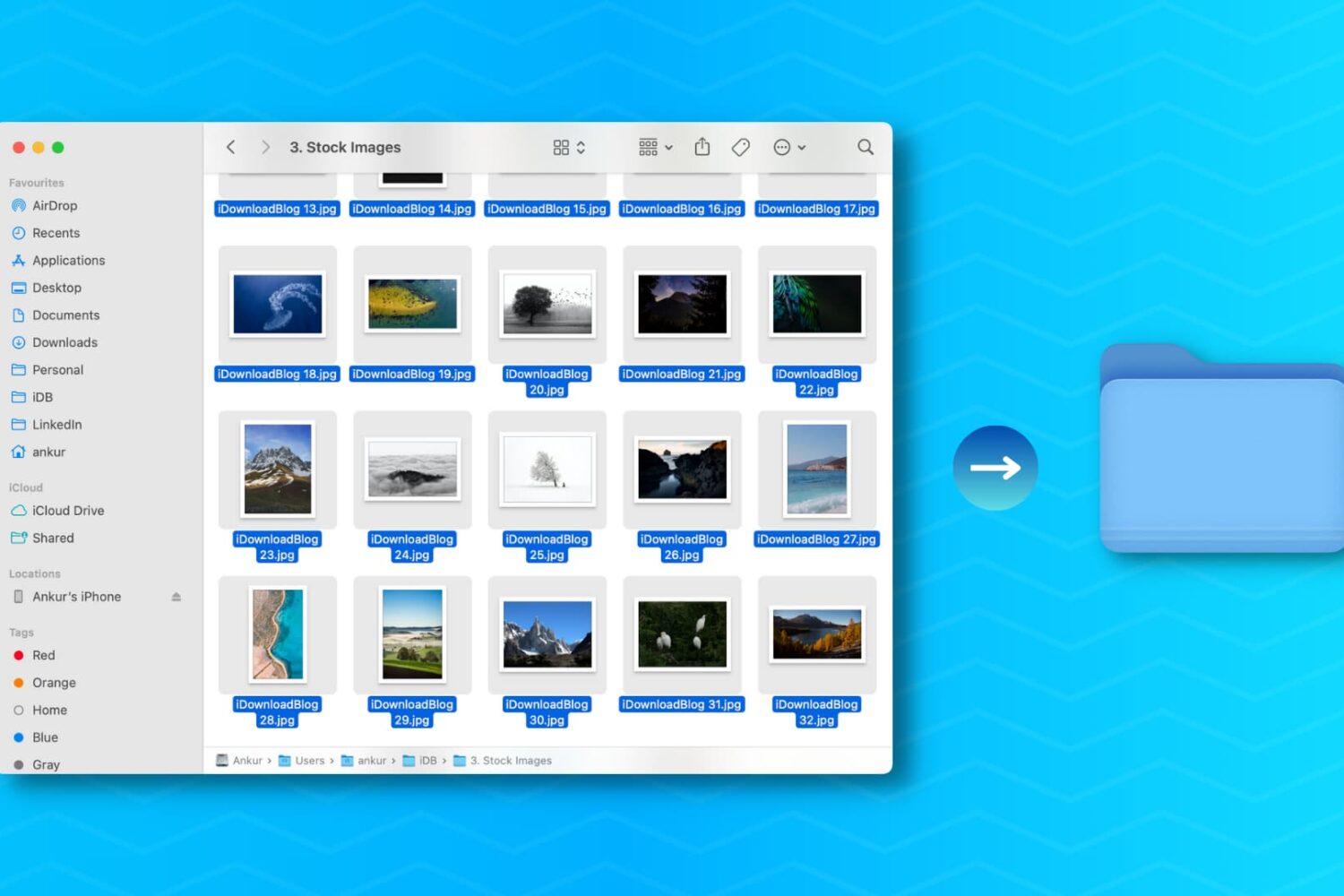
Learn how to create a new folder on your Mac containing a bunch of files you’ve selected in the Finder in one fell swoop, saving you time when organizing files.
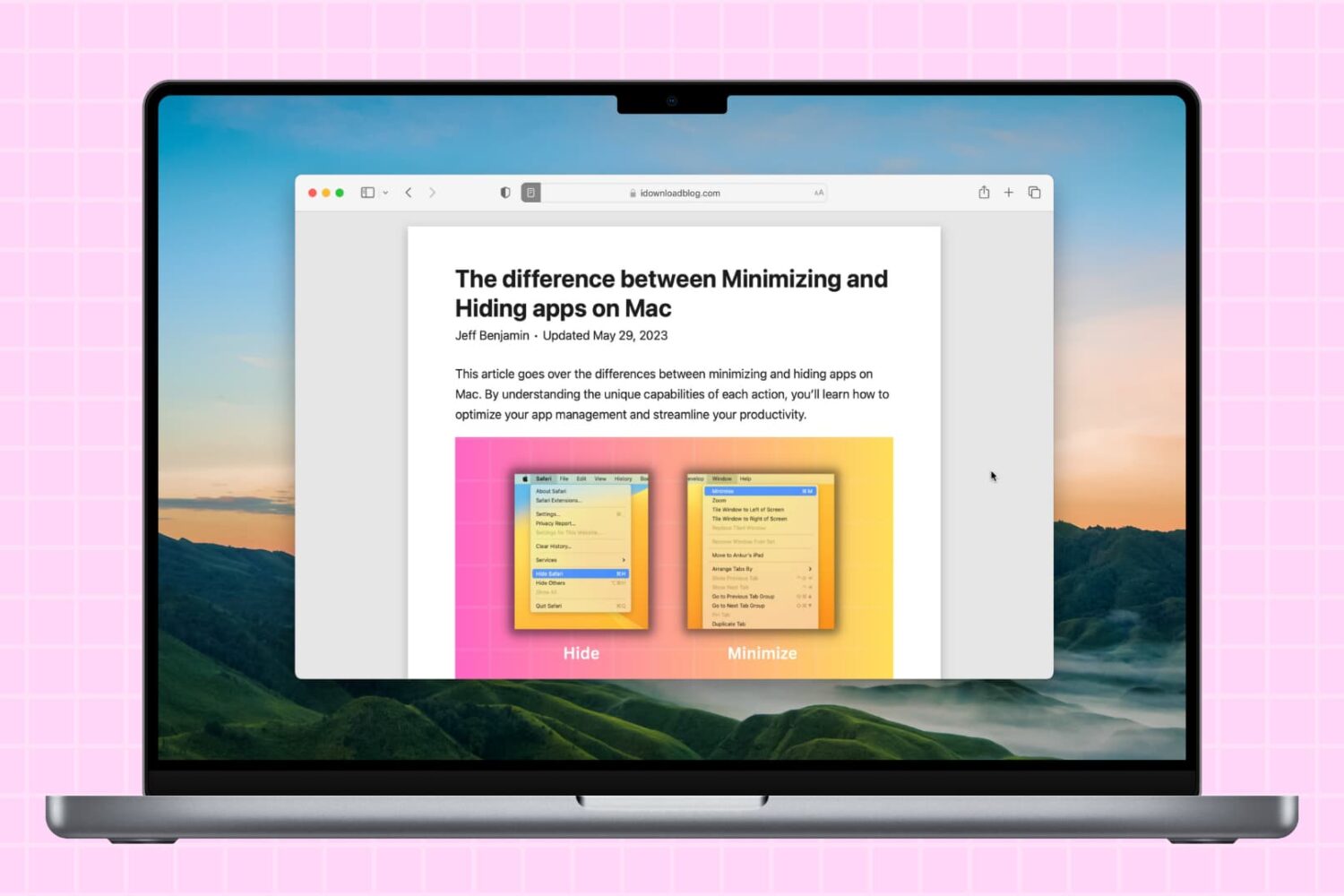
Learn how to hide all open apps on your Mac except the one you’re currently using, helping you declutter your workspace and stay focused on your task.

Apple is rumored to start accepting trade-ins for its three recent Mac computers, including the Mac Studio, at the June 5 WWDC keynote. On the same day, Apple might unveil new models, including a possible Mac Studio follow-up.