Apple has been developing a successor to the 15-inch MacBook Air that will run the company's upcoming M3 chip and arrive sometime in 2024.
Apple is already developing a new 15-inch MacBook Air with M3
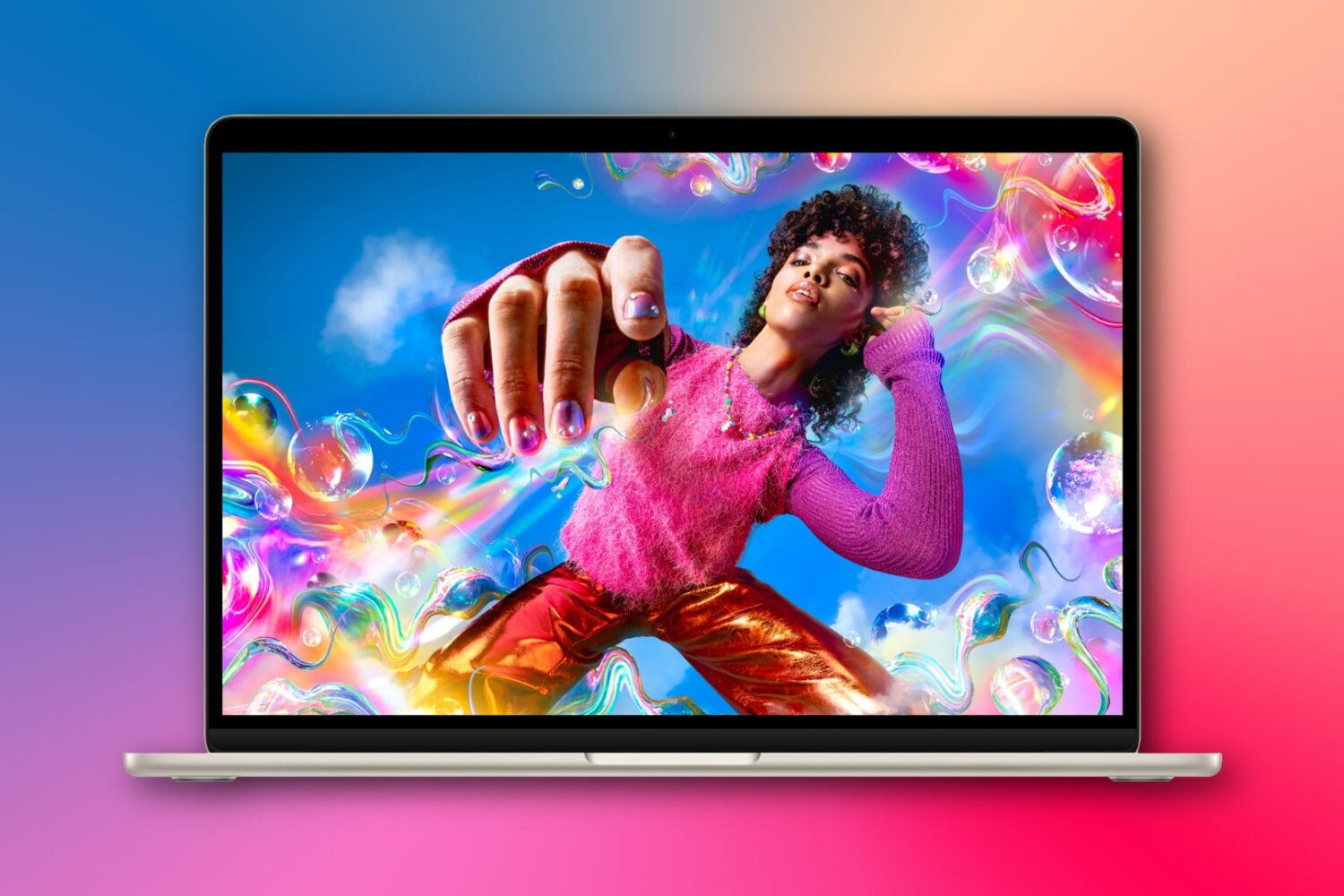
Stay up-to-date on the latest Mac news, and tutorials. Get expert tips and tricks to optimize your Mac’s performance and learn about the latest Apple products and software updates. Discover the best Mac apps and accessories to enhance your user experience.
Apple has been developing a successor to the 15-inch MacBook Air that will run the company's upcoming M3 chip and arrive sometime in 2024.

Learn how to install macOS Sequoia on a different volume (disk partition) and have two macOS versions simultaneously on your Mac.
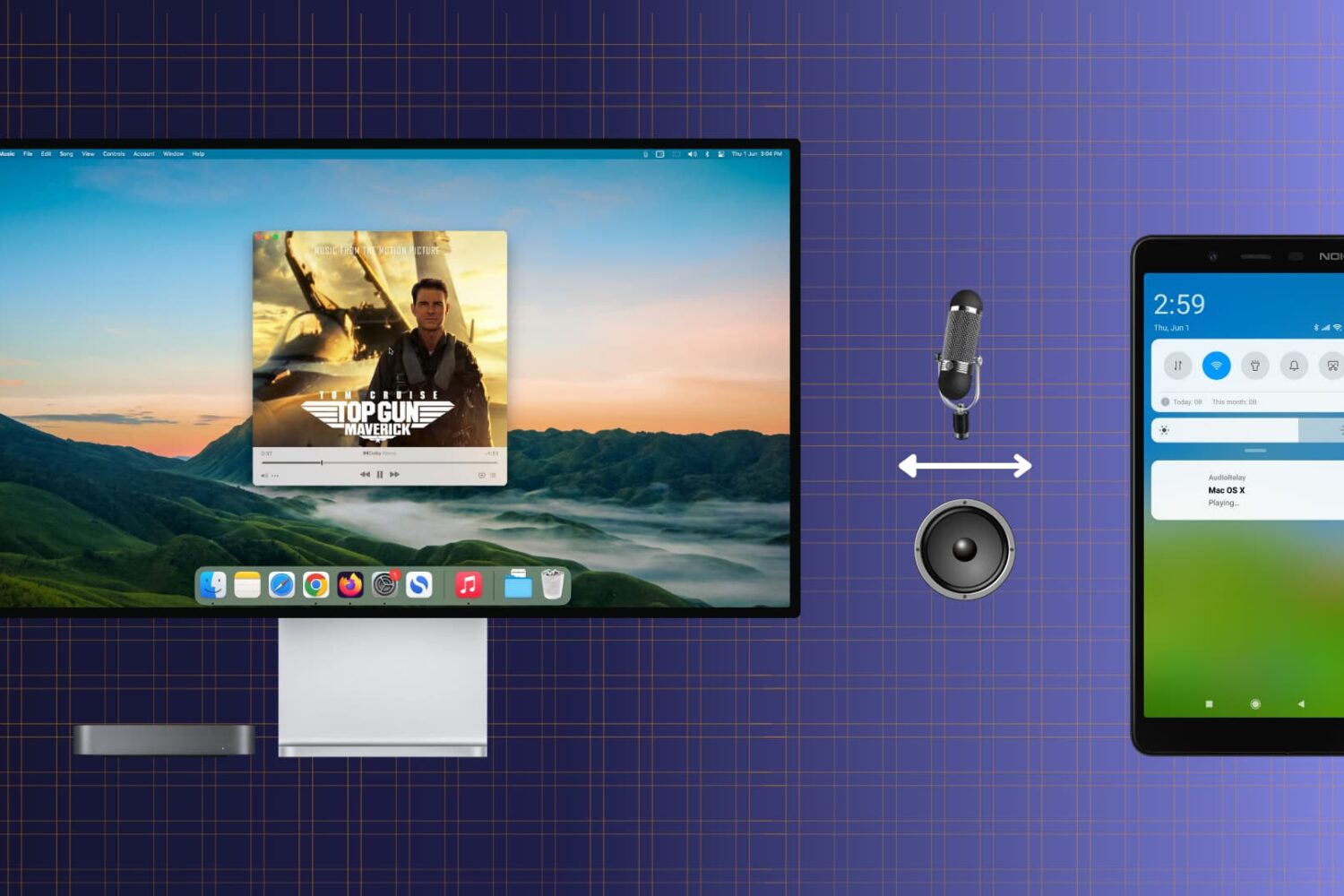
Check out this free and easy way to turn your Android phone into a convenient wireless speaker or microphone for your Mac.

Learn how to add text or text-based signatures to your photos on iPhone, iPad, and Mac so your images stand out and effectively convey your message.

Learn how to get macOS Sequoia on a USB thumb drive and use it to install macOS 15 on multiple Macs without needing to download the large macOS file each time.

Whether you want to create backups, share multiple copies, or organize your media files, the Apple Photos app makes it easy to duplicate your photos and videos.

iOS 17's new App Store download timer automatically appears when downloading something from the store that'll take more than a few seconds.
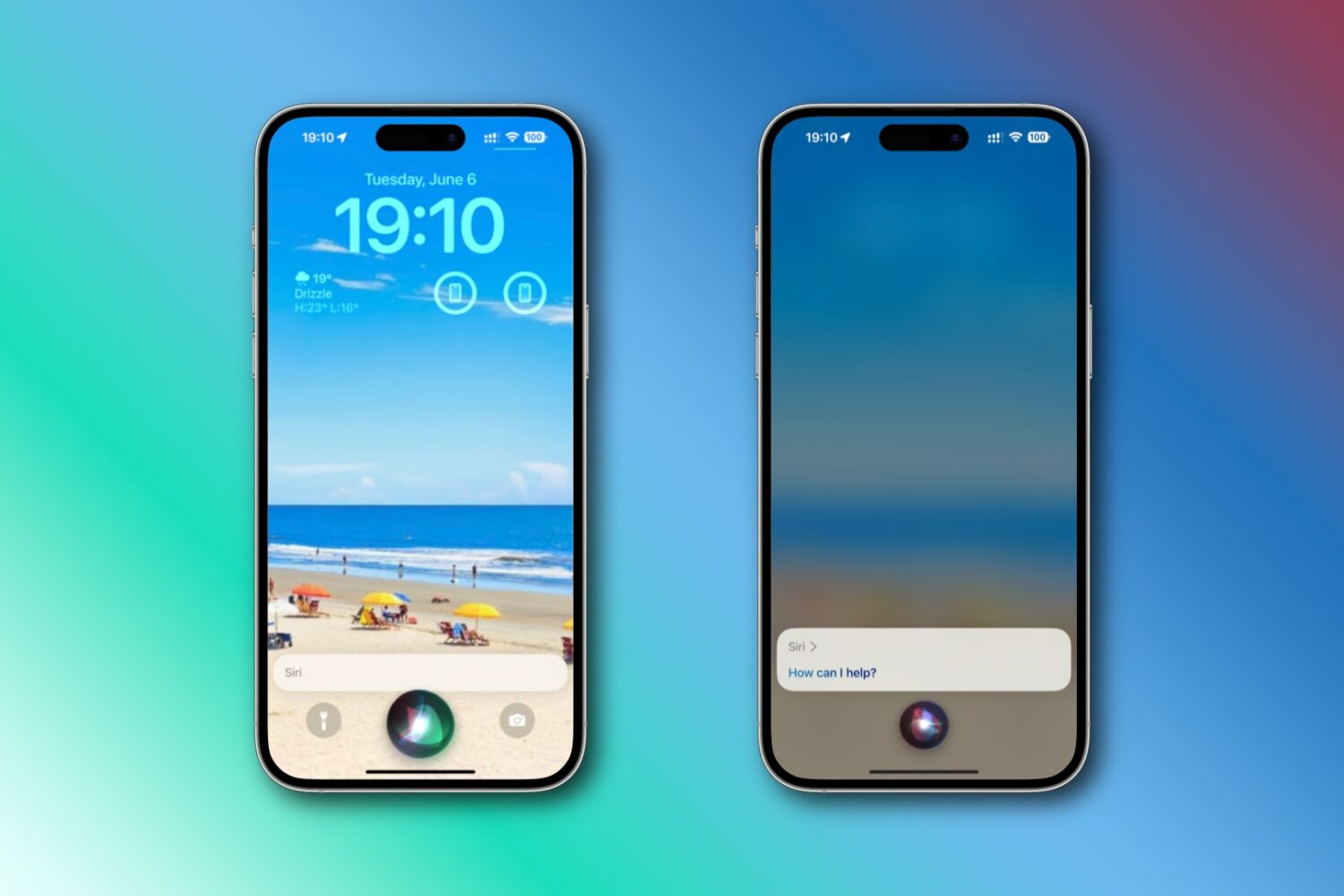
iOS 17 lets you just say “Siri” instead of the usual “Hey Siri” trigger phrase. As a bonus, Apple’s digital assistant now recognizes multiple back-to-back commands.
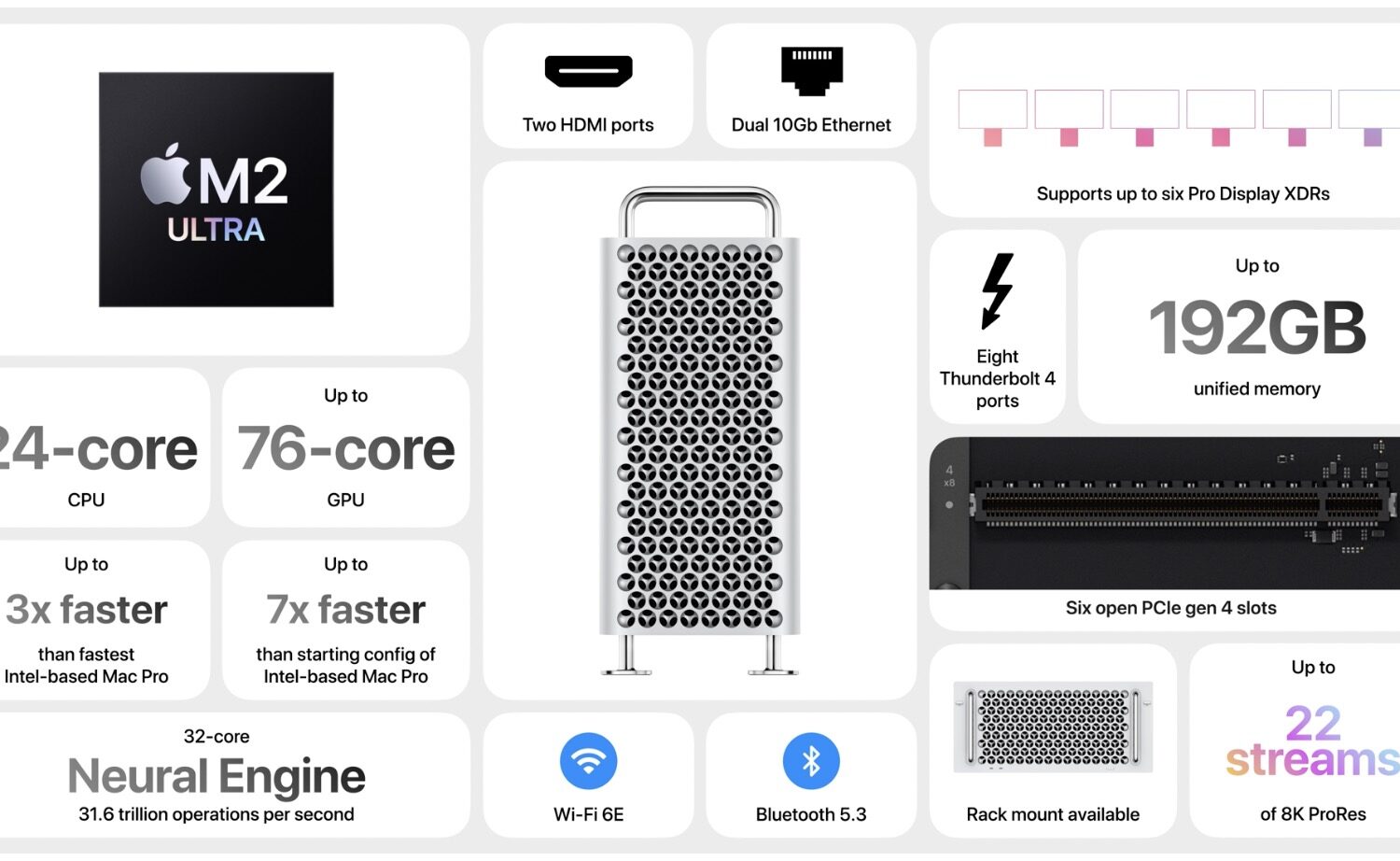
The Apple silicon Mac Pro workstation powered by the M2 Ultra chip is the last Mac computer to transition away from processors built by Intel.
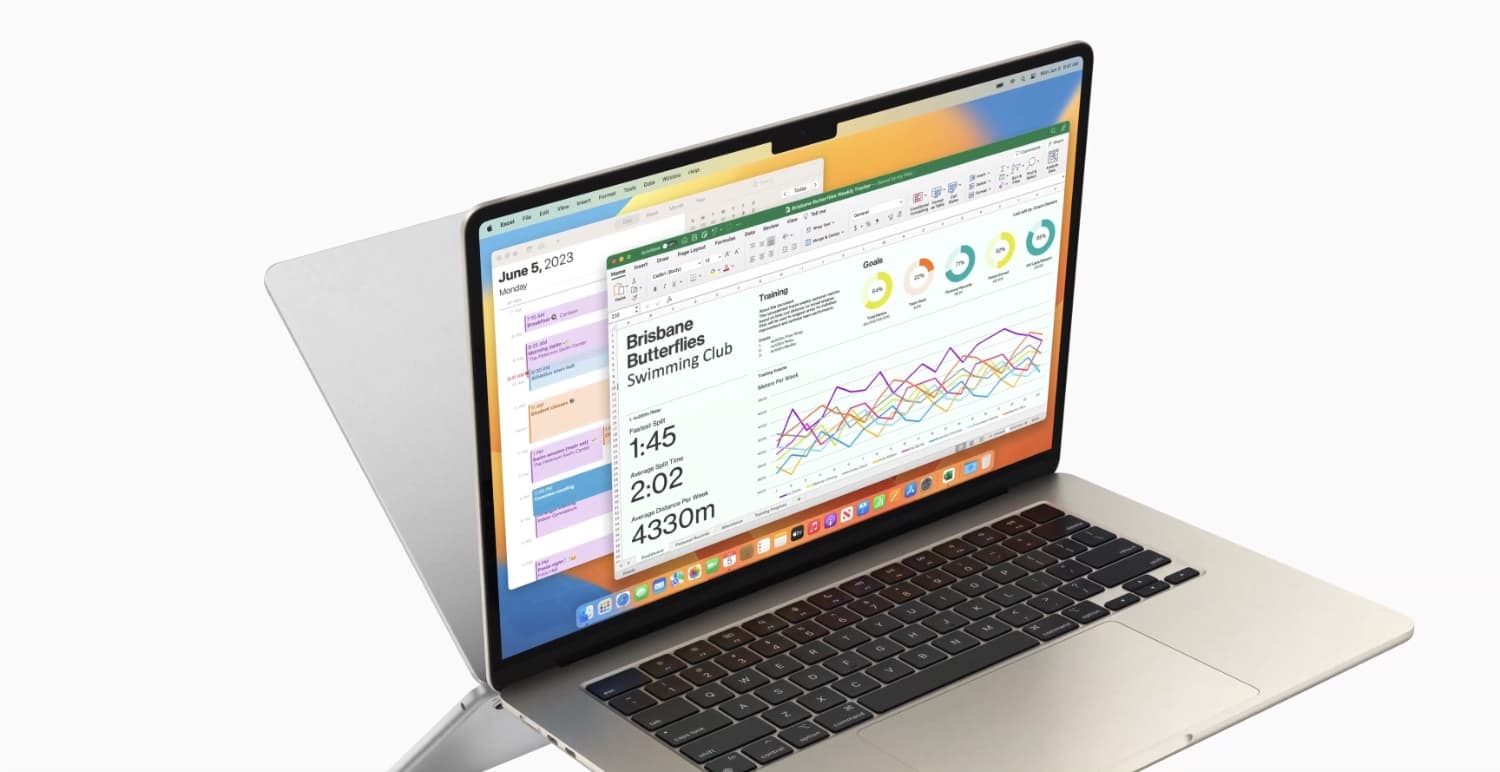
Apple on Monday announced a highly anticipated 15-inch MacBook Air with Apple silicon inside at WWDC 2023, which the company proudly touts as one of the world’s thinnest 15-inch laptops. It joins the 13-inch model, offering just a bit more screen real estate for those who demand a bit more.
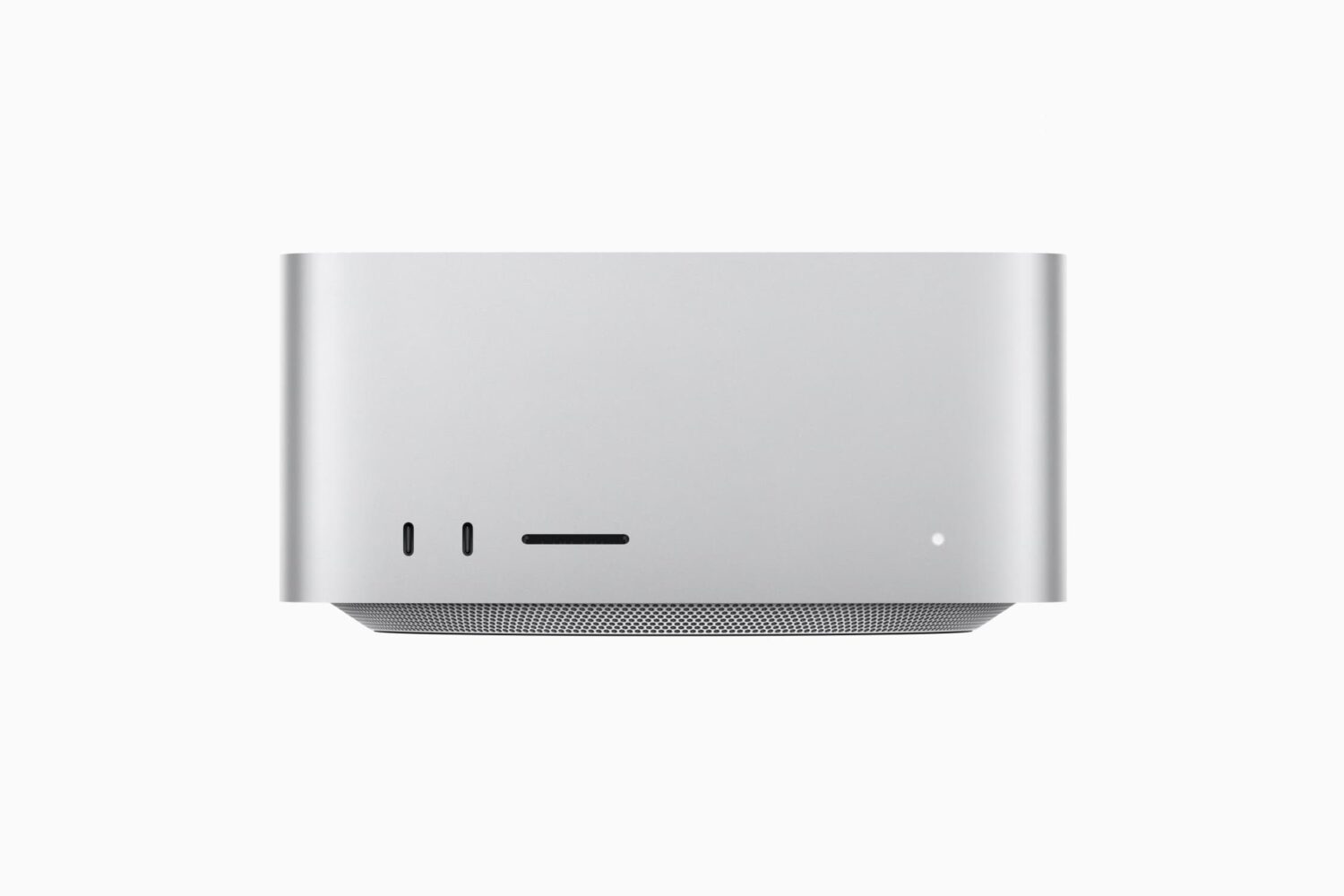
In addition to a fabulous new 15-inch MacBook Air with M2 chip, Apple unveiled the next-generation Mac Studio at WWDC 2023 with two brand-new powerhouse chips inside.
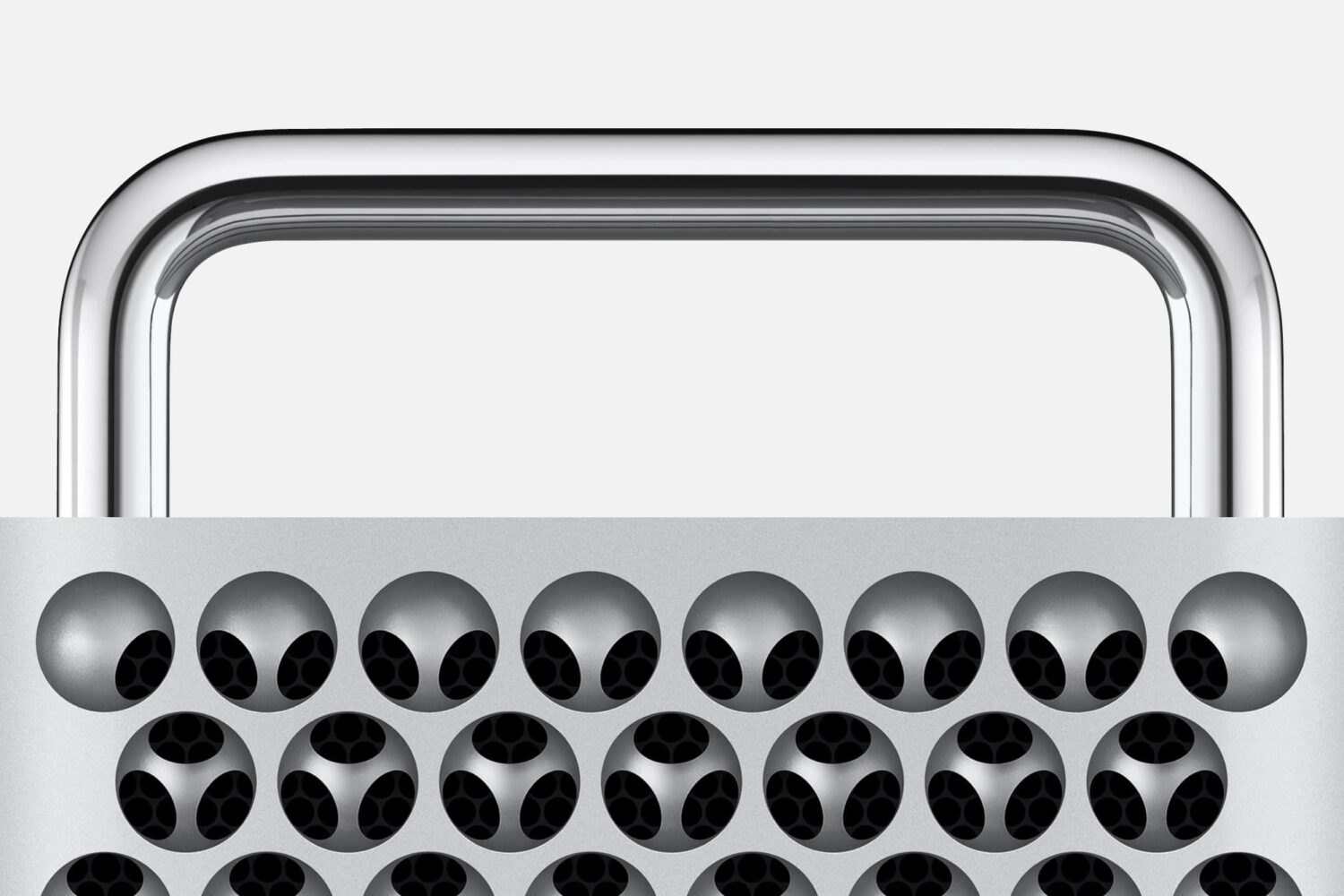
With Apple’s 2023 refresh of the Mac Pro, announced on Monday at WWDC 2023, the Cupertino-based company has officially transitioned completely away from Intel with the brains of its computers.