Mac

Stay up-to-date on the latest Mac news, and tutorials. Get expert tips and tricks to optimize your Mac’s performance and learn about the latest Apple products and software updates. Discover the best Mac apps and accessories to enhance your user experience.

15″ MacBook Pro can drive four external 4K displays in addition to built-in Retina screen

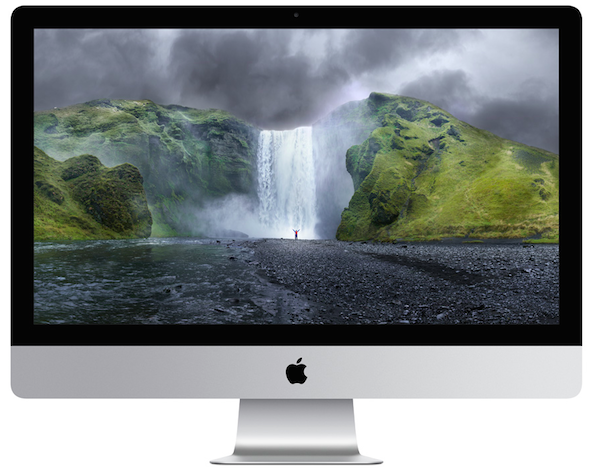
If you're a creative type and need a laptop that transforms into a powerful desktop, the new MacBook Pro is for you. Having read Tech Specs page for the 15-inch MacBook Pro, one thing stood out for me—the machine can drive not one, not two, not three, but four high-resolution external displays.

Or, you could run two 5K external displays. What's more, the new notebooks support a smooth refresh rate of 60 Hz across all 4K/5K external displays connected to them.

First impressions of MacBook Pro’s Touch Bar

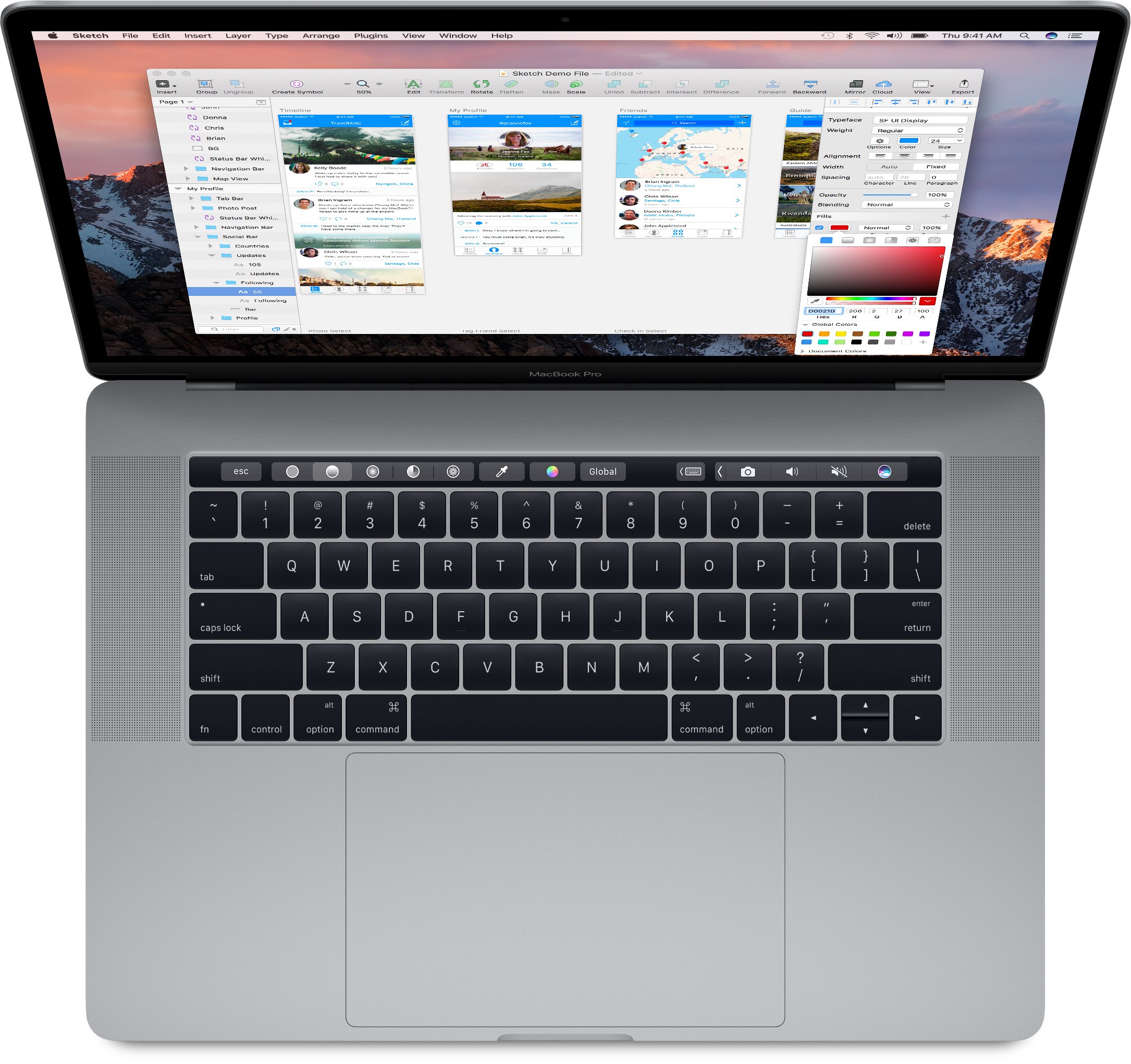
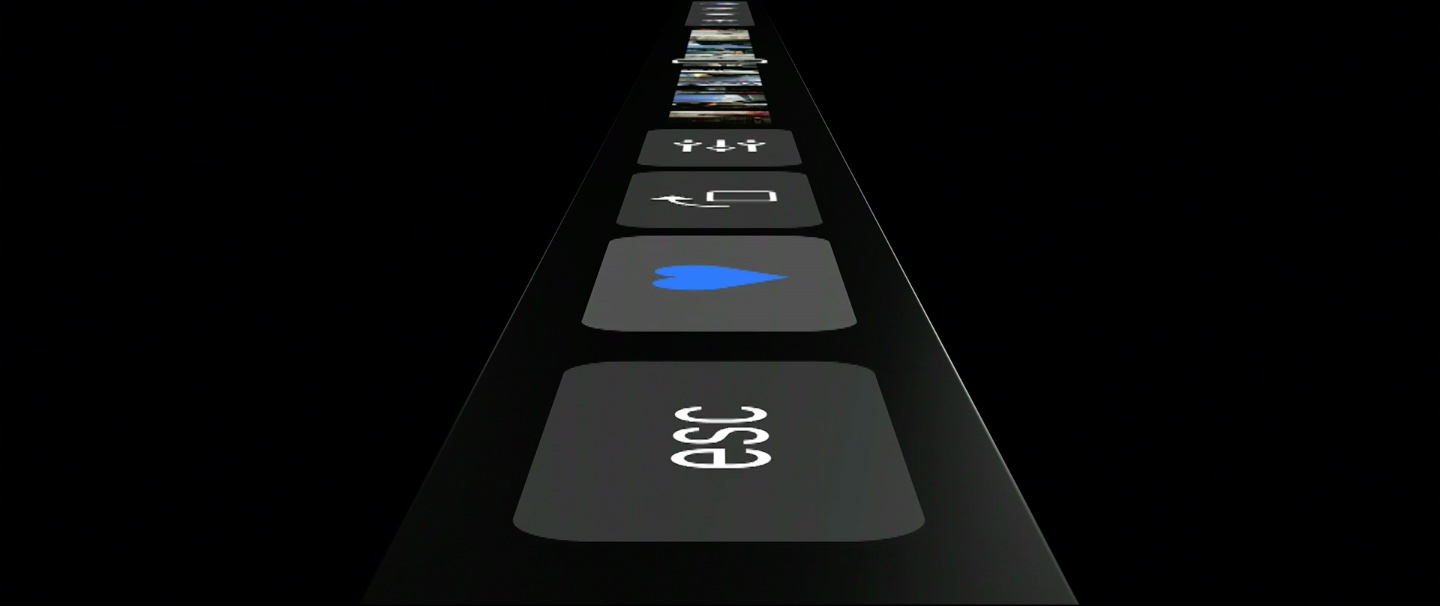
The newly launched MacBook Pros include a marquee new feature in the form of the Touch Bar, which is a marketing name for a wide, touch-enabled OLED display that runs alongside the top of the keyboard where the function keys row used to be located. Touch Bar is customizable, with shortcuts that change from one app to another, and developers can take full advantage of it with a set of new APIs.

Journalists in attendance at today's event had a chance to play with the new machines in the demo area. Here are some of their first impressions of the new Touch Bar.

2016 MacBook Pro tech specs

Apple's new line of MacBook Pros was finally revealed at the 'hello again' presentation on Thursday, October 27th, and the initial first impressions with smaller form factor, new Touch Bar, and upgraded specs are stunning.

Apple is sticking to its gun with both the 13-inch and 15-inch sizes in its lineup, and in this post, we'll outline the spec differences between each of them for you.

This is how you turn the new MacBook Pro on and off

Apple today refreshed its Mac notebook lineup with all-new 13 and 15-inch models that have Touch Bar and Touch ID in place of the hardware function keys row, among other new features. It's a stellar feature that I can't wait to use.

According to Apple, the Touch Bar is meant to replace the function keys “that have long occupied the top of your keyboard with something much more versatile and capable.” I'm sold on the new Touch Bar, but where did the dedicated Power button go and how exactly do you turn this thing on now?

Adobe pushes another critical security update for Flash Player

It's been a little more than two weeks since Photoshop maker Adobe released a security update for its Flash Player for macOS which fixed a bunch of critical vulnerabilities and now another critical security update for Flash Player got released this morning. According to Adobe, the vulnerabilities in the current version of Flash Player could allow an attacker to take control of Mac, Windows, Linux and Chrome OS machines.

Apple Store goes offline ahead of today’s “Hello again” Mac event

Like clockwork, Apple has taken its online stores around the world offline ahead of today's “Hello again” Mac event, which kicks off with a keynote at 10am PT / 1pm ET at Town Hall on the Cupertino campus. iDownloadBlog will be providing remote live coverage of the announcements as they happen.

Apple typically takes the online store down ahead of major product introductions. The store should go back up with new product listings as soon as the event wraps up. Be sure to stick around as we've got a lot more coming up.

No Escape key on your MacBook Pro? Sierra lets you remap its function to a modifier key

With less than 24 hours away until Apple's “Hello again” Mac event, images of an unreleased MacBook Pro found in the latest macOS Sierra 10.12.1 update have all but confirmed a rumored OLED touch bar replacing the row with hardware function keys.

The Internet immediately complained about the apparent loss of the hardware Escape key that seems to have fallen victim to these programmable OLED keys. While the OLED Bar could display a soft-Escape key in the left corner, users can now assign its function to one of the hardware modifier keys.

As Jeff Geerling first noted yesterday, the latest macOS 10.12.1 Sierra update now conveniently lets you remap an Escape action to a Caps Lock, Control, Option or Command modifier key—which wasn't possible in earlier macOS editions.

First look at the new MacBook Pro with Magic Toolbar and Touch ID

Here are the first pictures of Apple's new MacBook Pro. MacRumors spotted the images of what is believed to be the company's new laptop hidden within the just-released macOS Sierra 10.12.1 update, and we have no reason to believe otherwise.

The images appear to confirm the rumors that the refreshed MacBook Pro will feature an OLED touch bar, in place of the function keys, and Touch ID. The above photo shows how to use Touch ID to authenticate an online purchase via Apple Pay.

One more hint that the next MacBook Pro will have OLED touch bar

If you need another “proof” that the next MacBook Pro will indeed feature an OLED touch bar in place of the function key row, feel free to comb through system resources in the macOS Sierra 10.12.1 software update which released yesterday.

As first discovered by MacRumors reader Gabriel Lorin, the System Preferences assets for the Mac's virtual keyboard now come with refreshed image assets depicting an updated keyboard layout which no longer shows the standard row of function keys.

Sid Meier’s Civilization VI for Mac hits Steam, Mac App Store version due soon

Developer Aspyr Media announced yesterday that Sid Meier's Civilization VI for Mac is now available on Steam, just three days after its PC release. The game will be hitting the Mac App Store at a later stage, Aspyr has confirmed. Civilization VI was created by the same team that made Civilization expansions.

The turn-based strategy game challenges you to dominate capitals and woo the world as the new diplomatic leader with improvements like a new research system, enhanced artificial intelligence and more.