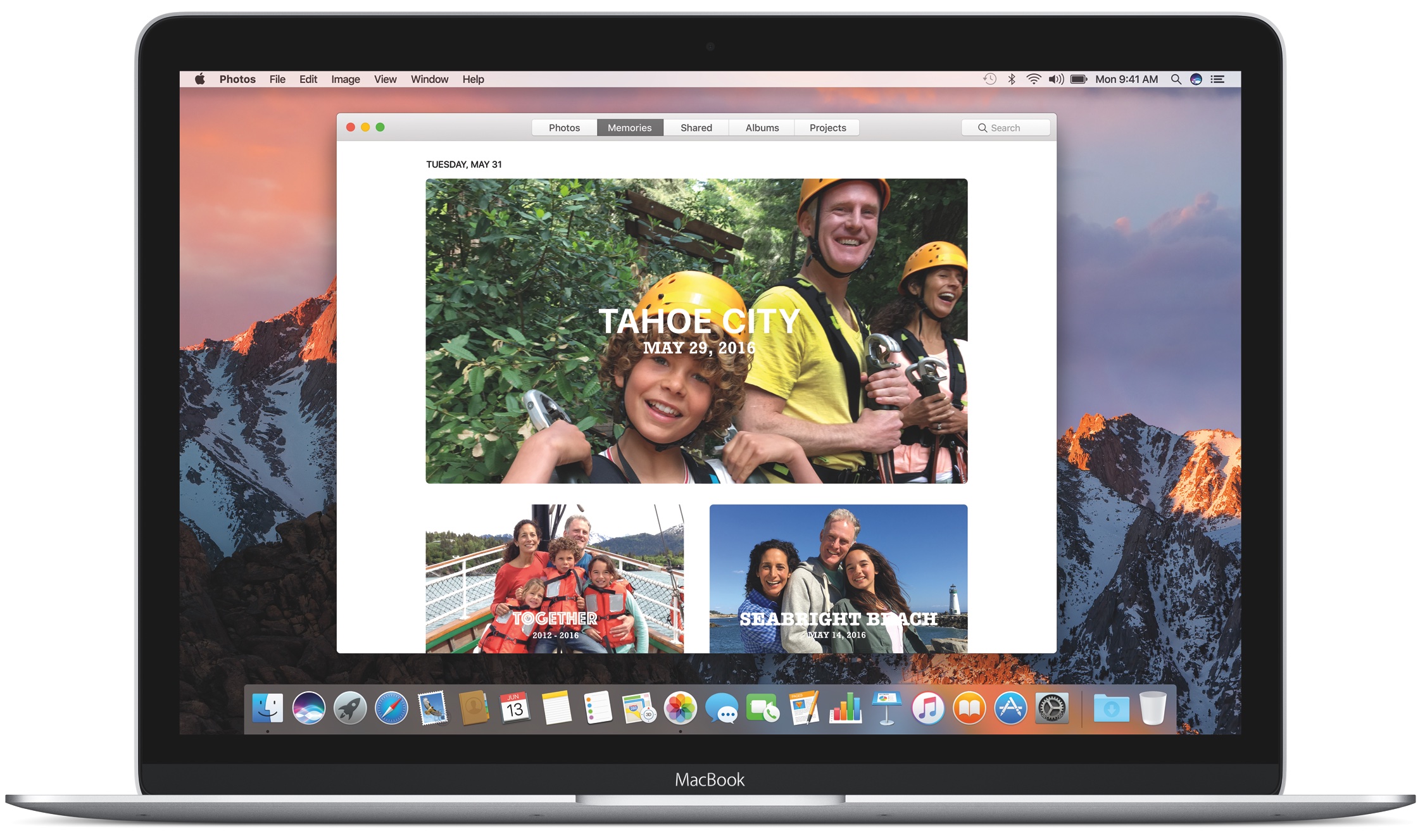
Learn how to find the location of the library file on your Mac where Apple Photos stores your images, videos, and other media in case you need to copy or move it.
Where does Photos app for Mac store its images and videos
Stay up-to-date on the latest Mac news, and tutorials. Get expert tips and tricks to optimize your Mac’s performance and learn about the latest Apple products and software updates. Discover the best Mac apps and accessories to enhance your user experience.
Learn how to find the location of the library file on your Mac where Apple Photos stores your images, videos, and other media in case you need to copy or move it.
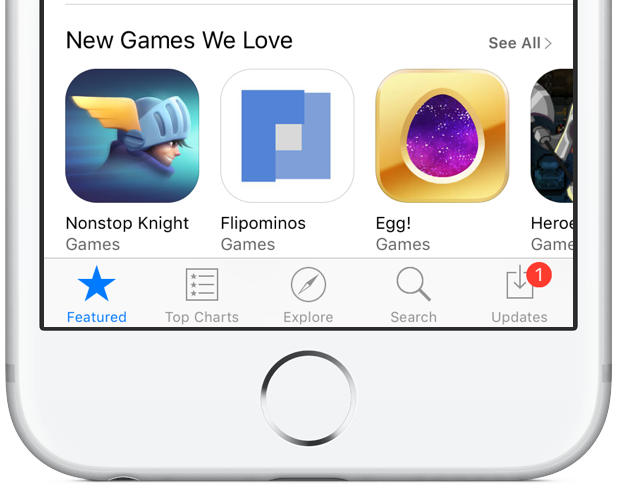
As first noted by Contrast founder David Barnard, Apple just slashed the affiliate commission on iPhone, iPad, iPod touch and Mac apps and In-App Purchases from the previous seven percent rate down to 2.5 percent globally.
“Beginning May 1, 2017, commissions for all apps and in-app content will be reduced from seven percent to 2.5 percent globally,” Apple told iTunes Affiliate Program members via email.
All other iTunes content types, including music, movies, electronic books and TV subscriptions, shall remain at the current seven percent commission rate in all markets.
“We will also continue to pay affiliate commissions on Apple Music memberships so there are many ways to earn commissions with the program,” reads Apple's message.
Apple's Affiliate Resources webpage has received a facelift with optimized navigation, a new Getting Started guide on becoming an affiliate partner, an updated Program Overview section providing information on the commission raters, reporting, creating links and more.
Source: David Barnard on Twitter via MacRumors
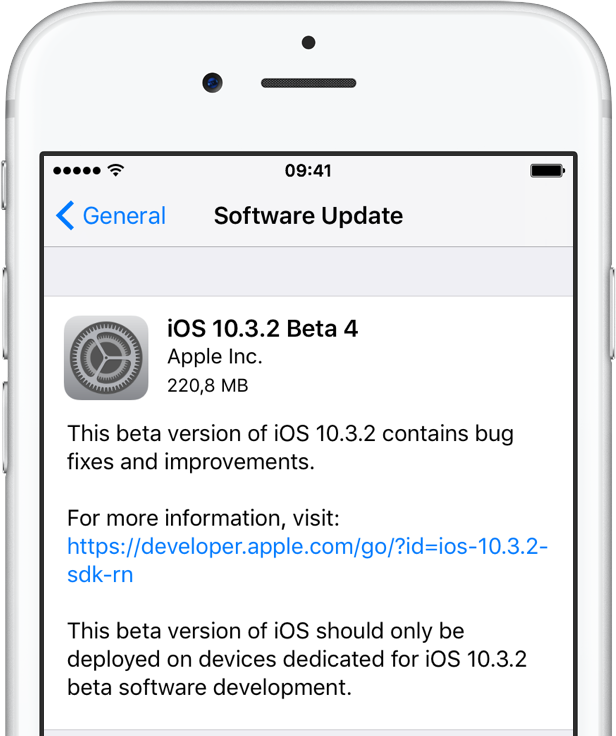
Apple on Monday issued fourth betas of what would become maintenance and bug-fix updates to its four major software platforms: iOS, macOS Sierra, watchOS and tvOS. Members of the Apple Developer Program can now deploy iOS 10.3.2 beta 4 (build 14F5086a), macOS Sierra 10.12.5 beta 4 (build 16F67a), watchOS 3.2.2 beta 4 (build 14V5485a) and tvOS 10.2.1 beta 4 (build 14W5583a) through the Software Update mechanism.
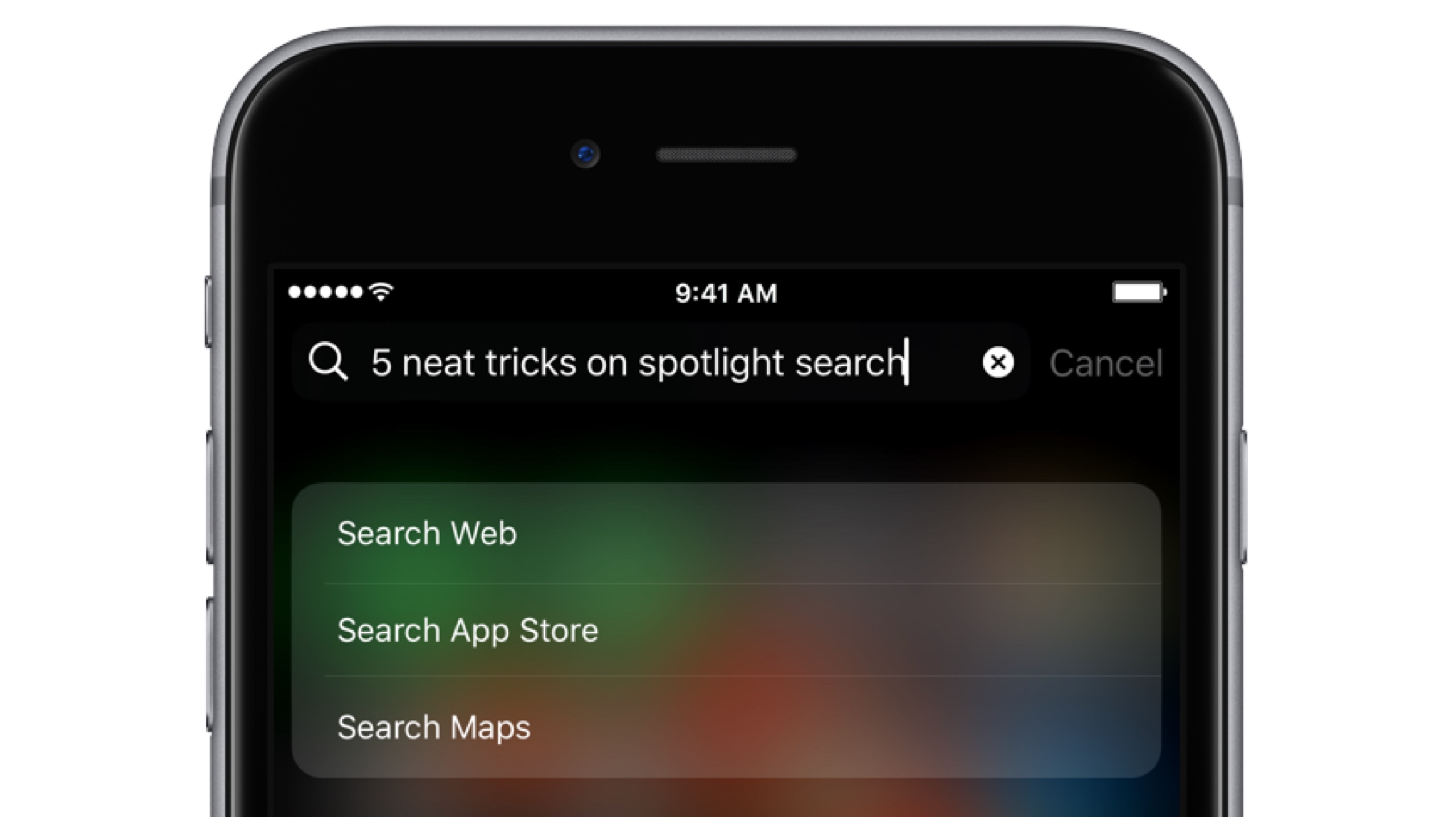
Bearing in mind the numerous ways to invoke Spotlight search on your iPhone today, the feature has clearly become a centerpiece of iOS 10th iteration.
That is because for one, it's the fastest way to rifle through your device for any type of information, however it is also incrementally adopting Siri-level intelligence. You might know about using Spotlight for swift currency and measurement conversions by now, but the list does not end here. Largely undiscussed on the web, here are five more cool uses for Spotlight.
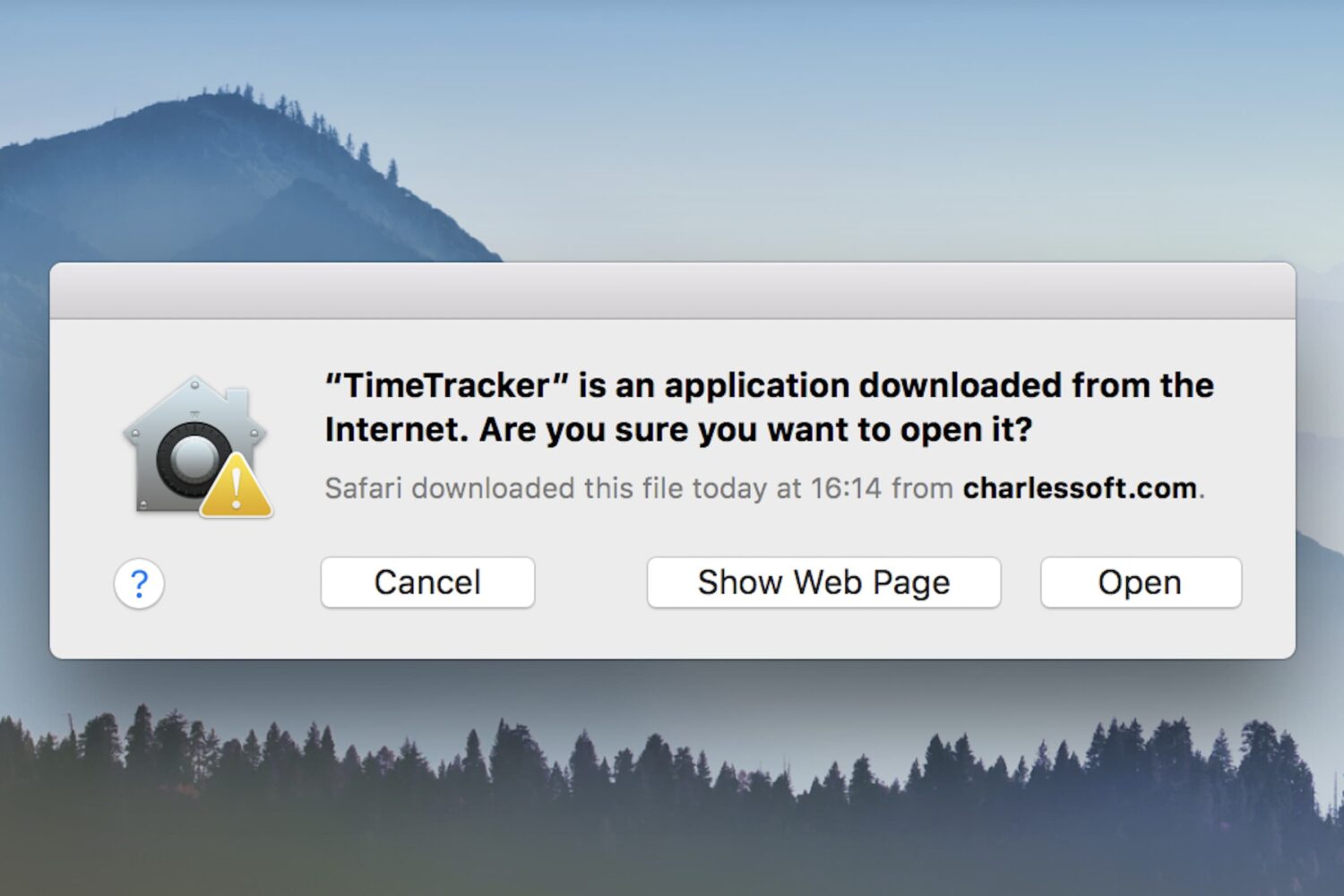
One of the security features in macOS is a prompt that appears when opening a program for the first time: This is an application downloaded from the Internet. Are you sure you want to open it?
While this can be helpful to the average Joe, preventing him from opening programs he may have downloaded accidentally (such as malware), power users may wish to circumnavigate the prompt. If you already practice good housekeeping with what you download and open, this dialog can be a time waster. There are various ways to deal with it, and this guide will talk you through their pros and cons.
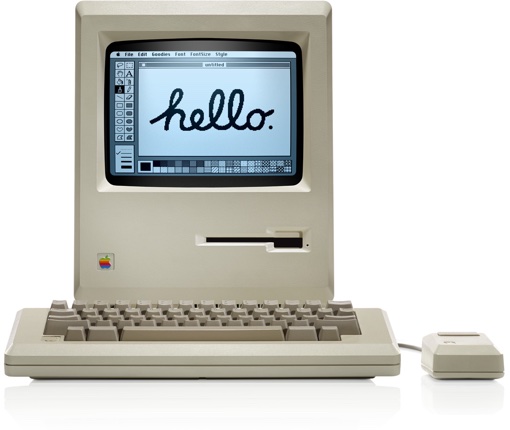
When the original Apple Macintosh system hit the market 33 years ago in 1984, it ignited the personal computer revolution with its built-in black-and-white CRT screen measuring just nine inches diagonally and a mouse-driven graphical user interface. Would you like to try out for yourself how the future of home computing looked like back then? Look no further than Internet Archive's latest in-browser emulation of the classic Macintosh hardware.
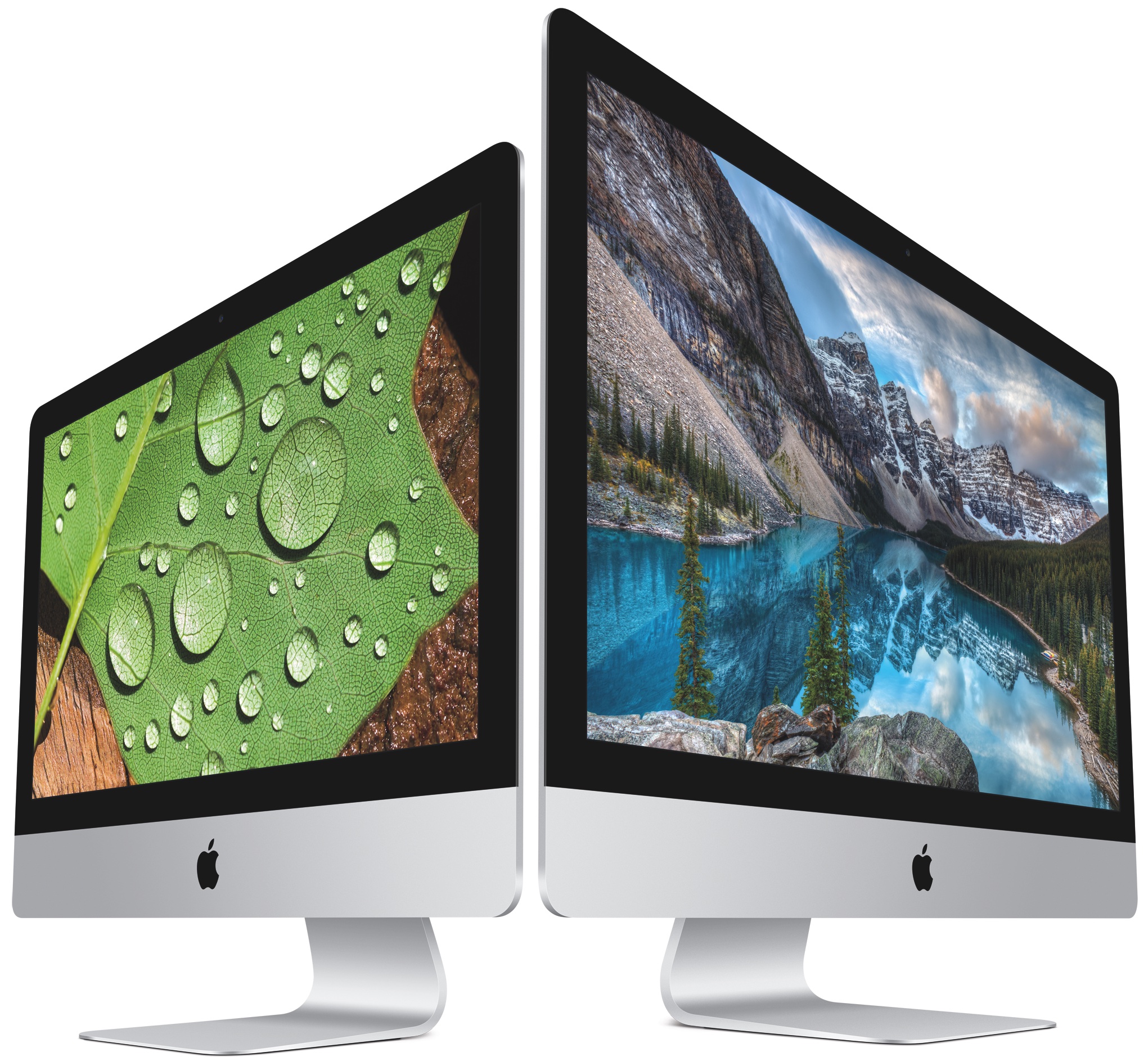
We know Apple is working on pro-level iMacs slated for release this year and one source has already described some of the features allegedly found on higher-end models, including faster Intel Xeon chips, ECC RAM and more. Citing sources from supply chain makers, Taiwanese trade publication DigiTimes said Tuesday that Apple is testing a new server-grade iMac model aimed at high-end users that will take on Microsoft's recently released Surface Studio.

Apple on Monday issued third betas of what would become maintenance and bug-fix updates to iOS, macOS Sierra, watchOS and tvOS. Members of the Apple Developer Program can now deploy iOS 10.3.2 beta 3 (build 14F5080a), macOS Sierra 10.12.5 beta 3 (build 16F60a), watchOS 3.2.2 beta 3 (build 14V5480a) and tvOS 10.2.1 beta 3 (build 14W5578b) through the Software Update mechanism.

There are so many VPNs to choose from, and if you’re having trouble deciding what one to choose for your own internet privacy and security, then we’re here to help.
One of the biggest deciding factors in purchasing a long-term commitment to software is the cost, so in this roundup, we’ll discuss some of the best VPN deals you can get right now.
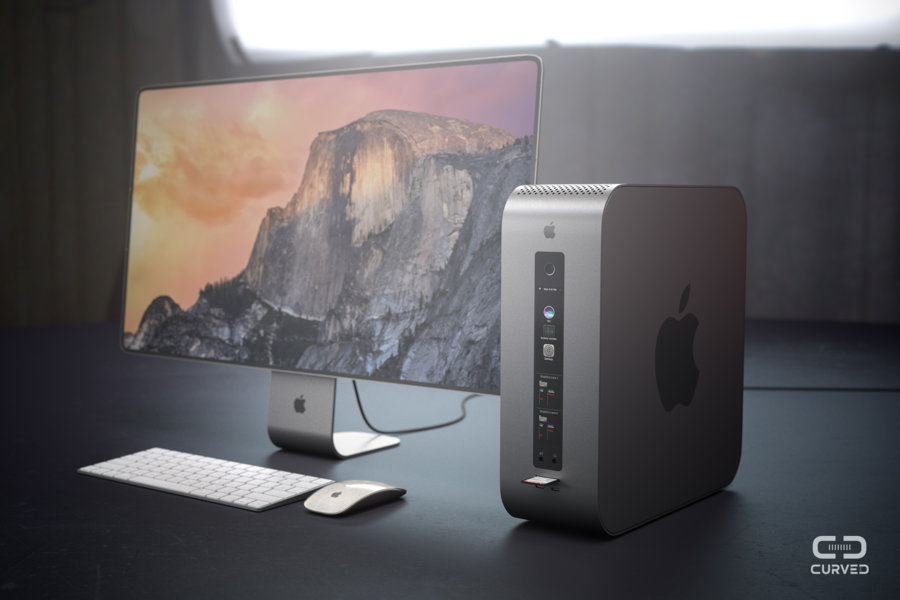
As part of doing a next-generation Mac Pro, Apple will be adopting a modular system that its pro customers have been yearning after ever since the company debuted the current trash bin design more than three years ago. While it's going to take longer than this year to do such a system, German magazine Curved has created renderings imagining a modular Mac Pro and an edge-to-edge Apple display.

Feral Interactive today announced that Total War: Warhammer will be coming to your Mac next week.
Filing as the first game in the trilogy, it was originally developed by Creative Assembly in partnership with Games Workshop and published by SEGA.
Feral has ported Total War: Warhammer to macOS using Apple's low-level Metal graphics framework. The turn-based strategy game is out now on Linux and will launch on Mac App Store next Thursday, April 18.

I like my desk to be clean, and as minimalistic as possible. This of course includes what's on my desk, but also what shows on my computer screen when I'm not actively using it. This is why for the past few months I have opted to use minimalist clock screen savers on my Mac.
Surprisingly, there aren't many options that meet my basic criteria of simplicity and minimalist beauty, but I did find a few that I'll share with you.