Find out how to securely send an account login username and password from your iPhone, iPad, or Mac to another Apple device using AirDrop.
How to AirDrop login passwords between iPhone, iPad, Mac
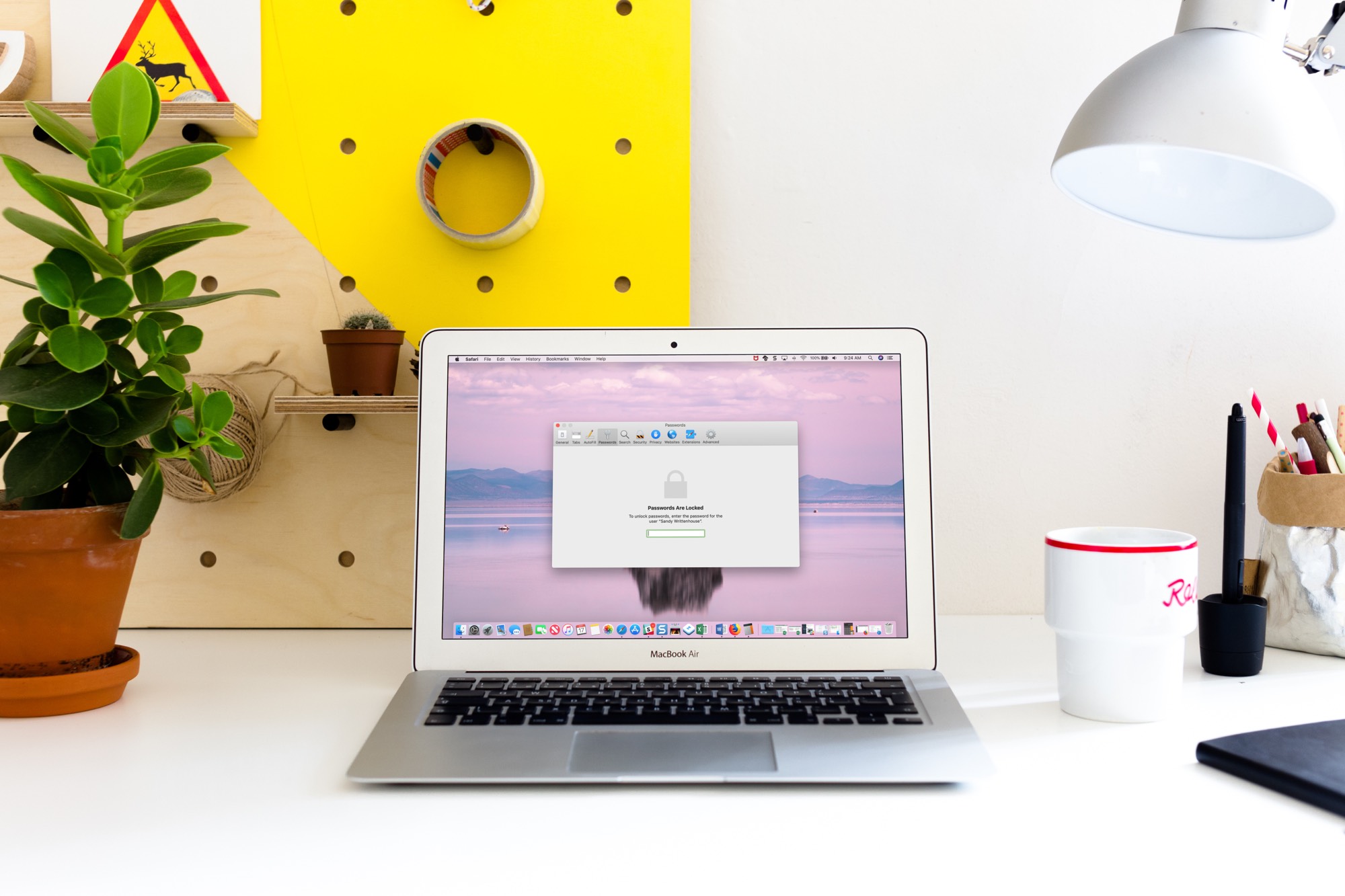
Stay up-to-date on the latest Mac news, and tutorials. Get expert tips and tricks to optimize your Mac’s performance and learn about the latest Apple products and software updates. Discover the best Mac apps and accessories to enhance your user experience.
Find out how to securely send an account login username and password from your iPhone, iPad, or Mac to another Apple device using AirDrop.
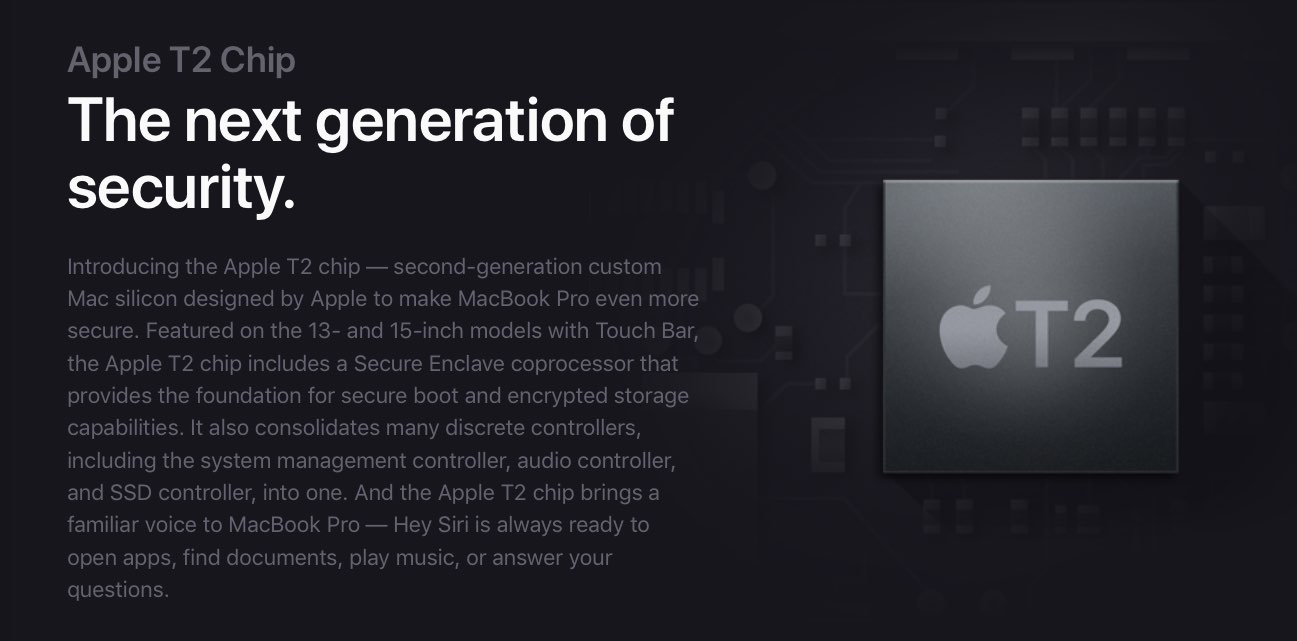
For security purposes, booting Linux or any other non-Apple operating system except Windows 10 is currently impossible on Apple hardware featuring the company's in-house designed Apple T2 chip unless you adjust your Secure Boot settings.

One of the first things I looked for when I started using a MacBook Pro for work was how to navigate web pages faster. Being able to move to the top, to the bottom, or both in small increments and without lifting my fingers from the keyboard was essential.
If you’re like me and want to navigate sites you visit quicker, this list is for you. Here are several keyboard shortcuts to move up, down, and sideways on web pages on Mac.
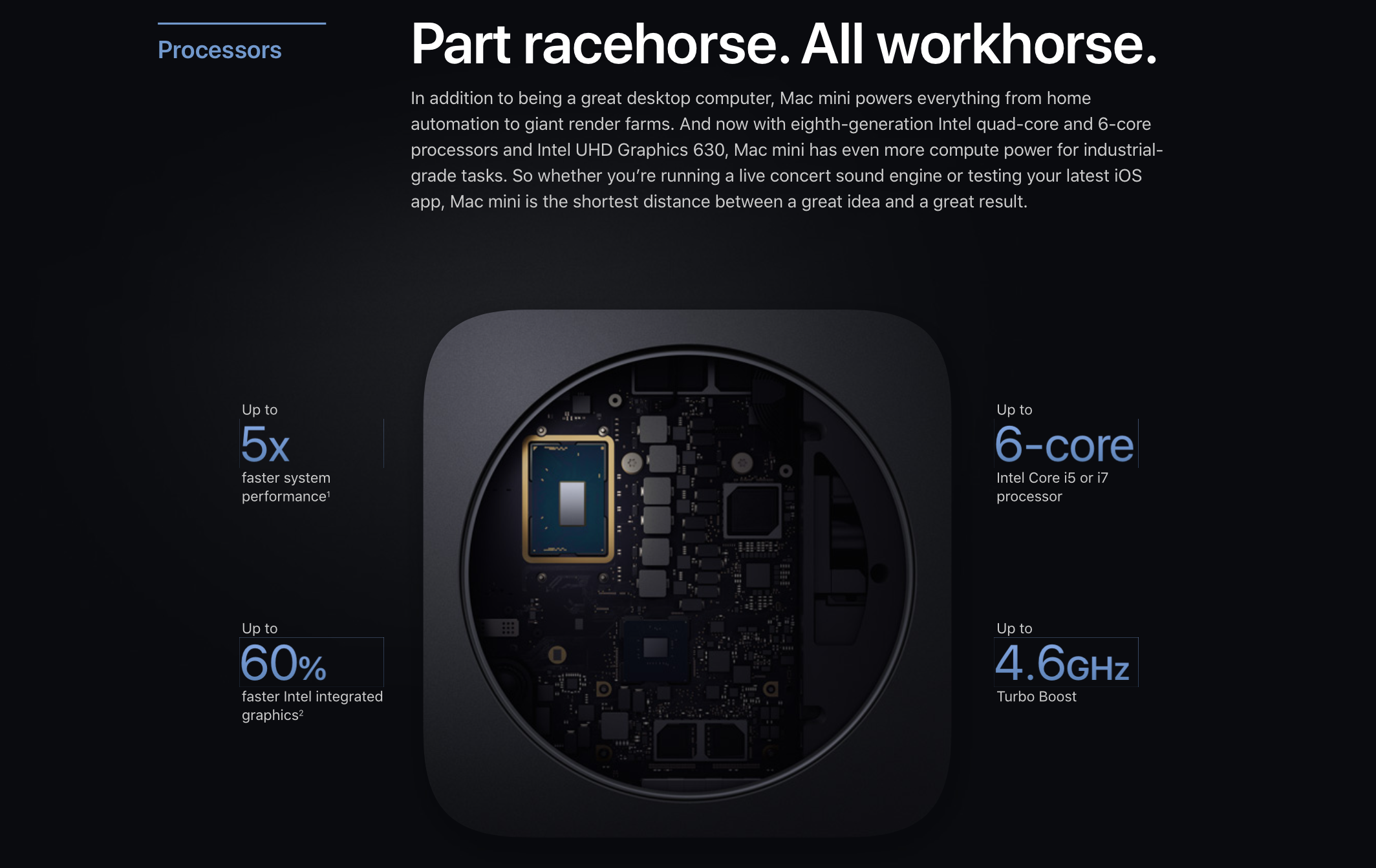
Apple's Mac mini was refreshed last week and it's quite a beast, according to the first Geekbench 4 synthetic benchmark scores pertaining to the pricier $1,099 model upgraded to an optional six-core 3.2GHz Intel Core i7 processor, resulting in a $1,299 configuration.
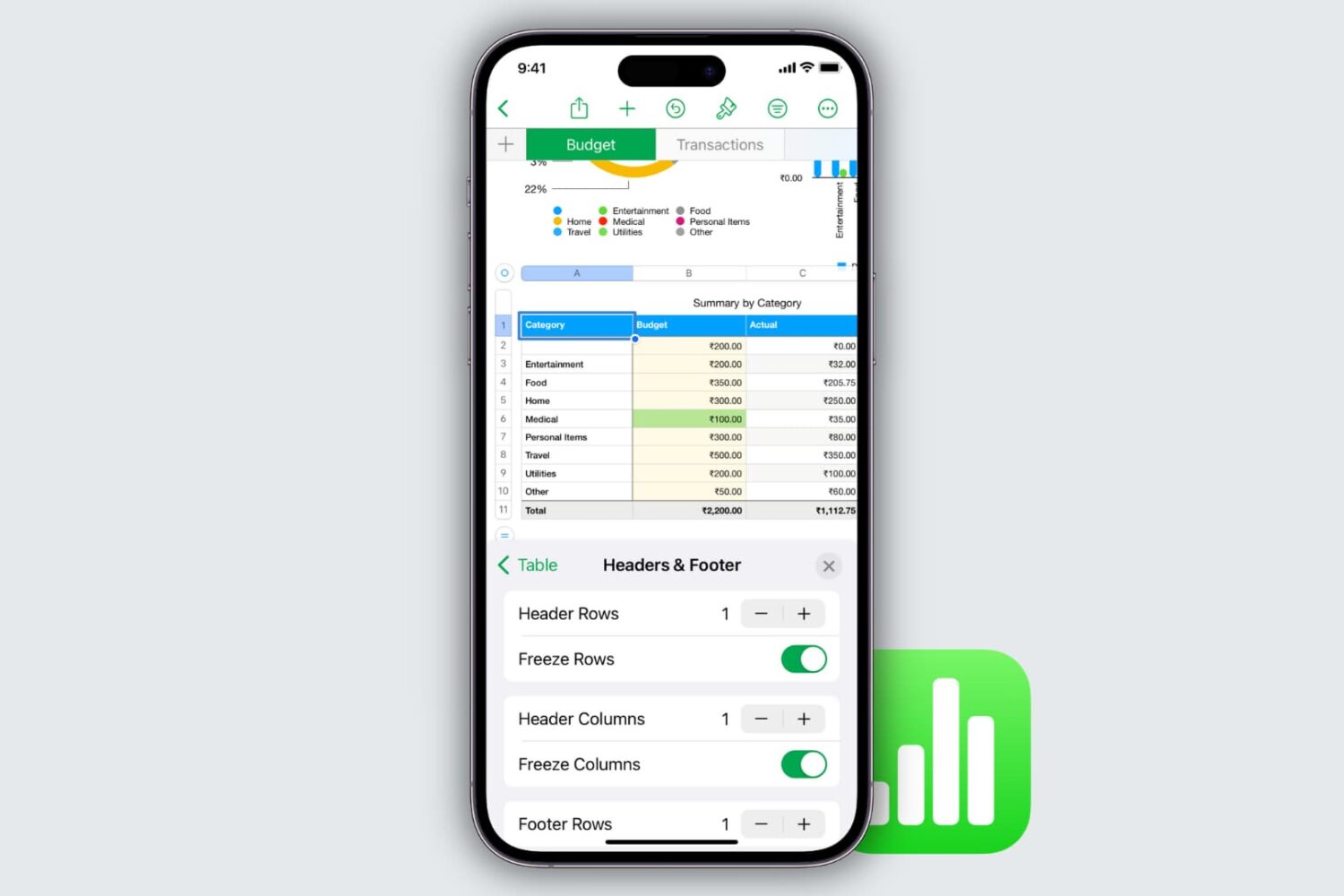
Learn how to freeze columns and rows in the Apple Numbers app on your Mac, iPad, and iPhone to keep important data in view as you scroll.
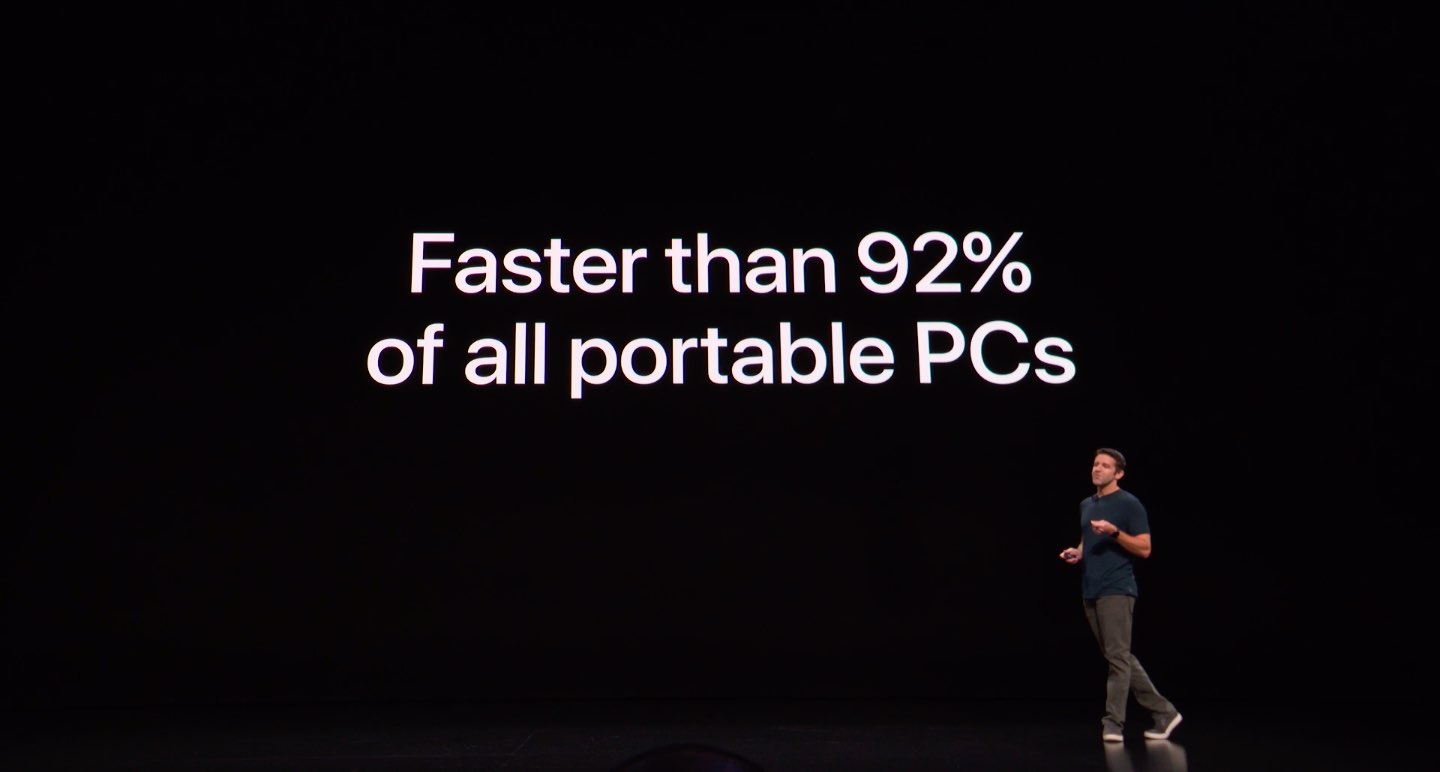
The new 11-inch and 12.9-inch iPad Pro introduced Tuesday have plenty of CPU and GPU power to make them comparable in terms of processing speed to Apple's nearly $3,000 15-inch 2018 MacBook Pro notebook outfitted with Intel's six-core Core i7 chip.
The first beta of macOS Mojave 10.14.2, released earlier this morning alongside other minor developer betas for iOS 12.1.1 and tvOS 12.1.1, is no longer found on Apple's Dev Center. UPDATE: On Thursday, November 1, the pulled beta again became available for developers to download through Apple's Dev Center portal.
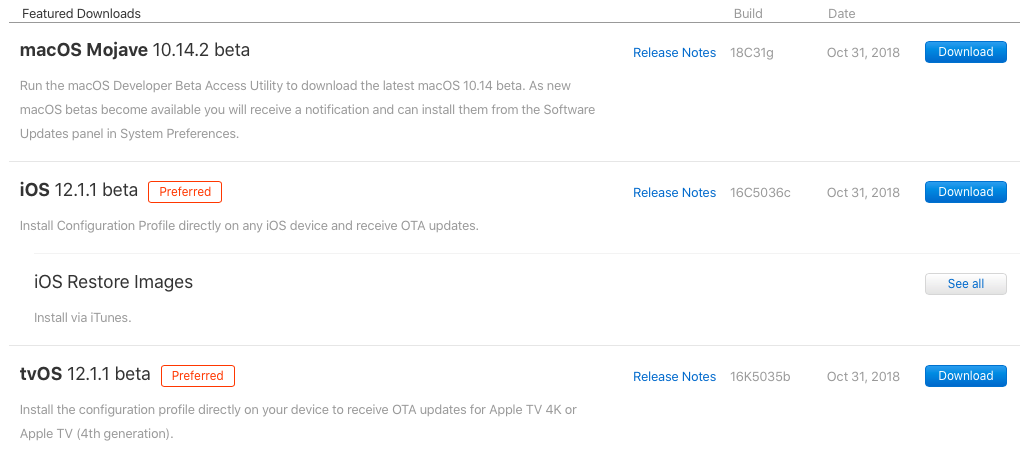
Apple on Wednesday pushed first betas of what would become the minor iOS 12.1.1, tvOS 12.1.1 and macOS Mojave 10.14.2 updates. The betas are available to Apple's registered developers and members of the Apple Developer Program. Public betas should follow shortly after the developer builds, but you'll need to register with the Apple Beta Software Program.
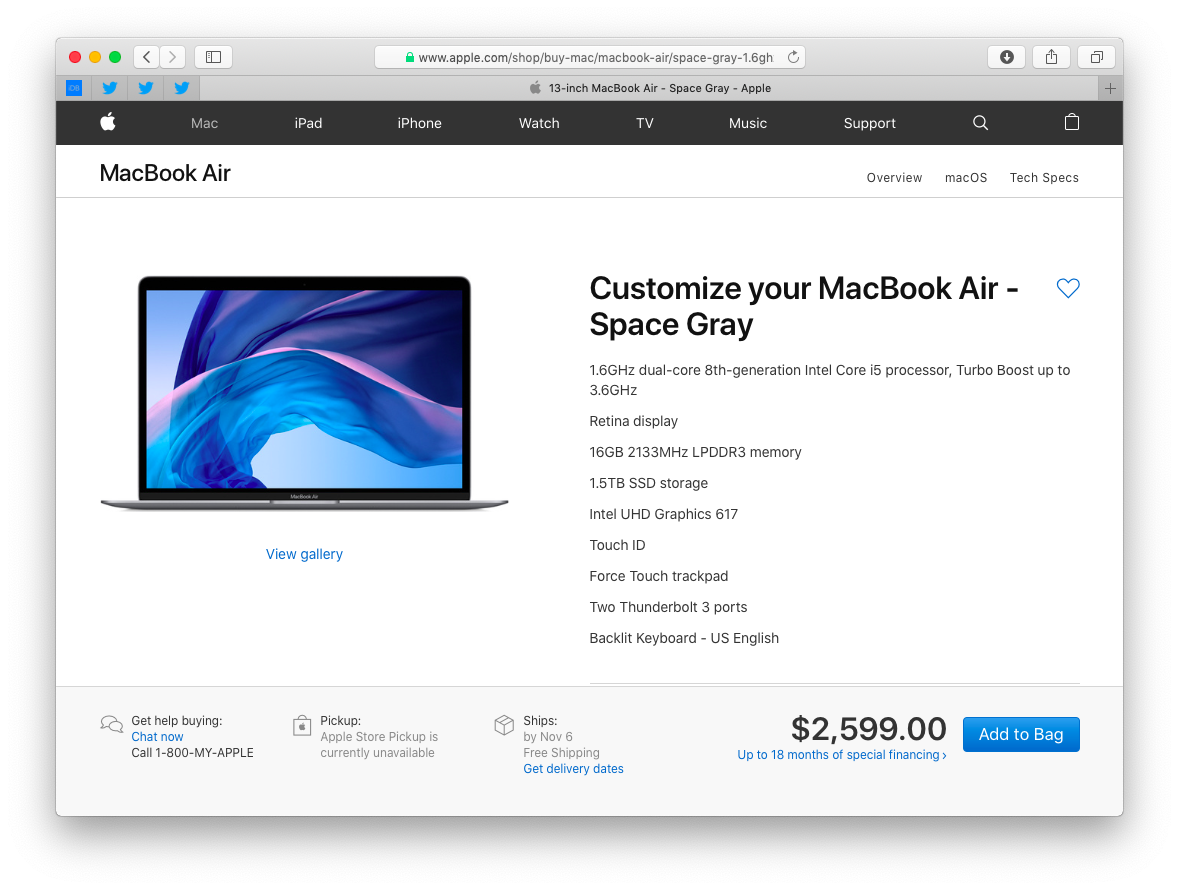
Apple today announced a major update to its popular MacBook Air line of notebooks. The computer has gone from a low-resolution screen to a 13.3-inch Retina panel with four times the pixels. The new Air also has a smaller footprint, includes Touch ID and sports upgraded internals like faster CPU and GPU models, Apple's enhanced T2 chip and more.
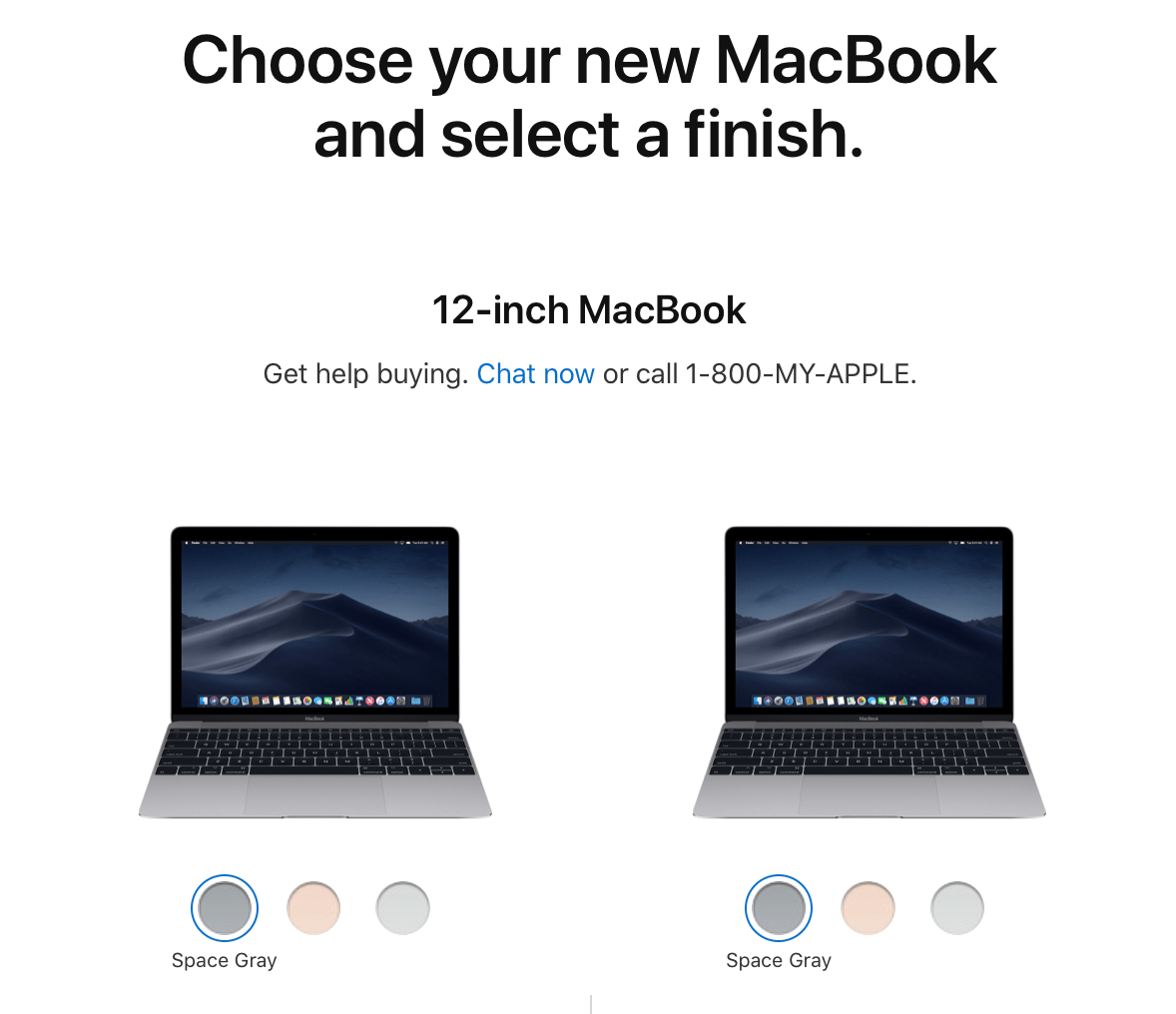
Apple this morning announced the long-awaited update to the MacBook Air. It has just about everything users have been asking for—a Retina display, upgraded internals and a smaller footprint—but it all comes at a price. The new Air starts $1,199. The good news, though, is that it looks like Apple has decided to keep the previous-gen MacBook Air around at $999.
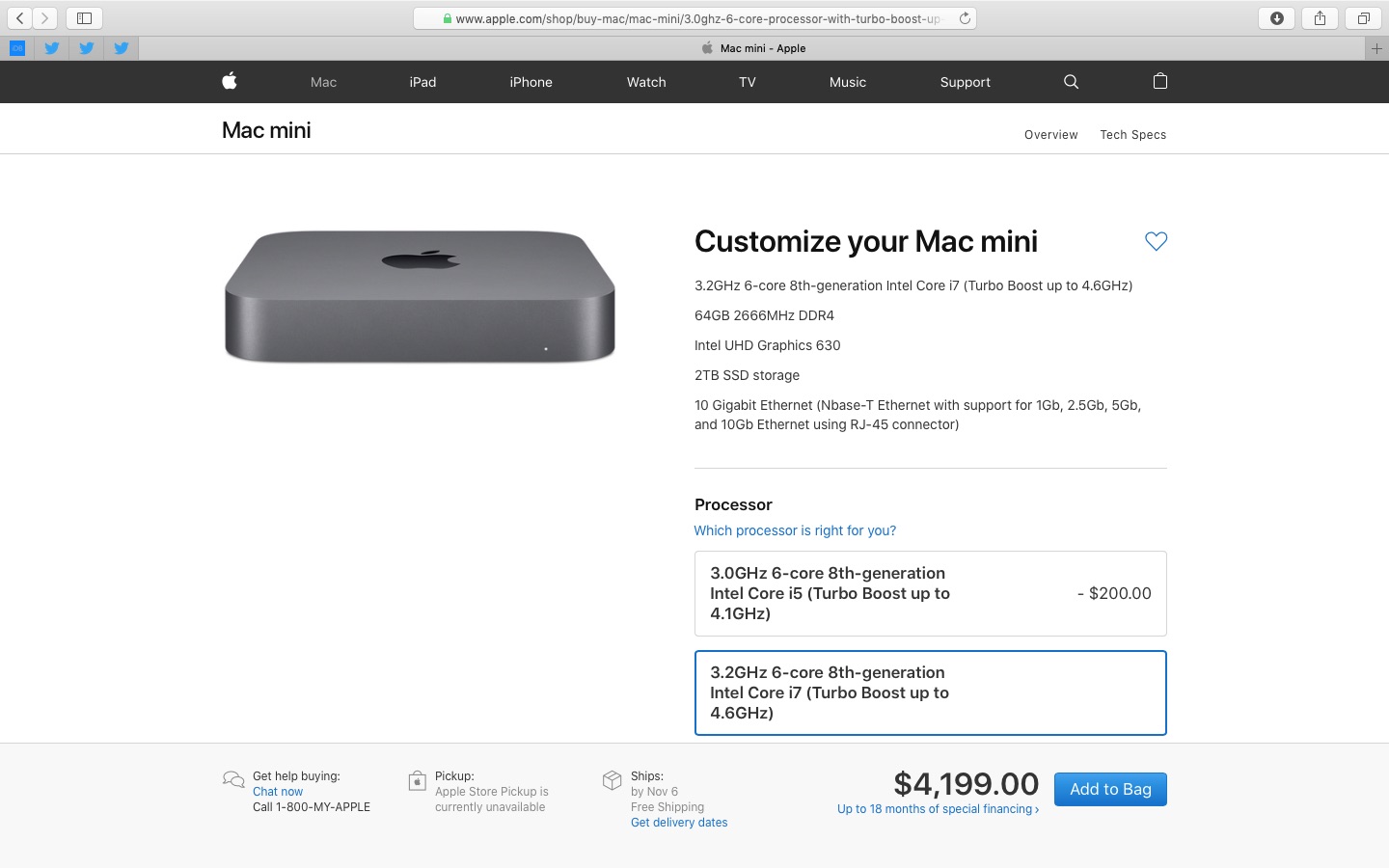
Apple's new Mac mini packs a lot of punch for its base price of $799, but configuring the computer with additional RAM, faster chips and more storage quickly escalates the price.
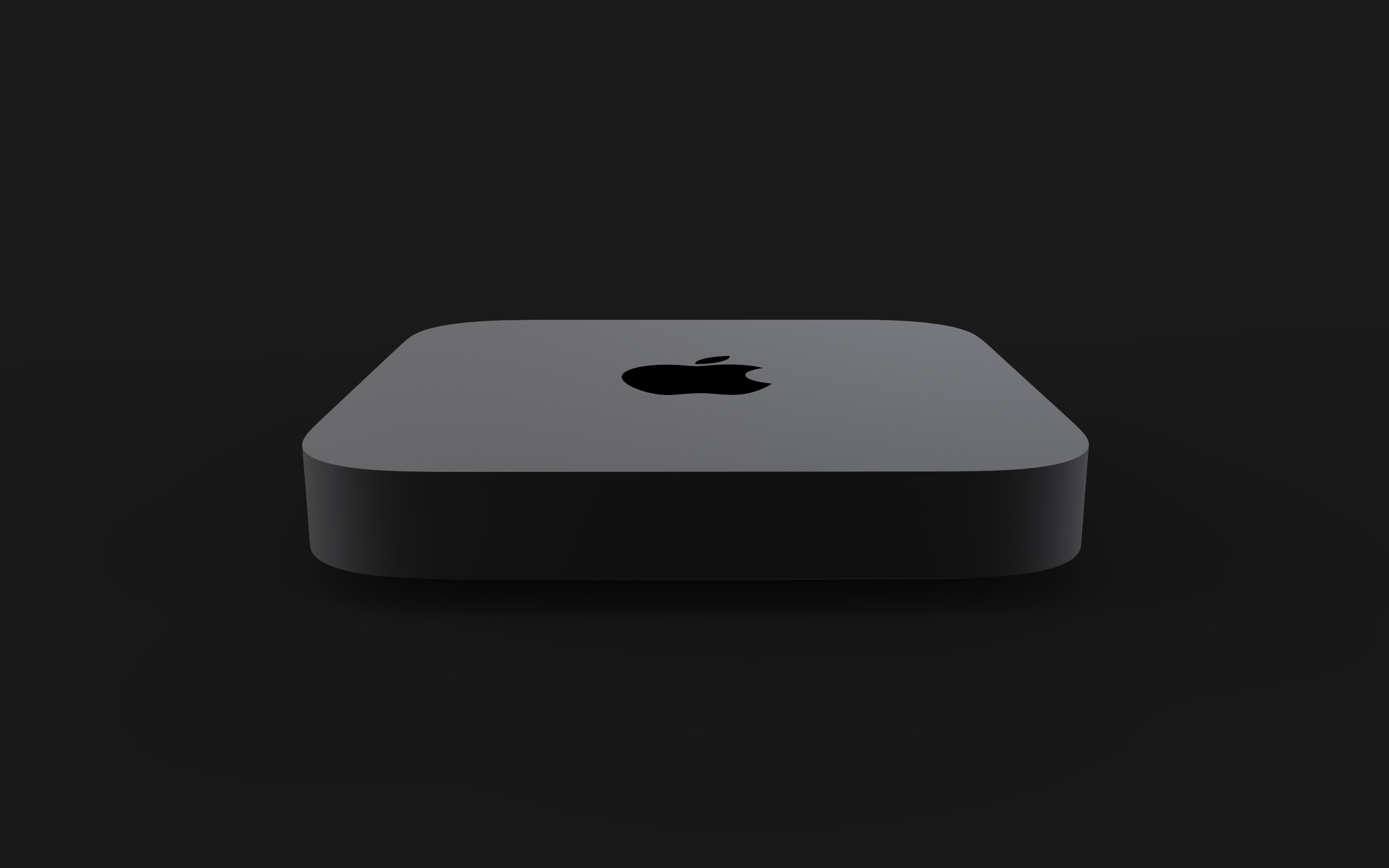
On Tuesday, Apple unveiled a much-requested refresh of the Mac Mini, which sports powerful new hardware and a redesigned chassis constructed from fully-recycled aluminum.
In this piece, we outline the tech specs concerning Apple‘s all-new 2018 Mac Mini.