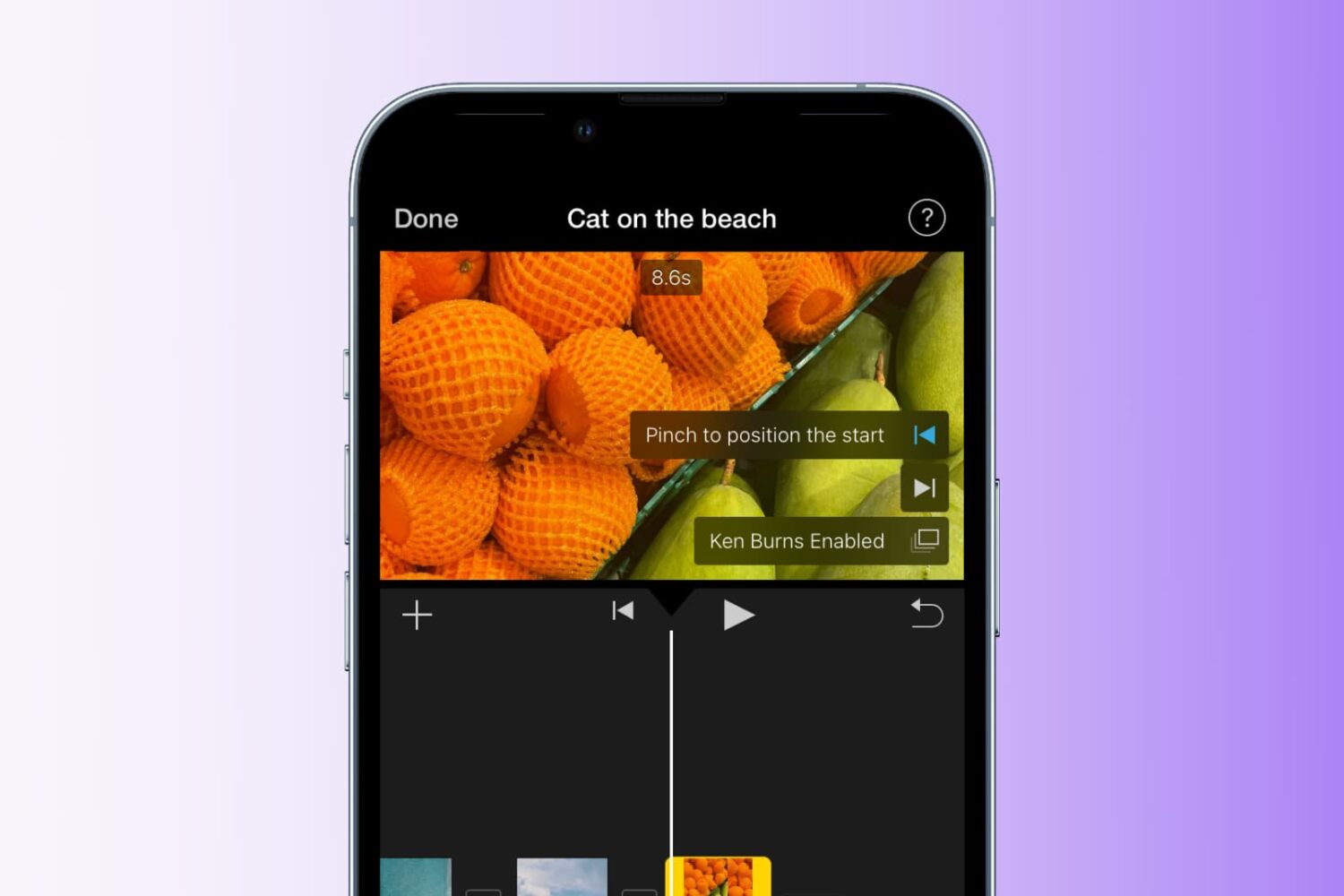
Learn how to add the Ken Burns effect to your images and video clips in iMovie to make them appear as though the camera is moving or zooming in and out, creating a beautiful cinematic effect.
How to use the Ken Burns effect in iMovie
Stay up-to-date on the latest Mac news, and tutorials. Get expert tips and tricks to optimize your Mac’s performance and learn about the latest Apple products and software updates. Discover the best Mac apps and accessories to enhance your user experience.
Learn how to add the Ken Burns effect to your images and video clips in iMovie to make them appear as though the camera is moving or zooming in and out, creating a beautiful cinematic effect.
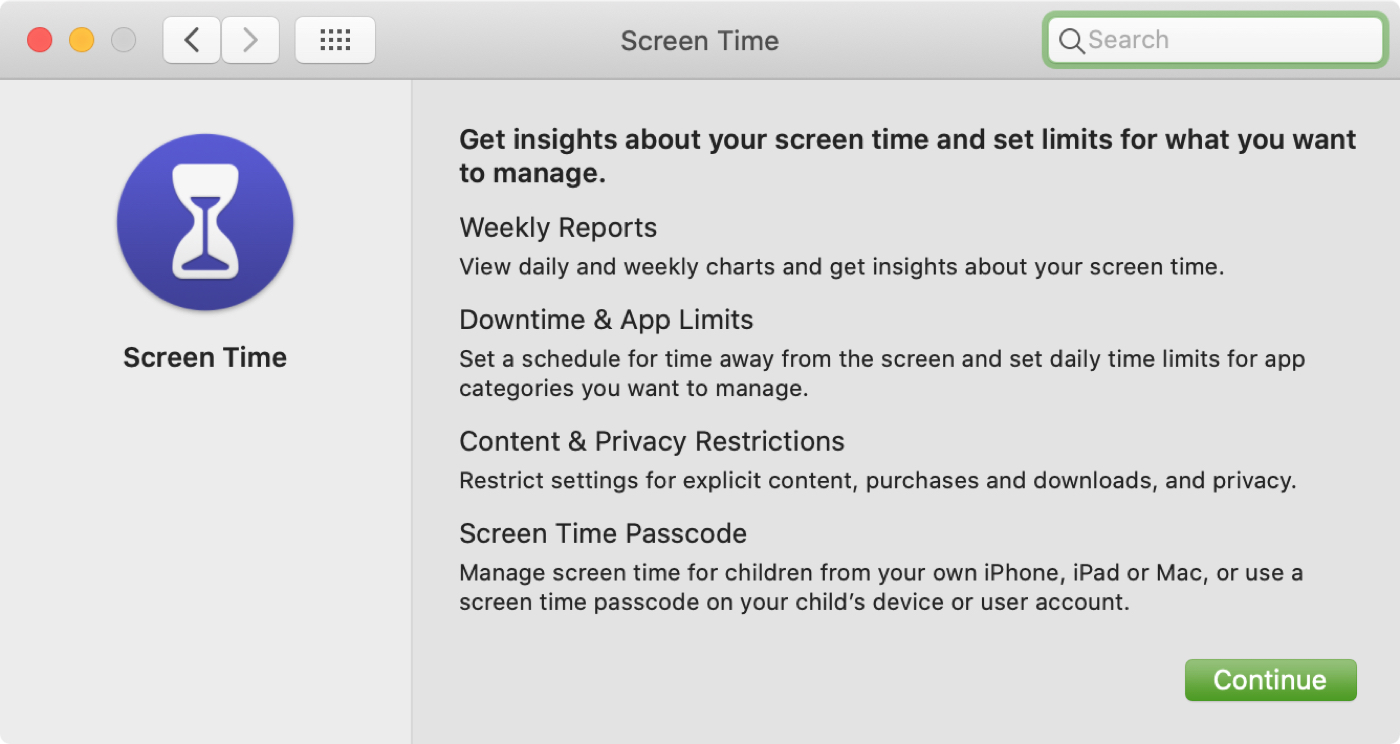
In this tutorial, we will explain how to turn on and use Screen Time on your or your child's Mac to understand device activity, limit app and website usage, set communication limits, and enable restrictions.
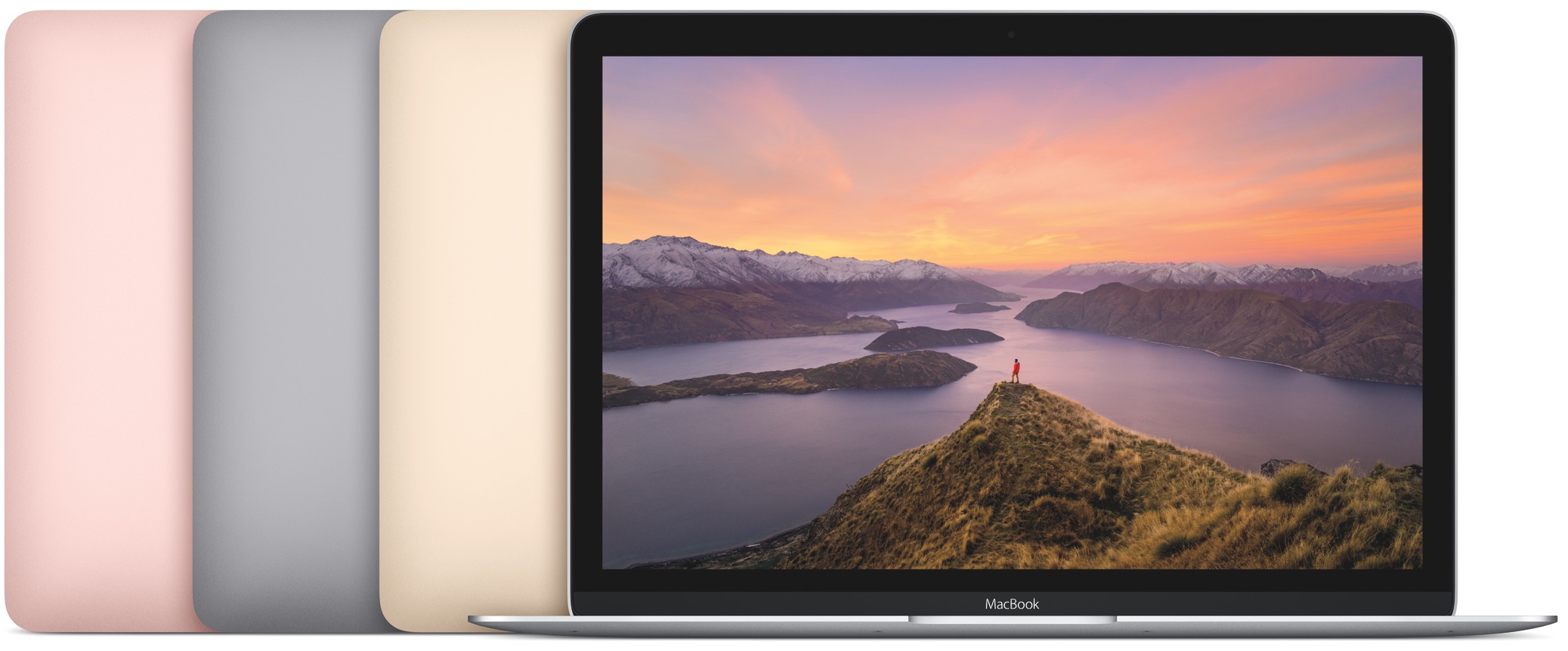
Apple's return to the more reliable scissor-switch keyboard mechanism is expected to kick off with a brand-new notebook model featuring a sixteen-inch display that's apparently coming down the pike later this year, but what about the good ol' MacBook line?
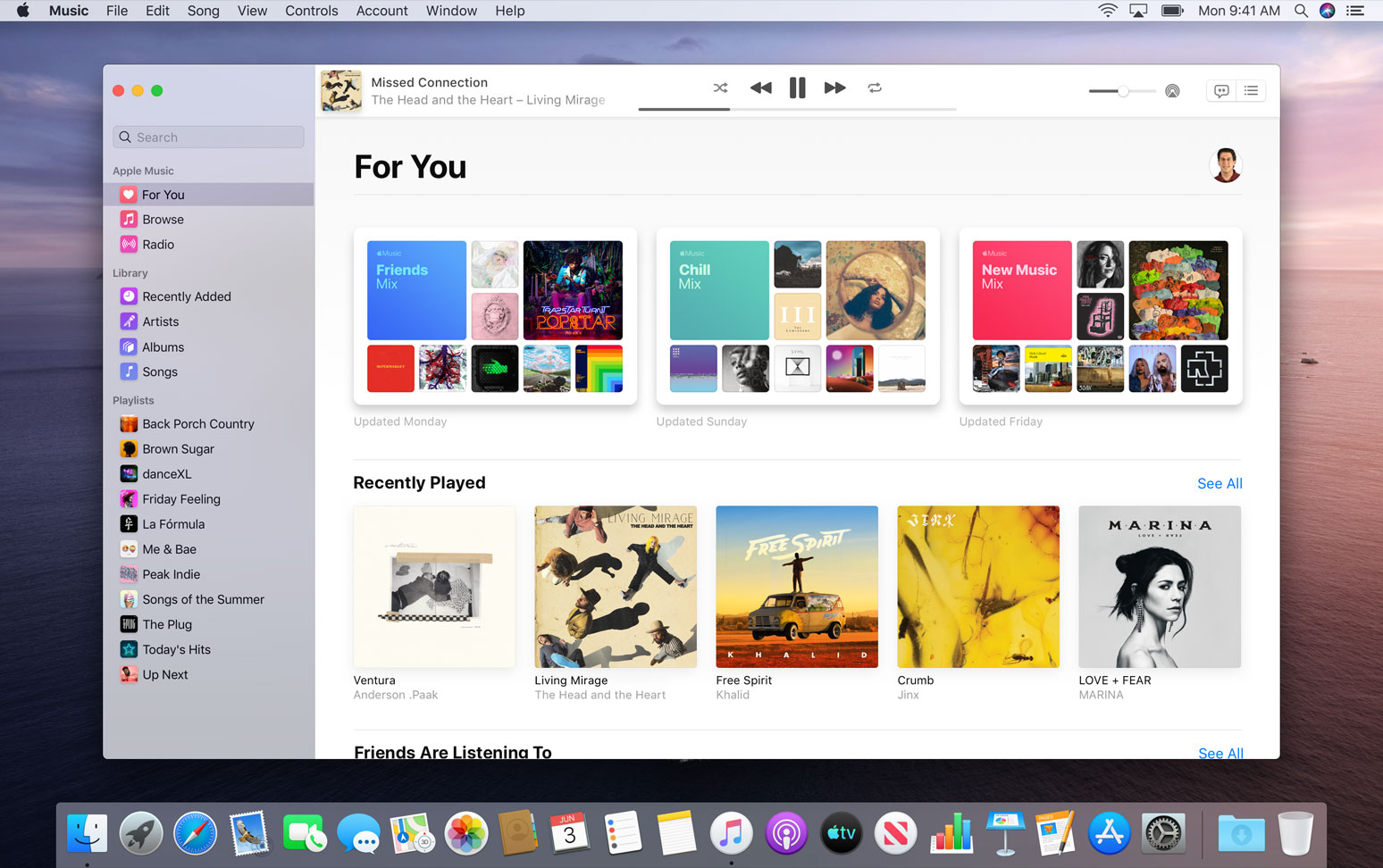
The new macOS Catalina 10.15 software that released Monday breaks compatibility with apps for DJs that rely on the ability of iTunes to export XML playlists in real time.
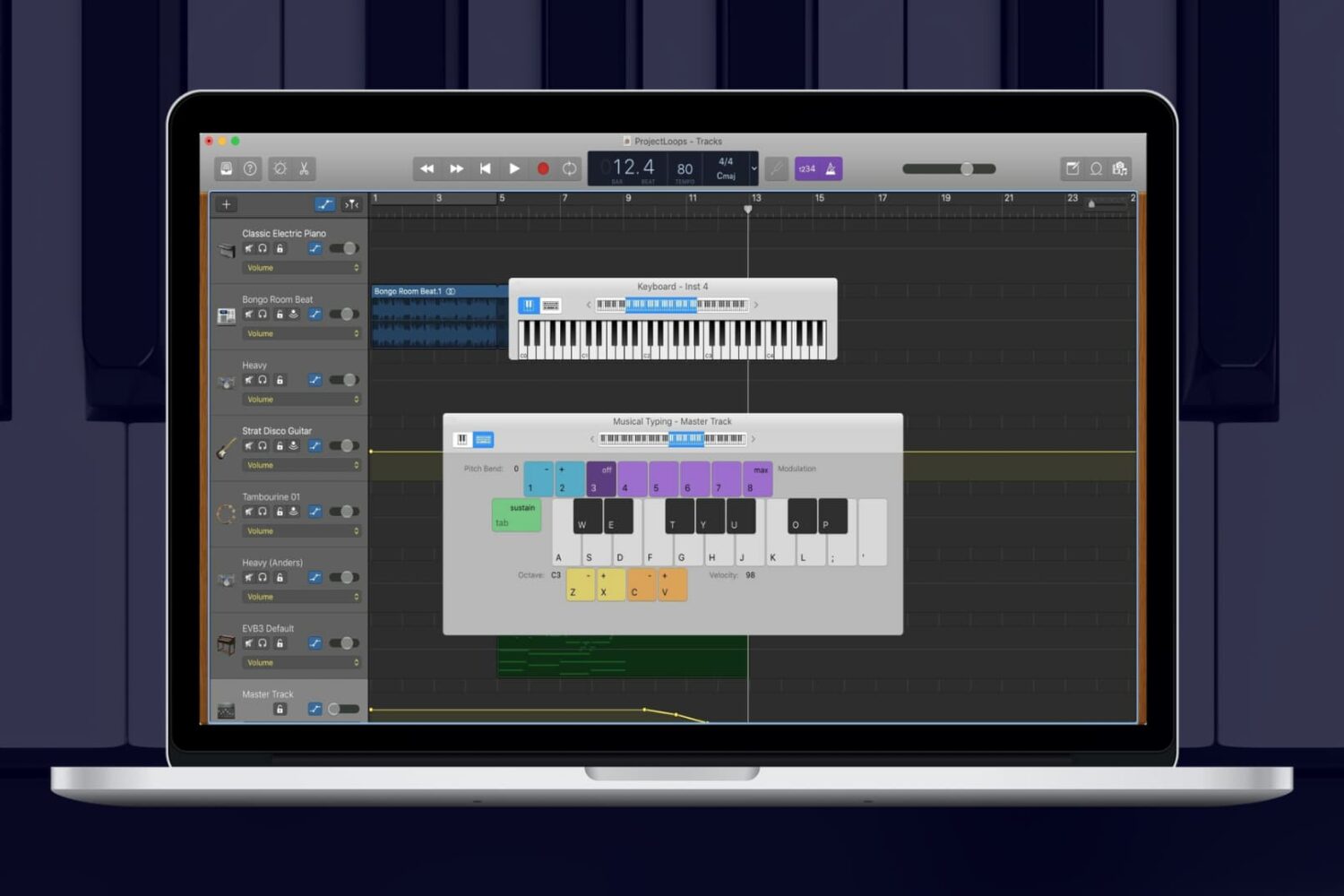
While you can add Apple Loops and import samples to use in your GarageBand creations, you can also use an onscreen keyboard to make music. On Mac, you can use the keyboard as it appears on a piano or organ in addition to musical typing with your computer keyboard. And on iOS, you can tap to open the keyboard and adjust its settings easily.
For making music in GarageBand your way, here’s how to show the keyboard on Mac, iPhone, and iPad.
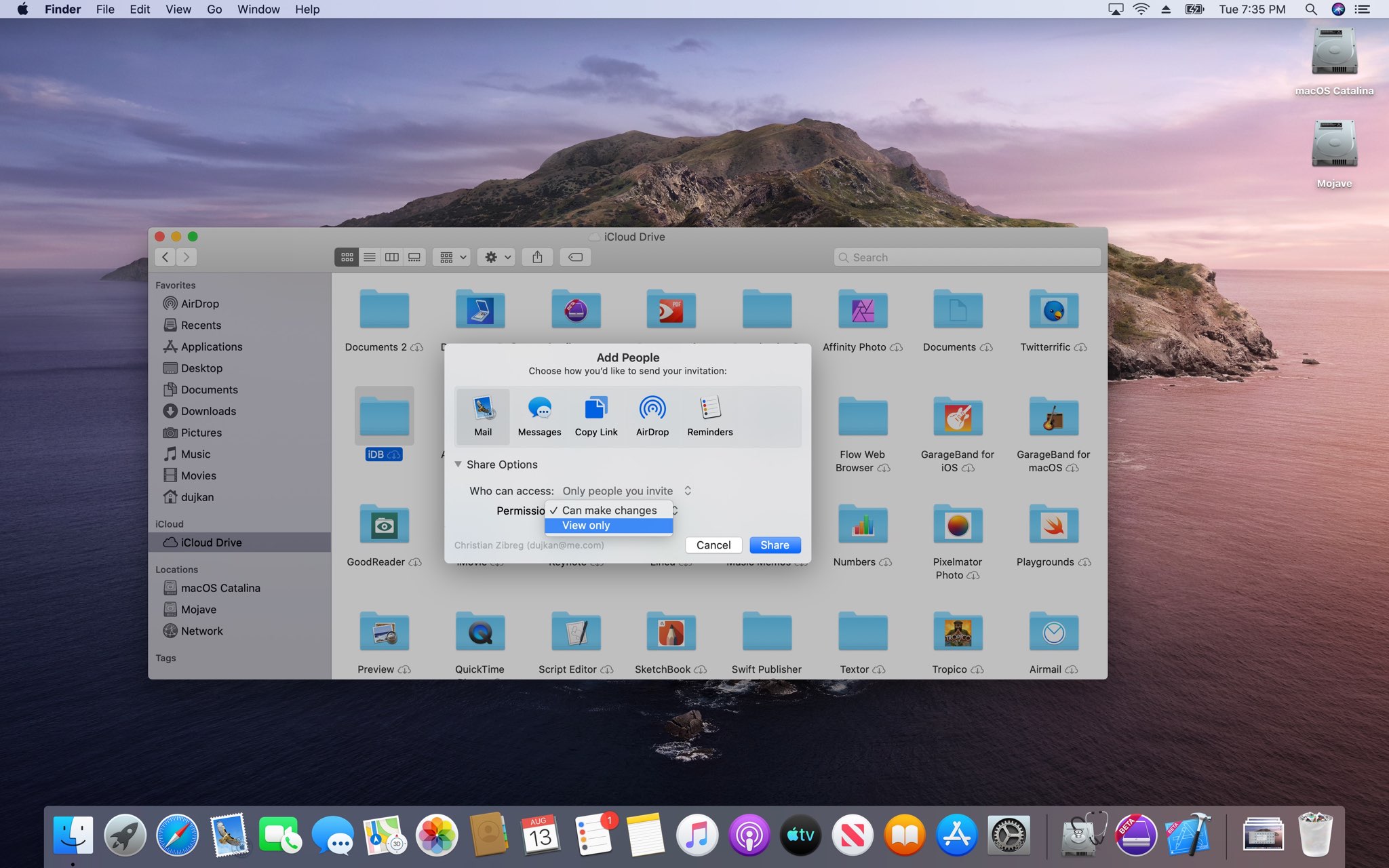
The iCloud folder sharing feature in macOS Catalina 10.15, which released Monday for public consumption, seems to have been officially delayed until spring 2020.
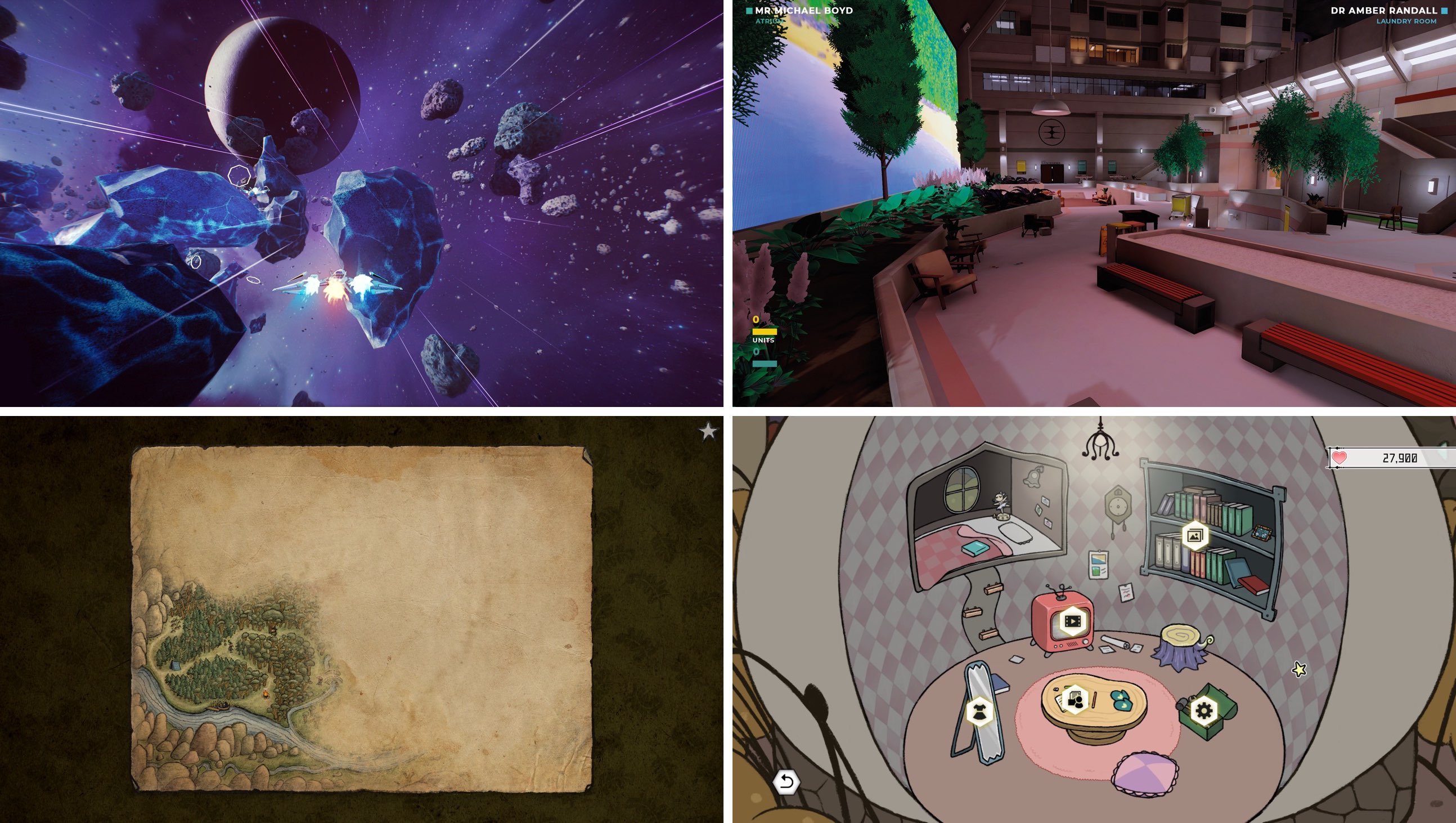
The $5-per-month Apple Arcade game subscription service on Saturday picked up four new exciting titles, marking the service's first library expansion following its September 19 debut on iOS, iPadOS and tvOS. Now available, these four new games range from a fast-paced space shooter to a narrative driven exploratory adventure and beyond.
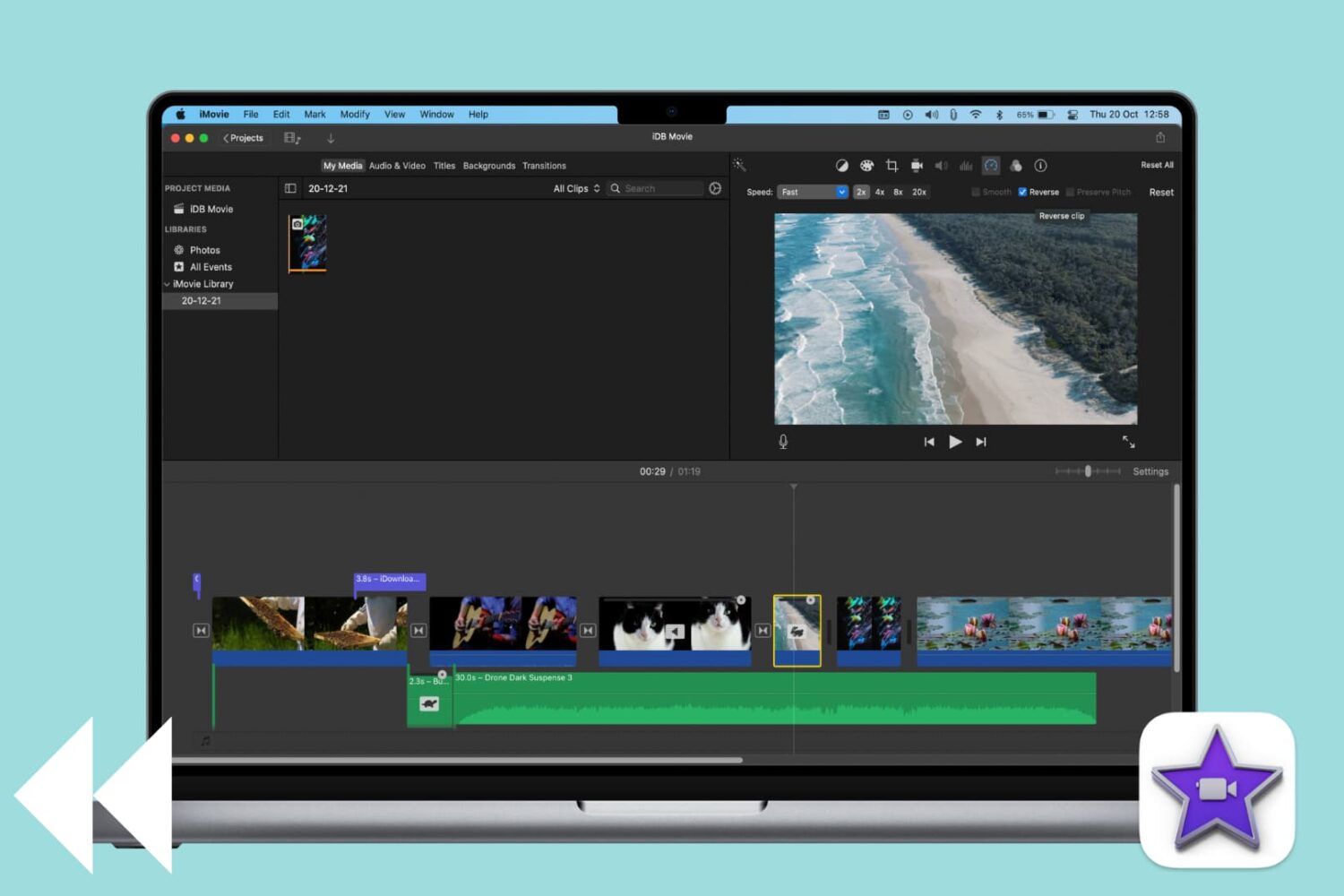
Learn how to reverse a video clip in iMovie on Mac to play it backward and add a cinematic effect to your project.
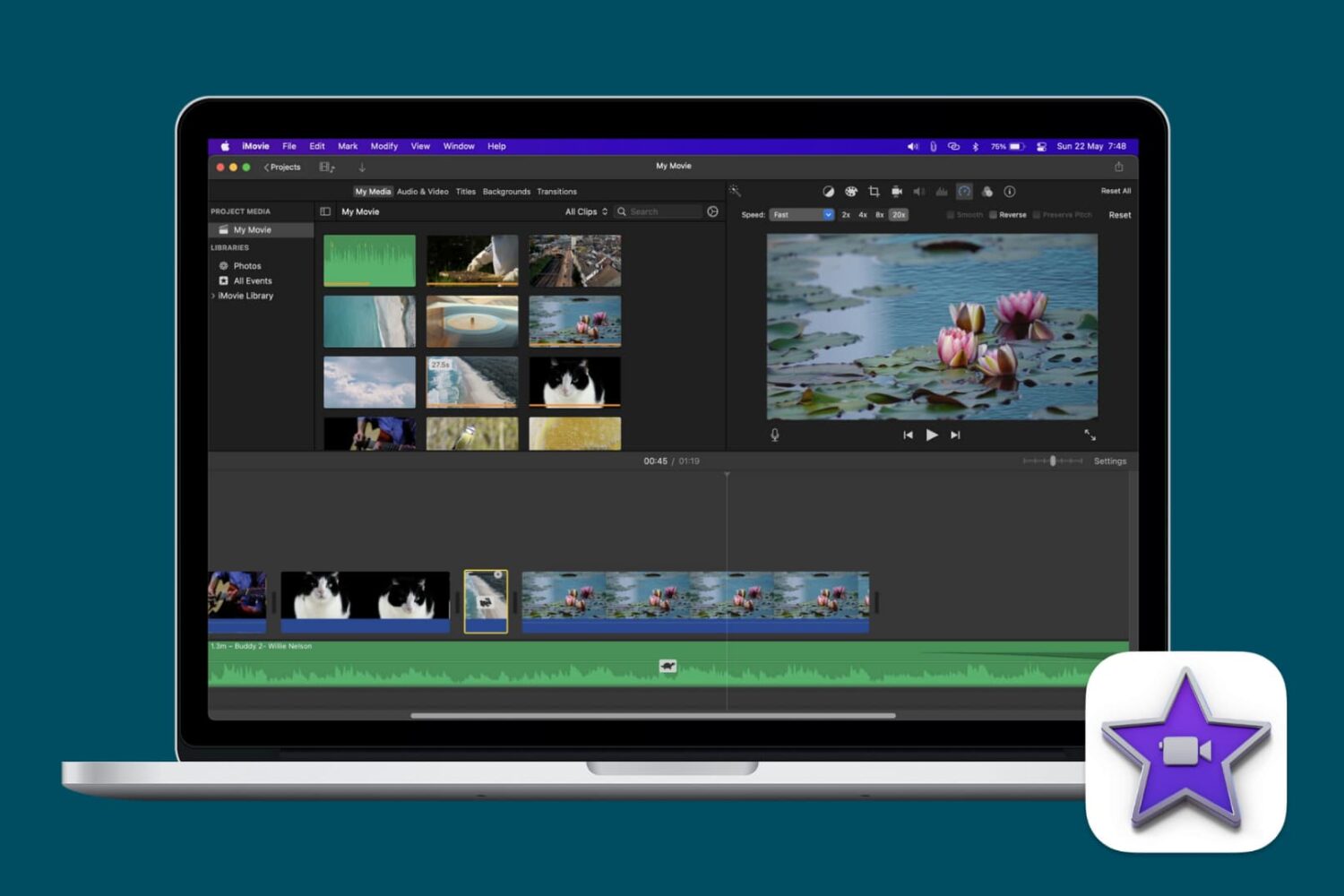
Learn how to speed up or slow down videos in iMovie on your iPhone, iPad, or Mac to highlight specific moments, create dramatic effects, or change their on-screen time.
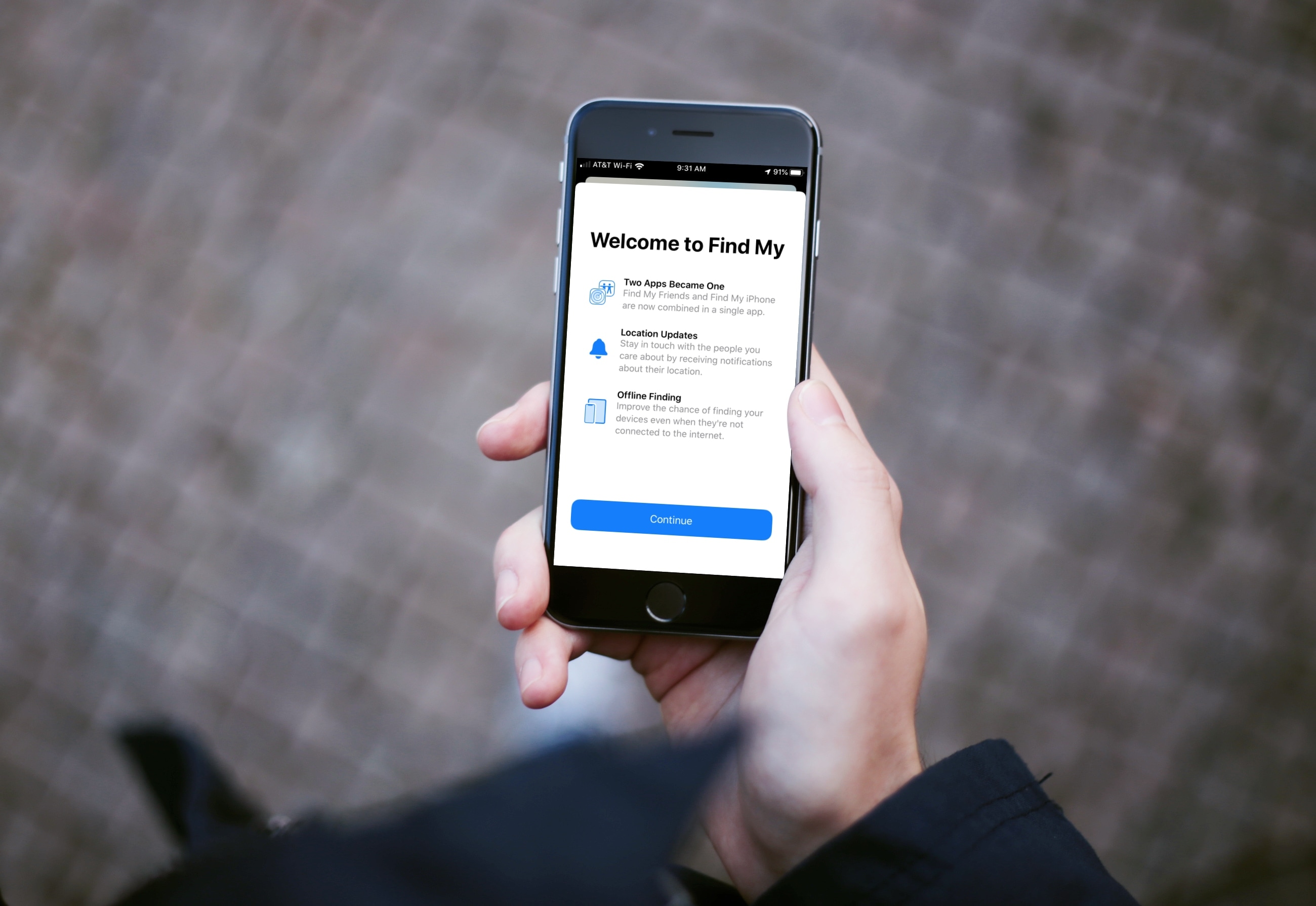
Learn how to use the Find My app on your iPhone, iPad, and Mac to find your devices, share your location, and see other people's location -- all in one convenient spot.
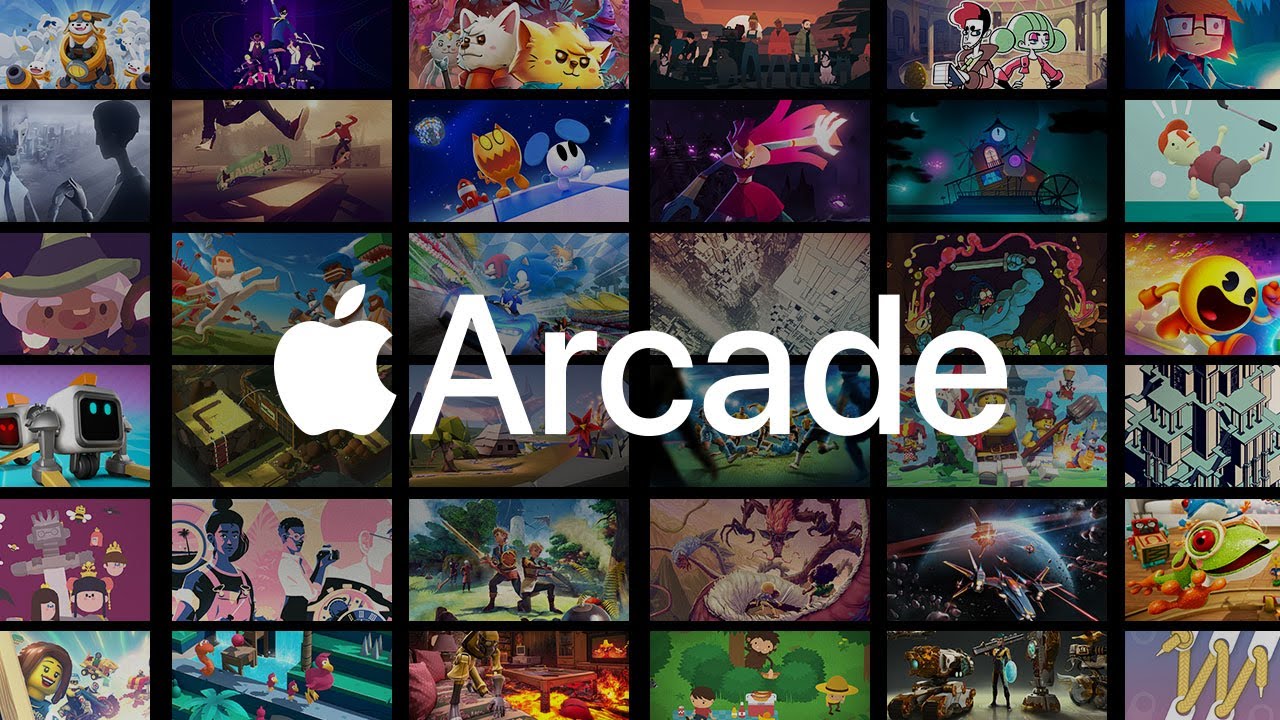
Two things are happening: first, subscription services are becoming more popular. Second, people are playing more on their phones than on consoles and PC. So it was a matter of time before someone would put 2 and 2 together. Well, the time is now, my fellow gamers. Google and Apple are both getting ready to launch their respective game subscription services, Google Play Pass and Apple Arcade.
At its core, both services are similar. However, they do have some differences, other than the platform they're on. If you're like me, and you have both Android and iOS devices, you're probably wondering which one is more advantageous. Well, wonder no more, as we dive into Apple Arcade versus Google Play Pass. We'll cover each subscription service and determine which one is better suited for you.

Learn how to block specific email senders in the Apple Mail app on iPhone, iPad, and Mac to make sure you never see an email from that person or company again.