Mac

Stay up-to-date on the latest Mac news, and tutorials. Get expert tips and tricks to optimize your Mac’s performance and learn about the latest Apple products and software updates. Discover the best Mac apps and accessories to enhance your user experience.

What’s your fondest Apple memory?

An image showing a slightly glowing whit Apple logo set against a dark background

We all have good memories related to Apple. That's the reason we're attached to a brand or a product. At least, that's what science says. Maybe it's the Apple Watch helping you take better care of yourself, or the first time you FaceTimed your crush. These good memories are what make you want to stay on Apple's side, no matter how many times people say the new iPhone has a kitchen stove on its back.

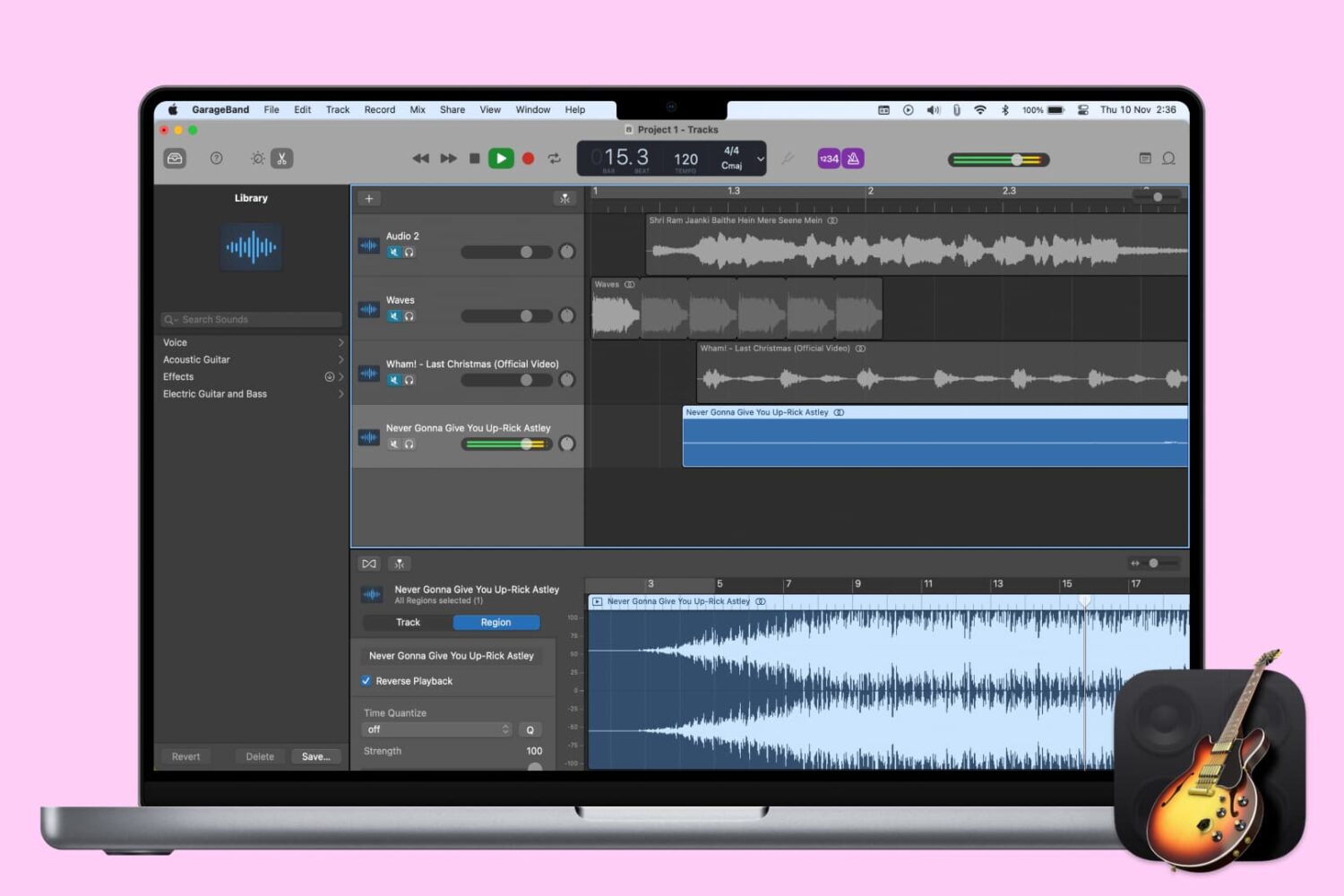
How to change the tempo in GarageBand on Mac and iOS

Change Tempo in GarageBand

The tempo in GarageBand is expressed in beats per minute and is set to 120 by default. But you can change it to match the tempo you need for your song. On iOS, you can change the tempo for your song to a specific value. And on Mac, you also adjust it for the entire song or add tempo points to the Tempo Track so that the tempo changes throughout the song.

This tutorial shows you how to change the tempo for a song in GarageBand.

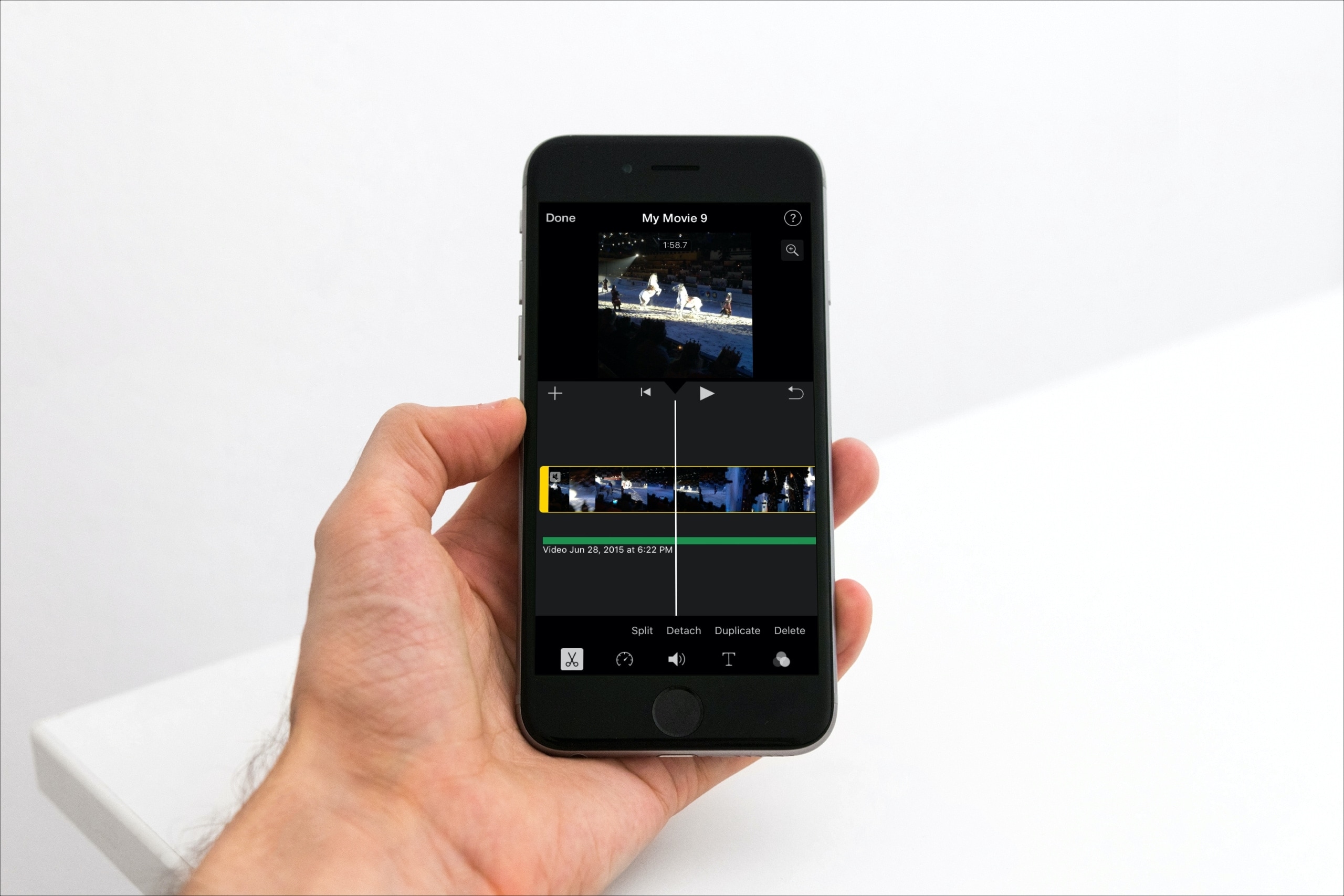
How to edit, trim, and adjust audio clips in iMovie

Edit Audio Clips in iMovie Mac

When you add an audio effect or background music to your movie in iMovie, you may want to make some adjustments. Luckily, iMovie provides features for editing your audio clips so that you can trim them, change the speed, and adjust the volume.

For iMovie on both Mac and iOS, this tutorial shows you the basics of how to edit, trim, and adjust your audio clips.

How to add fade in and fade out to songs in GarageBand

Fade songs in and out in GarageBand on Mac

Fading out of a song is something that we hear all the time when listening to our favorite tunes. As the song begins to come to an end, you’ll hear it slowly fade away to silence. If you’re creating your own music in GarageBand, you can add this effect as well.

While fading into a song isn’t as widely used, we’ll show you how to do that on Mac as well. So open up GarageBand on Mac or iOS and then follow our tutorial to add fade out to your songs.