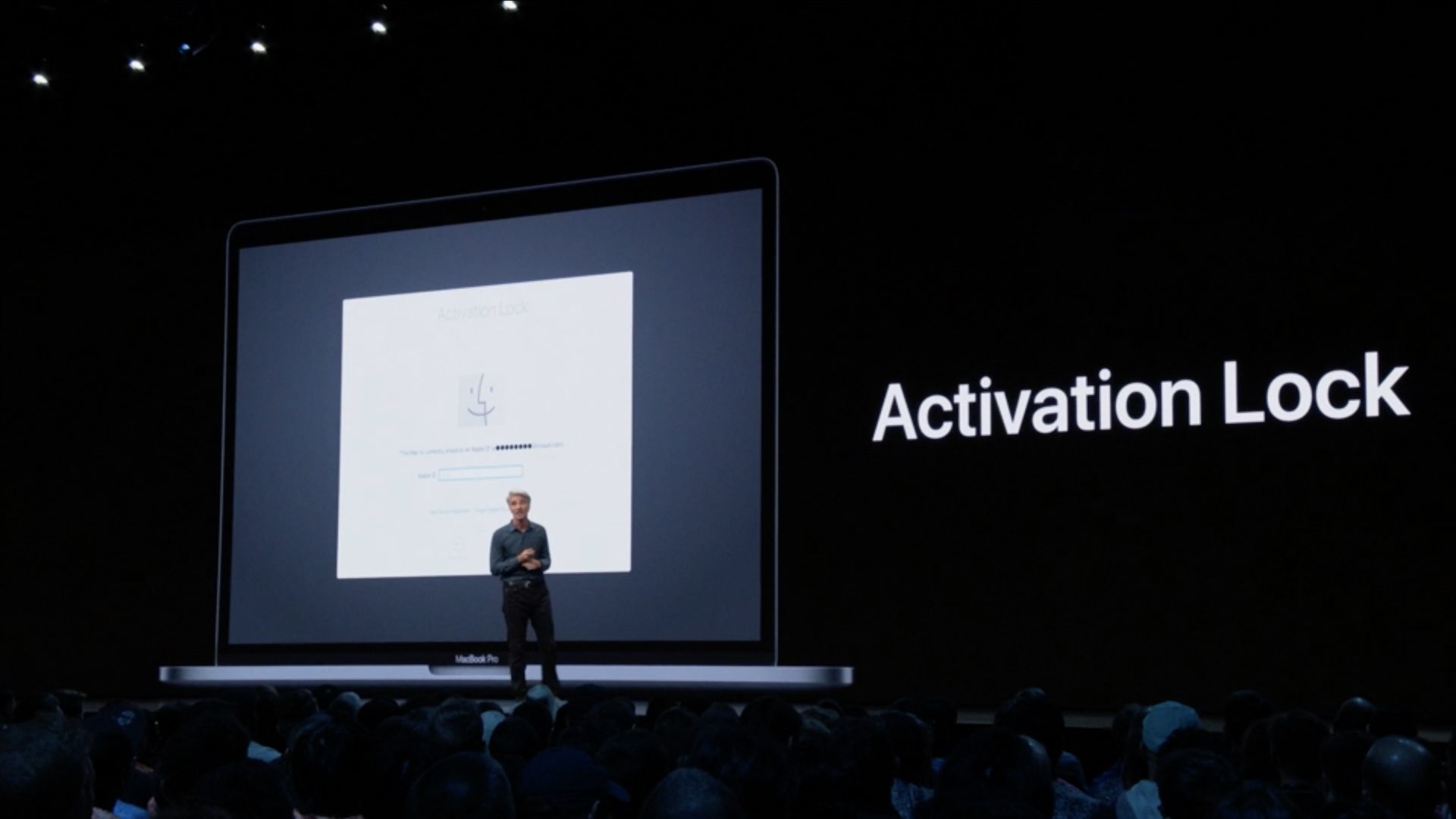
Learn how to make sure the Activation Lock feature is enabled on your Mac, disable it if necessary, and find out if your computer is compatible with this security protocol.
How to check and use Activation Lock on your Mac
Stay up-to-date on the latest Mac news, and tutorials. Get expert tips and tricks to optimize your Mac’s performance and learn about the latest Apple products and software updates. Discover the best Mac apps and accessories to enhance your user experience.
Learn how to make sure the Activation Lock feature is enabled on your Mac, disable it if necessary, and find out if your computer is compatible with this security protocol.
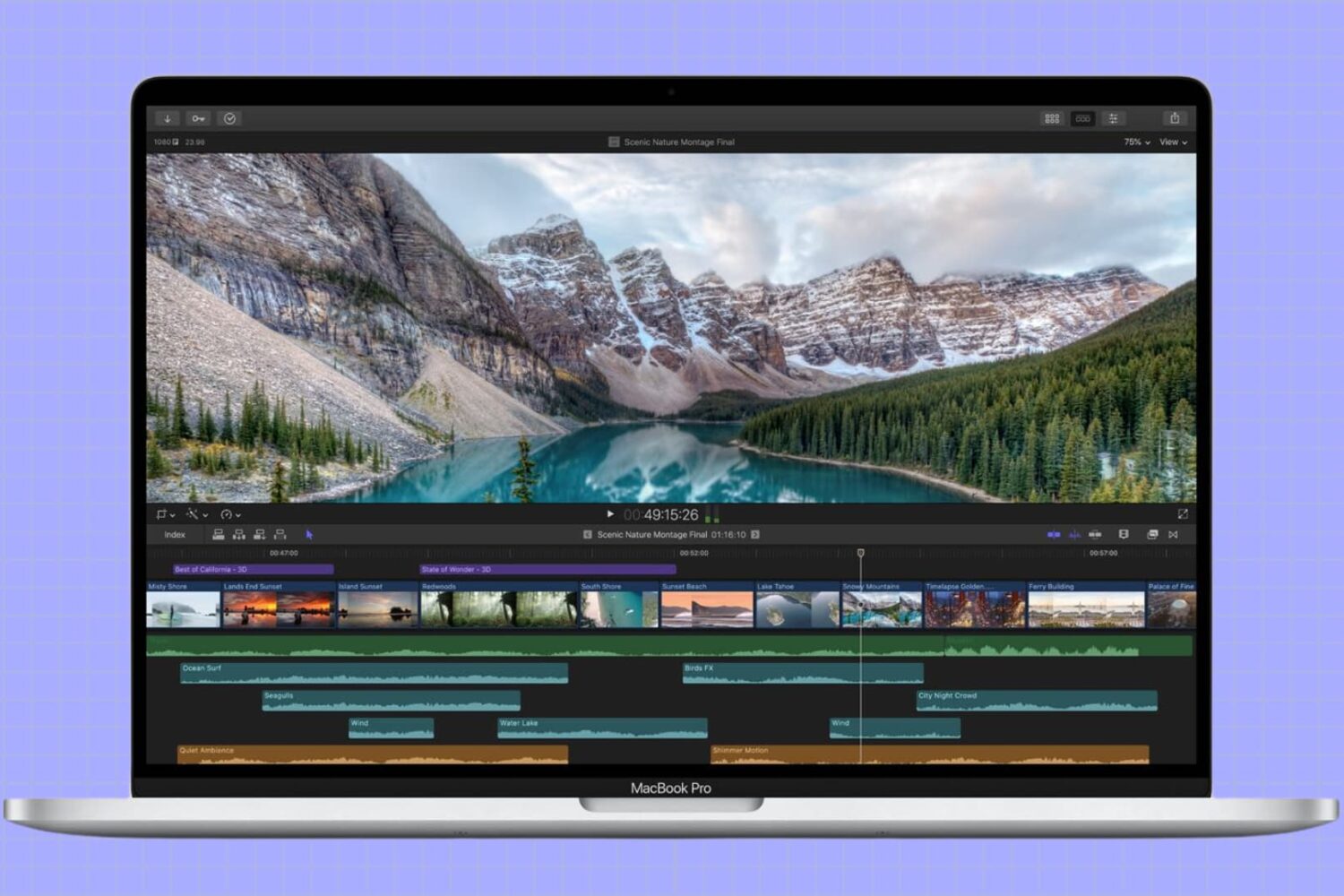
In this tutorial, we’ll show you how to adjust the refresh rate of your MacBook screen or external display for smoother visuals and reduced eye strain.
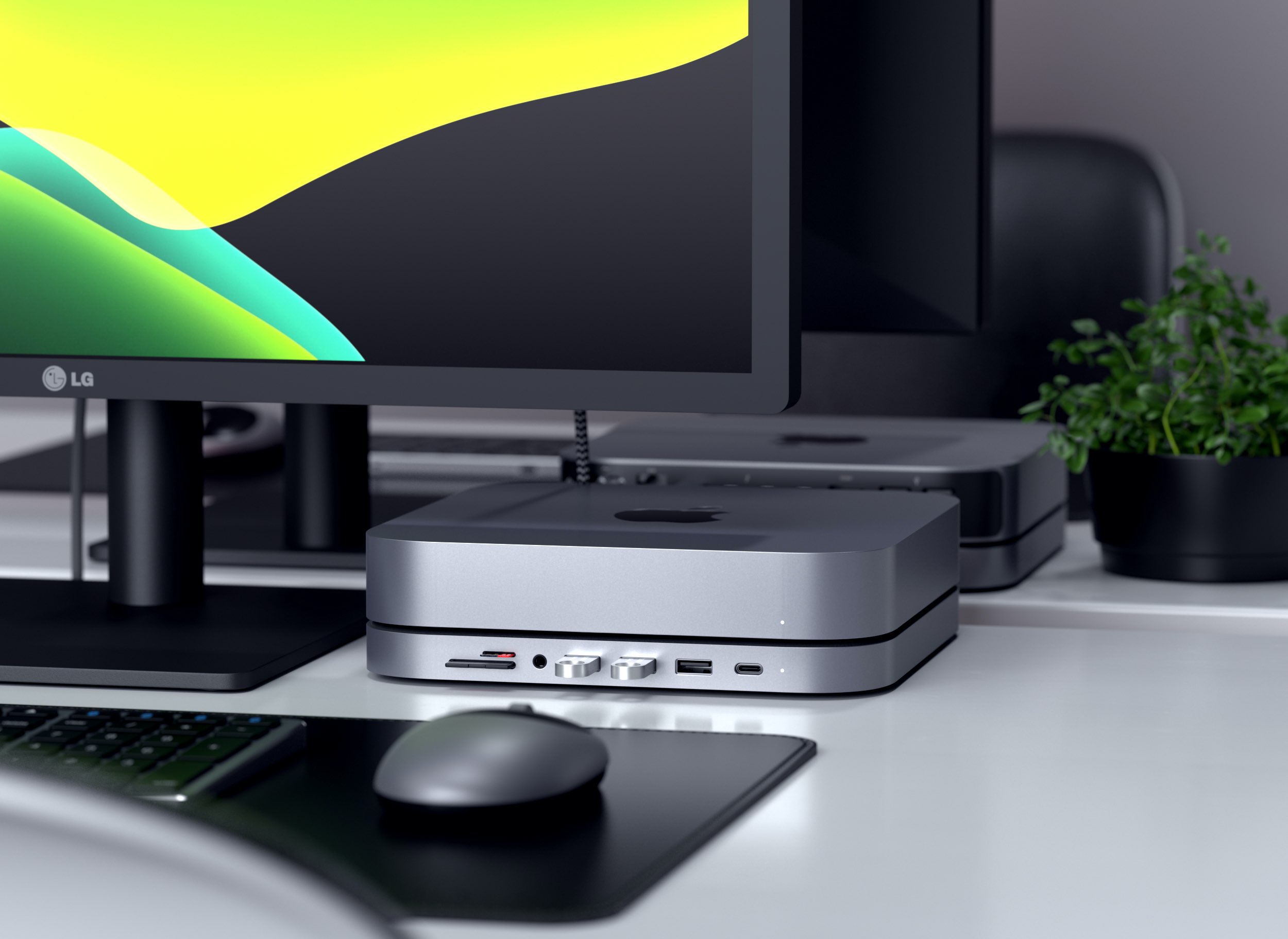
Accessory maker Satechi today launched a gorgeous new aluminum stand for Apple's Mac mini that doubles as a practical six-in-one hub that connects to your computer's USB-C.
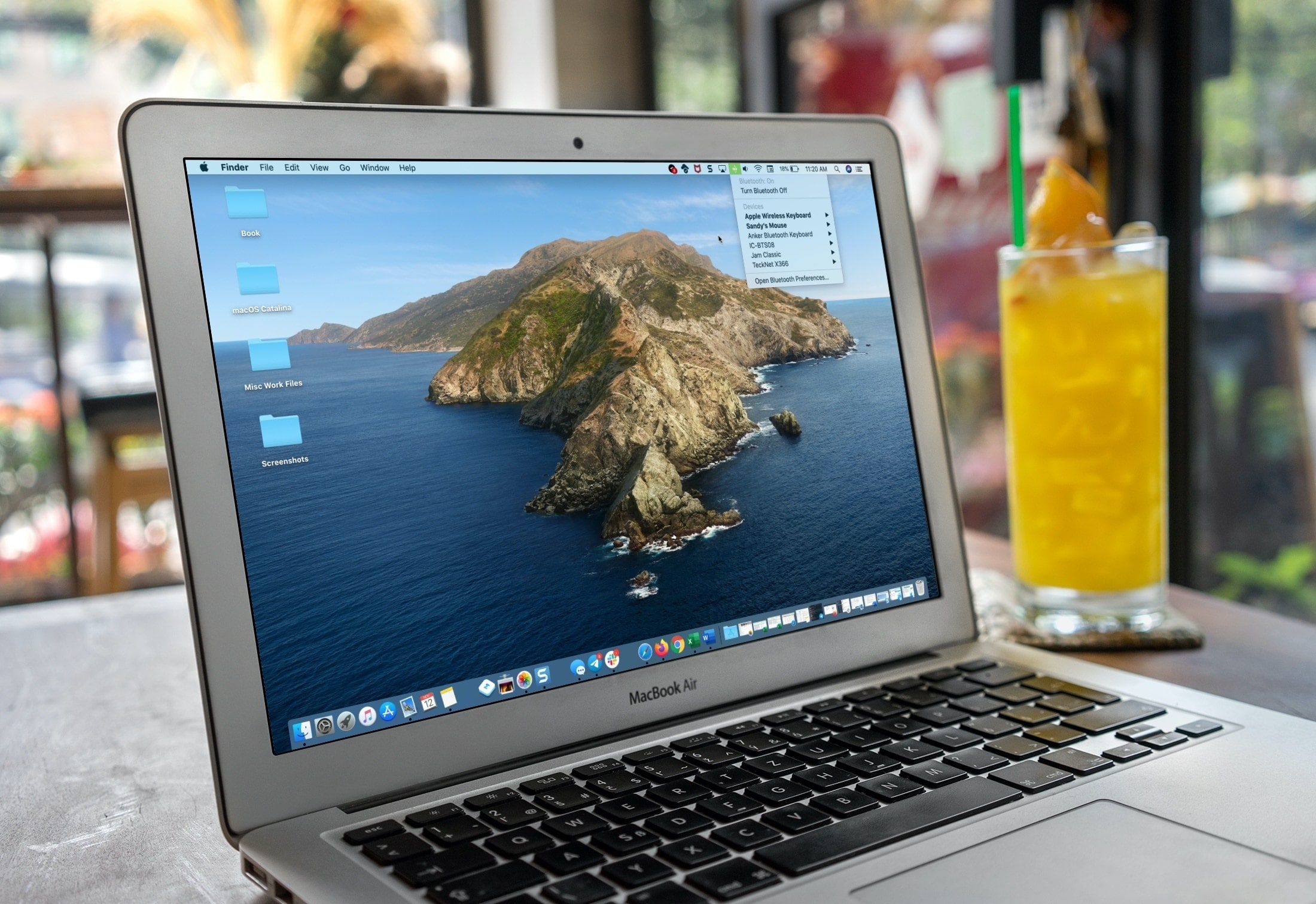
If you’re a new Mac user, we want to help make your macOS experience as productive and efficient as it can be. From understanding the various icons, to customizing its layout, here are the basics of the menu bar that you need to know, along with some tips to help you use it more effectively.

Find out which songs you played recently on Apple Music on iPhone, iPad, or Mac, to listen to them again or delete them from your history.
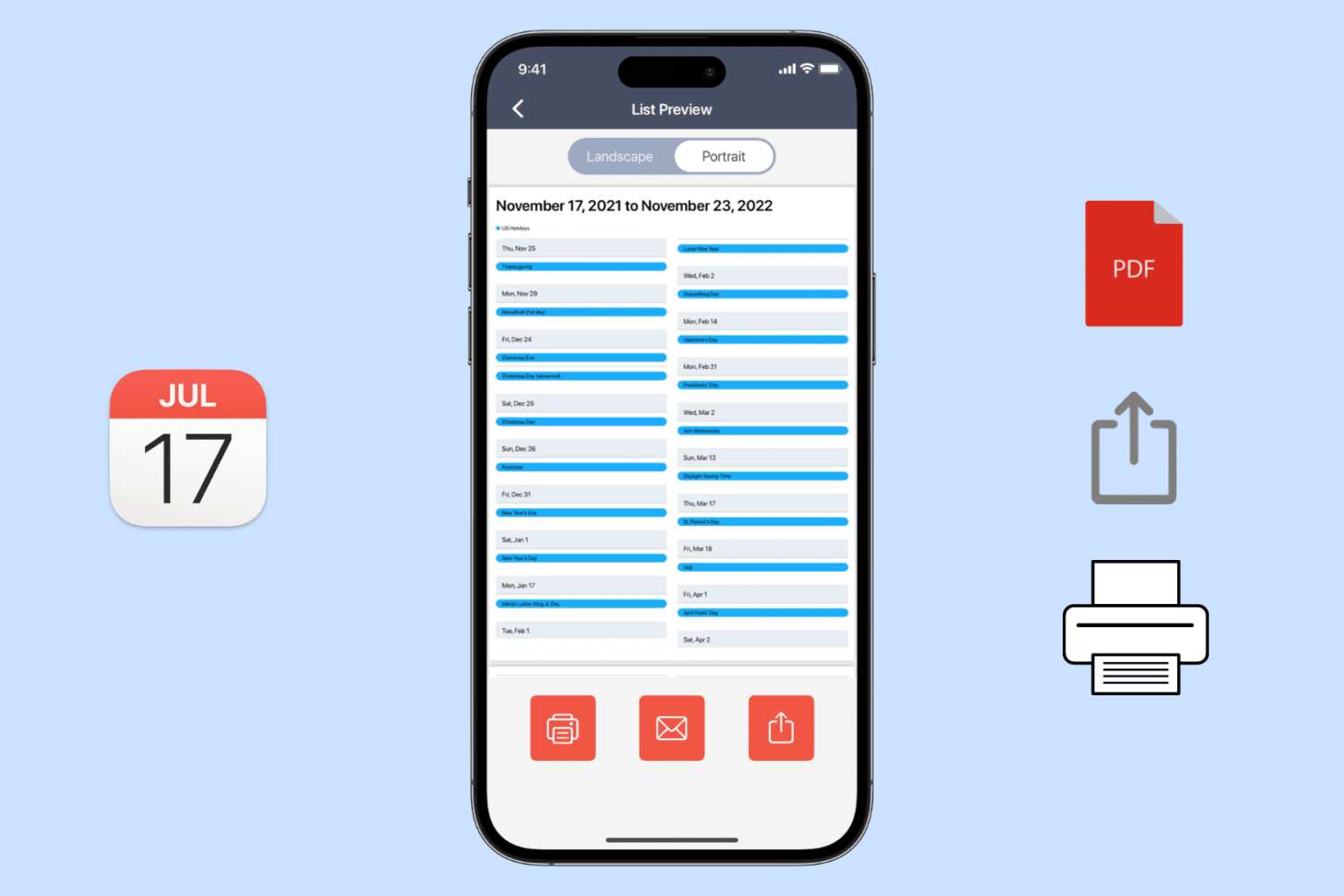
Learn how to export, save, and share your calendar events as a PDF on your iPhone, iPad, or Mac, or print them to get a physical copy.
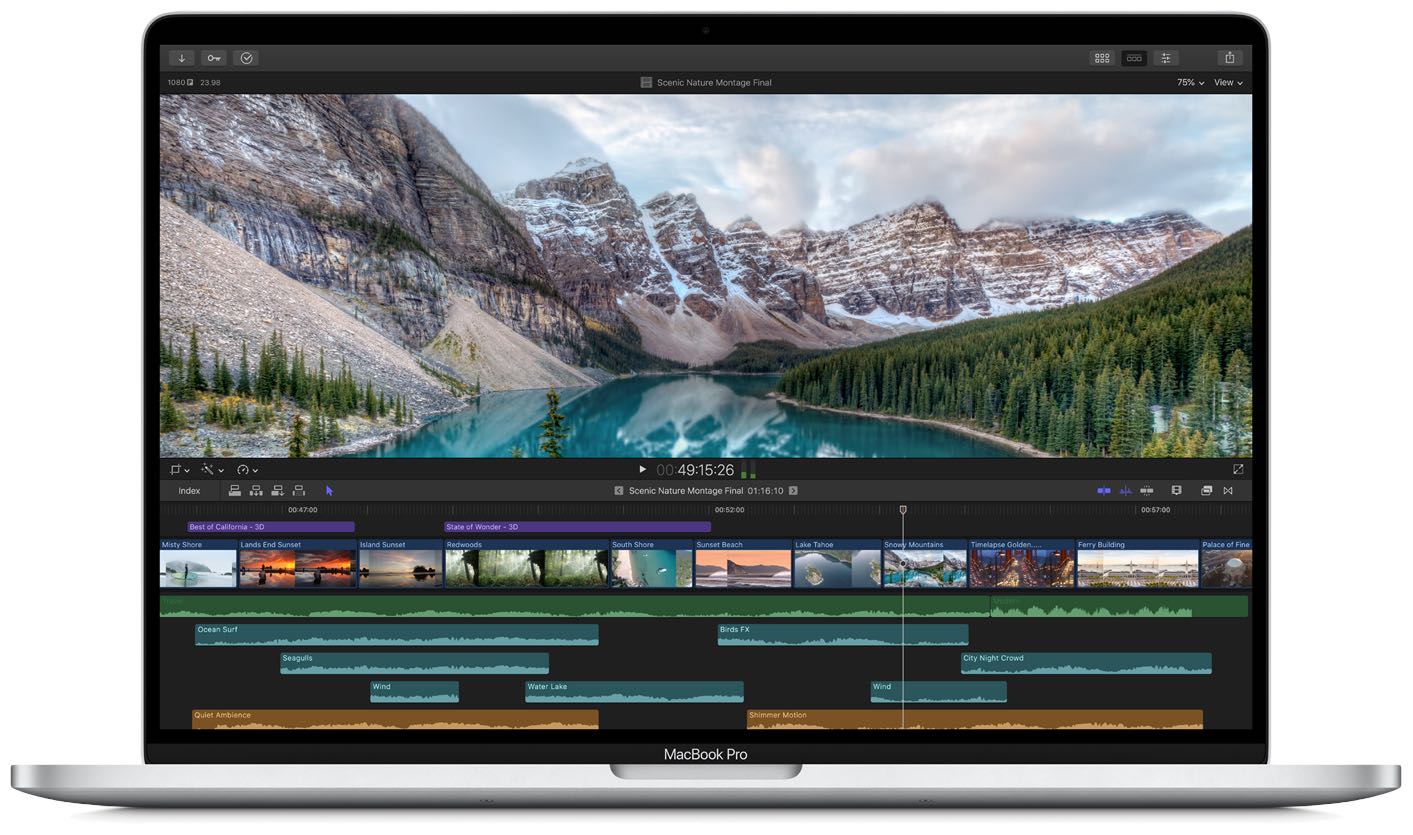
According to the official technical specifications for Apple's new 16-inch MacBook Pro computer, creative professionals can connect up to four 4K displays or two 6K displays simultaneously using the four Thunderbolt 3 ports on their notebook.
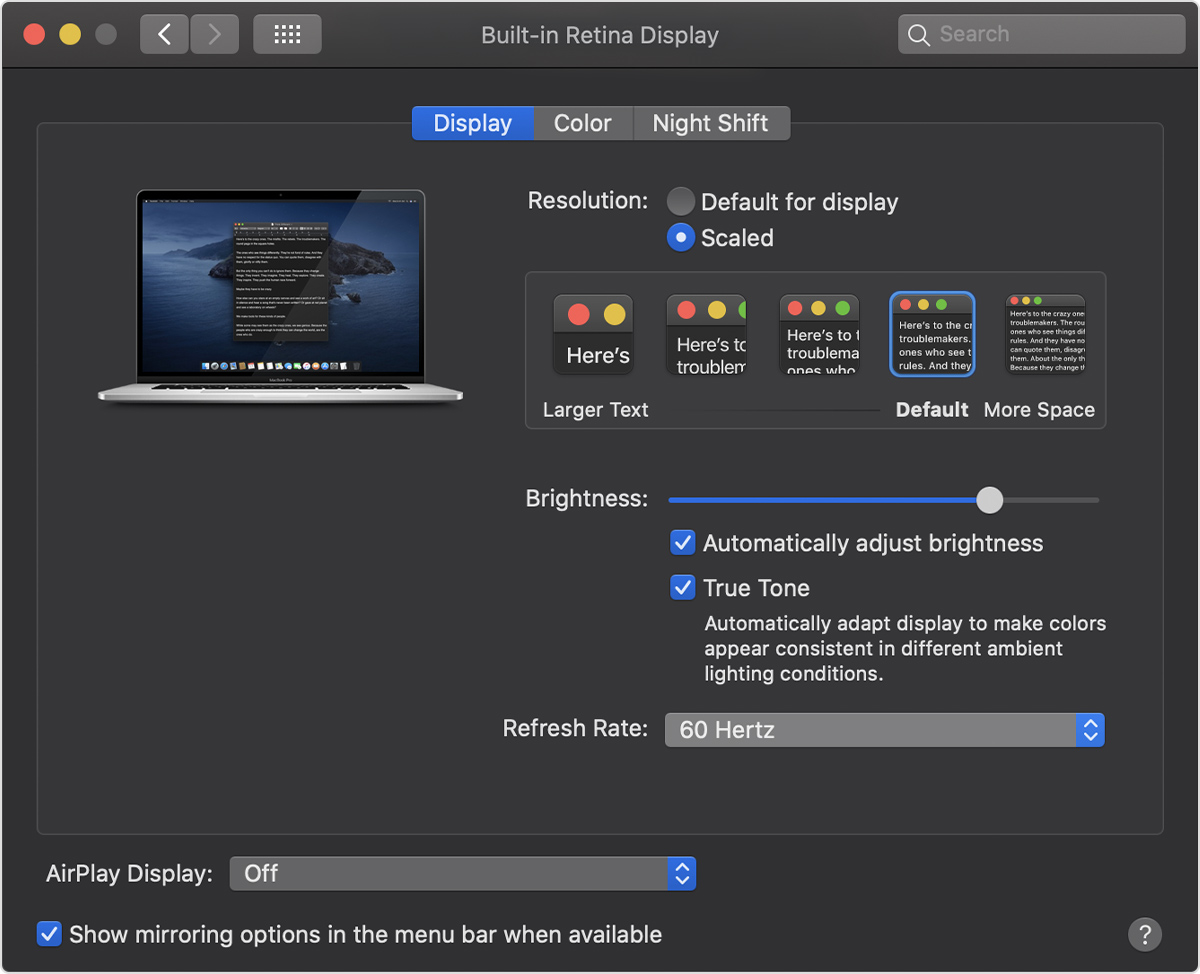
We're continuing to learn some quite interesting details about Apple's new 16-inch MacBook Pro notebook, including an adjustable refresh rate feature that marks the first time an Apple notebook has included a Retina display capable of switching between different refresh rates.
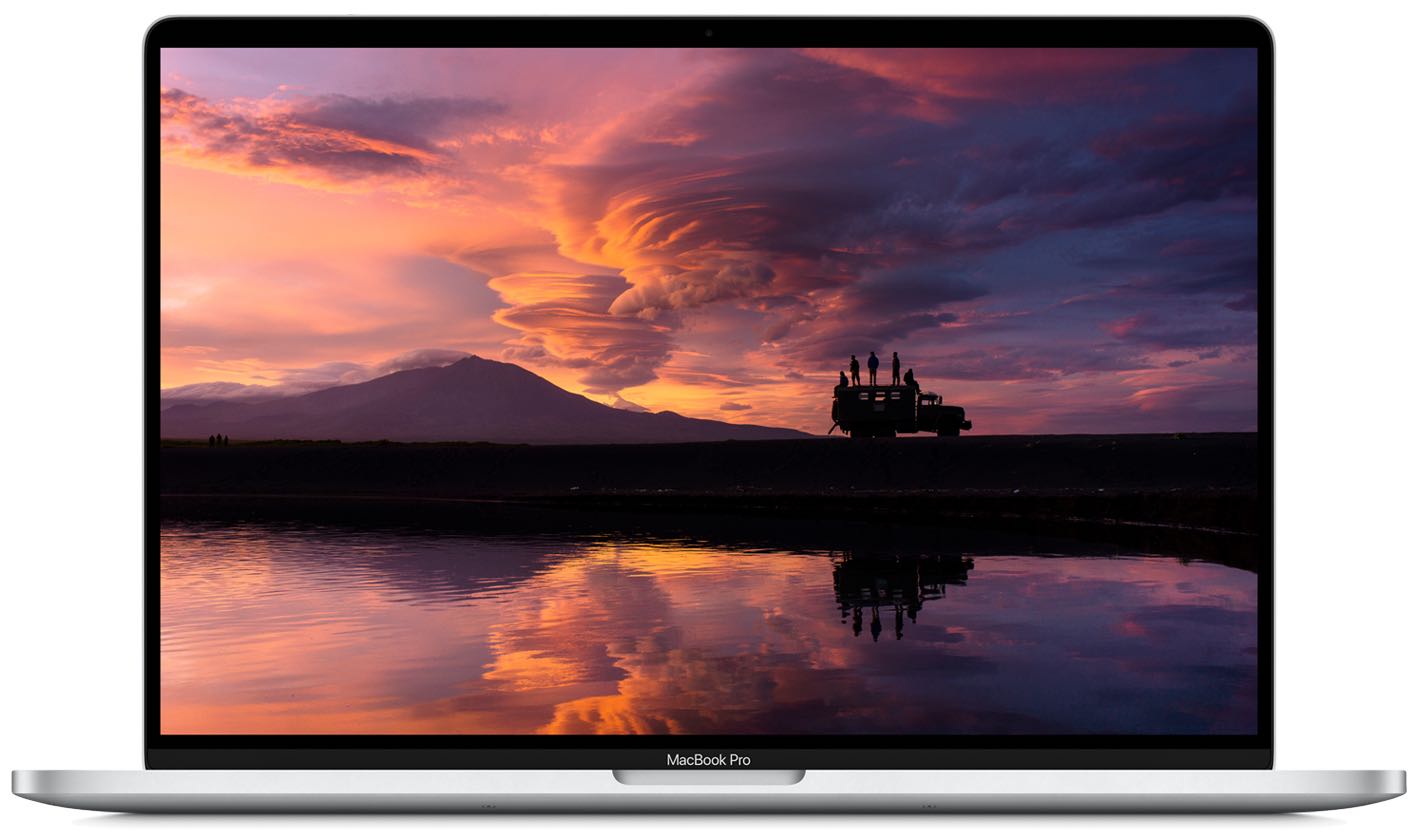
Apple has really beefed up the CPU, GPU, SSD and RAM in its new 16-inch MacBook Pro that launched yesterday, but the Wi-Fi situation and the iSight camera leave a lot to be desired.
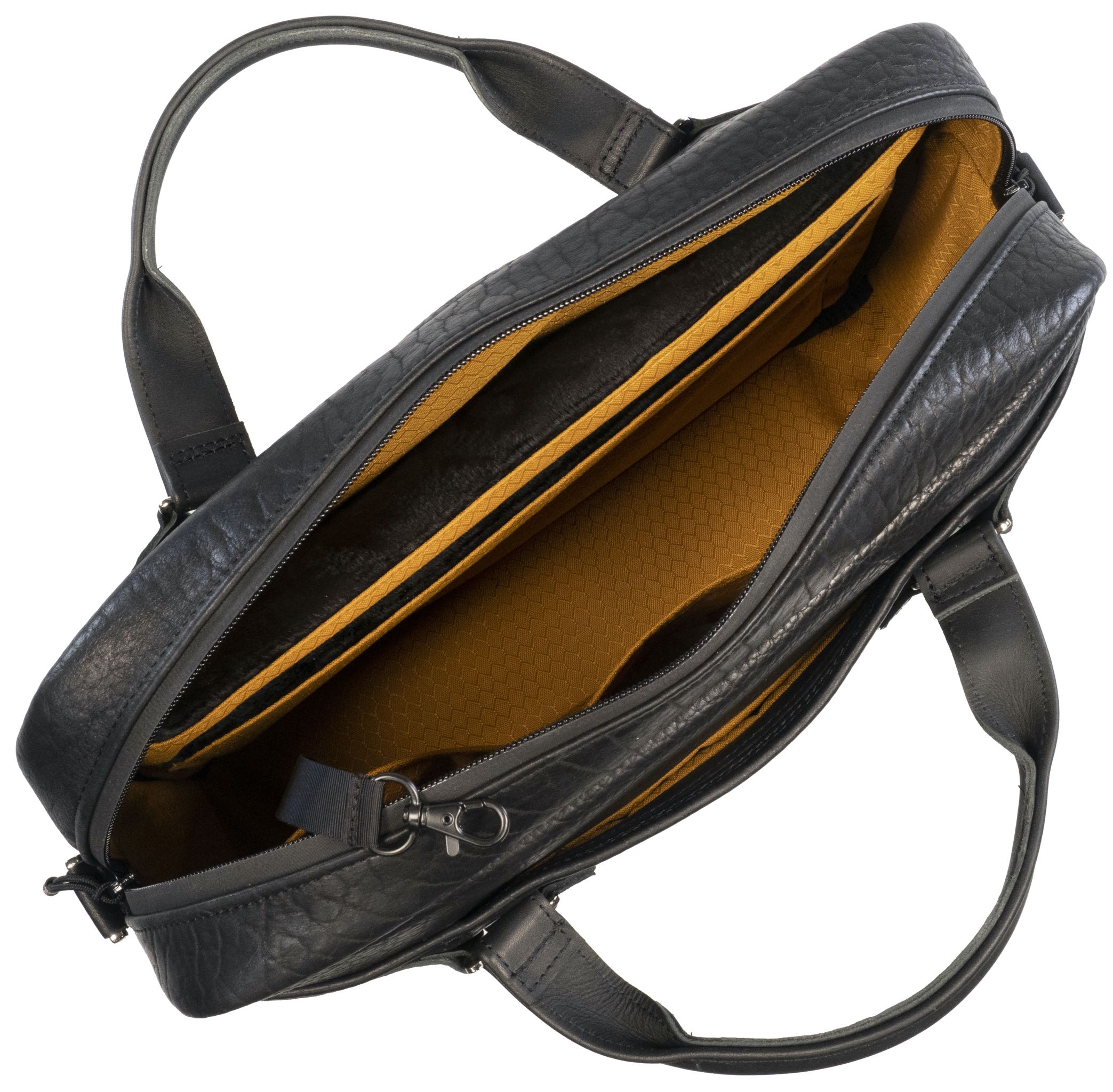
WaterField Designs is launching soon their new American-made notebook briefcase designed specifically for Apple's new 16-inch MacBook Pro, and it's available to pre-order now.
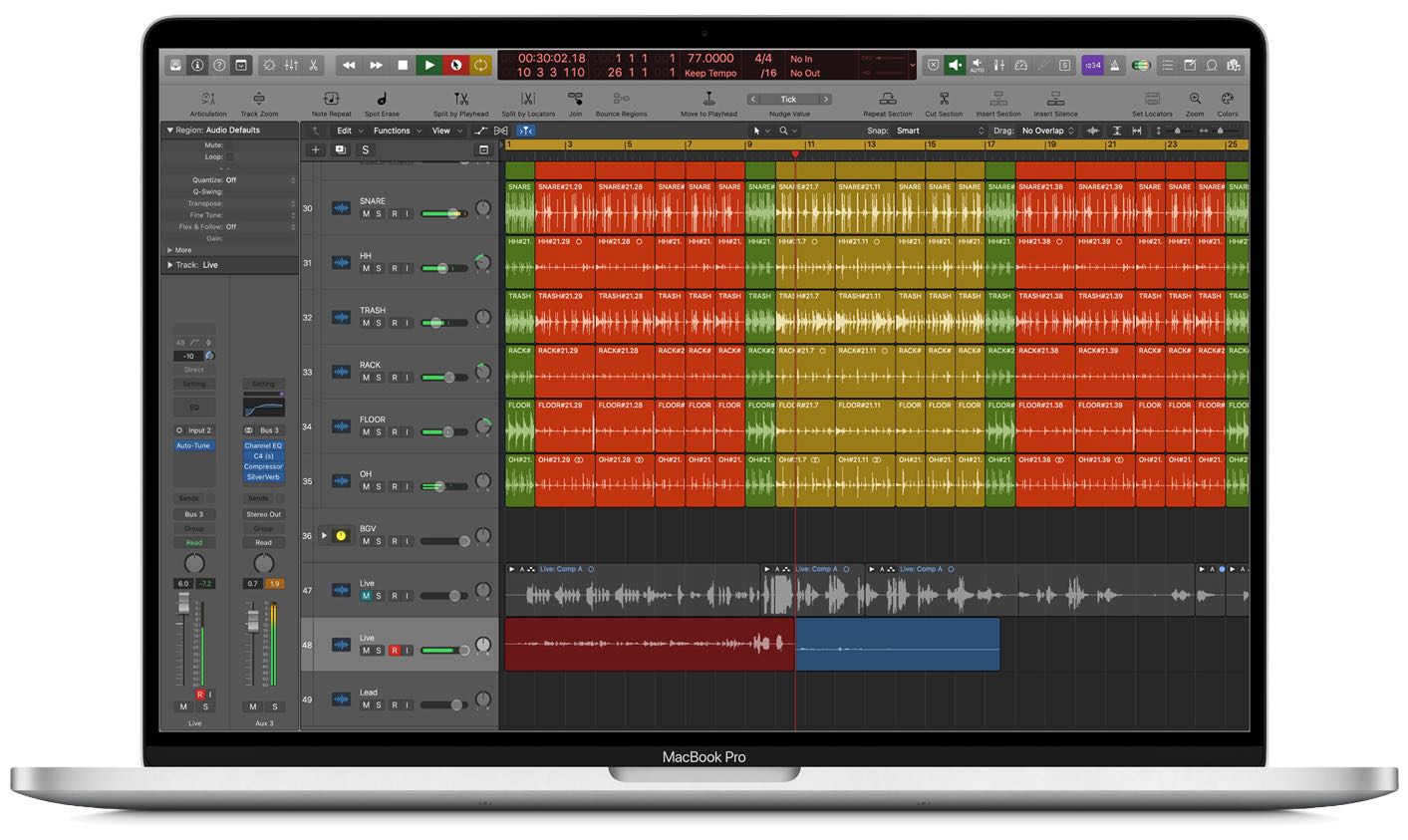
Apple's new 16-inch MacBook Pro that began shipping today packs a lot of punch for a notebook (especially if you go overboard with build-to-order upgrades), but one feature stood out for me in particular — support for Dolby Atmos audio playback.
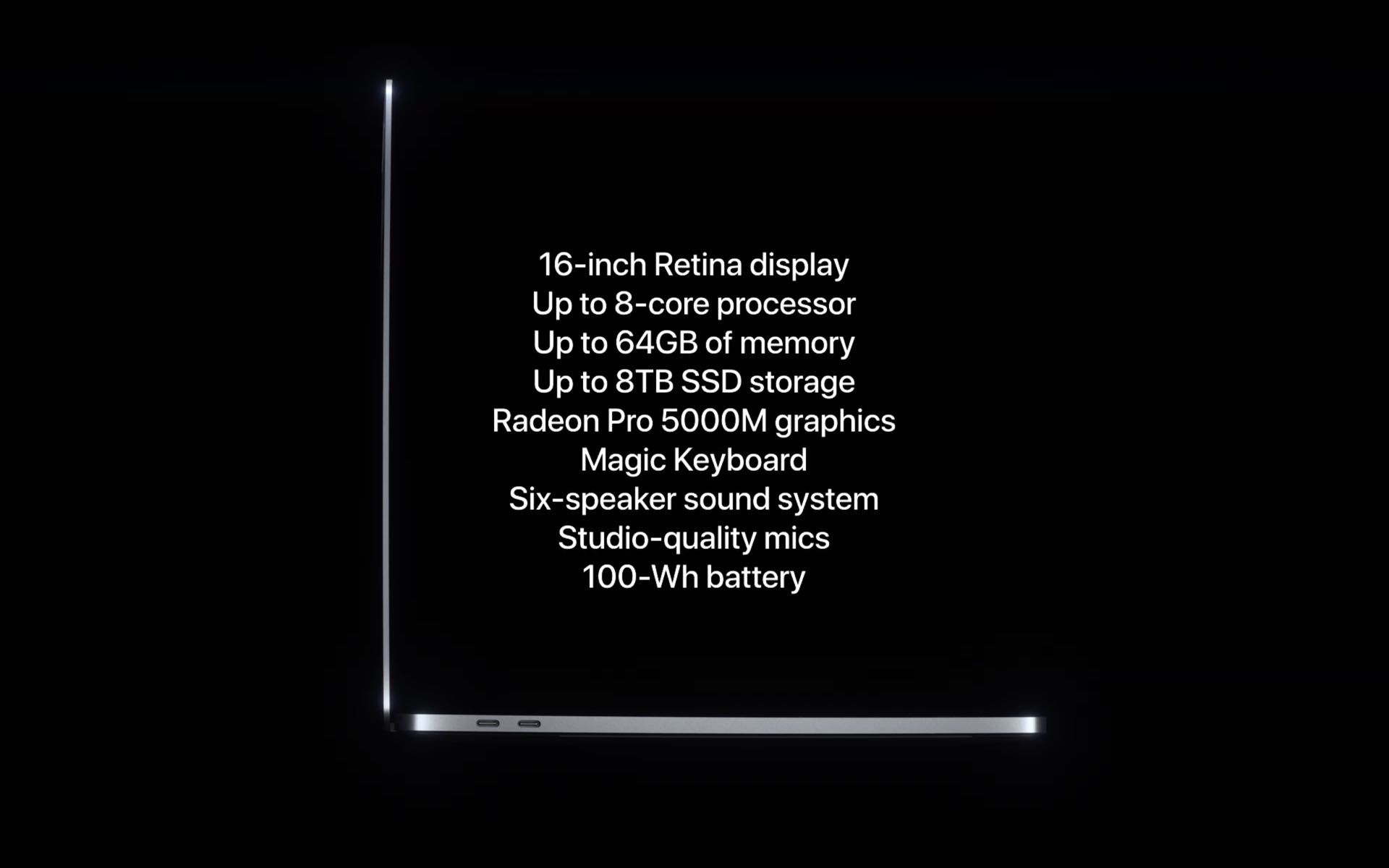
Apple's new 16-inch MacBook Pro is a great little machine with some excellent hardware and awesome build-to-order upgrades, but who is it really aimed at? Creative pros, I know — hence the "Pro" suffix, and Apple itself says the new MacBook Pro is "ready for your best work ever" — but exactly what kinds of professional needs is this $2,400+ notebook capable of fulfilling?