Discover some handy tips for using Safari Search on your Mac and find answers more efficiently with just a few clicks.
Tips to search in Safari on Mac like a pro

Stay up-to-date on the latest Mac news, and tutorials. Get expert tips and tricks to optimize your Mac’s performance and learn about the latest Apple products and software updates. Discover the best Mac apps and accessories to enhance your user experience.
Discover some handy tips for using Safari Search on your Mac and find answers more efficiently with just a few clicks.

Learn how to add web pages to Safari Reading List on iPhone, iPad, or Mac and read them later, even when you don’t have an internet connection.
Want a cool way to share your presentation on your website or social media? Here’s how to export your Keynote presentation as an animated GIF from your Mac, iPad, or iPhone.
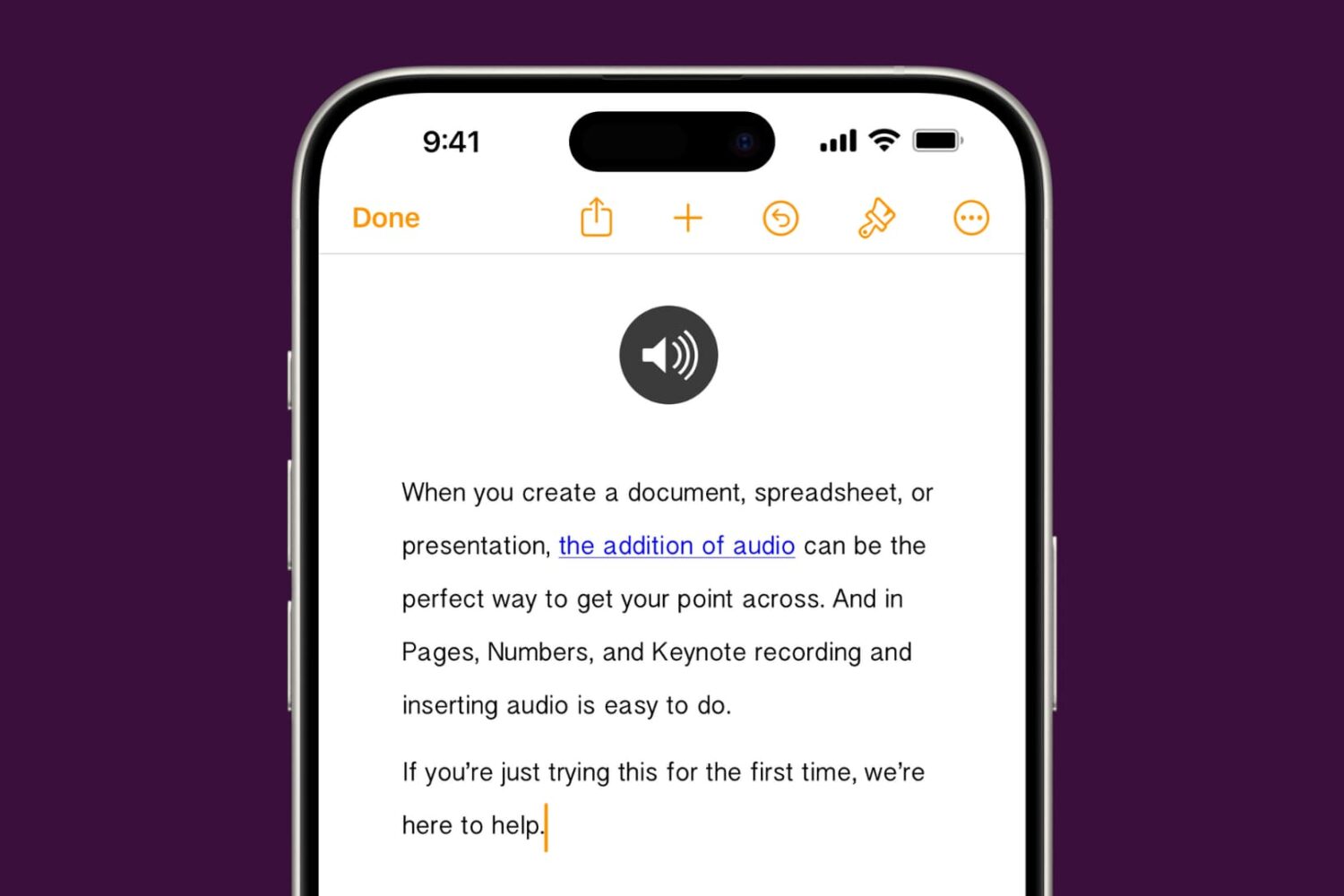
Learn how to add audio to your documents, spreadsheets, and presentations in Apple Pages, Numbers, and Keynote apps on your iPhone, iPad, or Mac to provide a more immersive experience and boost engagement.

In this tutorial, we will show you how to translate an entire document or just the selected text inside the Microsoft Word app on your Mac, Windows PC, and the web.
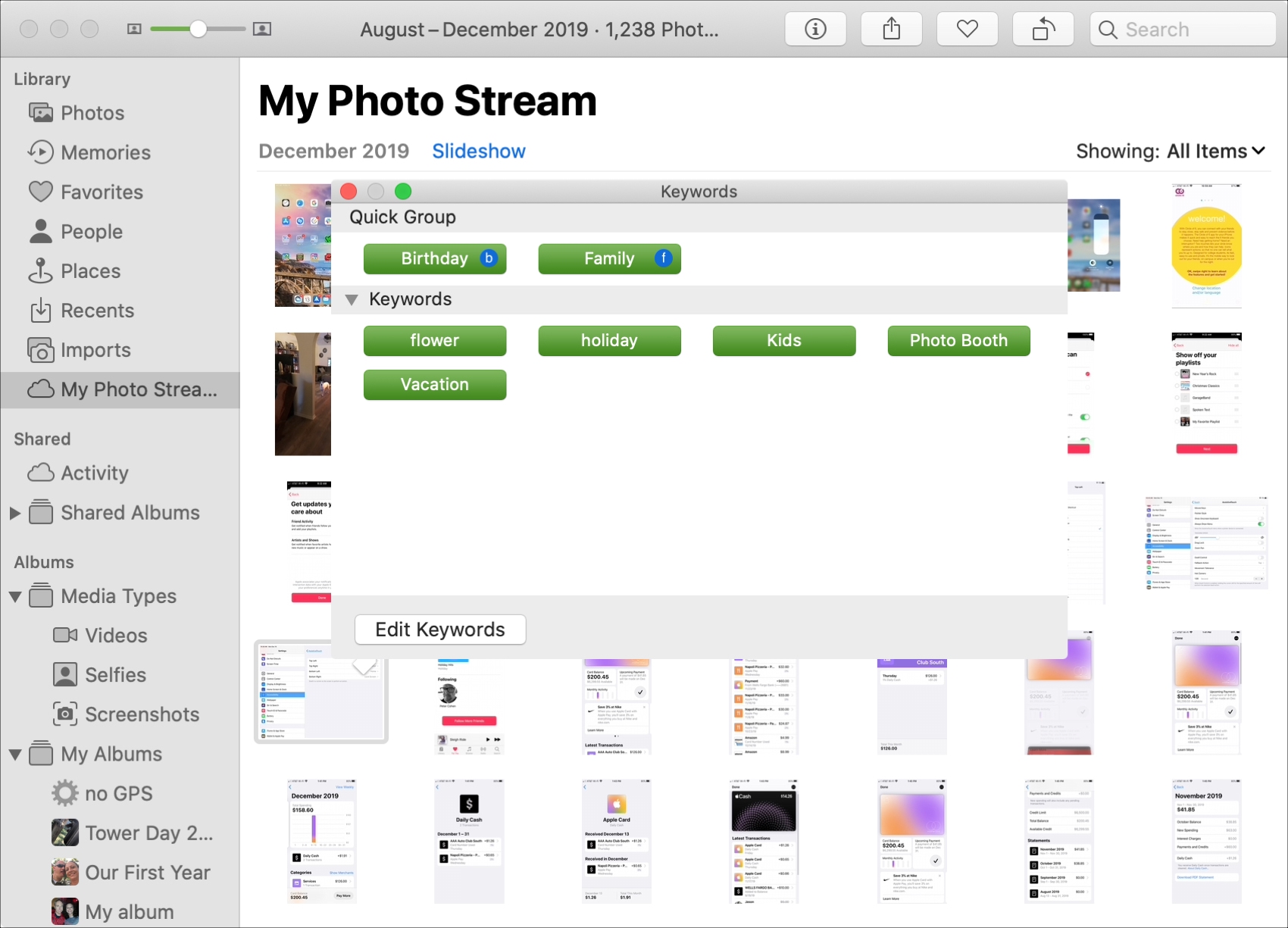
Learn how to add keywords to Photos on your Mac to organize your pictures more effectively and easily find the ones you're looking for.
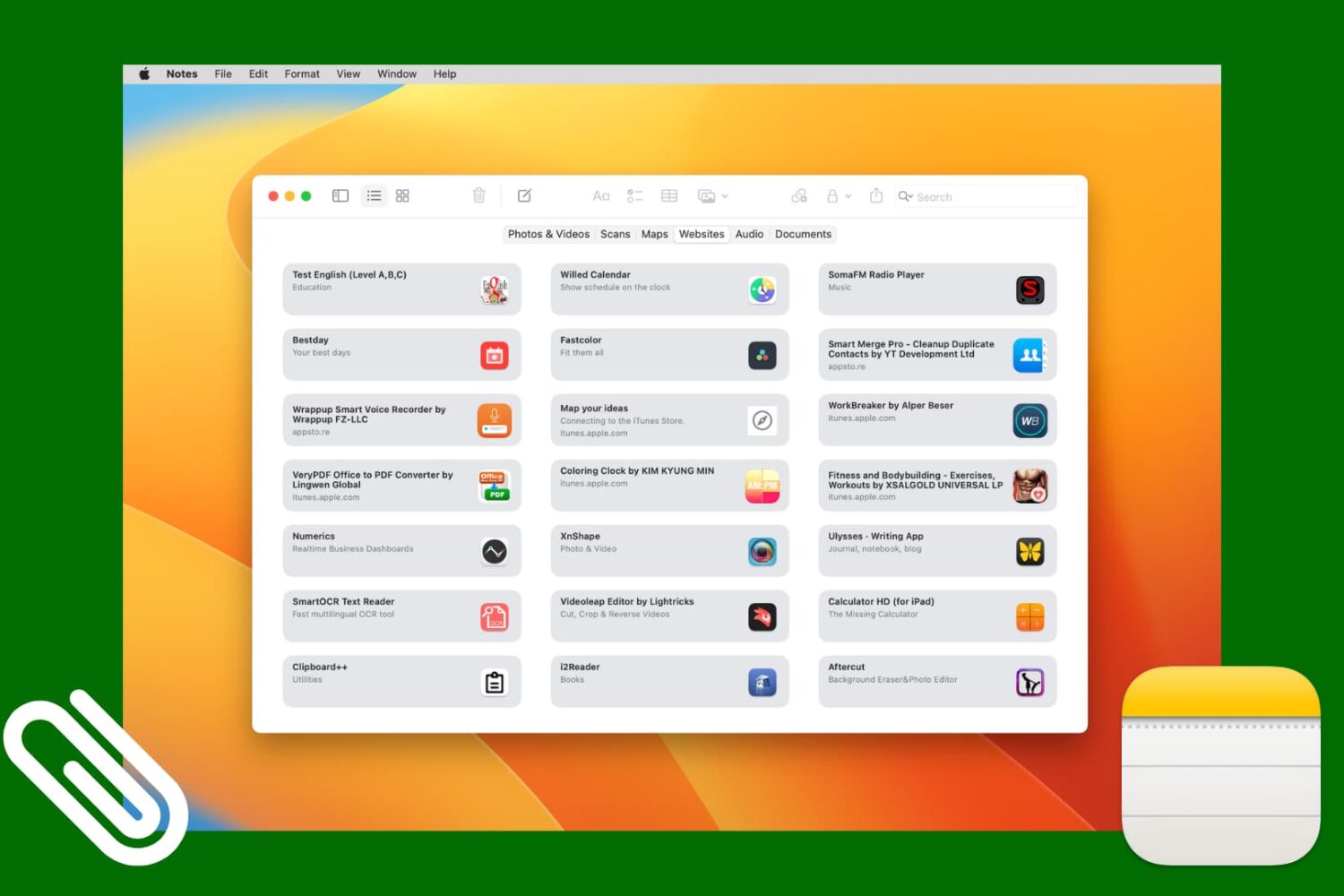
Check out this simple method to access all images, scans, website links, map addresses, audio, or documents attached to various notes in the Apple Notes app on your iPhone, iPad, and Mac.

Learn how to use the built-in Stickies app on your Mac to put a sticky note on your desktop for quick note-taking and reference.
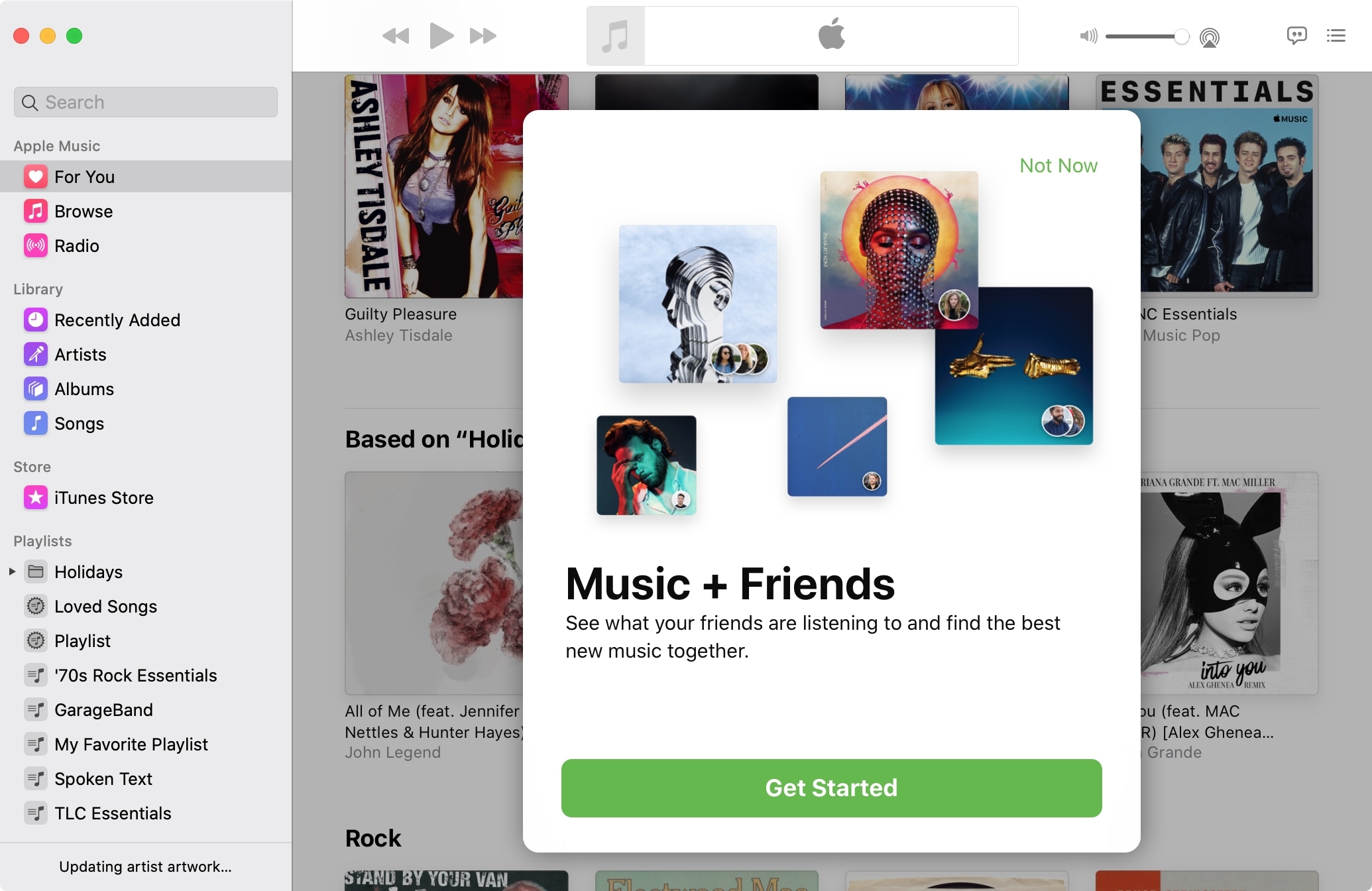
One of the best ways to discover new music is by finding out what others are listening to. And who better to turn you onto something you might like than your pals?
With Apple Music you can easily see what your friends are listening to, on both iOS and Mac, and we’ll show you how.

Ghostery has made a name for itself by offering worthwhile ad- and tracker-blocking extensions, and now it has a brand new desktop application.
Learn how to change Safari settings on your Mac to make it just the way you like for a personalized and productive browsing experience.

Learn how to preserve all your open Safari tabs as bookmarks on your Mac so you can save them all for later or reopen them with a couple of clicks.