The upcoming macOS 11.3 software update brings new customization options to Safari, including third-party extensions for the browser's New Tab and New Window pages.
Safari is gaining support for extensions for new window and tab pages
Stay up-to-date on the latest Mac news, and tutorials. Get expert tips and tricks to optimize your Mac’s performance and learn about the latest Apple products and software updates. Discover the best Mac apps and accessories to enhance your user experience.
The upcoming macOS 11.3 software update brings new customization options to Safari, including third-party extensions for the browser's New Tab and New Window pages.

From the creators of “tint.” comes “lumen.”, a unique puzzler that just launched on Apple Arcade in which the player is challenged to solve levels using lights, lenses and mirrors.

Learn how to hide photos and videos on your iPhone, iPad, and Mac if you’d like to keep them private or simply want to declutter your camera roll.
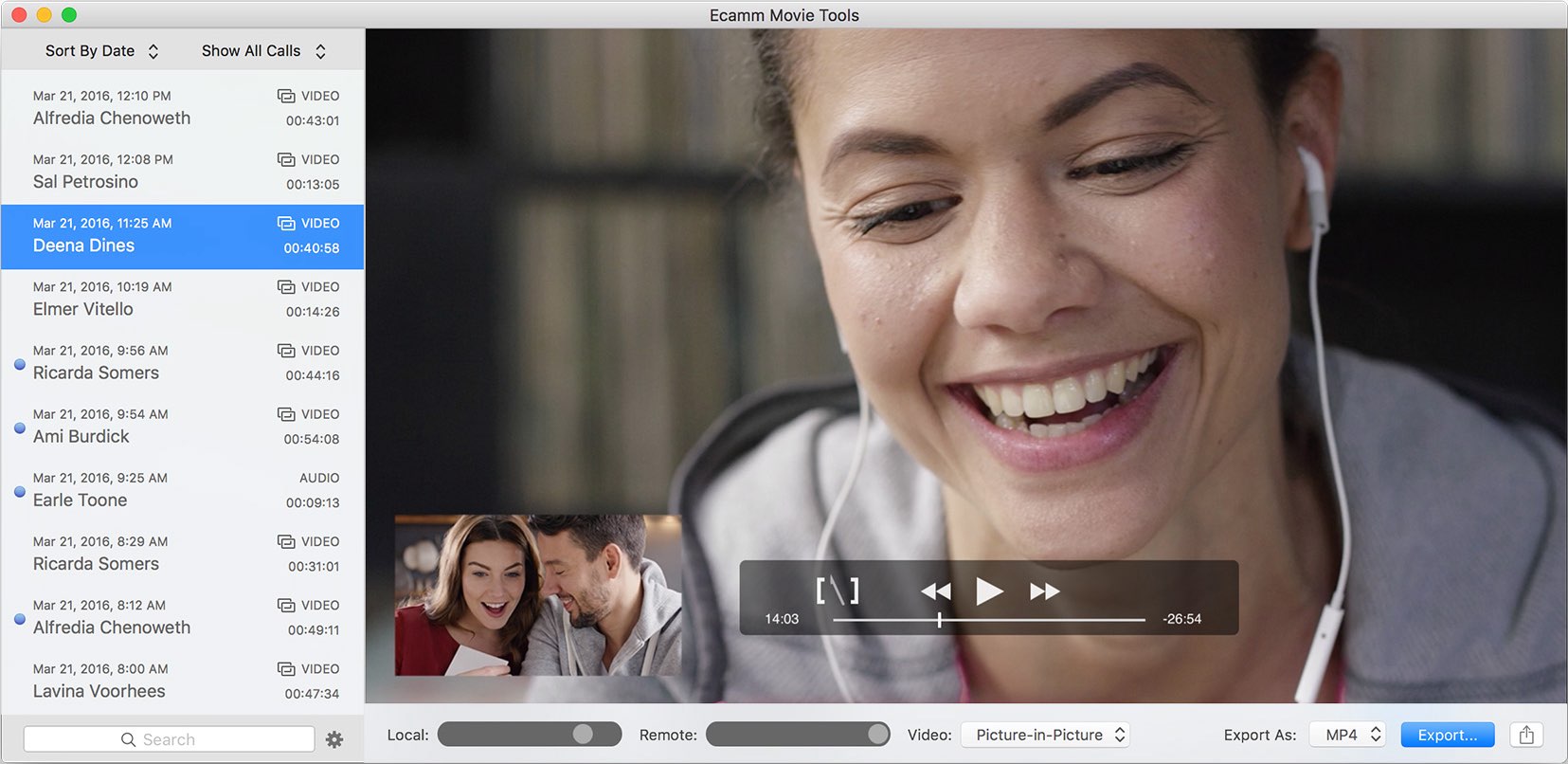
The popular “Call Recorder for Skype” app will not be updated with Apple silicon compatibility.
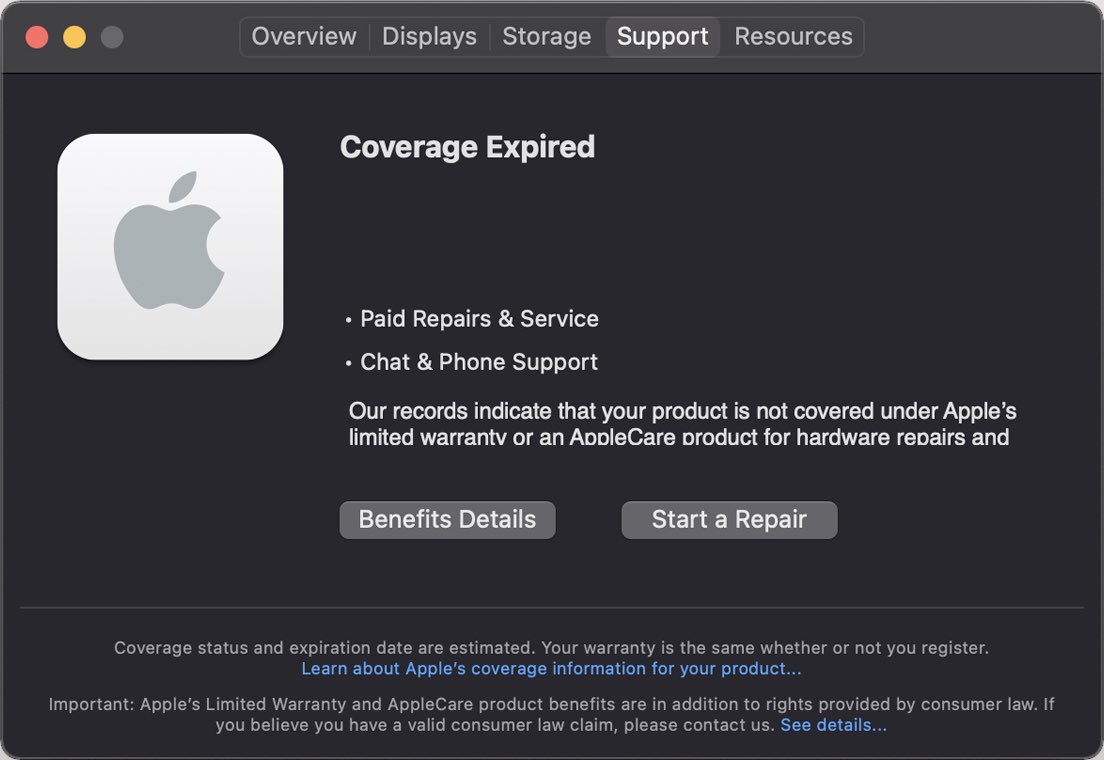
With the macOS 11.3 Big Sur software update or later, Apple customers can browse useful information related to their computer's 1-year standard warranty, or any extended AppleCare+ coverage, without having to use the Apple Support website or a dedicated Support app on iOS.
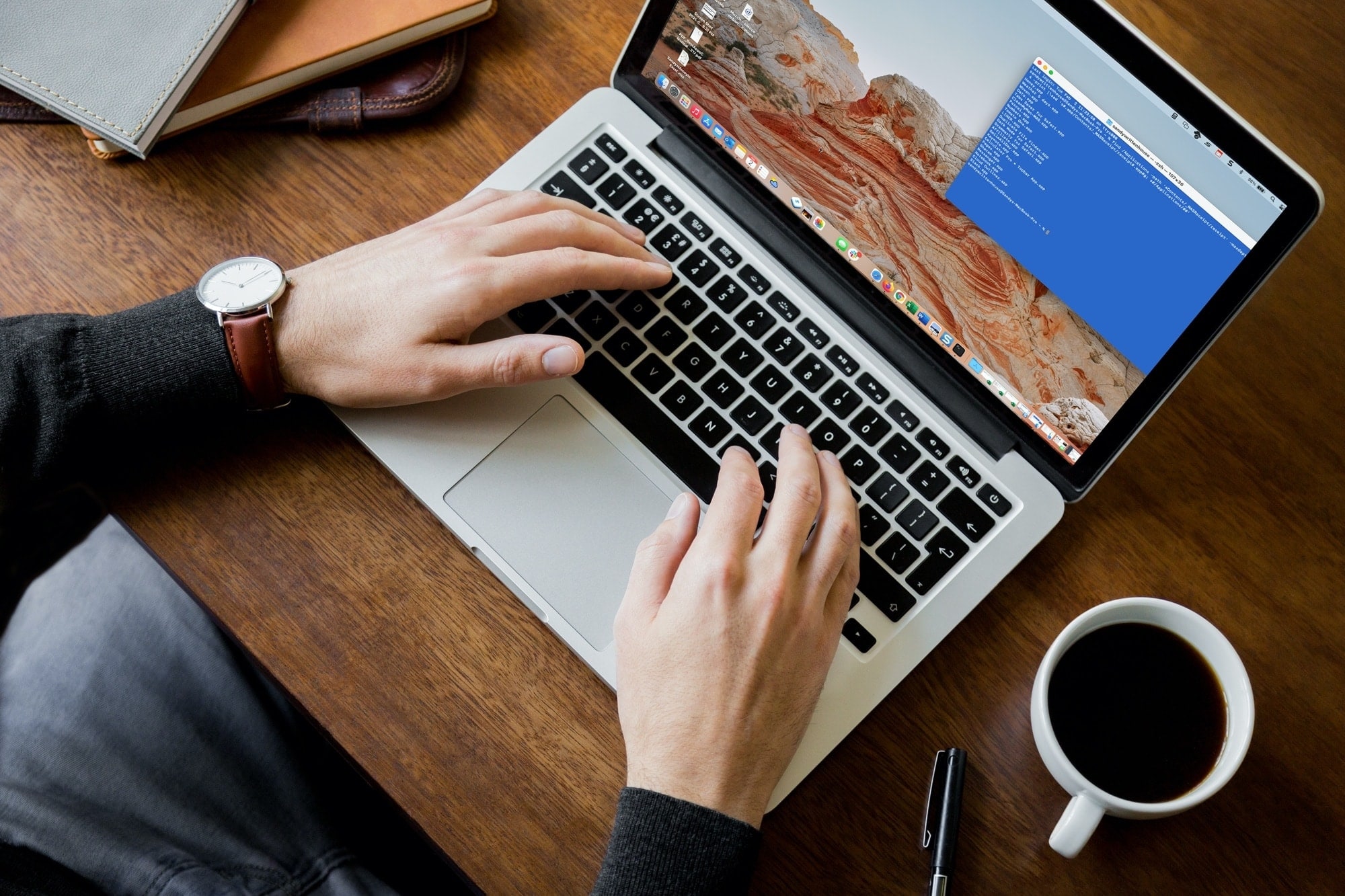
Whether it’s the results of a command, the command itself, or everything between the prompt marks, you can select what you need and print it easily from Terminal on your Mac.
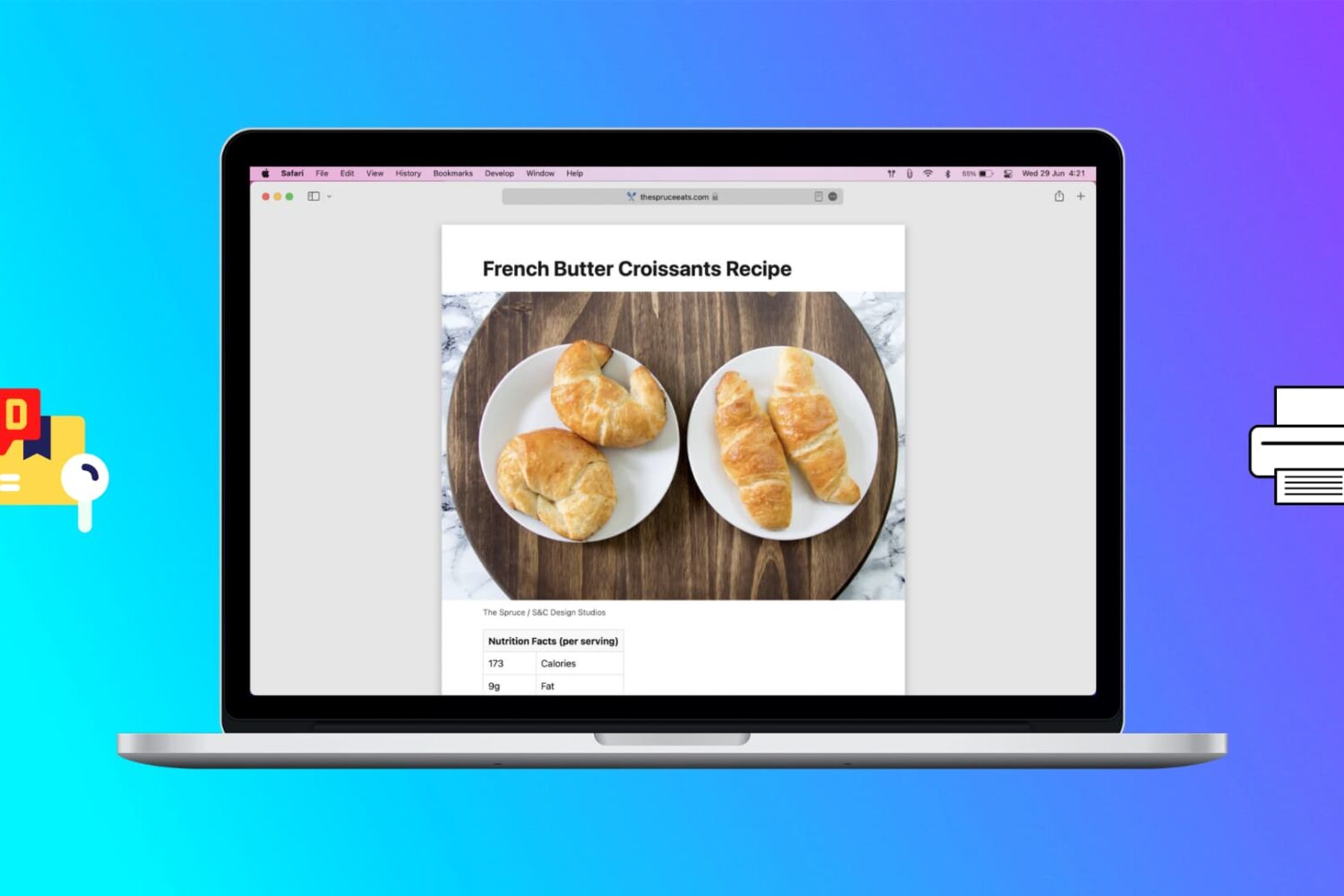
Learn how to print web pages without ads in Safari, Firefox, and Chrome on Mac to have fewer, clutter-free pages.

It was only a couple of days ago that AltStore received an update in the form of a public beta to resolve a an issue where apps installed after January 28th would crash after the user tried launching them. This was a temporary (yet agonizing) issue for jailbreakers, and for that reason, it may come as no surprise that an official AltStore update would be imminent.
Tuesday afternoon, that very update materialized as AltStore and AltServer version 1.4.3 officially became available to the general public Worthy of note, this update is different from the public beta that launched two days ago, as it's an official public release as opposed to just a public beta build.

This past weekend, Apple's games-subscription service has picked up “Populus Run,” a crowd control runner from developer FIFTYTWO.
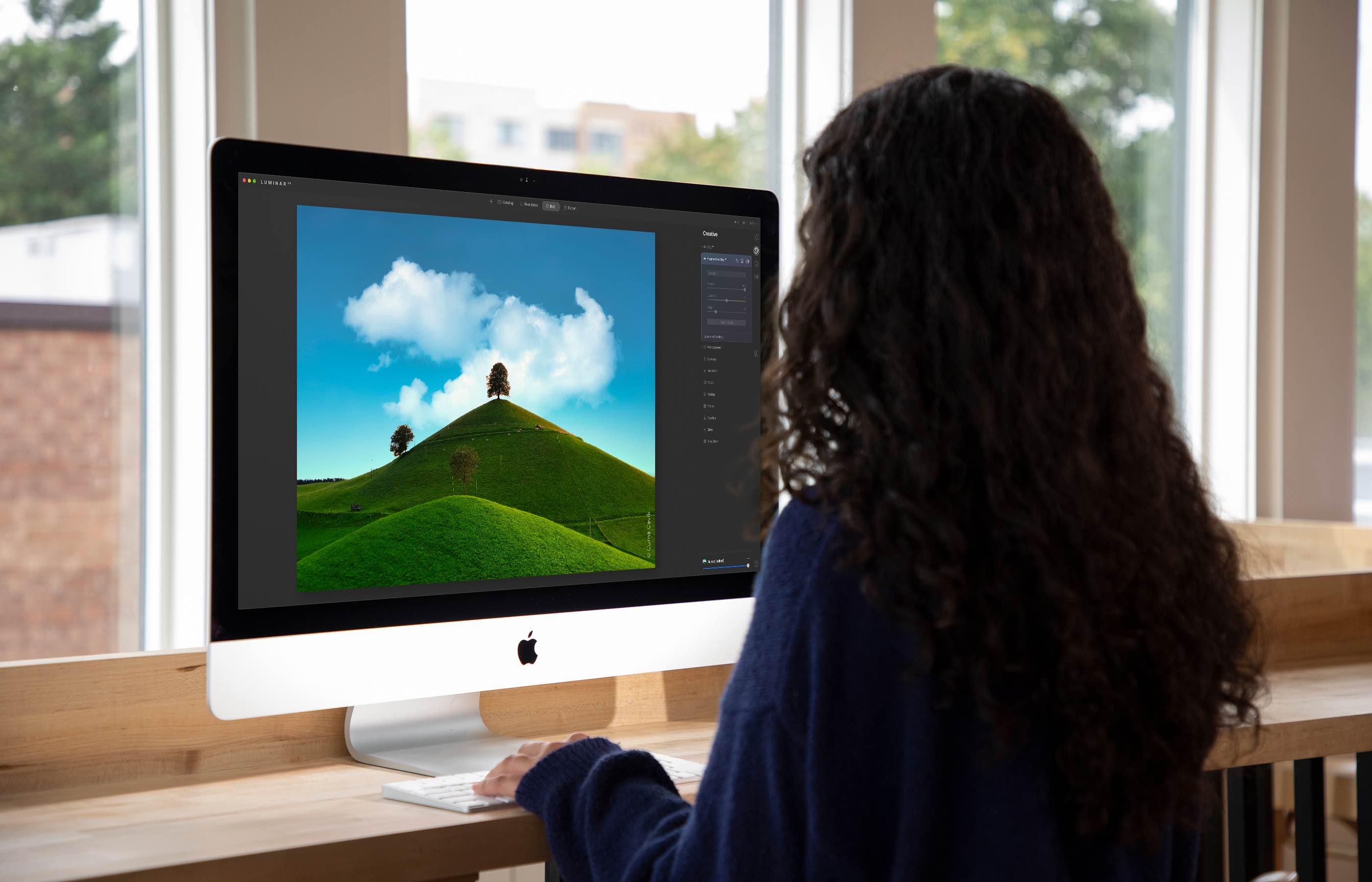
The Luminar AI image editor lets you edit landscapes, cityscapes, nature portraits and architecture photos with ridiculous ease—no need to deal with complex layers and palettes or adjust countless knobs. In this tutorial, we'll demonstrate how easy and fun achieving eye-catching landscape looks can be by with Luminar's rich assortment of AI-powered tools.
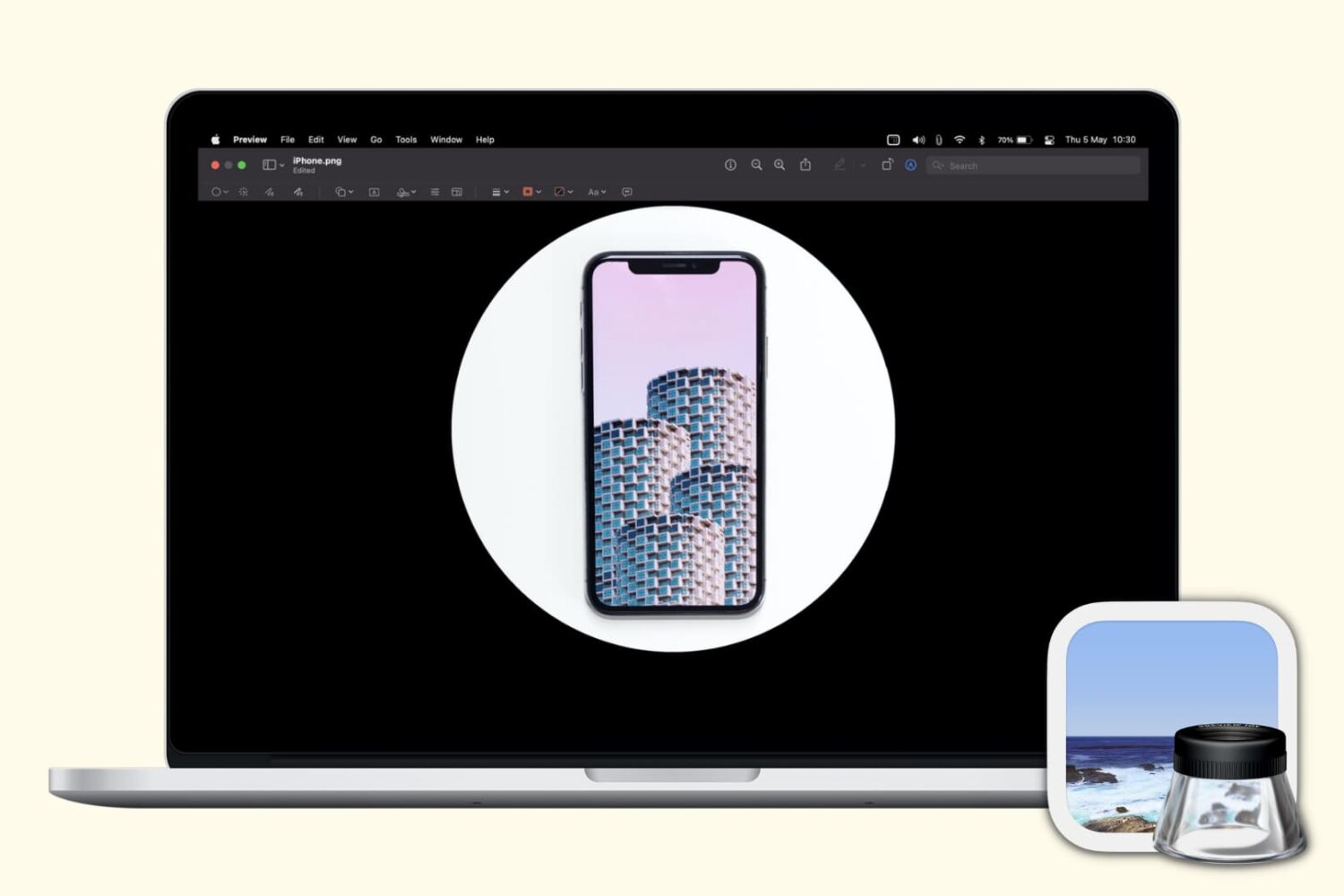
Check out these free techniques to crop photos on your Mac without downloading third-party image editors or using app extensions.