Learn how to make sure the Activation Lock feature is enabled on your Mac, disable it if necessary, and find out if your computer is compatible with this security protocol.
How to check and use Activation Lock on your Mac
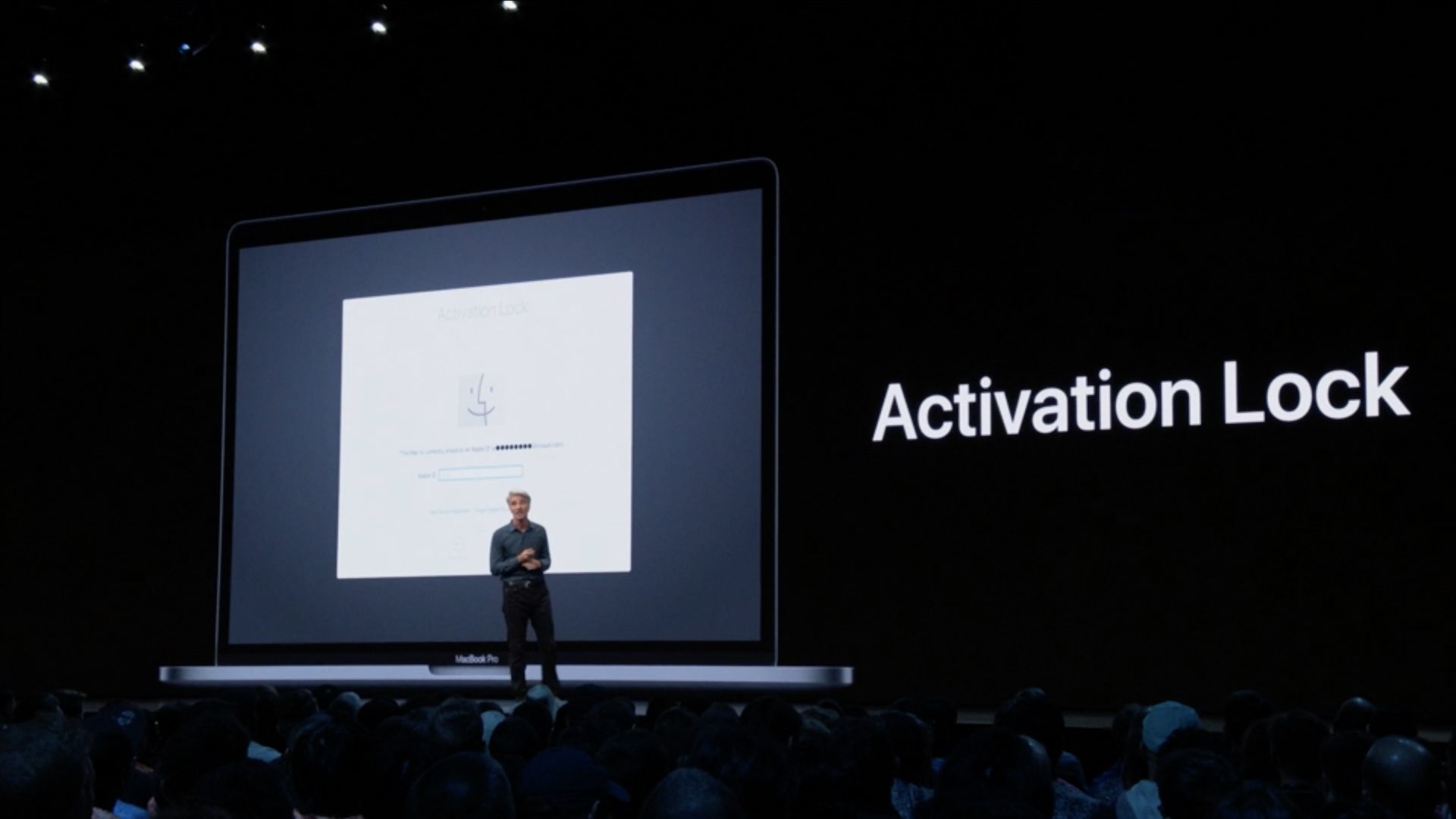
Learn how to make sure the Activation Lock feature is enabled on your Mac, disable it if necessary, and find out if your computer is compatible with this security protocol.
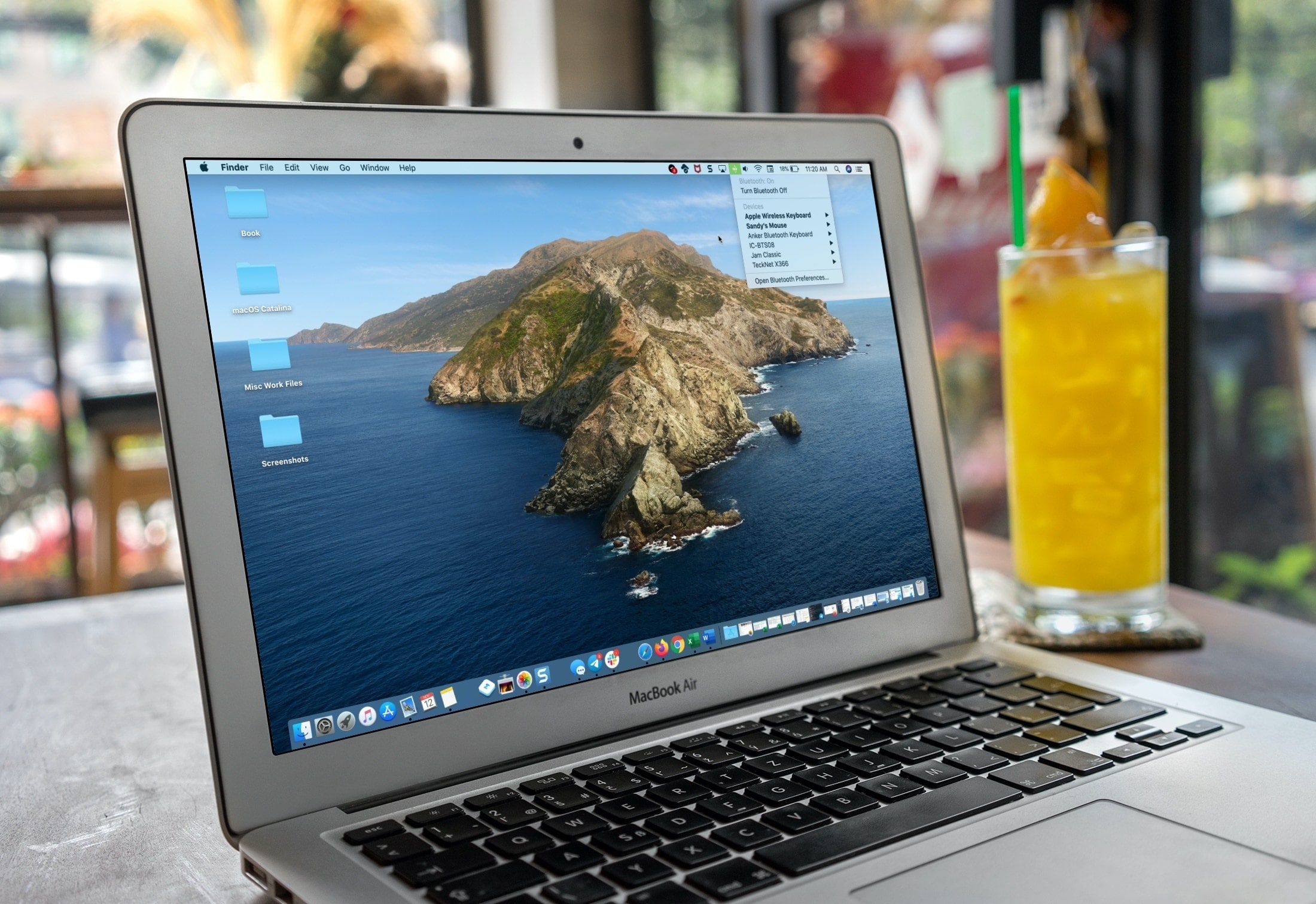
If you’re a new Mac user, we want to help make your macOS experience as productive and efficient as it can be. From understanding the various icons, to customizing its layout, here are the basics of the menu bar that you need to know, along with some tips to help you use it more effectively.

Take control of your Mac desktop by using Stacks, sorting, sizes, and spacing to organize it for a more efficient workspace.
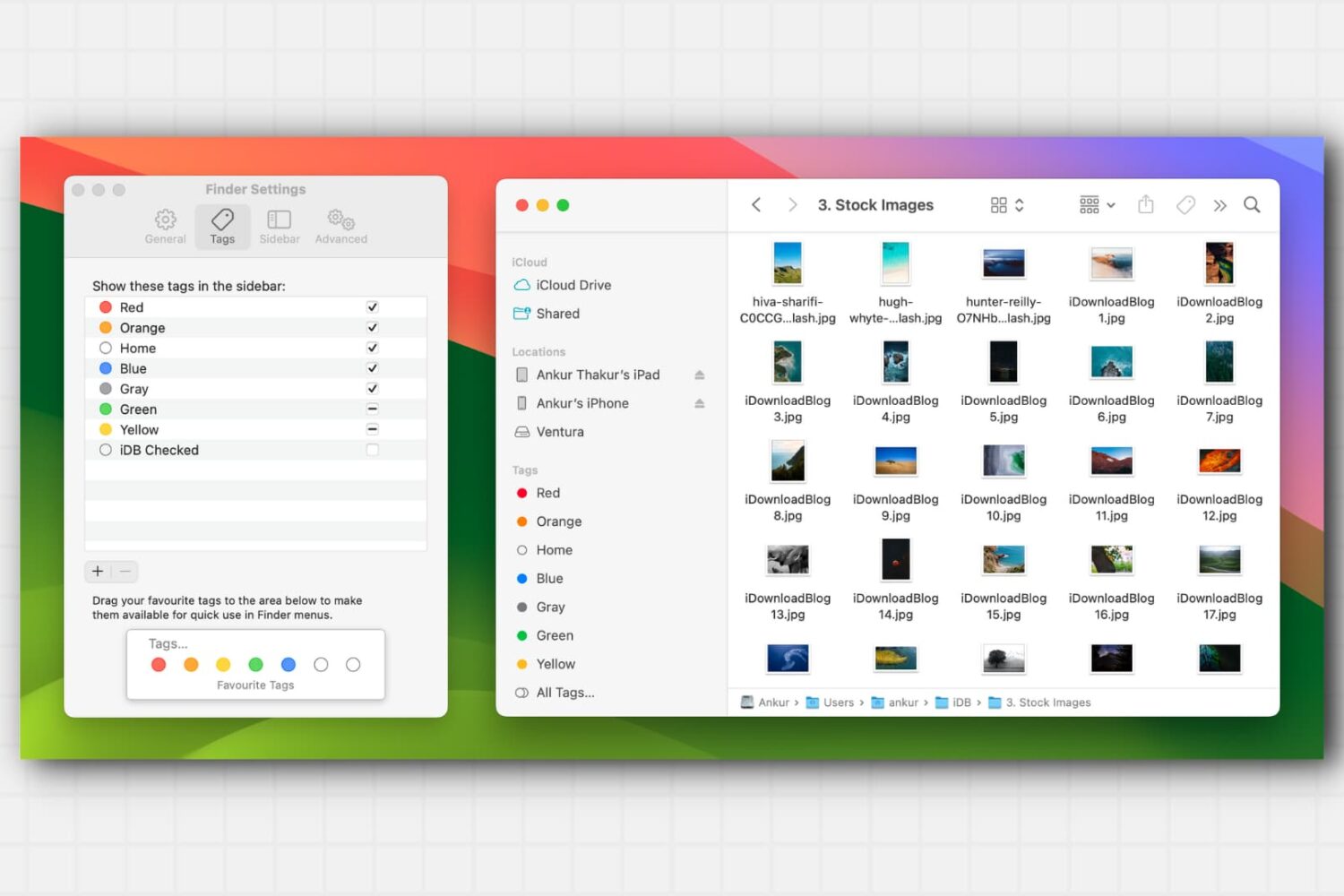
Learn about this simple and efficient method for organizing your files and folders in Finder on Mac using colored tags.

In this quick guide, we tell you how to get started with the incredibly useful Apple Preview app on your Mac and what you can do with it.
From customizing views to organizing files, we’ll cover everything you need to know about using Finder on your Mac to streamline your workflow and get the most out of this essential tool.
Check out these handy tips for using the Search feature in Finder like a pro so you can save time and prevent frustration when looking for the right photos, videos, PDFs, and files on your Mac.
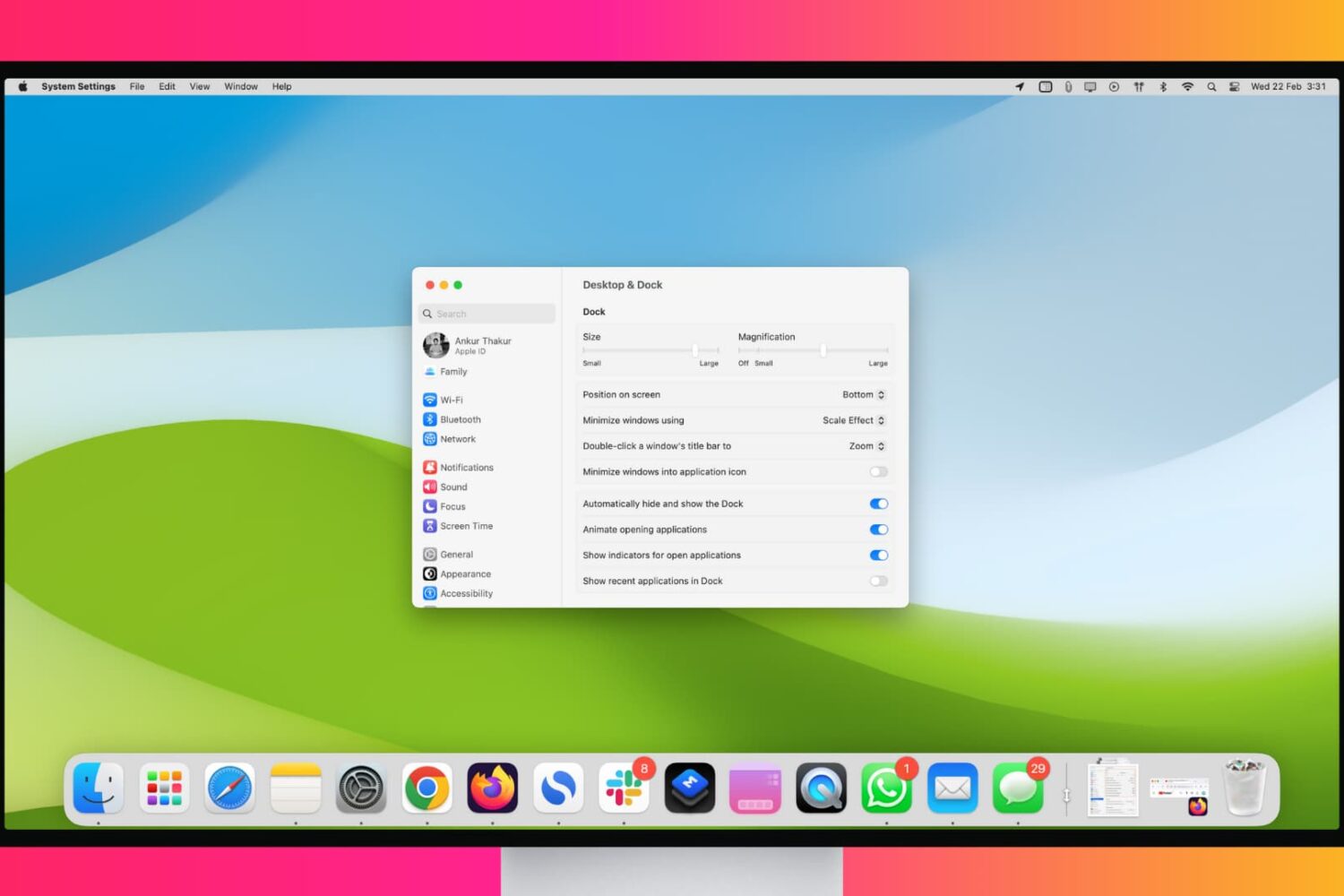
Maximize your workflow with these tips for customizing and using your Mac’s Dock like a pro.
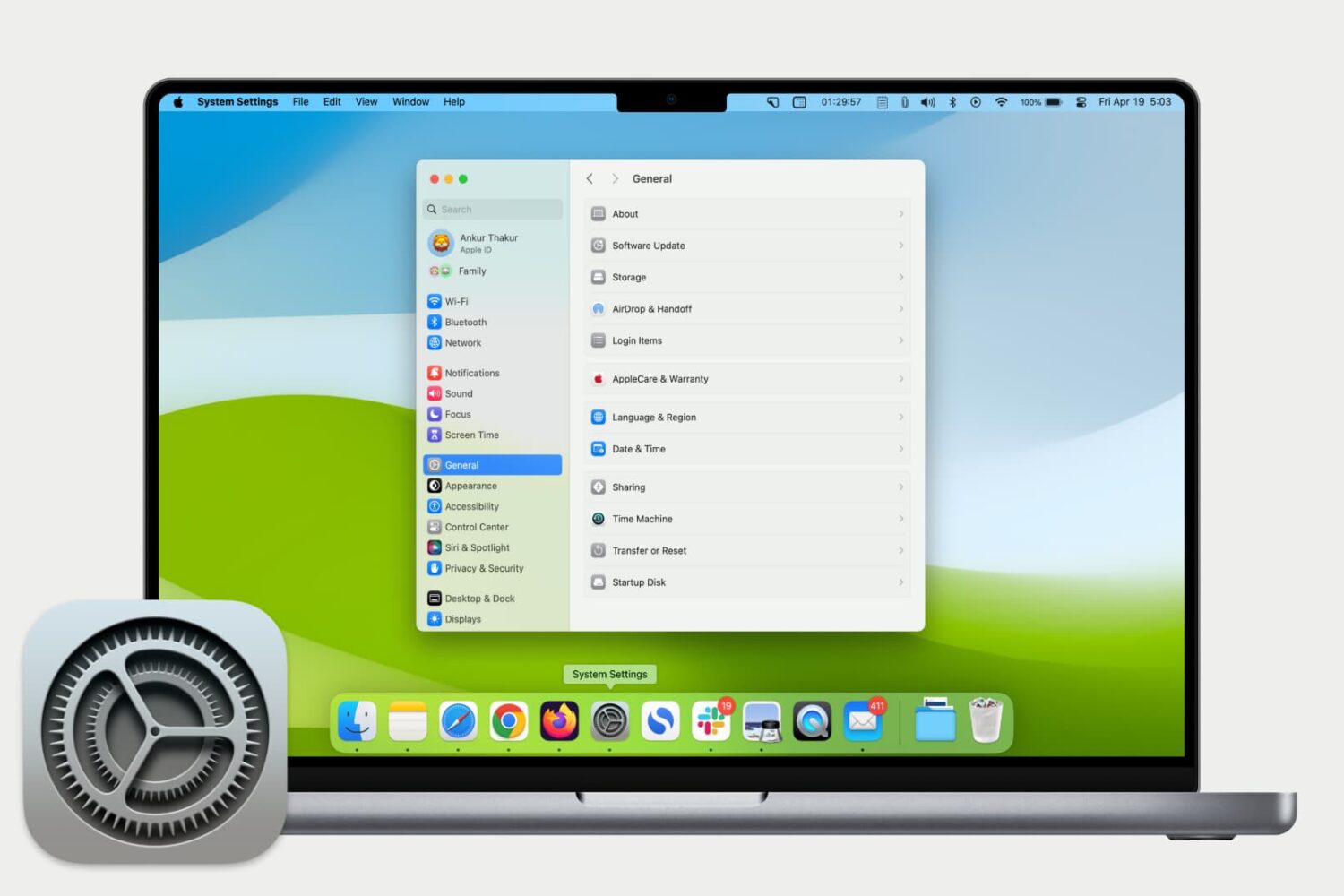
Get used to your Mac System Settings with our helpful guide for accessing, navigating, and finding what you need as a new Mac user.

Learn how to unlock the full potential of Siri on your Mac with these tips and tricks to help you work more efficiently.
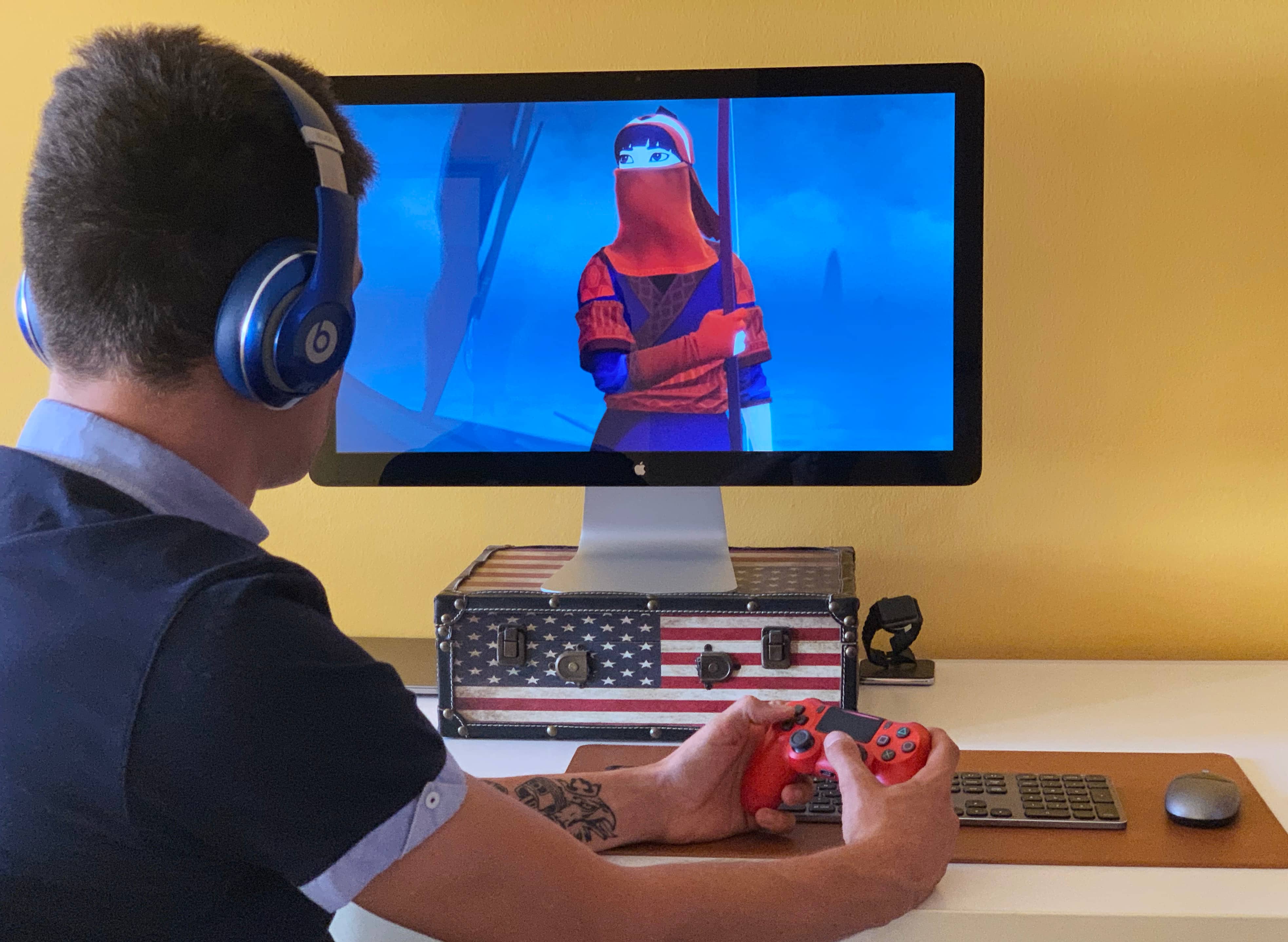
Apple has ramped up its gaming chops by announcing at its annual developers conference in the summer that iOS 13, iPadOS, tvOS 13 and MacOS Catalina 10.15 software updates bring support for the wireless Xbox and PlayStation game controllers, namely Sony's DualShock 4 controller and Microsoft's Xbox Wireless Controller with Bluetooth. In this tutorial, we'll show you how to pair your Xbox or PlayStation controller and use it to play games on your iPhone, iPad, iPod touch, Apple TV and Mac, navigate the user interface on your Apple TV and more.

Learn how to efficiently sort, organize, and search your emails in the Apple Mail app of your Mac so you can stay on top of your inbox and quickly find what you need.